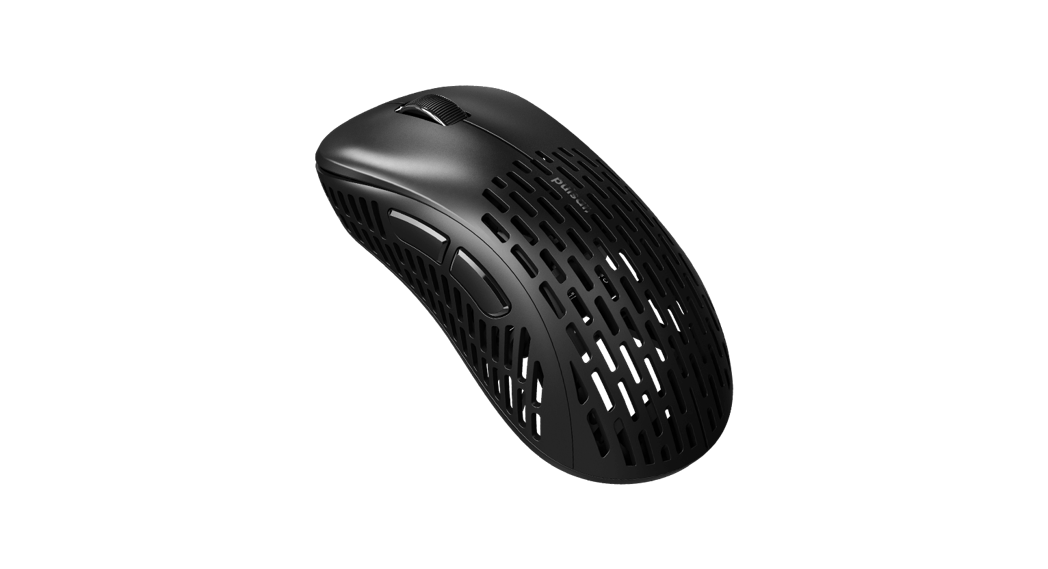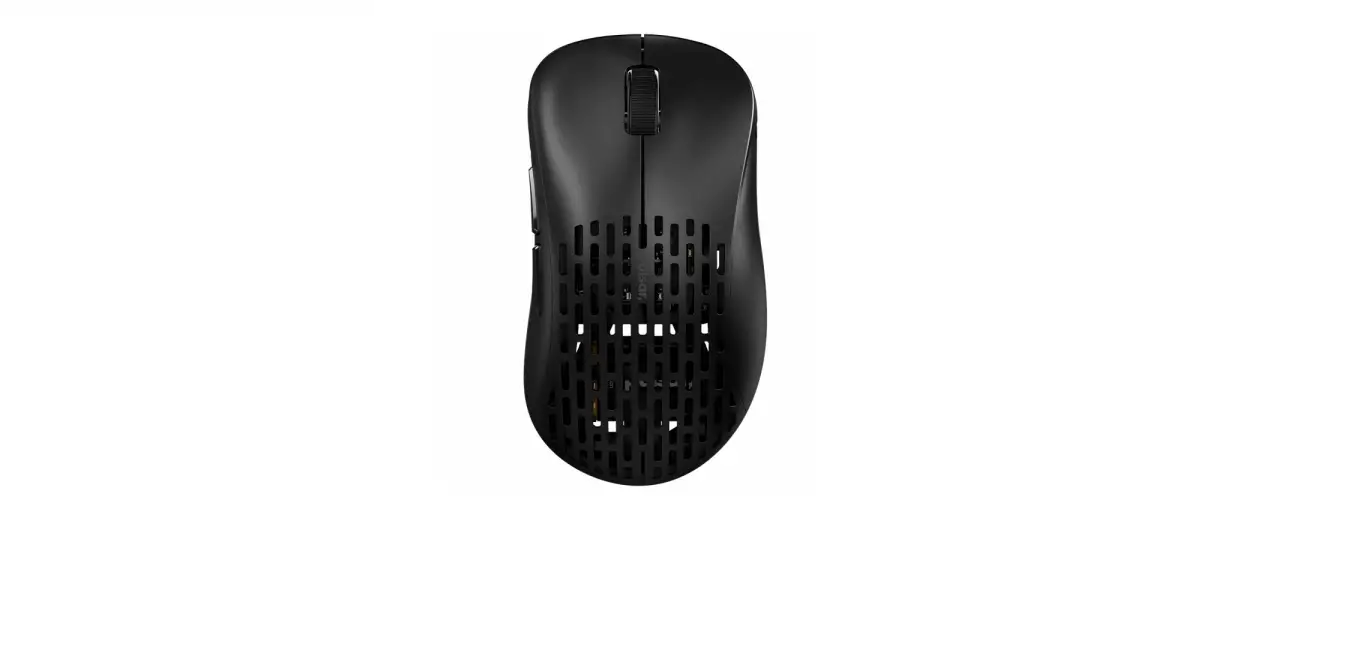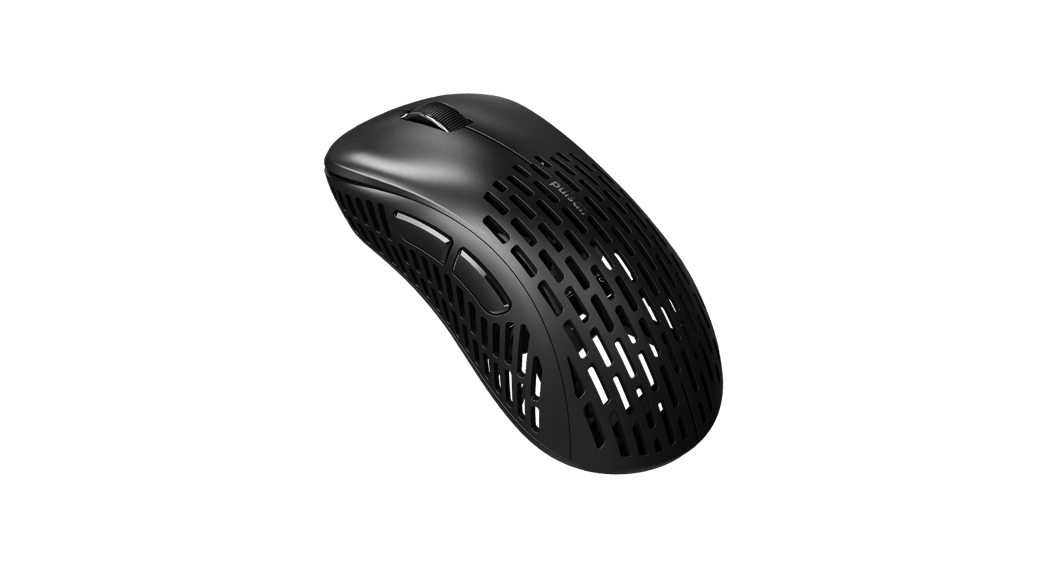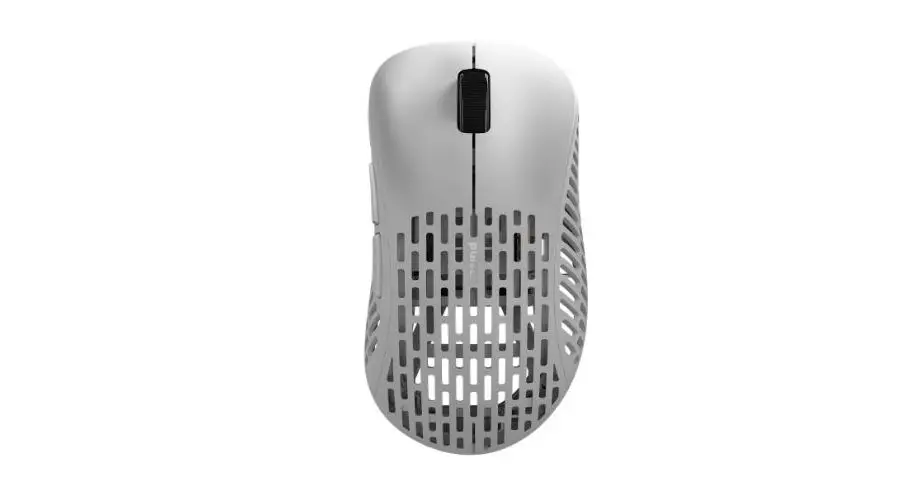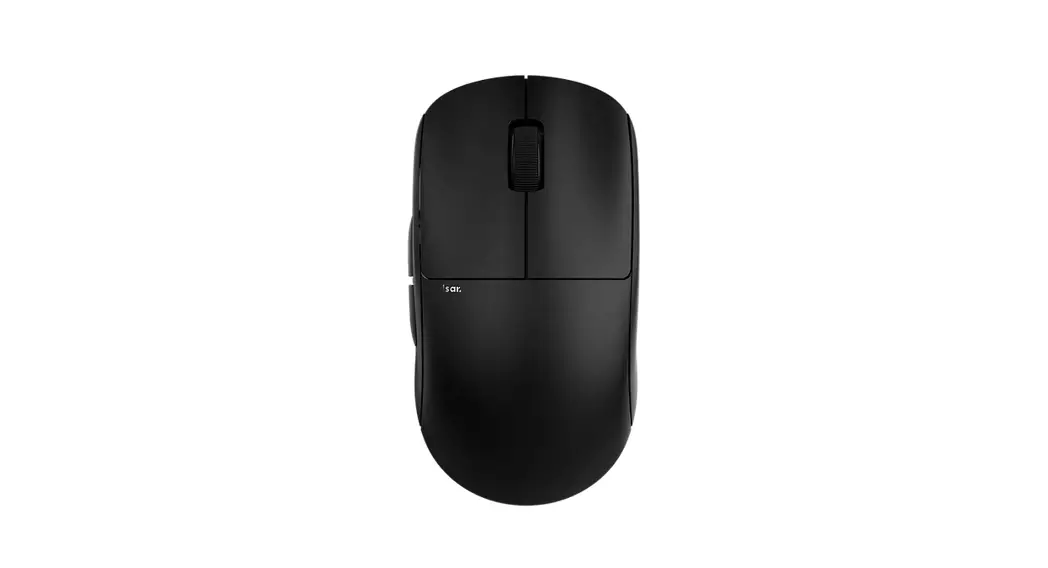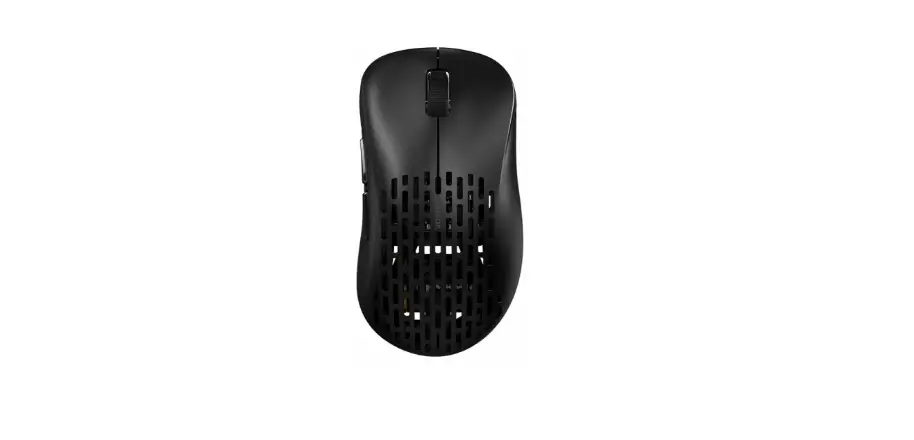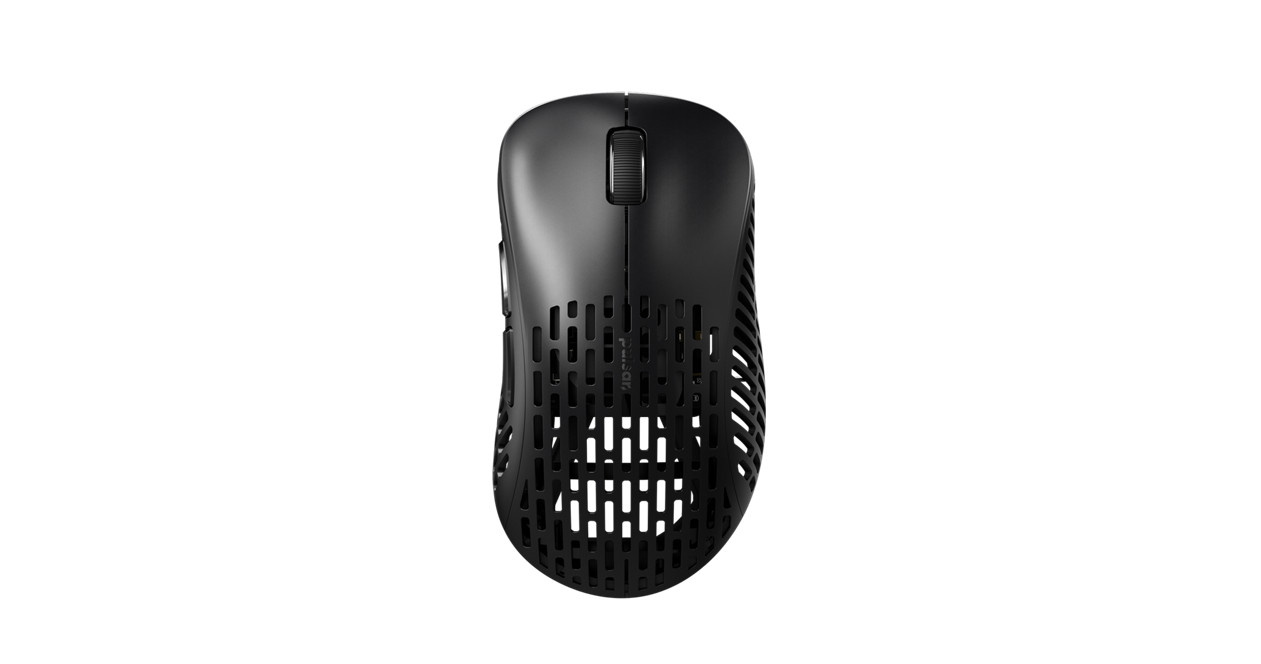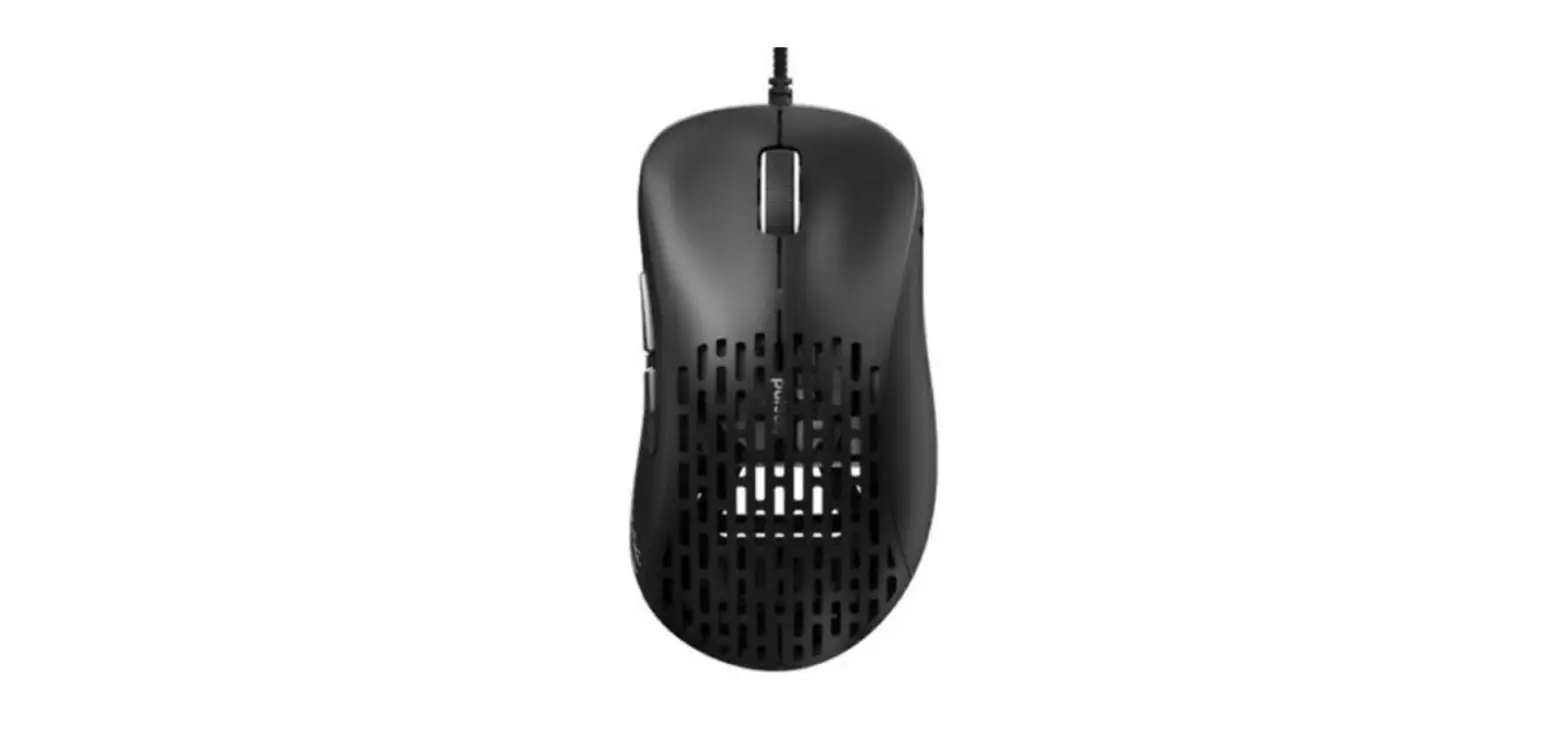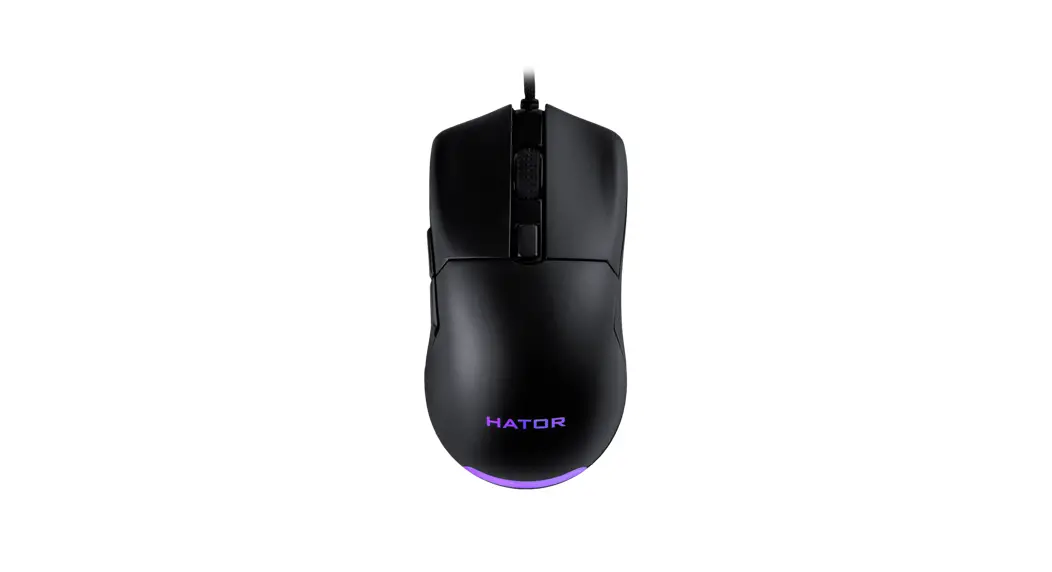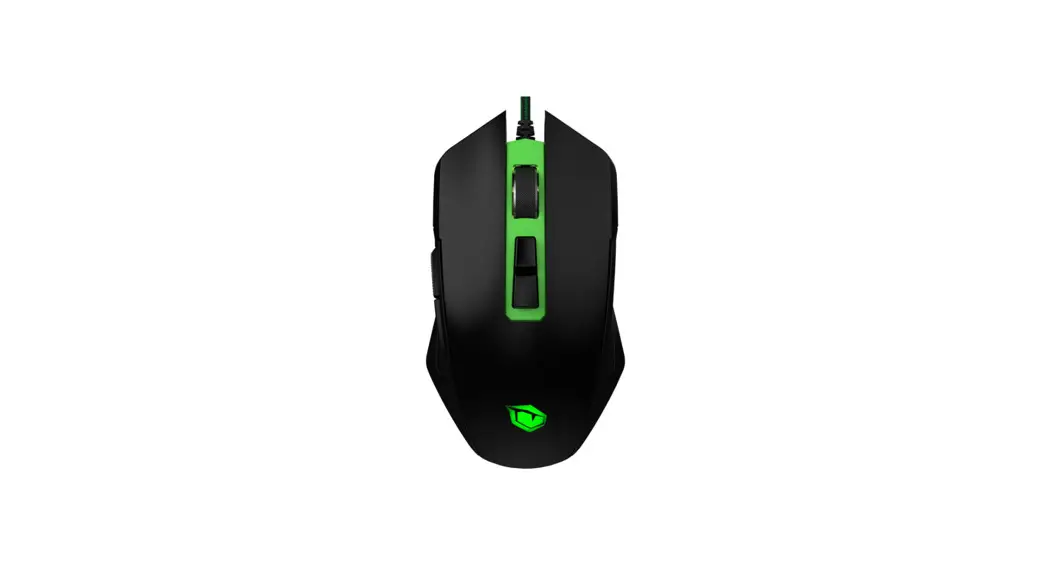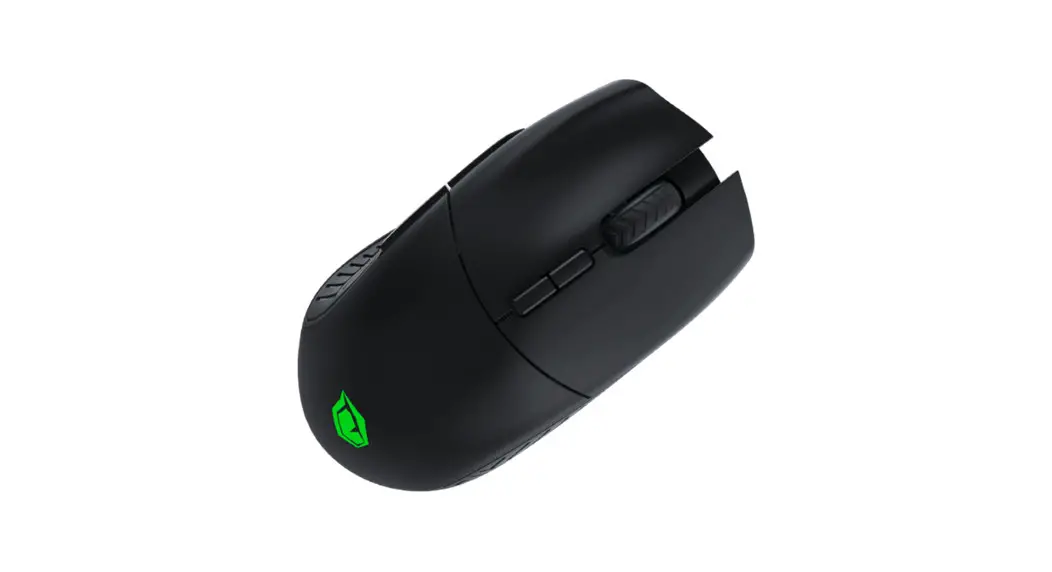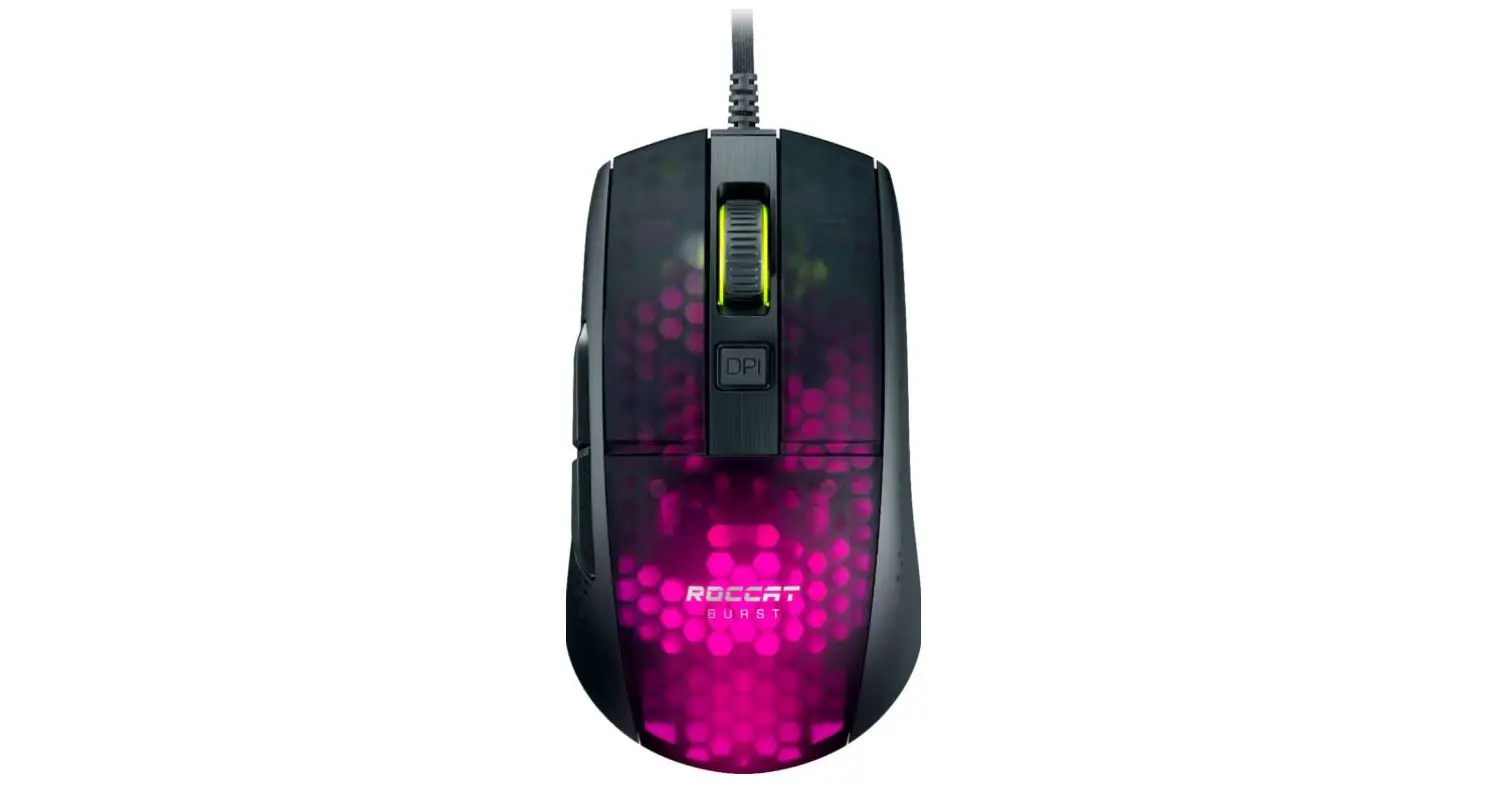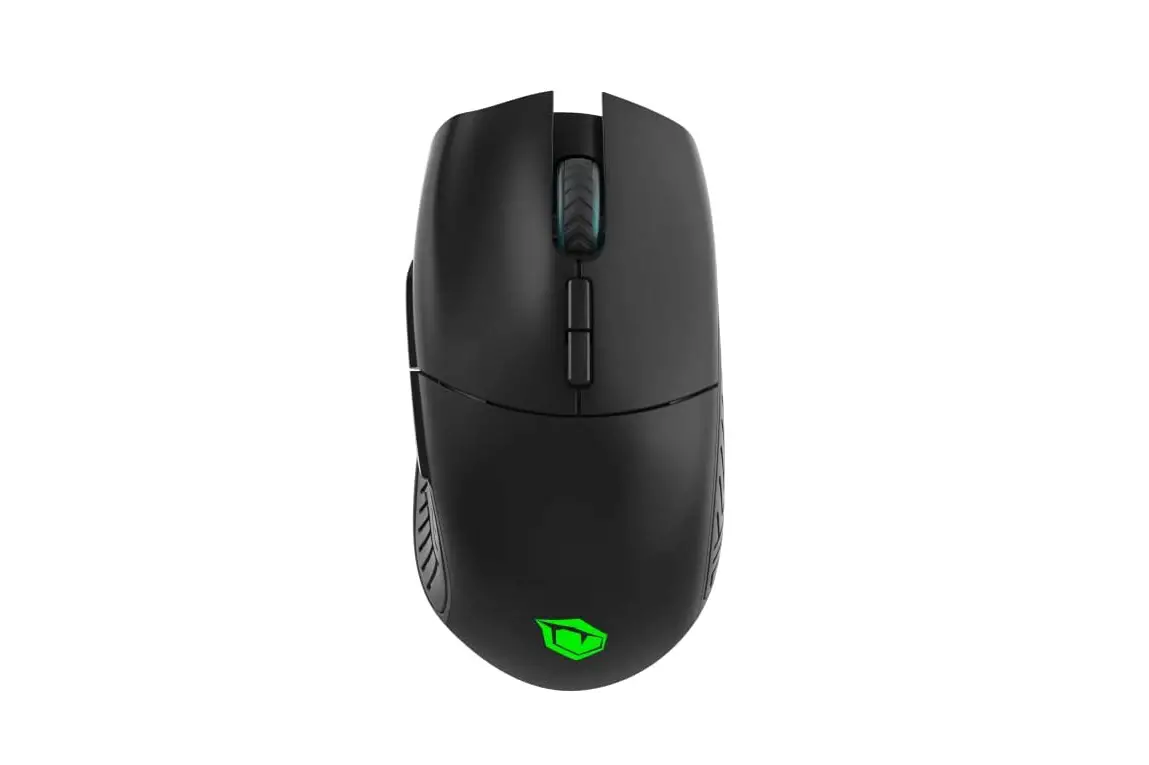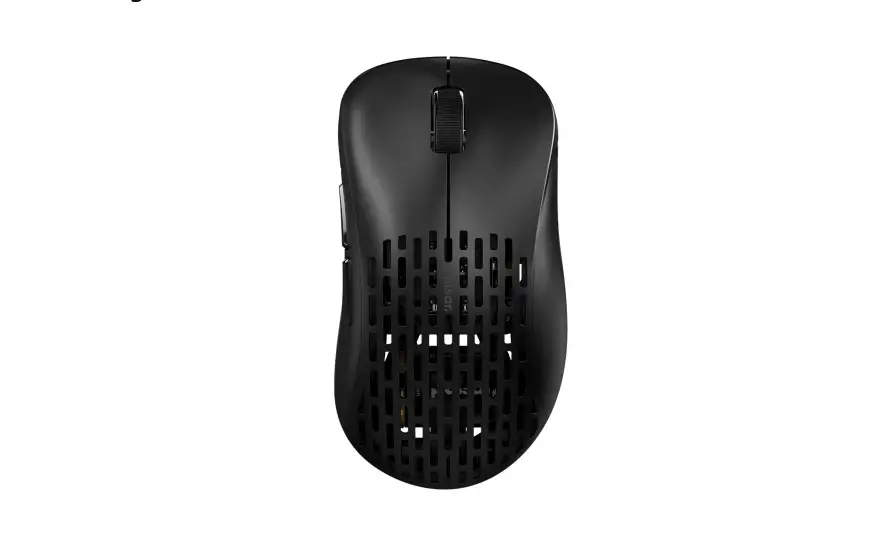

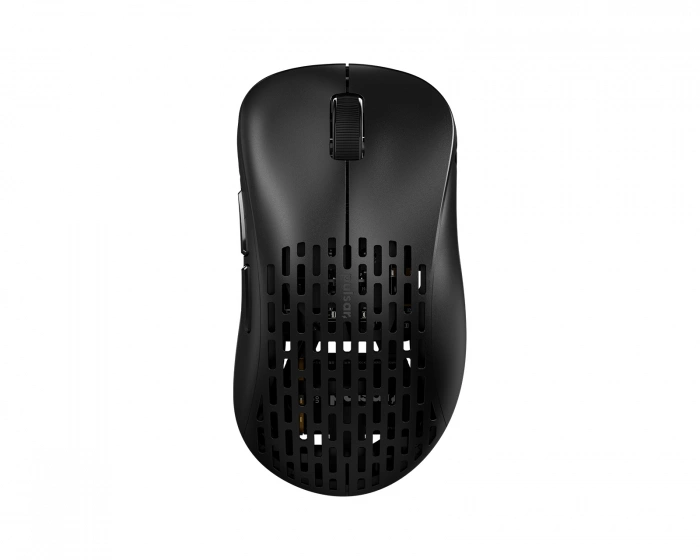
PULSAR 800DPI Gaming Mouse
INSTRUCTION


- DOWNLOAD
- The mouse will automatically install all necessary drivers when you connect to a free USB port.
- For further customize your setting, please visit our website and download the software.
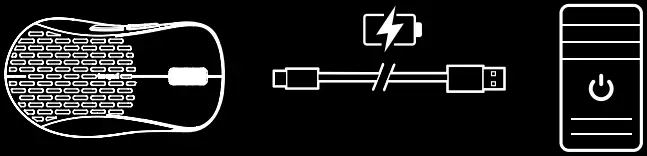

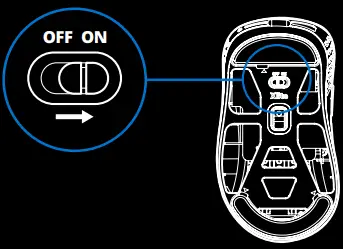

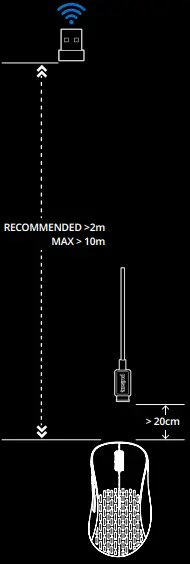
REQUIRED DISTANCE
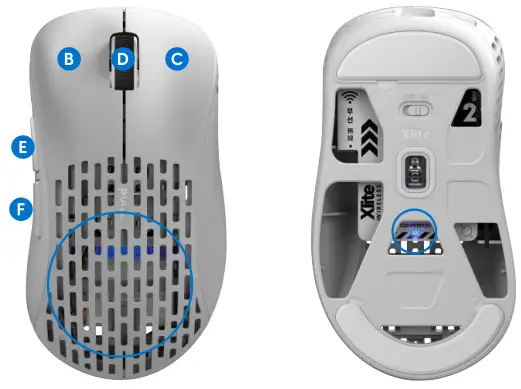
PRODUCT DISCRIPTION
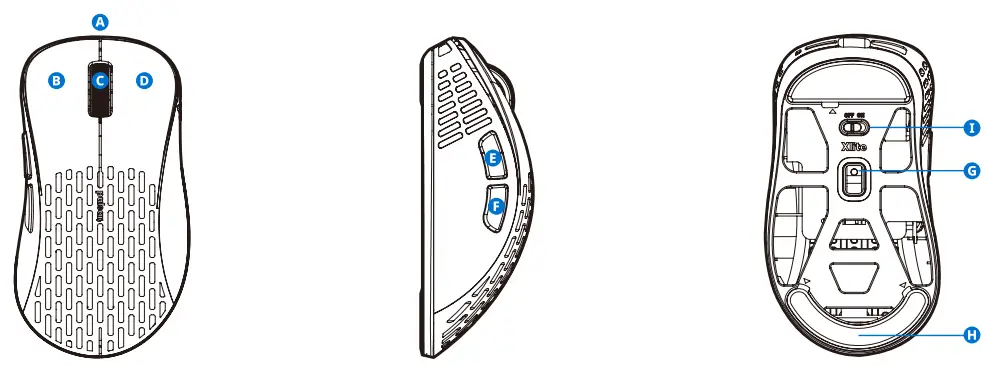
- A USB-C Port
- B Left Mouse Button
- C Right Mouse Button
- D Scroll Wheel
- E Forward Button
- F Back Button
- G Optical Sensor
- H PTFE Feet
- I Power On/Off Switch
LED COLOR INDICATION
BATTERY INDICATION:
 Battery Low
  Charging
  Fully Charged
 DEFAULT DPI
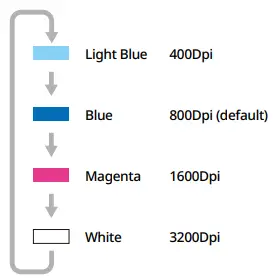
SHORTCUT KEYS COMBINATION:
DPI Change: Press hold  Keys
Keys
LED ON/OFF: Press hold  Keys
Keys
REGISTER

2 Years Warranty from the date of purchase. Please register your products at Pulsar.gg/register
DISPOSAL
WASTE ELECTRICAL AND ELECTRONICS EQUIPMENT INFORMATION.
(WEEE) Correct Disposal of This Product. This marking shown in this product should not be disposed of with other household wastes. To prevent possible harm to the environment or human health, please separate this from other types of waste and recycle it responsibly. Household users should contact either the retailer where they purchase this product or their local government office, for details of recycling. Business users should contact the supplier. This product should not be mixed with other commercial waste for disposal.
BATTERY WARNING
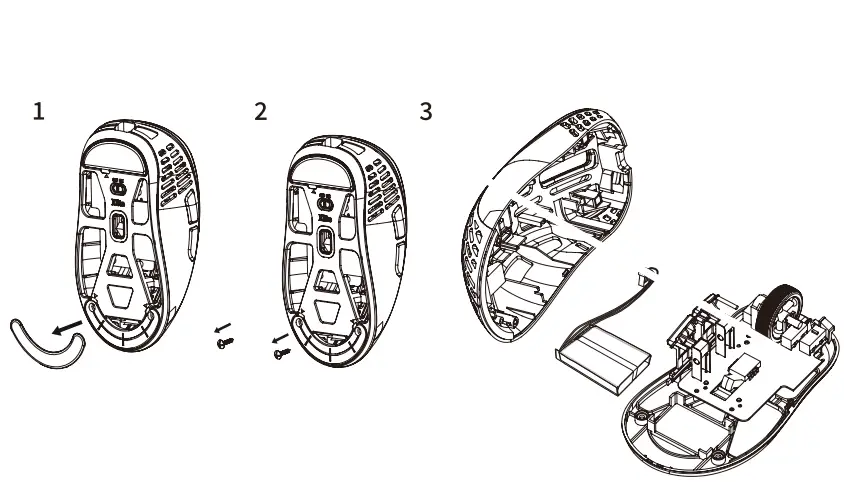
Improperly replaced batteries may present a risk of leak or explosion and personal injury. Mistreated rechargeable batteries may present a risk of fire or chemical burn. Do not disassemble or expose to conducting materials, moisture, liquid, or heat above 54° C (130°F). Do not use or charge the battery if it appears to be leaking, discolored, deformed, or in any way abnormal. Do not short circuit. Battery life varies with usage. Keep batteries away from children.
NEED ANY HELP?
- Thanks for choosing Pulsar.
- If you have any questions or comments, if you need any help with your products, please do not hesitate to contact us. www.pulsar.gg/support
- Global: [email protected]
 Download – Pulsar Gaming Gears
 Register – Pulsar Gaming Gears