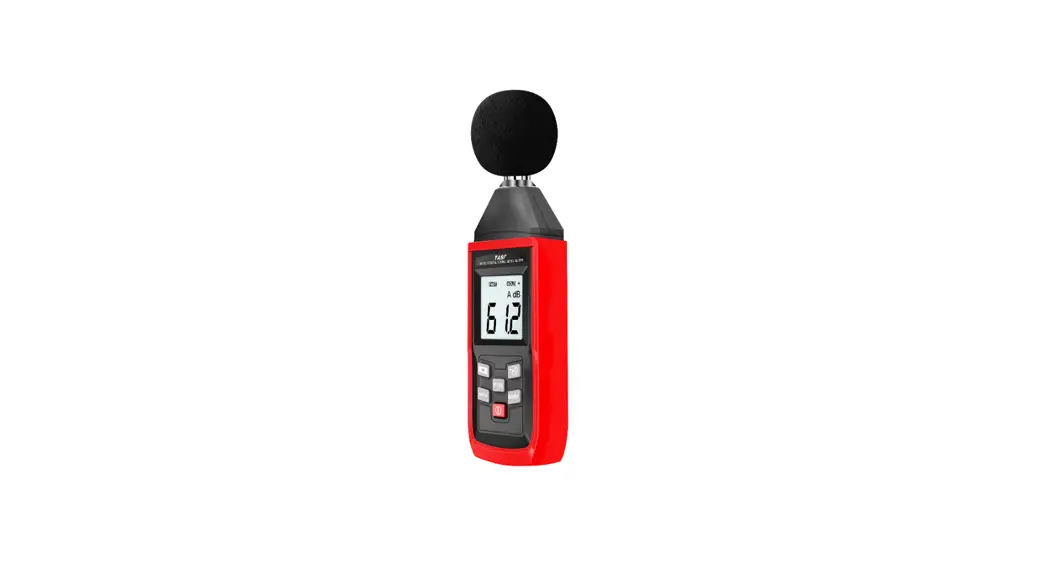
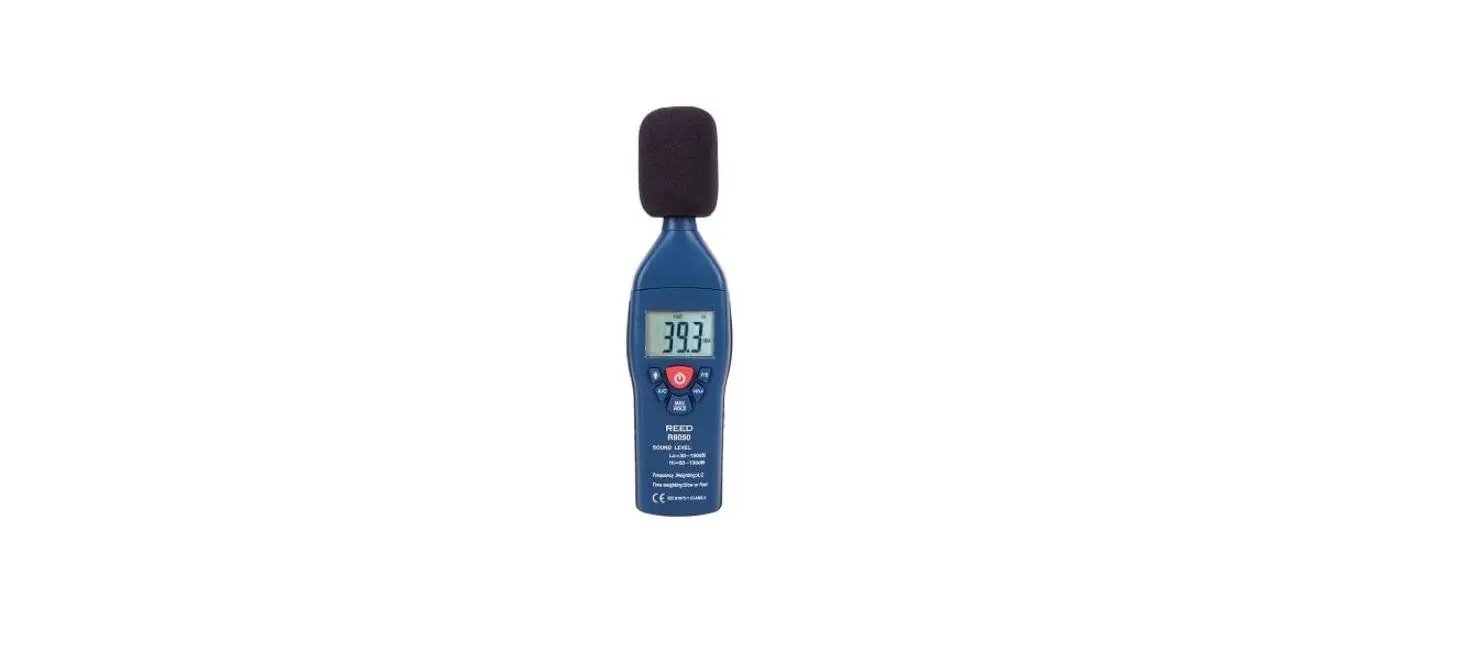
G9406-Log Mini Sound Meter
Product Information: Mini Sound Meter (Bluetooth Version)
P/N:11040110****X
The G9406-Log with Bluetooth function is a stable, safe,
reliable mini sound meter that is widely used in noise detection,
quality control, health control, environmental noise measurement in
factory, traffic, home audio, and other places. This product
follows the requirements of SJ/T 10423 General specification for
sound level meters in design and production.
Out of the Box
- Blister – 1
- Wind-proof ball – 1
- Operating manual – 1
Operation Safety Rules
Please check the meter and accessories before using and
beware.
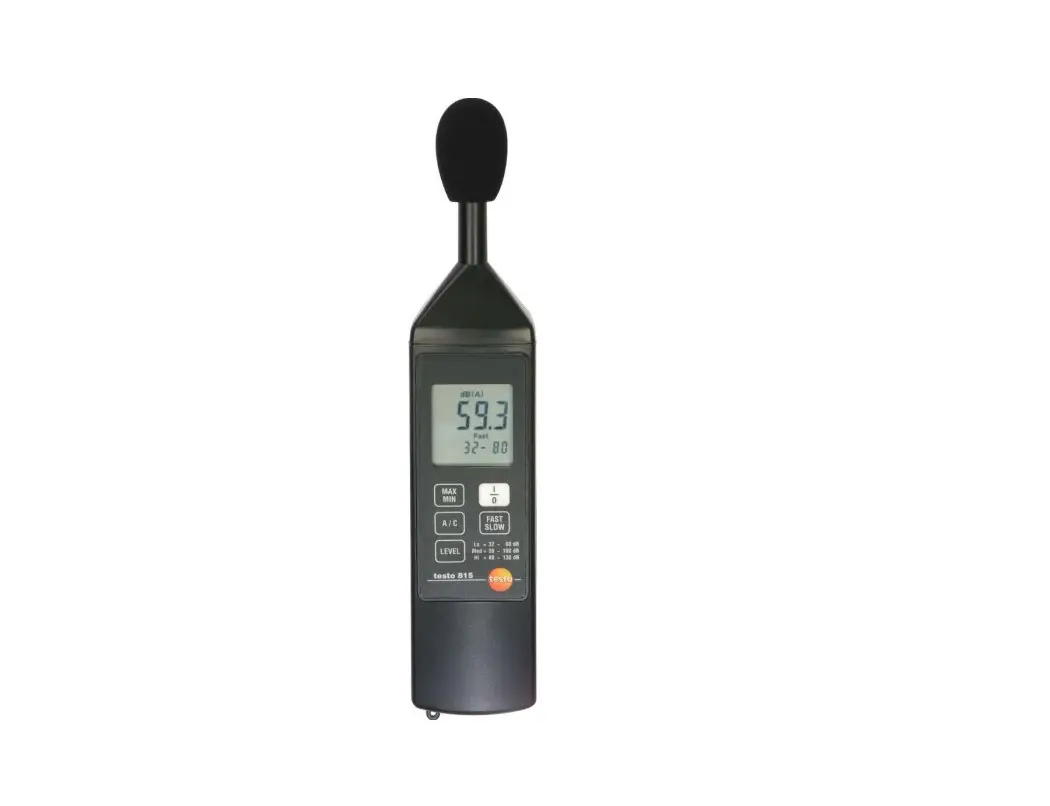
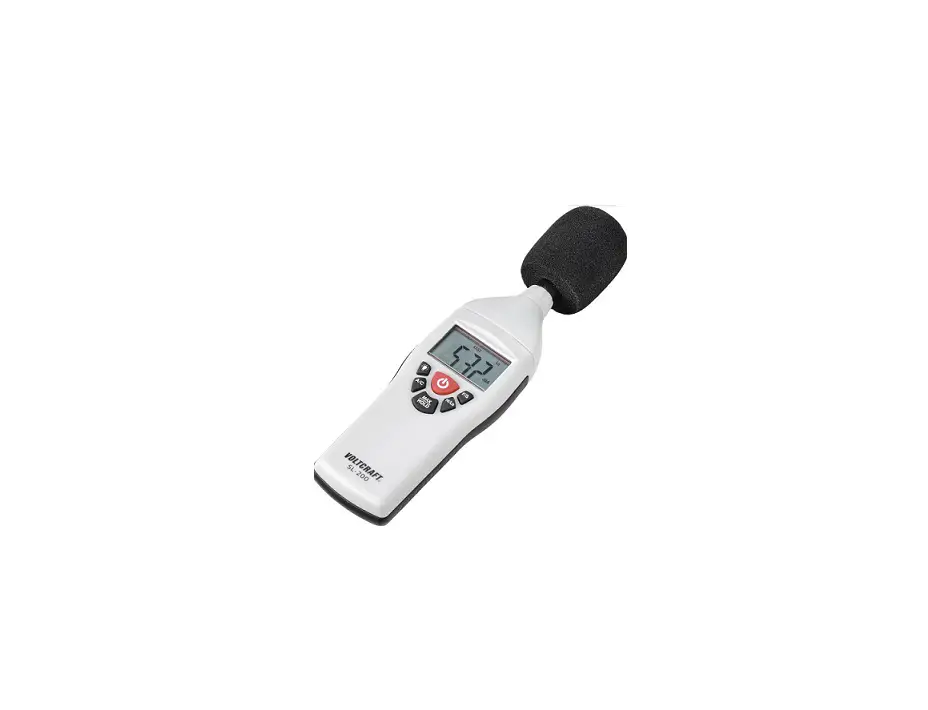
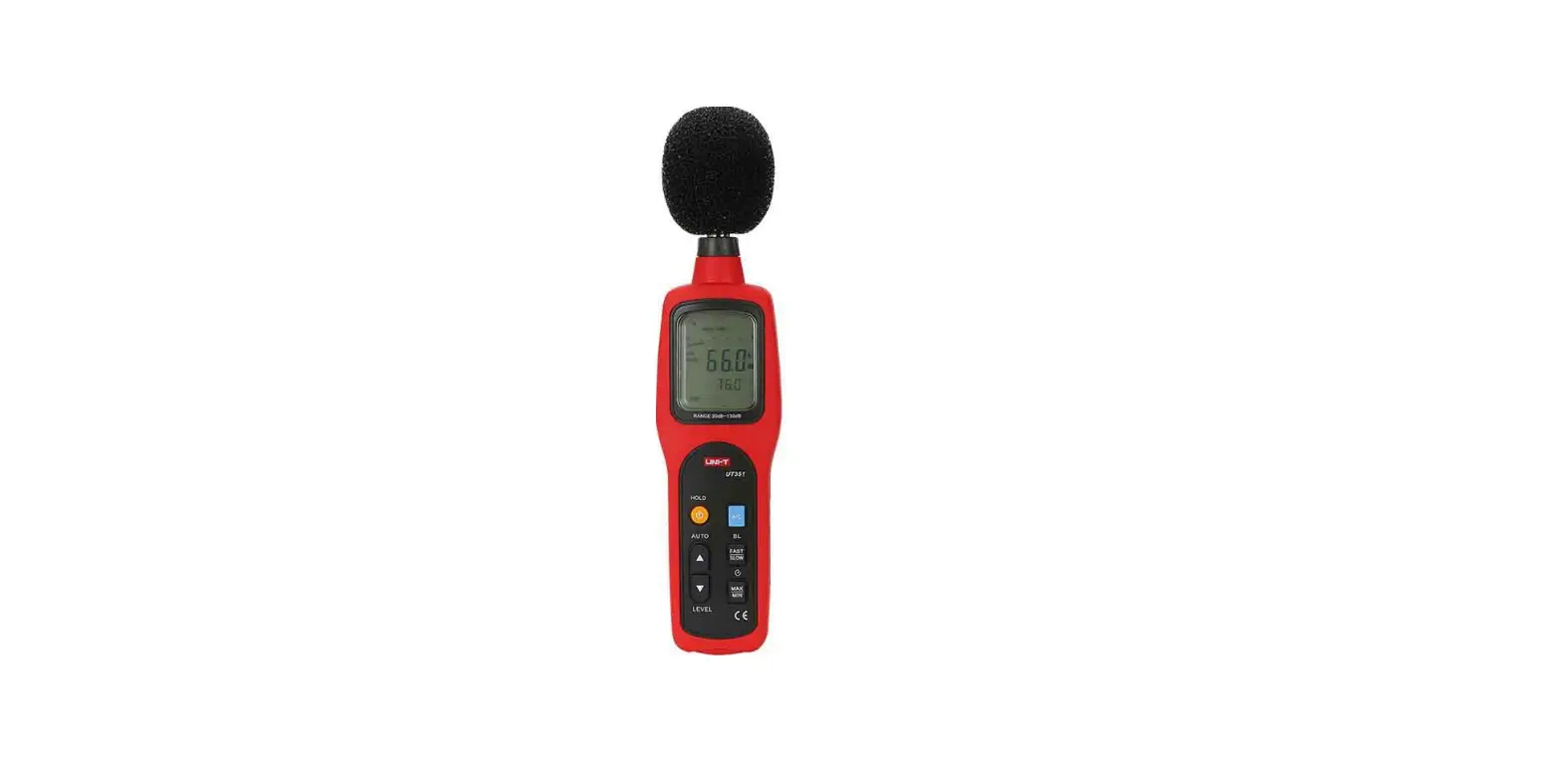
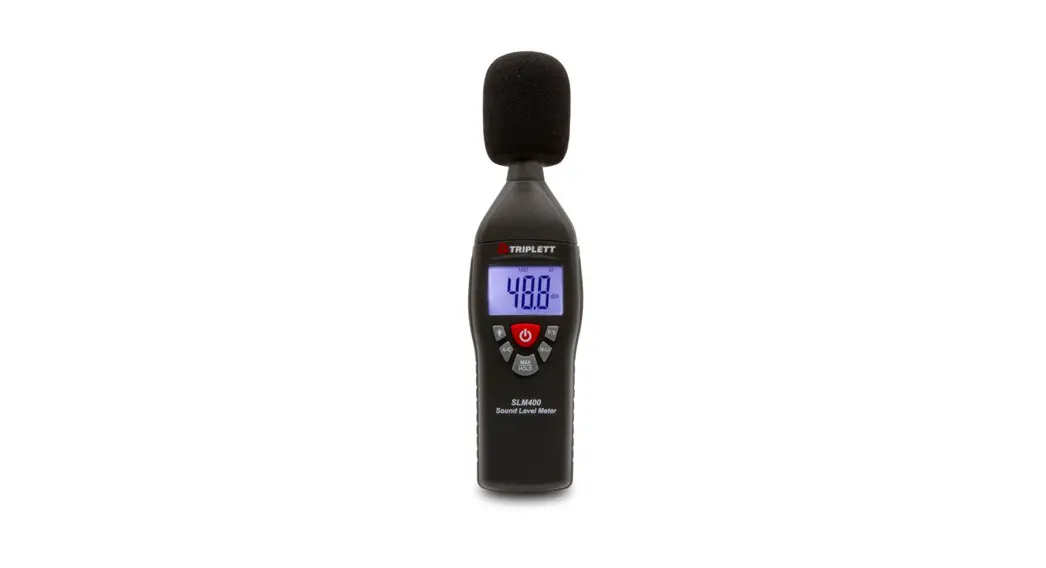
Product Exterior
- Wind-proof ball
- Microphone
- Meter case
- LCD display
- Function keys
- Maximum measurement
- Minimum measurement
- Data hold
- Low battery
- A weighted and noise unit
- Slow response rate
- Fast response rate
- Measurement value
- Bluetooth communication symbol indication
Key Function and Setup
- ON/OFF/ Bluetooth communication – Short press once to start up;
short press again to power off. Bluetooth communication: Under the
state of boosting unit, long press to enter Bluetooth communication
mode, and then long press again to quit Bluetooth communication
mode. - FAST/SLOW – Sampling time: When measuring, pressing this key to
select between fast time of 125ms and slow time of 1s. - MAX/MIN – Pressing this key to select maximum, minimum, and
normal value measurement; when maximum or minimum measurement is
selected, the meter always shows the maximum reading or the minimum
reading. - HOLD/BL – HOLD: Short press this key once to hold the
measurement; short press the key once again to exit data hold and
continue normal measurement. BL: long press this key to turn on
backlight, and long press it again to turn off backlight. - Automatic shutdown – No operation 5 minutes after, then shut
down the unit automatically (the default mode is of automatic
shutdown mode). When you want to remove the automatic shutdown
function, hold down the hold + key to boot. LCD has an APO OFF
character prompt, the automatic shutdown function will be
removed.
Bluetooth APP Specification
- To connect Bluetooth, you need to install the application (iENV
APP) on the smartphone. - iOS device access it in App Store, Android device access it in
Play Store or Please login www.gazelleindustrial.com to
download.Compatibility:
- iOS 8.4 or higher version
- Android 4.3 or higher version
- Bluetooth 4.0 or higher version
- Memory 1G or more
open the Bluetooth at the same time, and through the APP search the
Bluetooth, and select the corresponding products to be connected in
iENV APP when in the working state, long press the power button to
turn on or off the Bluetooth.
Product Usage Instructions: Mini Sound Meter (Bluetooth
Version)
- Check the meter and accessories before using and beware.
- To turn on the meter, short press the ON/OFF/Bluetooth
communication key once. To turn off the meter, short press the same
key again. - To enter Bluetooth communication mode, long press the
ON/OFF/Bluetooth communication key under the state of boosting
unit. To exit Bluetooth communication mode, long press the same key
again. - To select between fast time of 125ms and slow time of 1s, press
the FAST/SLOW key when measuring. - To select maximum, minimum, and normal value measurement, press
the MAX/MIN key. - To hold the measurement, short press the HOLD/BL key once. To
exit data hold and continue normal measurement, short press the
same key once again. To turn on backlight, long press the same key.
To turn off backlight, long press it again. - The unit will shut down automatically after 5 minutes of no
operation. To remove the automatic shutdown function, hold down the
HOLD + key to boot. The LCD will have an APO OFF character prompt,
and the automatic shutdown function will be removed. - To connect Bluetooth, install the iENV APP on your smartphone.
If you have an iOS device, access it in App Store. If you have an
Android device, access it in Play Store or
www.gazelleindustrial.com to download. - Before Bluetooth APP and product are connected, open the
Bluetooth at the same time, and through the APP search the
Bluetooth, and select the corresponding products to be connected in
iENV APP when in the working state. To turn on or off the
Bluetooth, long press the power button.
P/N:11040110****X
G9406-Log 5. Display Interface 1 2
Mini Sound Meter (Buletooth Version) Operating Manual
3 4
1.Introduction
G9406-Log with Bluetooth function is a stable, safe, reliable mini sound meter, widely used in noise detection, quality control, health control, environmental noise measurement in factory, traffic, home audio and other places.
This operating manual includes relevant safety information and warnings. Please read this manual carefully and observe all cautions.
Warning: Before using the product, please read the operation rules carefully.
2.Out of the Box
Open the packing box and take out the meter. Please check carefully if any items are missing or damaged.
1.Blister—————————————- 1 2.Wind-proof ball—————————- 1 3.Operating manual———————— 1
3.Operation Safety Rules
This product strictly follows the requirements of SJ/T 10423″General specification for sound level meters” in design and production. 1.Please check the meter and the accessories before using and beware
of any damage or abnormal phenomenon. If you find the case is damaged or the LCD shows nothing, or you consider that the meter could not work properly anymore, please stop using it. 2.Observe the operating instructions while measuring. 3.Do not open the meter at will or change internal wiring to avoid damages to the mater. 4.When the LCD displays ” “, replace the battery timely. Remove the battery if the meter is not used for a long time. 5.Do not store or use the meter in high temperature, high humidity, flammable, combustible or strong electromagnetic environment. 6.Please use soft cloth and neutral detergent to clean the case for maintenance. Do not use grinding agent and solvent to avoid case corrosion and damage to the meter. 7.This product has passed CE certification.
4.Product Exterior
1.Wind-proof ball
2.Microphone 3.Meter case
4.LCD display
5.Function keys
Wind screen Foam
8
5
9
6
7
1 Maximum measurement 2 Minimum measurement 3 Data hold 4 Low battery 5 A weighted and noise unit 6 Slow response rate 7 Fast response rate 8 Measurement value 9 Bluetooth communication symbol indication
6. Key Function and Setup
(remark : “short press”means : about 1second continuous press ;”long press” means : about 2 second continuous press
1. ON/OFF/ Bluetooth communication Short press once to start up; short press again to power off. Bluetooth communication : Under the state of boosting unit , long press to enter Bluetooth communication mode, and then long press again to quit Bluetooth communication mode
2. FAST/SLOW Sampling time: When measuring, pressing this key to select between fast time of 125ms and slow time of 1s.
3. MAX/MIN Pressing this key to select maximum, minimum and normal value measurement; when maximum or minimum measurement is selected, the meter always shows the maximum reading or the minimum reading.
G9406-Log
4. HOLD/BL HOLD: Short press this key once to hold the measurement; short press the key once again to exit data hold and continue normal measurement. BL: long press this key to turn on backlight, and long press it again to turn off backlight.
5.Automatic shutdown No operation 5 minutes after , then shut down the unit automatically (the default mode is of automatic shutdown mode)
When you want to remove the automatic shutdown function, hold down the “hold” + ” ” key to boot. LCD has a “APO OFF” character prompt, the automatic shutdown function will be removed .
7.Bluetooth APP specification
1. To connect Bluetooth , you need to install the application (iENV APP) on the smartphone
2. iOS device access it in App Store , Android device access it in Play Store or Please login www.gazelleindustrial.com to download.
Compatibility: ios 8.4 or higher version Android 4.3 or higher version Bluetooth 4.0 or higher version Memory 1G or more
3. Before Bluetooth APP and product are connected , you need to open the Bluetooth at the same time, and through the APP search the Bluetooth, and select the corresponding products to be connected in iENV APP when in the working state, long press the power button to turn on or off the Bluetooth
a. Bluetooth icon is flashing, indicating that the product is not connected with APP
b. Bluetooth icon isn’t flashing, indicating that the product is connected with APP
Bluetooth working
APP Bluetooth searching
iENV
connected Broadcasting
G9406-Log 20:91:48:6C:83:2D
66.4dBA
APP connected
iENV connected
G9406-Log 20:91:48:6C:83:2D
Broadcasting
connected
8.Performance Testing
1.Technical Parameter Range:30130dB Resolution: 0.1dB Accuracy:±1.5dB Frequency Response: 31.5Hz8KHz Ambient Temperature23 ±5 Ambient Humidity80%RH
Temperature Coefficient: 0.1 X Accuracy /
5. Battery Installation and Replacement a. This device uses 3 pieces of AAA 1.5V batteries. Please see figure
below for steps of battery installation and replacement. b. Turn the panel down, push the battery cover open in the direction of
the arrow, lift the cover and remove the batteries; install new batteries in accordance of polarity indications. c. Please use batteries of same type instead of improper ones. d. Close the cover tightly after installing new batteries.
2. General Type
a. LCD display: 4-bit LCD display. The maximum display is 9999.
b. Overload indication: The meter shows “UN” when under range, and
shows “OL” when over range.
c. Low battery indication: prompt ” “.
d. Sampling rate: fast rate 125ms, slow rate 1s
e. Sensor type: 1/2 inch condenser microphone
f. Impact strength: Can withstand the impact of landing from 1 meter height
g. Power requirement: 1.5V batteries (AAA) ×3
h. Product size: 154mm×55mm×28mm
I. Spec of thread to connect the product with three tripod: m¼”
j. Weight: 116g
3. Environment Limitation a. Indoor use
b. Maximum operating height: 2000m
c. Pollution level: 2
d. Working temperature and humidity: 0~30 (not greater than 80%RH) 30~40 (not greater than 80%RH) 40~50 (not greater than 45%RH)
e. Storage temperature and humidity: -20~60 (not greater than 80%RH)
4. General Maintenance Warning: please do not open the meter case to avoid affecting device accuracy or damage to the meter. a. Maintenance and service of the meter should be accomplished by
professional personnel or designated maintenance department. b. Clean the case by dry cloth periodically. Detergent with abrasive or
solvent composition shall not be used.
 Gazelle® | Jobsite Tool Solutions & Electrical Test Tools