
FOXTECH Seeker-10 360TR Ethernet Output 10X Optical Zoom Camera with 360
Gimbal Camera Introduction
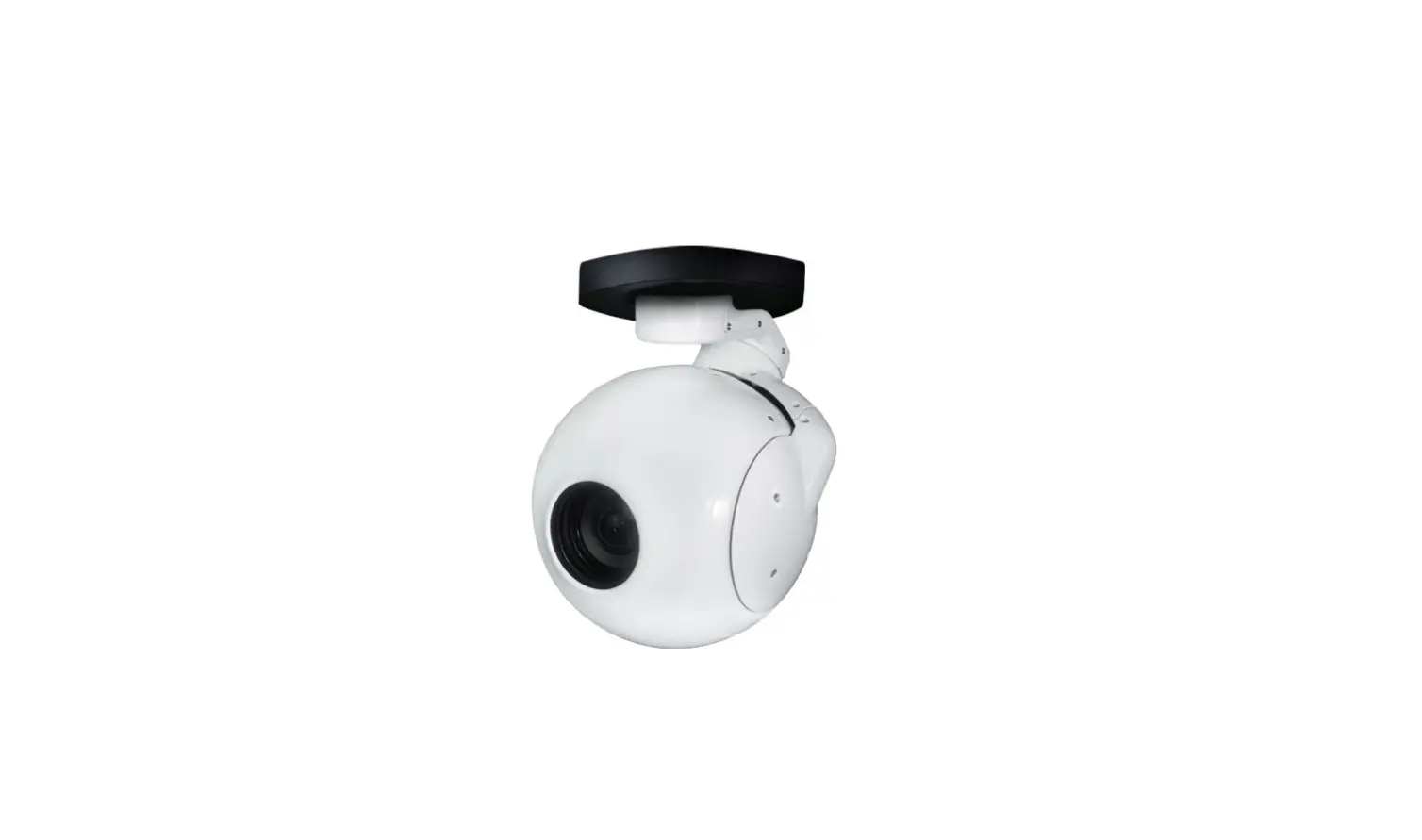
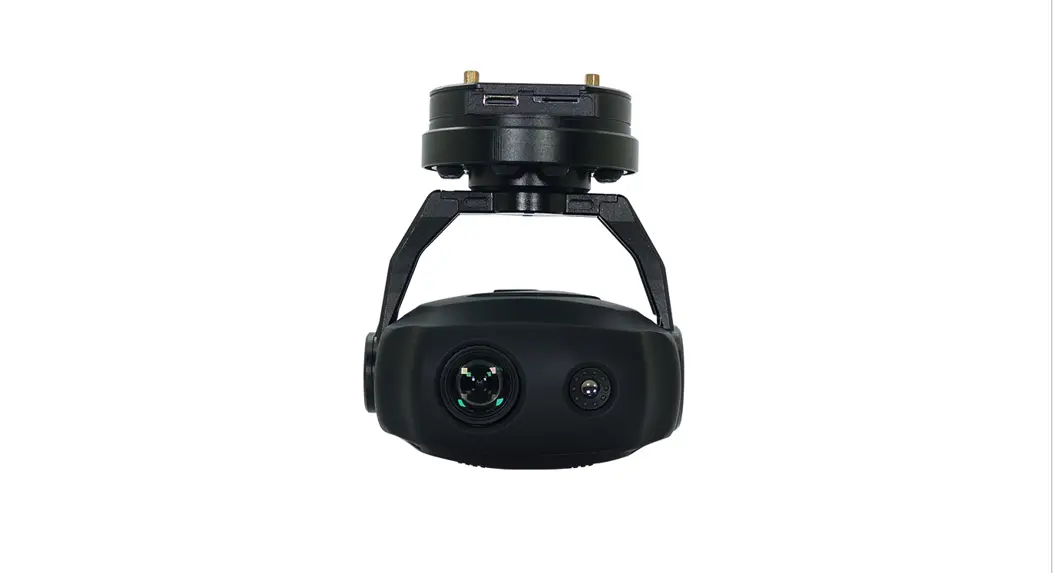
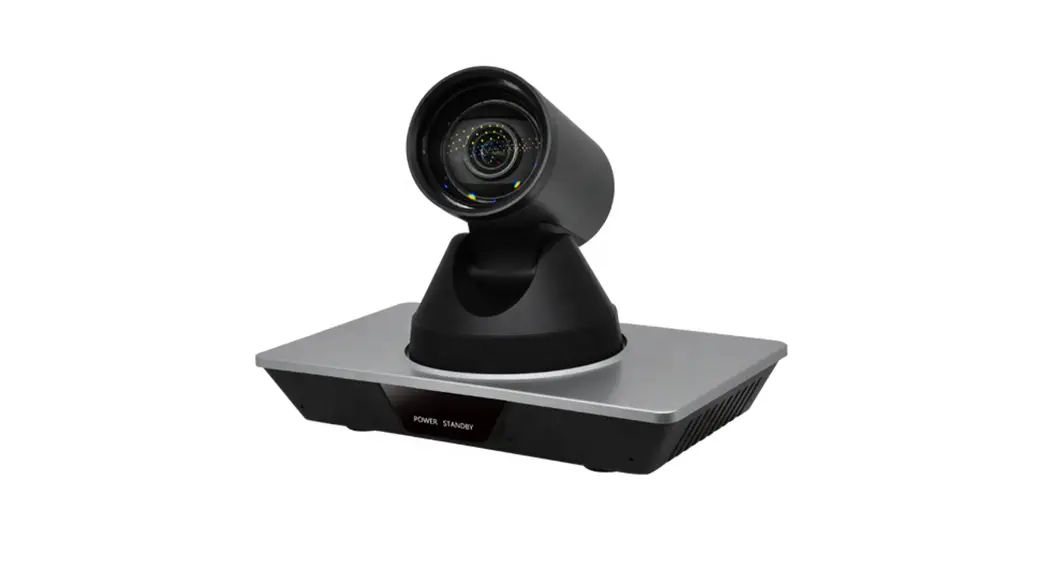
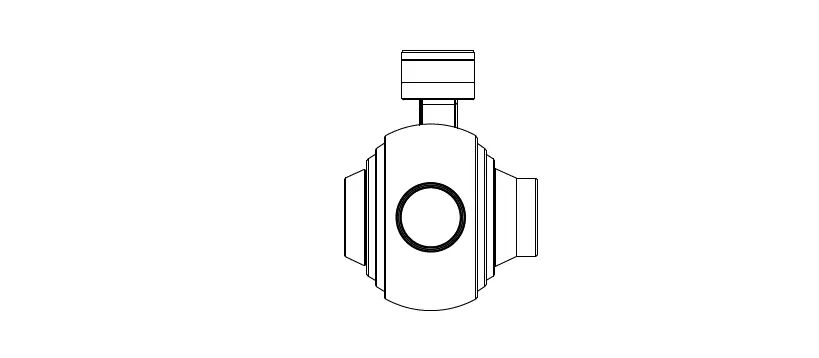
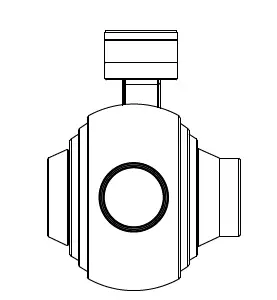
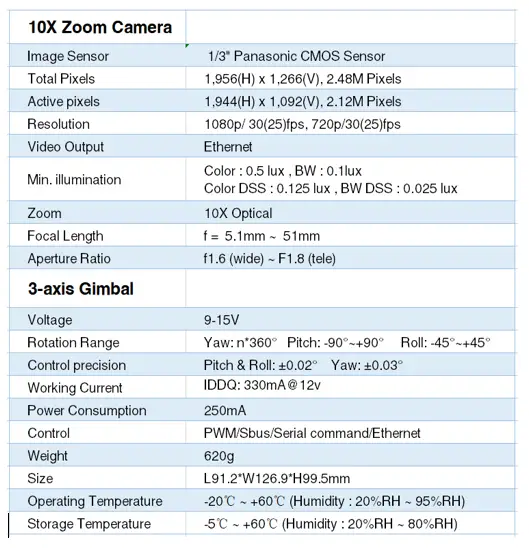
FOXTECH Seeker-10 360TR is a 3-axis gimbal camera featuring 10X optical zoom, 360 degrees infinite rotation, and object tracking. It supports Ethernet output, the video output resolution is 1080p/30fps, the effective pixels are 2.12MP.
SEEKER-10 360TR 3-axis gimbal developed based on FOC technology, features excellent stability, accuracy and sensitivity. It has fast-speed and low-speed modes. Fast speed mode is used for small zooming range; Low-speed mode is used for large zooming range.
SEEKER-10 360TR supports PWM, S.BUS, and serial command control.
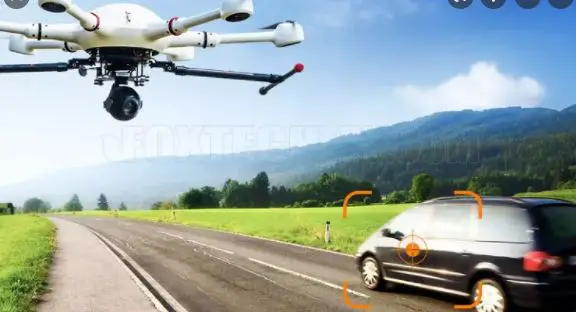
Target Tracking Function
- The built-in normalized cross-correlation tracking algorithm, combined with the target lost recapture algorithm, realizes the stable tracking of the target; Support user to display custom characters, adaptive gate, cross wire, and tracking information display.
- Tracking Performance
- Data refresh rate: 50Hz
- output lag<15ms
- min. target contrast 5%
- Signal-to-noise ratio 4
- Target Size: 32×32 to128*128 pixels
- Tracking Velocity: ±32 pix/frame
- The root mean square value of noise at the target position<0.5 pixel
- Target memory time: 100 sessions
Gimbal Diagram
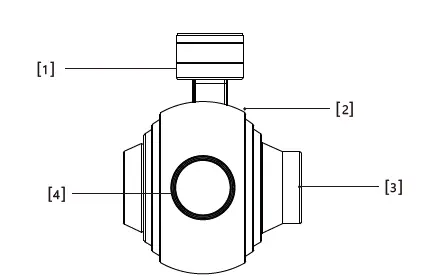
- Yaw axis motor
- Roll axis motor
- Pitch axis motor
- HD Zoom Camera
Please ensure that the motor is not blocked by anything during rotation. If the gimbal is blocked during rotation, please clear the obstruction immediately.
Packing List
- gimbal camera1
- pack of screw1
M3 5mm 12
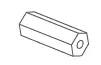
- copper pillar4
- Damper12


Dimensional Drawing
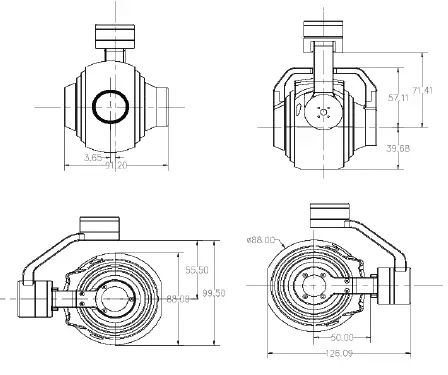
Installation
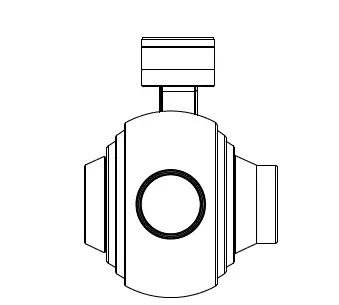
Mechanical electronic characteristics
| Voltage | 12V | IDDQ | 330mA@12v |
| IDDT | 450mA@12V | temperature | -20~+80 |
| Size | L91.2*W126.9*H99.5mm | Weight | 620g |
Performance
| Pitch:-90°~+90°; Roll: -45°~+45° |
| Yaw:n*360° |
| Control precision:Pitch & Roll: ±0.02°Yaw: ±0.03° |
Tracking Gimbal Signal Wiring Diagram
- SD card: max 128G ,class10
- FAT32 or exFAT format

- S.bus RX connects to RX2 for track function(s.bus/RX RX2
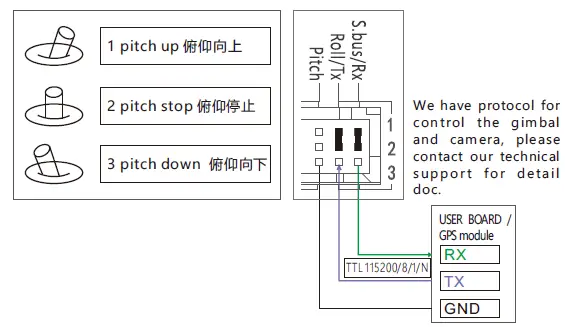
- Roll/ Tx:connect to Tx2 for track function.
- Pitch: PWM in, pitch control

- Yaw: PWM in, Yaw Control PWM

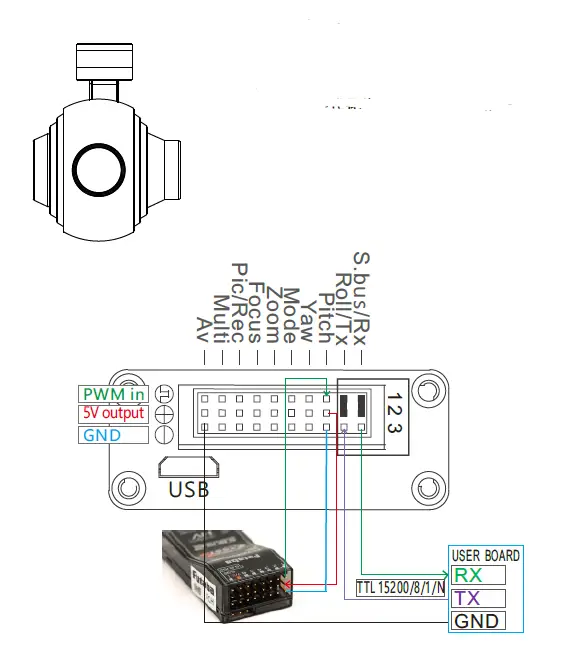
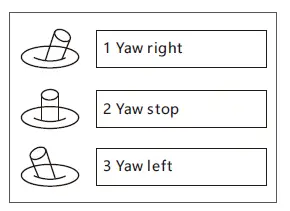
Mode: change the speed/home position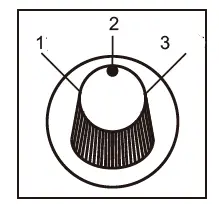
Position 3: Low-speed mode, control Yaw and Pitch in this mode, and then the gimbal will move at the lowest speed;
Turn the knob to any position above position 3: change speed; at this time control Yaw and Pitch, gimbal control speed will be increased(The speed will change depending on the position of the switch) Turn the knob to position 2-1-2: gimbal returns to the middle position. Switch from 2 to 1 and back to 2 continuously and quickly, gimbal back
to home;
Switch from 2-1-2-1-2 continuously and quickly,start to follow mode;
Switch from 2-1-2-1-2-1-2,start head-locking mode.
ZOOM: Zoom the camera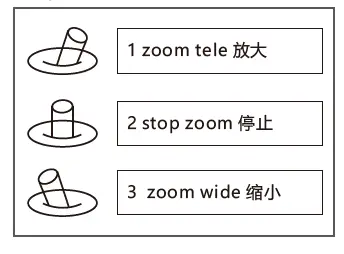
focus: focus the camera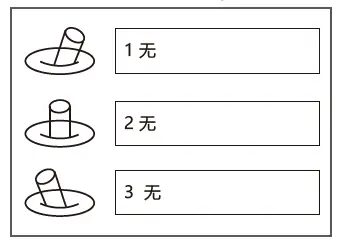
GPS information overlay&serial port control diagram
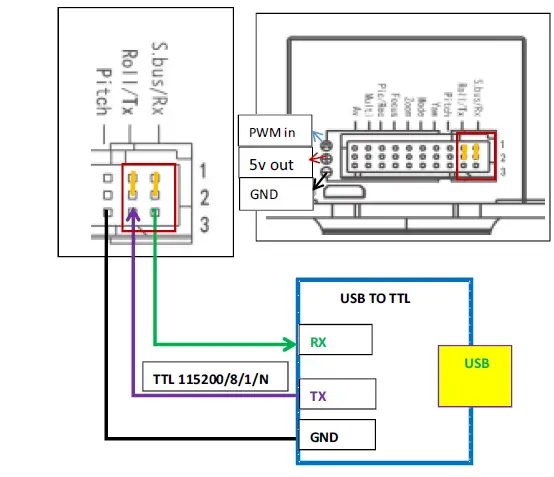
- RX1/ RX2 and TX1 / TX2 must be connected with jumper caps before connecting UART/FTDI devices.
- Please connect your RX to RX3, and TX to TX3 as shown in the figures.
CAUTION!!
- the signals inside the red frame are all TTL signals, DO NOT connect these pin headers to any power(VCC) or ground(GND)!
- The other signals are for PWM input signals to control the gimbal, PWM in: connect to your PWM receiver signals (does not include AV,
AV output is for CVBS video signal)
5V out: for your PWM receiver power supply.
GND: connect to your PWM receiver GND.