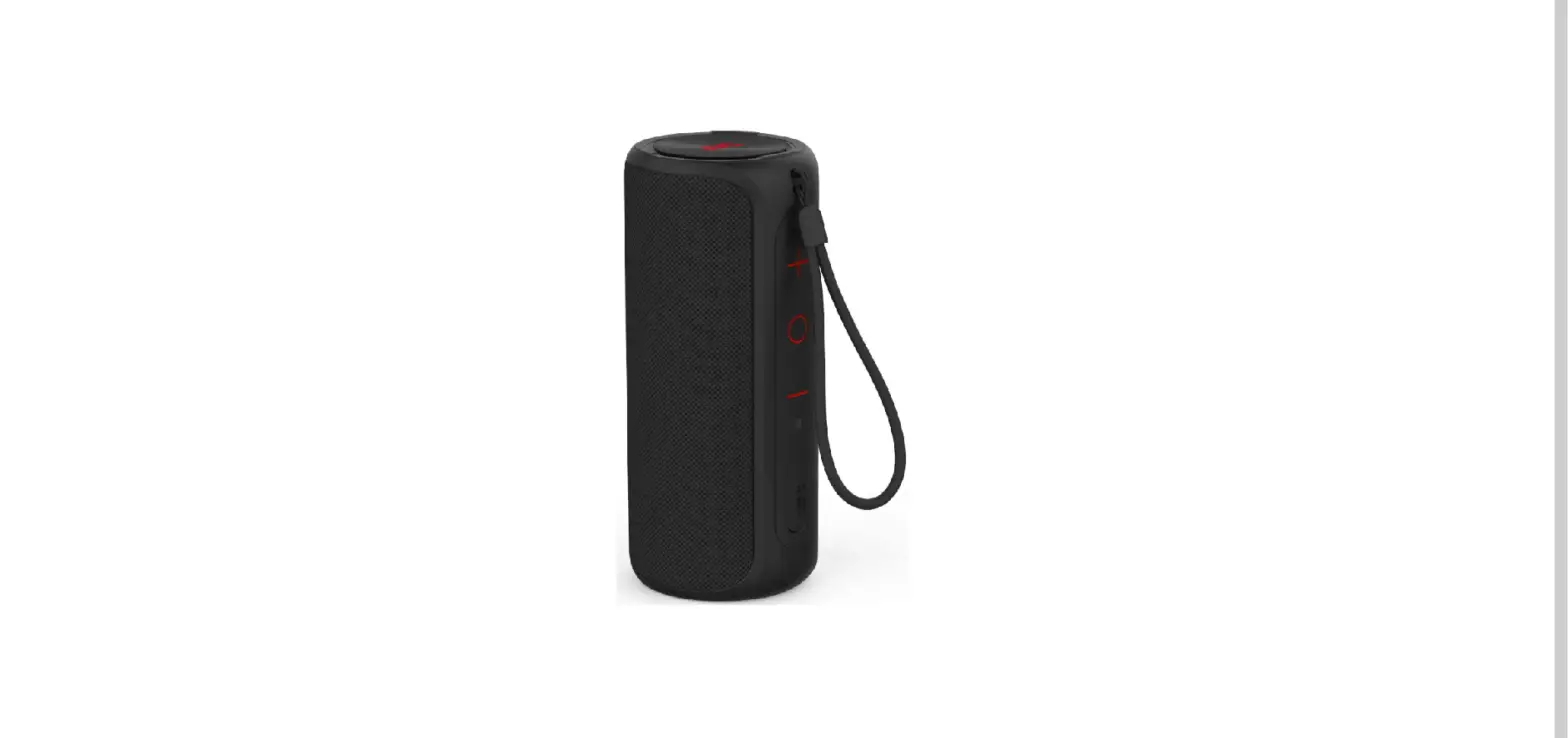
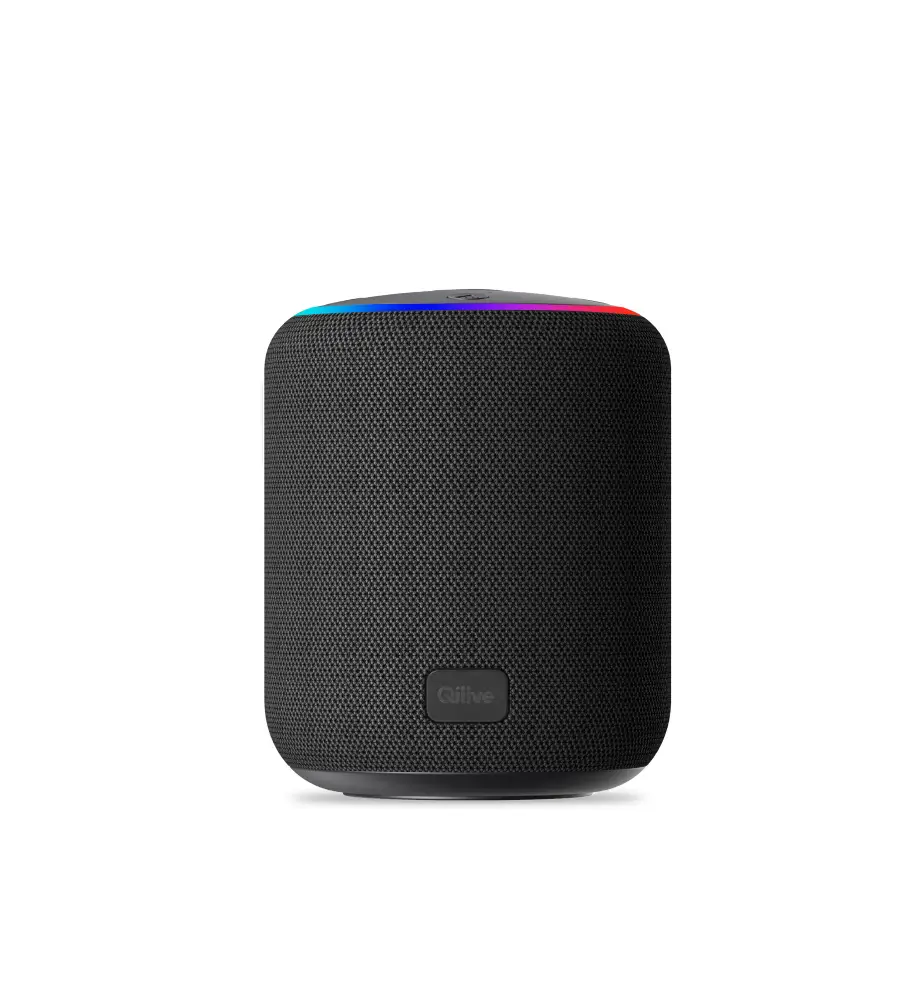
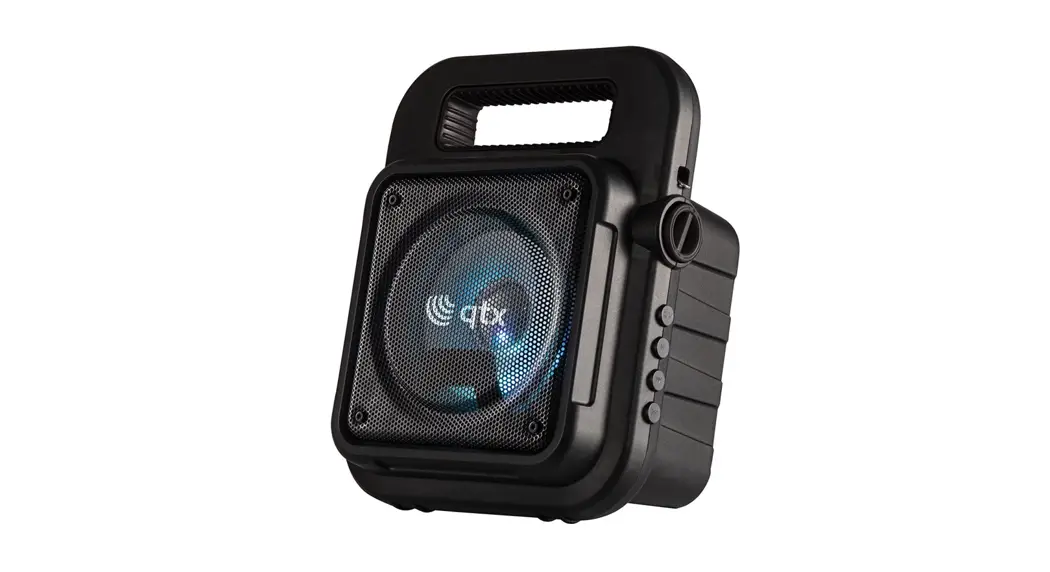
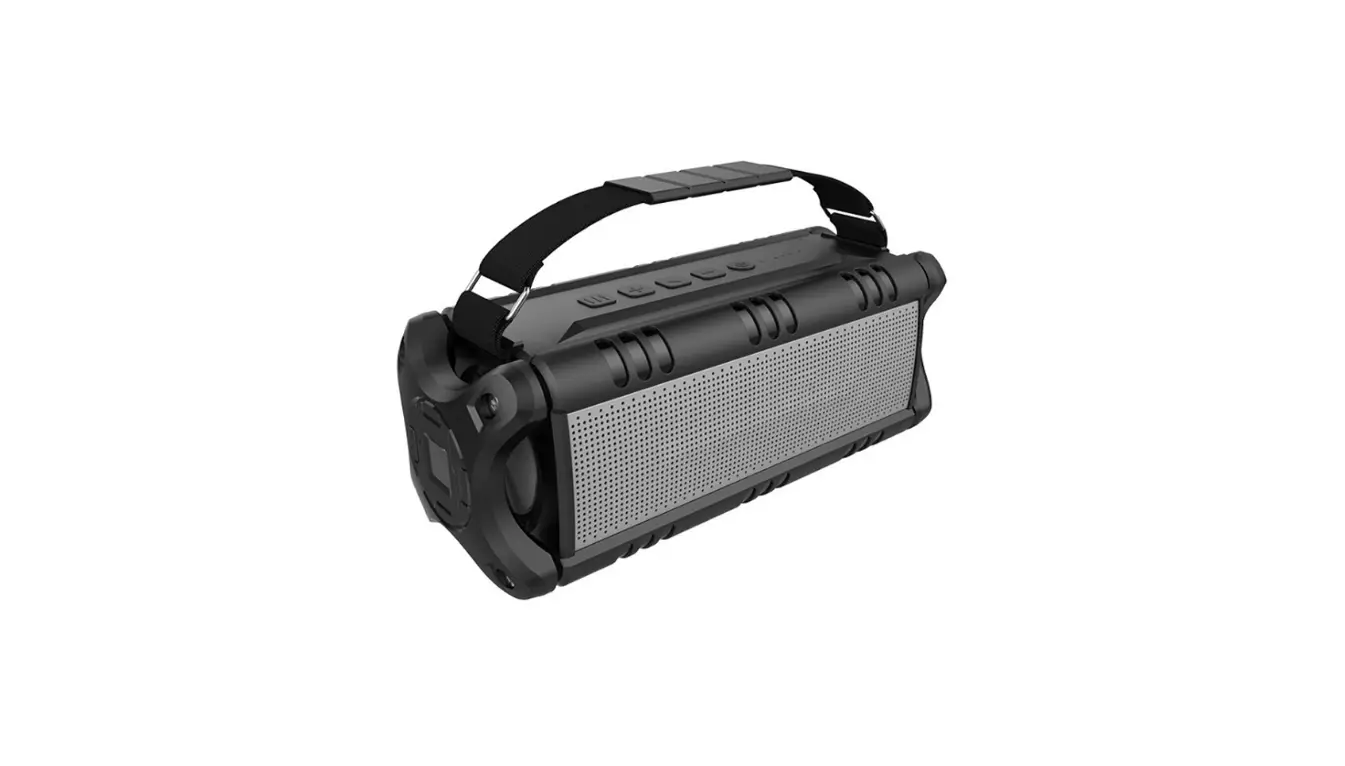
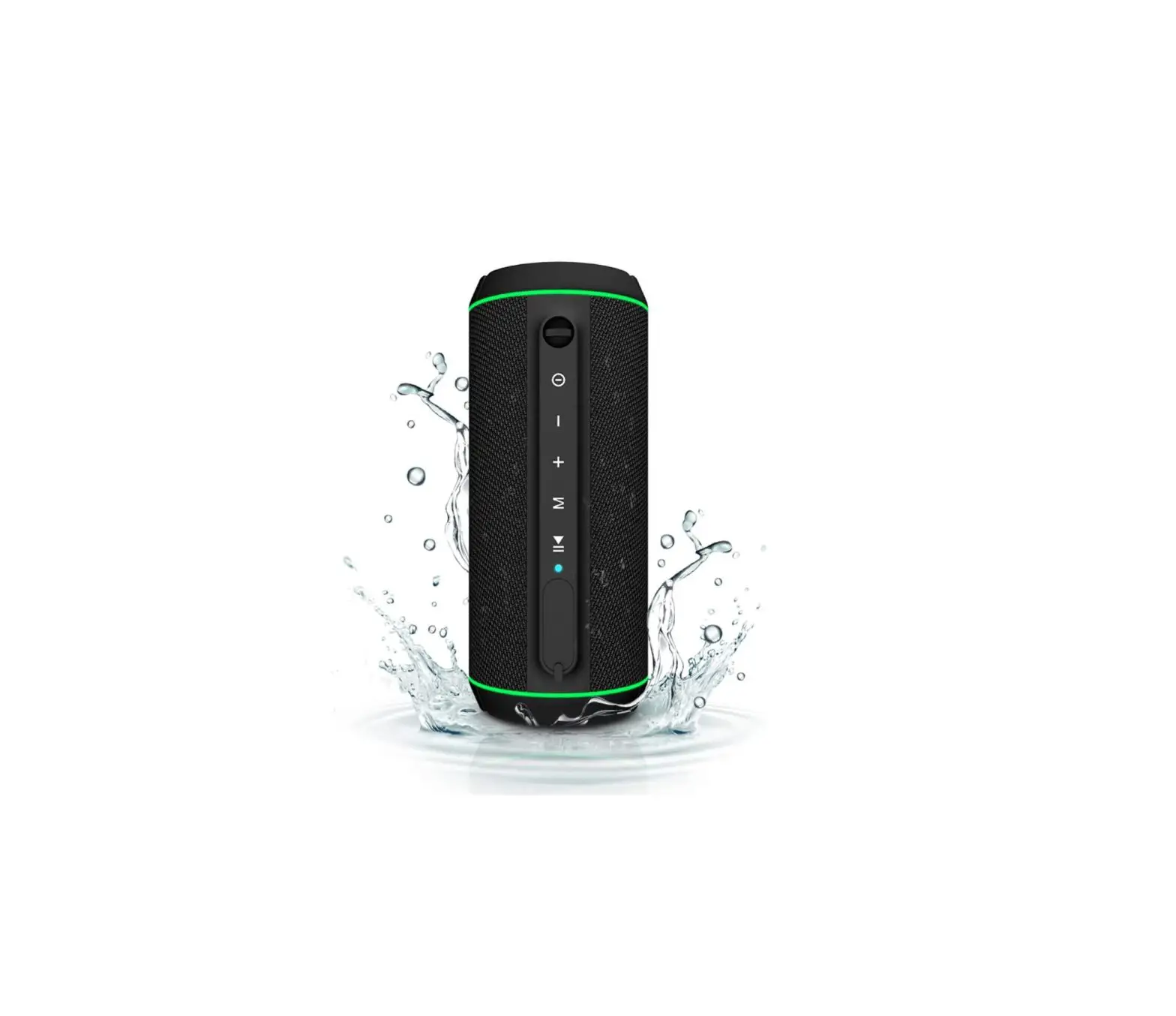
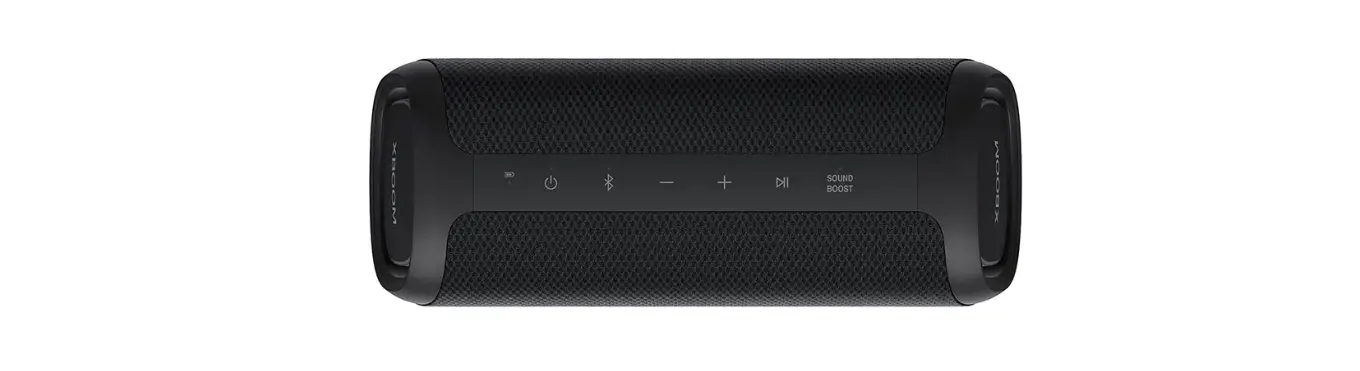
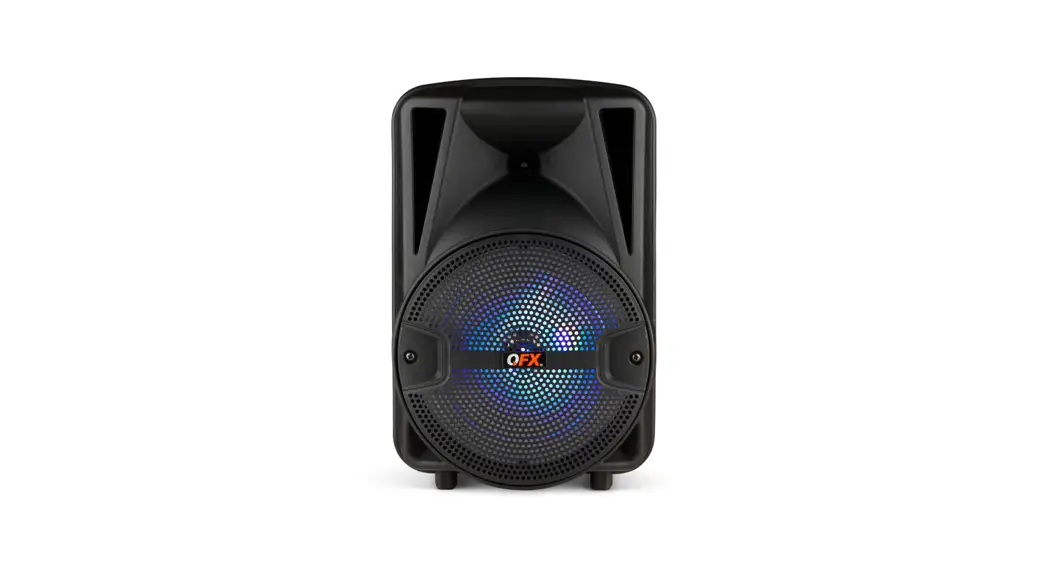
SXL4020 Bluetooth Speaker
Product Information: SXL4020 & SXL4021 Bluetooth Speaker
and Accessories
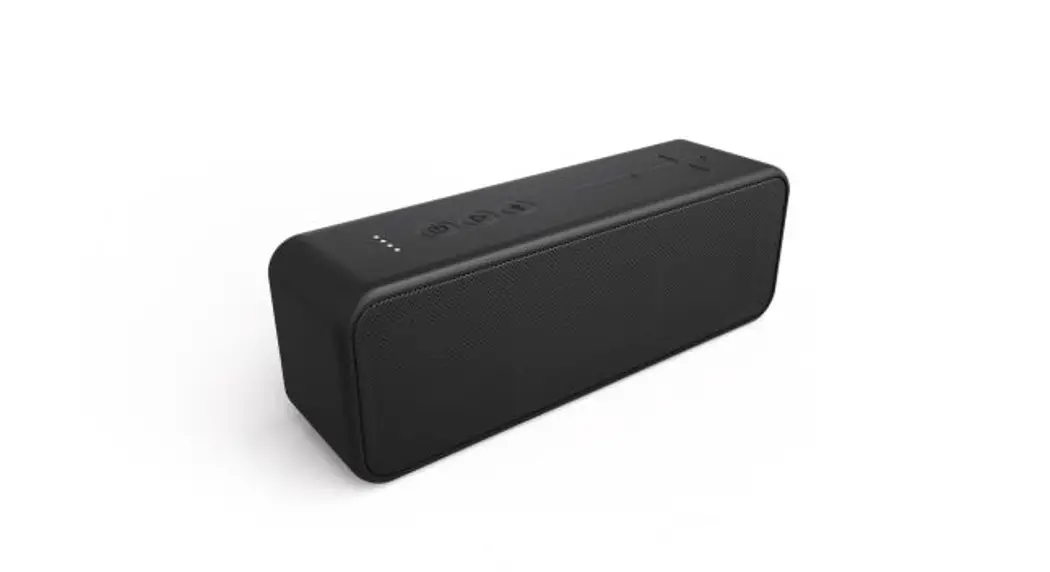
The SXL4020 & SXL4021 Bluetooth speaker is a portable
wireless speaker that comes with a USB charging cable and a user
manual. The product is manufactured by Sinox Europe A/S and has a
manual size of 850*110mm. The product has basic functions like
power on/off, play/pause, volume control, TWS connection,
hands-free call, and power-saving mode. The product also has
indicator lights for Bluetooth, charging, and low battery
status.
Product Usage Instructions
- Power On/Off: To power on the speaker,
long-press the power button for 2 seconds. To power off the
speaker, long-press the power button for 2 seconds again. - Bluetooth Connection: After powering on the
speaker, it will enter Bluetooth mode, and the blue indicator light
will flash. Choose SXL4020/SXL4021 from your device’s list to
connect. A voice prompt will confirm the connection, and the blue
indicator light will stay on. Start playing your music. - Volume Control: Short press the volume button
to increase volume. Long-press the volume button for 2 seconds to
play the next song. When you reach maximum volume, you will hear a
beep voice prompt. Short press the volume button to decrease
volume. Long-press the volume button for 2 seconds to play the
previous song. Short press the volume button to pause playing and
press again to resume in Bluetooth mode. - TWS Connection: To connect two speakers in TWS
mode, short press the power button twice. - Hands-Free Call: When you receive a call, the
speaker will enter hands-free status automatically in Bluetooth
connected status. Short press the power button once to answer the
call and short press it again to hang up. Short press the power
button twice to reject the call. - Power Saving: If the speaker is in Bluetooth
mode without any connection with any device for 10 minutes, it will
power off to save battery power. Long-press the power button for
2-3 seconds to power on again if the speaker powered off without
any connection or playing. - Charging: Use a safety-certified adapter of
5V/1A or above 1A to charge the speaker. Charge the speaker when
hearing the low battery prompt voice. The red indicator light will
be on while charging and will be off after a full charge.
SXL4020 & SXL4021 Manual 850*110mm
Sinox Europe A/S
Troensevej 11. DK-9220 Aalborg
BLUETOOTH SPEAKER AND ACCESSORIES
A. Bluetooth speaker B. USB charging cable C. User manual
A
SXL4020 / SXL4021 MANUAL
USER MANUAL
B
C
01
Sinox Europe A/S
Troensevej 11. DK-9220 Aalborg
INKLUDERER
A: Bluetooth® højttaler B. USB opladningskabel C. Brugermanual
SXL4020 / SXL4021 MANUAL
A
USER MANUAL
B
C
01
BASIC FUNCTIONS
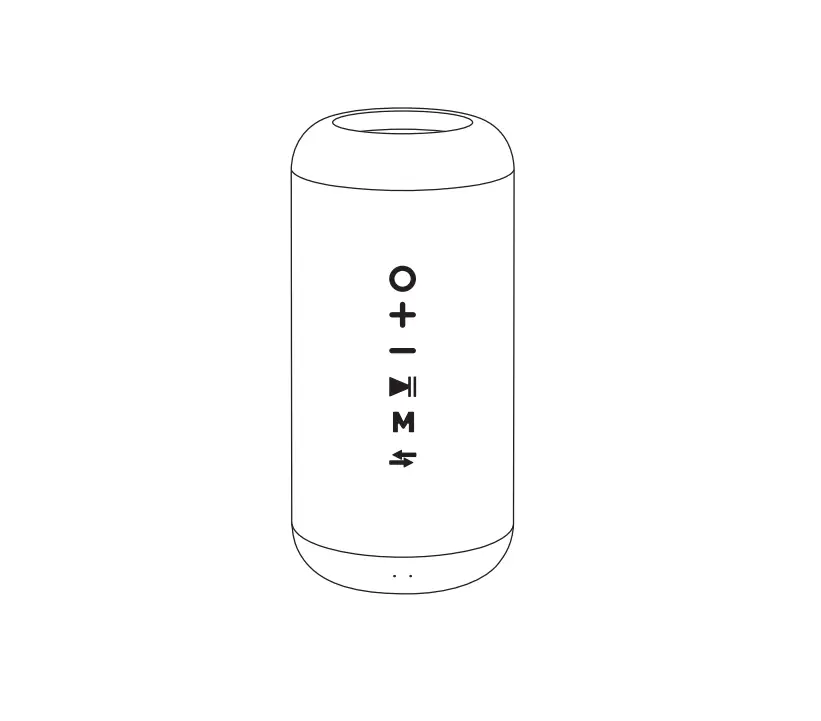
1 2 3
4 5
1
Long press for 2S: Power on/off;
Short press once: Play/Pause; Mute/Unmute; Answer an
incoming call/End a call
Short press twice: Reject an incoming call; TWS Connection;
Short press three times:
Disconnect bluetooth pairing.
2
Short press once: Turn the volume up
Long press for 2S: Next song
3
Short press once: Turn the volume down
Long press for 2S: Previous song
4
Charging port:
USB-C charging port
5
Indicator lights: BT Light/Charging Light/Low Battery Light
OPERATION GUIDE 1. Power On/Off
Long press ” ” button for 2S to power on, long press it for 2S again to power off.
2. Bluetooth Connection
It will enter to Bluetooth mode after power on, and the blue indicator will flash. Then choose “SXL4020 / SXL4021″ from your devices list. You will hear a voice prompt once it is connected, and the blue indicator will stay on. Then you can start to play your music. Short press ” ” button three times to disconnect Bluetooth
Power Button Status Indicator
Bluetooth
My Device SXL4020 / SXL4021
3. Volume Control
Volume Control/Previous and Next Song Control: Short press ” ” to increase volume; Long press for 2S to play next song; When it reaches to the maximum volume, you will hear a “Beep” voice prompt. Short press ” ” to decrease volume; Long press for 2S to play previous song; Short press ” ” to pause playing, press again to resume in Bluetooth mode;
OPERATION GUIDE
4. TWS Connection
1) Power on two “SXL4020 / SXL4021″ speakers, they will enter to Bluetooth mode. 2) Short press each of their ” ” button twice, two speakers will go to TWS pairing and you will hear a voice prompt once they connected successfully. The master speaker’ s blue indicator will keep flashing, the sub-master speaker’ s blue indicator will stay on. 3) Choose “SXL4020 / SXL4021″ from your device list to connect the master speaker. You will hear a voice prompt once it connected, and the blue indicator will stay on. After the two models successfully connected with your phone, you can play music on both of them at the same time. 4) Short press twice of each of their ” “button again to disconnect TWS pairing.
OPERATION GUIDE
5. Handsfree call
When you have a call, speaker will enter into handsfree status automatically in bluetooth connected status. When you receive an incoming call, short press the power button once to answer the call and short press it again to hang up. Short press the power button twice to reject the call.
88888888888
Power Button
TWS
Power Button
02
03
04
05
OPERATION GUIDE 6. Power Saving
Under below situation, the speaker will power off to save battery power: In BT mode, without any connection with any device for 10 minutes; Long press ” “for 2-3 seconds to power on again if the speaker powered off without any connection or playing.
7. Charging
Important notice: Don’t use no safety-certified adapter Use 5V/1A or above 1A adapter 1. Please charge the speaker when hearing the low battery prompt voice. 2. Red indicator will be on when charging, and it will be off after full charged.
FUNCTION INSTRUCTIONS
Power Button
Power On Status
Bluetooth Status
Charging Status
Low battery
Blue indicator will be on when power on, and enter to Bluetooth mode automatically, then the blue indicator will flash quickly( in Bluetooth searching status ).
Technical light keeps blue when bluetooth is connected.
Blue indicator keeps flashing if your Bluetooth devices out of range or disconnected, then the speaker will be in searching status.
Red indicator will be on while charging and be off when charging
Red indicator will flash quickly when the battery is low.
06
07
SPECIFICATIONS
Product Name Model Name Bluetooth Version Battery Capacity Playing Time Charging Time Speaker Unit Charging Current Product Size Product Weight
Sinox Lifestyle SXL4020 / SXL4021 5.0 3.7V/1200mAh 10~12 hours(50% Volume) 2 hours 6W/4 5V 1A 75 x 75 x 110mm 266g±50
08
BASALE FUNKTIONER
1 2 3
4 5
1
Hold inde i 2-3 sekunder: Tænd/sluk højttaleren
Kort tryk:
Play/pause, mute/unmute, besvar/afslut
opkald
To korte tryk: Tre korte tryk:
Afvis opkald, TWS-forbindelse Afbryd Bluetooth®-forbindelse
2
Kort tryk:
Højere lydstyrke
Hold inde i 2-3 sekunderSkift til næste sang
3
Kort tryk:
Lavere lydstyrke
Hold inde i 2-3 sekunder: Skift til forrige sang
4
Opladningsport:
USB-C opladningsport
5
LED-indikator:
Bluetooth®-lys, opladningslys, lavt batteri-lys
BETJENINGSINSTRUKTIONER
1. Sluk/tænd
Hold ” ” -knappen inde i 2-3 sekunder for at tænde eller slukke højttaleren.
2. Bluetooth®-tilstand
Når højttaleren tændes, går den i Bluetooth®-parringstilstand og LED-indikatoren blinker med blåt lys. Vælg “SXL4020 / SXL4021″ på din enheds’ Bluetooth®-liste. Når der er forbindelse, siger højttaleren en kort lyd og LED-indikatoren lyser konstant blåt. Du kan nu afspille din musik. Tryk på ” ” -knappen tre gange for at afbryde Bluetooth®-forbindelsenBluetooth connection.
Power knap Status LED-indikator
Bluetooth®
Min enhed SXL4020 / SXL4021
3. Lydstyrke Lydstyrkekontrol / Forrige og næste sang kontrol
Tryk kort på “+” for højere lydstyrke. Hold “+” inde i 2-3 sekunder, for at afspille den næste sang. Når lydstyrken når sit maksimum, siger højttaleren en kort bip-lyd. Tryk kort på “-” for lavere lydstyrke. Hold “-” inde i 2-3 sekunder, for at afspille den forrige sang. Tryk kort på ” ” -for at pause eller genoptage afspilning ved Bluetooth®-tilstand
02
03
BETJENINGSINSTRUKTIONER
4. TWS-forbindelse
1) Tænd to højttalere, så de går i Bluetooth®-parringtilstand. 2) Tryk kort to gange på en af højttalernes ” ” -knap, De to højttalere vil forbindes
med en kort lyd. Master-højttaleren vil blinke med blåt lys, mens submasterhøjttaleren vil lyse med et konstant blåt lys. 3) Vælg “SXL4020 / SXL4021″ på din enheds’ Bluetooth®-liste, for at forbinde med de to højttalere. Herefter vil højttalerne sige en kort lyd og du kan nu afspille fra begge højttalere på én gang. 4) Tryk kort to gange på en af højttalernes ” “-knap for at afbryde TWS-forbindelsen.
BETJENINGSINSTRUKTIONER
5. Håndfri funktion
Når du modtager et opkald, kan du trykke kort på power knappen for at besvare opkaldet. For at afvise opkaldet kan du trykke kort to gange. Under et opkald, kan du også lægge på, ved igen at trykke kort på power knappen.
88888888888
Power knap
TWS
Power knap
04
05
BETJENINGSINSTRUKTIONER 6. Strømbesparelse
Hvis højttaleren ikke har en Bluetooth®-forbindelse i mere end 10 minutter, slukker den automatisk for at spare på strømmen; Langt tryk på ” ” i 2-3 sekunder for at tænde igen, hvis højttaleren slukkede pga manglende parring eller afspilning.
7. Opladning
Bemærk: °Benyt venligst en certificeret adapter °Alle normale USB-opladere kan benyttes. Vi anbefaler 5V/1A eller over 1A 1. Oplad venligst højttaleren, når den har lavt batteri. 2. Højttaleren lyser rødt når den oplades. Når den er fuldt opladt, stopper det røde
lys.
HØJTTALERENS FUNKTIONER
Power knap
PARRINGSTILSTAND
BLUETOOTH® OPLAD-
NINGSSTATUS LAVT BATTERI
Standardtilstanden, når du tænder din højttaler, er Bluetooth®-søgningstilstand. LED-indikatoren blinker hurtigt.
Efter en Bluetooth®-forbindelse, lyser LED-indikatoren konstant blåt
Under en Bluetooth®-parringstilstand, blinker LED-indikatoren med blåt lys.
Højttaleren lyser rødt når den oplades. Når den er fuldt opladt, stopper det røde lys.
Ved lavt batteri, blinker højttaleren med rødt lys.
PRODUKT SPECIFIKATIONER
Produktnavn Modelnavn Bluetooth® version Batterikapacitet Afspilningstid Opladningstid Højttalerenhed Spænding Størrelse Vægt
Sinox Lifestyle SXL4020 / SXL4021 5.0 3.7V/1200mAh 10~12 timer(50% Volume) 2 timer 6W 4 5V 1A 75 x 75 x 110mm 266g±50
06
07
08
FREQUENTLY ASKED QUESTIONS
Q1: What kind of charger should we use for the speaker? A: All common USB-C chargers can be used, while we suggest the ones 5V/2A or above 2A. Q2: What if there is noise or discontinuous sound during playing? A: The speaker can be normally used within 10m under no obstruction environment. If it is beyond 10m or with
obstruction, there might be noise or discontinuous sound. Q3: Why the speaker power off automatically after power on but no Bluetooth disconnection ? A: When there is no bluetooth pairing in 10 minutes, the speaker will shut down automatically to reduce power
consumption. Q4: Why does the speaker cannot connect the once-paired cellphone? A: First, remove the speaker’s paired name from the cellphone’s Bluetooth List and then restart pairing. Q5: The speaker cannot be started up in a normal situation. A: Please plug in the charger and try in a few minutes or try to long press power button 10-30s to reset.
Notes: 1. Please read this manual carefully before use and keep it properly. 2. For the first use, please fully charge the product. 3. Pls use certified adapter that has passed national safety certification. 4. If you do not use the product for a long time, be sure to charge it once within a month at least to maintain its
performance. 5. Do not use this product in an extremely cold or hot environment, such as temperature beyonds the range of
5°C-35°C. If use it beyond the above range, the product may stop automatically to protect the internal circuit. 6. When charging it in a high temperature environment, the product may automatically stop charging to protect
the battery. At this time, the charging indicator usually flashes quickly to indicate that the charging environmental temperature or the product internal temperature is too high. 7. Storage environment temperature: -5°Cj35°C RH70% (recommended 25°C±5°C).
Important safety instructions: 1. Do not disassemble or repair this speaker personally, otherwise it may cause product damage or personal injury. 2. Do not use it in dusty, humid, dry, and high-temperature environment. 3. Do not place this product near a heat source, or a place with direct sunlight, a lot of dust, or mechanical vibration. 4. In order to reduce the risk of fire, please do not cover this product with newspapers, tablecloths, curtains etc.,
during use. 5. If the product has a waterproof feature, please do not exceed the nominal parameter range when using it. 6. When the product is damaged such as the power cord or plug is damaged, liquid enters or objects fall into the
device, unable to operate normally or falls, it must be repaired. 7. When the product is fully charged, do not connect it to the charger for further long time charging. 8. The maximum ambient temperature should not exceed 40°C.
*This speaker supports mobile phones/ tablets/ PCs etc. Here this User Manual is illustrated base on mobile phones.
09
OFTE STILLEDE SPØRGSMÅL
Q1: Hvilken oplader skal bruges til højttaleren ? A: Alle normale USB-C opladere kan benyttes. Vi anbefaler 5V/2A eller over 2A. Q2: Hvad skal jeg gøre, hvis der er støj under afspilningen ? A: Højttaleren kan normalt benyttes med 10 meters afstand. Hvis afstanden er mere end 10 meter, kan
der opstå støj under afspilningen. Q3: Hvorfor slukker højttaleren automatisk ? A: Hvis højttaleren har stået i Bluetooth®-parringstilstand i mere end 10 minutter uden aktivitet, slukker
den automatisk for at spare på strøm. Q4: Hvorfor kan jeg ikke forbinde højttaleren gennem Bluetooth® med min enhed, som før har været
forbundet ? A: Hvis dette sker, skal du erne højttaleren fra Bluetooth®-listen på din enhed. Herefter kan de
forbindes igen. Q5: Hvorfor kan højttaleren ikke startes op normalt ? A: Tilslut venligst opladeren og prøv om et par minutter, eller prøv at trykke længe på tænd/sluk-knappen
for at nulstille. Noter: 1. Læs venligst denne manual grundigt og gem den herefter. 2. Oplad venligst højttaleren inden brug. 3. Benyt venligst en certificeret adapter. 4. Hvis du ikke bruger højttaleren i lang tid, kan du vedligeholde den, ved at oplade den mindst én
gang om måneden. 5. Undlad at benytte højttaleren ved ekstremt kolde eller varme temperaturer (5°C-35°C). Hvis du benytter
højttaleren i ekstremt kolde eller varme tilstande, kan den slukke automatisk for at beskytte højttalerens funktionalitet. 6. Hvis du oplader højttaleren ved ekstremt varme temperaturer, kan den stoppe opladningen for at beskytte højttalerens batteri. Her lyser LED-indikatoren oftest hurtigt, for at vise at der er for varmt. 7. Opbevaringstemperatur: -5°C~35°C RH<70% (anbefalet 25°C±5°C). Vigtige sikkerhedsinstruktioner: 1. Lad være med at skille højttaleren fra hinanden, da dette kan forårsage produkt- eller personskader. 2. Benyt ikke højttaleren i ekstremt støvede, fugtige, tørre eller varme tilstande. 3. Placér ikke højttaleren tæt på en varmekilde, i direkte sollys eller et sted med meget støv eller mekaniske vibrationer. 4. For at mindske risikoen for brænd, bedes du venligst undlade at tildække højttaleren med avispapir, viskestykker eller lignende under brug. 5. Hvis produktet har en vandtæt funktion, skal du venligst ikke overskride det normale parameterområde, når du bruger det. 6. Hvis produktet beskadiges (hvis strømkablet går i stykker etc.), skal det repareres. 7. Når højttaleren er fuldt opladt, skal det ikke kobles til opladeren igen. 8. Den maksimale omgivende temperatur bør ikke overstige 40°C.
*Denne højttaler kan anvendes med mobiler/tablets/bærbare computere osv. Manualen tager udgangspunkt i anvendelse med en mobil.
09