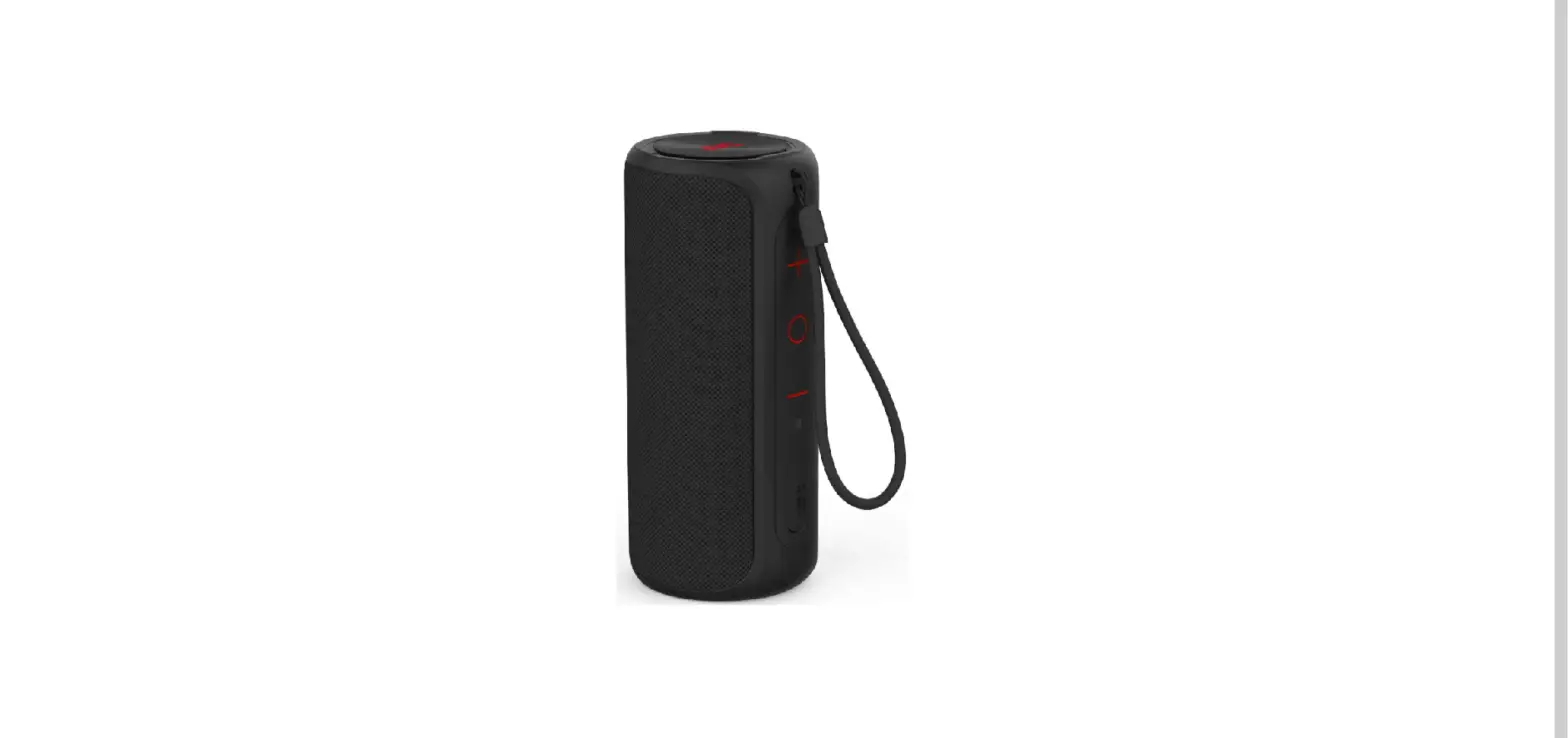
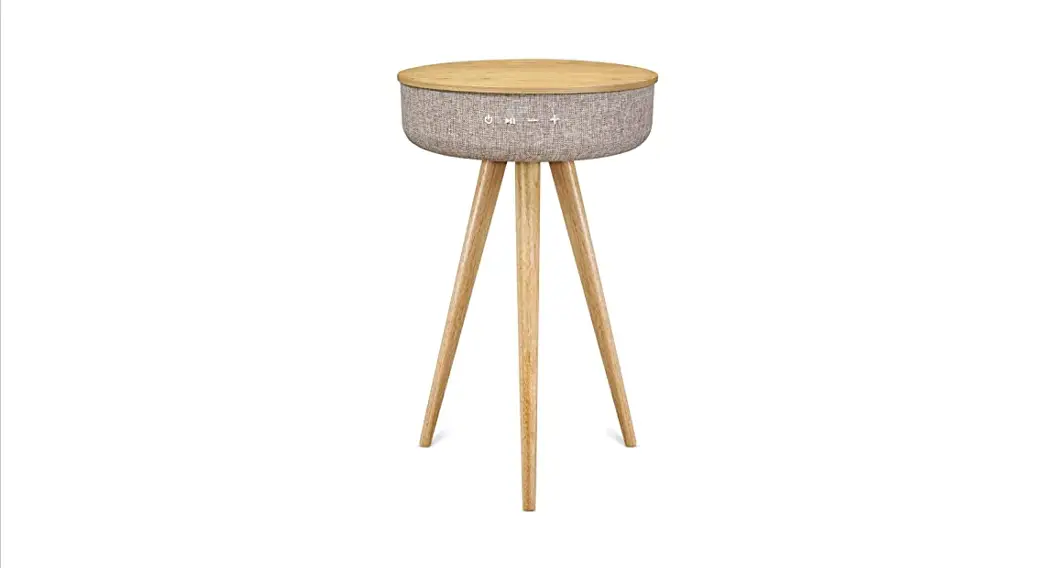
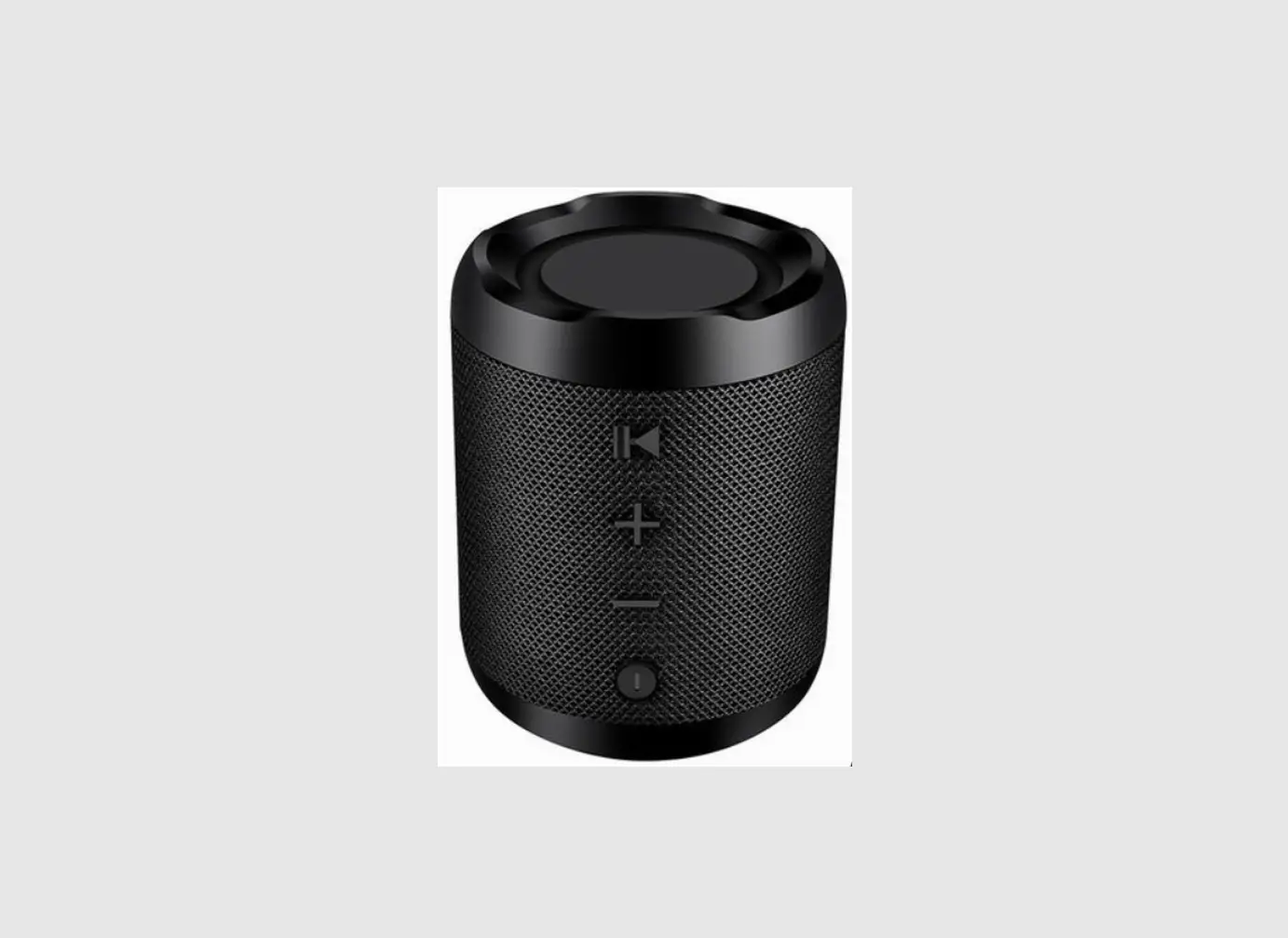
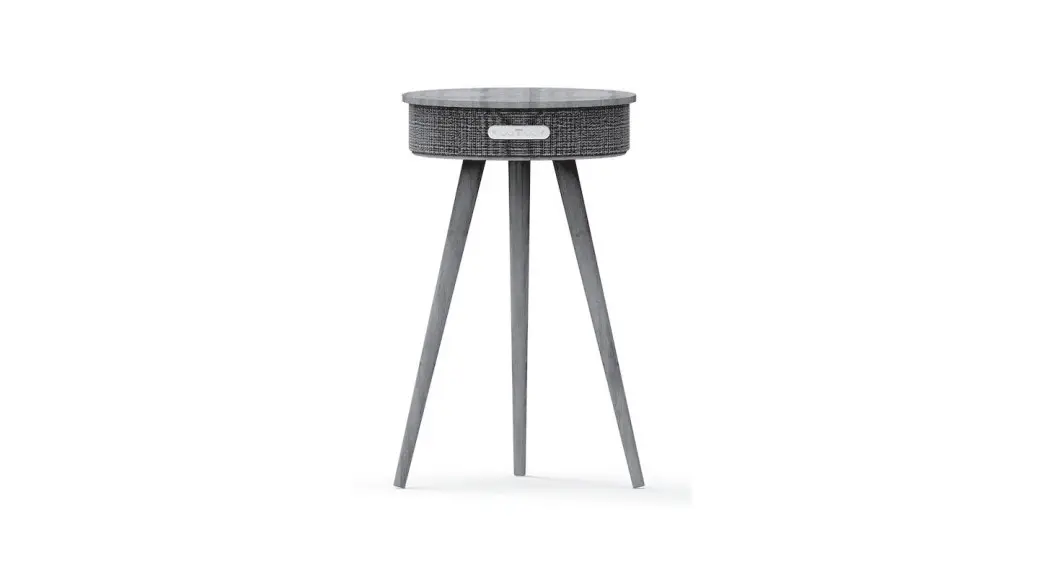
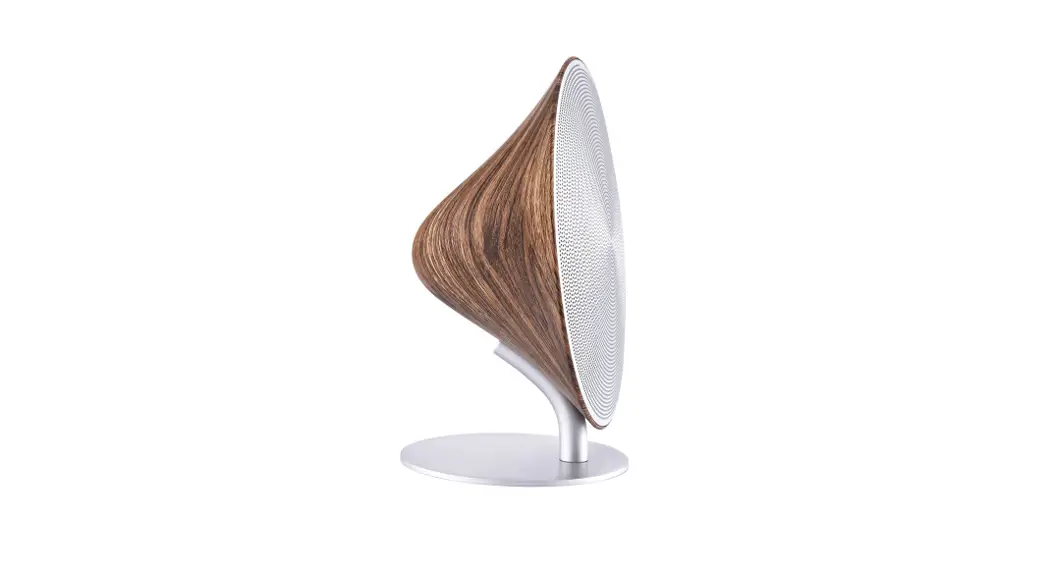
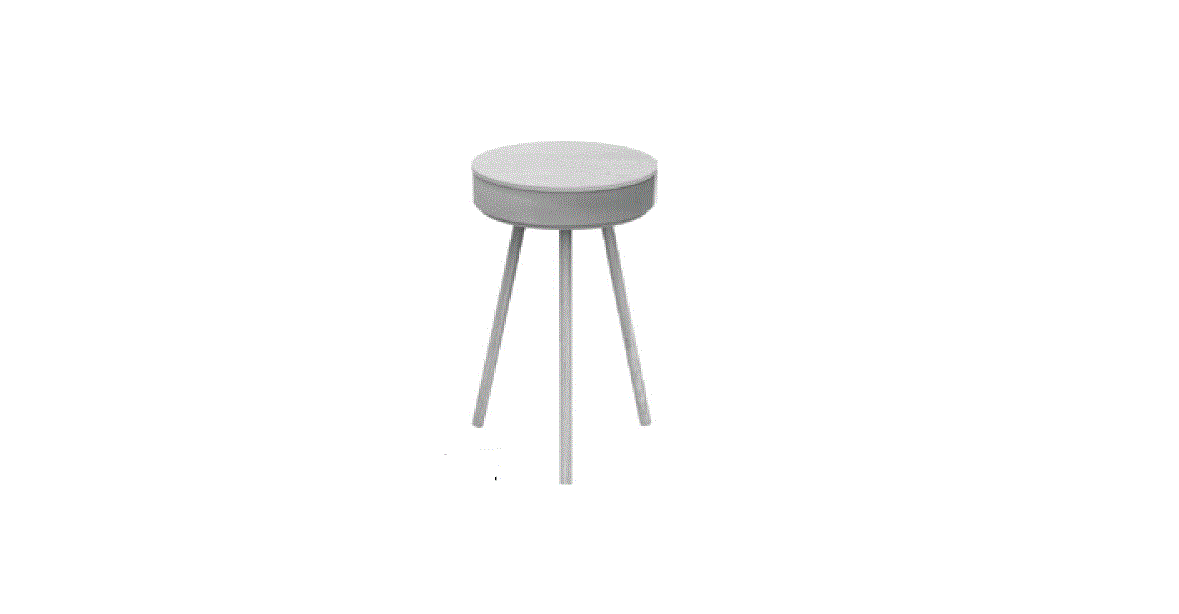
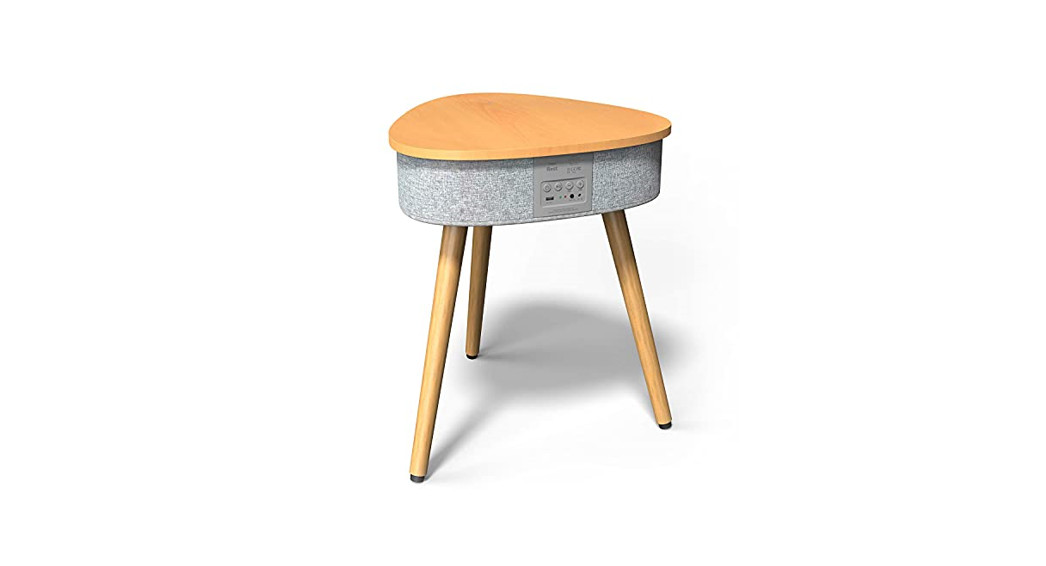
SXBT3500 Table Bluetooth Speaker
Product Information:
The SXBT3500/SXBT3501/SXBT3502 Table Bluetooth Speaker is a 2.1
channel speaker with Bluetooth version BT 4.2. It features a
maximum output power of 65W (15W*2 + 35W) and a frequency range of
45Hz-18KHz. The speaker is equipped with drive units consisting of
a 6.5″ subwoofer and two 4″ mid-range drivers, providing a powerful
and immersive audio experience. It also has a wireless charging
function with a power output of 5W (5V1A) and a USB input for
charging devices at 5V2.4A. The speaker comes with an AC adapter
for power supply and supports TWS (True Wireless Stereo)
functionality for connecting multiple speakers.
Product Usage Instructions:
- Open the gift box and place the speaker on a flat surface with
the base facing upwards. - Take one wooden leg and insert it into a screw hole.
- Rotate the wooden leg clockwise until it is tightly
fastened. - Repeat steps 2 and 3 for the remaining 3 wooden legs.
- Turn the speaker right side up after the wooden legs are
assembled. - To switch to AUX mode, insert the AUX cable into the AUX socket
at the rear panel of the speaker. The speaker will automatically
switch to AUX mode, indicated by the green LED light turning on.
The Bluetooth mode will be switched off. To switch back to
Bluetooth mode, remove the AUX cable. - To connect via Bluetooth, turn on the speaker and wait for the
voice prompt indicating Bluetooth mode is active. Use your device
to search for available Bluetooth devices and select the
SXBT3500/SXBT3501/SXBT3502 speaker to pair. - The speaker also supports TWS functionality for connecting
multiple speakers. Refer to the manual for detailed instructions on
setting up TWS. - Use the volume control to adjust the audio level. The EQ switch
allows you to select different EQ modes: Movie, Pop, Rock, or
Normal. - For wireless charging, place a compatible device on the
speaker’s charging pad. Ensure that the device is aligned properly
for optimal charging.
Please refer to the manual for additional information and safety
instructions. Keep the manual for future reference.
SXBT3500 | SXBT3501 | SXBT3502 | 1-8NN]]
MANUAL
Advarsel
Assemble Steps
Specifications
Styring af knapper og bagsidepanel
Bluetooth Højtalerbord
1. Den maksimale bærevægt for dette produkt er 15 KG, brugeren må ikke
1. Åbn boksen, placér højtaleren på en flad overflade med basen (så du kan se skruehullerne) opad.
2.1 CH Bluetooth Table Speaker Bluetooth version: BT 4.2
MODEL NO.: SXBT3500
placere genstande, som vejer mere end 15 KG på dette produkt, ellers vil brugeren selv være skyld i nogen form for skade på dette produkt.
2. Tag et ben og indsæt det i et af skruehullerne. 3. Rotér benet med uret indtil det er fastgjort.
Drive units: 6.5″ 4 40W x 1
2.75″ 8 15W x 2
31mm 610W x 2 RMS: 65W (15W*2 + 35W)
/SXBT3501/SXBT3502
2. Dette produkt skal ikke bruges som sæde, lige meget om man er voksen eller barn
4. Gentag step 2 for de resterende 3 ben.
Bluetooth frequency: 2.402-2.480GHz
skal man ikke sidde på dette produkt, ellers vil brugeren selv være skyld i
5. Gentag step 3 for de resterende 3 ben.
Frequency range: 45Hz-18KHz
7
skade på produktet og skade på en selv.
6. Vend højtaleren med den rigtige ende op efter benene er korret fastgjort.
S/N: 75dB
8
3. Venligst brug den originale A/C adapter til opladning, hvis ikke, kan det gøre
Separation ratio: 55dB
9
at højtaleren oplader langsomt eller slet ikke lader overhovedet. I ekstreme tilfælde,
Working voltage: DC 18V 3.5A
A/C adapteren vil brænde ud eller der kan ske andre ulykker!
USB input: 5V2.4A
EQ
Hvad er inkluderet
Wireless Charging: 5W (5V1A) Power Supply: AC adapter
Input: AC 100-240V~50/60Hz 1.5A
6 1 23 45
1
Hoveddel stk 1
A
2
Ben Stk 4
B
Function
Bluetooth Håndfri Aux In USB opladefunktion Trådløs ladefunktion EQ (Movie /Pop/Rock/Normal)
1. TÆND / SLUK 2. AFSPIL/ PAUSE / PHONE 3. VOLUME4. VOLUME+ 5. EQ (POP, ROCK, MOVIE) 6. TRÅDLØS LADESTATION 7. USB-opladning: (5V2.4A) 8. DC IN (strømstik) 9. AUX-in
Strømkabel Stk 1
C
AC Strømadapter Stk 1
D
Tak fordi du har købt SXBT3500/SXBT3501/SXBT3502 Bluetooth Højtalerbord, for at gøre bedst brug af dette produkt og for at bruge det sikkert, venligst læs manualen gennemgående før brug og behold den for fremtidig reference.
EVA Pude Spare Parts(hvis nødvendigt)
Stk 4
3.5mm Aux Kabel Stk 1
1
2
.
3
4
Tænd / Sluk 1. Tilslut AC adapteren til højtalerens DC indgang (sørg venligst for at bruge den originale AC adapter som kommer sammen med højtaleren). Du vil høre en stemme, som siger “Power On”, højtaleren vil automatisk tænde og gå i Bluetoothtilstand som standard og du vil høre en stemme sige: “Bluetooth, waiting for connection”. Derefter kan smartphones og andre enheder parres med højtaleren. Advarsel: Brug venligst den originale A/C adapter til opladning, hvis ikke, kan det betyde at højtaleren bliver opladt langsomt eller slet ikke. I ekstreme tilfælde kan A/C adapter kortslutte eller andre tilfælde kan ske!
2. Tryk og hold [POWER] knappen nede for at tænde højtaleren. Du vil høre en stemme lyde: “Power On”, og højtaleren vil gå i Bluetoothtilstand med stemmen “Bluetooth, waiting for connection”.
3. Tryk og hold [POWER] knappen for at slukke højtalerenn. Du vil høre en stemme lyde: “Power Off”.
AUX Auto Switch
EQ
Indsæt AUX-kablet AUX-indgangen på bagsiden af højtaleren, og højtaleren vil skifte til AUX mode automatisk, det blå og grønne LED-lys vil tænde. Bluetooth mode vil blive slukket. Efter AUX-kablet er frakoblet, vil højtaleren skifte til Bluetooth mode automatisk, og du vil høre lyden: “Bluetooth, waiting for connection” eller “Bluetooth”.
5
Bluetoothtiilslutning og Afspilning (LED indikator: det venstre LED)
EQ
1. Når højtaleren er i bluetoothtilstand, vil den automatisk skifte til parringstilstand, den blå LED-lampe vil blinke hurtigt, navnet på enheden er “SXBT3500″/ “SXBT3501″/”SXBT3502”. 2. Højtaleren vil parre parre med smartphone via Bluetooth, og højtaleren vil lyde: “Bluetooth is connected” efter parring, derefter vil det blå LED-lys være tændt. Hvis fejlet vil det blå LED-lys blinke hurtigt. 3. Når der afspilles musik fra en smartphone via Bluetooth, vil højtalere pause hvis der trykkes på}Play/Pause~, og afspille igen ved at trykke}Play/Pause~. 4. Når højtaleren er tilsluttet en smartphone, tryk og hold}Play/Pause~nede for at frakoble fra telefonen og du vil høre en stemme lyde:”Bluetooth Disconnected, waiting for connection”, og så vil en anden smartphone kunne tilsluttes “SXBT3500″/”SXBT3501″/”SXBT3502” via Bluetooth.
EQ Switch (LED indikator: det midterste LED)
Stemmeinformation
1. POWER ON: Højtaleren tænder. 2. Bluetooth: Bluetooth-tilstand. 3. POWER OFF: Højtaleren slukker. 4. Waiting for connection: Parrer (skift mellem Bluetooth-tilstand og AUXtilstand). 5. Bluetooth is connected: Parring vellykket, tilbage til Bluetooth-tilstand vellykket. 6. Bluetooth Disconnected, waiting for connection: Forbindelsen til Bluetoothenheden er afbrudt, tryk og hold}Play/Pause~for at afbryde Bluetooth. 7. Maximum volume.
Volumekontrol
1. Tryk på}+~knappen for at hæve volumen, det hvide LED vil lyse (30 volumeniveauer i alt, når du tænder højtaleren vil den som standard være på 15), højtaleren vil lyde: “Maximum volume” når volumen er på sit højeste.
2. Tryk på}-~knappen for at sænke volumen, det hvide LED vil lyse (30 volumeniveauer i alt, når du tænder højtaleren vil den som standard være på 15)
EQ
Når højtaleren er tændt, vil højtaleren gå i normaltilstand som standard, og LED-lyset vil ikke være tændt. Højtaleren vil gå i POP-tilstand hvis der trykkes kort på}EQ~, det røde LED-lys vil tænde og højtaleren vil lyde: “POP”. Hvis der igen bliver trykket, vil højtaleren gå i ROCK-tilstand, det grønne LED-lys vil tænde og højtaleren vil lyde: “ROCK”. Højtaleren vil gå i MOVIE-mode hvis der trykkes endnu engang, LED-lyset vil være grønt og rødt på samme tid, og højtaleren vil lyde: “MOVIE”. Højtaleren vil gå tilbage til normaltilstand hvis der bliver trykket en mere gang, og vil lyde: “NORMAL”
6
USB-opladning Når højtaleren er tændt, eller tilsluttet med en A/C adapter, kan USB-portene (2.1A / 1A) oplade 2 telefoner på samme tid, når højtaleren er slukket, kan USB-portene ikke oplade eksterne enheder. Hvis højtaleren er tilsluttet A/C adapteren, selv hvis højtaleren er slukket kan USB portene (2.1A / 1A) oplader iPhone og andre Android telefoner på samme tid.
7
Trådløs opladning Når du lægger din telefon som understøtter trådløs Qi standard ladning direkte på trådløs ladning mærket i midten af højtaleren. Når højtaleren er tændt eller tilsluttet med A/C adapter, vil din telefon oplade.
TWS Function (LED indicator: the right LED light)
EQ
1.Tænd for begge højtalere, dobbeltklik }POWER/TWS~på en af de to højtalere og de vil gå i holdparringstilstand, du vil høre et signal og det orange LED vil blinke på samme tid. Efter holdparring vil det orange LED på hovedhøjtaleren altid lyse og LED’en på den anden højtaler vil blinke langsomt. 2. Når højtalerne er holdparret korrekt, tryk på}POWER/TWS~en gang, for at slukke for holdparring. 3. Når højtalerne er holdparret korrekt med Bluetooth, kan de to højtalere stadig virke som parrede højtalere med AUX-kabel, hvis det indsættes i hovedhøjtaleren, men ikke hvis det bliver indsat i sub-højtaleren. Bemærk: Når højtalerne er i TWS mode, kan EQ funktionen stadig bruges på begge højtalere ved at trykke på en af deres EQ-knapper.
Automatisk slukning Hvis højtaleren er uden Bluetooth tilslutning eller LINE IN signal, vil højtaleren efter 10 minutter slukke automatiskog højtaleren vil lyde “POWER OFF”
8
MANUAL
Warning
Assemble Steps
Specifications
Operation of the keys and the back side panel
TABLE BLUETOOTH SPEAKER
1. The maximum bear weight of this product is 15Kgs, the consumers couldn’t
1. Open the gift box, place the speaker on a flat surface with base (showing the screw holes) upwards.
2.1 CH Bluetooth Table Speaker Bluetooth version: BT 4.2
MODEL NO.: SXBT3500
put any item more than 15Kgs on this product, otherwise, the consumers will bear the damage to this product by themselves.
2. Take one wood legs and insert it into a screw hole. 3. Rotate wooden leg clockwise until tightly fastened.
Drive units: 6.5″ 4 40W x 1
2.75″ 8 15W x 2
31mm 610W x 2 RMS: 65W (15W*2 + 35W)
/SXBT3501/SXBT3502
2. This product couldn’t be used as seat, no matter adult, or children, couldn’t
4. Repeat Step 2 for remaining 3 wooden legs.
Bluetooth frequency: 2.402-2.480GHz
sit on this product, otherwise, the consumers will have to bear by themselves
5. Repeat Step 3 for remaining 3 wooden legs.
Frequency range: 45Hz-18KHz
7
the damage to this product, and the damage to your health.
6. Turn the speaker right side up after the wooden legs are assembled.
S/N: 75dB
8
3. Please use the original A/C adapter for charging, if not, it may cause the
Separation ratio: 55dB
9
speaker to be charged slowly or cannot be charged at all. In extreme cases,
Working voltage: DC 18V 3.5A
A/C adapter will be burned out or other accident occurred !
USB input: 5V2.4A
EQ
What is in the box
Wireless Charging: 5W (5V1A) Power Supply: AC adapter
Input: AC 100-240V~50/60Hz 1.5A
6 1 23 45
1
2
Main Body Qty 1
A
Legs Qty 4
B
Function
Bluetooth Aux In USB charger function TWS true wireless stereo
Wireless charger function EQ (Movie /Pop/Rock/Normal)
1. Power ON / OFF / TWS 2. Play / Pause 3. Volume 4. Volume + 5. EQ (POP, ROCK, MOVIE) 6. Wireless charger symbol 7. USB Charging Port: (5V2.4A) 8. DC IN (power socket) 9. AUX-in
Power Cable Qty
C
AC Power Adapter Qty 1
D
Thank you for purchasing SXBT3500/SXBT3501/SXBT3502 Table Bluetooth Speaker, in order to make the best use of this product and to use it safely, please read the manual carefully before use and keep it for future reference.
EVA Pad Spare Parts(if required)
Qty 4
3.5mm Aux Cable Qty 1
1
2
EQ
The top panel can be revolved clockwise or counterclockwise with 350º.
3
4
Power ON / OFF 1. Connect the AC adapter with the speaker’s DC socket(please make sure you use the original AC adapter comes with the speaker), you can hear the voice of “Power On” from speaker prompt, the speaker will auto-start and enter Bluetooth mode as default, and sound “Bluetooth, waiting for connection”, then smart phone and other devices can be paired with speaker. Warning: Please use the original A/C adapter for charging, if not, it may cause the charger to be charged slowly or cannot be charged not at all. In extreme cases, A/C adapter will be burned out or other accident occurred! 2. Long press [POWER] button, the speaker will be turned on, you will hear the voice of “Power On” from speaker prompt, and it will enter Bluetooth mode with voice of “Bluetooth, waiting for connection”. 3. Long press [POWER] button, the speaker will be turned off, you can hear the voice of “Power Off” from the speaker prompt.
AUX Auto Switch
EQ
Insert the AUX cable into the AUX socket at the rear panel of the speaker, the speaker will switch to AUX mode automatically, the green LED light will be on. The Bluetooth mode will be switched off directly. After taking out the AUX cable, the Bluetooth mode will be switched on automatically, then you can hear the voice of “Bluetooth, waiting for connection” or “Bluetooth”.
5
Bluetooth Connection and Play (LED indicator: the left LED light)
EQ
1. When the speaker is in Bluetooth mode, it will automatically switch to pairing state, the blue LED light will flash quickly, the Bluetooth device name is “SXBT3500″/”SXBT3501″/”SXBT3502”.
2. The speaker will pair with smart phone via Bluetooth, the speaker will sound “Bluetooth is connected” after pairing, the blue LED light will be always on. If failed, the blue LED light will flash quickly.
3. When playing music after connecting with smart phone via Bluetooth, the speaker will pause if shortly press}Play/Pause~, it will play after shortly press }Play/Pause~again.
4. When this speaker is connected with smart phone, long press the button }Play/Pause~, the speaker will switch off the connection with the pairing mobile phone; You can hear the voice of “Bluetooth Disconnected, waiting for connection”, another smart phone can connect “SXBT3500″/”SXBT3501″ /”SXBT3502” via Bluetooth.
EQ Switch (LED indicator: the left Middle light)
EQ
When the speaker is powered on, the speaker will enter normal mode as default, the LED light will not be illuminated. The speaker will enter POP mode if shortly press }EQ~,the RED LED light will be illuminated and with sound of “POP”; The speaker will enter Rock mode if shortly press again, the GREEN LED light will be illuminated and with sound of “ROCK”; The speaker will enter Movie mode if shortly press again, the LED light will be green and red at the same time, and with sound of “Movie”. The speaker will enter normal mode by pressing one more time, and with sound of “Normal”
6
Voice Reminding
1. POWER ON: Connect the power supply (voice prompt when the speaker turns on). 2. Bluetooth: Bluetooth mode. 3. POWER OFF: Shut off the power supply (voice prompt when the speaker turns off). 4. Waiting for connection: Paring (enter Bluetooth mode, and back to Bluetooth mode). 5. Bluetooth is connected: pairing successfully, back to Bluetooth Mode successfully. 6. Bluetooth Disconnected,wait for connection: switch off the connection with the paired mobile phone (long press}Play/Pause~to disconnect Bluetooth). 7. Maximum volume.
Volume Control 1. Press}+~button to increase the volume,the white LED flash(30 levels in total, 15 levels by default when speaker turn on), you can hear the voice prompt “Maximum volume” when volume is max.
2. Press}-~button to decrease the volume, the white LED is sparkle (30 levels in total, 15 levels by default when speakers turn on)
USB Charging
When the speaker is powered on, the USB port (2.4A) can charge iPhone and other Android mobile phone at the same time, when the speaker is turned off, the USB port cannot charge any external devices.
Remark: The USB charger port (DC 5V2.4A) can charge iPhone and other Android mobile phones even under power off status if the A/C adapter is connected with power.
7
Wireless Charging
1. If you have a smart phone with inductive charging, you can charge it by placing it onto the inductive symbol for wireless charging. 2. The symbol is located on the top of the speaker table. 3. Make sure the smart phone is within the charging area, if there is charging connection, you will hear a short acoustic signal or a charging symbol will be appeared in your phone. You can remove your smart phone from the charging area at any time to end the charging process.
TWS Function (LED indicator: the right LED light)
EQ
1.Turn on the first and second speaker, double click }POWER/TWS~on one of two speakers, the speakers will enter team paring mode, you will hear an acoustic signal, the orange LED is quickly sparkle at the same time. After the team paring, the orange LED of main speaker will always light, the LED of sub-speaker will slowly sparkle of satellite. 2.When speakers are team paired successfully, shortly press }POWER/TWS~ one time, the speakers will switch off the team pairing. 3.When speakers are team paired successfully under Bluetooth mode, the two speakers can still be work as paired speakers with inserting the AUX cable into the AUX socket on the back panel of main speaker, but the two speakers will be failed if insert Aux cable into the Aux socket on the back panel of sub-speaker.
Remark: While the speakers are set into TWS mode, the EQ function of both speakers can be adjusted by pressing one of their EQ button.
Automatic Power Off
After power on the speaker, if no Bluetooth connection, no LINE IN signal, or disconnect the Bluetooth after 10 minutes, the speaker will be powered off automatically, the speaker will sound “POWEROFF”
8