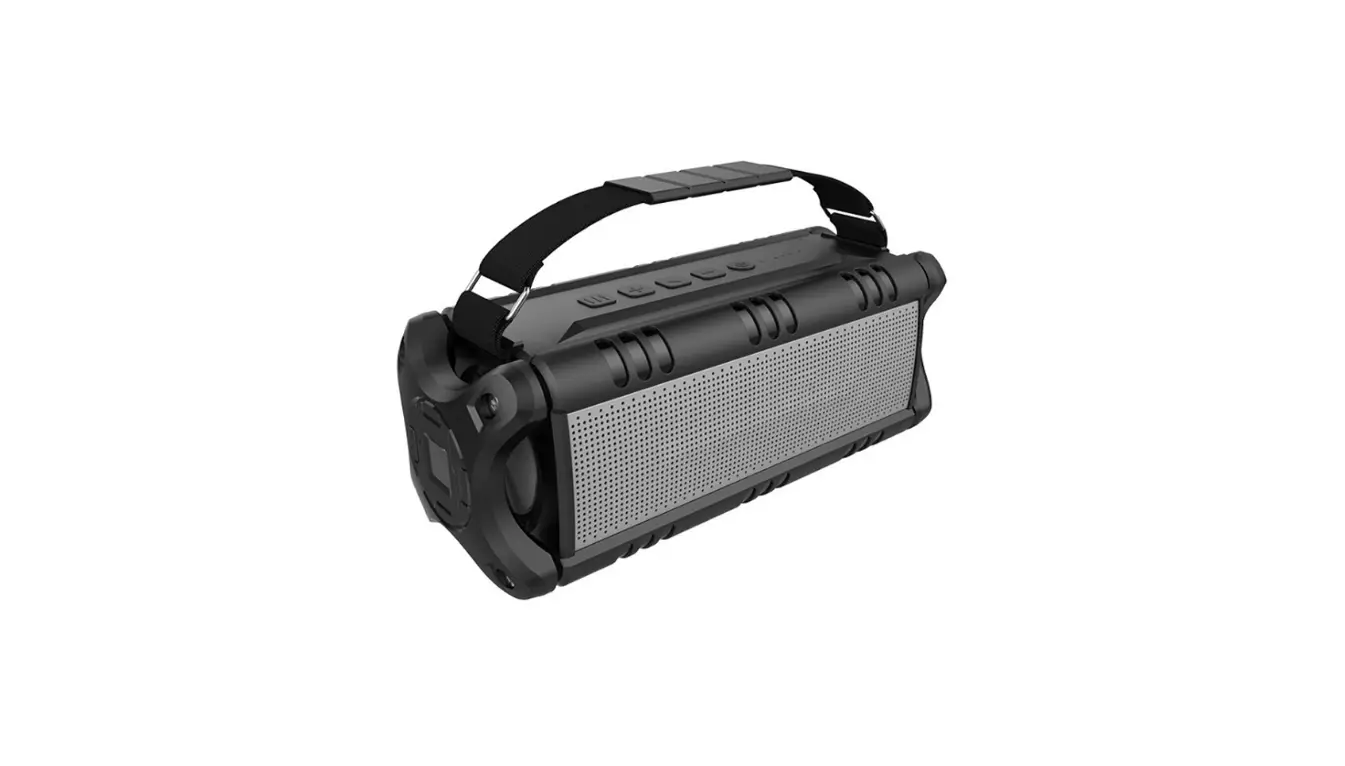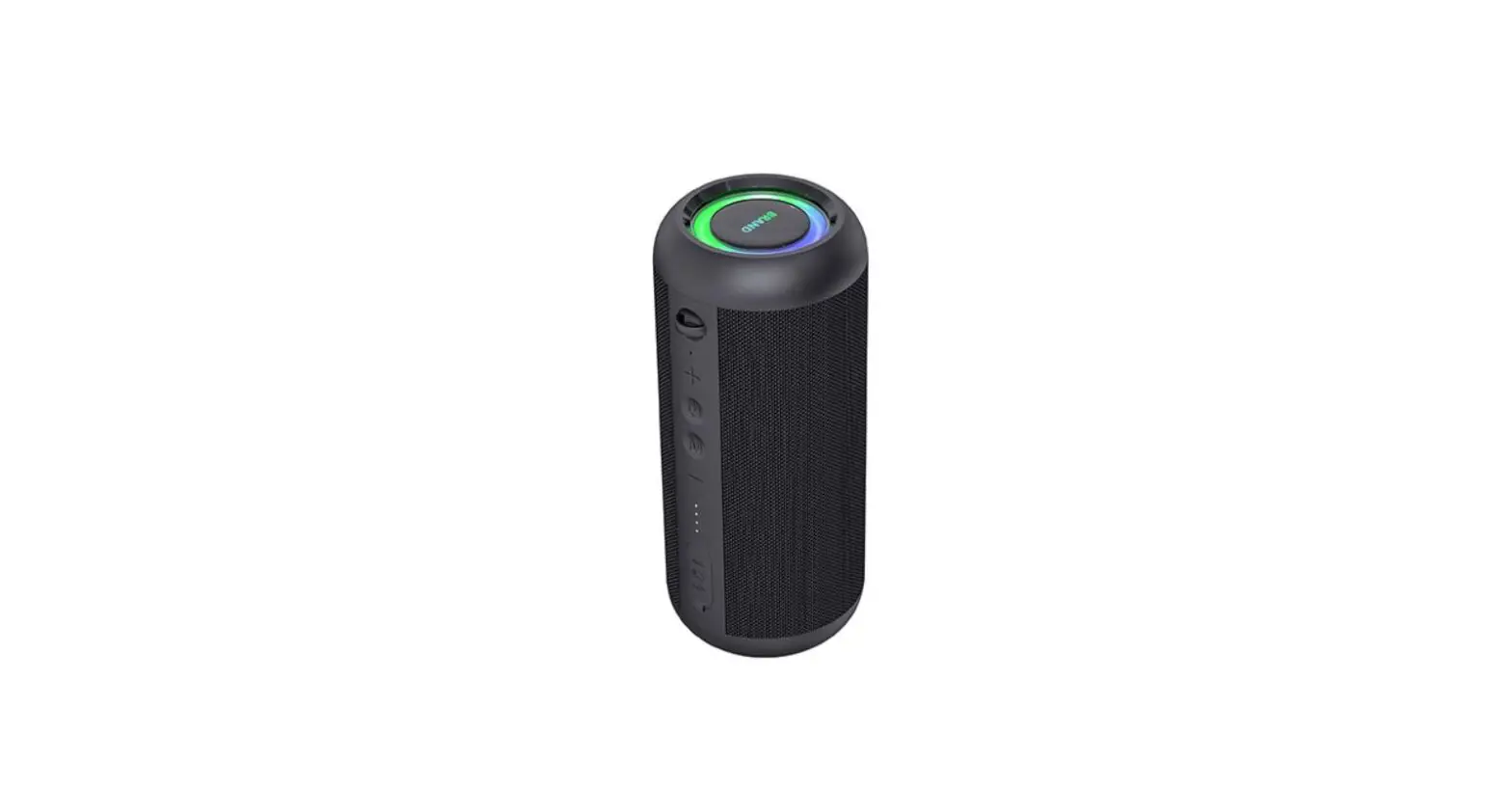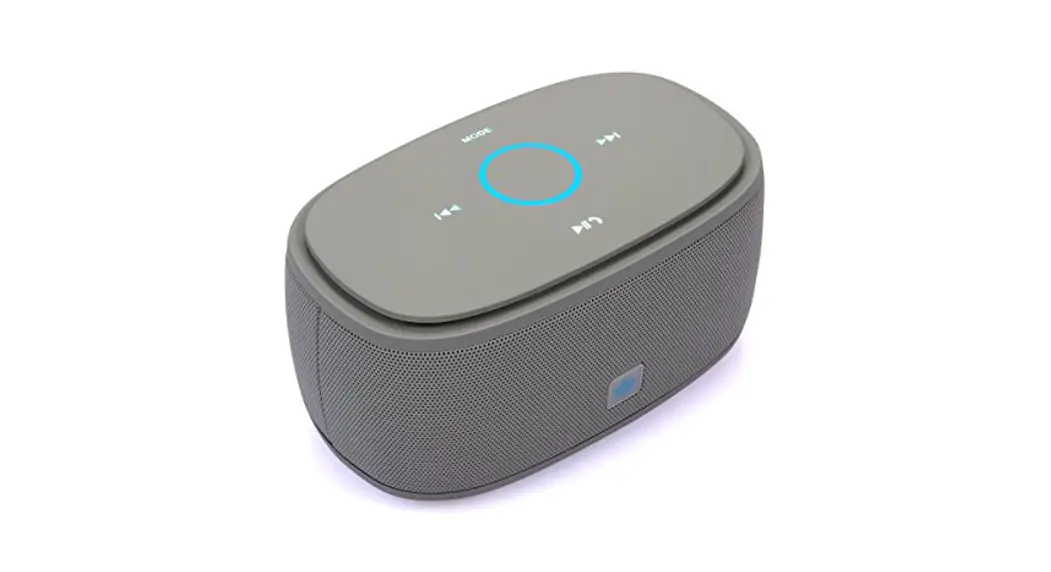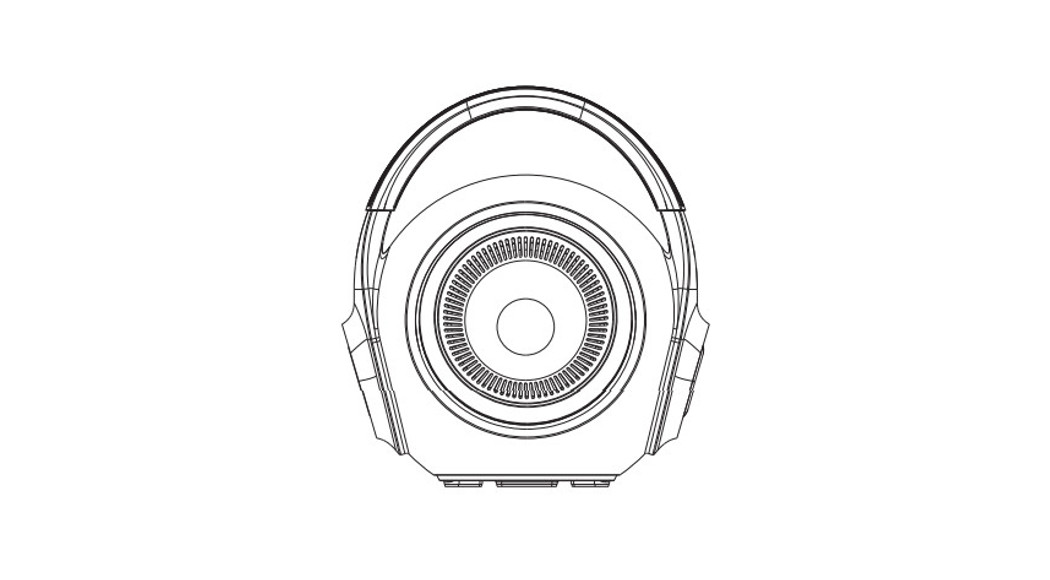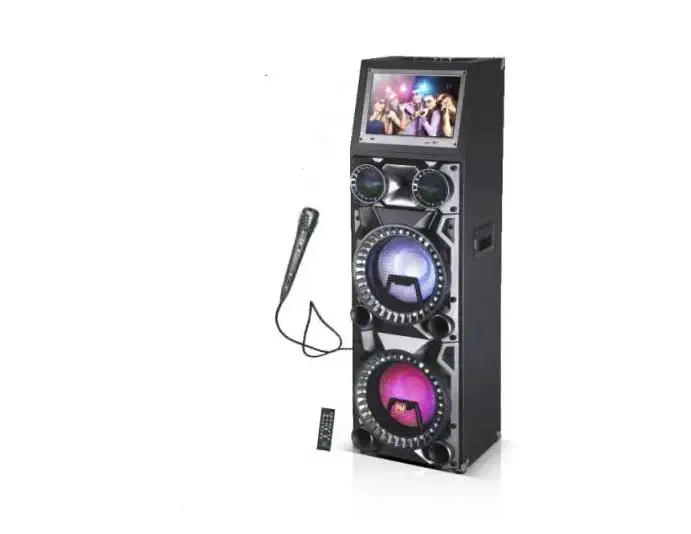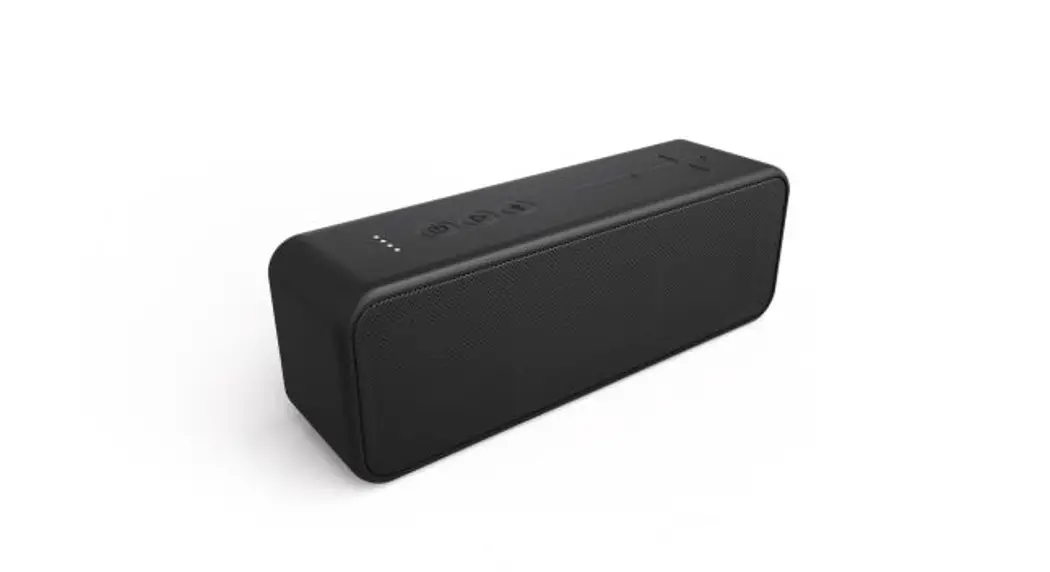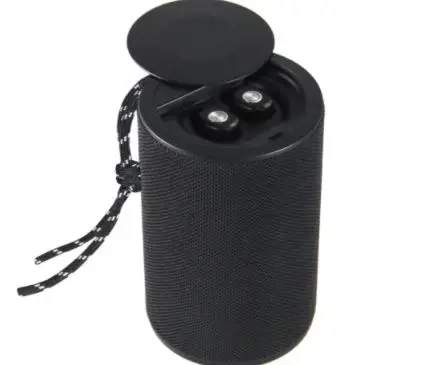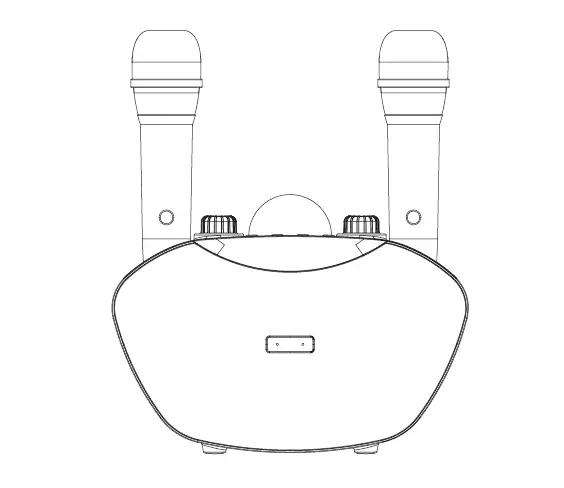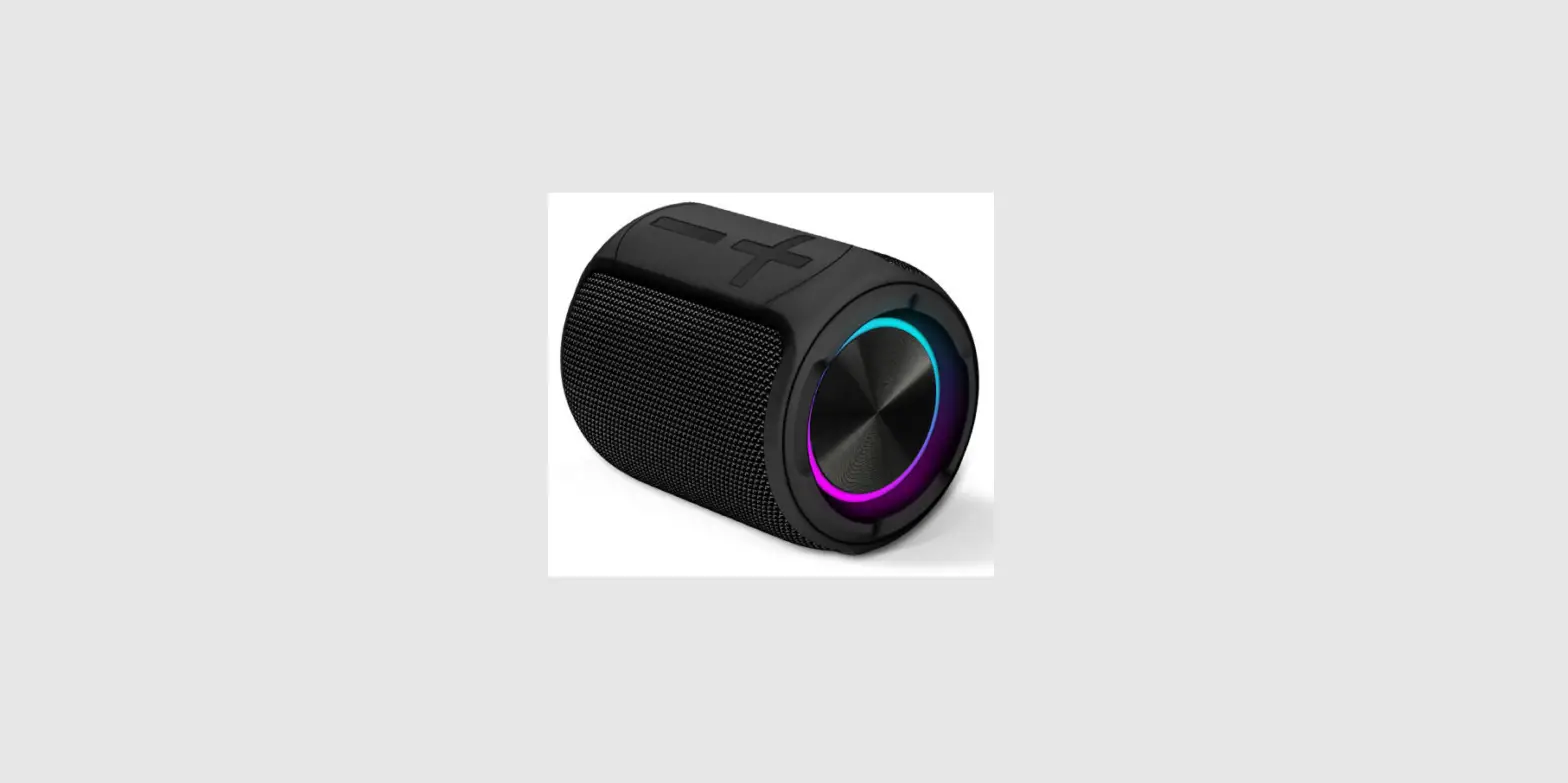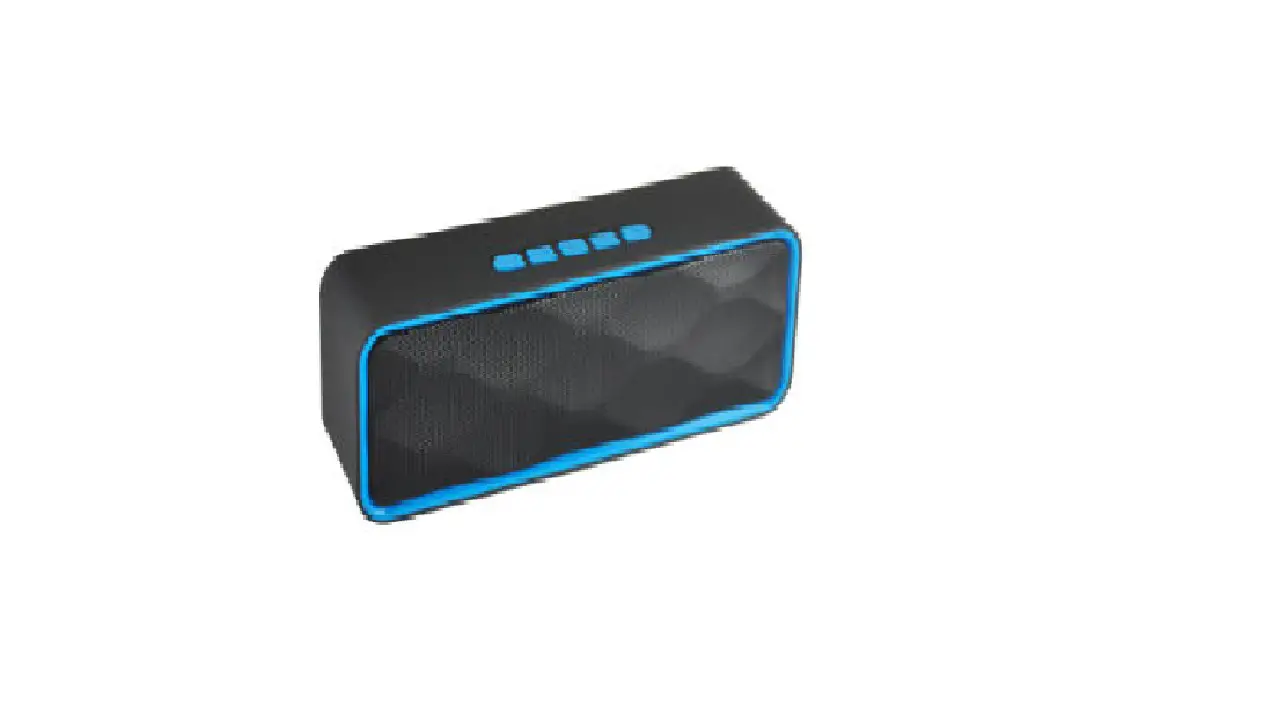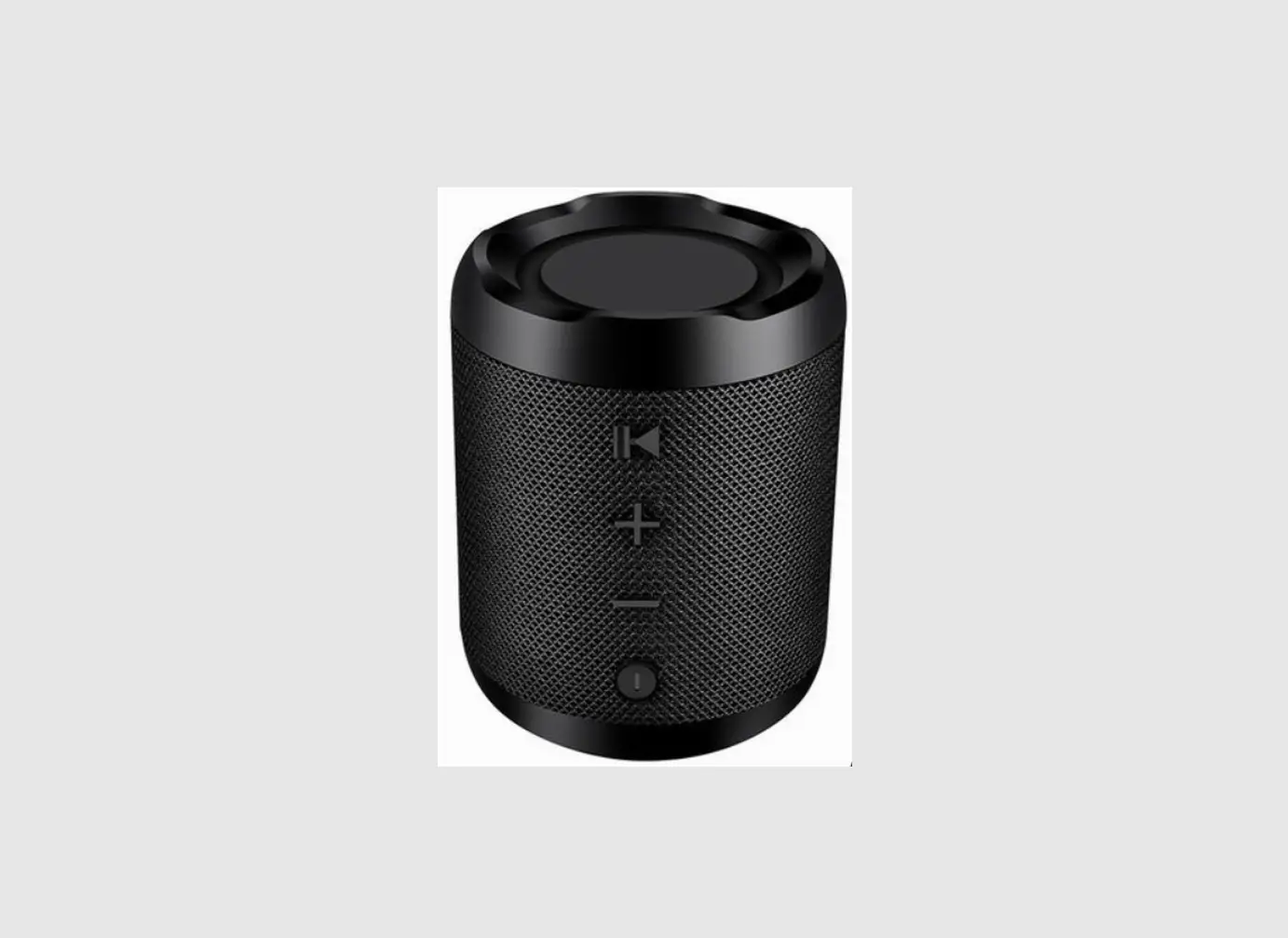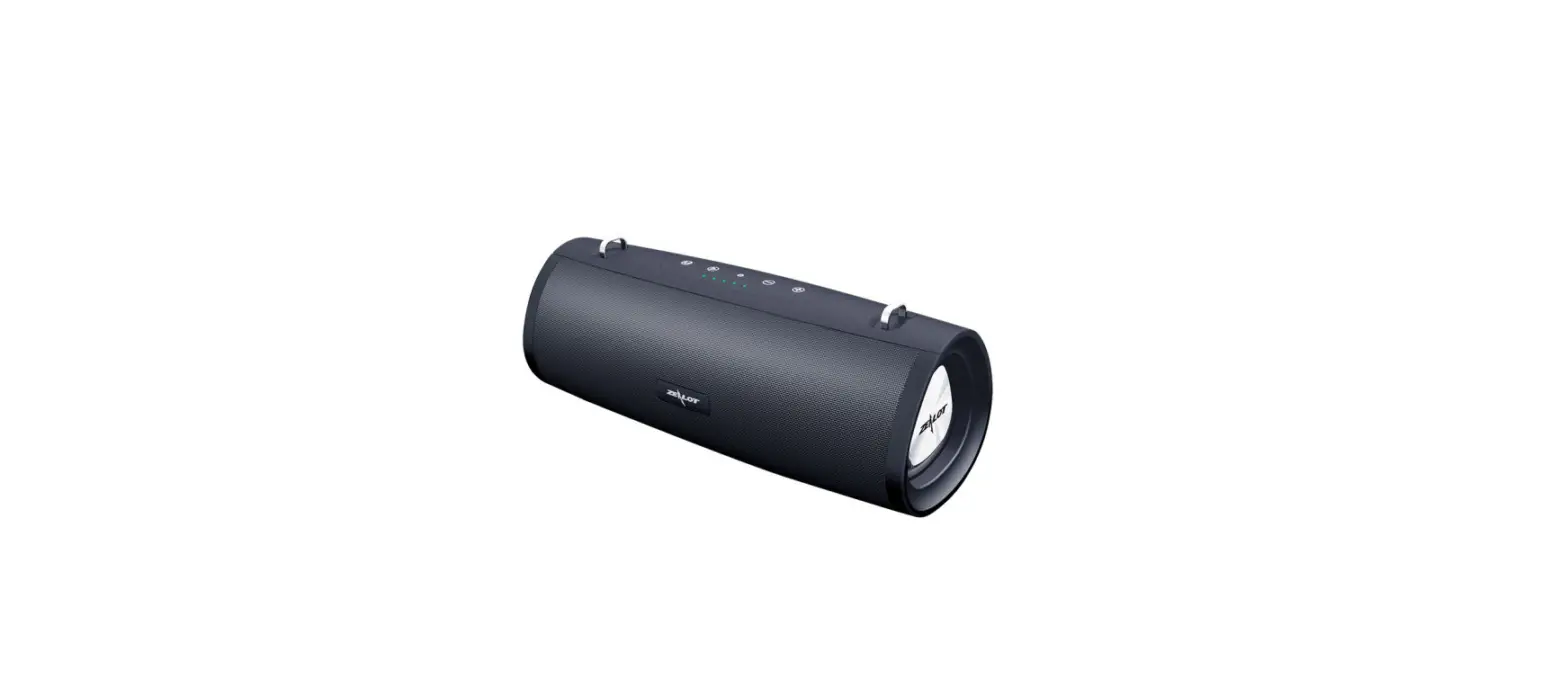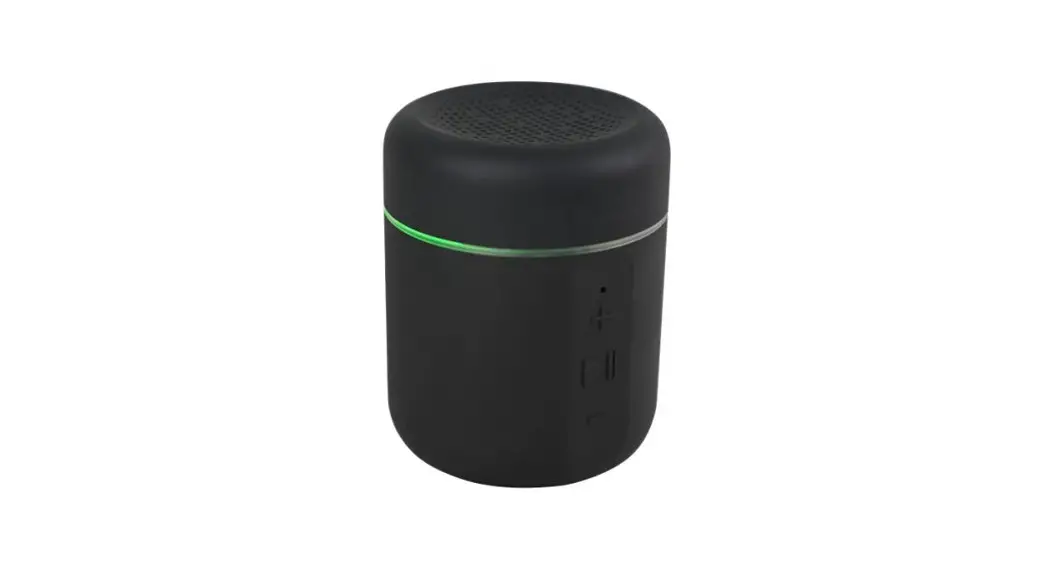

Guangzhou 8030G Bluetooth speaker
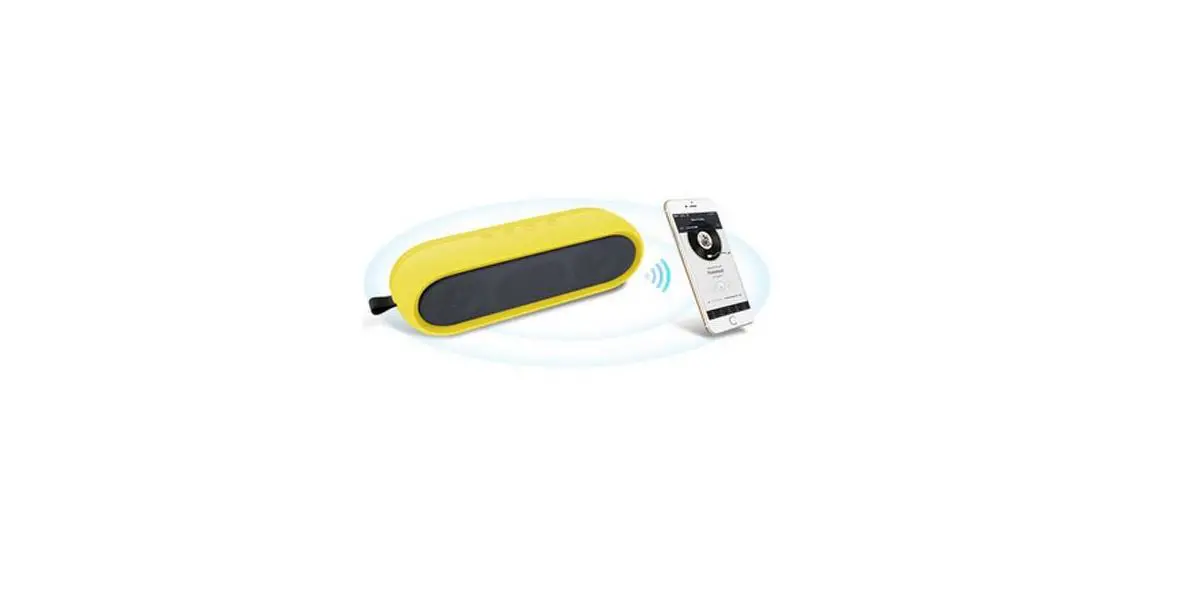
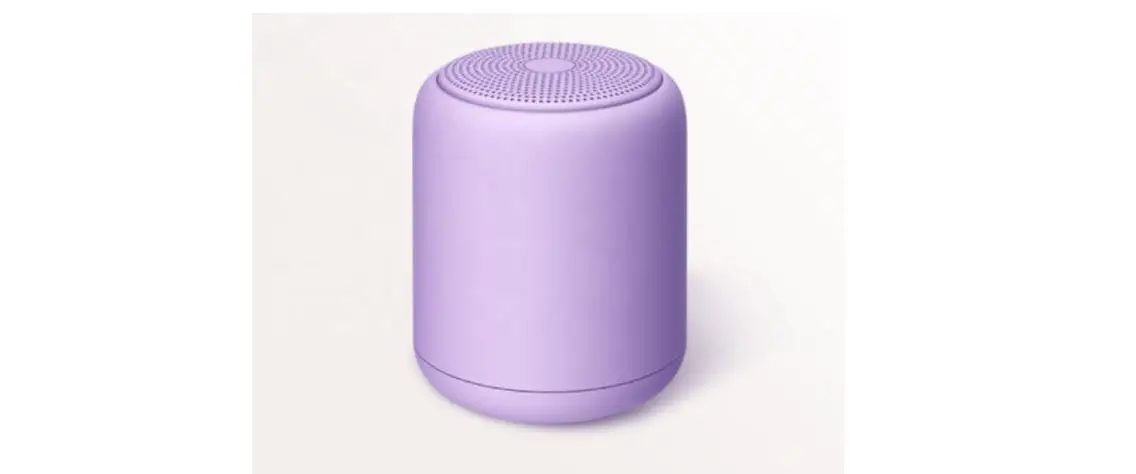
With large capacity battery , this Roblox Bluetooth Speaker delivers music playback,hands-free calling and impeccable sound quality for an entertainment experience that lasts longer than ever. Add multiple port connections(wireless Bluetooth and Aux-in connection),and what you have is a premium Bluetooth speaker with great looks and even better sound quality,wherever you go.
Specifications
| Bluetooth Speaker | 2 x 10W |
| Working mode | Bluetooth/AUX Mode |
| Bluetooth Version | V5.0 |
| Bluetooth profile | A2DP,HFP,HSP,AVRCP |
| Connection Range | 15M |
| Battery capacity | 4000mAh |
| Charging interace | USB Port,5V/1A Input |
| Speaker Dimension | L200*W68*H76 mm |
| Speaker Weight | 544g |
Package Contents
- 1 * Roblox Bluetooth Speaker
- 1 * Packing
- 1 * USB Charging Cable
- 1 * AUX Cable
- 1 * User Manual
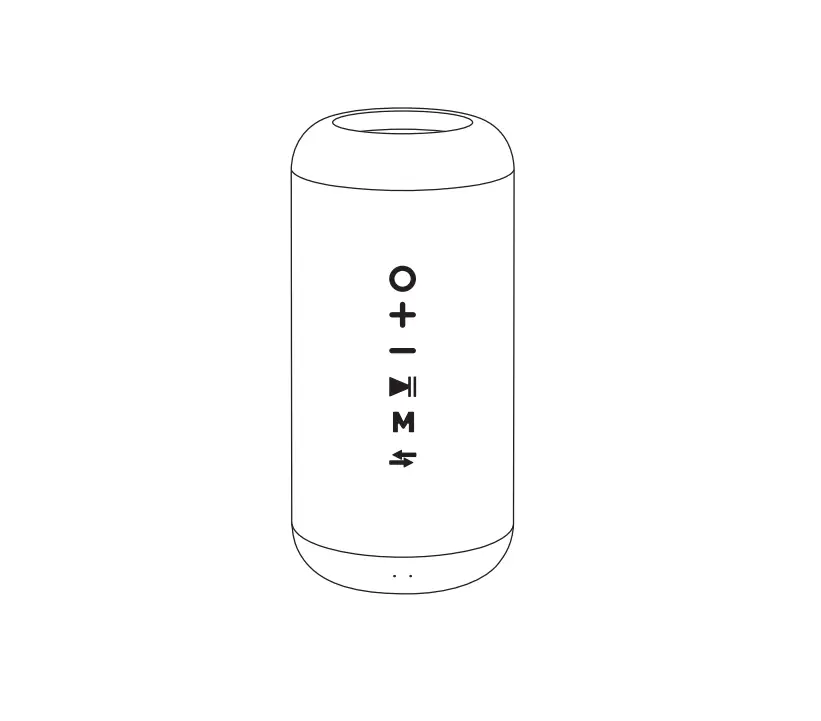
Product Diagram
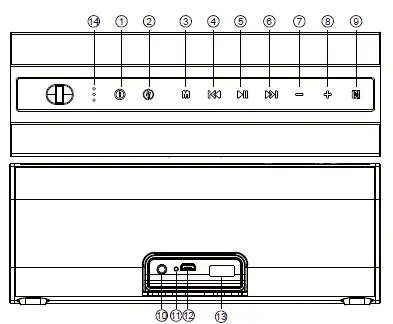
- Power
- Power Bank/power bank indicator
- Mode/Mode indicator
- Previous song
- Multi-Function
- Next song
- Volume –
- Volume +
- NFC
- AUX port
- Reset
- Charging Port
- Power bank port
- Battery indicator
Charging
When the battery is running low,a prompt tone will remind you to charge the Bluetooth speaker in time. To charge,connect this Bluetooth speaker to the USB port of your computer via the provided USB charging cable,or by DC 5V/1A power adapter.
Connect and pair
- Step 1: Press and hold the Power button for 2s to turn on the speaker. The speaker will emit a prompt sound and a blue LED light will flash quickly to indicate that the speaker is in Bluetooth pairing mode.
- Step 2: Open the Bluetooth menu on your device and activate the Bluetooth function.
- Step 3: Select “Roblox ”from the list of available Bluetooth devices ( If system requires a password, enter 0000).
- Step 4: Once paired,the speaker will make a prompt sound and the blue indicator light will turn on.
Note:
- When power on, the speaker pairs automatically with any device that has previously been paired with it.
- The Bluetooth speaker will automatically power off if no devices connect within 10 minutes.
- The Bluetooth speaker will automatically power off if no operation or pausing music playback for 10 minutes.
NFC Pair
Open NFC in Bluetooth device .Touch the device on position of the speaker.Sign of “Pair with bluetooth Roblox “comes up automatically on the bluetooth device.User confirms pair and the speaker will make a prompt sound and the blue indicator light will turn on and Bluetooth pair successfully.
Note:
NFC pair is only for bluetooth device with NFC .
| Mode | Function | Operation |
| Power and Mode | Power on/off | Press and hold the button for 2s |
| Mode switch | Short press button(BT/AUX) | |
|
Bluetooth Mode | Volume+/Volume- | Press / button |
| Previous song/ Next song | Short press / button | |
| Music play/pause | Press button | |
| Clear off old pairing records,ready for newpairing | Press and hold button | |
|
Telephone Mode in Bluetooth | Answer incoming call/hang up | Short pres button |
| Reject incoming call | Long press button | |
| Redial last phone number(standby status) | Double press button | |
| AUX Mode | Volume+/Volume- | Press / button |
| Music play/mute | Press button | |
| Power bank | Power bank on / off | Long press button |
Indicator Instruction
| LED Indicator | Status |
| Blue indicator flashes | Waiting for pairing |
| Blue indicator light on | Already connected to Bluetooth-enabled device |
| Green indicator light on | AUX playing |
| Green indicator light flash | AUX mute statue |
| 3 Battery indicator flash | charging |
| 3 Battery indicator stay on | 100% power |
| 2 Battery indicator stay on | 80%-99% power |
| 1 Battery indicator stay on | 20%-80% power |
| 1 Battery indicator flash | 0%-20% power |
Aux Mode
- Turn on your speaker,it would automatically enter into Bluetooth mode.
- Connect music device with the speaker using the 3.5mm AUX cable.
- It will automatically enter AUX Mode.
- Short Press button,switch to bluetooth mode
Note:
It will turn back to Bluetooth mode after plugging out the audio cable from AUX port.
Power bank
When you need to charge your low power device,Long press button to set on the power bank function. Plug the charge cable to the power bank slot for charging your device. After charging,long press to set off the power bank function
Reset
Tap the Reset button using a toothpick or similar object to reboot the speaker if it freezes.
FAQs and Solutions
- What should I do if the Bluetooth speaker can not power on?
- Make sure the Bluetooth speaker has been successfully charged.
- Bluetooth speaker is not paired with my device.
- Ensure the speaker is in pairing mode and try again.
- Check if your Bluetooth device is supported by A2DP.
- Your device may be out of range, move it closer and try again.
- Speaker standby for a long time, cannot boot.
- Battery get into protection condition, just recharge it before use.
FCC
This device complies with Part 15 of the FCC Rules. Operation is subject to the following two conditions: (1) This device may not cause harmful interference, and (2) this device must accept any interference received, including interference that may cause undesired operation.
Caution: Changes or modifications not expressly approved by the party responsible for compliance could void the user’s authority to operate the equipment.
NOTE: This equipment has been tested and found to comply with the limits for a Class B digital device, pursuant to part 15 of the FCC Rules. These limits are designed to provide reasonable protection against harmful interference in a residential installation. This equipment generates, uses and can radiate radio frequency energy and, if not installed and used in accordance with the instructions, may cause harmful interference to radio communications. However, there is no guarantee that interference will not occur in a particular installation. If this equipment does cause harmful interference to radio or television reception, which can be determined by turning the equipment off and on, the user is encouraged to try to correct the interference by one or more of the following measures:
- Reorient or relocate the receiving antenna.
- Increase the separation between the equipment and receiver.
- Connect the equipment into an outlet on a circuit different from that to which the receiver is connected.
- Consult the dealer or an experienced radio/TV technician for help.