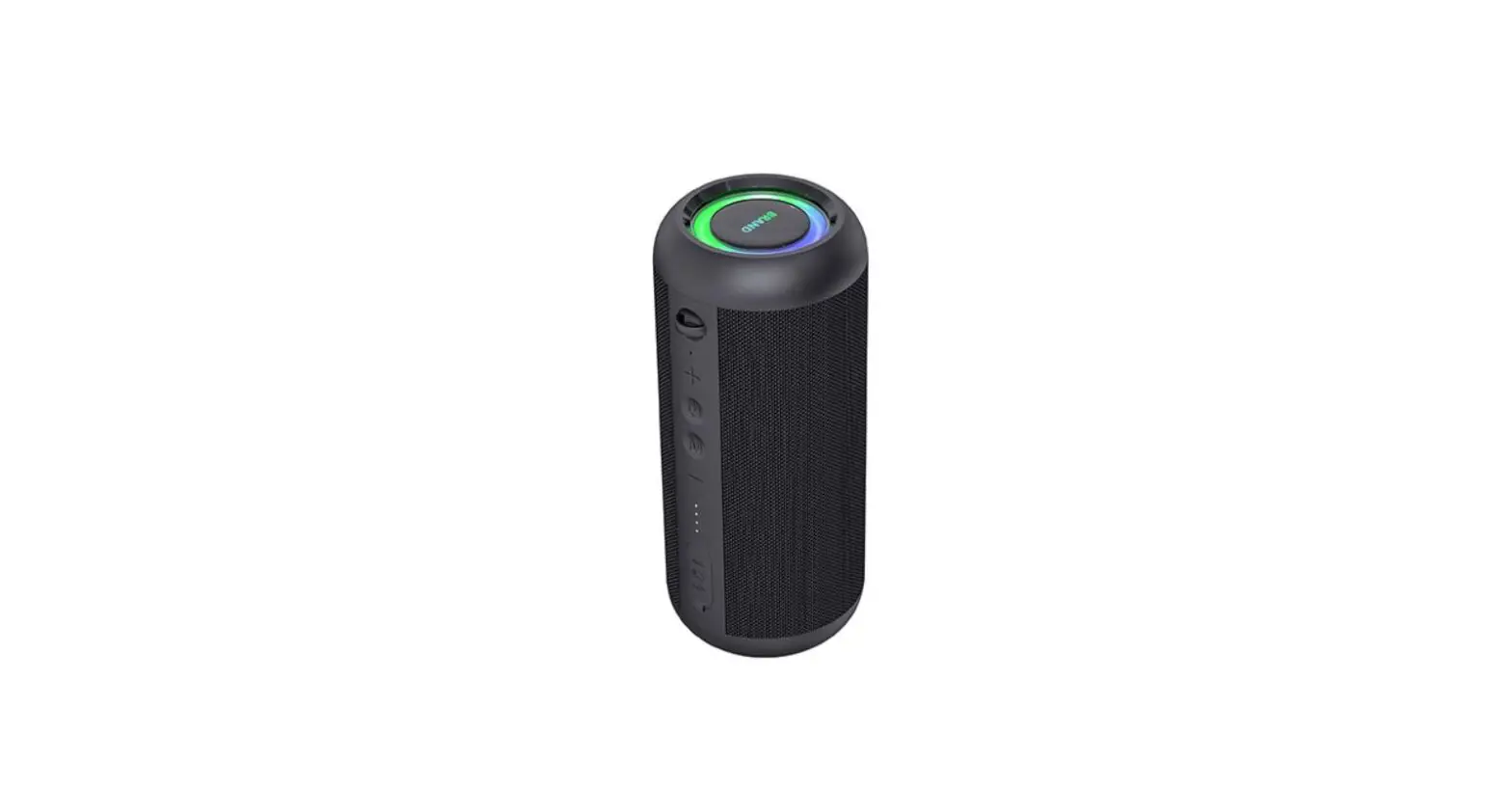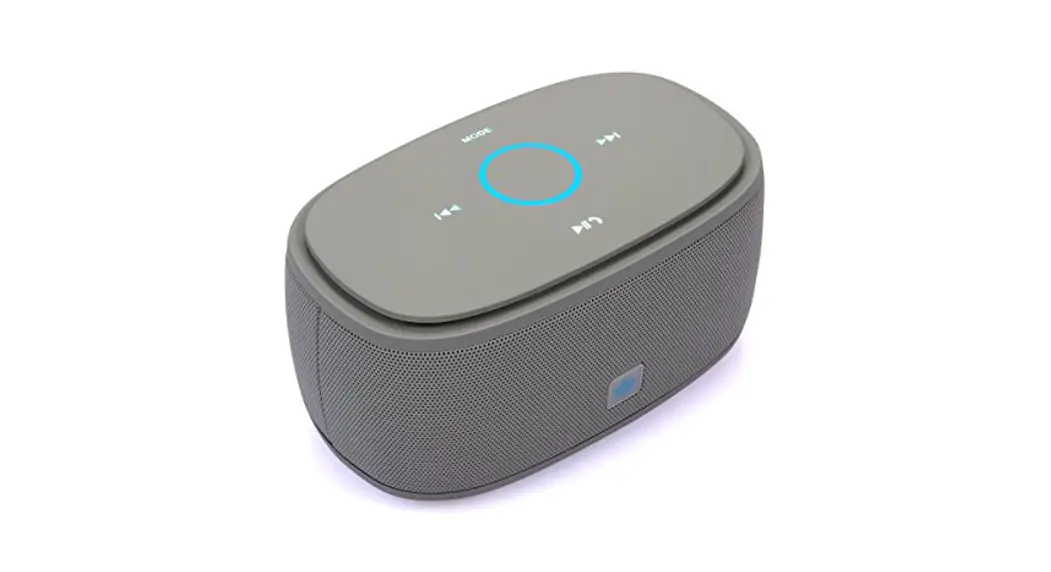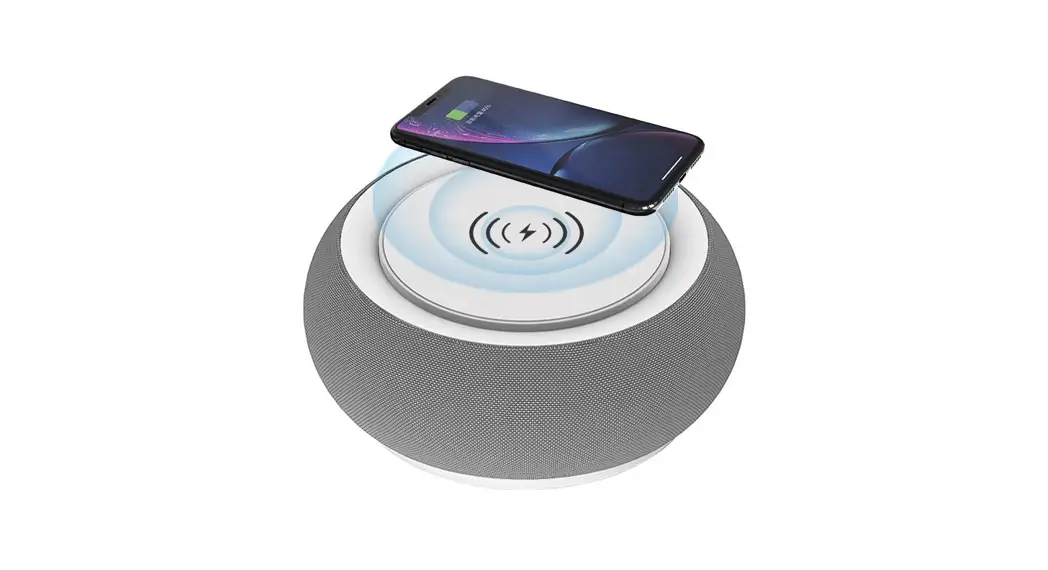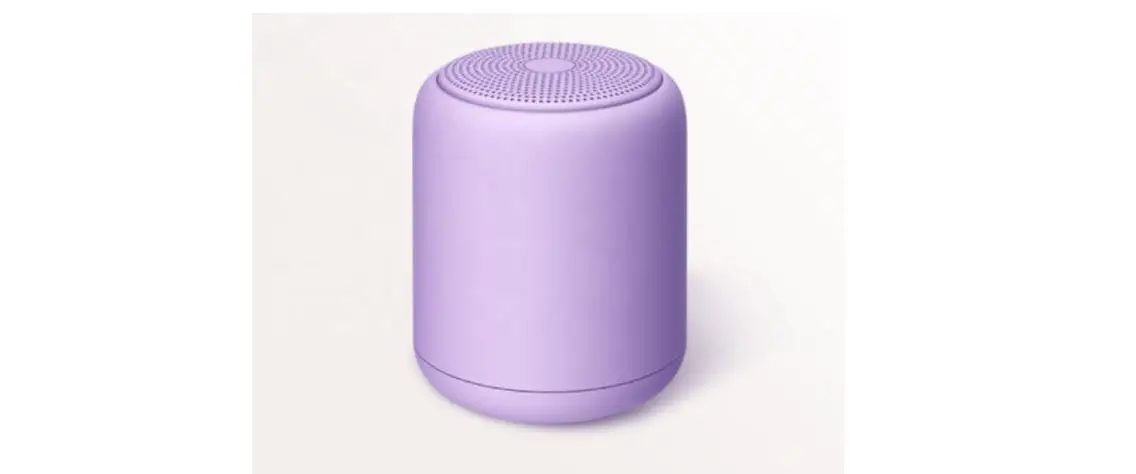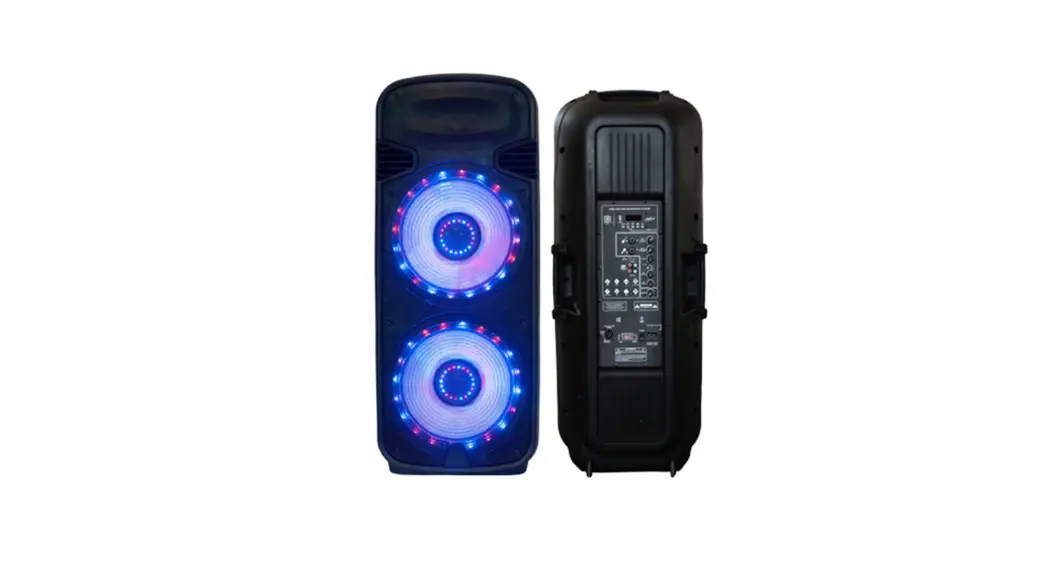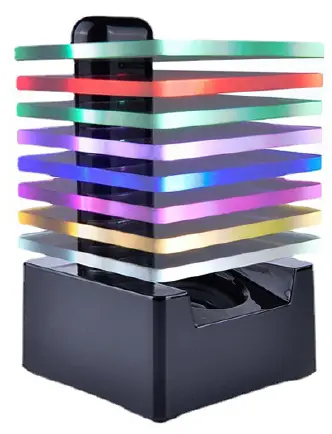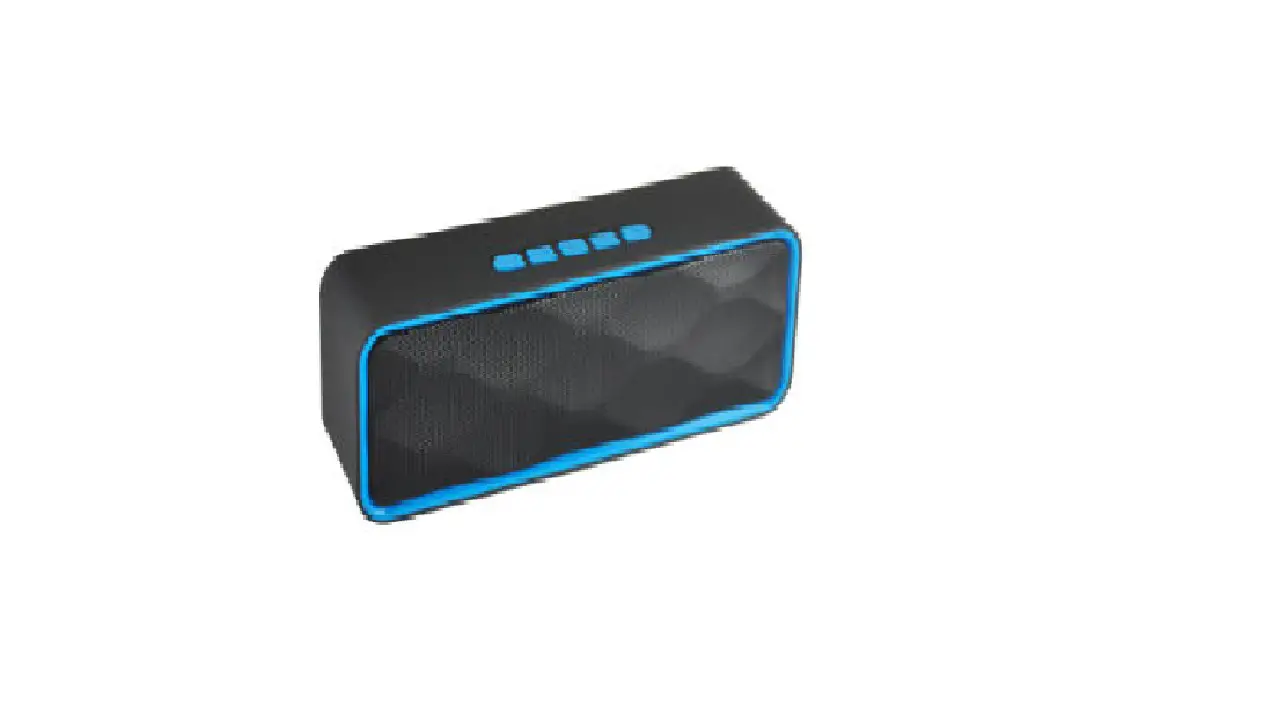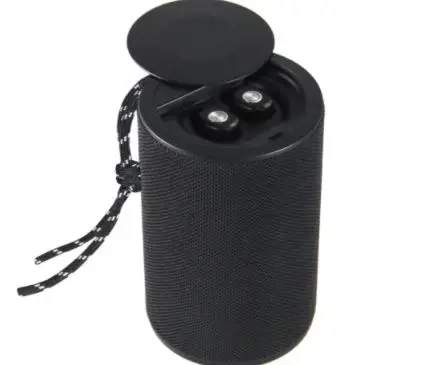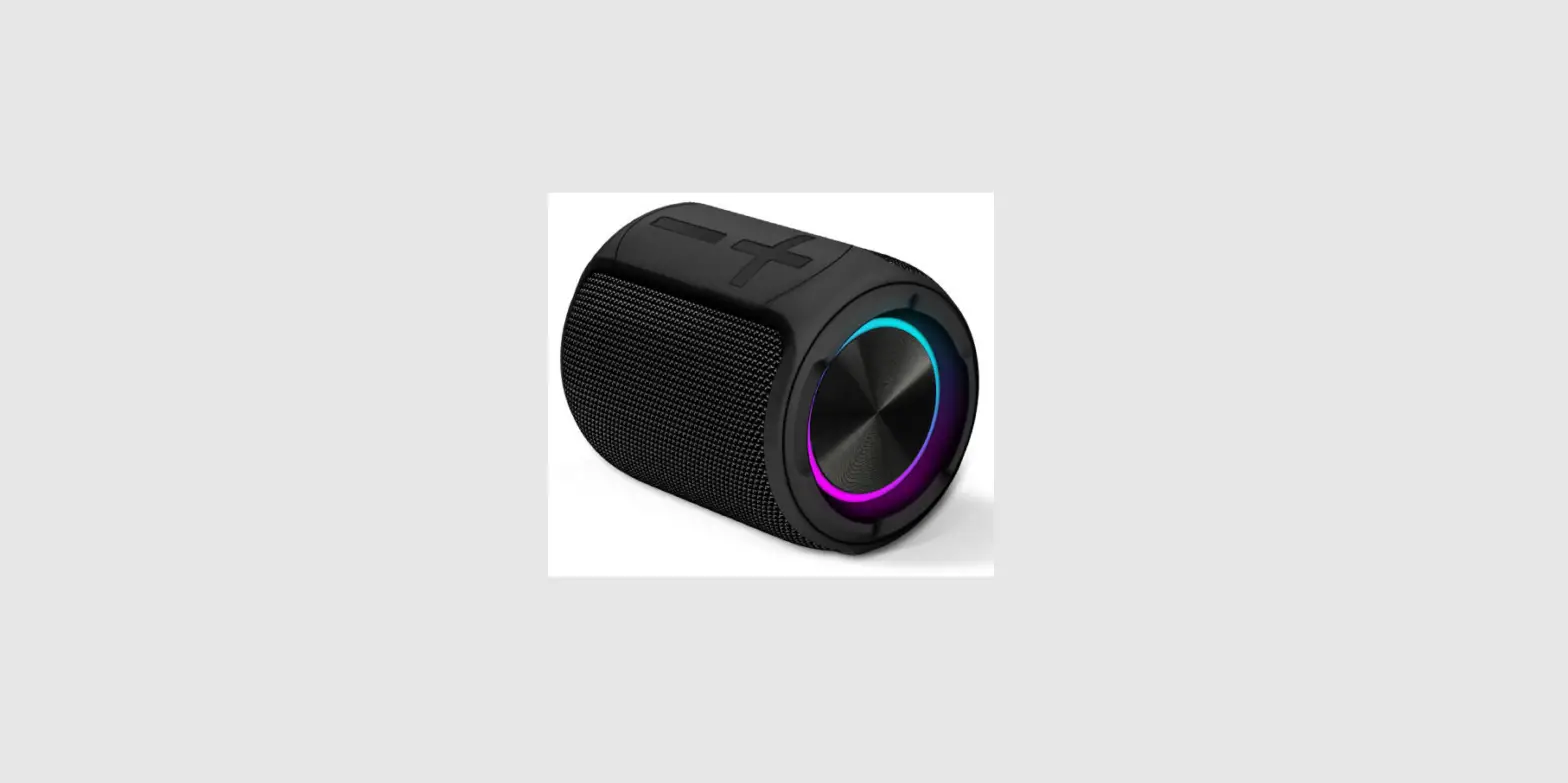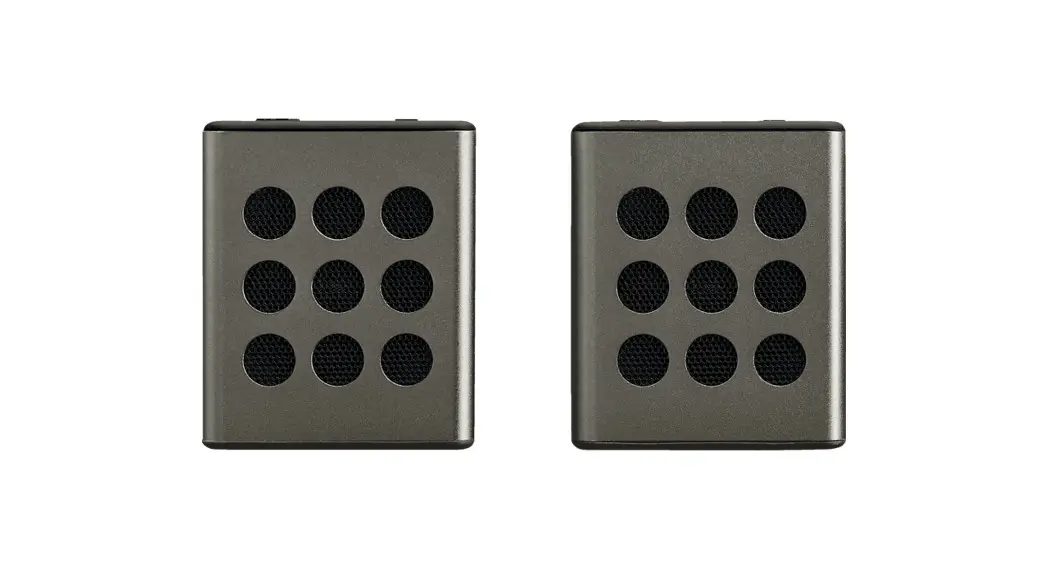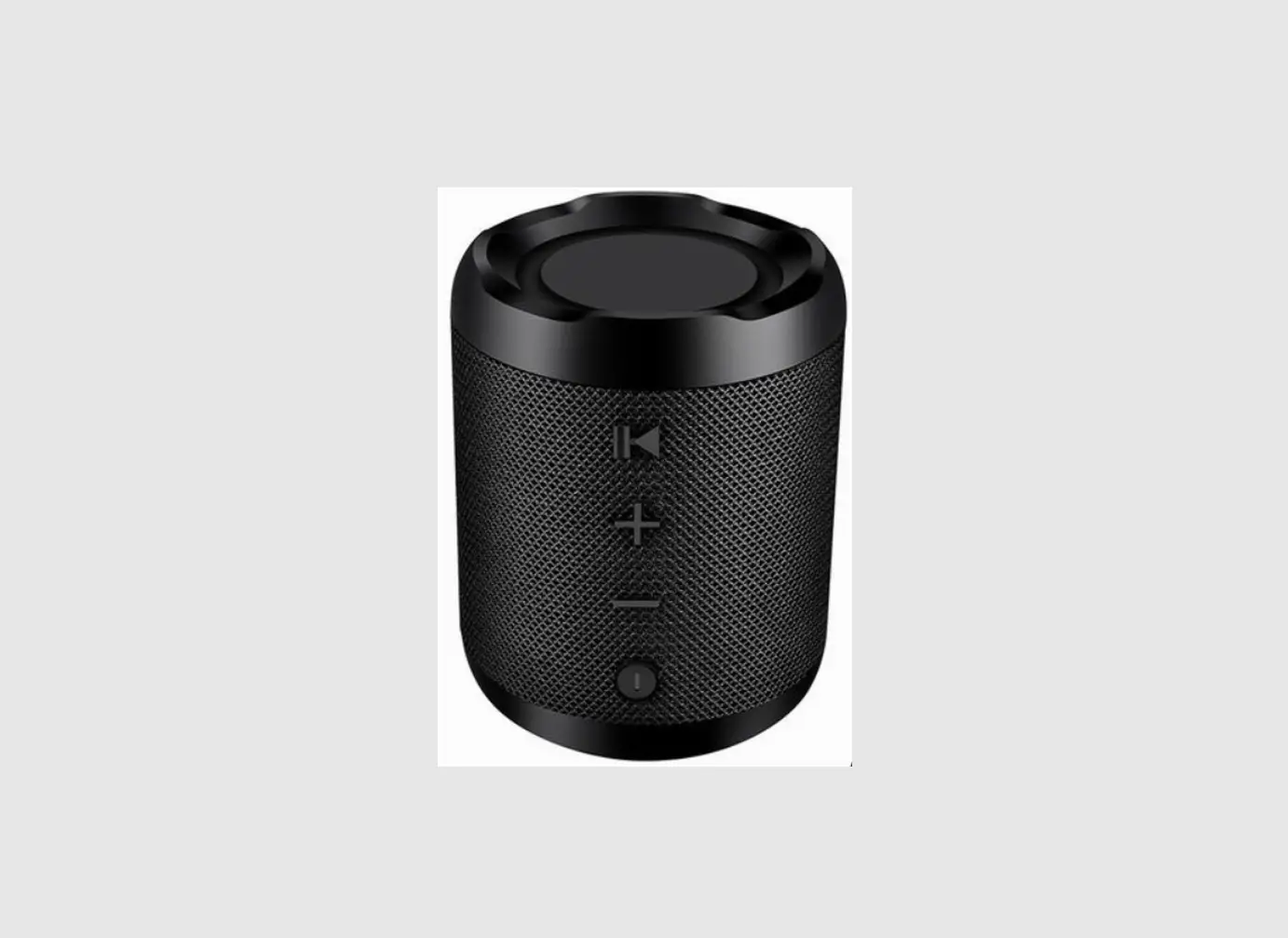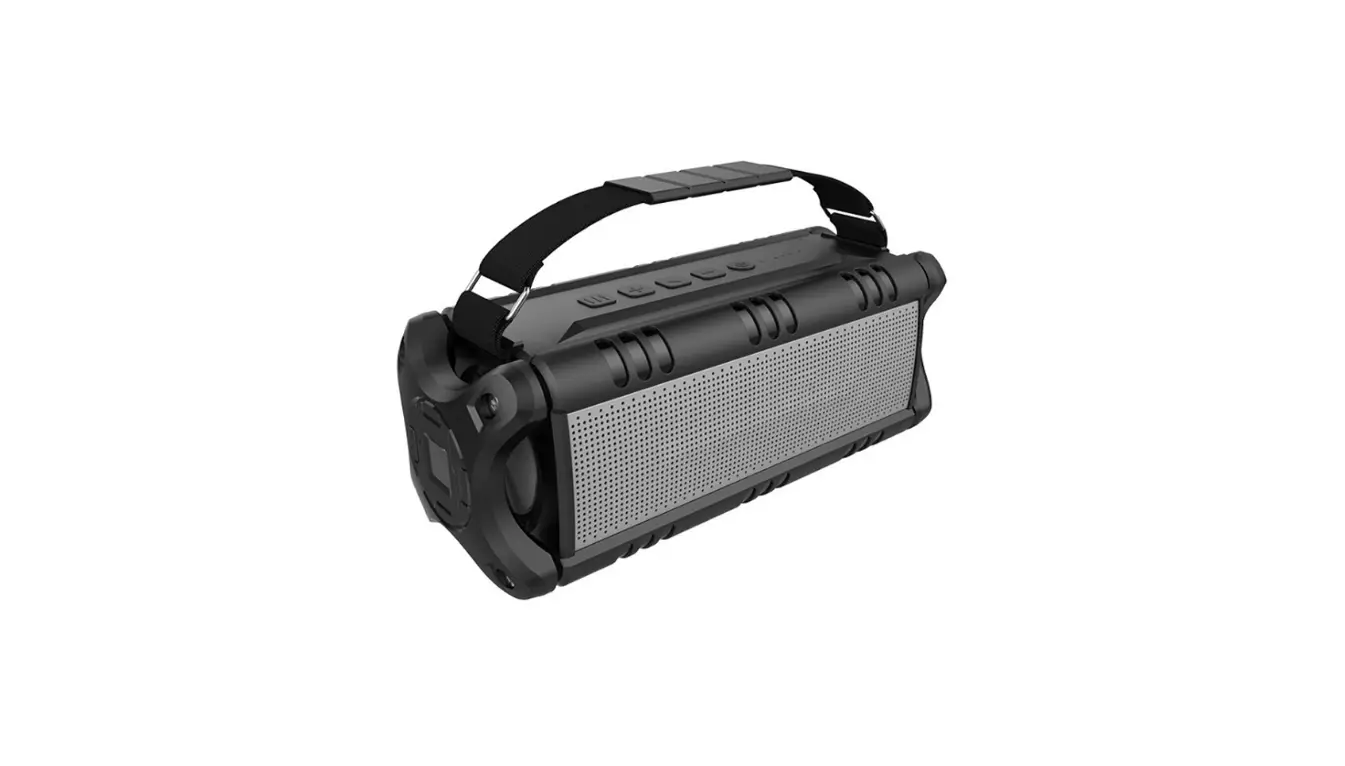

SHENZHEN BT228S Bluetooth speaker
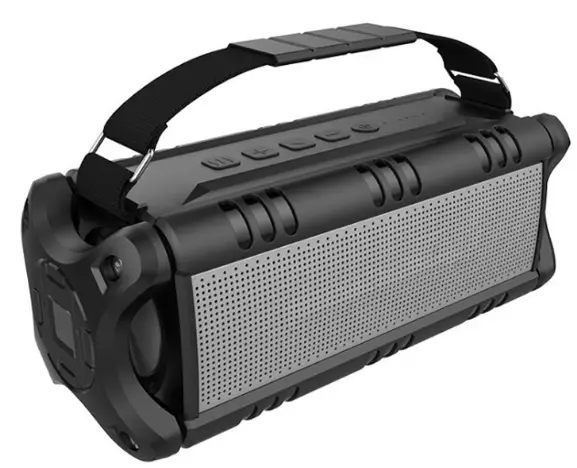
Package content
- speaker
- User manual x1
- Type-C cable (For Charging)
- Aux-in cable
DESCRIPTION
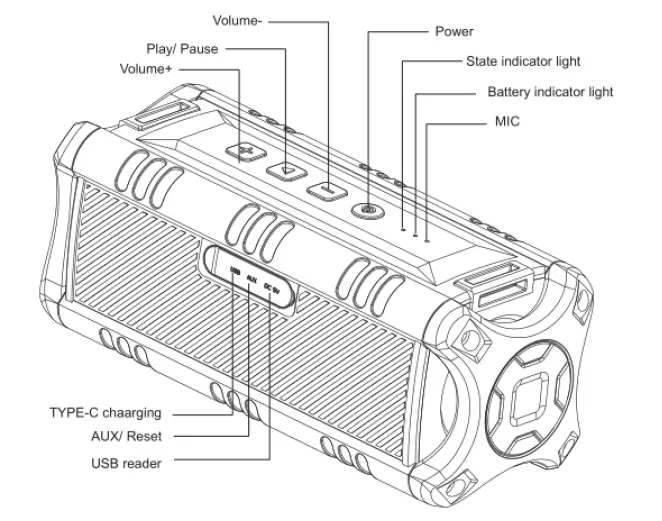
SPECIFICATION
- Bluetooth version: BT4.2
- RMS Output power: 2*10W
- speaker unit: Diameter 57 mm outside magnet,4ohm, 15W*2 SNR: ≥70DB
- Working time: 2-8 hours
- Charging voltage/current: TYPE C DC/2000MA
Support USB Flash Drive, Music format: MP3, WAV, WMA, APE, FLAG Transmission: 10M (Vary from environment and devices) - Battery: 4000mAh
- Charging time: 2-3hours (5V-2A)
- THD: ≤10%
- Product size: 251*95*96mm
Bluetooth Connection:
Turn the speaker on by pressing the power button for several seconds, then the blue led flashes quickly. The speaker now has entered Bluetooth pairing mode.
- Activate your phone’s Bluetooth
- Go to your phone’s Bluetooth settings, scan for new Bluetooth devices
- Upon device found (Promate-Escalade ), click the device name and pair with it
- If your phone ask for pairing code, please enter ”0000” and confirm it.
- After successful pairing, your speaker will sound a prompt tone and the LED lights blue.
Note: Pairing time is varied with different mobile phones. It only needs to pair at the first time and it will auto-connect the devices which already been paired before( Speaker only can remember the last 8 paired devices’ name)
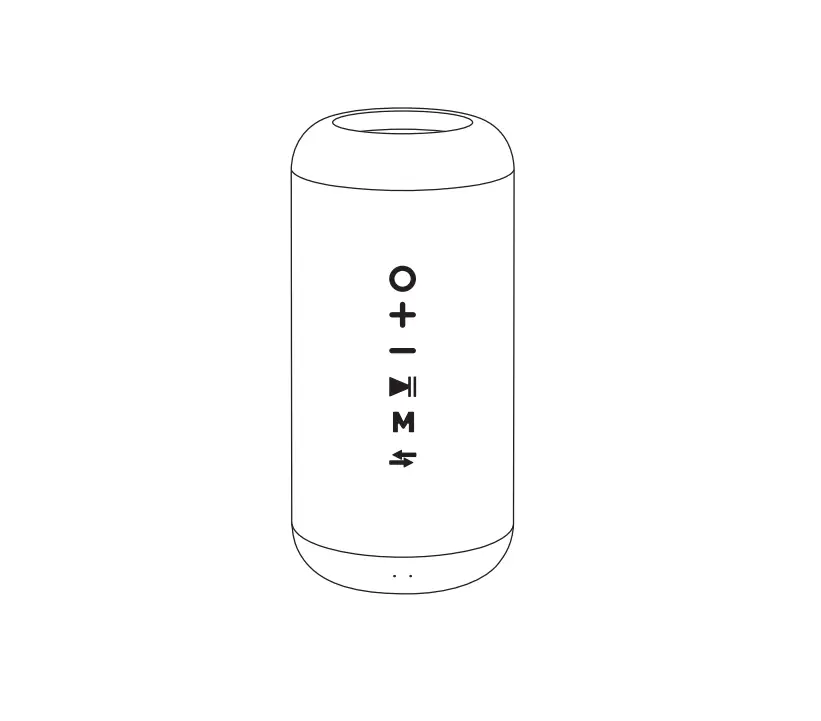
| Items | Instructions | LED status |
| Power On | Long press ” ” for 2-3 seconds | Blue LED on |
| Power Off | Long press “ ” for 2-3 seconds under Power on the situation | LED Off |
| Pairing | Auto-enter pairing mode | Blue LED Flash |
| Successful pairing | Select Promate Escalade on your phone | Blue LED liquid |
| Disconnect | Press “+ and “-“ together” | Blue LED Flash |
| Receive a call | Short press “ ” when incoming(ll Under TWS, only the Main device have a voice) ” when incoming(ll Under TWS, only the Main device have a voice) | / |
| Reject the call | long press “ ” when incoming call(Under TWS, only the Main device have voice) | / |
| Hang up the call | Short press ” ” when are you on ca(ll Under TWS, only the Main device have voice) | / |
| Call back | Short press “ “ | Blue LED liquid |
| Aux in Mode | Insert the aux cable into the aux in jack | Green LED liquid |
| USB reader mode | Insert USB disk to the USB Jack | Green LED liquid |
| TWS Pairing | Double press the | Blue and green Alternately Flash |
| TWS Disconnect | / | Main device blue LED slow flash, auxiliary device blue LED liquid |
| Volume Up | Short press + | / |
| Volume down | Short press – | / |
| Next track | Long press + | / |
| Previous Track | Long Press – | / |
| Play/Pause/Muse | Short press “ “(Mute in Aux Mode) | / |
| Low battery | Battery voltage lower than 6.5V(10%) | / |
| Low battery shut down | Battery voltage lower than 6.2V(3%) | / |
| Charging | Insert 5V Type USB C Cable | RED LED Liquid |
| Charging Finished | / | Red LED OFF |
| Reset | Insert the toothpick or other insulator insert aux hole | LED OFF |
Note: The volume and mode have memory functions. When Powered on, the speaker will continue the volume and mode of the last power off.
TWS
- Turn on two devices, Blue LED flash.
- Select one of the devices and double press the Power button
 , and then they will pair each other. (The main device: Blue and Green LED Alternately flash )
 - After successfully pairing, the Main device blue LED slow flash, auxiliary device blue LED liquid.
- In your phone, search BT228S and connect, after successfully connecting, the two devices can play music together.
- Disconnect TWS, press + buttons together, the Blue LED fast flash (every 2 seconds) means it has been disconnected.
Noted: Kindly noted TWS only works in Bluetooth mode, One the TWS mode, only the main speaker can receive the call. when the you double press one speaker go into TWS mode(but did not connect with another ) you can not connect the speaker on phone, just press + buttons together and go out of TWS Mode.
NOTE: This equipment has been tested and found to comply with the limits for a Class B digital device, pursuant to part 15 of the FCC Rules. These limits are designed to provide reasonable protection against harmful interference in a residential installation. This equipment generates uses and can radiate radio frequency energy and, if not installed and used in accordance with the instructions, may cause harmful interference to radio communications. However, there is no guarantee that interference will not occur in a particular installation. If this equipment does cause harmful interference to radio or television reception, which can be determined by turning the equipment off and on, the user is encouraged to try to correct the interference by one or more of the following measures:
- Reorient or relocate the receiving antenna.
- Increase the separation between the equipment and the receiver.
- Connect the equipment into an outlet on a circuit different from that to which the receiver is connected.
- Consult the dealer or an experienced radio/TV technician for help
Changes or modifications not expressly approved by the party responsible for compliance could void the user’s authority to operate the equipment.
This device complies with Part
15 of the FCC Rules. Operation is subject to the following two conditions:
- this device may not cause harmful interference, and
- this device must accept any interference received, including interference that may cause undesired operation.
Download PDF: SHENZHEN BT228S Bluetooth speaker User Manual