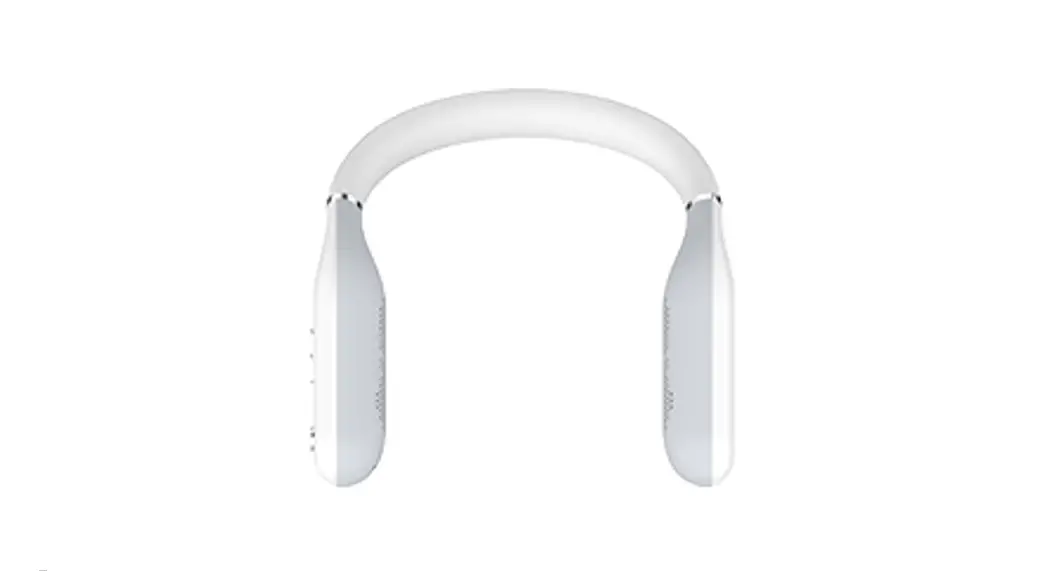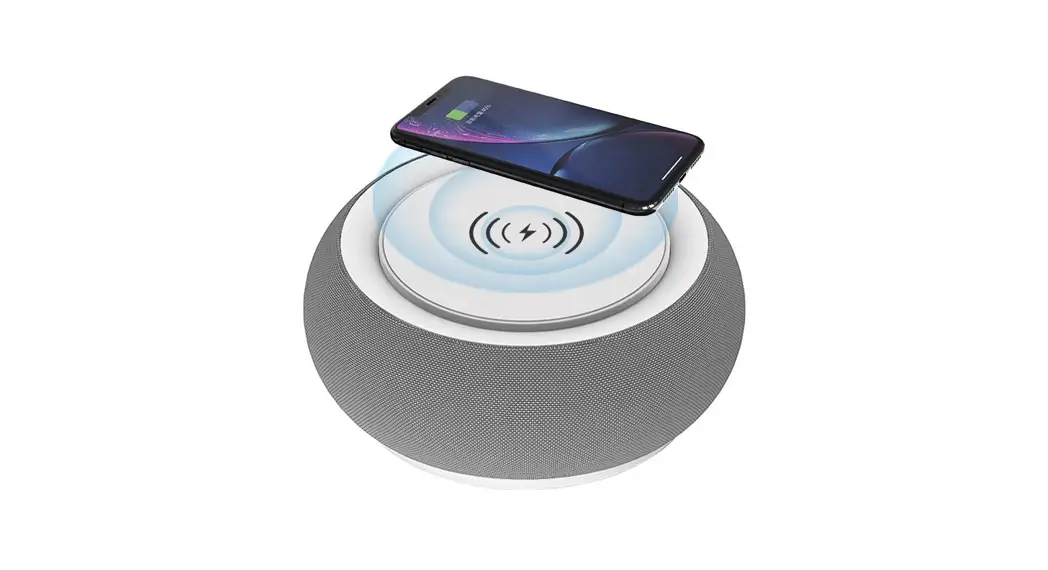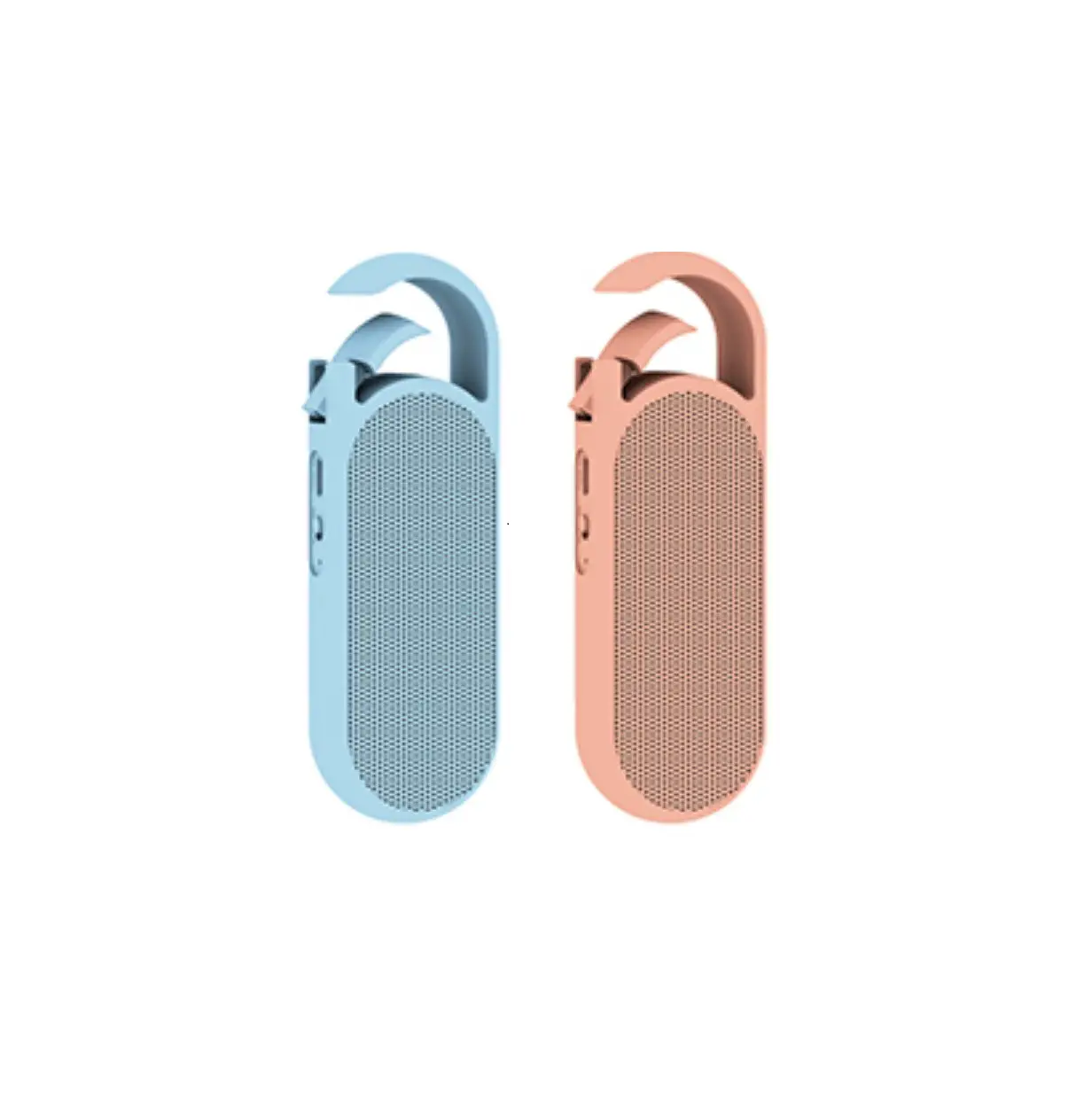

Shenzhen Cyber Blue Electronic BTS200M Bluetooth Speaker
 Instructions
 Instructions
Model:BTS200M
Brand Name:MIPOW /miffy
Manufacturer : SHENZHEN CYBER BLUE ELECTRONIC CO.,LTD 3/F, Building 6, Lijincheng Industrial Park, Gongyedong Road, Longhua District, Shenzhen, China.
Product Introduction
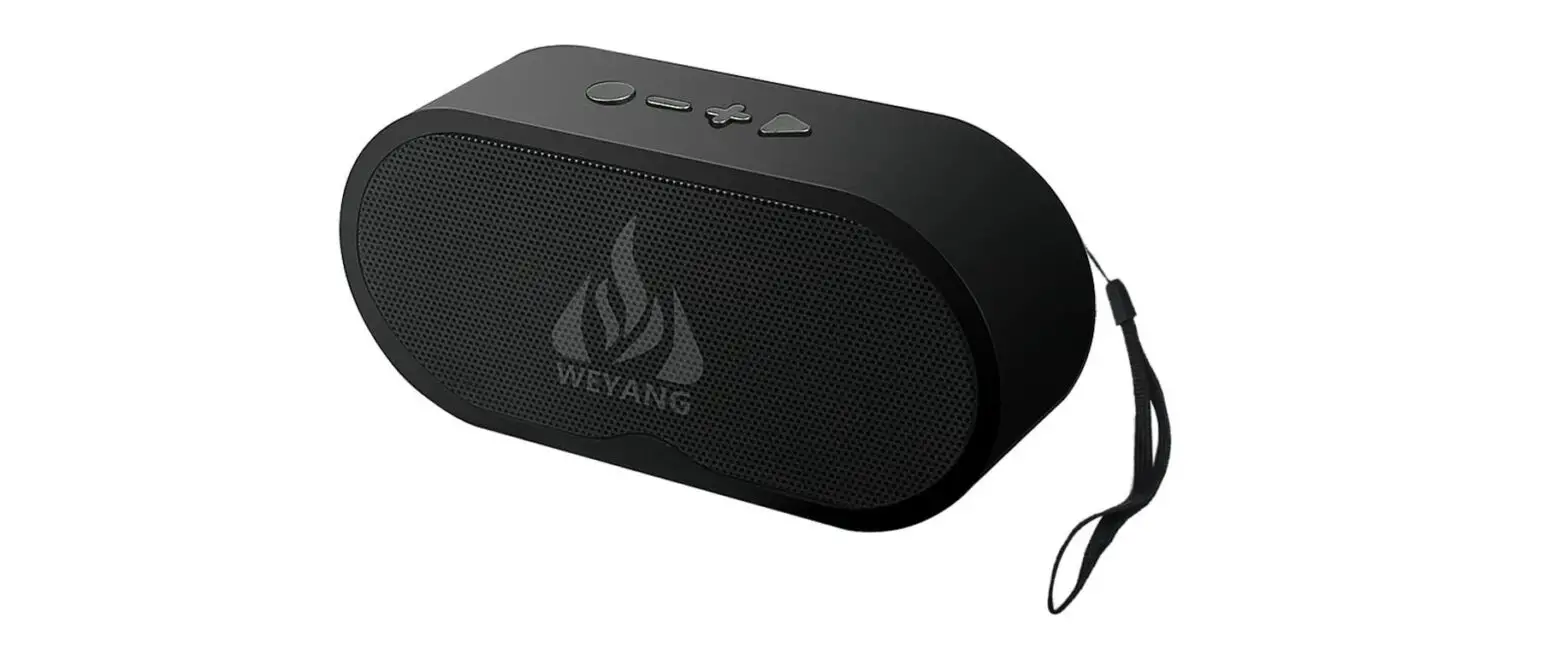
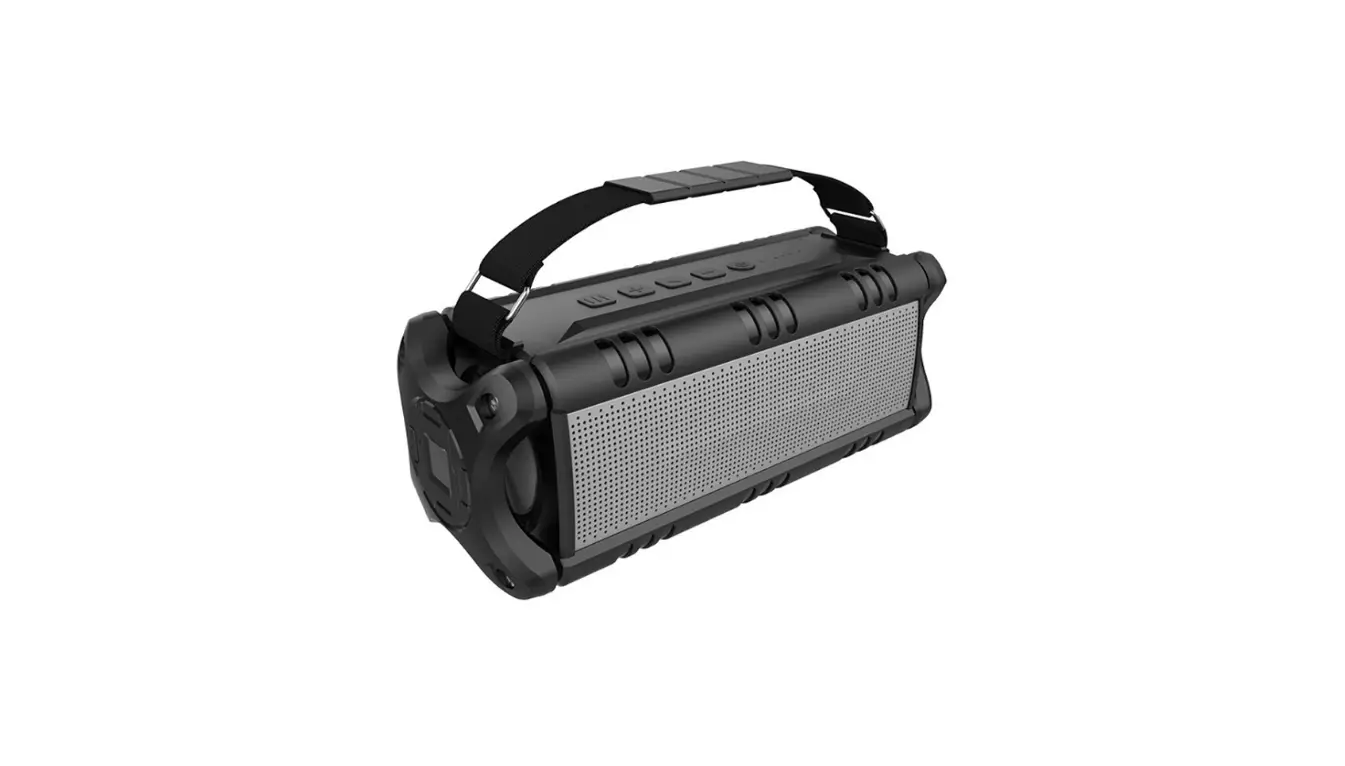
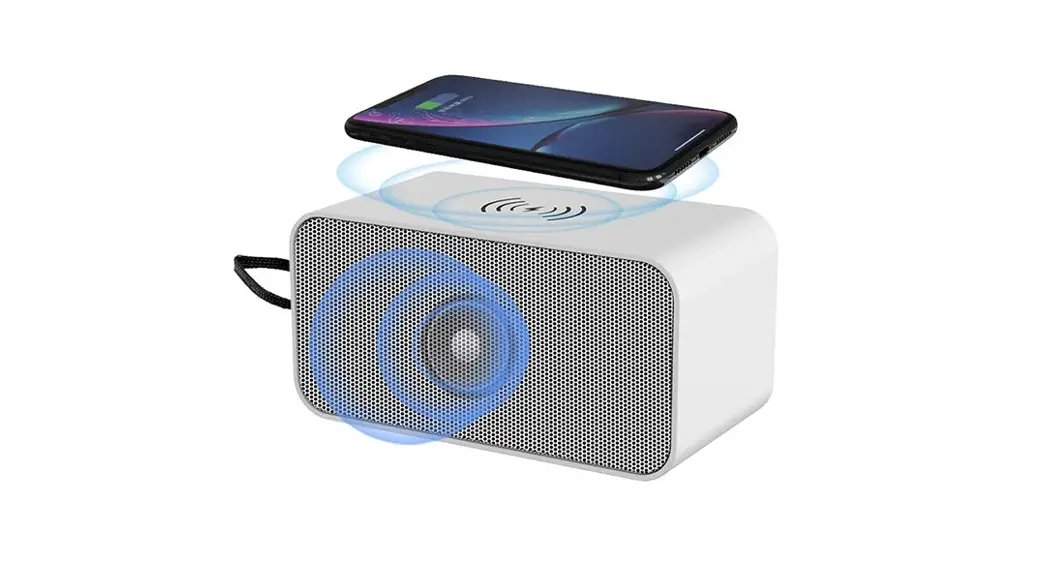
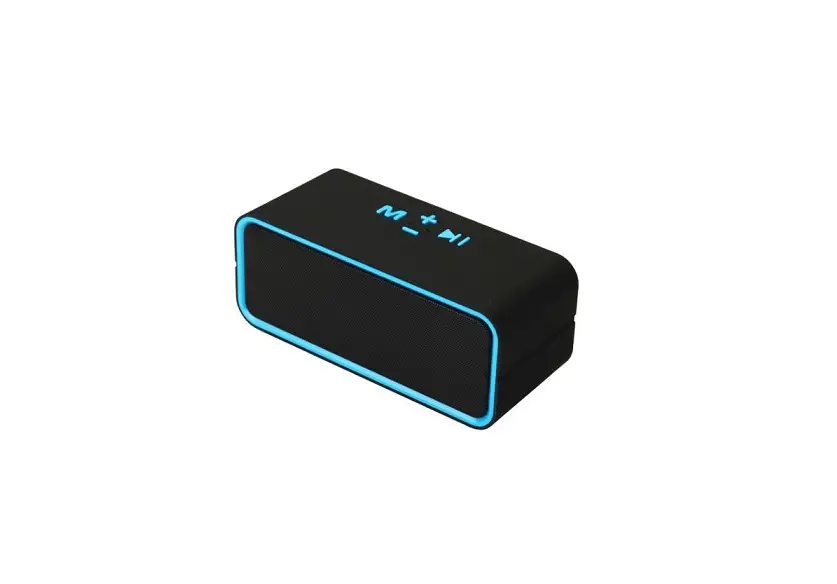
BTS200M combines fashionable and popular elements with new wireless technology. It supports the latest Bluetooth standard version 5.0 and supports (compatible) all mobile phones, PDAs, PCs and other devices with Bluetooth function.
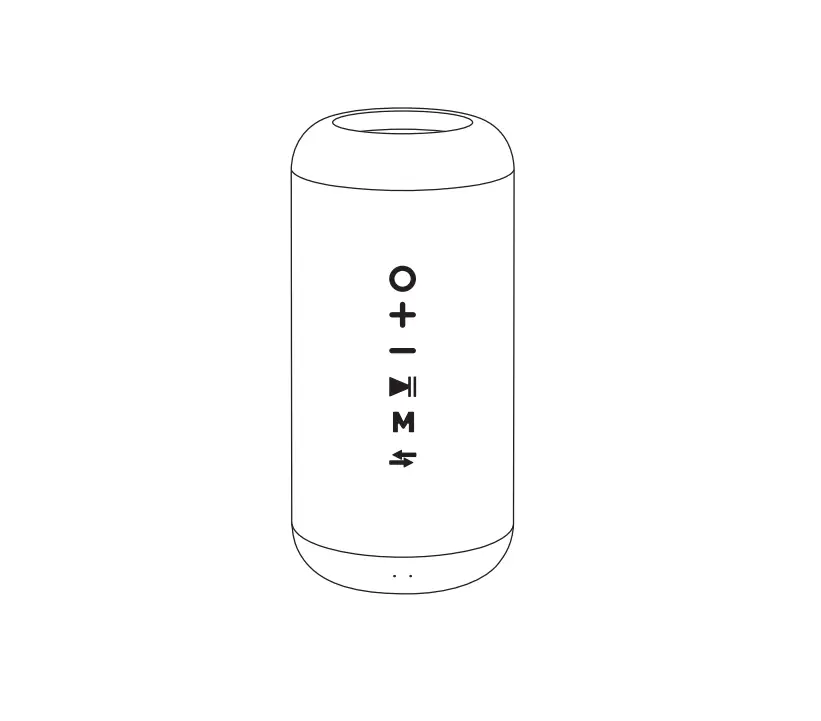
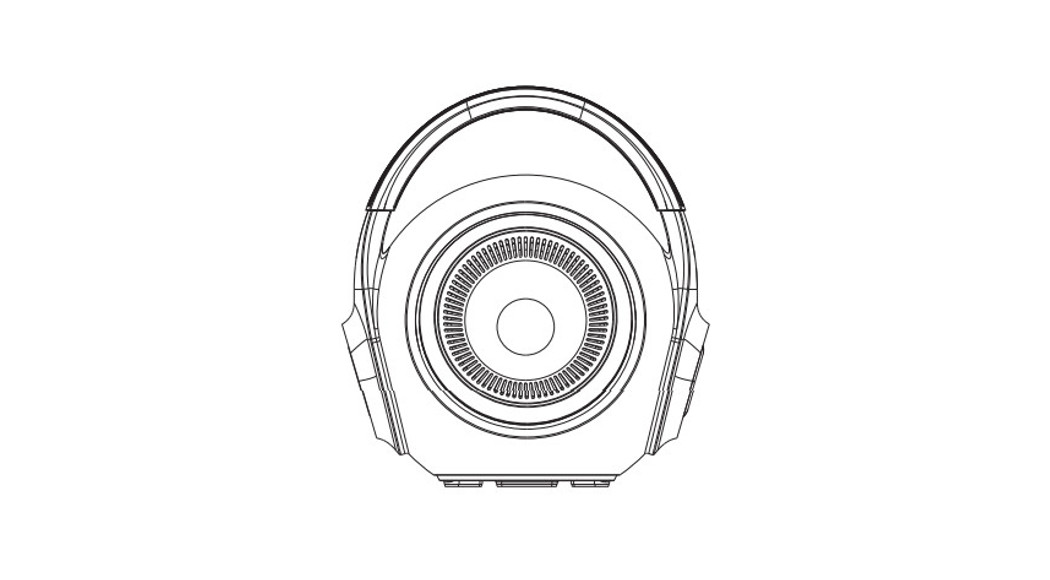
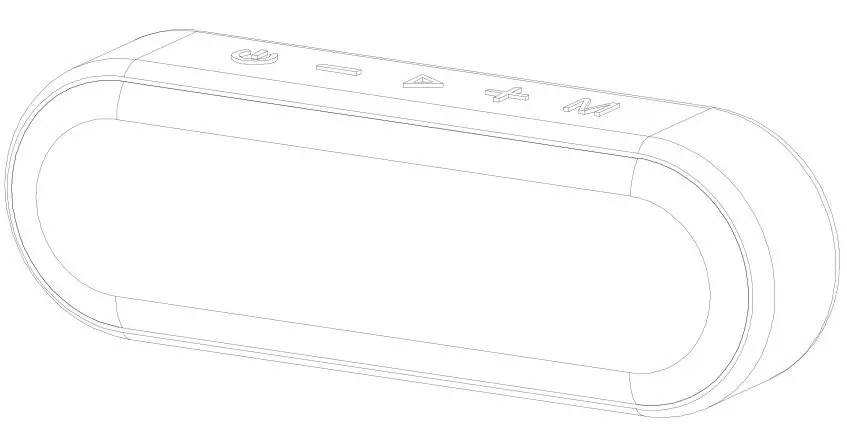
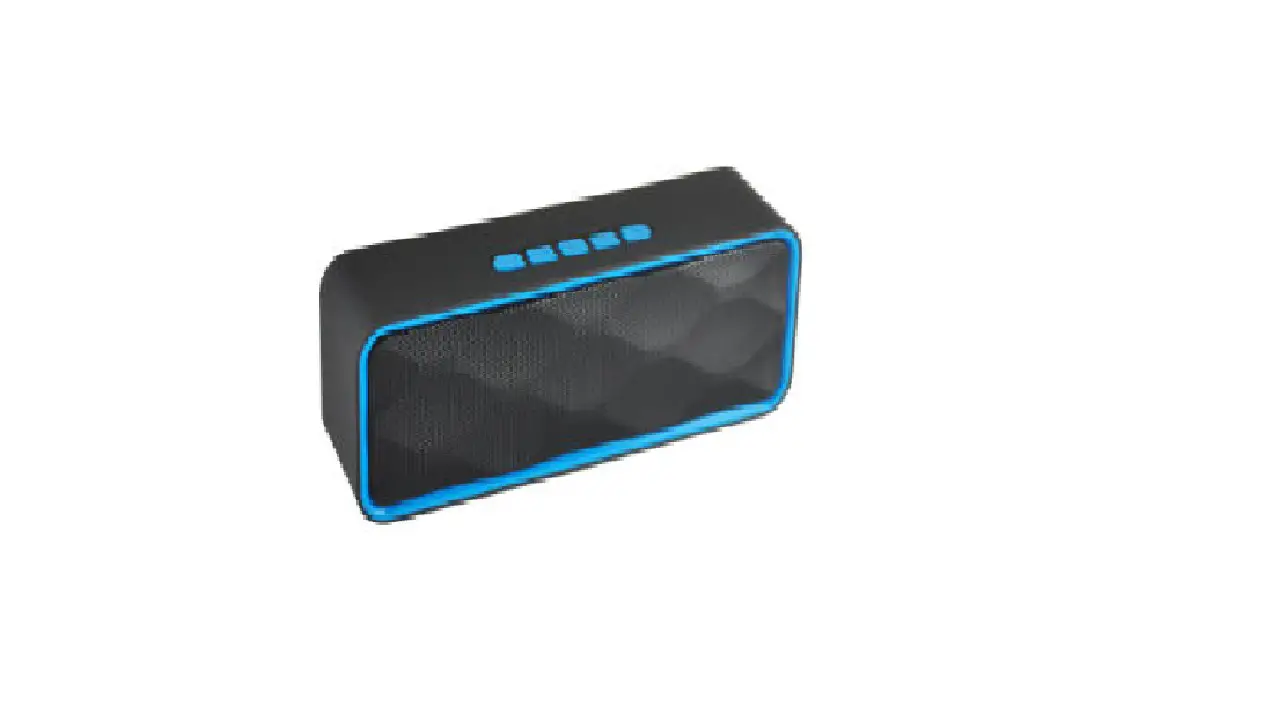
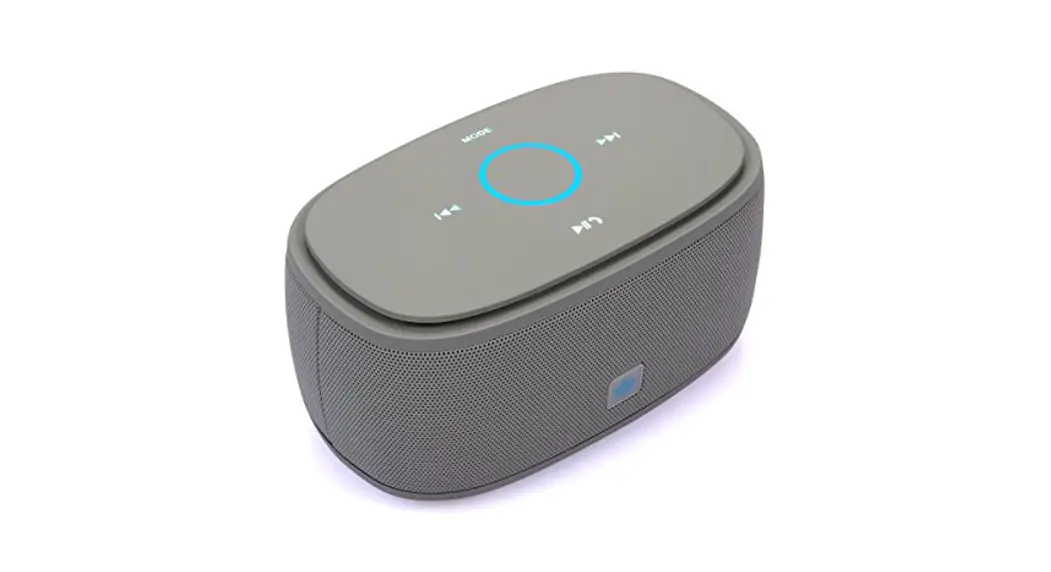
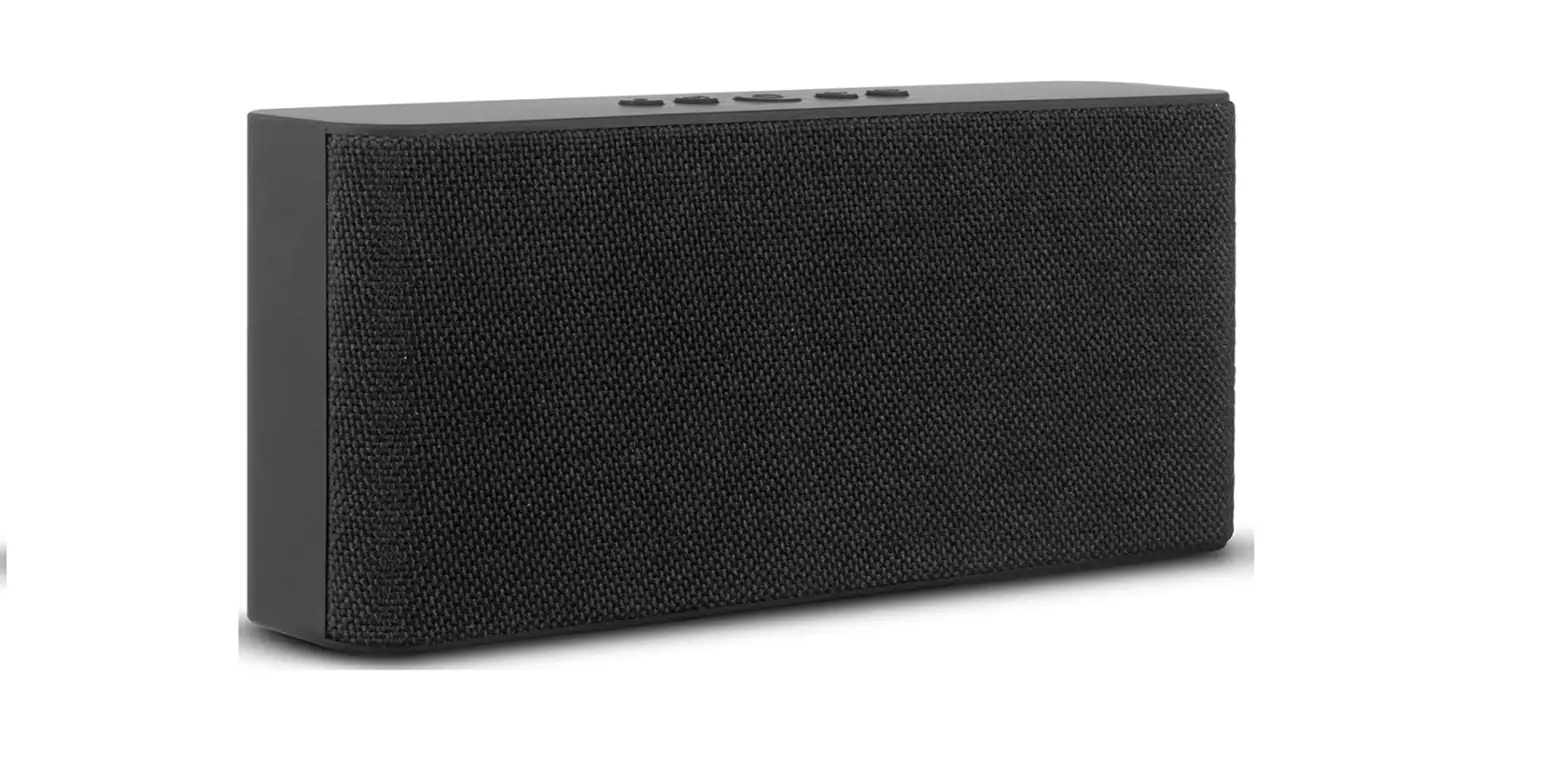
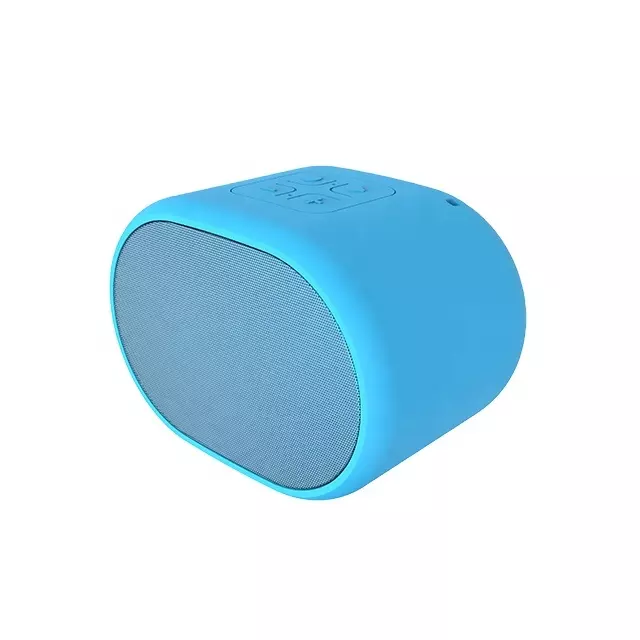
Appearance:
Product Basic Information
| Name: | Bluetooth speaker | |
| Model No: | BTS200M | |
| Button: | MFB* 1 , VOL+* 1 , VOL-* 1 , | |
| LED light: | RED LED* 1 , BLUE LED* 1 | |
| Loudspeaker: | 1 set∮ 40 的 4 Ω 3 W | |
| Microphone: | 1set 4015 Omnidirectional – 4 2 ± 2d B | |
| Battery: | 400 m A h | |
| Antenna: | PCB Layout – ANT | |
| Charge port: | TYPE-C | |
| Bluetooth version: | Blueto oth 5 . 0 + EDR | |
| Distance: | 10M | |
| Standby time: | 100H | |
| Talk time: | 5H | |
| Music time: | 3H | |
| Charge time: | 2H | |
| Accessories: | TYPE-C Line *1 |
Using the interface definition:
| Power on | Long press MFB 3S | ||||
| Pair connect: | After power on, connect the paired device first. If the connection is unsuccessful, enter the pairing mode, and the blue light will flash | ||||
| Answer calls | Short press MFC to answer an external call | ||||
| Hang up calls | During a call, briefly press MFB to hang up | ||||
| Refuse calls | Calling, long press MFB 1s to reject the call | ||||
| Voice dial | In standby mode, press and hold MFB for 1s | ||||
| Voice change | Calling,Long press the multifunction key for 1s, and the voice will switch to the mobile phone. In the same operation, the voice will switch to Bluetooth | ||||
| Redial
number | the | last | dialed | In standby mode, double-click the power button to redial the
phone | |
| Volume adjust | Short press the volume up button to increase the volume, and short press the volume down button to decrease the volume | ||||
| Play and pause | Short press the power key to play or pause music。 | ||||
| Last/next | Long press the volume plus key to jump to the previous song;
Long press the volume down button to jump to the next song | ||||
| Iphone battery status | YES | ||||
| Auto power-off | If the battery is lower than 3.2V, the red light will flash and give voice prompt every 20 seconds | ||||
|
Auto power-off | Pairing mode: automatic shutdown of unconnected devices for 5 minutes | ||||
| The device is disconnected for 5 minutes or the battery is lower
than 3.0V | |||||
| Manual shutdown | When the power is connected or not connected, long press the
power key for 3S, and the blue light is on for 1s | ||||
LED light indicator
| Power on | The red light is on for 1s when starting up, the blue light flashes quickly when entering pairing, the connection is successful, the blue light is on for 0.5s and off for 5S | |
| Power off | Blue light on for 1s | |
| Standby(not connect
with mobile phone) | Blue light 5S flash once | |
| standby(connect with mobile phone) | Blue light 5S flash once | |
| Calling in | Blue light flash | |
| On the line | Blue light 5S flash once | |
| charging | Blue light | |
| Full charge | Blue light | |
| Low voltage alarm | Red light flash |
NOTE: This equipment has been tested and found to comply with the limits for a Class B digital device, pursuant to part 15 of the FCC Rules. These limits are designed to provide reasonable protection against harmful interference in a residential installation. This equipment generates uses and can radiate radio frequency energy and, if not installed and used in accordance with the instructions, may cause harmful interference to radio communications. However, there is no guarantee that interference will not occur in a particular installation. If this equipment does cause harmful interference to radio or television reception, which can be determined by turning the equipment off and on, the user is encouraged to try to correct the interference by one or more of the following measures:
- Reorient or relocate the receiving antenna.
- Increase the separation between the equipment and receiver.
- Connect the equipment into an outlet on a circuit different from that to which the receiver is connected.
- Consult the dealer or an experienced radio/TV technician for help Changes or modifications not expressly approved by the party responsible for compliance could void the user’s authority to operate the equipment.
This device complies with Part 15 of the FCC Rules. Operation is subject to the following two conditions:
- this device may not cause harmful interference, and
- this device must accept any interference received, including interference that may cause undesired operation.