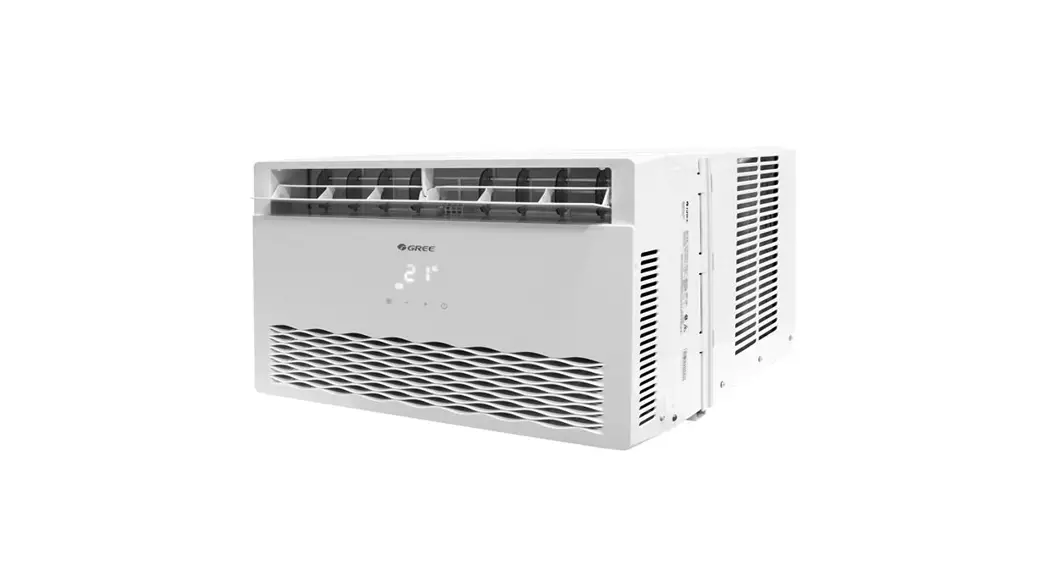
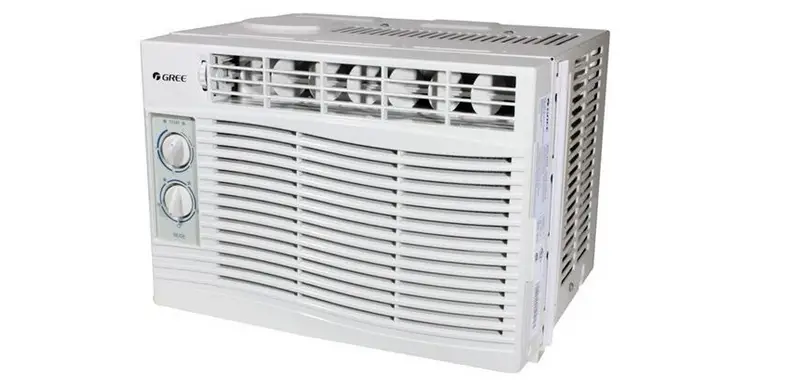
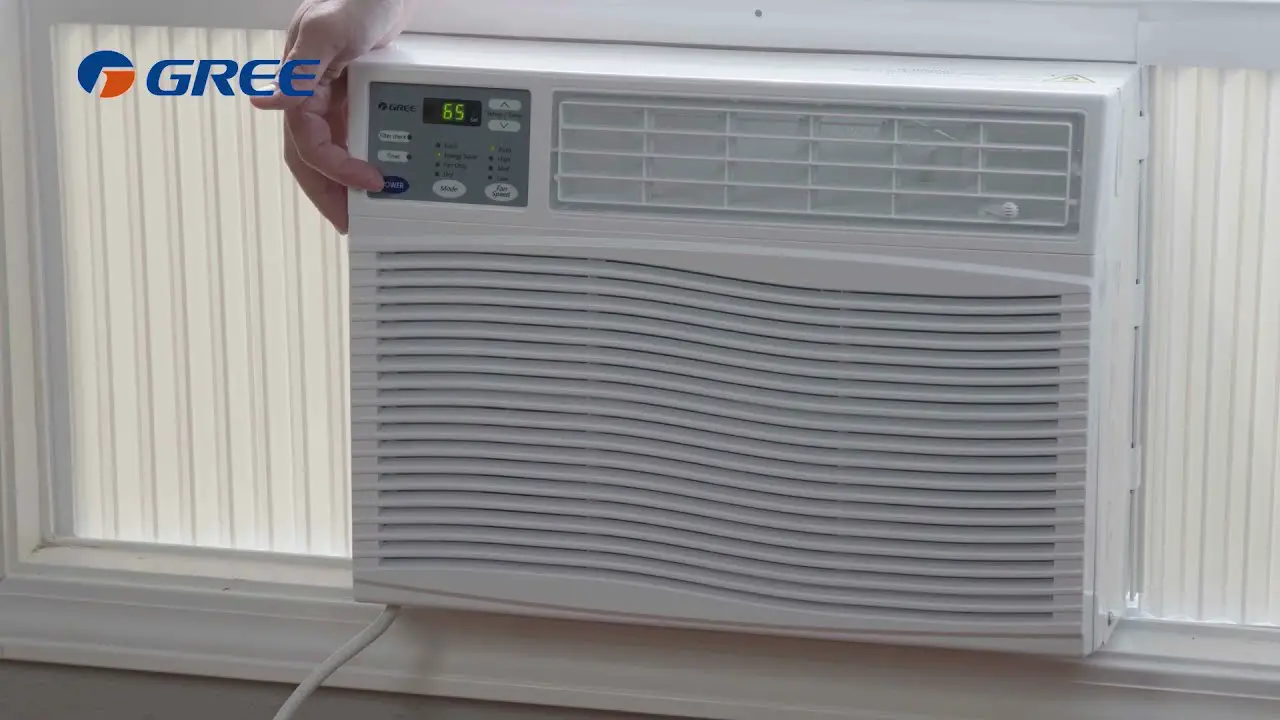
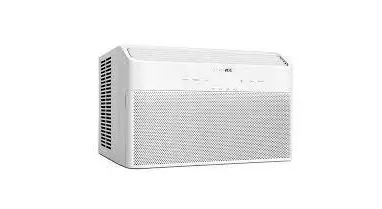
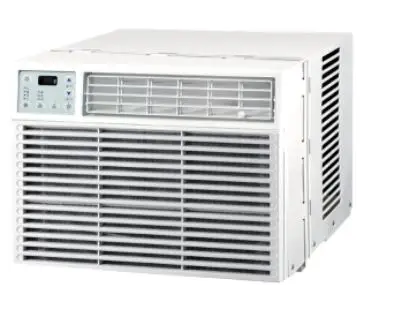
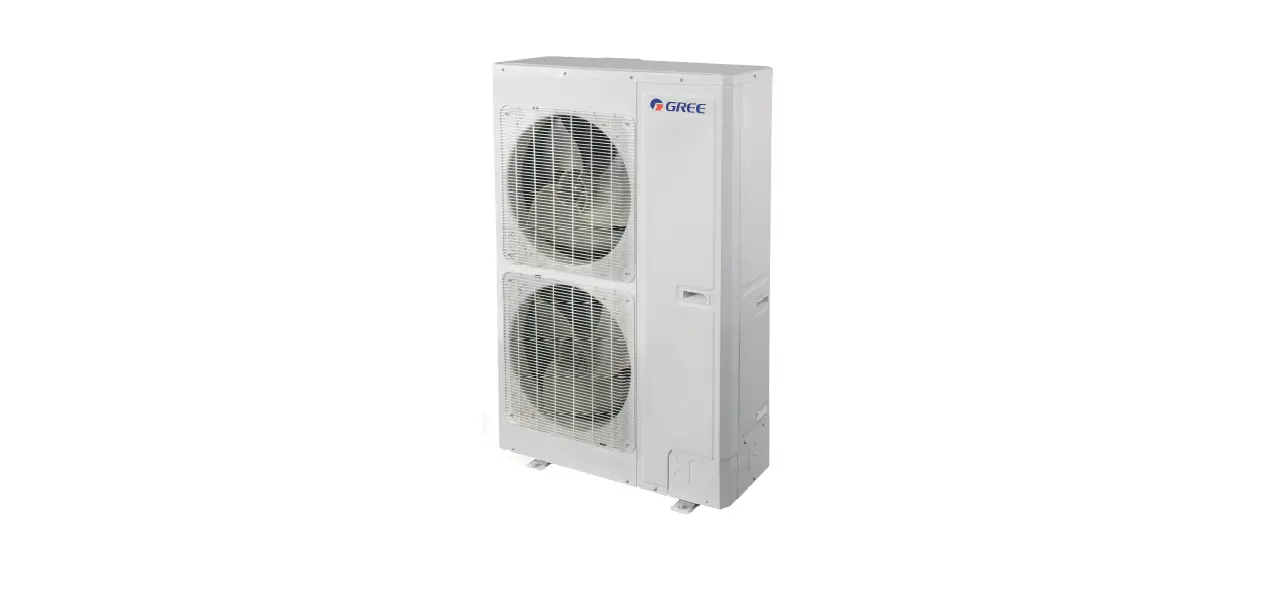
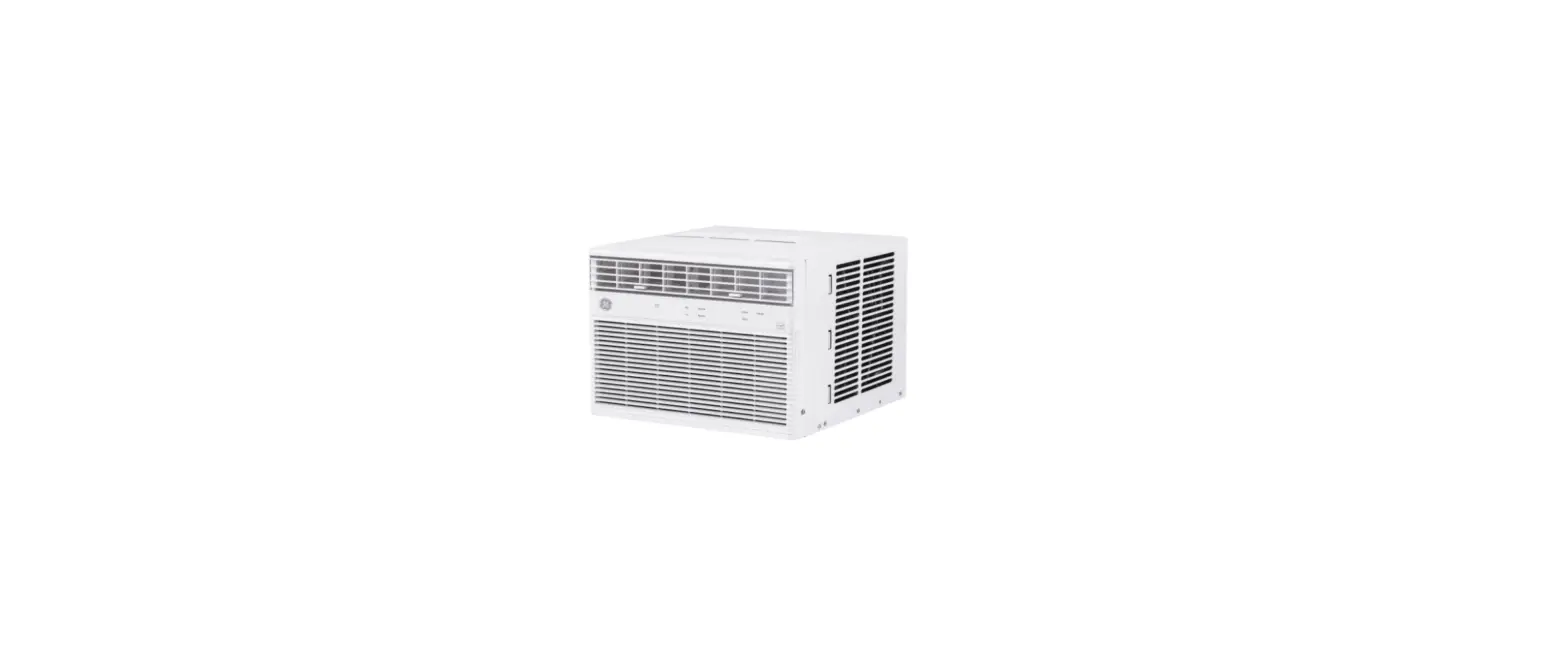
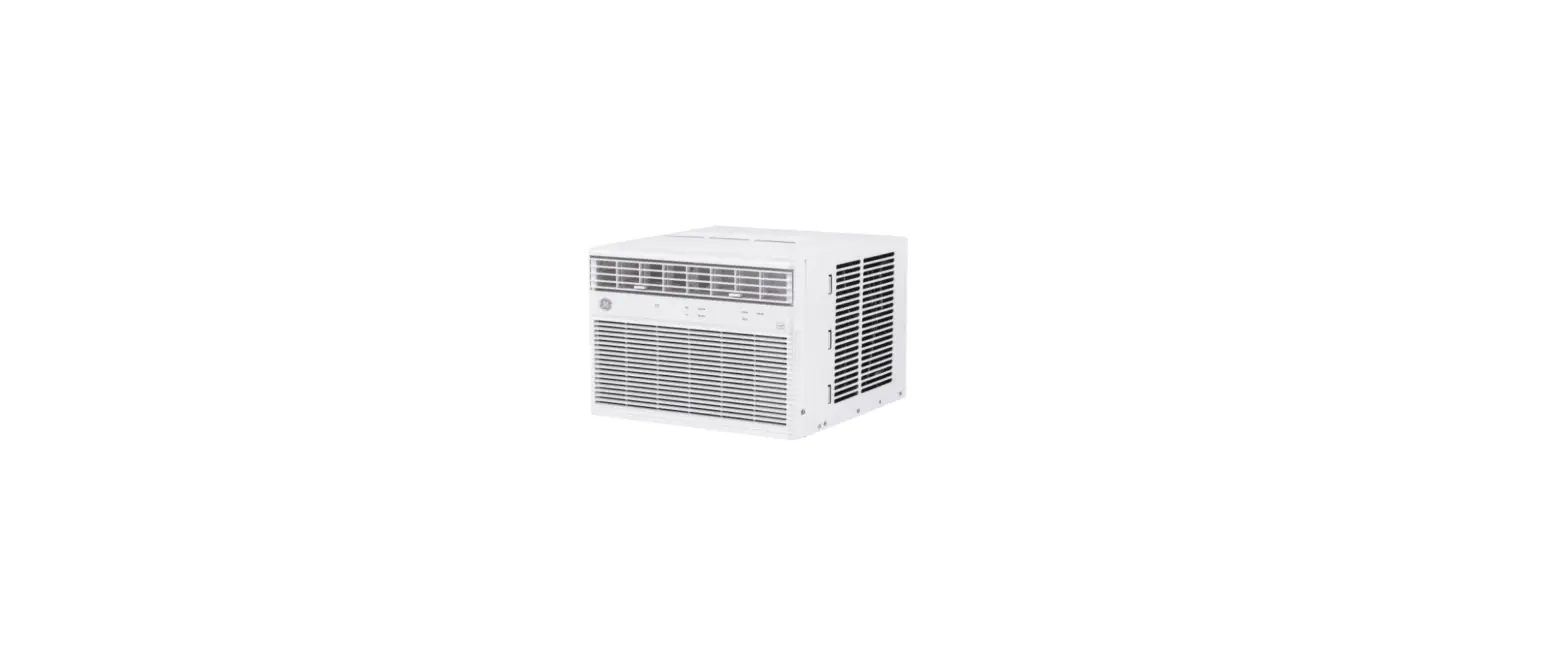
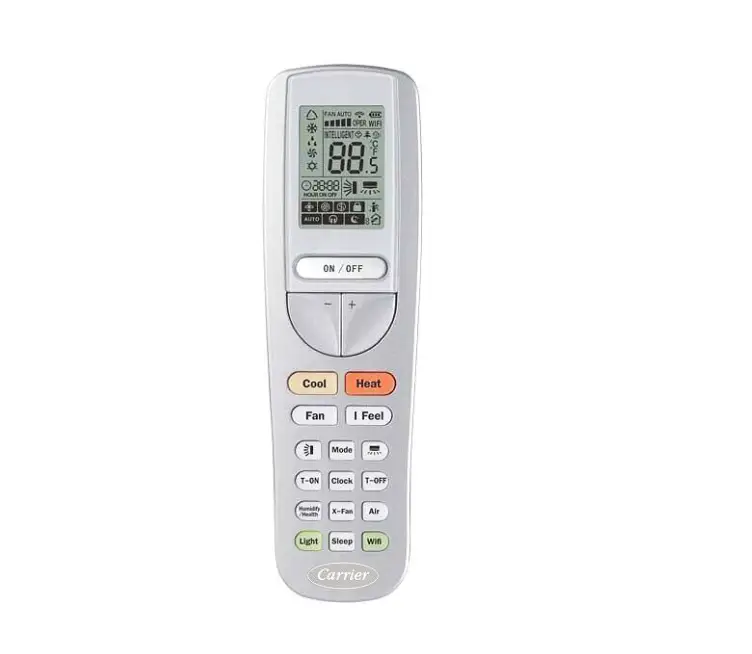
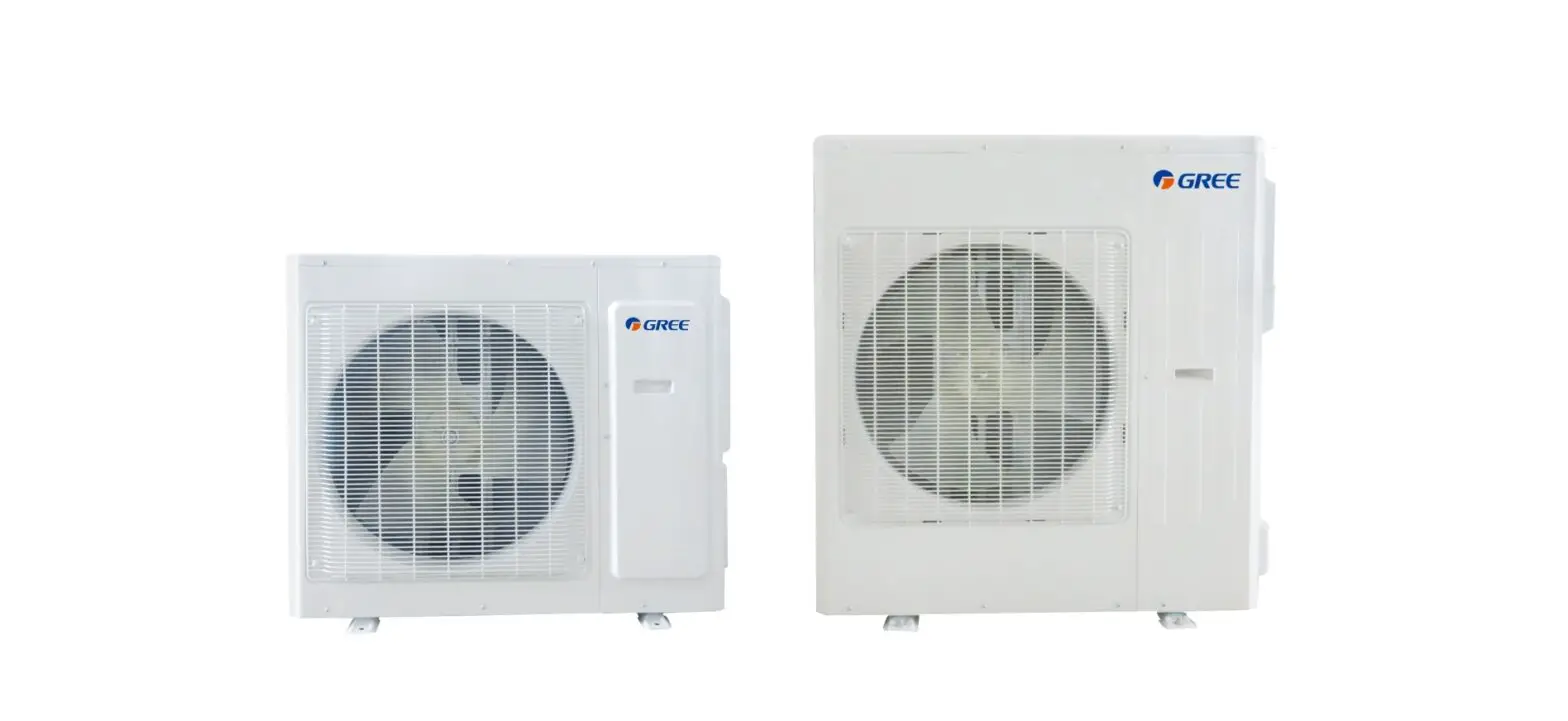
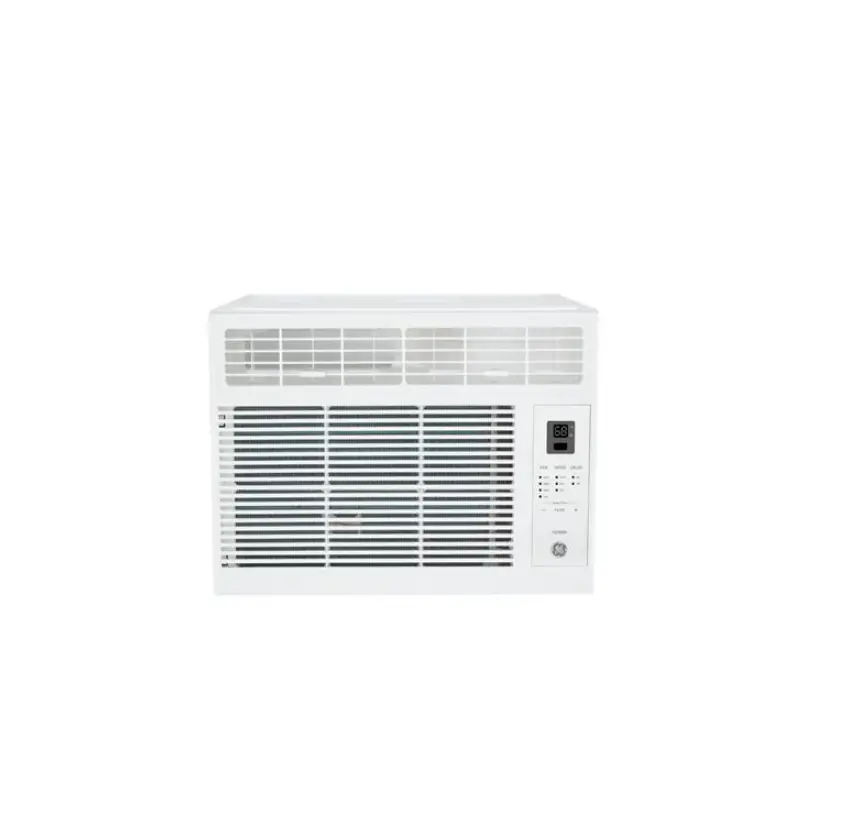
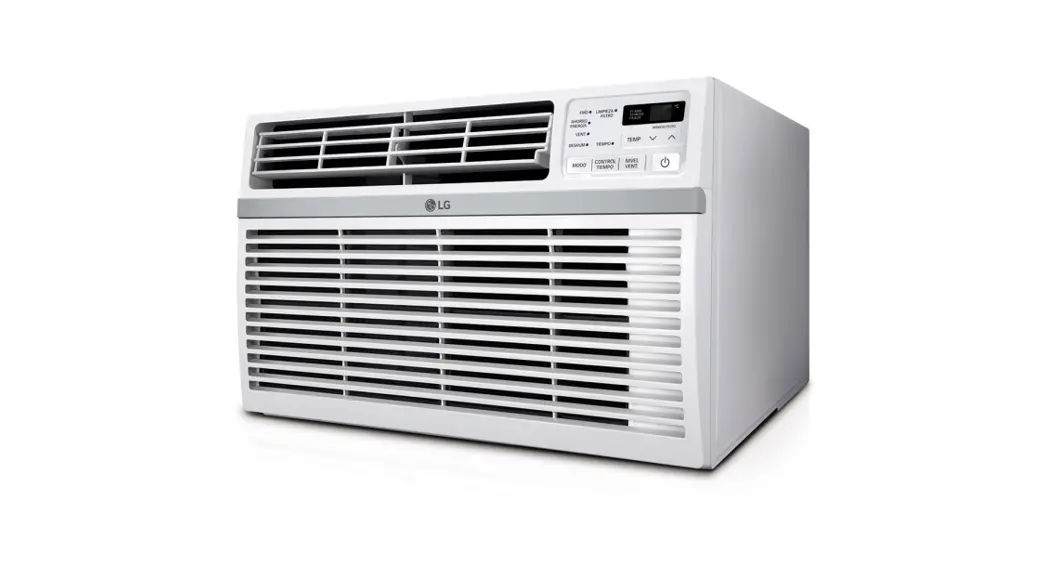
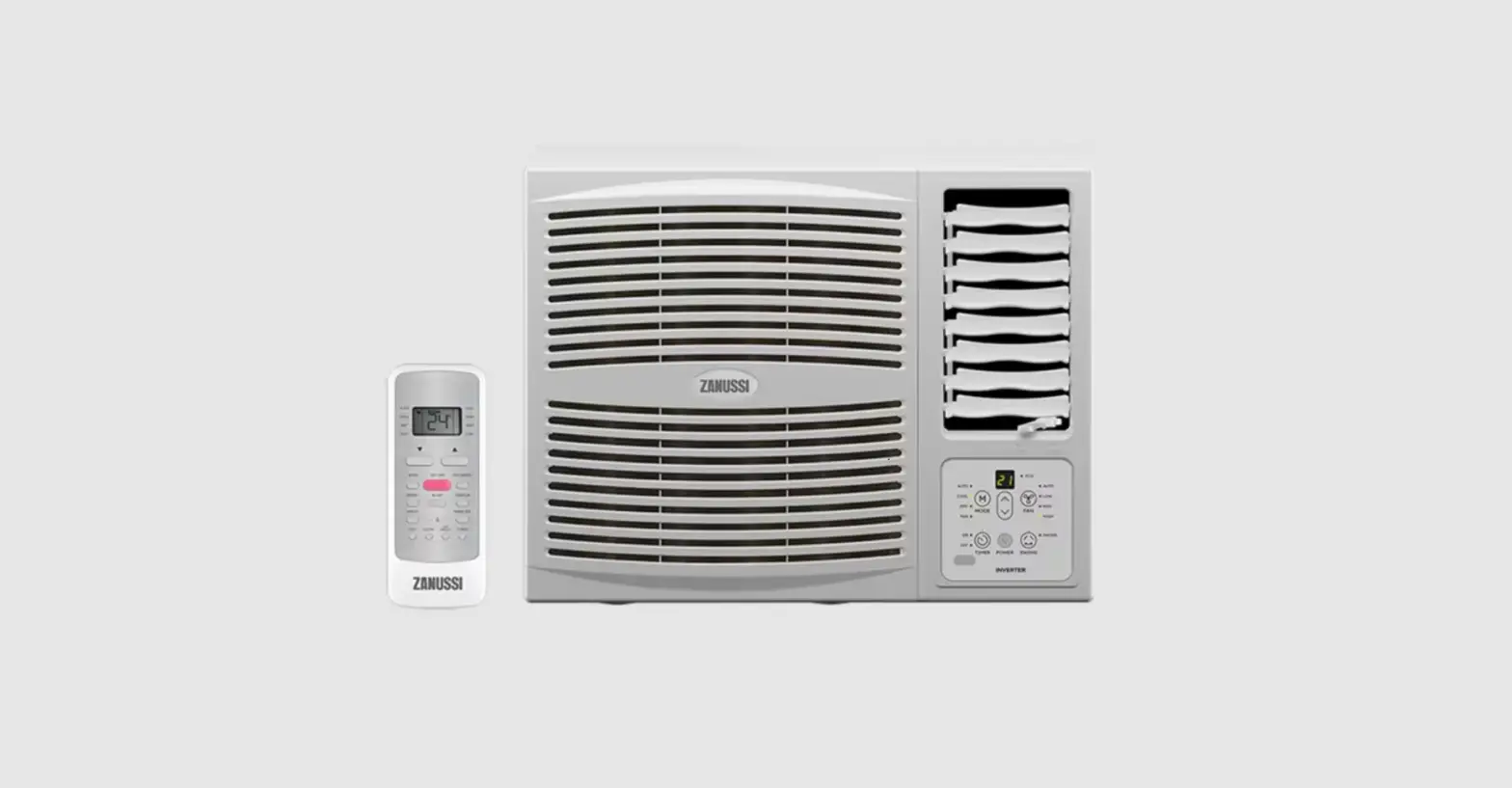
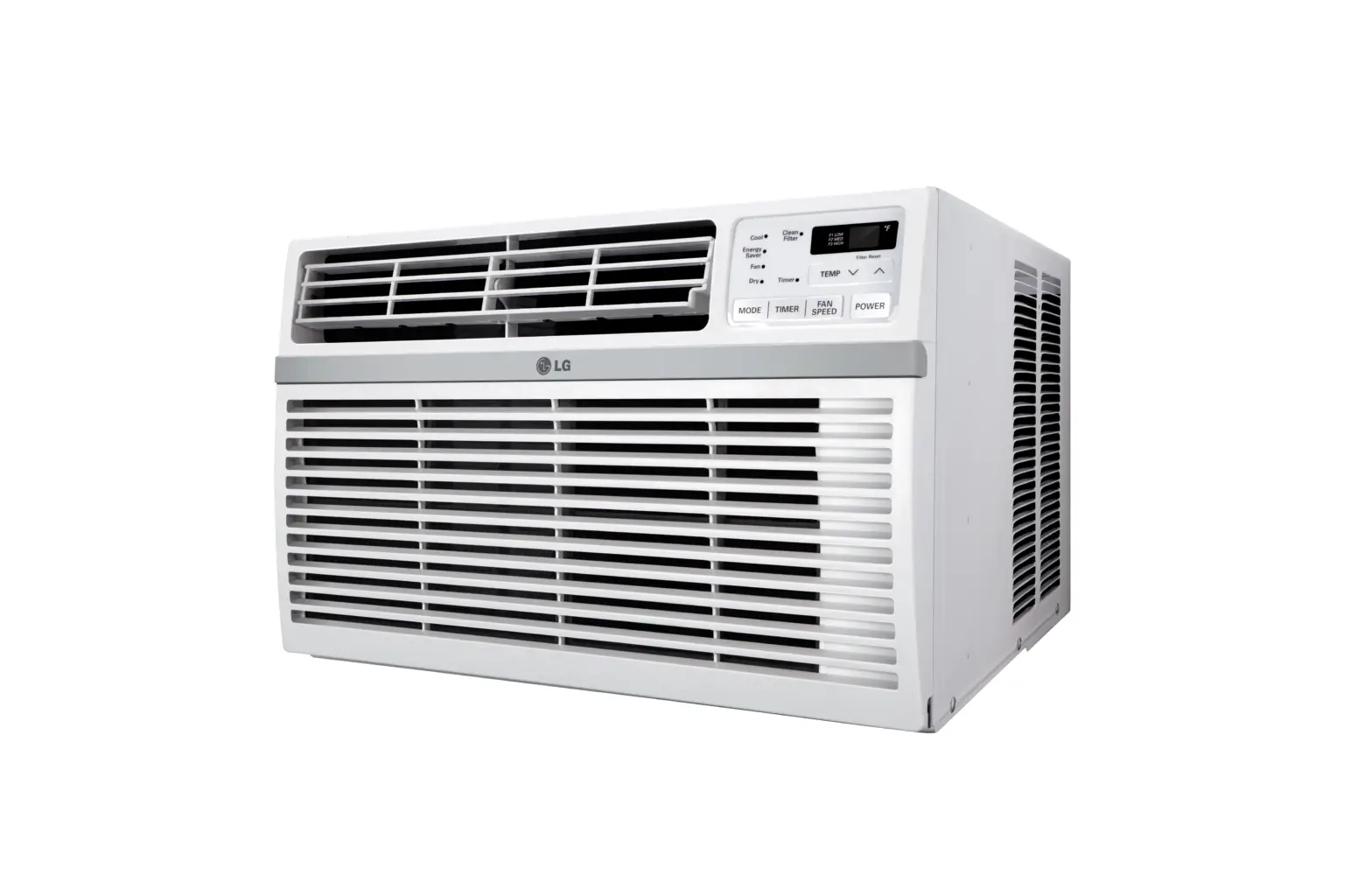
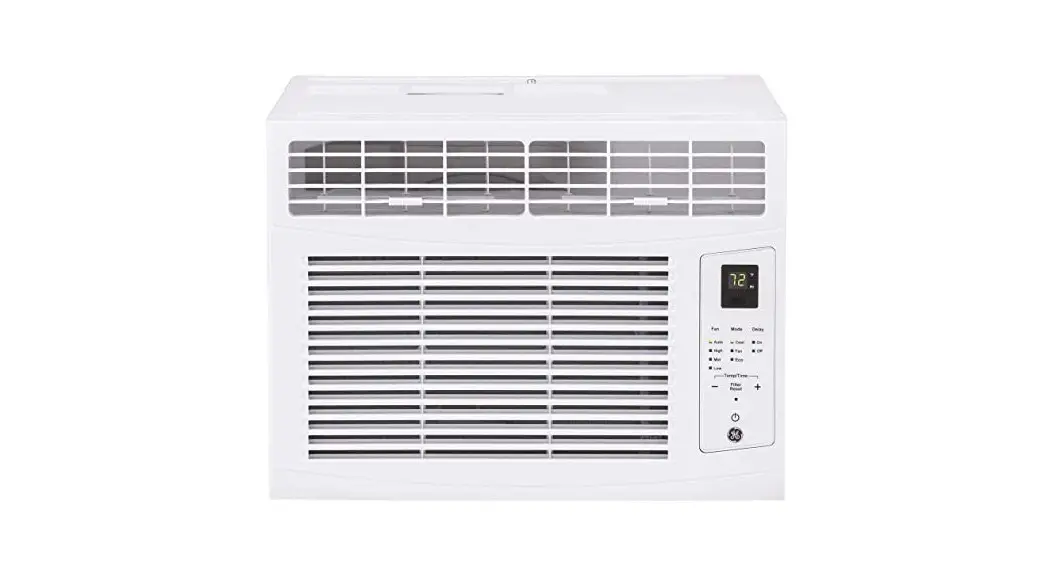
G207MN Series Window Type Air Conditioner
Product Information: Window Type Air Conditioner
Models: G207MN, G207RN, G209MN, G209RN, G212MN, G212RN, G218MN,
G218RN, G224MN, G224RN
The Window Type Air Conditioner is designed for efficient and
low-noise operation to keep your room comfortable. It can regulate
the room temperature and dry the room, making it convenient for
work, study, and daily life. This air conditioner can be widely
used in residences, shops, hotels, offices, libraries, and
laboratories.
Structure Mechanism and Installation
The air conditioner should be installed properly in accordance
with local regulations. It should be properly grounded to avoid
electric shock. The installation should include devices for
short-circuit protection and electrical leakage protection. Use a
qualified power supply circuit and circuit breaker according to
local safety regulations.
Precautions
- Children should not play with the appliance and should not
perform cleaning or maintenance without supervision. - The air conditioner should be installed according to local
regulations. - Use short-circuit protection and electrical leakage protection
devices when installing the air conditioner. - Use a qualified power supply circuit and circuit breaker
according to local safety regulations.
Operating Conditions
The air conditioner has a maximum cooling temperature range of
32/23 °C and a maximum heating temperature range of 27/- °C in
different seasons. Please refer to the manual for more
information.
Operation Procedure
The air conditioner can be operated using the main switch or the
remote control. The manual provides detailed instructions on how to
operate the air conditioner, including part identification, air
direction adjustment, and remote control operation procedure.
Please refer to the manual for more information.
Care and Maintenance
Regular care and maintenance of the air conditioner is necessary
for optimal performance and longevity. The manual provides detailed
instructions on how to care for and maintain the air conditioner.
Please refer to the manual for more information.
Troubleshooting Guide and After Service
If you experience any issues with the air conditioner, please
refer to the troubleshooting guide in the manual. If the issue
persists, please contact customer service for after-sales
support.
Notice
This appliance is not intended for use by persons (including
children) with reduced physical, sensory or mental capabilities, or
lack of experience and knowledge, unless they have been given
supervision or instruction concerning use of the appliance by a
person responsible for their safety. Children should be supervised
to ensure that they do not play with the appliance.
The appliance shall be installed in accordance with local
regulations. If the supply cord is damaged, it must be replaced by
the manufacturer, its service agent or similarly qualified persons
in order to avoid a hazard. Please read this operating manual
carefully before operating the unit. The figures in this manual may
be different with the material objects, please refer to the
material objects for reference.
The manual also includes an explanation of symbols used to
indicate hazardous situations and important information.
Product Usage Instructions
- Read the operating manual carefully before operating the air
conditioner. - Install the air conditioner properly according to local
regulations and use short-circuit protection and electrical leakage
protection devices. - Use a qualified power supply circuit and circuit breaker
according to local safety regulations. - Operate the air conditioner using the main switch or the remote
control. - Regularly care for and maintain the air conditioner according
to the manual. - If you experience any issues, refer to the troubleshooting
guide in the manual or contact customer service for after-sales
support.
Window type Air Conditioner
Models: G207MN G207RN G209MN G209RN G212MN G212RN G218MN G218RN G224MN G224RN
CONTENTS
Thank you for choosing air conditioner. Our design is based on the best efficiency and the lowest noise operation and it can keep the room comfortable. Please read this operating manual carefully before operating the unit and keep it for consultation.
Structure mechanism and Installation
Precautions
1
Function
2
Operating condition
3
power requirement
3
Installation
4
Notes for installation
7
Operation procedure
Part identification
8
Air direction adjustment
8
Main switch operation procedure
9
Remote control operation procedure
10
Remote control panel
15
Operation tips
16
Care and maintenance
Caution
17
Care and maintenance
18
Trouble shooting guide
19
After service
20
NOTICE:
This appliance is not intended for use by persons (including children) with reduced physical, sensory or mental capabilities, or lack of experience and knowledge, unless they have been given supervision or instruction concerning use of the appliance by a person responsible for their safety. Children should be supervised to ensure that they do not play with the appliance.
The appliance shall be installed in accordance with local regulations If the supply cord is damaged, it must be replaced by the manufacturer, its service agent or similarly qualified persons in order to avoid a hazard.
Please read this operating manual carefully before operating the unit. The figures in this manual may be different with the material objects, please refer to the material objects for reference.
Explanation of Symbols
DANGER
Indicates a hazardous situation that, if not avoided, will result in death or serious injury.
WARNING
Indicates a hazardous situation that, if not avoided, could result in death or serious injury.
CAUTION
NOTICE
Indicates a hazardous situation that, if not avoided, may result in minor or moderate injury.
Indicates important but not hazard-related information, used to indicate risk of property damage.
Indicates a hazard that would be assigned a signal word WARNING or CAUTION.
Precautions
Warning
Children shall not play with the appliance. Cleaning and user maintenance shall not be made by children without supervision.
The air conditioner should be installed in accordance with local regulation. Air Conditioner should be properly grounded. Incorrect grounding may cause electric shock. This appliance can be used by children aged from 8 years and above and persons
with reduced physical, sensory or mental capabilities or lack of experience and knowledge if they have been given supervision or instruction concerning use of the appliance in a safe way and understand the hazards involved. Do not connect air conditioner to multi-purpose socket.Otherwise, it may cause fire hazard. Do install the air switch. If not, it may cause malfunction. Do not spill water on the remote controller, otherwise the remote controller may be broken. Do not spray water on air conditioner. It may cause electric shock or malfunction. Do not extend fingers or objects into air inlet or air outlet. It may cause personal injury or damage. Do not step on air conditioner, or put heavy objects. It may cause damage or personal injury. Do not block air outlet or air inlet. It may cause malfunction. Do disconnect power supply when cleaning air conditioner. Otherwise, it may cause electric shock. Do not repair air conditioner by yourself. It may cause electric shock or damage. Please contact qualified service agent when you need to repair air conditioner. Maintenance must be performed by qualified professionals.Otherwise, it may cause injury or damage. The appliance is not to be used by persons (including children) with reduced physical, sensory or mental capabilities, or lack of experience and knowledge, unless they have been given supervision or instruction. Children being supervised not to play with the appliance.
Please install the devices for short-circuit protection and electrical leakage protection when installing the air conditioner.
According to the local safety regulations, use qualified power supply circuit and circuit break.
Working temperature range
Operating Temperature Range
Indoor side DB/WB(°C) Outdoor side DB/WB(°C)
Maximum cooling
32/23
43/-
Maximum heating
27/-
24/18
The operating temperature range (outdoor temperature) for cooling only unit is 18°C~ 43°C; for heat pump unit is -7°C~ 43°C.
– 1 –
Function
Introduction
Room temp.
Spring
Autumn
Summer
Winter
Wind direction
Window type room air conditioners can regulate the room temperature and dry the room. It is convenient for your work,study and life. It can be widely used in residence, shop, hotel, office, library and laboratory, and so on.
Cooling in summer
In hot summer, Air conditioner can cool down the room air by transferring heat out.
Dehumidifying in rainy or humid season
Without reducing the room temp., air conditioner can dehumidify and make the room air dry and comfortable.
Dry
Heating in winter
(Only for heat unit)
In cold winter, Air conditioner can heat up room air.
Exchange fresh air
Open ventilation lever to keep the fresh air in the room.
Fresh Air
-2 –
Operating Condition
Please operate air conditioner in the correct conditions as following.
COOL mode operation
DRY mode operation
Outdoor temperature should be in range of 18 to 43 , otherwise it is possible for air conditioner to breakdown. Room humidity should be lower than 90%. Otherwise, it is possible for air conditioner to dew at air conditioner surface and even drop water after running for so much time. But this is normal.
Outdoor temperature should be in range of 18 to 43 , otherwise it is possible for air conditioner to breakdown.
Power requirement
The electric components will be damaged when the voltage is too high. If the voltage is too low, the compressor will vibrate violently to damage the refrigerant system and easily cause the compressor and electric components not work. The ground must be connected. Special socket must be used. Furthermore, the socket and wiring must conform to the wiring regulations. And the earthing method must be reliable. In fixed circuit, there must be electricity leakage protection switch of enough power capacity and air switch with enough space.
Earth wire To ensure the reliable earthing, please do not connect earth wire to the following places:
Water pipe
– 3 –
Installation
Installation precaution:
Window type conditioner is so valuable and the improper installation of it will cause a lot of damage! Please associate the professional technician to install the unit and don’t install it by yourself. Otherwise, we are not responsible for the damage due to the improper installation.
Location:
The condensation water must be drained away conveniently. Install air conditioner unit far away from TV set or radio etc. to avoid disturbing video or voice.
In salt and coastal area or place where is near thermal springs
and polluted by sulphurous gas, or other special areas, please contact the seller before use. Avoid a place where is possible for inflammable gas to leak out.
Avoid other heat sources or direct sun light. Avoid a place where is easy for children to touch. Don’t use the unit in the immediate surroundings of a laundry, a bath, a shower or a swimming pool. For window type air conditioner with remote control, install in a location where is strong electromagnetic disturbance, you should contact the seller in advance to avoid the malfunction in use.
How to install:
Choose a location where there are no any obstacle surrounding the unit, and the plug is accessible. Prepare the installation hole slightly bigger than unit size. Choose the installation space according to the following diagram.
– 4 –
Installation procedure:
1) Remove the sticker from the front panel. 2) Put the unit into the installation hole.
When installing the unit, it should be slanted down to the back to avoid the enlargement of noise or vibration. (Slant between 6-10mm.) (Shown at right figure.) The installation place should be strong enough to avoid the enlargement of noise or vibration. 3) Fill up sews in the cabinet with sponge or foam.
Wall
Installation assistance:
Use iron support The installation hole should be strong enough to support the air conditioner. If it cannot, iron support has to be used outdoors. Iron support should be fixed on the building (Shown at right figure.) Use sunshade board Air conditioner should avoid anything to be dropped into it and avoid direct sunshine. If there is no cover on it, you should contact the seller for installing the sunshade board. When installing the sunshade board, don’t let it block the air inlet at the side grille.
Rubber plate
Horizontal line
Sunshade board 6-10mm Support Horizontal line
– 5 –
Drain water for one style:
To get the maximum cooling efficiency, the air conditioner is designed to splash the condensate on the condenser coil. If the splashing sound annoys you, you can provide an outside drain by using the following procedure, which may cause a small loss of performance. 1. There is a drainage outlet at the back of the unit. 2. Remove cover from the drainage outlet, and then connect drainage joint to it with screw. 3. Connect the drain hose to the outlet. Note: Drain hose or tubing can be purchased locally to satisfy your particular needs.
Drainage outlet Washer
Drainage joint
Remove
Install
Cover
Drain water for another style :
To get the maximum cooling efficiency, the air conditioner is designed to splash the condensation water on the condenser coil. To the cooling only unit, If the splashing sound annoys you, you can provide an outside drain by using the follo -wing procedure, which may cause a small loss of performance. 1. Slide out the chassis from the cabinet. 2. Remove the rubber plug from the body base plate. 3. Install the drain pan to the corner of the cabinet with 2 screws. 4. Connect the drain hose to the outlet on the drain pan bottom. 5. Slide the chassis into its original place in the cabinet.
Note:
Drain pan and drain hose must be installed before using reverse cycle models. Drain hose or tubing can be purchased locally to satisfy your particular needs.
– 6 –
Notes for installation
Remove
Before removing air conditioner to the other place, you should contact the seller firstly. Then it must be done under the direction of the professional technician. In addition, the charge of this must be paid.
Noise
Install in a location where is firm enough to avoid the enlargement of noise and vibration. Don’t put anything in front of the outlet of the unit to avoid increasing noise. Be sure that hot air or noise will not inconvenience neighbors. Please contact the seller as soon as there is strange noise during operation. Please use the safety support.
Electric wiring
Must connect with ground reliably. The exclusive circuit must be used. But removable socket can’t be used because poor contact of it can cause over heat or fire. Don’t pull the power cord strongly. In fixed circuit, there must be electricity leakage protection switch and leakage current is less than 30mA. Connecting method between air conditioners and power cord and interconnecting method of each individual element with one another should accord with wiring diagram on the unit. The air conditioner should be installed in accordance with local regulation. An all-pole disconnection switch having a contact separation of at least 3mm in all poles should be connected in fixed wiring Air switch (thermal-magnetic breaker) should be installed in the circuit
If the supply cord is damaged, it must be replaced by the manufacturer o.r your dealer
or a qualified person to avoid a hazard. All the electrical work must be done according to the local wiring regulations. Shall be installed in the circuit of miniature circuit switch and it has a capacity of 10A (G207MN/ RN , G209MN/RN, G212MN/RN),16A (G218MN/RN ) or 25 A(G224MN/RN); Fixed line shall be greater than 1.5mm2 (G207MN/RN, G209MN/RN, G212MN/RN) and 2.5mm2 (G218MN/RN,G224MN/RN);
-7 –
Part identification
Panel outlook picture, just for reference, please take the actual until as standard. Cabinet
Air inlet louver
Front grille
Front intake grille
Air filter (behind the front intake grille)
Control panel
Power cord
Panel outlook picture, just for reference, please take the actual until as standard. Cabinet
Air inlet louver
Front grille
Front intake grille
Air filter
Remote control panel Power cord
(behind the front intake grille)
Air direction adjustment
Vertical airflow direction vane
(Airflow direction adjustment up and down). The vertical airflow direction vane is controlled by positioning the vane to discharge the air upwards, downwards or straight out.
– 8 –
Main switch operation procedure
1.Main Control Knob
Set to Low Cool, Med Cool or High Cool as desired (FAN setting operates the fan only.) CAUTION: If the main control knob is turned off of changed to a fan setting from a cooling operation setting. WAIT at least 3 minutes before resetting to cooling operation.
2.Thermostat control Knob
Set the thermostat control knob to your desired setting (Usually 6-7 is recommended), If the room temperature is not as desired after a reasonable period, turn the thermostat. When the thermostat control knob is set to 10, moisture may freeze onto evaporator fins and the thermostat control knob counter clockwise. This will quickly defrost the evaporator fins so that normal cooling can be resumed.
-9-
Remote control operation procedure
Buttons on remote controller
1 ON/OFF button
1
2
2 MODE button
3
3 +/- button
4
5
4 FAN button
5 SWING button
6
7
6 SLEEP button
7 TIMER button
Introduction for icons on display screen
Timer on Timer off
auto operation cool operation dry operation fan operation heat operation
Set temperature Set time
-10 –
Sending signal
swing operation sleep operation lock set speed
Introduction for buttons on remote controller
Note:
This is a general use remote controller, it could be used for the air conditioners with multifunction; For some function, which the model doesn’t have, if press the corresponding button on the remote controller that the unit will keep the original running status.
When power is connected (stand by condition), you can operate the air conditioner through the remote controller.
When unit is on, each time you press the button on remote controller, the sending signal icon ” ” on the display of remote controller will blink once. If the air conditioner gives out a beep sound, it means the signal has been sent.
When unit is off, set temperature will be displayed on the remote controller (If the light of the unit display is turned on, the corresponding icon will be displayed); When unit is on, it will display the icon of the on-going function.
1 ON/OFF button
Press this button to turn unit on/off.
2 MODE button
Pressing this button once can select your required mode circularly as below (the corresponding icon ” ” will be lit up after the mode is selected):
AUTO COOL DRY FAN HEAT(Only Applicable for Model with Heating Function)
When selecting auto mode, air conditioner will operate automatically according to ambient temperature. Set temperature can’t be adjusted and won’t be displayed either. Press FAN button to adjust fan speed.
When selecting cool mode, air conditioner will operate under cool mode. Then press + or – button to adjust set temperature. Press FAN button to adjust fan speed.
When selecting dry mode, air conditioner will operate at low fan speed under dry mode. In dry mode, fan speed can’t be adjusted.
When selecting fan mode, air conditioner will operate in fan mode only. Then press FAN button to adjust fan speed.
When selecting heat mode, air conditioner will operate under heat mode. Then press + or – button to adjust set temperature. Press FAN button to adjust fan speed. (Cooling only unit can’t receive heating mode signal. If set HEAT mode by remote controller, press ON/OFF button can’t turn on the air conditioner.)
3 + / – button
Pressing + or – button once will increase or decrease set temperature by 1°F(°C). Hold + or – button for 2s, set temperature on remote controller will change quickly. Release the button after your required set temperature is reached.
When setting Timer On or Timer Off, press + or – button to adjust the time. (See TIMER Button for setting details)
– 11 –
Introduction for buttons on remote controller
4 FAN button
Pressing this button can select fan speed circularly as: AUTO, SPEED 1 ( ), SPEED 2 ( ) , SPEED 3 ( ), SPEED 4 ( ) (unavailable in this air conditioner. Speed 4 is the same with speed 3.).
AUTO
SPEED 1 (equals to low fan speed) SPEED 3 (equals to high fan speed)
SPEED 2 (equals to mid fan speed) SPEED 4 (equals to high fan speed)
Note:
Under Auto speed, air conditioner will select proper fan speed automatically according to ambient temperature.
Fan speed can’t be adjusted under Dry mode.
5 SWING button
Press this button to turn on left & right air swing.
6 SLEEP button
Under Cool, Heat mode, press this button to turn on Sleep function. Press this button to cancel Sleep function. Under Fan, Dry and Auto mode, this function is unavailable.
7 TIMER button
When unit is on, press this button to set Timer Off. T-OFF and H icon will be blinking. Within 5s, press + or – button to adjust the time for Timer Off. Pressing + or – button once will increase or decrease the time by 0.5h. Hold + or – button for 2s, time will change quickly. Release the button after your required set time is reached. Then press TIMER button to confirm it. T-OFF and H icon will stop blinking.
When unit is off, press this button to set Timer On. T-ON and H icon will be blinking. Within 5s, press + or – button to adjust the time for Timer On. Pressing + or – button once will increase or decrease the time by 0.5h. Hold + or – button for 2s, time will change quickly. Release the button after your required set time is reached. Then press TIMER button to confirm it. T-ON and H icon will stop blinking.
Cancel Timer On/Off: If Timer function is set up, press TIMER button once to review the remaining time. Within 5s, press TIMER button again to cancel this function. – 12 –
Introduction for buttons on remote controller
Note:
Range of time setting is: 0.5~24h. The interval between two motions can’t exceed 5s, otherwise the remote con-
troller will exit setting status.
Function introduction for combination buttons
Child lock function
Press “+” and “-” buttons simultaneously can turn on or turn off child lock function. When child lock function is started up, LOCK indicator on remote controller is ON. If you operate the remote controller, remote controller won’t send signal.
Temperature display switchover function
Under OFF status, press “-” button and “MODE” button simultaneously can switch between °C and °F.
Operation guide
1. After putting through the power, press “ON/OFF” button on remote controller to
turn on the air conditioner.
2. Press “MODE” button to select your required mode: AUTO, COOL, DRY, FAN,
HEAT(Only Applicable for Model with Heating Function).
3. Press “+” or “-” button to set your required temperature. (Temperature can’t be
adjusted under auto mode).
4. Press “FAN” button to set your required fan speed: auto, low, medium and high
speed.
– 13 –
Replacement of batteries in remote controller
1. Press the mark ” ” on back cover of batteries box cover for remote controller with
fingers as shown in the fig, and then remove the batteries box cover along the arrow
direction.
Battery
2. Replace with two (AAA 1.5V) dry batteries. Make sure positions for “+” pole and “-” pole are correct.
Reinstall
3. Reinstall batteries box cover.
Remove
Cover of battery box
NOTICE
The distance between signal sender and receiving window should be no more than 8m, and there should be no obstacles between them.
conditioner when using the remote controller. Replace new batteries of the same model when replacement is required. When you don’t use remote controller for a long time, please take out the
batteries.
– 14 –
Remote control panel
Note:
If wireless remote controller is lost, open the surface panel and operate manually.
SWING
FAN
HIGH MID LOW AUTO
ON/OFF
COOL DRY FAN
MODE
FILTER
TIMER TEMP
1 ON/OFF BUTTON Operation starts when pressing this button, and stops when pressing this button again.
2 SWING BUTTON Activate the automatic air swing function.
3 FAN BUTTON Select the fan speed HIGH, MID, LOW and AUTO in sequence.
4 TIME/TEMP BUTTON
5 SIGNAL RECEIVER
6 MODE BUTTON Select the operation mode AUTO,COOL,FAN, DRY.
7 FILTER BUTTON This feature is a reminder to clean the Air Filter (See Care and Cleaning) for more efficient operation and cooling. The LED (light) will illuminate after 250 hours of operation. To reset after cleaning the filter, press the “Check Filter” button and the light will go off.
Press the keypad to increase the set (operating) temperature of the unit. and Press the keypad to decrease the set (operating) temperature of the unit. The temperature setting range is from 16~30°C.Press the keypad also to increase the selected time in 0.5 hour increments, and Press the keypad to to decrease the selected time in 0.5 hour decrements, The time setting range is from 0~10 hours. Press the keypad also to increase the selected time in 1 hour increments, and Press the keypad to decrease the selected time in
1 hour decrements, The time setting range is from 10~24 hours.
VENTILATION LEVER
When the slider at the:
When the slider at the:
· · · · · ······ · · · ······ · · ·
-“OPEN” position,the ventilation door opens to allow air,smoke or odors to be expelled from the room.
· · · · · ······ · · · ······ · · ·
-“CLOSE” position,the ventilation door is closed and the air will be circulated inside the room and conditioned.
Ventilation Lever
15
Operation Tips
Operation for comfort and economy
Do not overcool the room temperature. This is not good for health and wastes electricity.
Keep blind or curtains closed. Do not let sunshine enter the room directly when the air condition is in operation.
Keep the room temperature consistent Adjust the vertical and horizontal airflow direction to ensure temperature consiste -nt in the room.Air-inlet cannot
discharge the air flow.
Make sure the room doors and windows are tightly closed. Avoid opening doors and windows as much as possible to keep air conditioning in the room.
Clean the air filter regularly . Blockages in the air filter reduce effects. Clean the air filter at least once every two weeks.
Ventilate the room occasionally. Since windows are kept closed, it is a good idea to open them and ventilate the room now and then. When starting the unit, curtains or windows should be closed to prevent the heat/cool leakage.
16
Caution
Operations for safety and health
1) The plug must be accessible after the appliance is positioned. 2) Do not use this appliance in the laundry. 3) If the power cord is damaged, it must be replaced by the manufacturer or its service agent against any hazard.
Do not pull out the power cord. Damage to the cord may result in serious electric shocks.
Do not use the air conditioner for other purposes except for cooling the room. Do not use the air conditioner for other purposes such as drying clothes, preserving foods, or cultivating vegetables.
Do not block the air intake and outlet vents This causes lowered performance and irregular operation. Do not insert sticks or other objects into these vents as it is dangerous to touch the electric components and the fan.
Select the most appropriate
Do not use heating apparatuses
temperature. Pay attention to adjust the tempera-
nearby. The air conditioner s
ture to suit the conditions.
plastic parts will melt if exposed to
Rooms occupied by infants, elders or excessive heat environment.
the patient should be kept at
an appropriate temperature.
Avoid exposing the body directly to a continuous unidirectional air flow for long periods. This is not recommended for health reason.
Always wait at least 3 minutes before switching the air conditioner on again after you have switched it off during cooling or heating.
17
Always wait at least 3 minutes
Care and maintenance
Always turn off the air conditioner and cut off the main power supply for secure before cleaning.
Cleaning unit
1. Cut off power supply before cleaning.
Unplug only after air conditioner stops at all.
2. Use soft cloth when cleaning cabinet. If the cabinet is very dirty, dip cloth into warm water below 40 dry
the cloth and then rub off the dirt.
Dry the cloth by hands before cleaning.
Air filter
The air filter behind the intake grille should be washed at least once every two weeks or as often as it needs cleaning.
How to clean the air filter:
1. To remove the air intake grille, grasp the tab on the filter and pull to take out.
2. Vacuum the filter on the dusty side to remove dust.
3. Don’t use gas, benzene, solvent,wash, chemical solvent, etc. for cleaning.
Vacuum cleaner
3. Wash the filter, cleaner side up under gently flowing water to wash out accumulated dust and lint.
4. Do not splash water directly into the
unit, in which
there are micro-
computer and
circuit plate,
they must not be drenched with water.
Accident could happen.
* Check earth wire
Is it broken or loose?
4. If the filter is very dirty, use a mild household detergent in the wash water.
Let the filter dry thoroughly before reinstalling it. If necessary, please ask the professional personnel to clean it.
* Check if air inlet and outlet of the unit are blocked or not.
Air blockage could result in bad efficie -ncy.
18
Trouble shooting guide
Please check the following items before asking for repair,it saves your time and money.
Fault phenomenon
Air conditioner can not operate at all.
Cool or heat efficiency is not good.
Trouble-shooting
* Is there a power failure? * Is the plug out? * Is power fuse or switch off ? * Whether the voltage is too high(242V) or too
low(198V).
* Is air inlet or outlet locking? * Is there any other heat/cool source in room? * Are air filters dirty very much? * Is indoor fan speed set at LOW? * Maybe the room is too hot/cool when the unit is
started.
Foggy air flows out.
The air conditioner operation is noisy.
* At COOL mode operation, sometimes there is foggy air flowing out from the unit, this is because the room humid air has been cooling rapidly.
* The unit is normal while the indoor outlet is sending out some odor, because the inlet air may be mixed with the smell of furniture and smoke.
* For a noise that sounds like water flowing: This is the sound of freon flowing inside the air conditioner unit.
* For a noise that sounds like a shower: This is the sound of the dehumidifying water being processed inside the air conditioner unit.
It seems that condensation is leaking from air conditioner.
* Condensation occurs when the airflow from the air conditioner cools the warm room air.
Air conditioner cannot operate for about 3 minutes when restart.
* This is used to protect the mechanism. * Wait about three minutes and operation will begin.
19
Immediately stop all operations and plug out, please contact your dealer in the following situations.
*Operation starts or stops abnormally; *Power fuse or switch often breaks; *Carelessly splash water or something into air conditioner; *Electrical lines are much hot or lines cover breaks; *Other strange situations.
After service
If your air conditioner has the questions of quality or anything else, please contact the service center.
20
‘
%$)#VJMEJOH
,BJ$IFVOH3PBE
,PXMPPO#BZ
)POH,POH 66129938008
G207MN G207RN G209MN G209RN G212MN G212RN G218MN G218RN G224MN G224RN
:
1 2 3 5 5 7 12 13 14 15 16
()
1
2
. (:)
, , (
.
, ,
3
(G207MN/RN , G209MN/RN, G212MN/ RN),16A (G218MN/RN )25 A(G224MN/RN) 1.5mm2 (G207MN/RN, G209MN/RN, G212MN/RN) 2.5mm2 (G218MN/RN,G224MN/RN);
4
5
6
7
:
SWING
FAN
HIGH MID LOW AUTO
ON/OFF
COOL DRY FAN
MODE
FILTER
TIMER TEMP
1. /
2.
3.
4. / () () 16-30OC 1 1 0-24
5. 6.
7.
250 LED “”
:
:
– “”
– “”
8
1
1
2
2
3
3
4
5
4
5
6
7
6
7
9
1
2
(
.)
3
.
4
:
( ), ( ), ( ), ( ) .
5
.
6
10
7
:
: 0.5~24
c
opo'”/p’
1. 2.
3. .
11
0 12
e
e
c e
ec e
e
e
c e
e
13
14
42
15
16
‘
%$)#VJMEJOH
,BJ$IFVOH3PBE
,PXMPPO#BZ
)POH,POH 66129938009