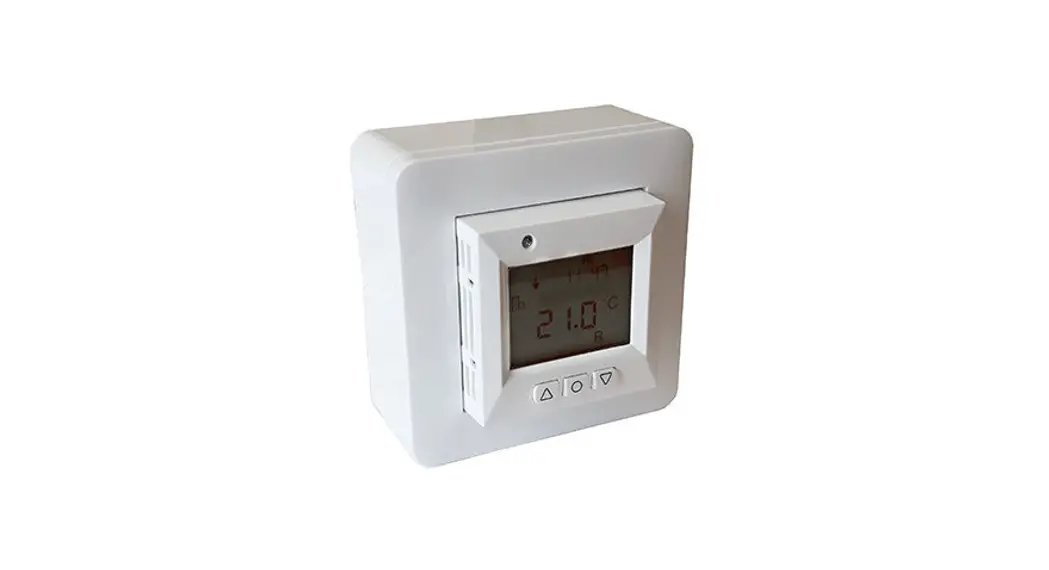
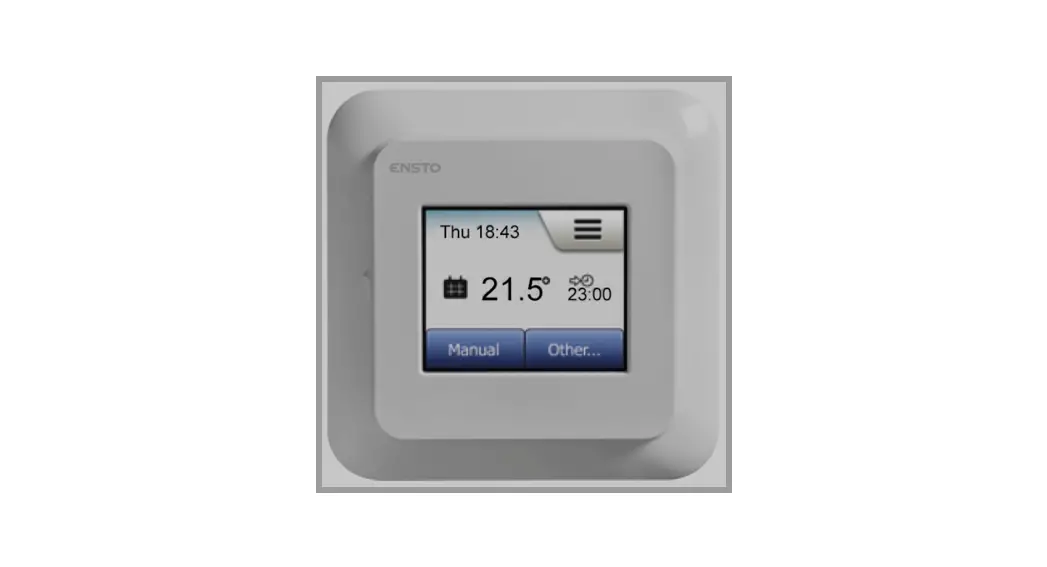
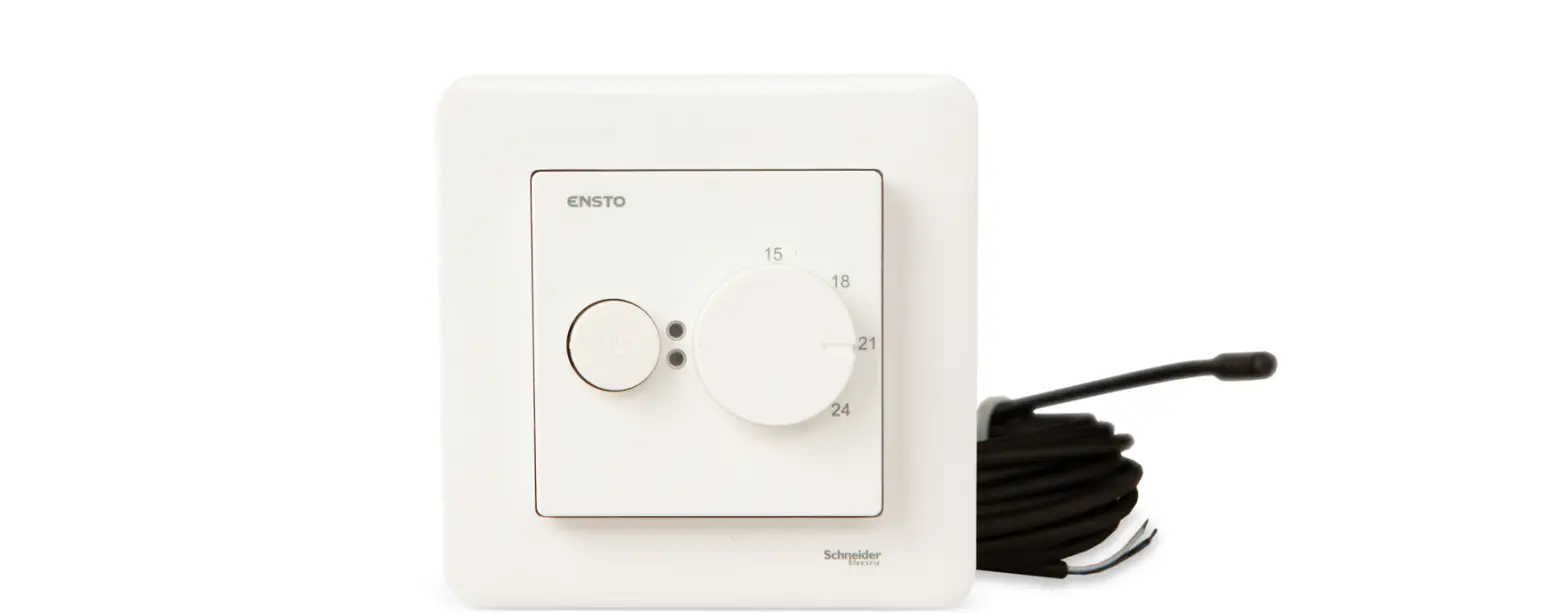
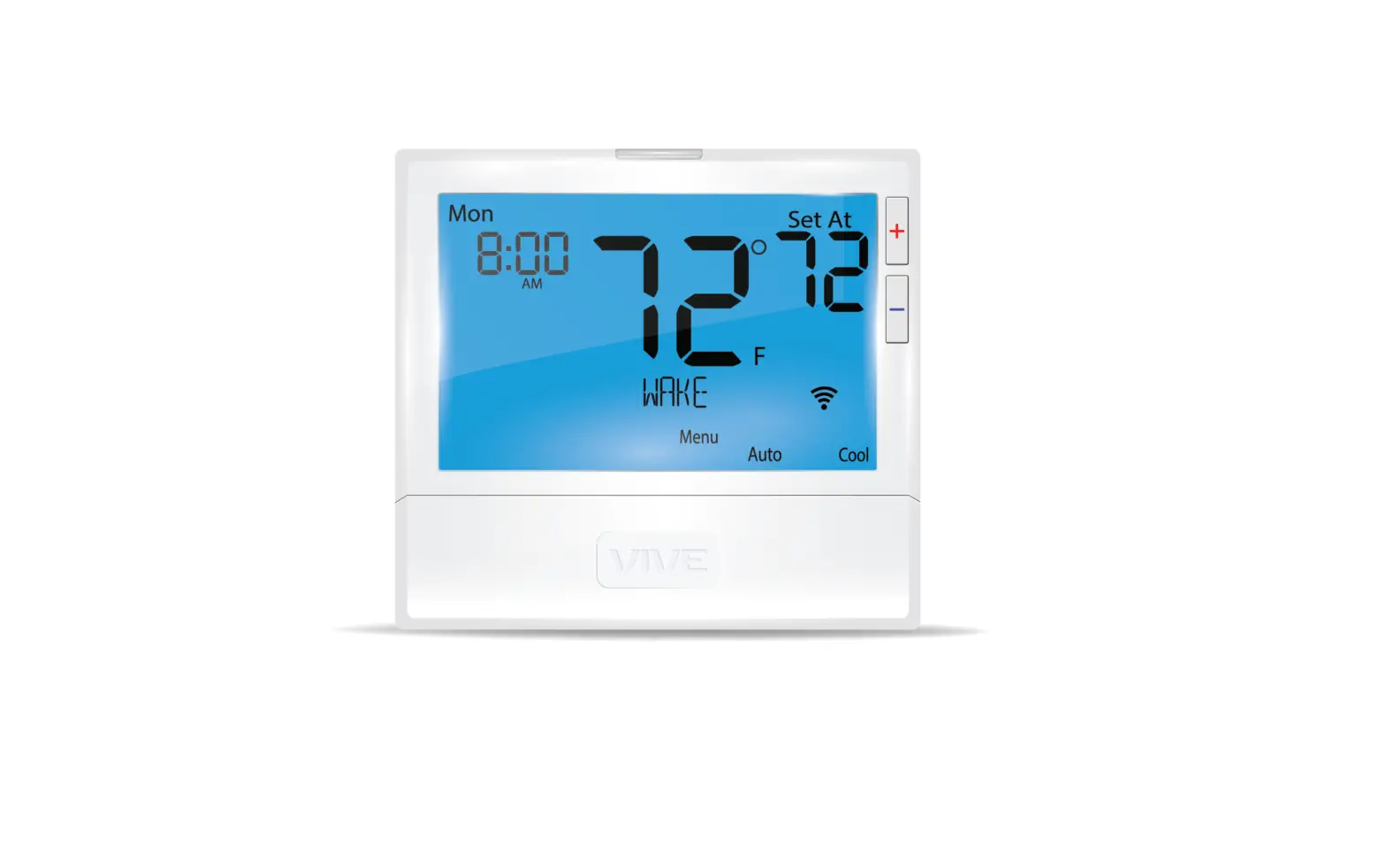
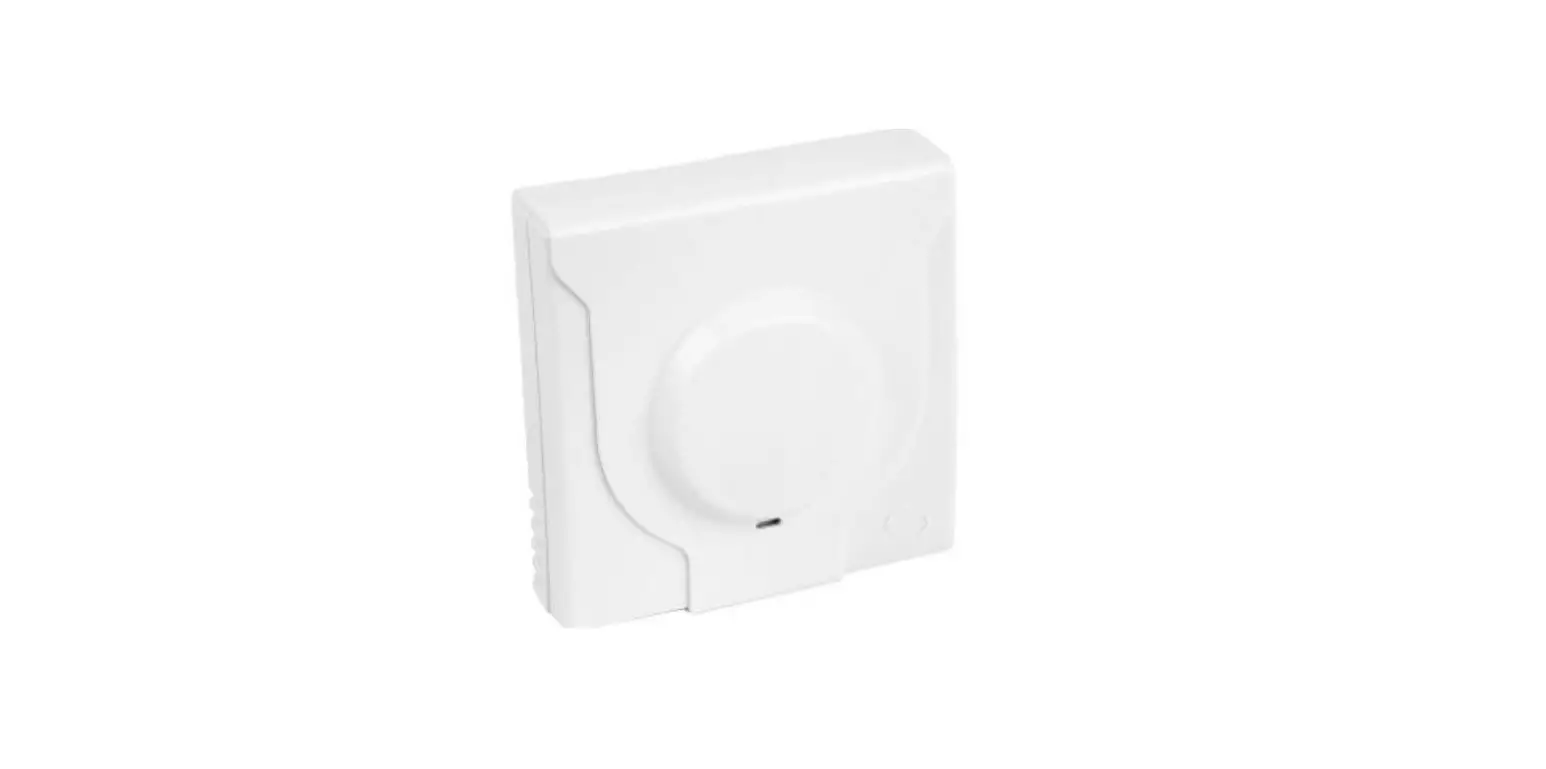
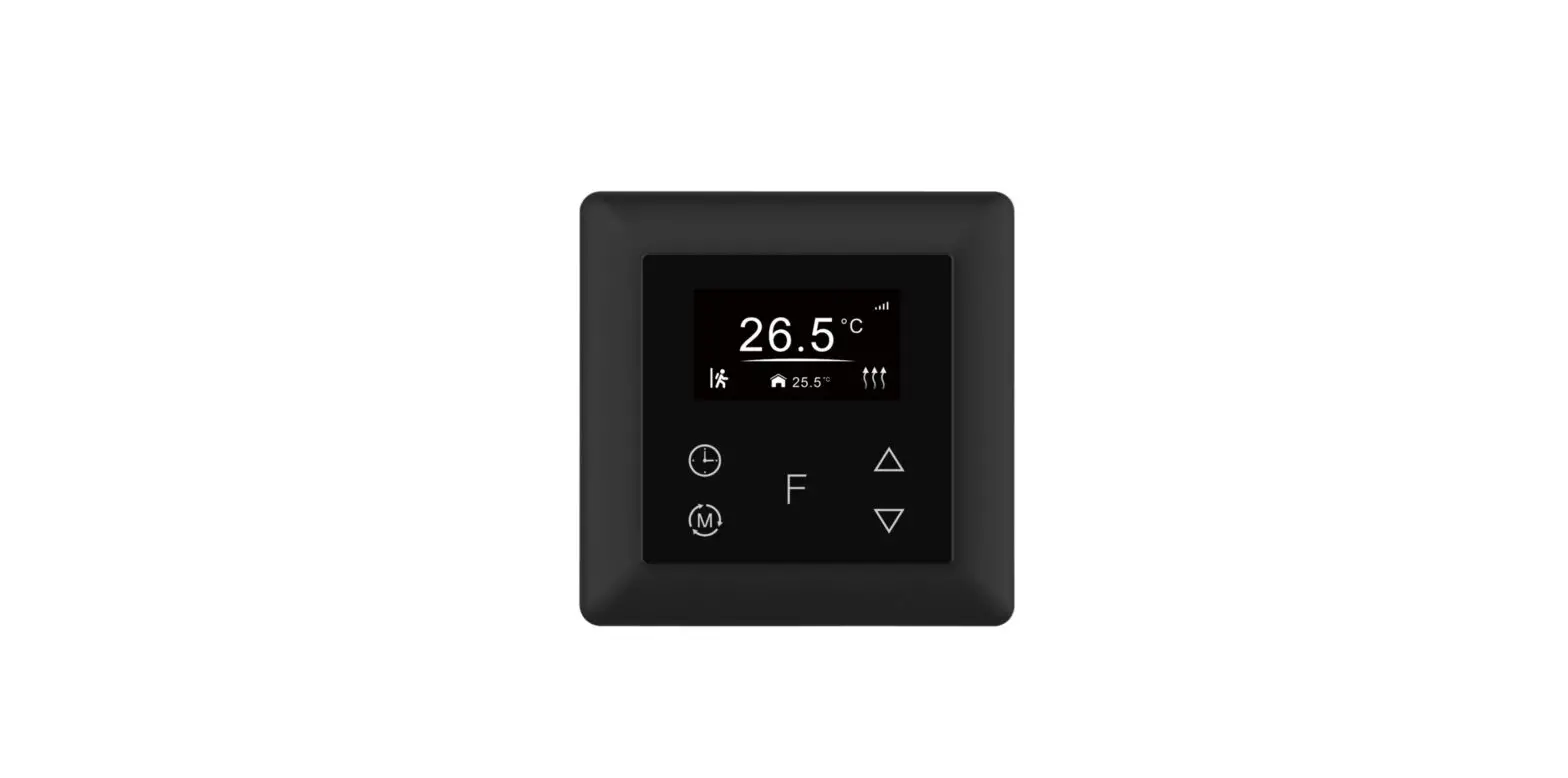
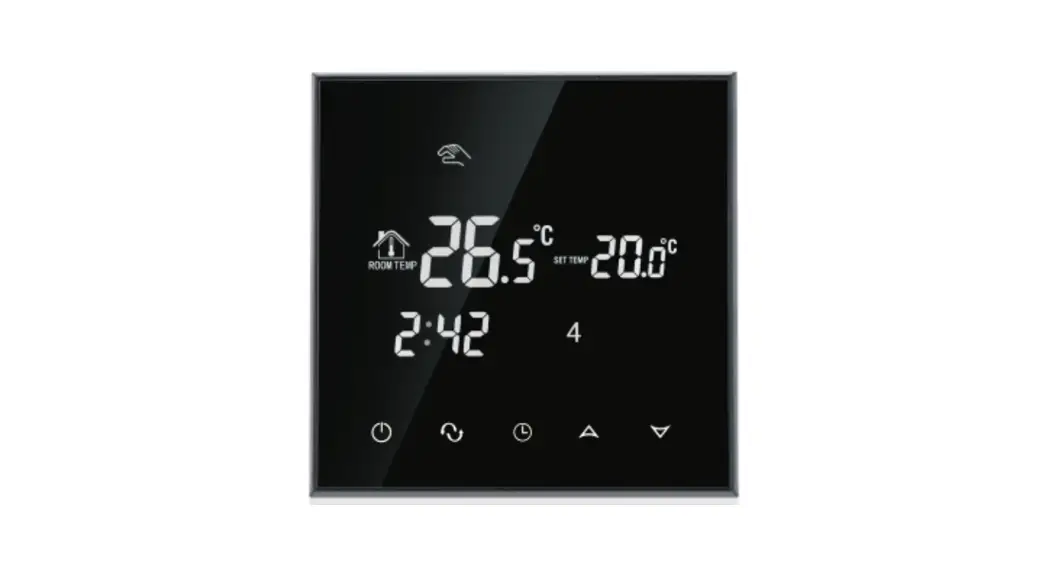
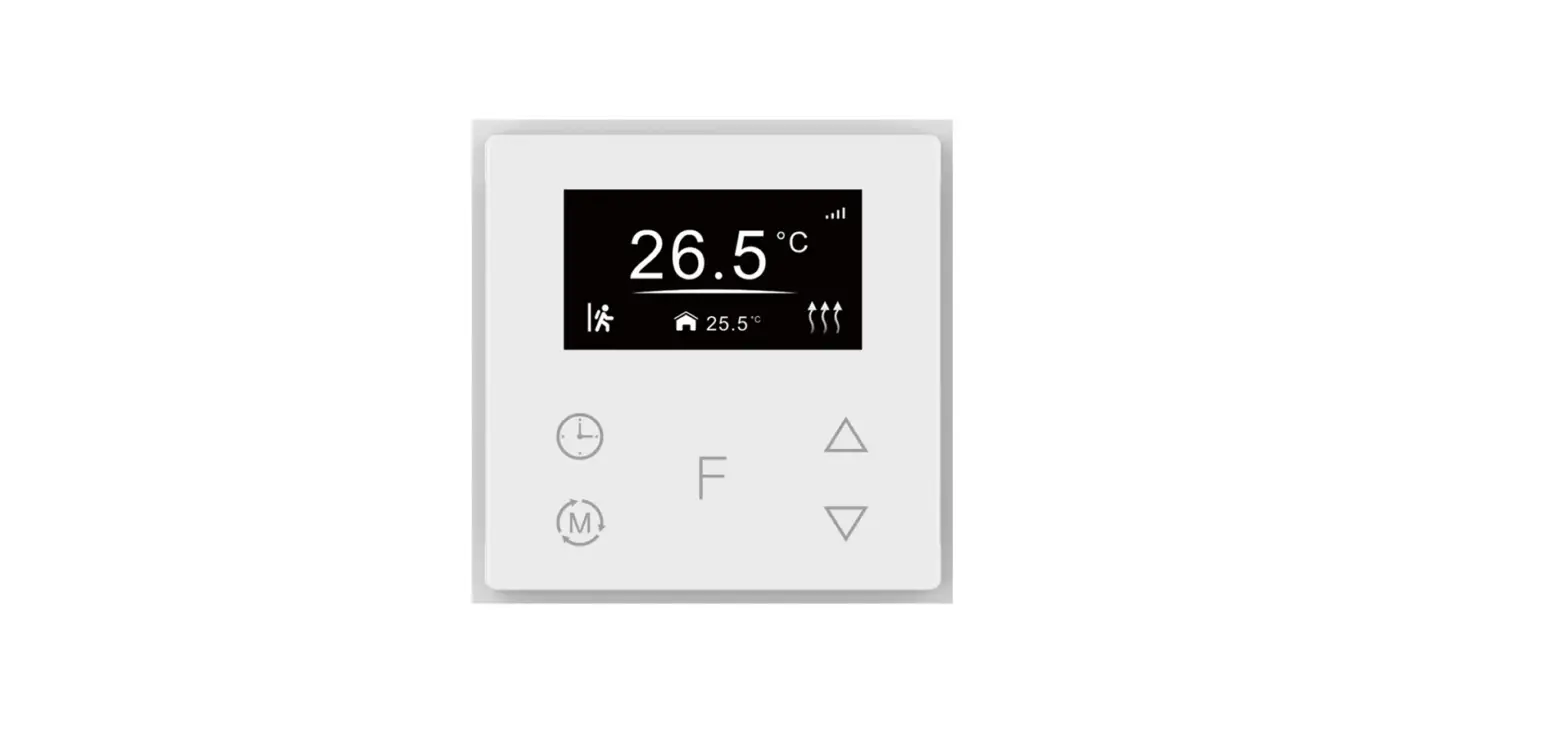
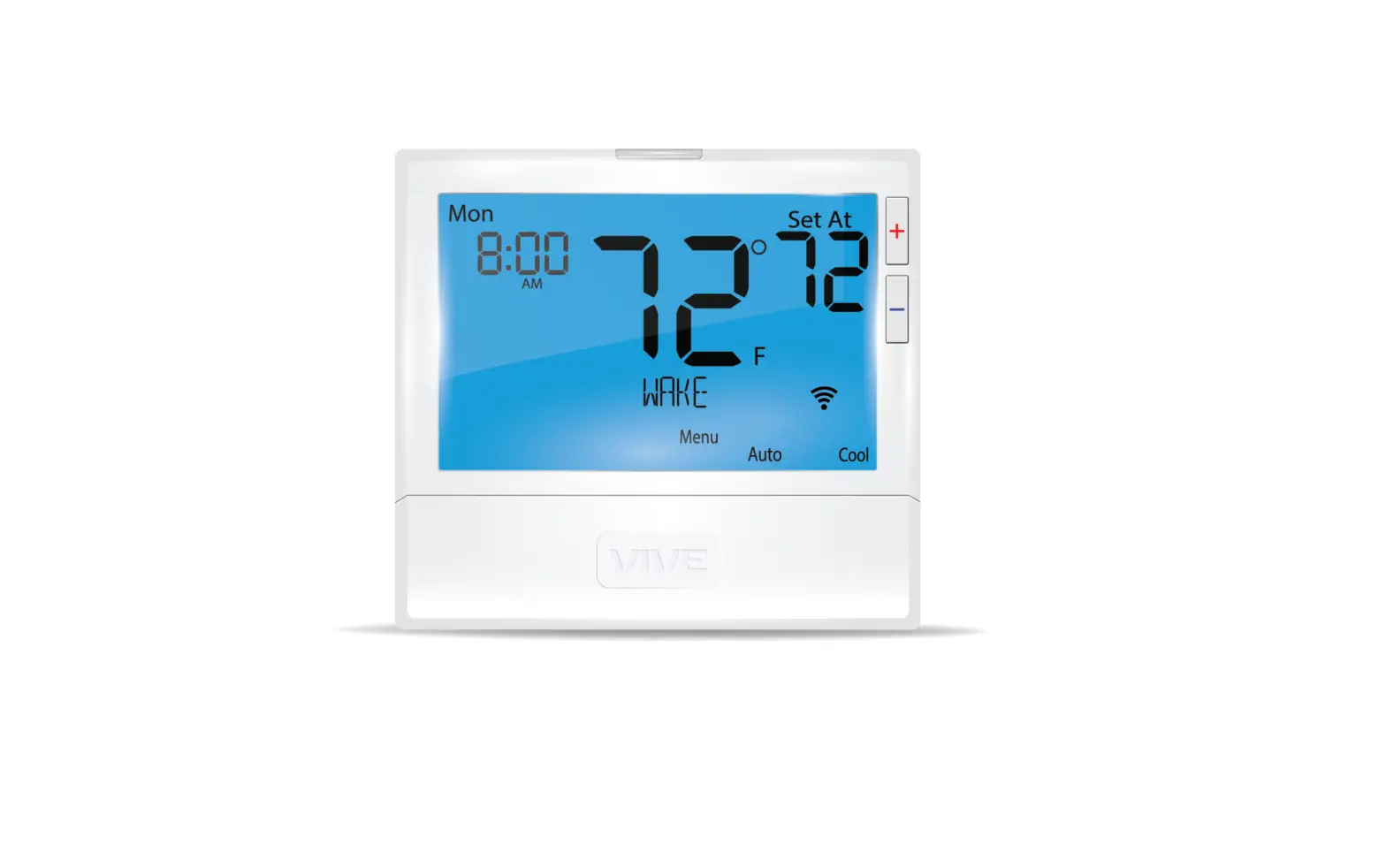
TPT16, TPT16WF Thermostat
Product Information:
The TPT16 / TPT16WF thermostat is a versatile device designed
for controlling heating or cooling systems. It comes with various
features and technical specifications to ensure efficient
temperature regulation.
Key Features:
- Easy installation and setup
- Supports multiple languages and timezones
- Daylight saving feature
- Floor type selection (concrete or wood)
- Temperature limit settings
- Gradual heating option
- Control via App (TPT16WF model)
- Backlit buttons for easy operation
- Standby and main screen display
Technical Specifications:
- Pilot Wire: Used for heating cable connection (if
applicable) - LOAD (N): Power connection (Neutral) for heating cable
- L: Power connection (Live)
- LOAD (L): Heating cable connection (Live)
- SENSOR: Floor temperature sensor (NTC type)
- Floor Temp Limit: 6-40°C for concrete, 6-27°C for wood
Product Usage Instructions:
- Disconnect any power to the thermostat’s mains before
installation. - Release the front cover by pressing the ejector latch at the
bottom of the thermostat using a screwdriver. - Open the spring and remove the frame.
- If using a floor sensor, place it into the protective tube in
concrete, ensuring there is no water in the tube. - Strip the wires 9-10 mm and connect them to the appropriate
terminals on the thermostat:
- PILOT: Pilot Wire (if applicable)
- LOAD (N): Heating Cable connection (Neutral)
- N: Power connection (Neutral)
- L: Power connection (Live)
- LOAD (L): Heating Cable connection (Live)
- SENSOR: Floor temperature sensor (NTC type)
following wiring and building regulations.
screws.
between them is correctly placed.
can be removed later by pressing the ejector latch.
performing a factory reset.
daylight saving, date/time, and thermostat use settings.
TPT16WF model) to adjust temperature settings, regulate power, set
schedules, and access additional features.
use. Touch any button to return to the main screen.
TPT16 / TPT16WF
EN
Installation and operating instructions
Release the front cover by pressing with screwdriver from the ejector latch at the bottom of the thermostat. Open the spring and remove the frame.
Wires must be stripped 9-10 mm. Wires can be released by pressing the connector’s release pin. Floor sensor must be placed into protective tube in concrete. Make sure there is no water in the tube.
Setup This manual describes the most essential functions and technical specifications of the thermostat. These instructions help the user to control the thermostat, and the electrician to install and setup the thermostat.
Technical specifications Display: 1.8″ TFT, 128×160 resolution Power supply: 230V – 50/60 Hz Maximum load: 16A (resistive) Setpoint temperature range: +5 °C/+40 °C Usage temperature range: 0 °C/+40 °C Temperature setback: Pilot wire 230V – 50/60 Hz IP class: IP21 Standard Color: White RAL9003 Sensors: Built-in room sensor and floor sensor NTC 10k included Wi-Fi: 2.4GHz 802.11bgn (TPT16WF) Approvals: EN 60730-1, EN 60730-2-9, EN 300 328 V2.2.2
Now connect the wires to the thermostat’s terminals:
PILOT: LOAD (N): N: L: LOAD (L): SENSOR:
Pilot Wire (if applicable)
Heating Cable connection (Neutral) Power connection (Neutral) Power connection (Live) Heating Cable connection (Live) Floor temp sensor NTC type
Installation Installation must be done by a qualified electrician in accordance with wiring and building regulations. Before installation, disconnect any power to the thermostat’s mains. During installation of the thermostat, power to the thermostat must be disconnected or isolated AT ALL TIMES!
Next, position the thermostat and fasten it onto the wall’s mounting box using 2-4 screws. Open the frame retaining spring, position the frame and close the spring. Then attach front part, make sure the connector between front and bottom part is correctly placed. Press front part until it snaps in place. Front part can later be removed by pressing the ejector latch.
1
EN
TPT16 / TPT16WF
Start-up After connecting the power to the thermostat
for the first time, or after performing a factory reset, a start-up wizard will prompt the following questions:
Language Set timezone
Set language
Timezone compared to GMT
Daylight saving
Daylight saving in use Y/N
Date / Time
Set current date & time
Thermostat use
Heating or cooling
Heating system
Floor (Slow), Floor (Fast), Other (Fast)
Floor type
Concrete or wood
Floor Temp limit 6-40 (concrete) 6-27 (wood)
Regulate Load size
Room/floor or power reg. Specify load
Gradual heating
ON or OFF, used with
new concrete floors to limit temperature rise time
Note: Wooden floor requires that a floor sensor is connected. Thus, floor temp is limited to 27 °C.
User manual
Control The thermostat is controlled directly or via App Frico TPT (TPT16WF), see “Wi-fi settings (TPT16WF)” and “Phone applications (TPT16WF)”
The thermostat has three touch sensitive capacitive buttons. These are: · Left (Up) · Center (Confirm) · Right (Down)
Each button has its own background light. At any time, when any of the buttons’ backgroundlight is lit, the button is available for use.
TIP: Holding the left button for 2 seconds at any time, will make a quick return to the main screen.
TIP: While browsing the thermostat’s menu, pause at any menu item for a while, and a help text will be shown.
Symbols
Heating enabled
Cooling enabled
Wooden floor has reached the maximum temperature 27°C, thus heating is being limited.
Home
Away
Gradual heating
Power regulation
Schedule
Anti-frost
Cooling
Open window function
Standby and Main screen When the thermostat remains untouched for a while, it will automatically go to standby screen. While in standby, touching any of the buttons will display the main screen below:
12
3
14:20
21.4 °C
6
4
1. Time 2. Operation mode 3. Wi-Fi indicator (TPT16WF) 4. Heating switched 5. Setpoint 6. Measured temp
(Room or floor sensor)
22.5 °C 5
In the main screen, pressing the center button will access the main menu. Pressing left or right button will change the set temperature.
2
TPT16 / TPT16WF
EN
Menu items
Operation mode Schedule Settings
See “Operation Mode” See “Schedule” Adjust settings
Wi-Fi
Adjust Wi-Fi settings (TPT16WF)
Energy consumption Show energy consumption
Child Lock
Activate key lock
Info
Thermostat information
Shut down Back
Switch thermostat on/off Go back to main screen
TIP: “Energy Consumption” shows consumption statistics over different time periods. Press center button to change unit or to reset statistics.
Anti-frost This mode drops setpoint to 7 °C. It can be used e.g. in summer cottage during winter time.
Power regulation Fixed power mode, which operates without feedback from sensors. Relay conduction time is selected e.g. 20% which means relay is ON 20% and 80% OFF during the cycle time. Cycle time is 30 minutes.
Open window function If the room temperature drops rapidly, the mode will be changed to Anti-Frost mode. When the temperature raises, thermostat will return to earlier used mode. The Open window function will automatically deactivate after 30 minutes. The function is disabled as default.
TIP: Select “Child Lock” and press center button three times to activate/deactivate key lock.
Operation mode The thermostat has three main modes: Home, Away and Schedule. The additional modes are Anti-frost and Power regulation.
Home Pre-set temperature while you are home. The temperature setting can be changed by the user and it is saved.
Away Pre-set (reduced) temperature while you are away. The temperature setting can be changed by the user and it is saved. External pilot signal will also change operation mode between Home and Away.
Schedule Thermostat follows the settings programmed in the Schedule menu. Programming can also be done with phone application(TPT16WF).
Schedule Create customized daily schedules to minimize energy consumption and maximize comfort. There can be up to five set points per day. A set point is given a target set time and a target set temperature for the thermostat to regulate automatically.
You can view your daily heating schedule in this menu. Set points can be added and removed according to your preferences.
TIP: Create a daily schedule for a weekday according to your preferences. Then use the copy/paste function to duplicate the given day’s scheme to other weekdays.
Settings Language Brightness Color theme Standby screen Backlight delay Show help Advanced settings Back
Set language Adjust display brightness Dark/Light ON/OFF 5-30s No/2-15s Go to advanced settings
Go back to main screen
3
EN
TPT16 / TPT16WF
Advanced settings WARNING: Advanced Settings is recommended only for expert users. Consult your supplier or use with extreme caution! Incorrect settings
may damage your floor or heating system! Advanced settings menu contains the following items:
Heating Setup
NTC sensor Hysteresis Calibration
Temperature limits
Pilot wire
*Adaptivity Factory reset
Restart device Back
Change heating or cooling setup
Change NTC type
Change temp variation Fine tune temp measuring
Set limits for room and floor temp
Change pilot wire settings
See below. Perform full factory reset
Perform reboot
Go back to settings
*ADAPTIVITY: The thermostat will automatically start/stop heating proactively to reach the set temperature at the set time. If adaptivity is switched off, the thermostat will start/stop heating at the set time instead of operating proactively to reach the set temperature at the set time.
Wi-Fi settings (TPT16WF) When the thermostat is not connected to the cloud “Connect to cloud” can be started from Wi-Fi settings menu. Connection is done together with phone application “Add thermostat”. Thermostat will show two three digit PIN codes, which will be copied to the phone application. The password for the selected Wi-Fi network will be given in the phone application.
CONNECT TO CLOUD
When the Add Thermostat operation is finalized thermostat will reboot. After the thermostat is connected to the cloud the Wi-Fi settings menu will offer possibility to turn Wi-Fi OFF/ ON. Existing Wi-Fi settings will be used when turning Wi-Fi back to ON. To change Wi-Fi network or password please use Connect to cloud menu together with phone application’s Reconfigure Wi-Fi menu.
Phone applications (TPT16WF) Download “Frico TPT” from App store or Google Play.
Packaging Packaging materials are chosen with consideration to the environment and are therefore recyclable.
Handling of product at end of working life This product may contain substances necessary for the functionality of the product but potentially dangerous for the environment. The product should not be disposed of mixed with general household waste but delivered to a designated collection point for environmental recycling. Please contact the local authority for further details of your nearest designated collection point.
Wiring diagrams
°C
TPT16
230V~/16A (AC1)
Load Pilot Ext. Sensor
L LN N
<3600W Sensor Sensor
230V~
Main office Frico AB Industrivägen 41 SE-433 61 Sävedalen Sweden
Tel: +46 31 336 86 00
[email protected] www.frico.net
134
For latest updated information and information
458
about your local contact: www.frico.net
Cancel
2022-12-14 HH/CH
4
 Energy-efficient heating systems for a comfortable indoor climate | Frico | Frico