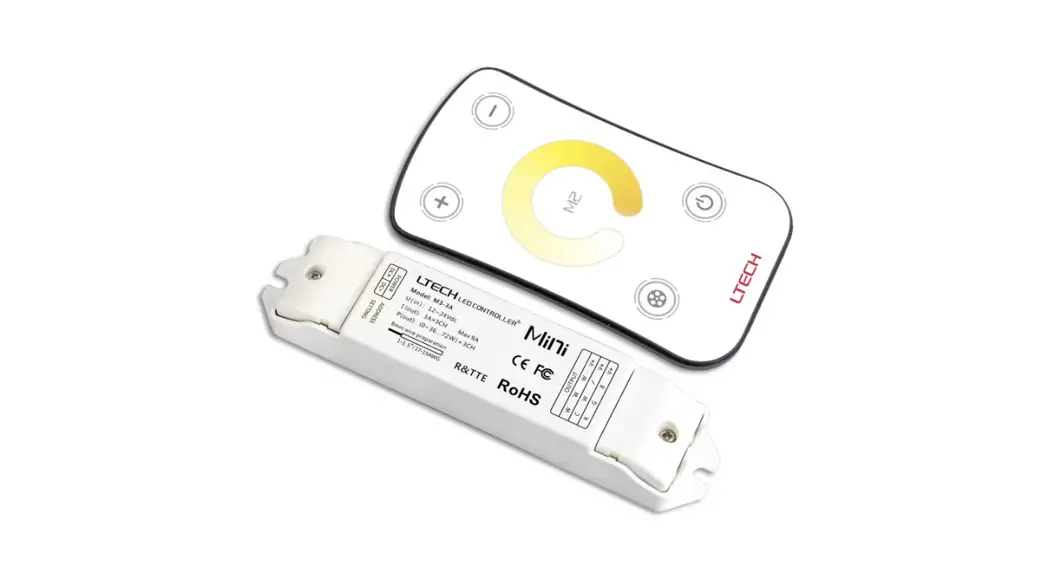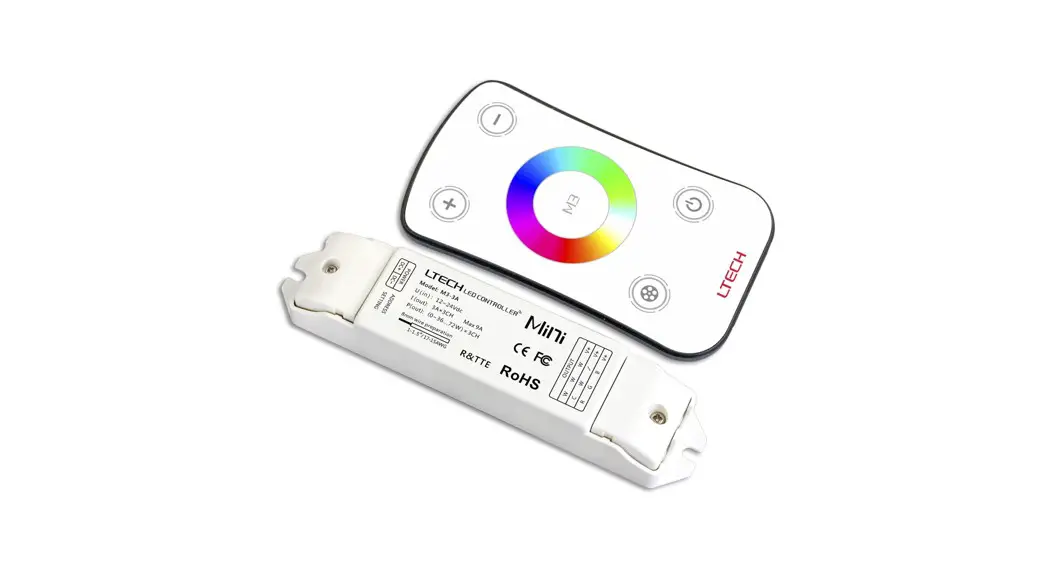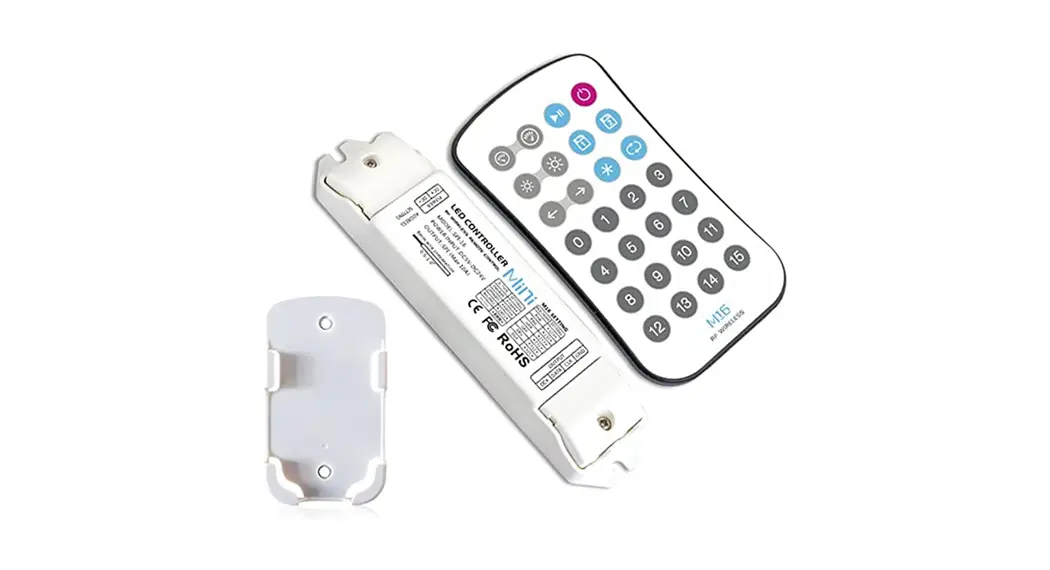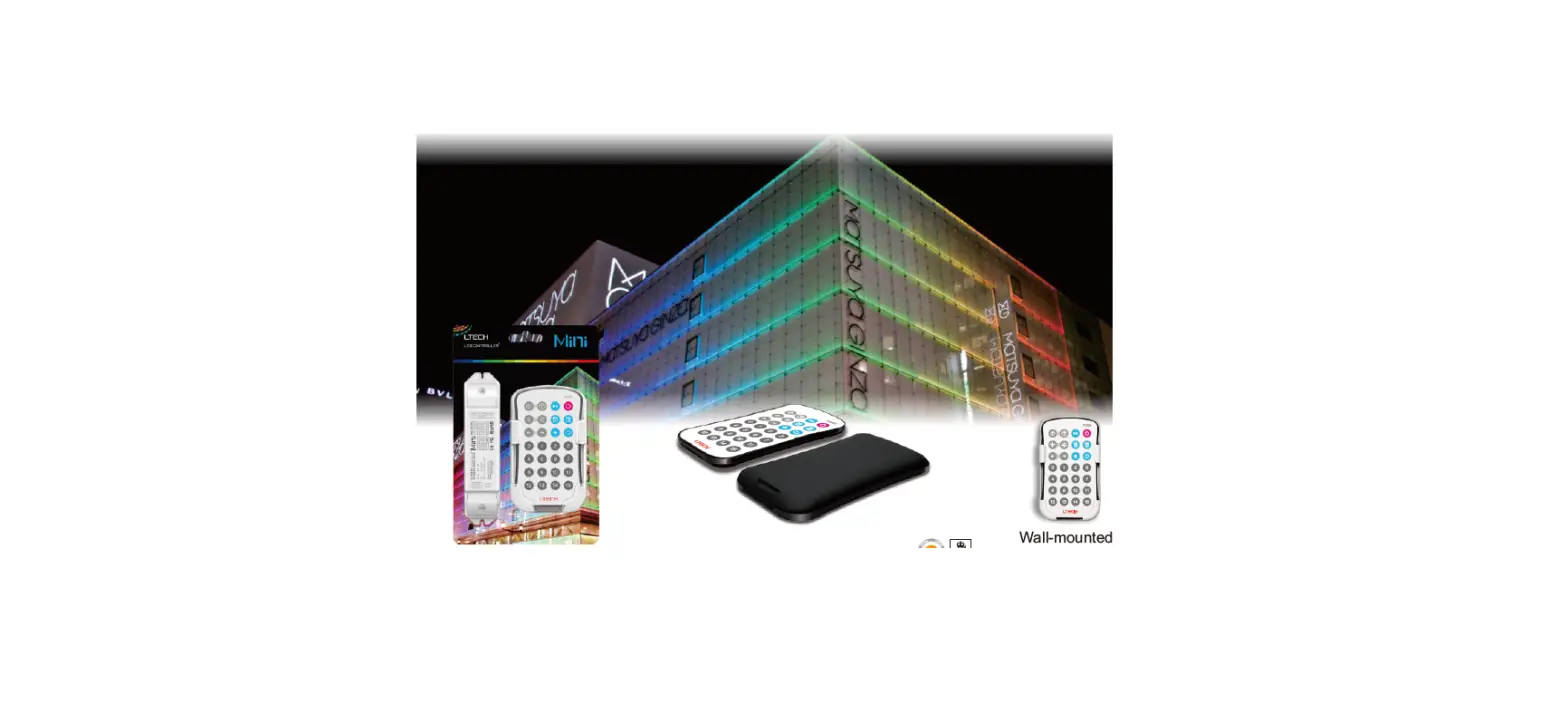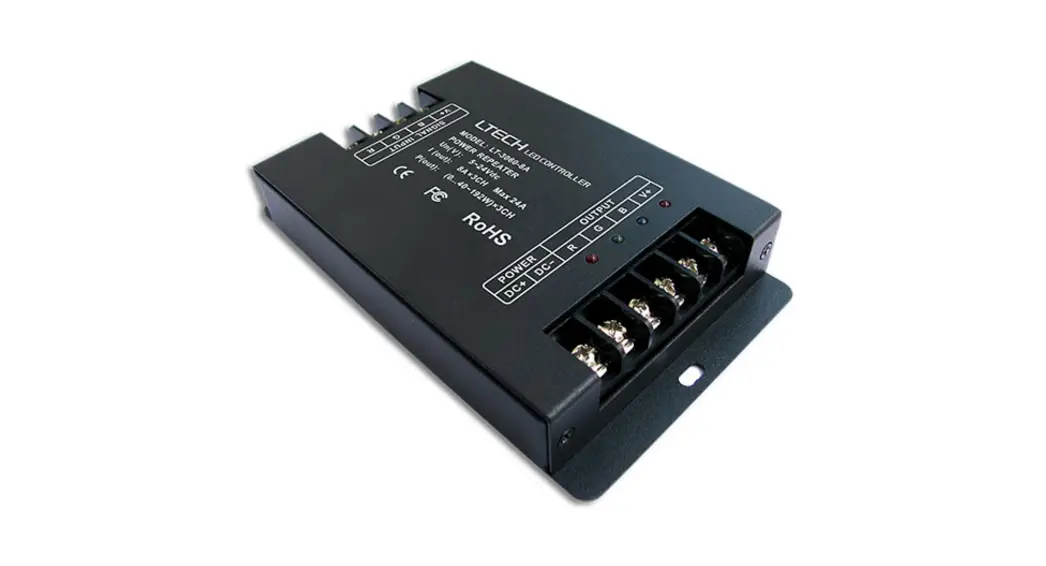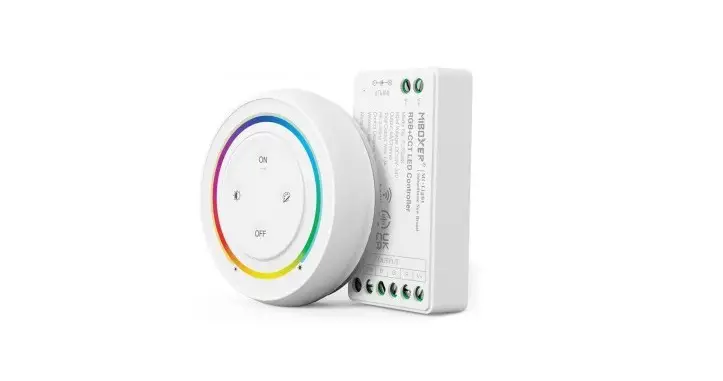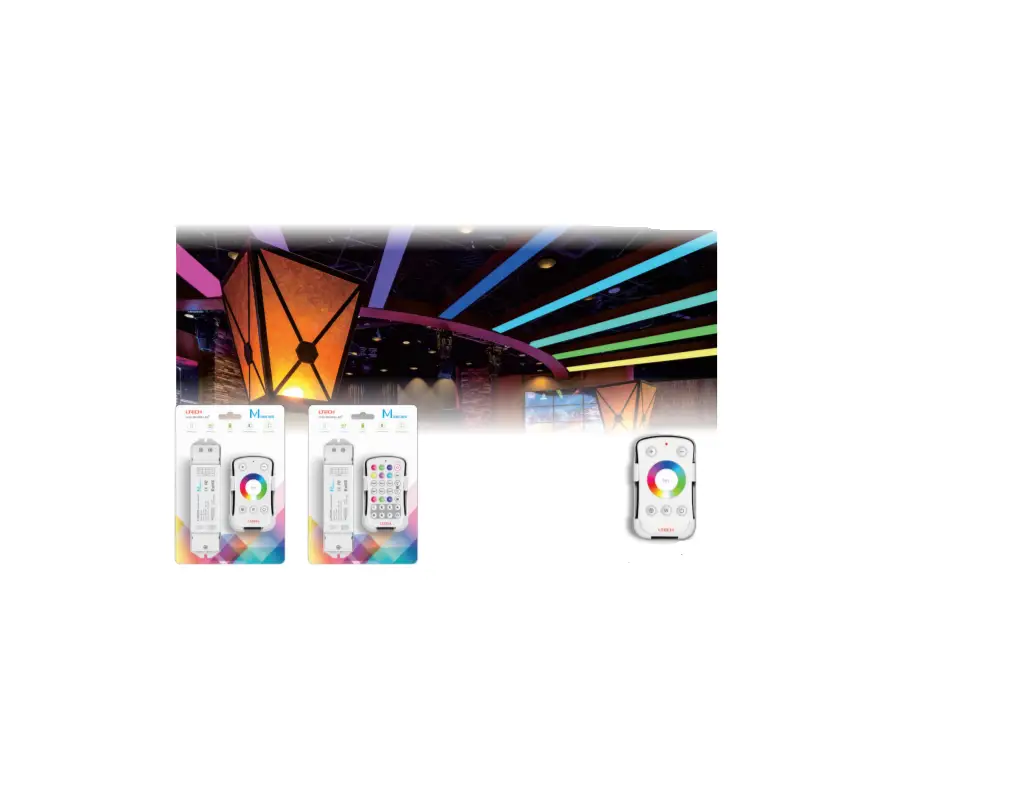
LTECH M4/M8 M4-5A M series LED controller User Manual

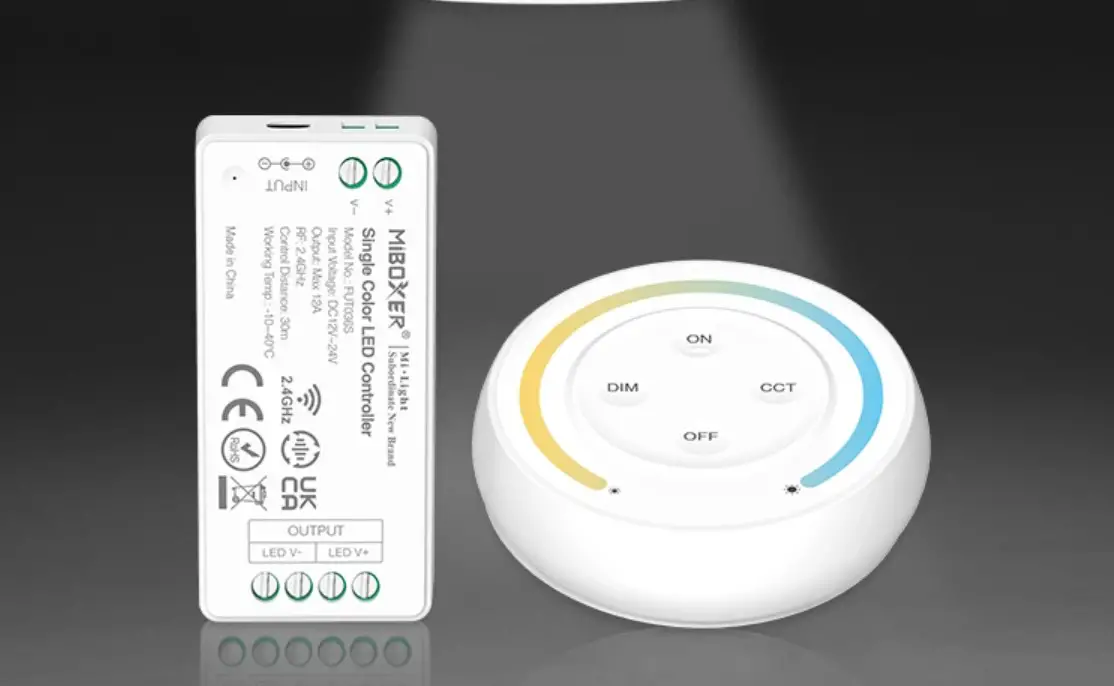
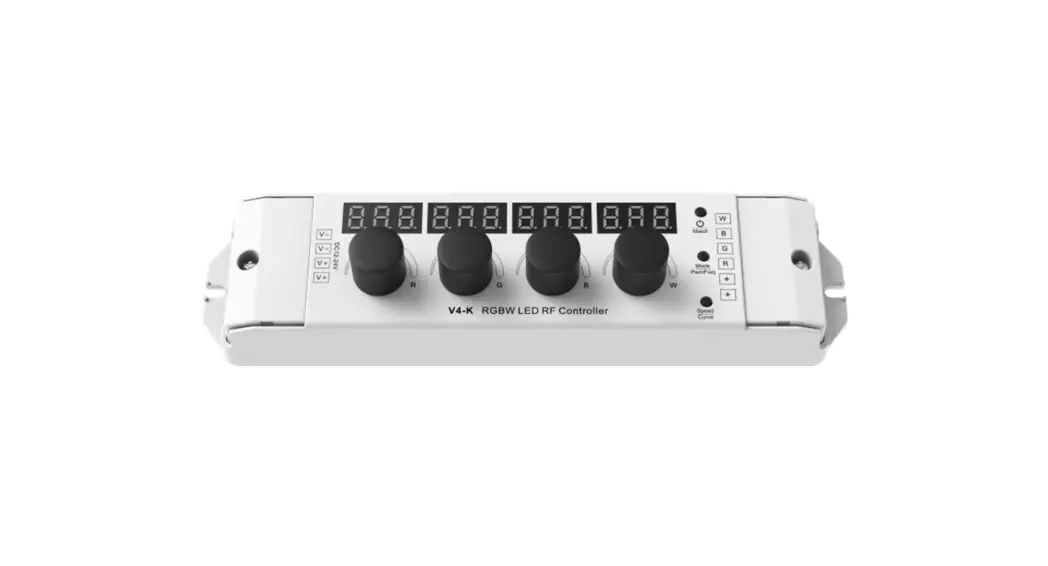
M series LED controller is compatible with 8 kinds remotes of different function (patent technology) . which means using one receiver could experience single color/CT dimming, RGB/RGBW adjustment to meet customers’ different lighting requirements. With the RF remote, speed/brightness adjustment. customise color and lighting changing modes selection could all be achieved
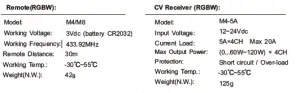
1. Parameter
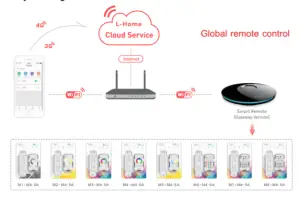
2. System Diagram:
3. Product Size:
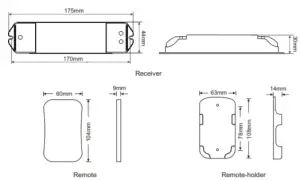
4. The Learning ID Method of Remote Control:
Remote control has been matched to the receiver before leave factory, if deleted accidentally, you can learn ID as follow.
Learning ID: Short press ID learning button on the M4-5A receiver, the running light is on, then press any key on the M4/M8 remote control, the running light flashes several times, activated.
Cancel ID: Long press ID learning button on the M4-5A receiver for 5 seconds.
Attn: one receiver can be matched with max 10 same or different kinds remote.
5. Operating Instruction for Receiver:
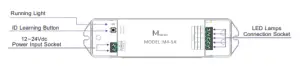
6. Operating Instruction for Remote Control :
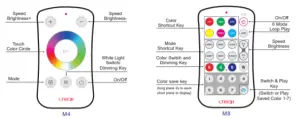
M4 Changing Mode Table
| No. | Mode | Instrutcion | No. | Mode | Instrutcion |
| 1 | Static Red | Brightness Adjustable | 7 | Static White | Brightness Adjustable |
| 2 | Static Green | Brightness Adjustable | 8 | RGB Skipping | Speed/Brightness Adjustable |
| 3 | Static Blue | Brightness Adjustable | 9 | 7 Colors Skipping | Speed/Brightness Adjustable |
| 4 | Static Yellow | Brightness Adjustable | 10 | RGB Color Smooth | Speed/Brightness Adjustable |
| 5 | Static Purple | Brightness Adjustable | 11 | Full-color Smooth | Speed/Brightness Adjustable |
| 6 | Static Cyan | Brightness Adjustable | 12 | Static Black | White light can be turn/off and adjusted |
7. Wiring Diagram:
E.g. 1: Connected 12V lamp, loads 0~240W (5A×4CH×12V).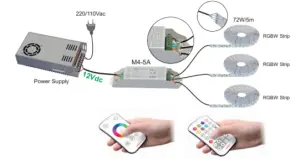
E.g. 2: Connected 24V lamp, loads 0~480W (5A×4CH×24V).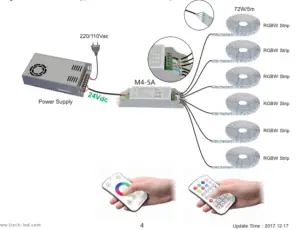
 LED Controller | LED Dimmable Driver | LED Intelligent Lighting | Intelligent Home -LTECH