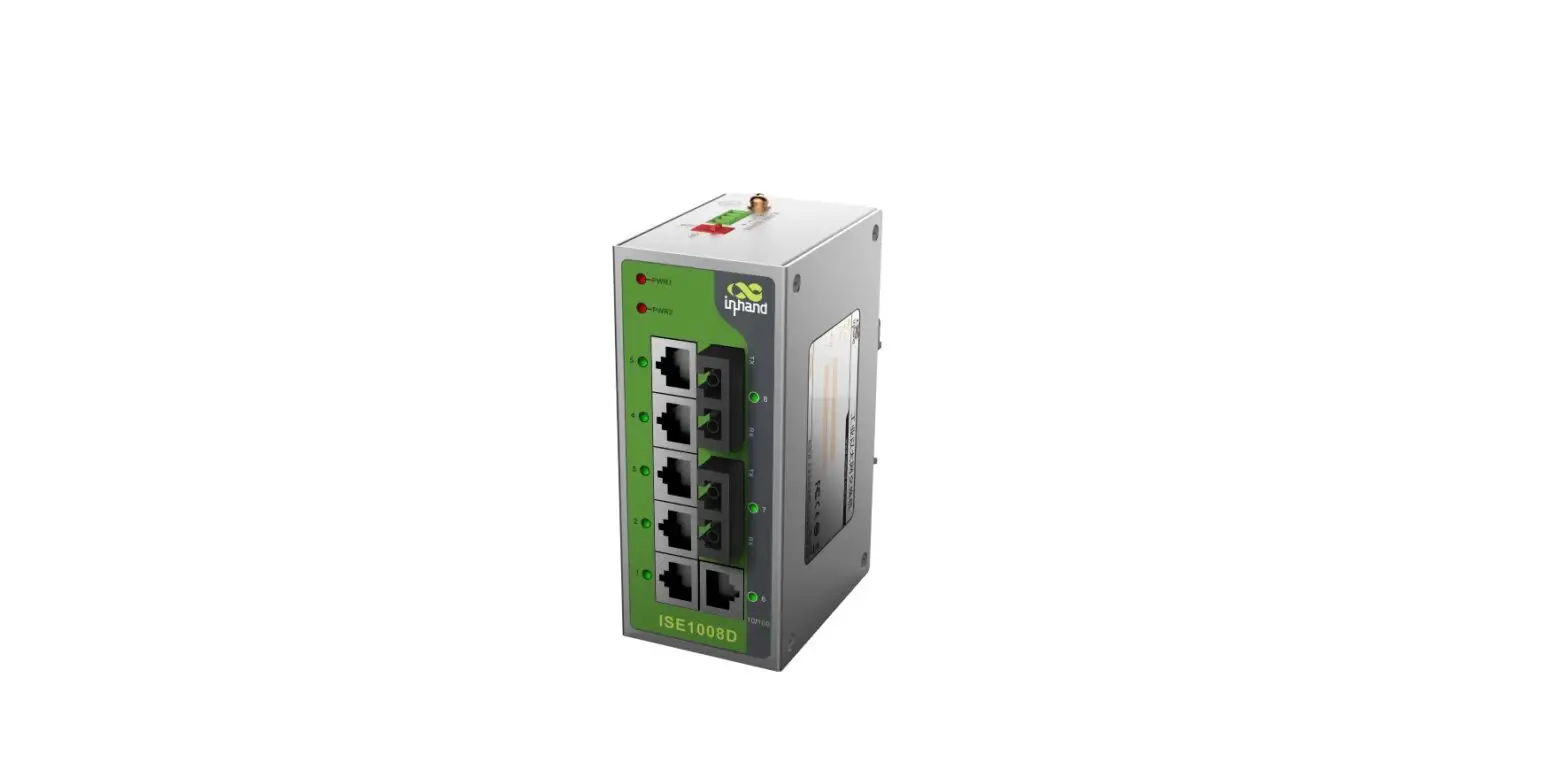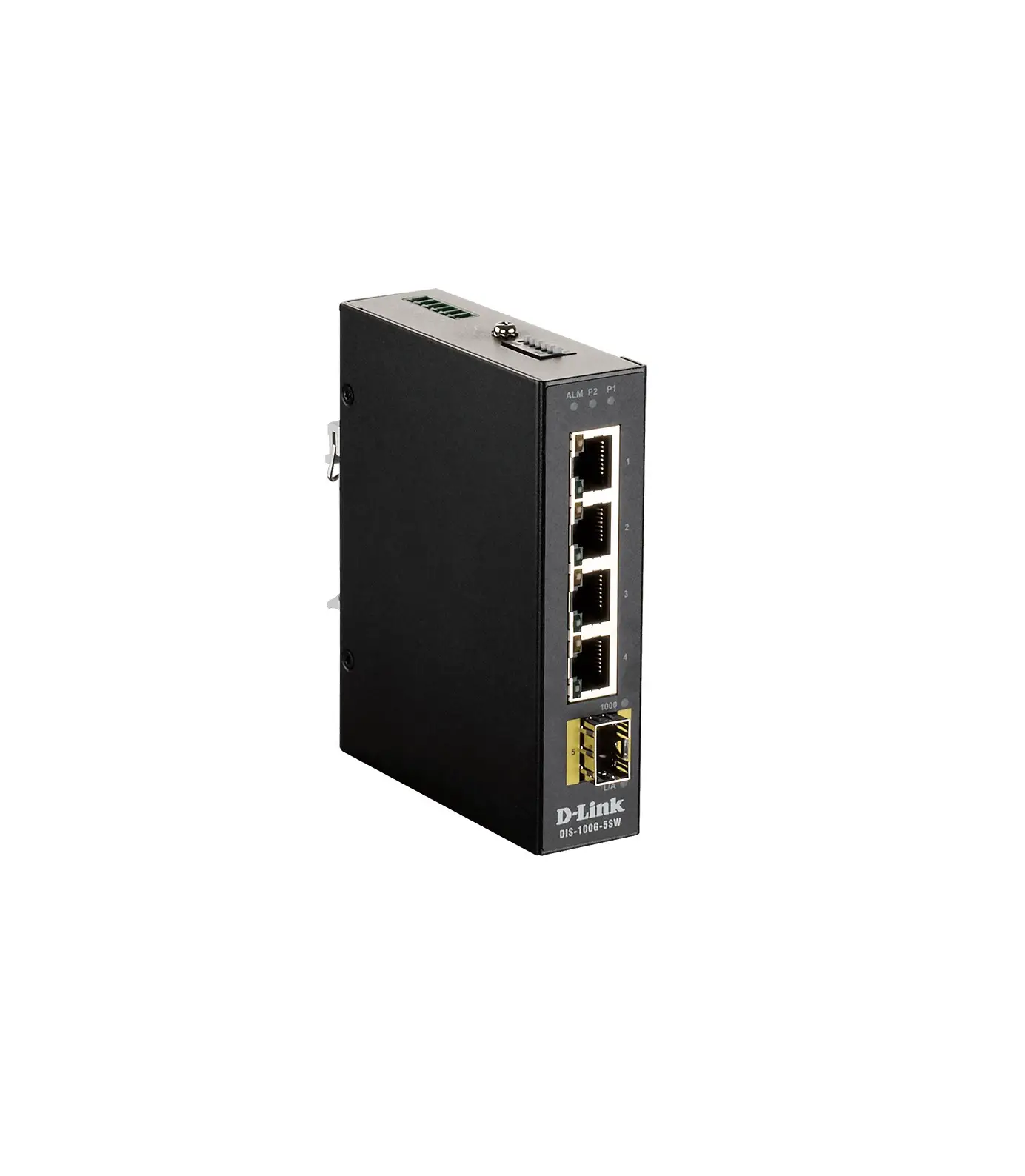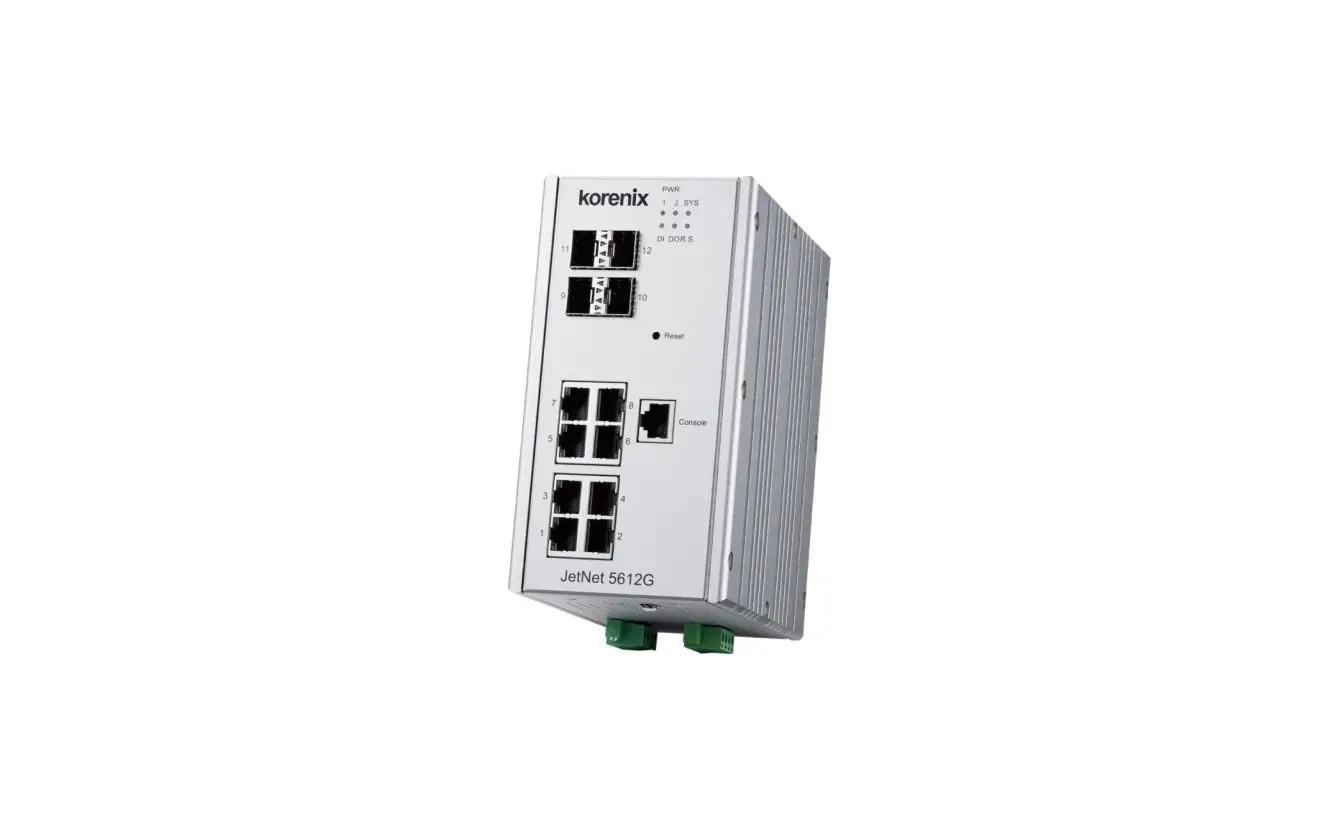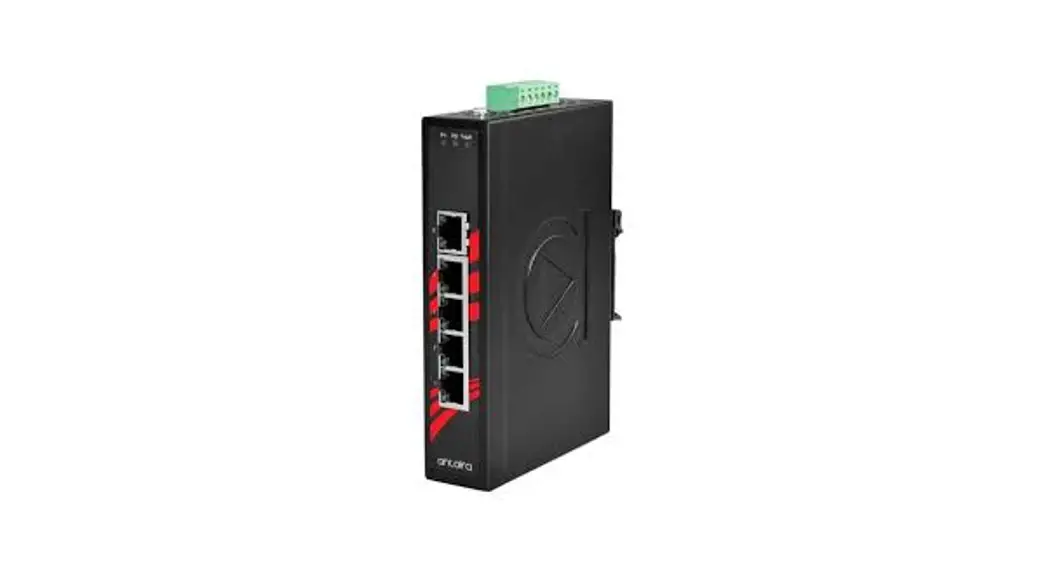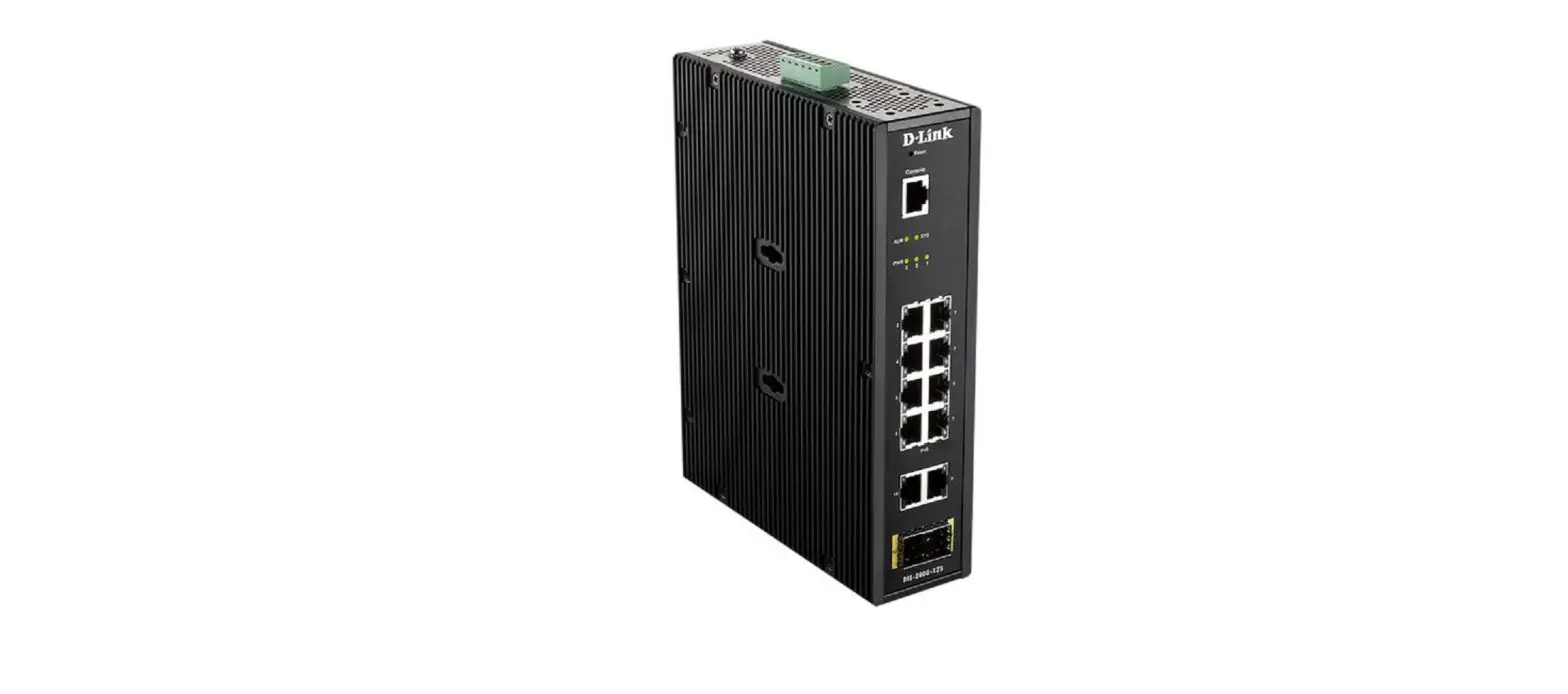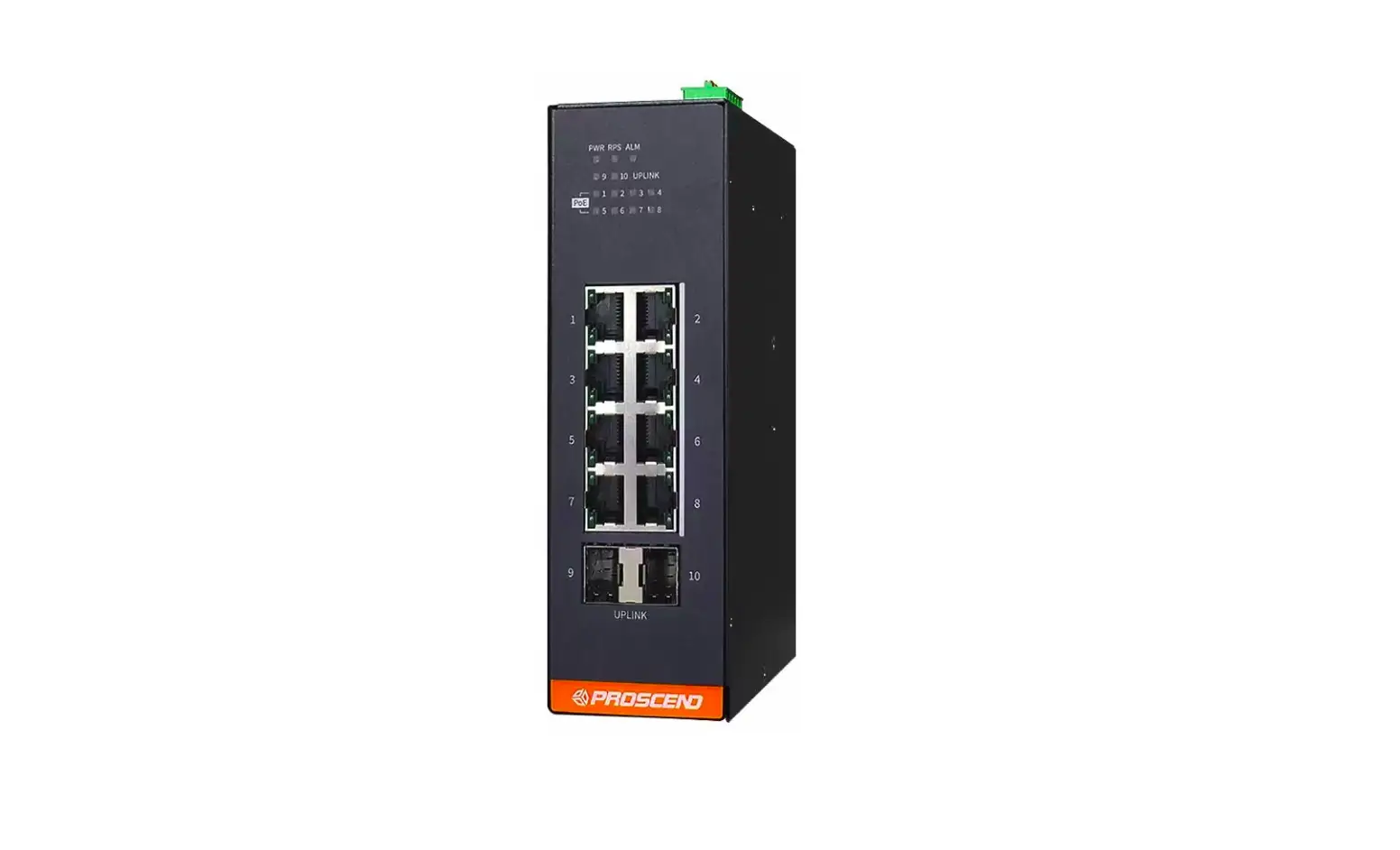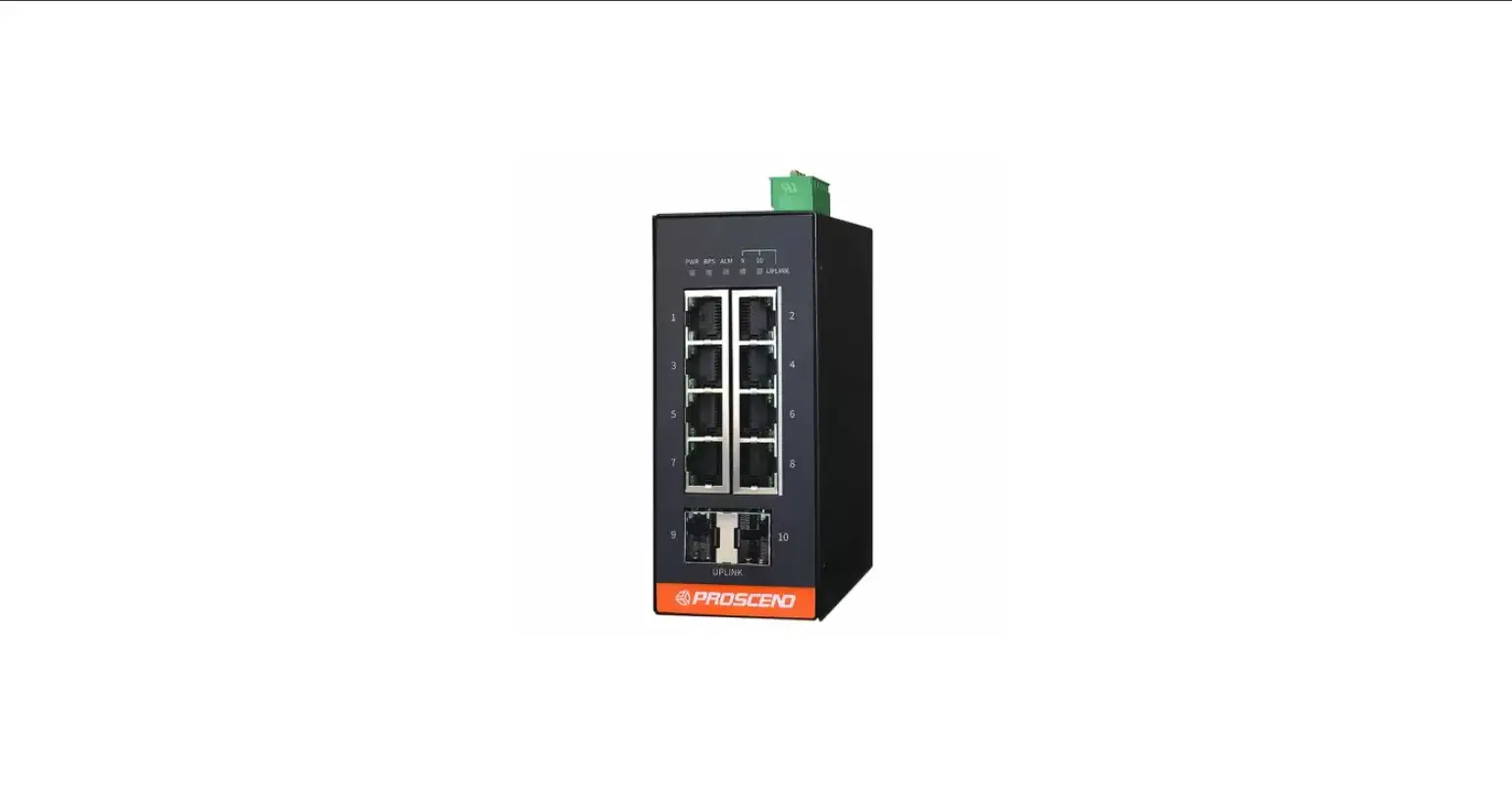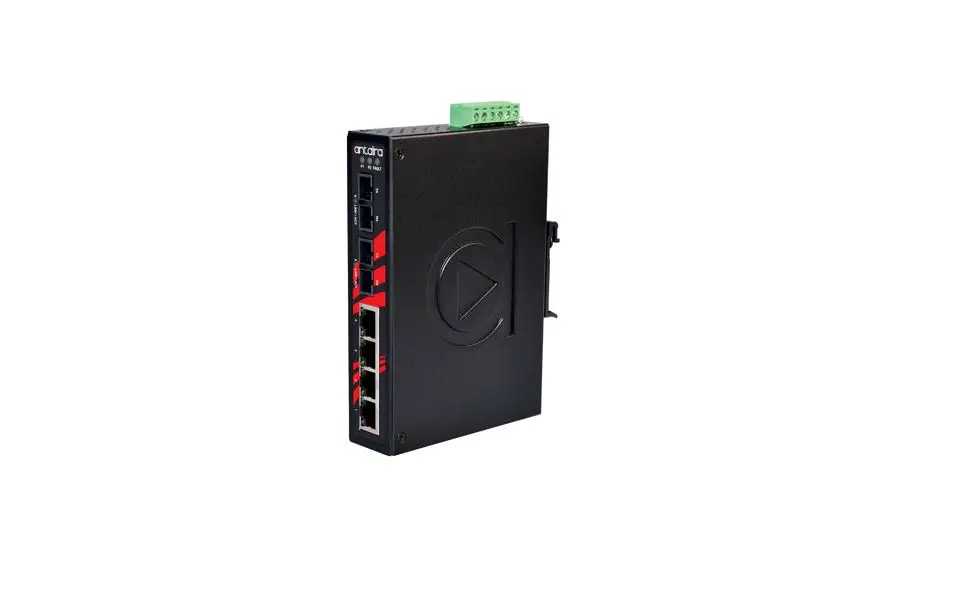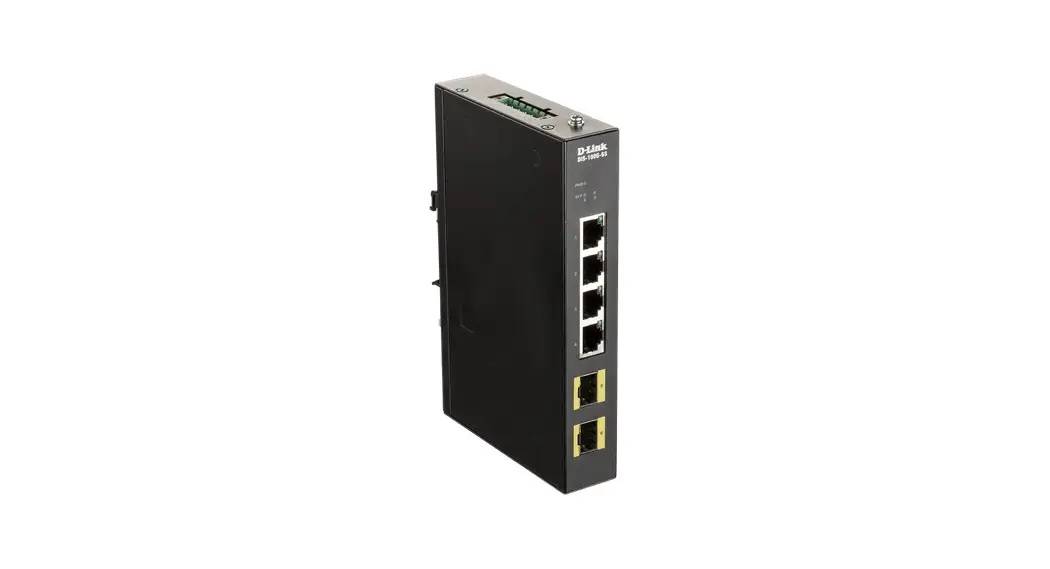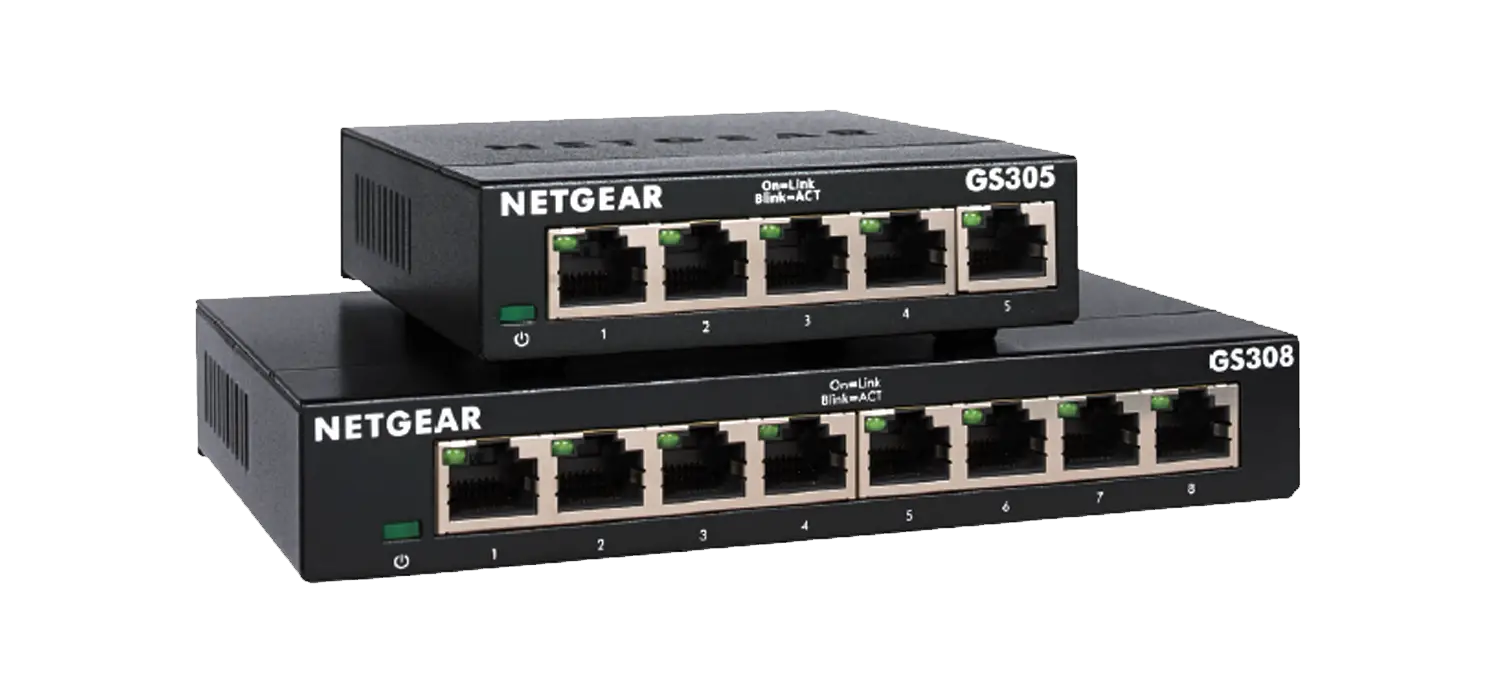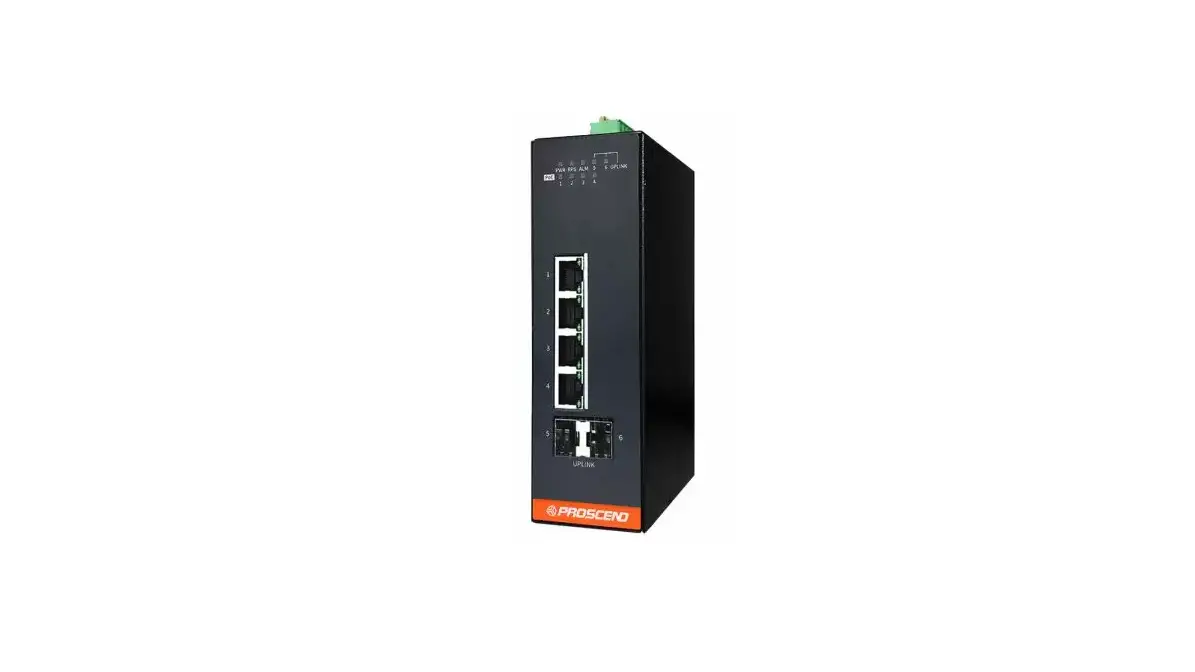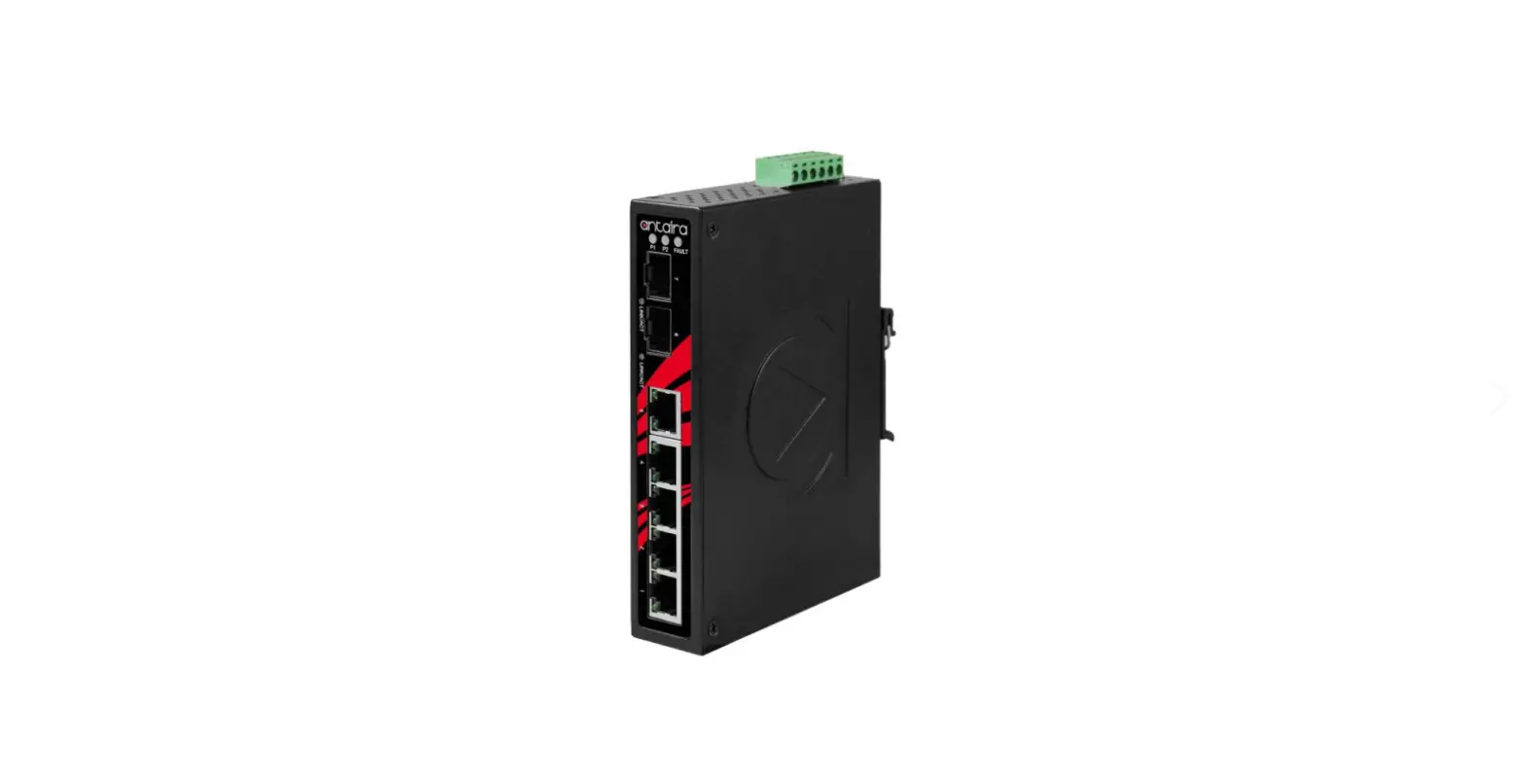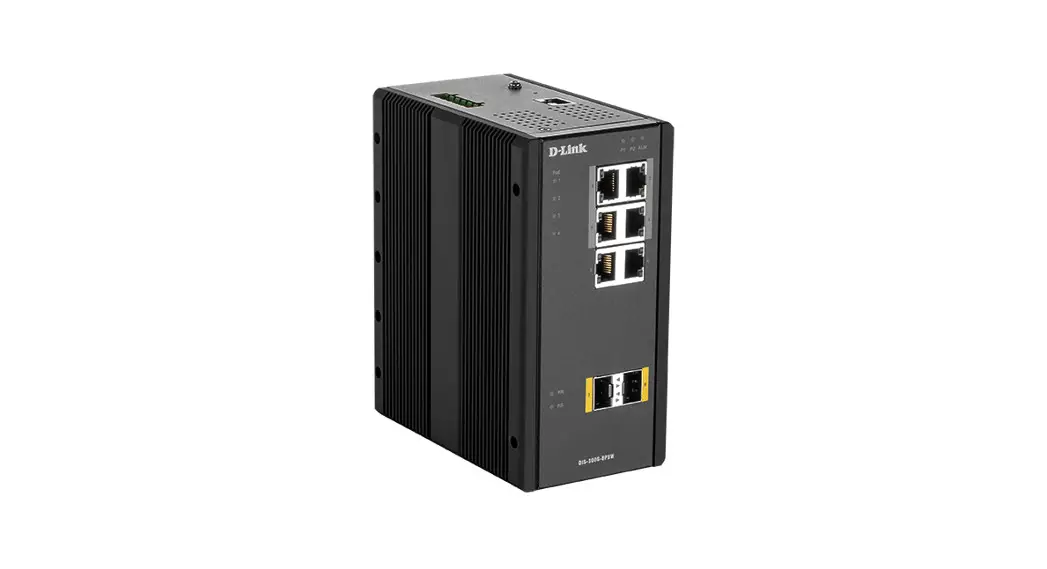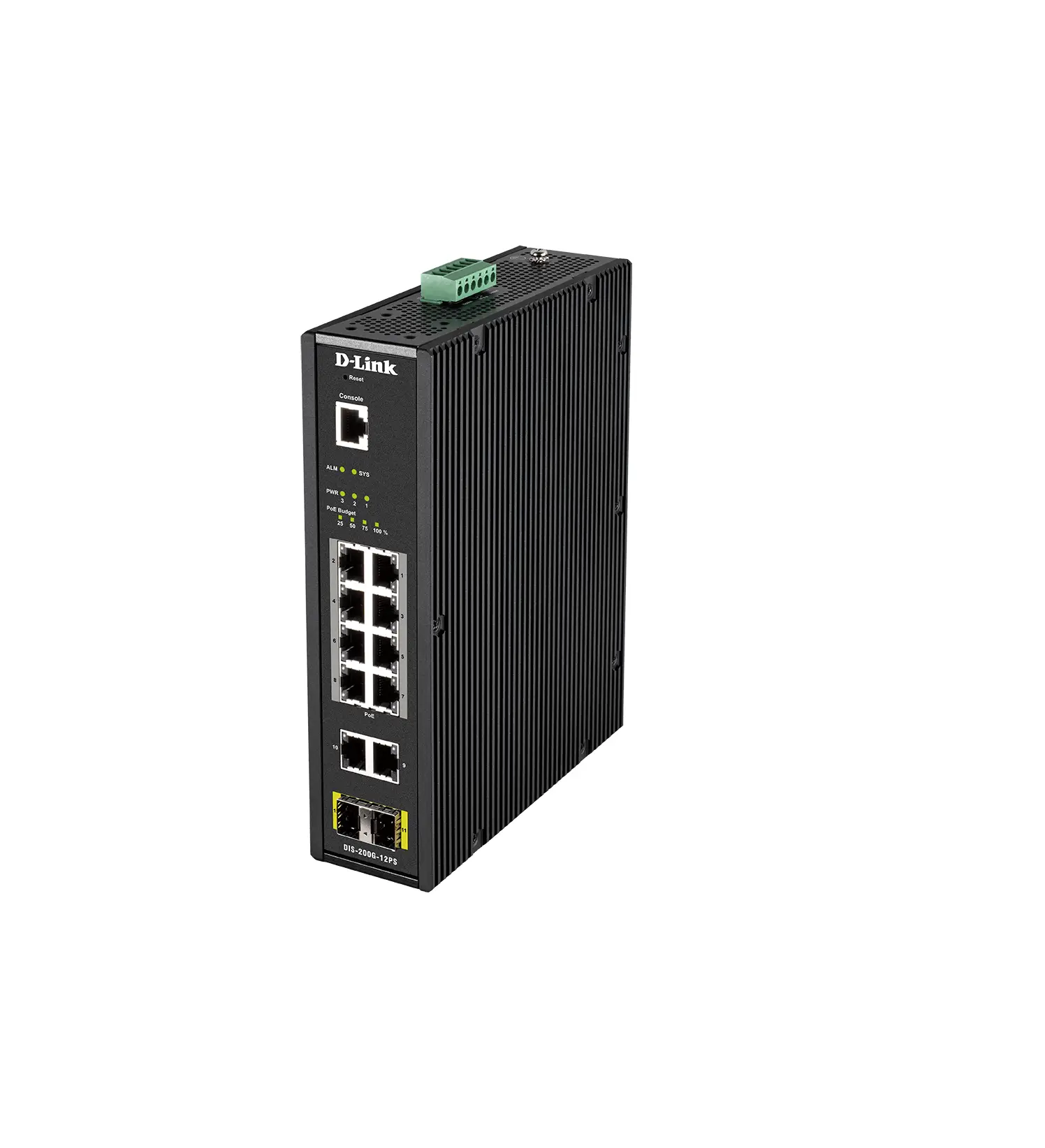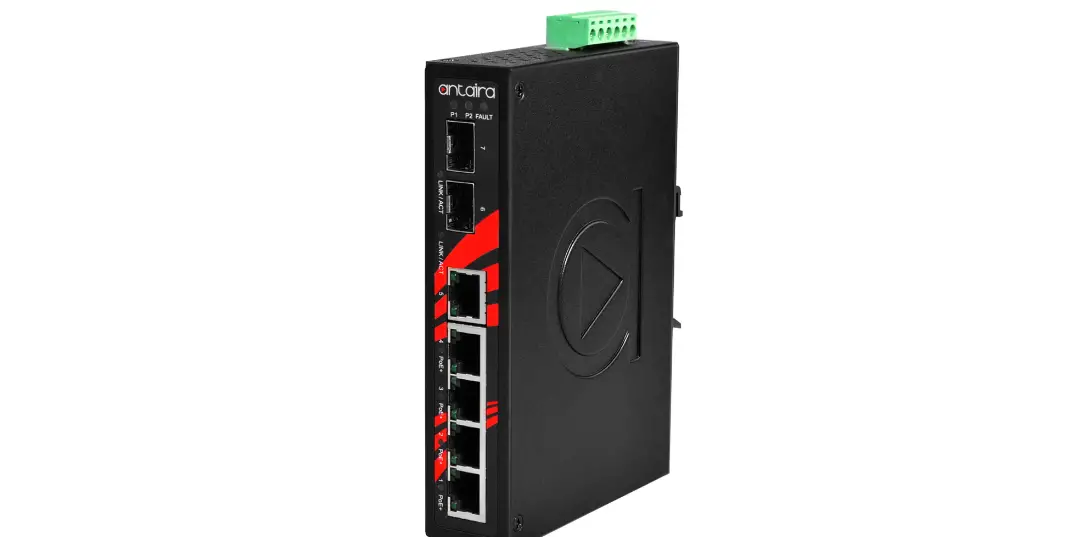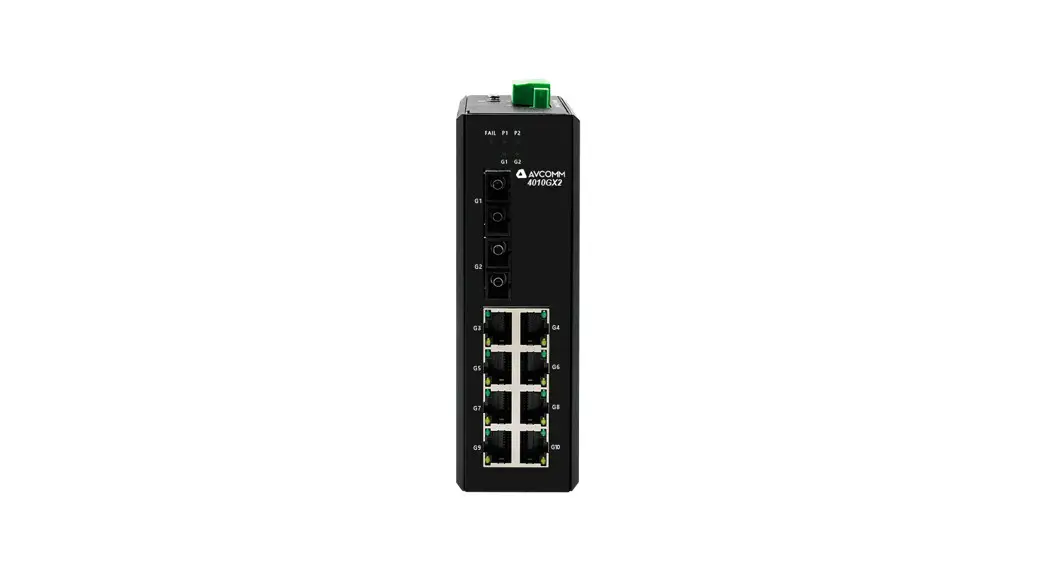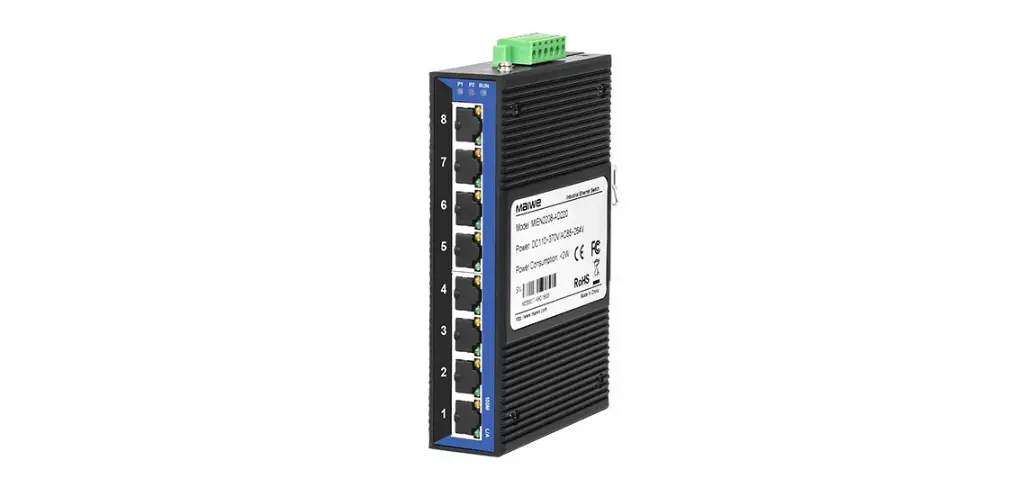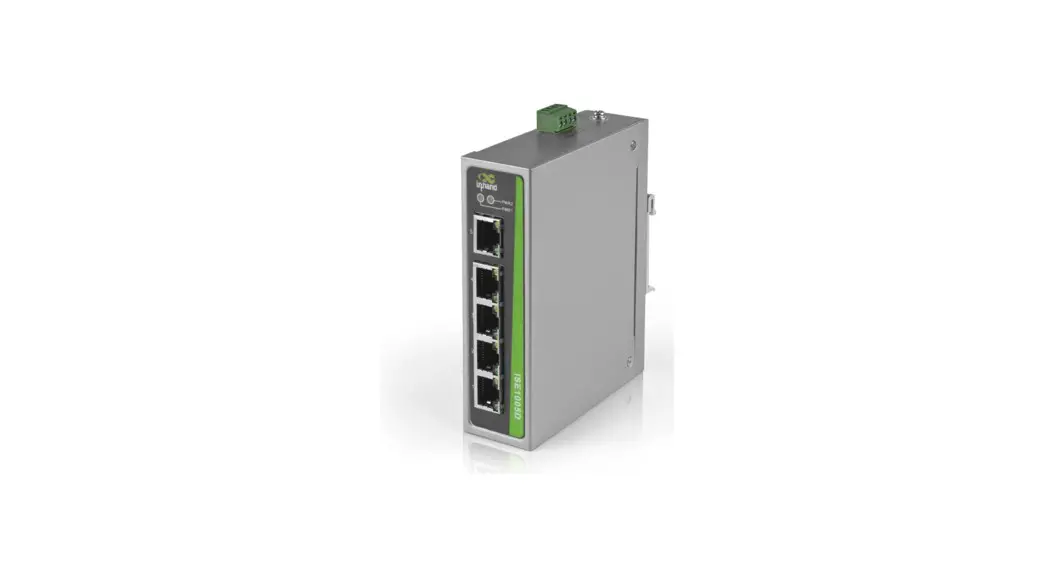

InHand Networks InSwitch ISE-P Series
Quick Installation Manual
InHand Networks www.inhandnetworks.com
Version: V1.0
FEATURES
- Protocol: IEEE802.3 10/100/1000M
- Electrical Ports: 2~8 10/100M or 10/100/1000M RJ45 ports and CAT5 cable is used
- Optical Ports: 0~2 100M or 1000M optical port
- Input Voltage: 12/24/48VDC & 24VAC Class 2
- Power Consumption: <5W
- Size: 24mm (W) x 100mm (H) x 61.8mm (D) (3 or 5 Ports Model)
40mm (W) x 100mm (H) x 61.8mm (D) (8 Ports Model) - Weight: <0.16KG (3 or 5 Ports Model)
<0.23KG (8 Ports Model) - Operating Temperature: -40℃~75℃
- Humidity: 5%~95%, No Condensation
LEDS
| LED | State | Description | |
| Power(PWR) | Green | On | Power is being supplied to power input. |
| Off | Power is not being supplied to power input. | ||
| Ports (Full 1000M) | Green | On | When the port is active and links on 1000 Mbps. |
| Blinking | When the ports data is being transmitted at 1000 Mbps. | ||
| Off | When the port is inactive or link down. | ||
| Amber | On | When the port is active and links on 100 Mbps. | |
| Blinking | When the ports data is being transmitted at 100 Mbps. | ||
| Off | When the port is inactive or link down. | ||
| Ports (Full 100M) | Green | On | When the port is active and links on 100 Mbps. |
| Blinking | When the port’s data is being transmitted at 100 Mbps. | ||
| Off | When the port is inactive or link down. | ||
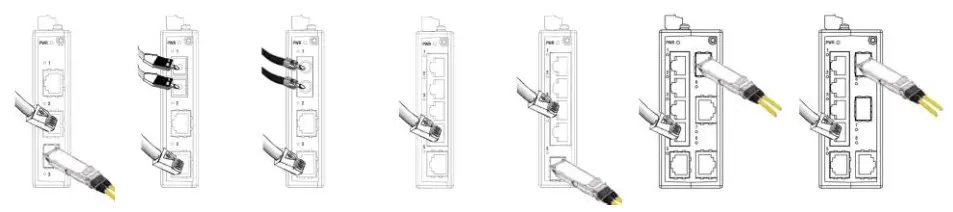
Port Connection Diagram
Power Connection Diagram
| AC/DC input cable connection diagram for 3 or 5 Ports Model | AC/DC input cable connection diagram for 8 Ports Model |
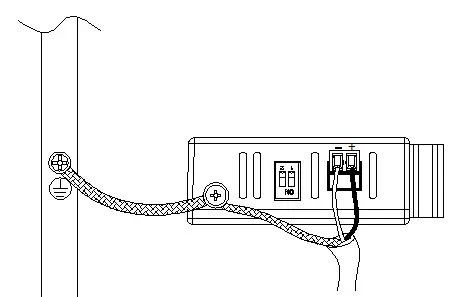 | 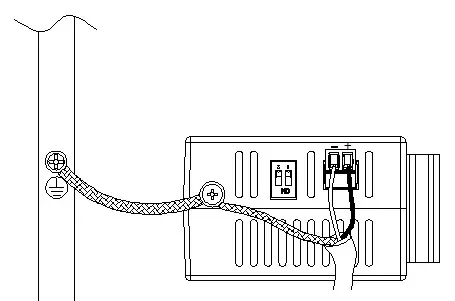 |
[NOTE]: Before connecting the device to the AC/DC power inputs, make sure the AC/DC power source voltage is stable.
L/+ end is connected to the positive AC/DC wire.
N/- end is connected to the negative AC/DC wire.
DIP Switch Setting
The switch allows users to enable or disable the Quality of Service (QoS) function, and broadcast storm protection (BSP) with DIP switch on the outer panel.
Settings for the Fast Ethernet switches:
| DIP Switch | Setting | Description | ||
| Quality of Service(QoS) | ON | Enable the quality of Service to handle packet priorities in two WRR queues. QoS and priority mapping matrix in each queue. | ||
| Qos 3bit priority | 7.6.5.4 | 3.2.1.0 | ||
| Queues | 1 | 0 | ||
| WRR | 16 | 1 | ||
| OFF | Disables the Quality of Service | |||
| Broadcast Storm Protection | ON | Enables broadcast storm protection (only allow maximum of 200 broadcast packets per second) for each Ethernet port. | ||
| OFF | Disable the broadcast storm protection. | |||
Settings for the Gigabit Ethernet switches:
| DIP Switch | Setting | Description | ||||
| Quality of Service(QoS) | ON | Enable the quality of Service to handle packet priorities in four WRR queues. QoS and ToS/DSCP priority mapping matrix in each queue. | ||||
| CoS Priority | 7,6 | 5,4 | 3,2 | 1,0 | ||
| ToS/DSCP Priority | 63 to 48 | 47 to 32 | 31 to 16 | 15 to 0 | ||
| Queues | 3 | 2 | 1 | 0 | ||
| WRR | 8 | 4 | 2 | 1 | ||
| OFF | Disables the Quality of Service | |||||
| Broadcast Storm Protection | ON | Enables broadcast storm protection (at a maximum of 2000 broadcast packets per second) for each Ethernet port. | ||||
| OFF | Disable the broadcast storm protection. | |||||

 Edge Routers | Cellular Routers & Gateways | IoT Solutions | 5G | InHand Networks