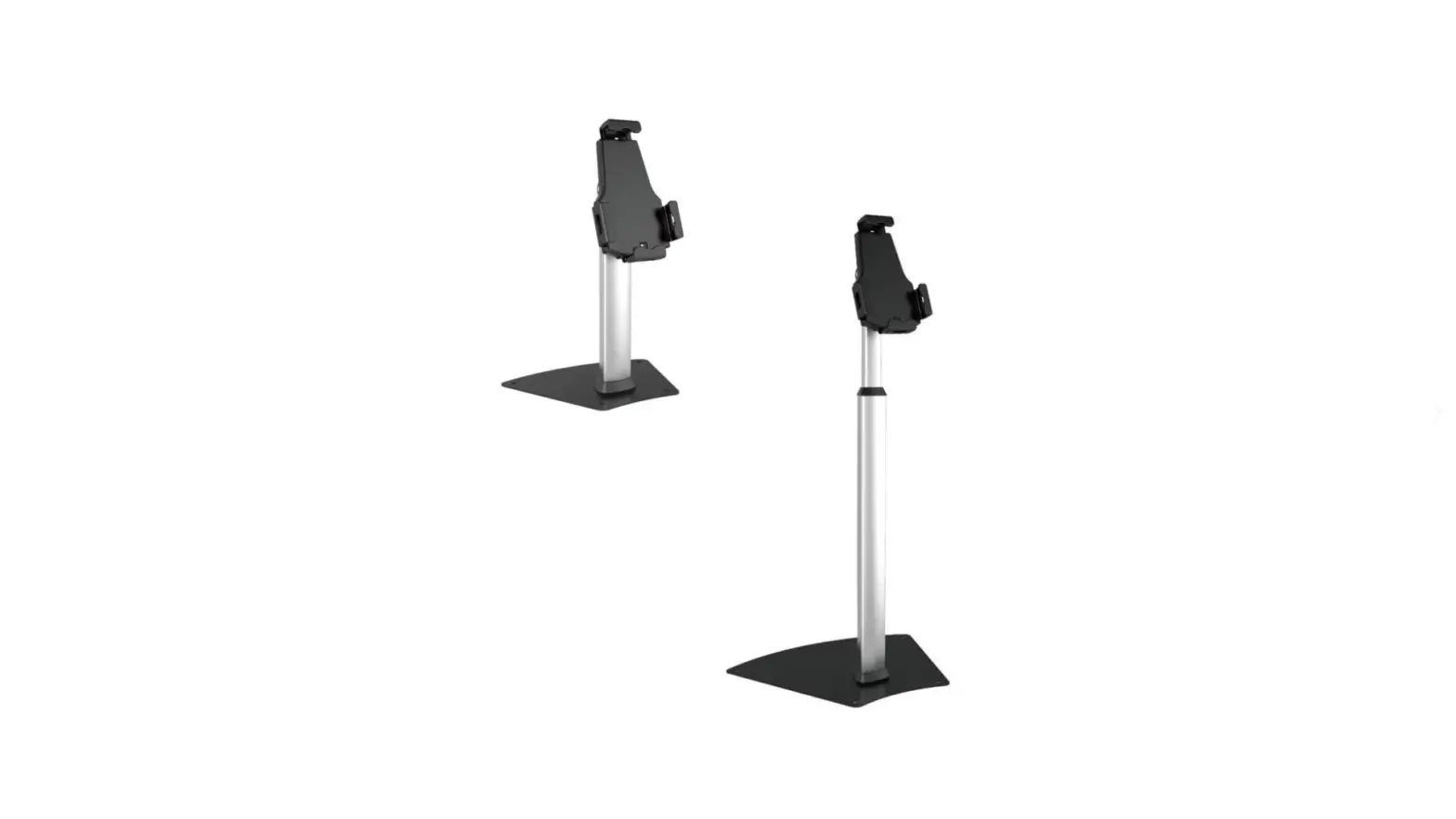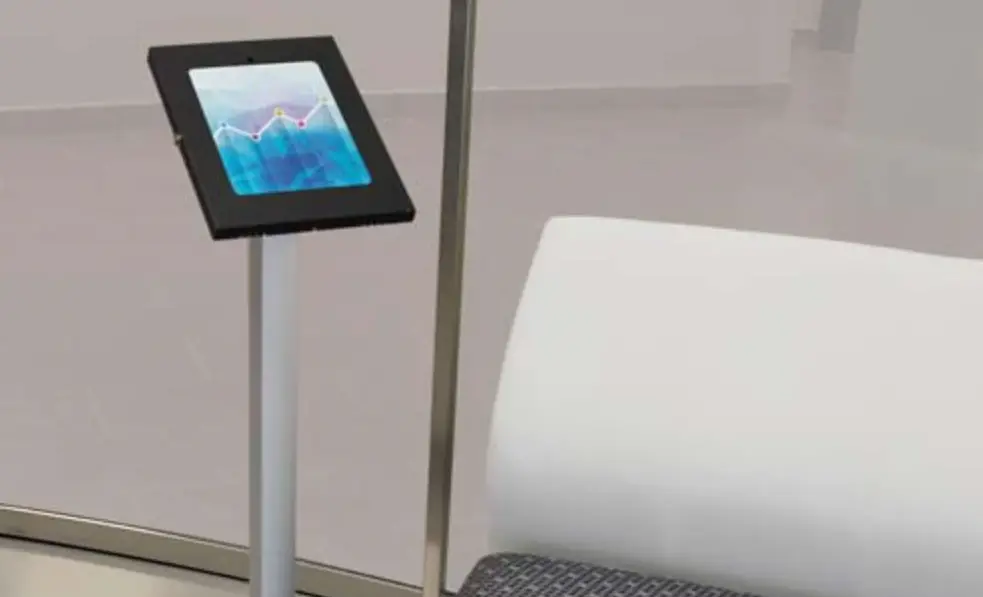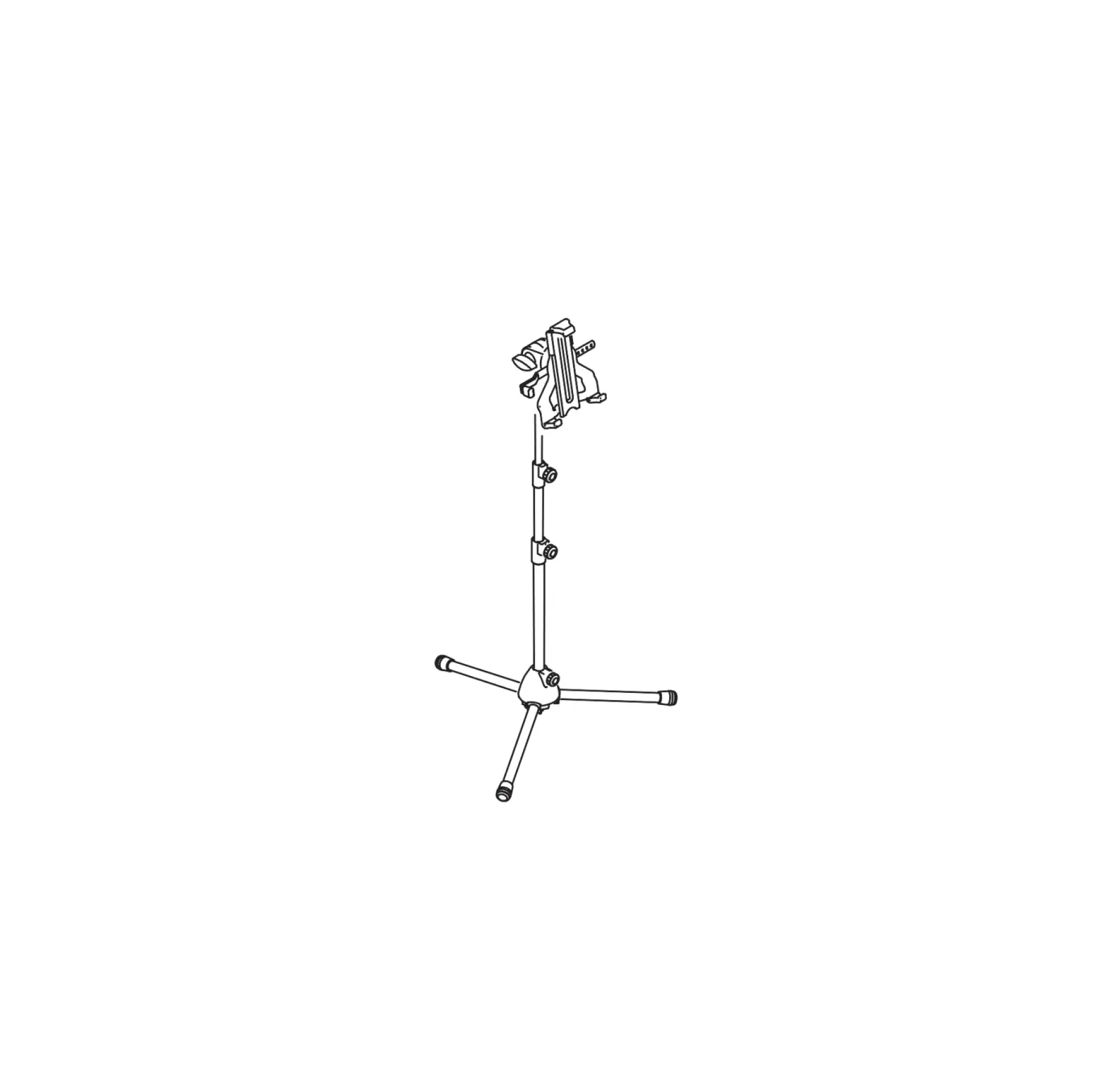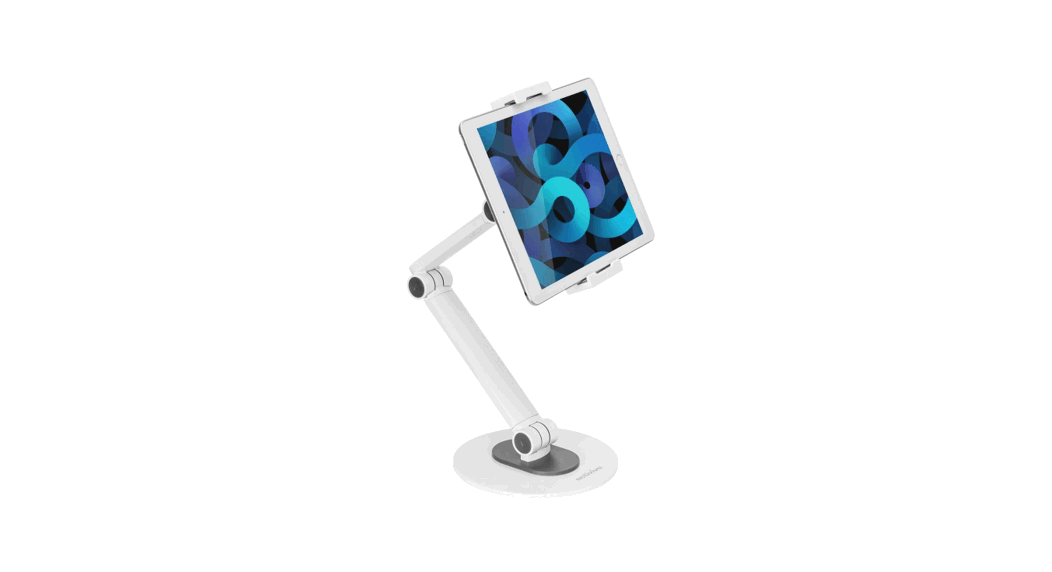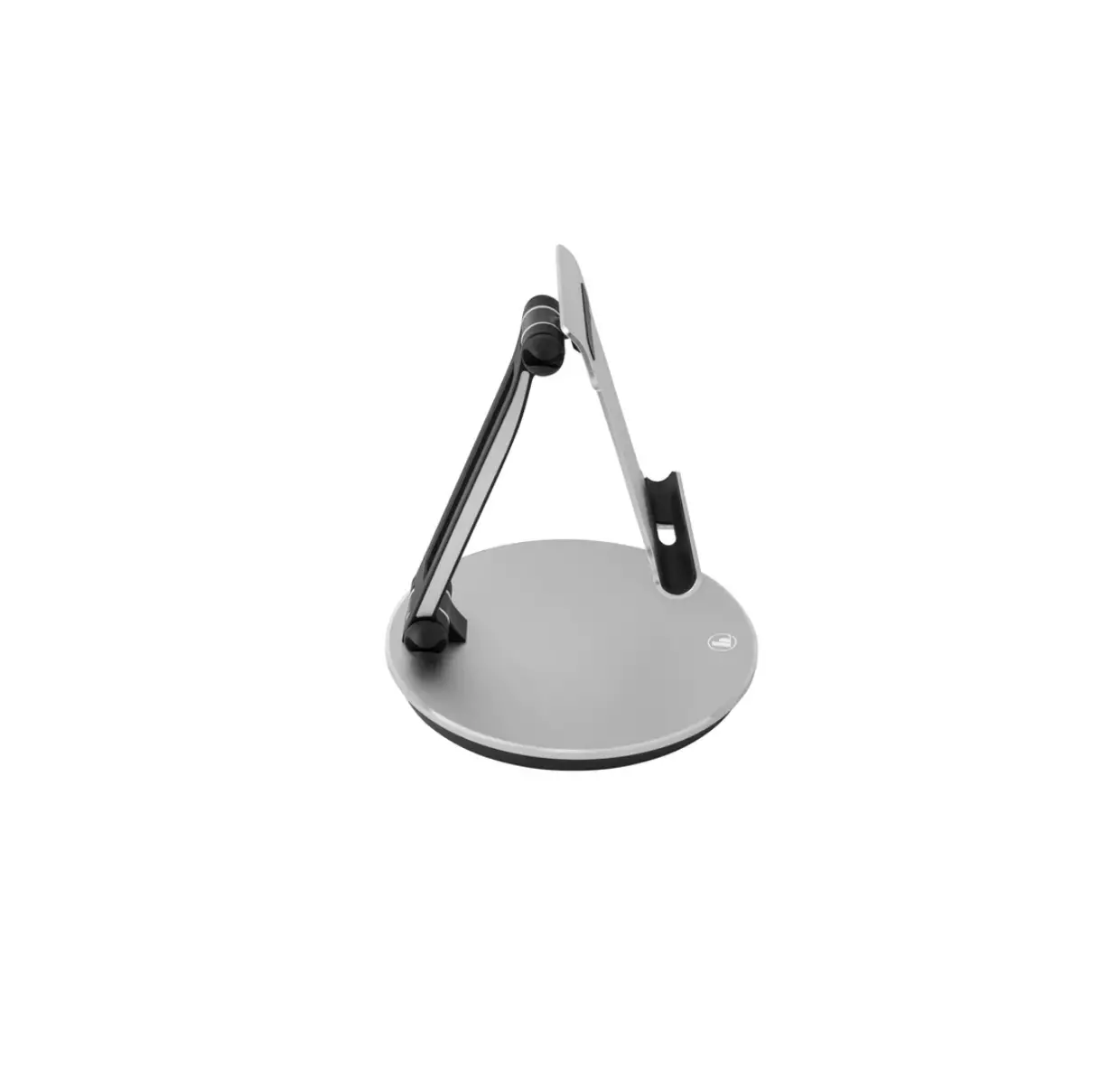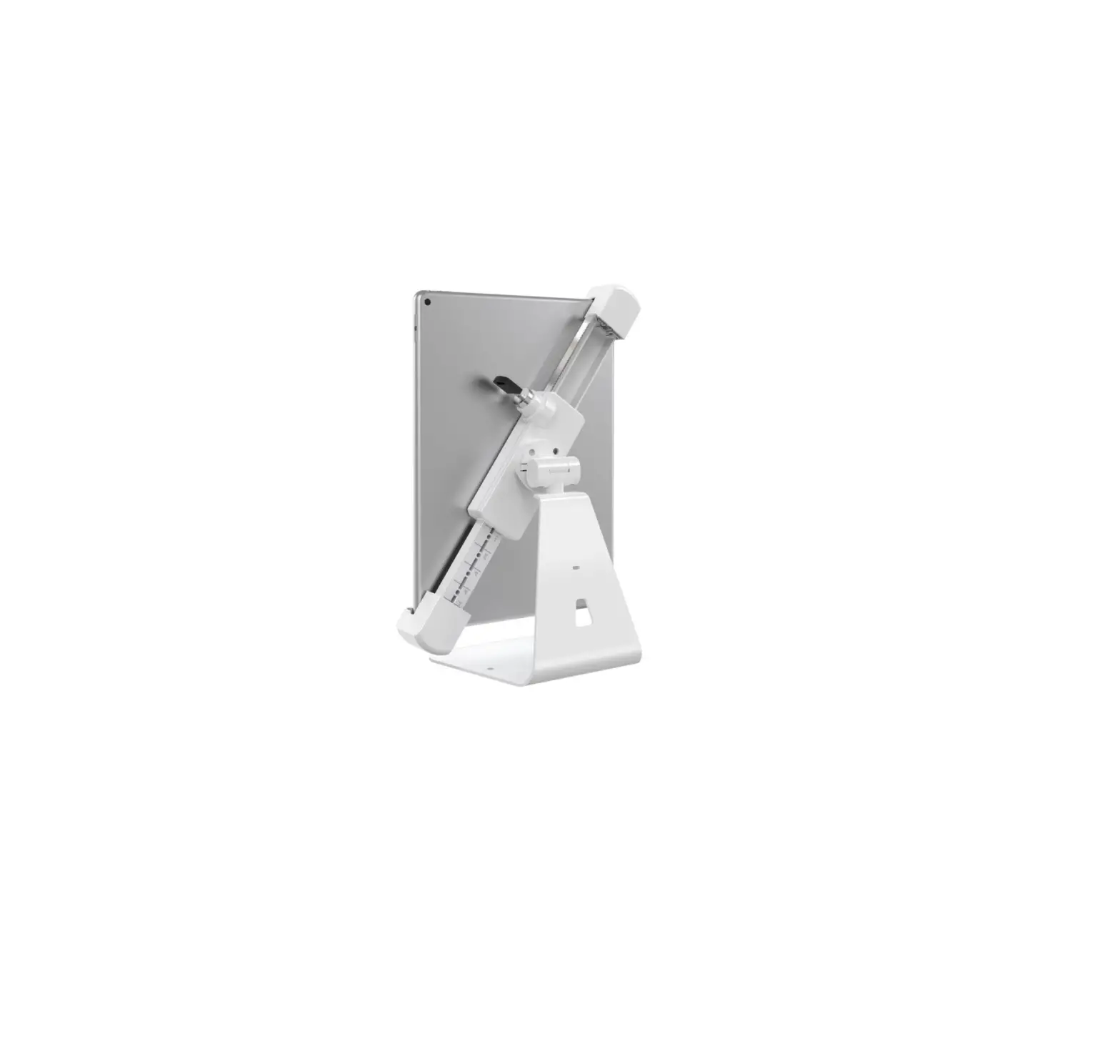
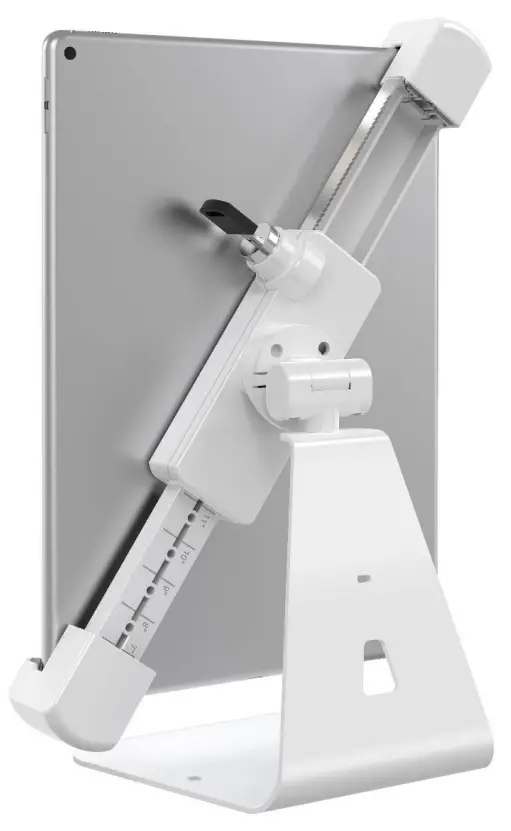
Barkan T71HL Anti-Theft Tablet Desk Stand
Included Parts
not to scale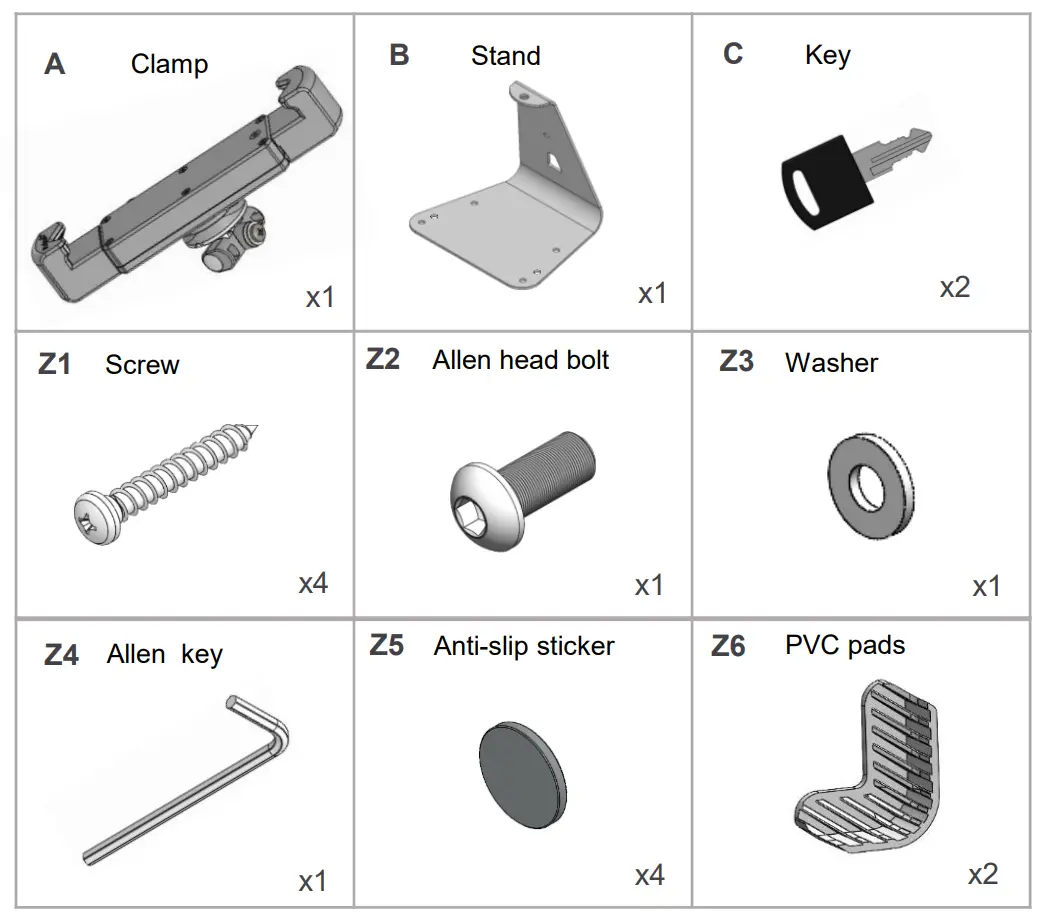
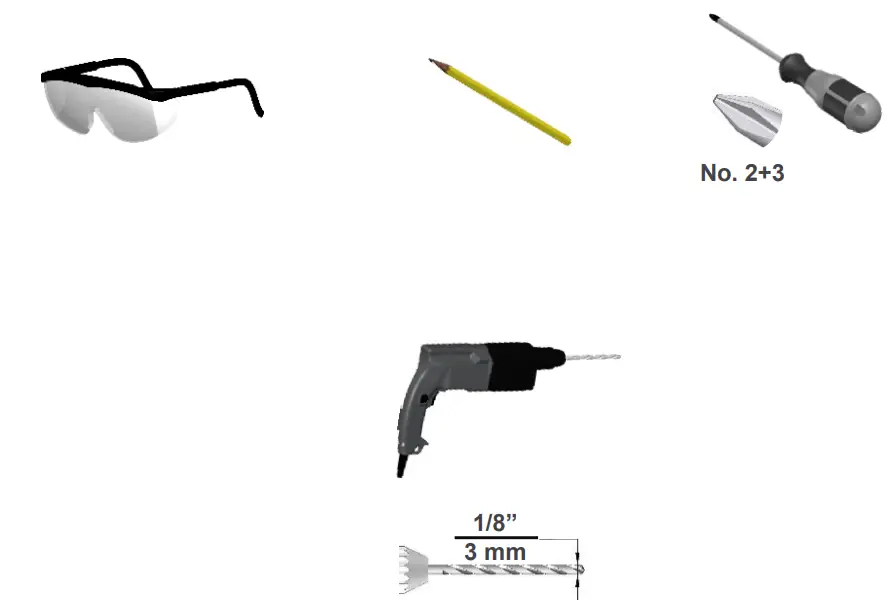
Required Tools
Installation Instruction
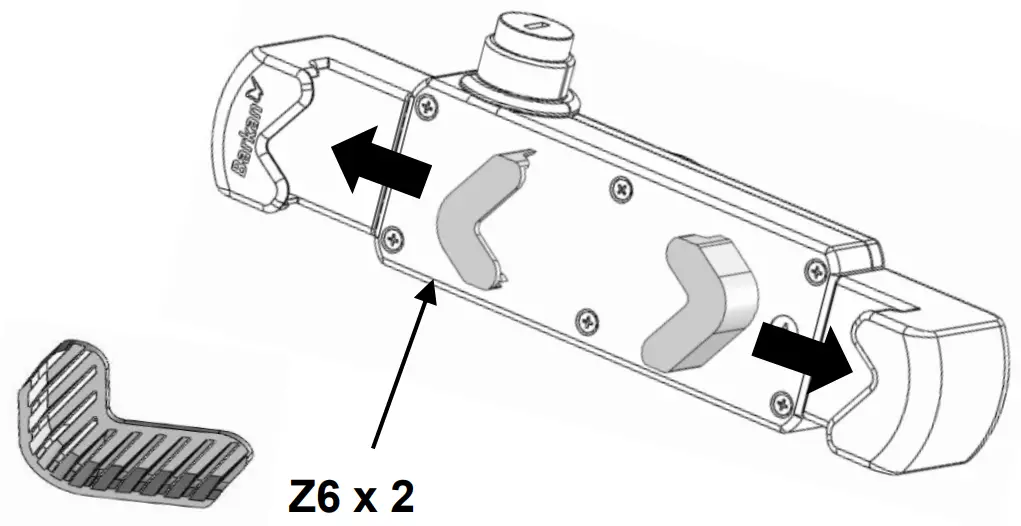
- Place the PVC adaptors inside the clamp holders.
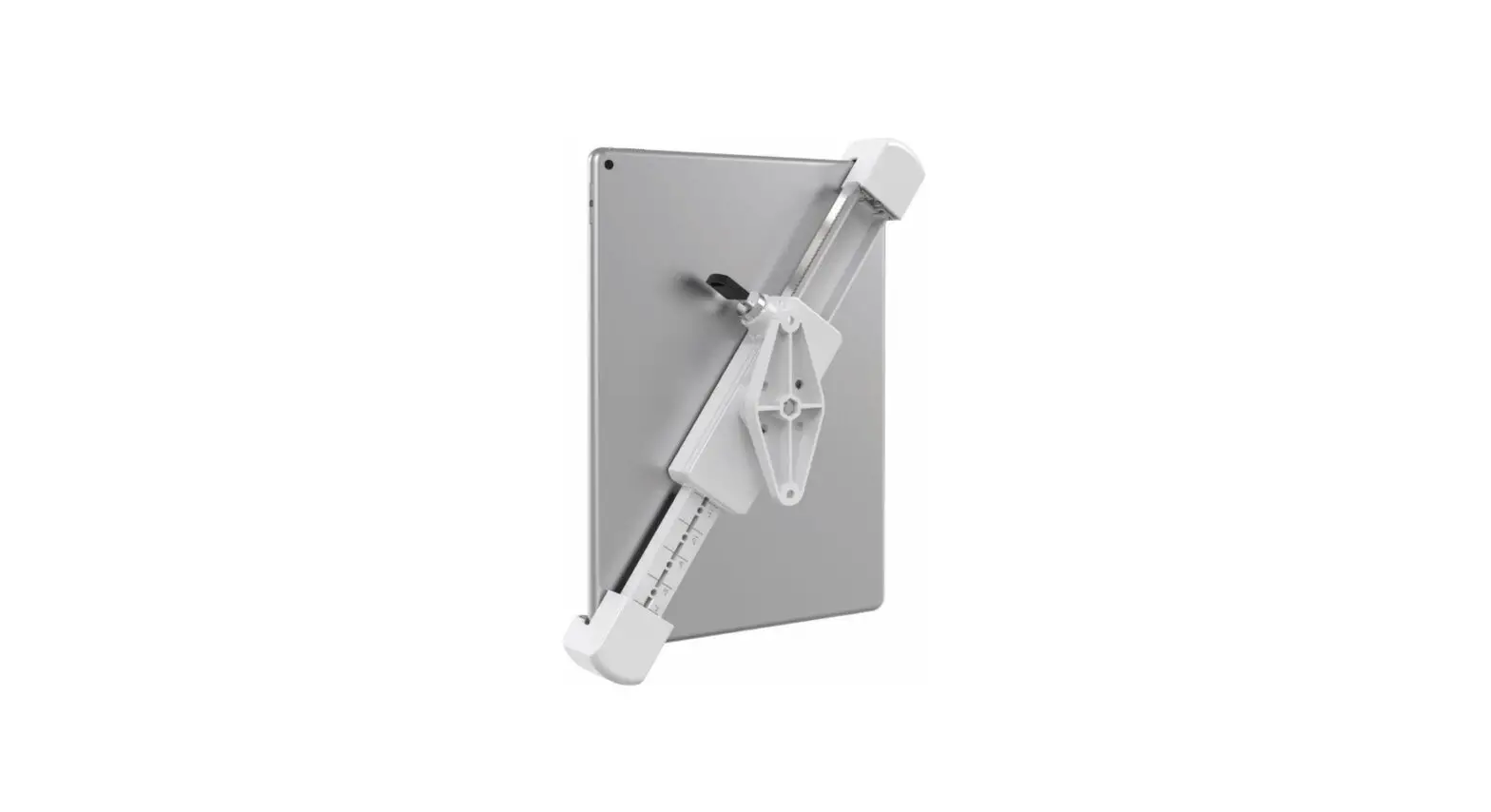
- Loosen the screw, open the ruler on the back according to your device size and tighten the screw.
Example – for a device that is 10” to 11”, open the ruler to 10”.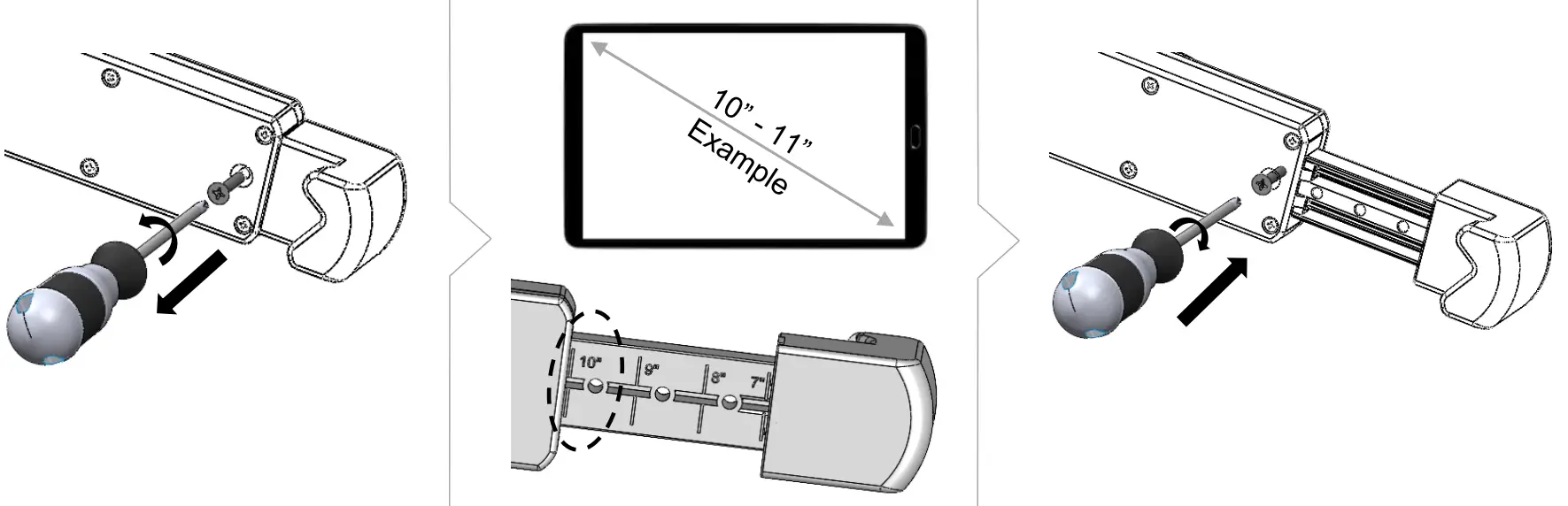
- Follow the steps according to your preferred method of securing the stand.
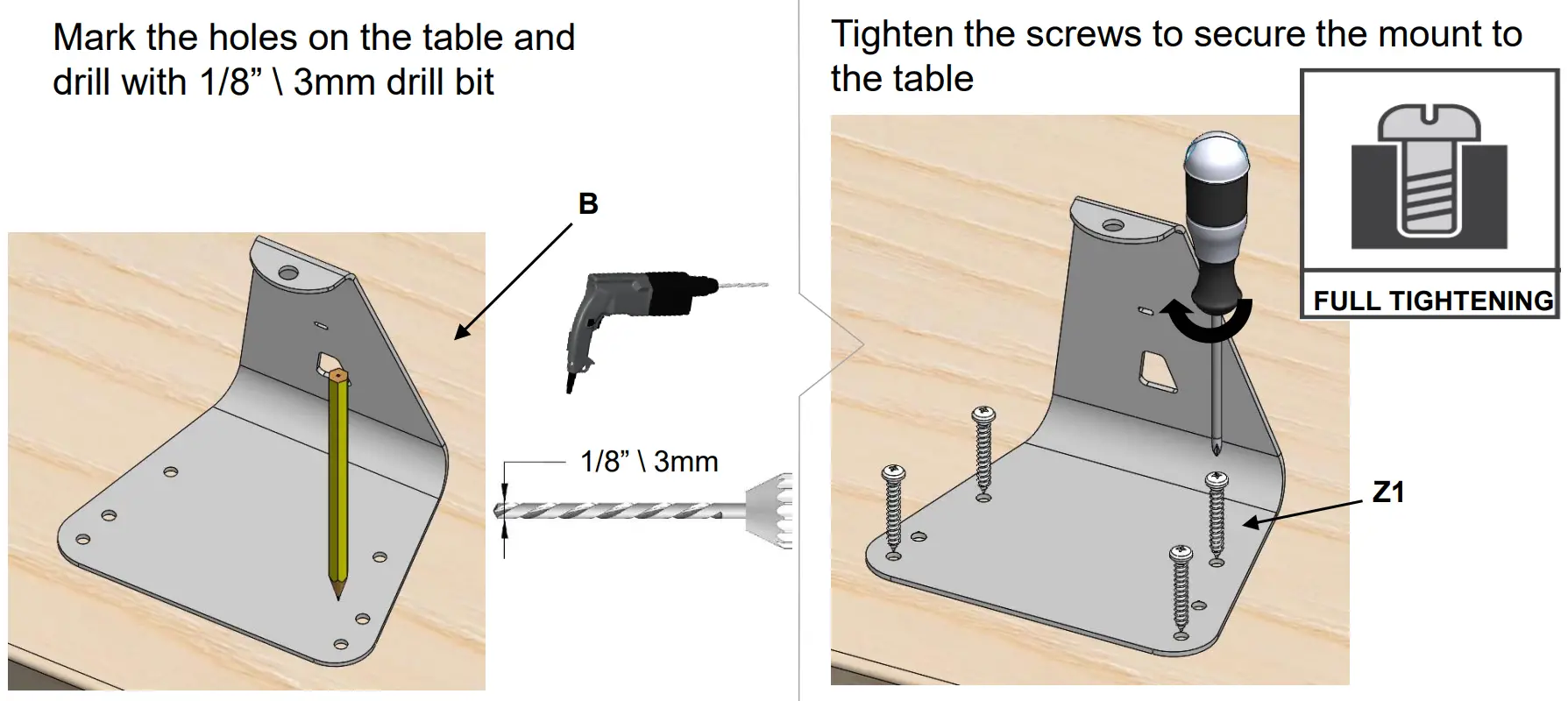
(Optional)
Attach the adhesive stickers to the bottom of the stand to prevent it from sliding.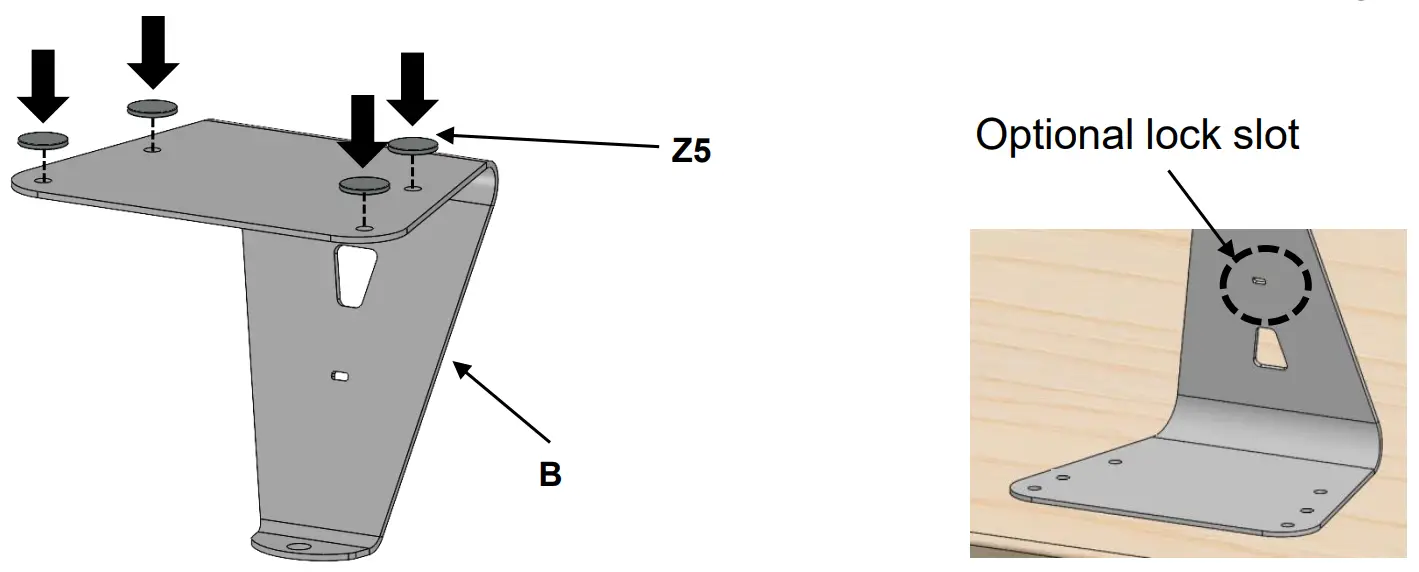
- Assemble the clamp on to the stand.

- Locking
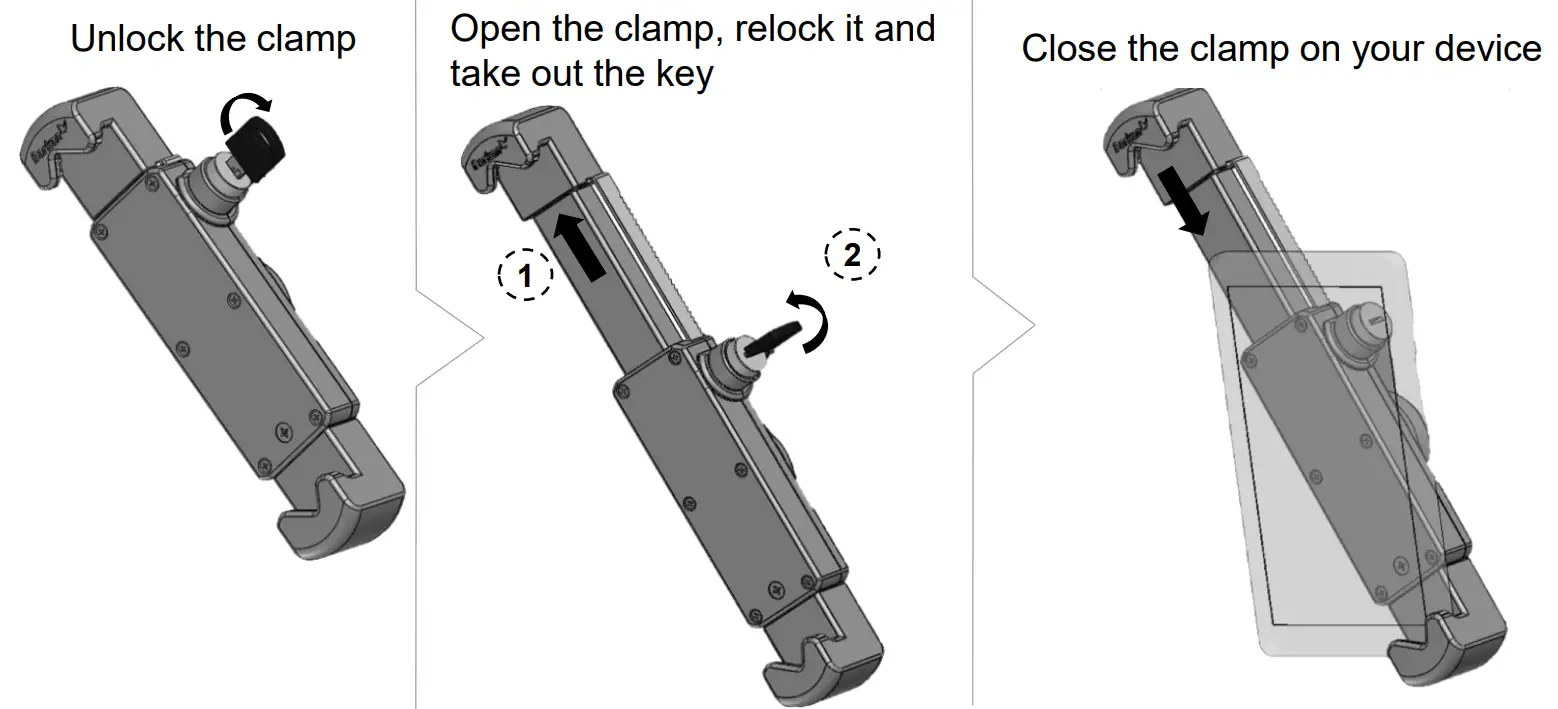
- Tilt adjustment
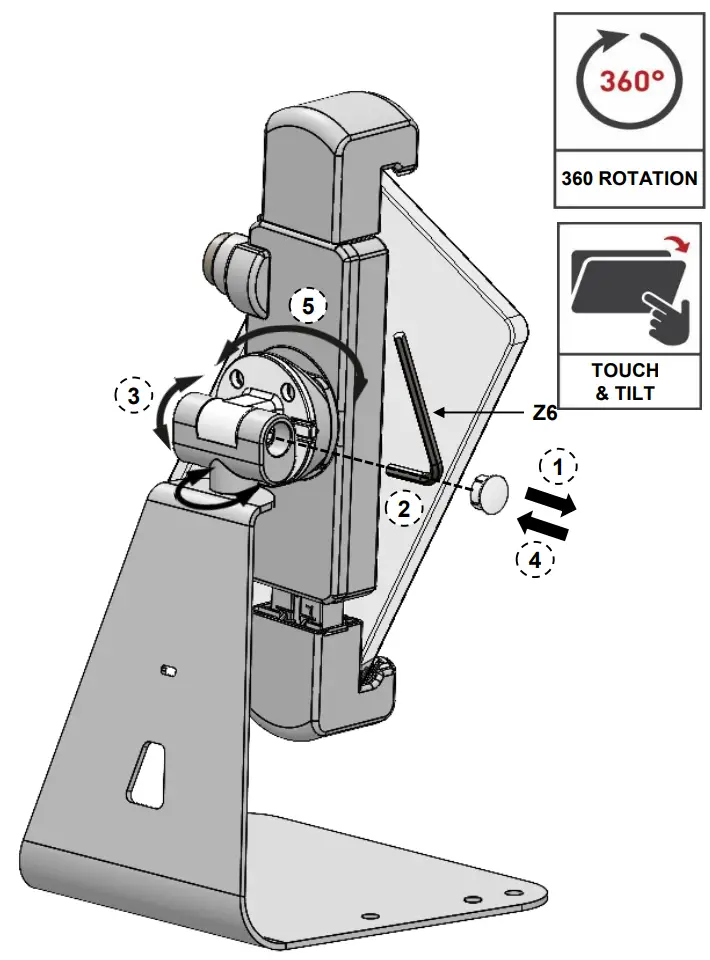
- Remove the plastic cover.
- Using the Allen key (Z6) Tighten the screw in order to create the necessary friction for the tool-free tilt mechanism.
- Position the tablet at the desired tilt angle.
- Return the plastic cover.
- Rotate the tablet to the desired position.
For more information:
If you are satisfied with the product, please give us a 5 stars  rating on the website you bought it from. If you are not satisfied please contact us at https://www.barkanmounts.com/support and we will solve the problem for you.
Safety instructions and installation warnings (provided separately) must be read in full, prior to assembly.


 Barkan Mounts
 Support | Barkan Mounts