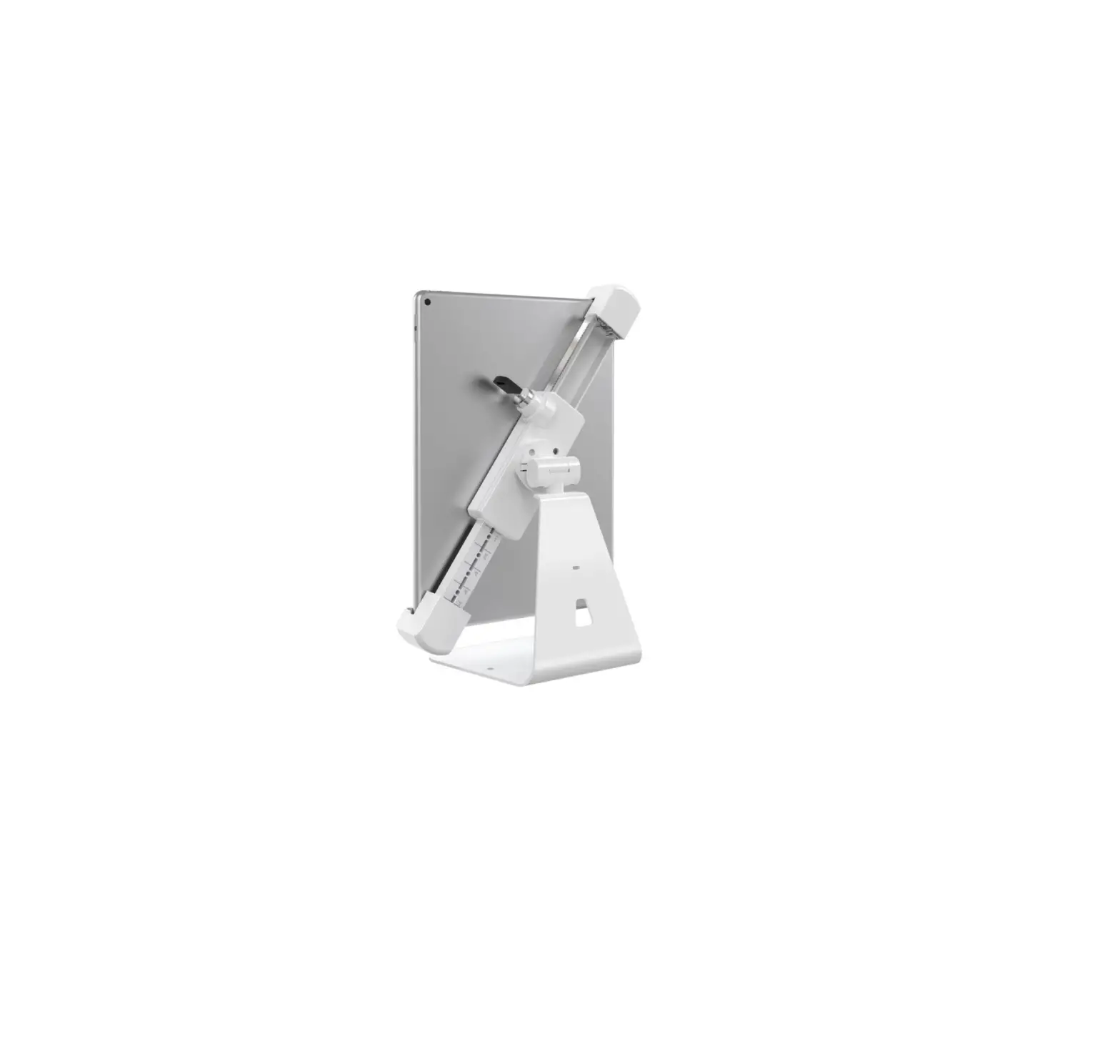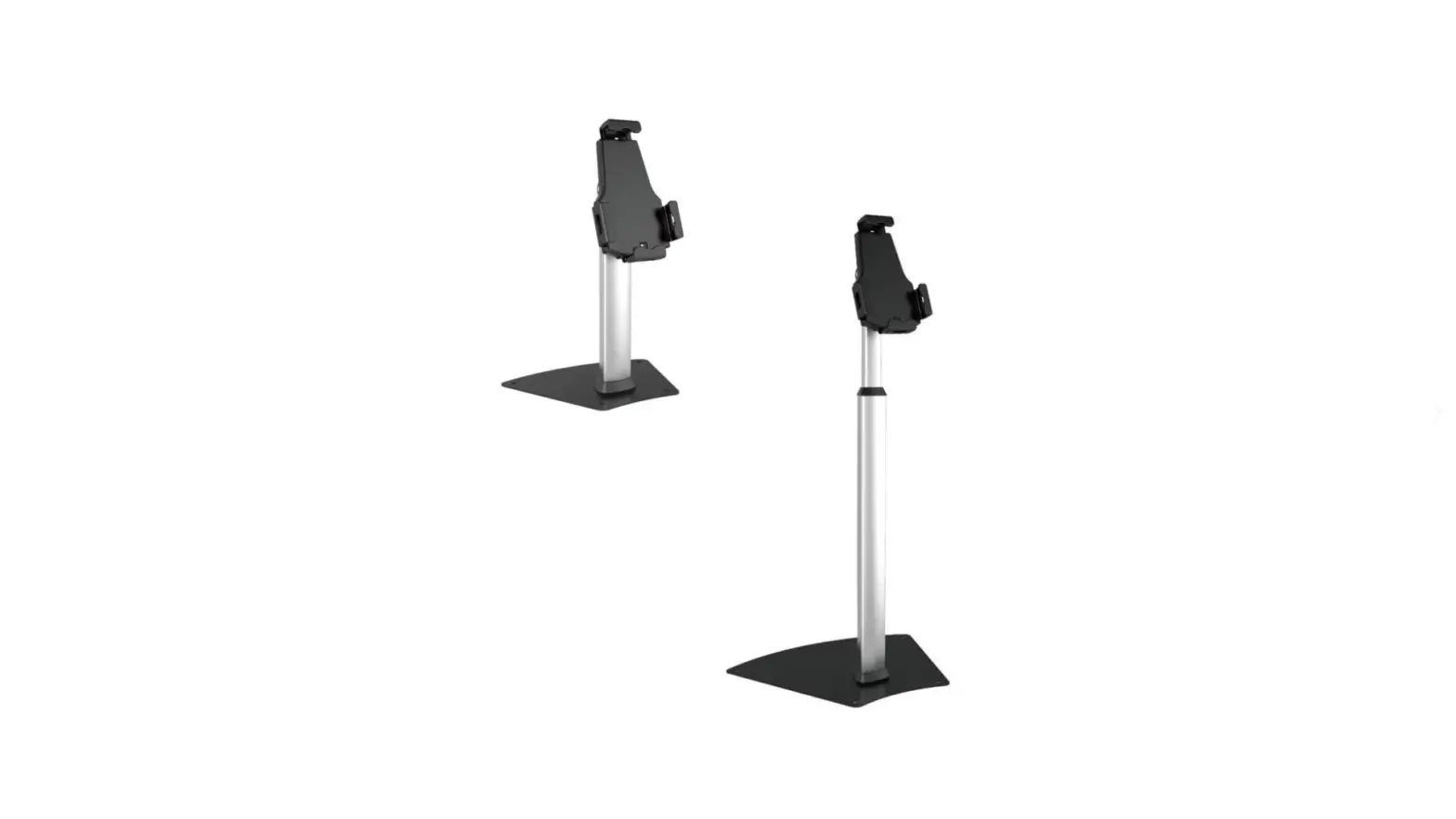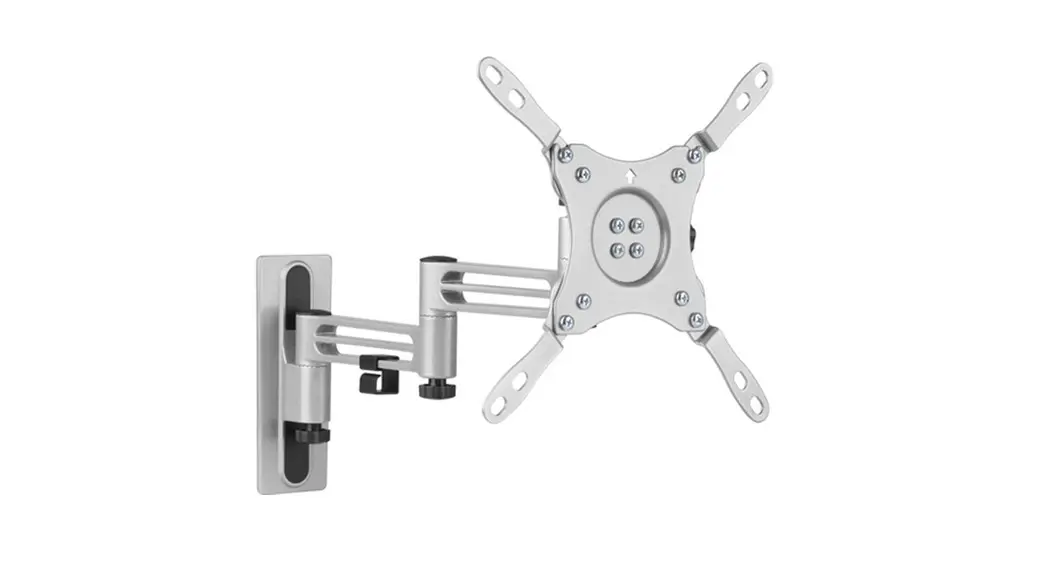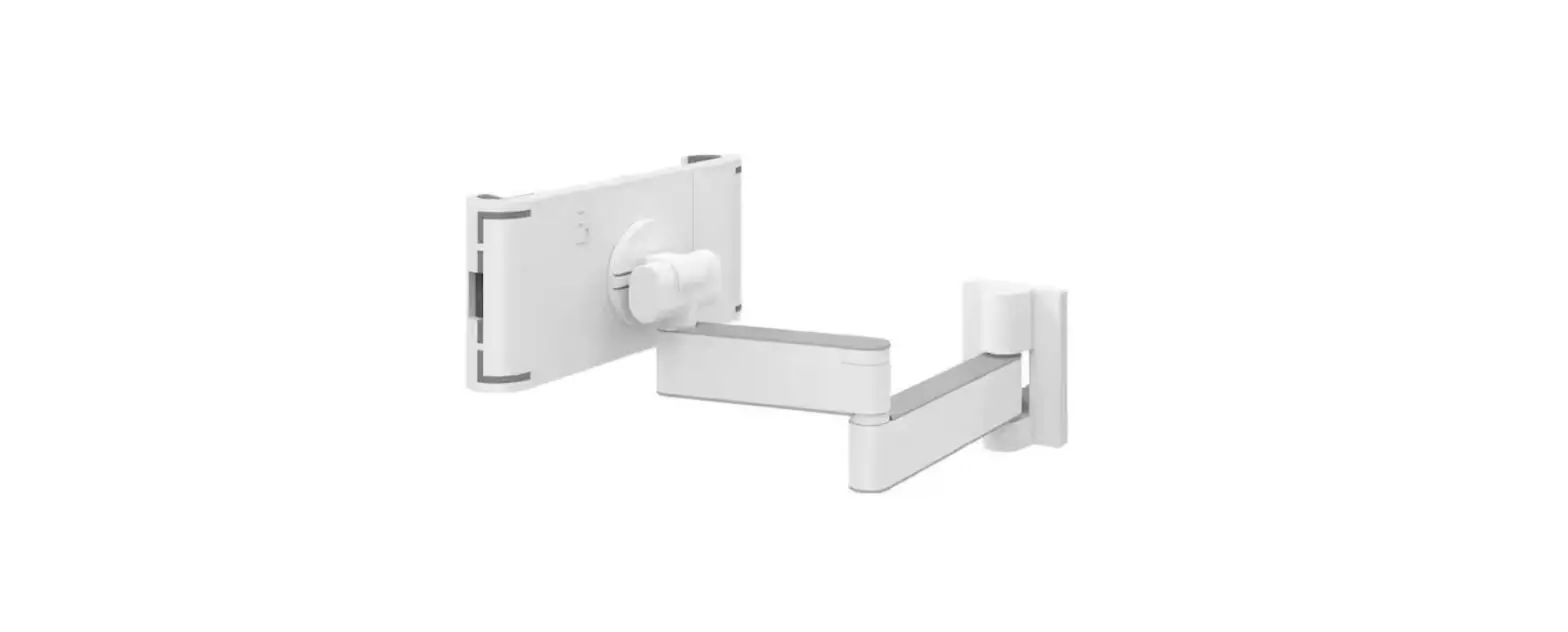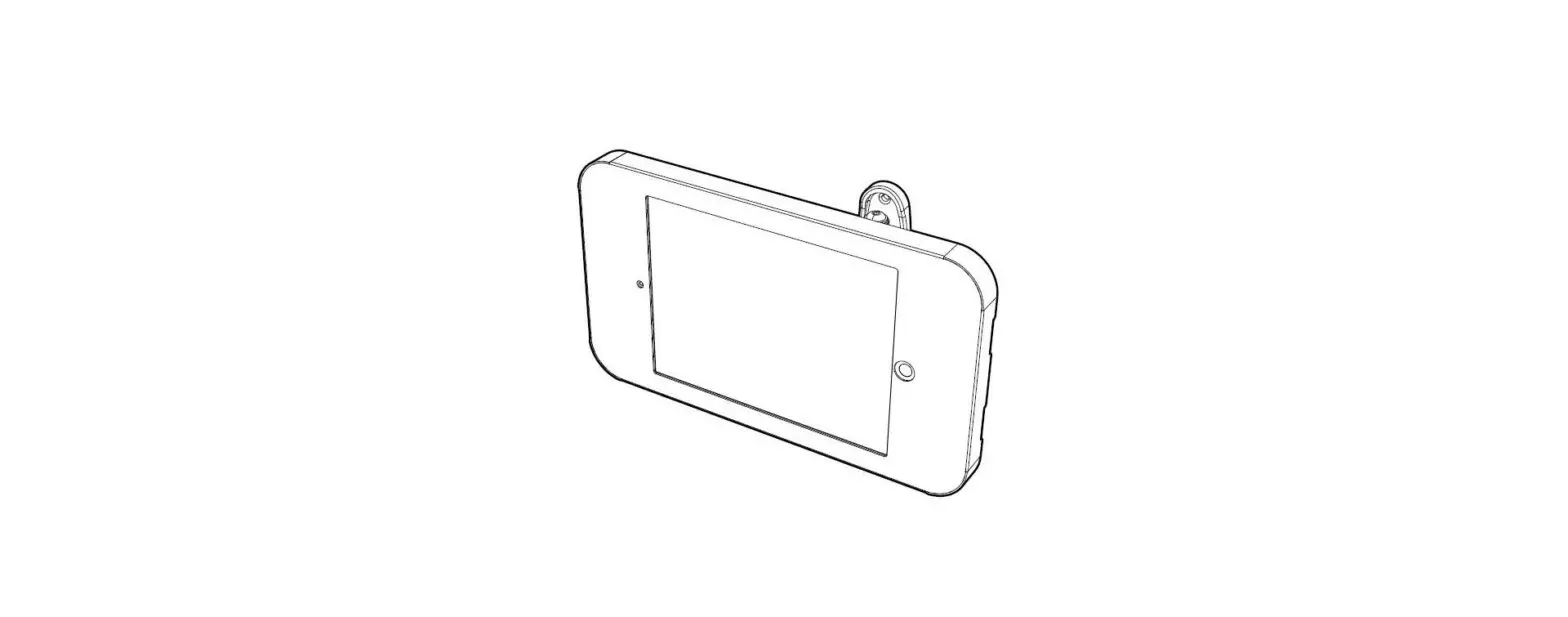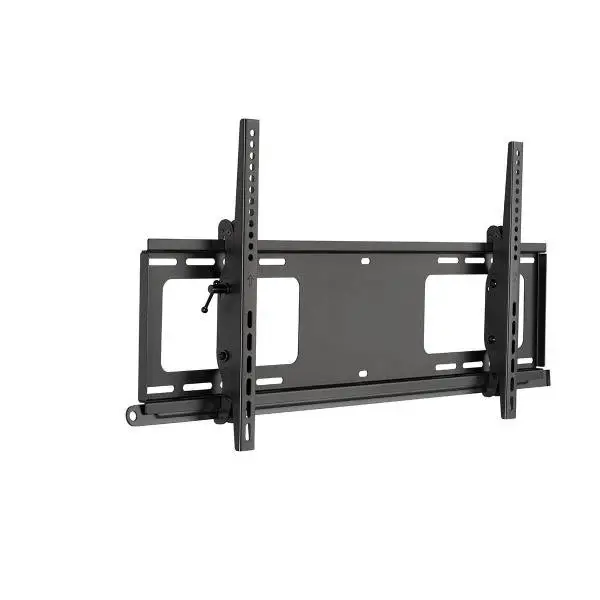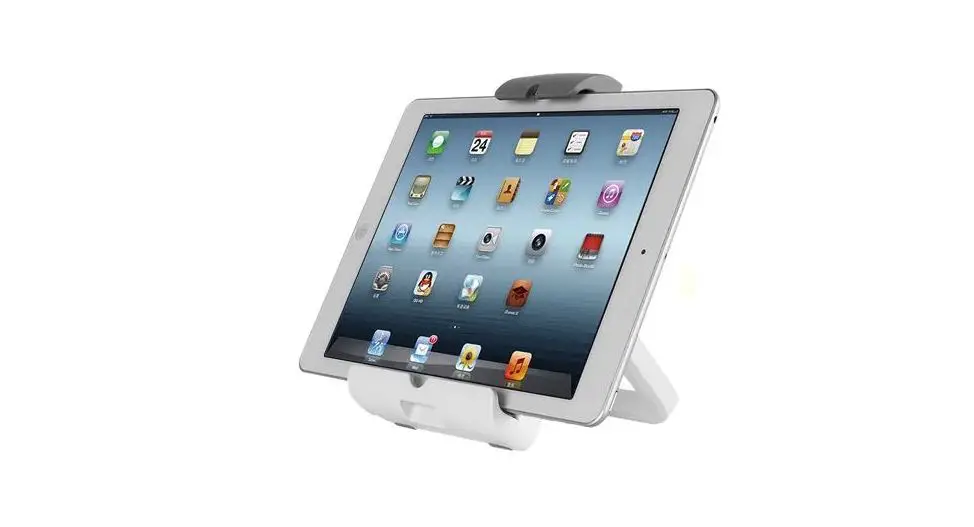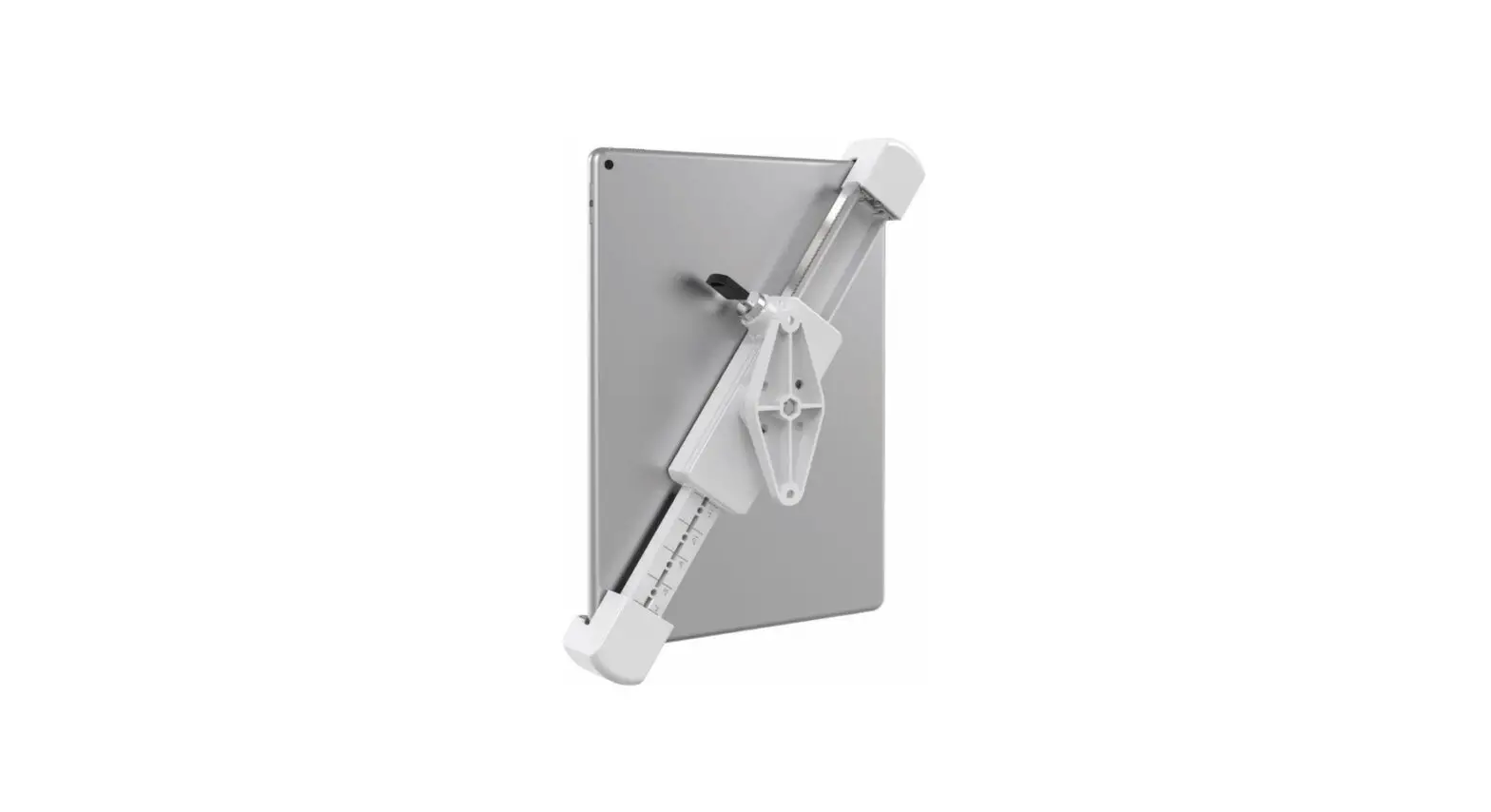
Barkan T70VL Lockable Anti-Theft Tablet Wall Mount Instruction Manual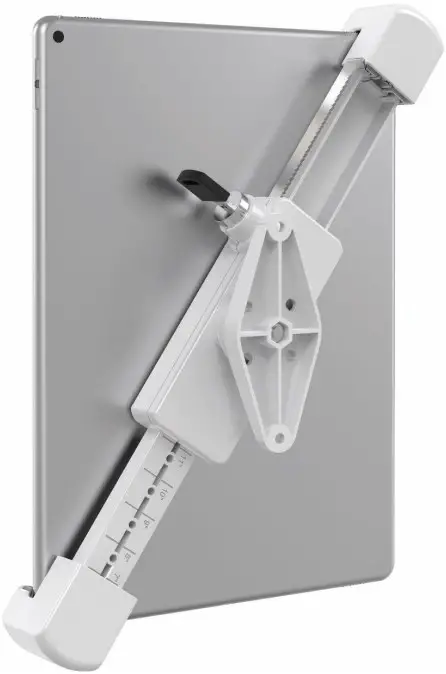
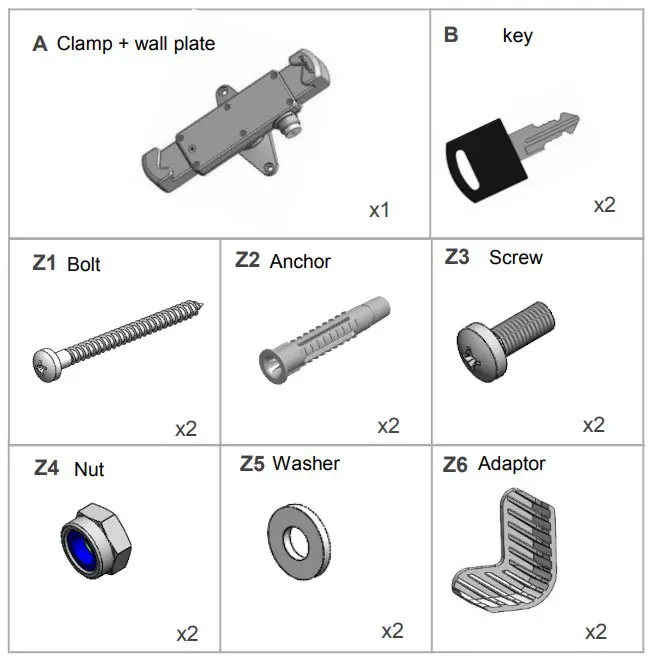
Included Parts
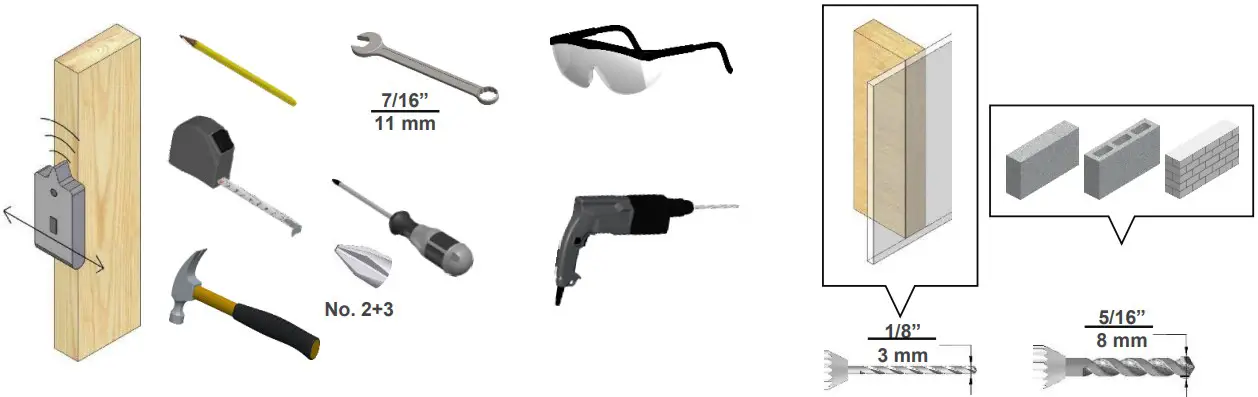
Required Tools
Assembly Instructions
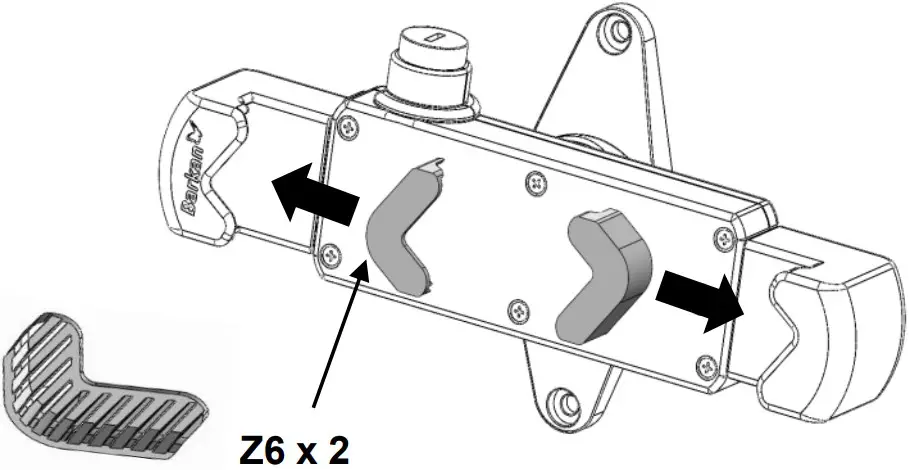
- Place the PVC adaptors inside the clamp holders

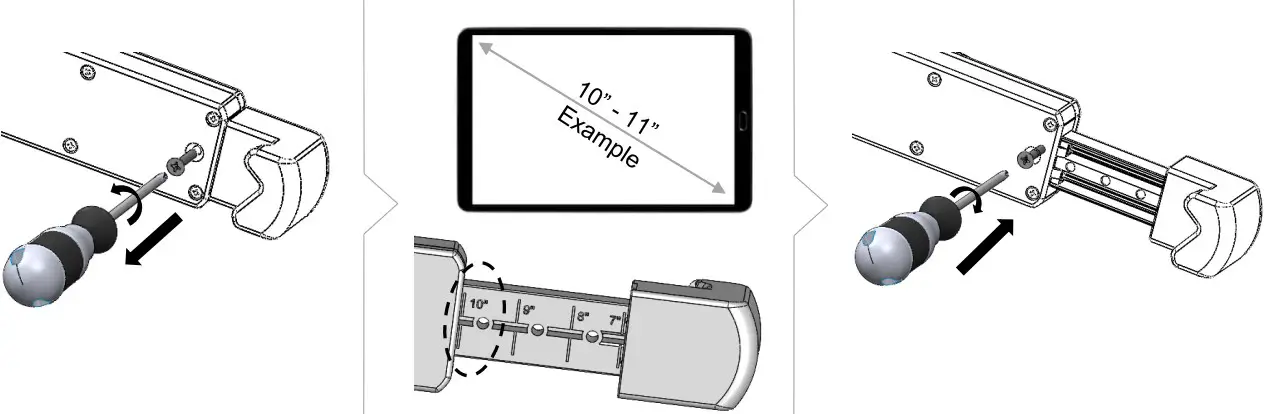
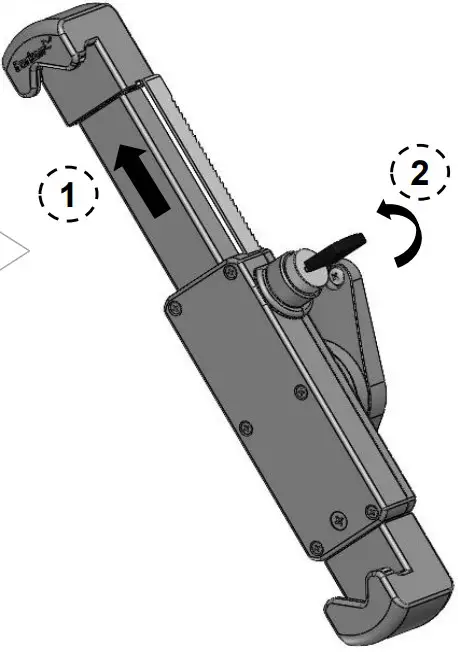
- Loosen the screw, open the ruler on the back according to your device size and tighten the screw.
Example – device 10” to 11”, open the ruler to 10”.
- Installation on a wall

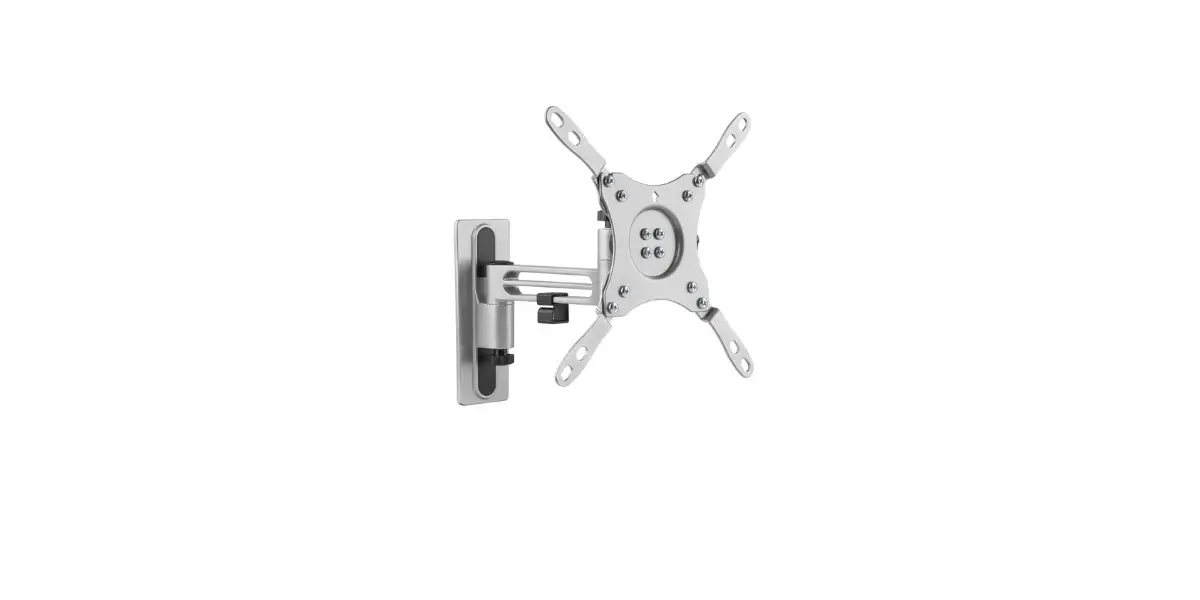
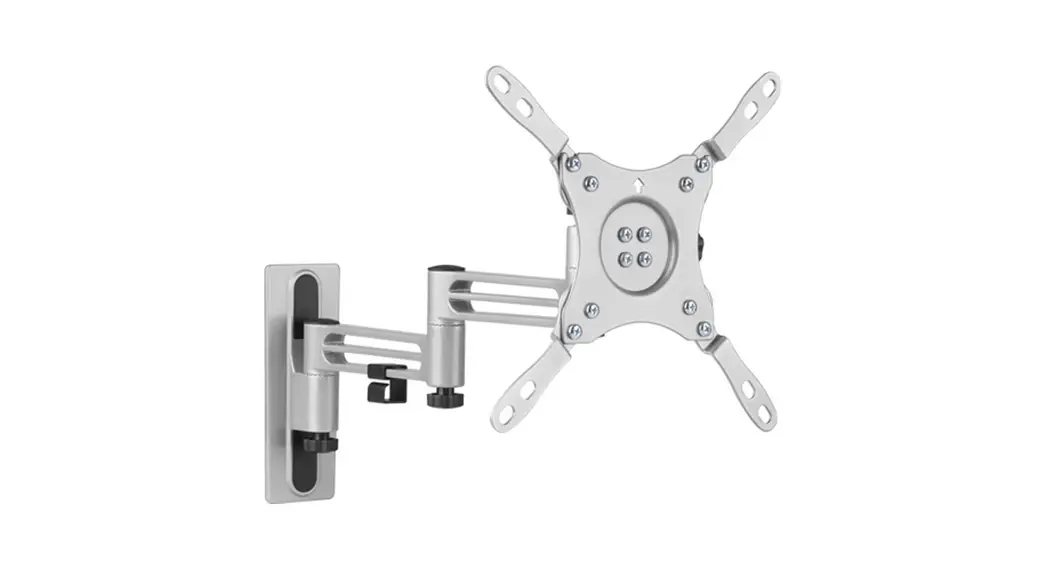
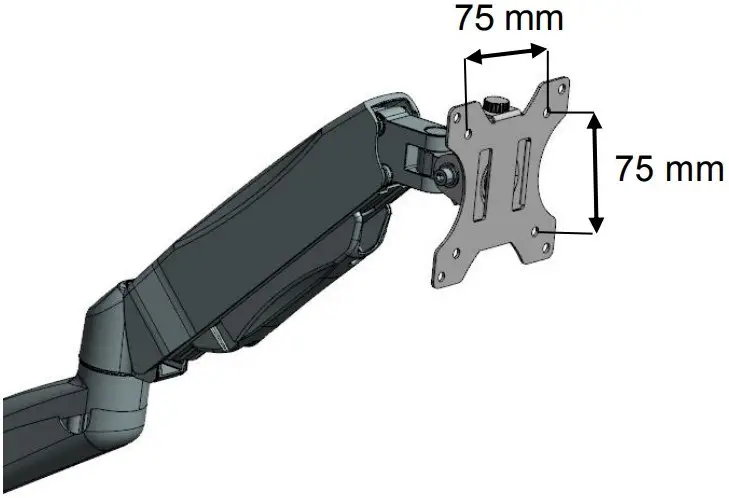
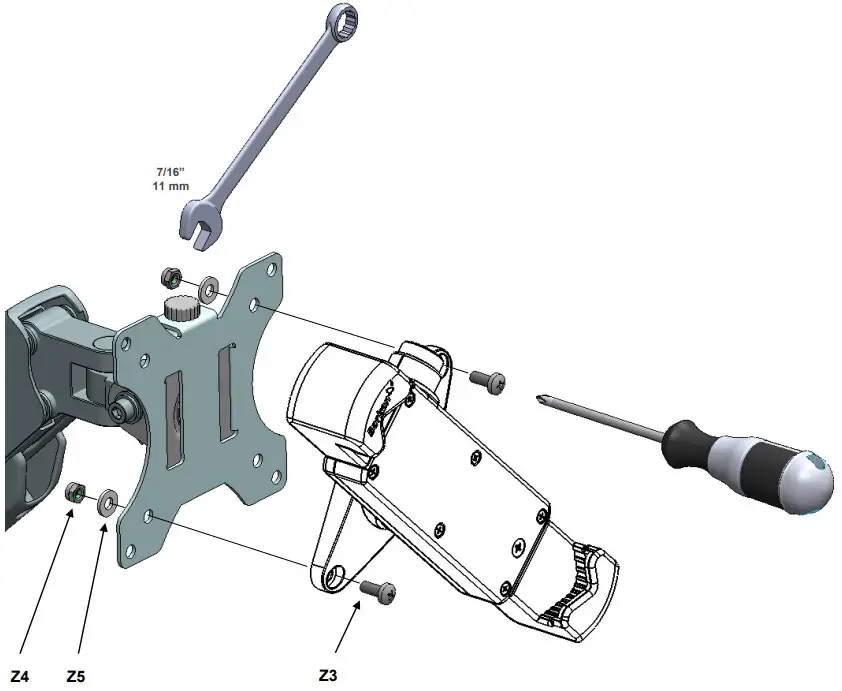
- Installation on a monitor mount plate that is 75×75 mm

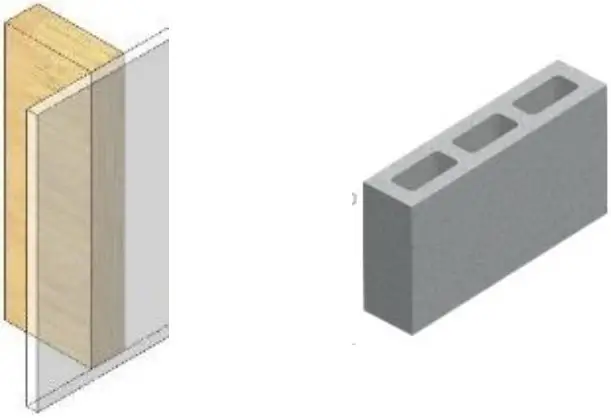
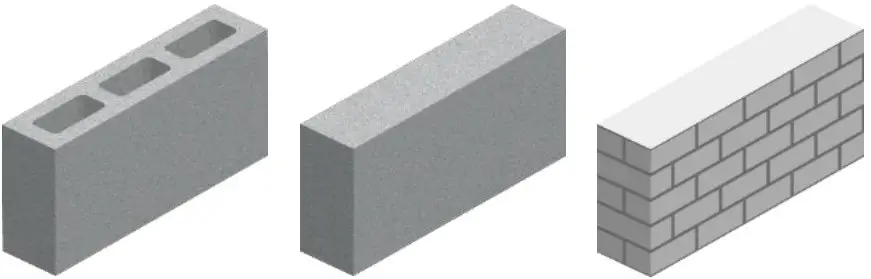
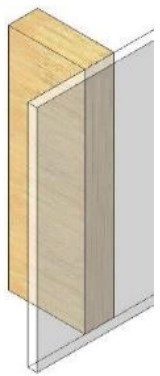
Follow the steps according to your wall type
A)
B)
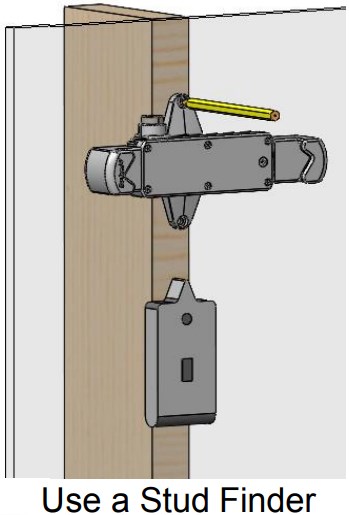
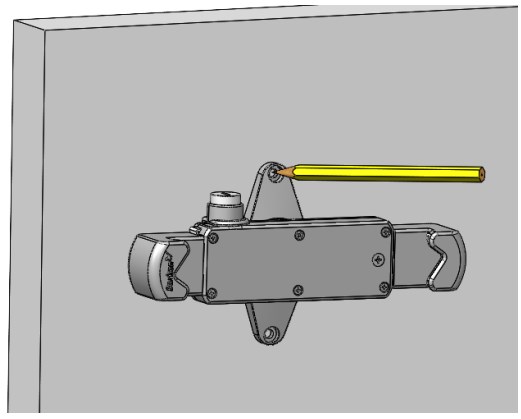
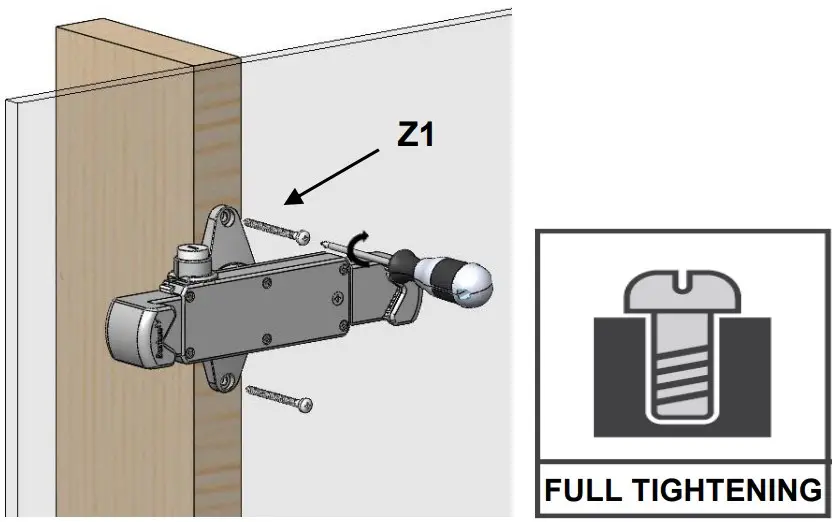
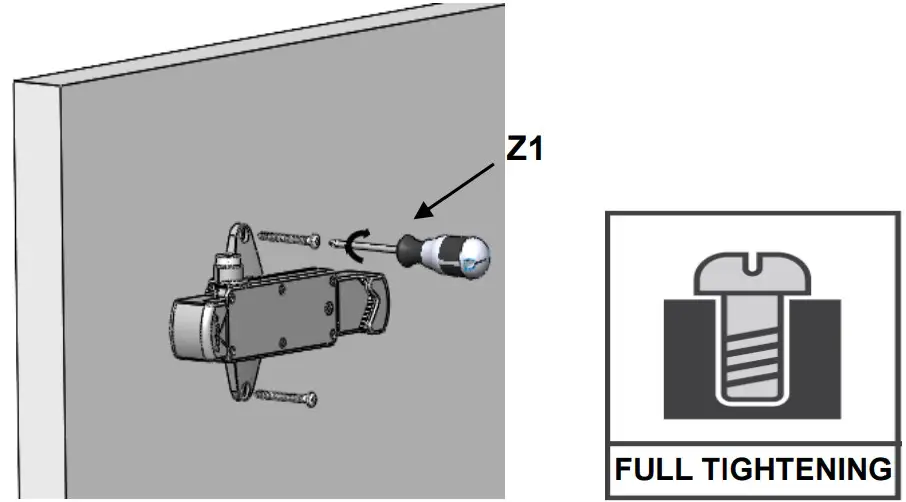
- Mark the holes on the wall according to the required height
A)
B)
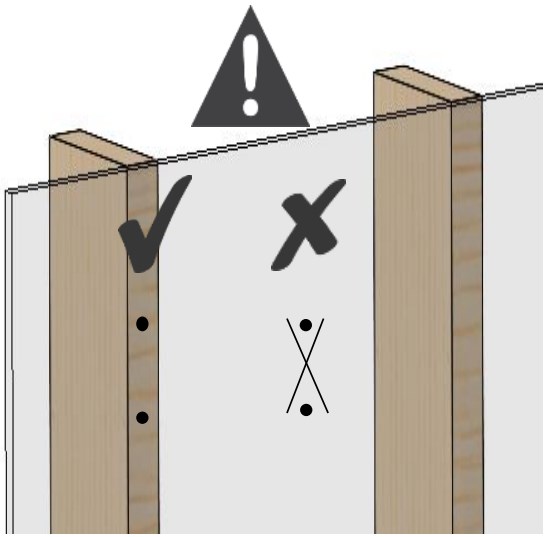
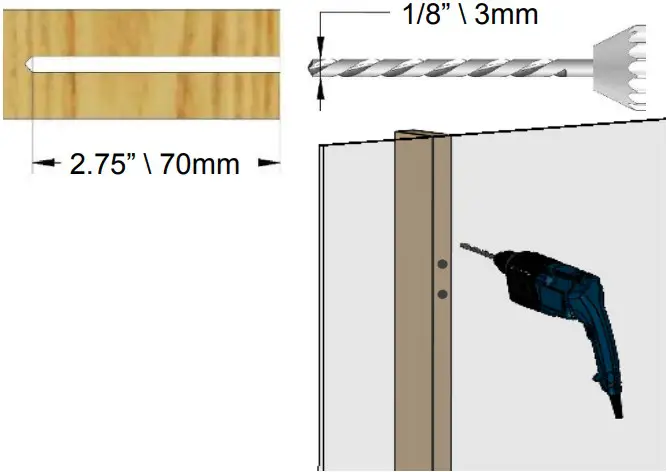
Make sure all holes are drilled inside the studs
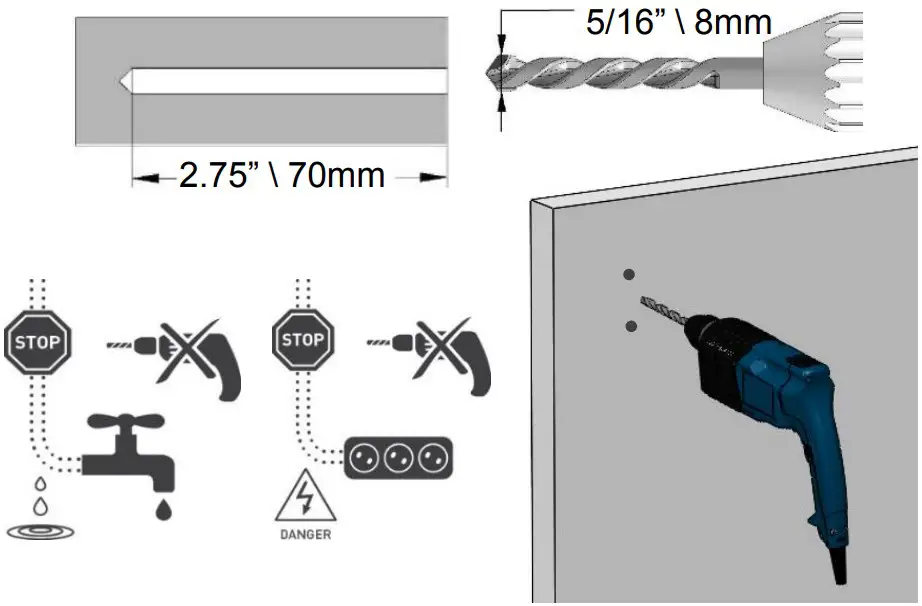
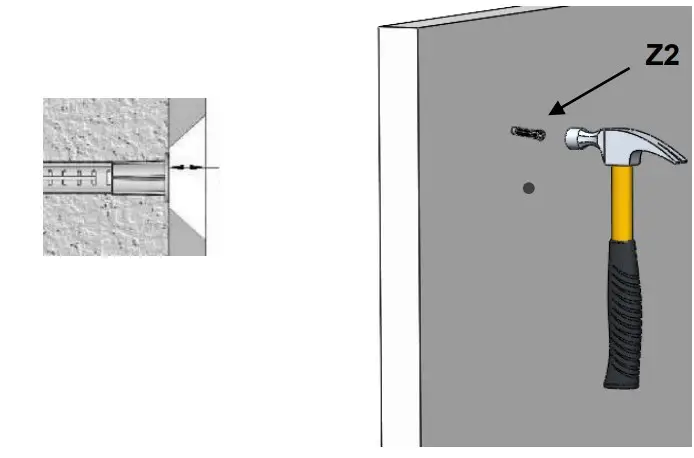
Drill with 5/16” \ 8 mm drill bit
Drill with 1/8” \ 3mm drill bit

The anchor must be sunk at least 3/8″\10 mm into the plaster coating

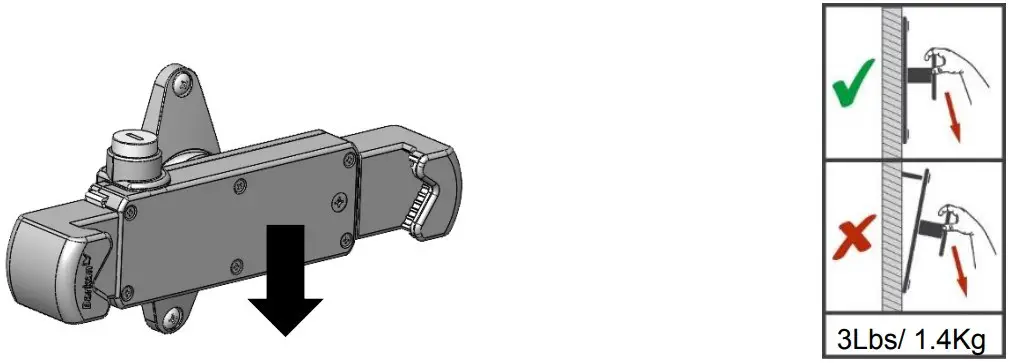
- Weight test
Apply force on the upper part of the mount and make sure it is well connected
- Installation on a monitor mount plate that is 75×75 mm

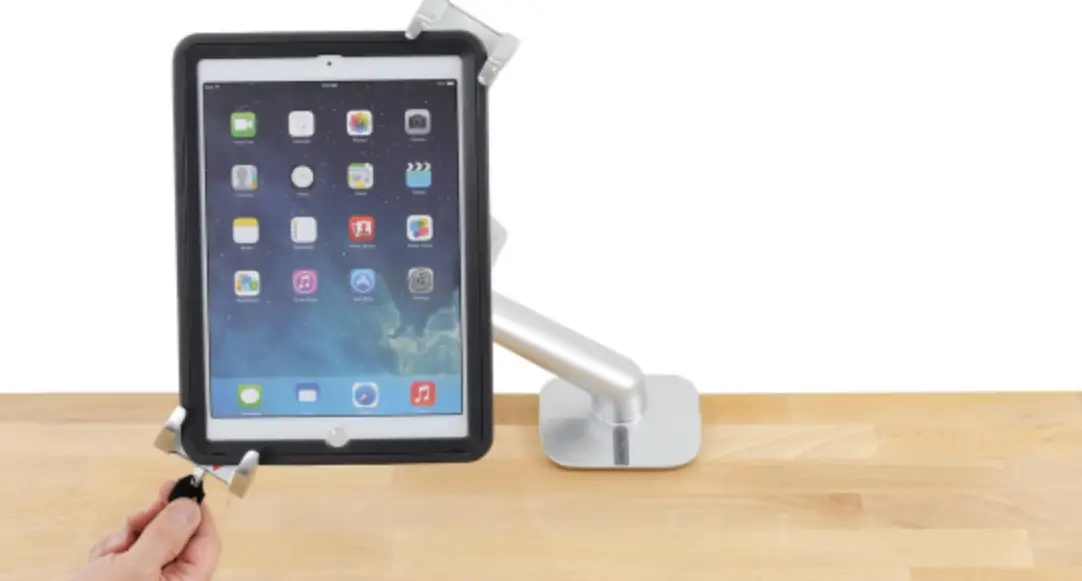
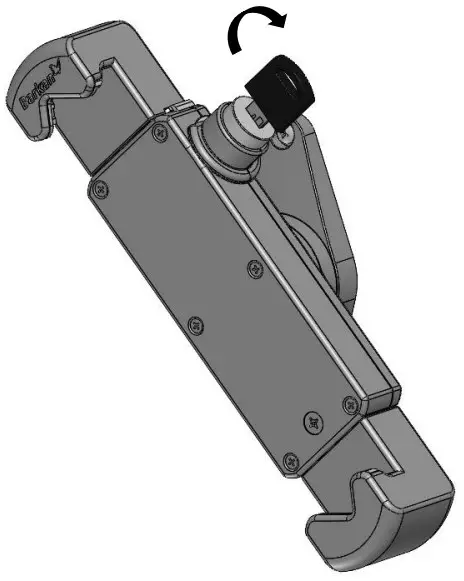
- Locking
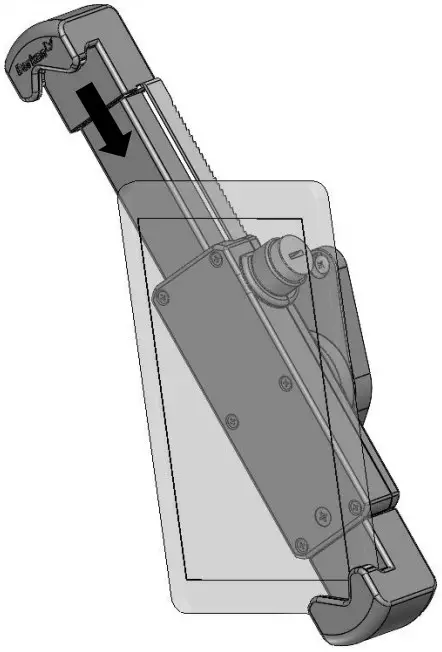
Unlock the clamp
Open the clamp, relock it and take out the key
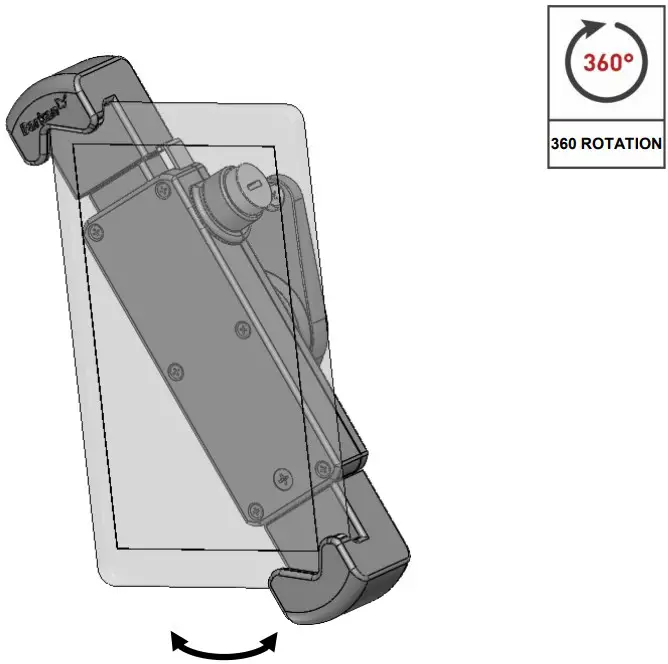
Close the clamp on your device


 Barkan Mounts
 Support | Barkan Mounts