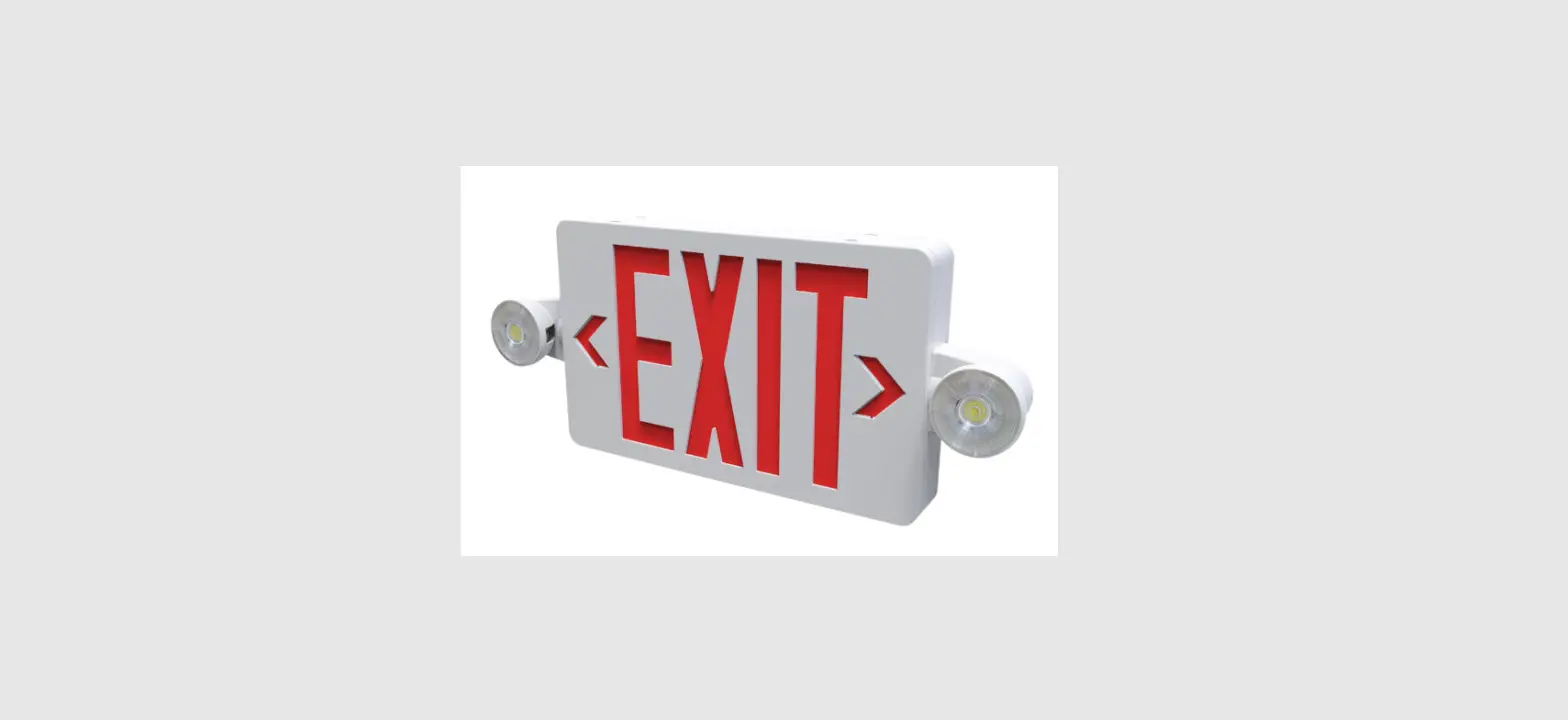
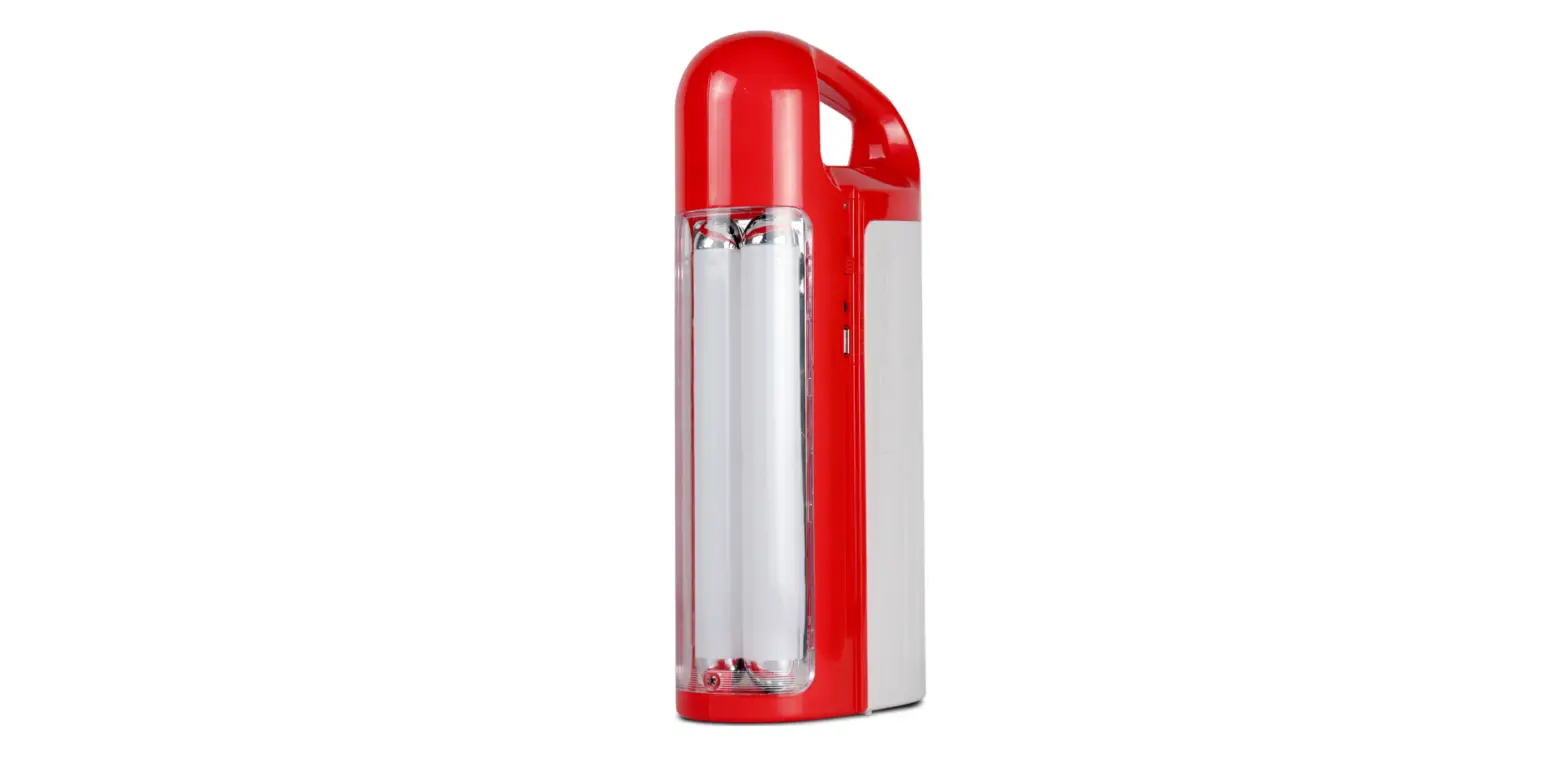
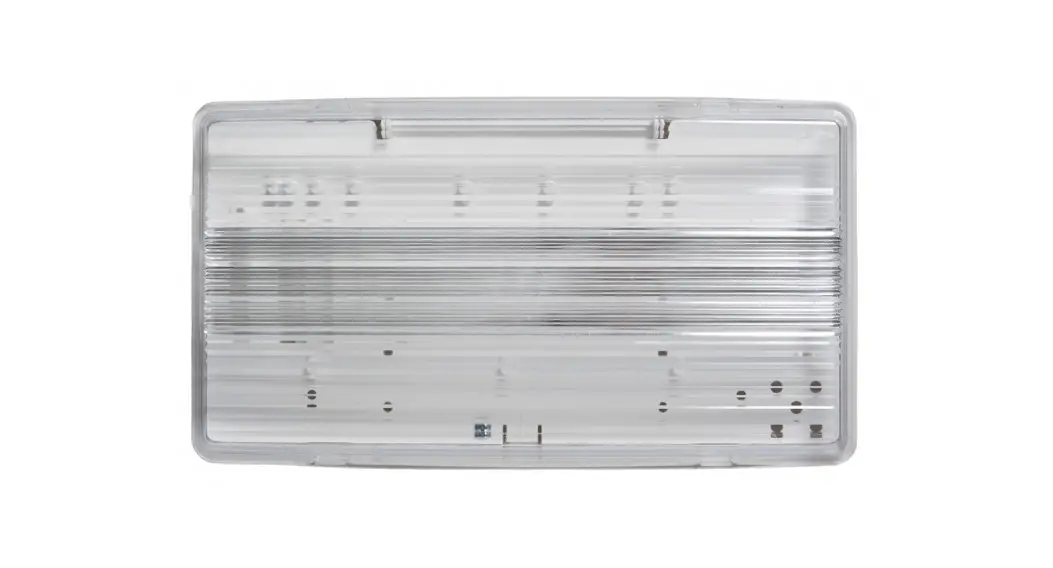
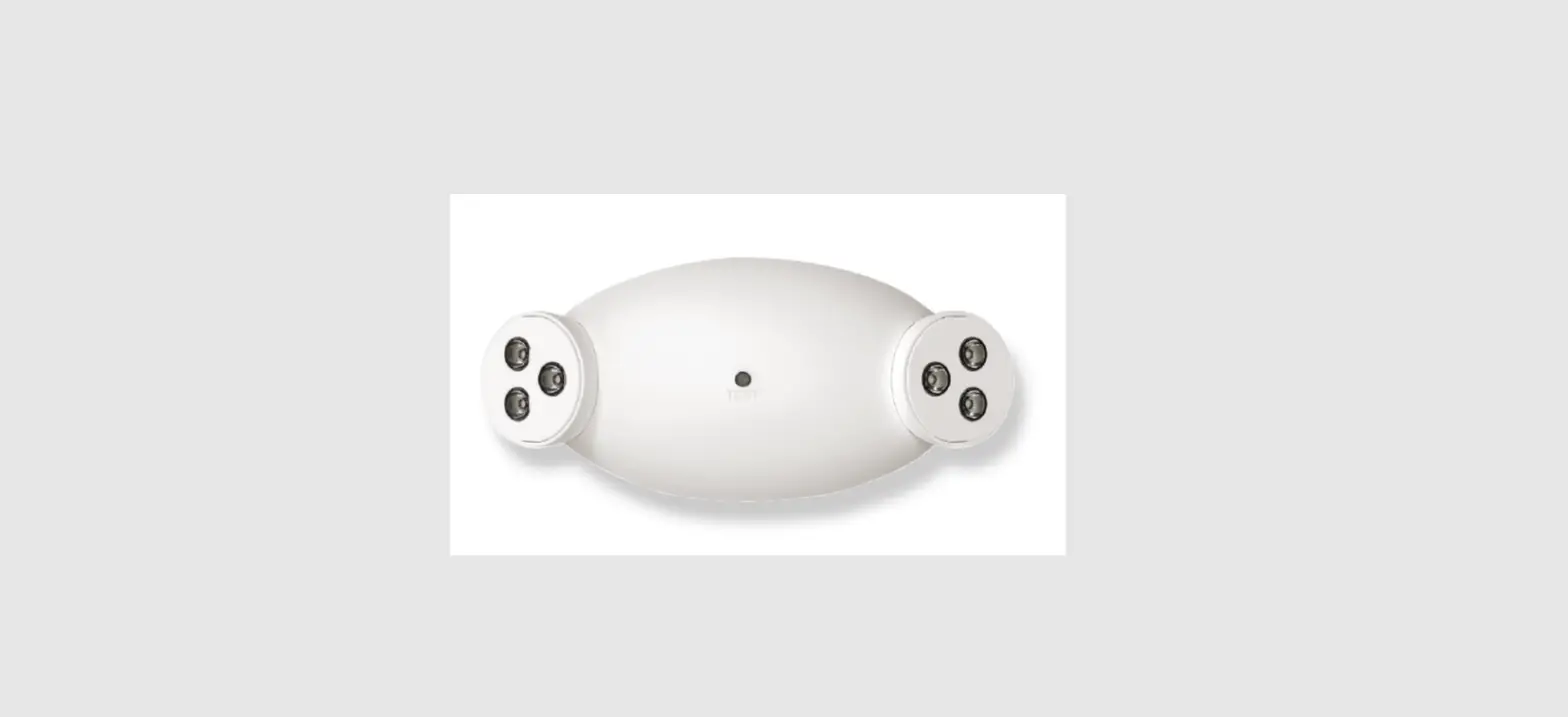
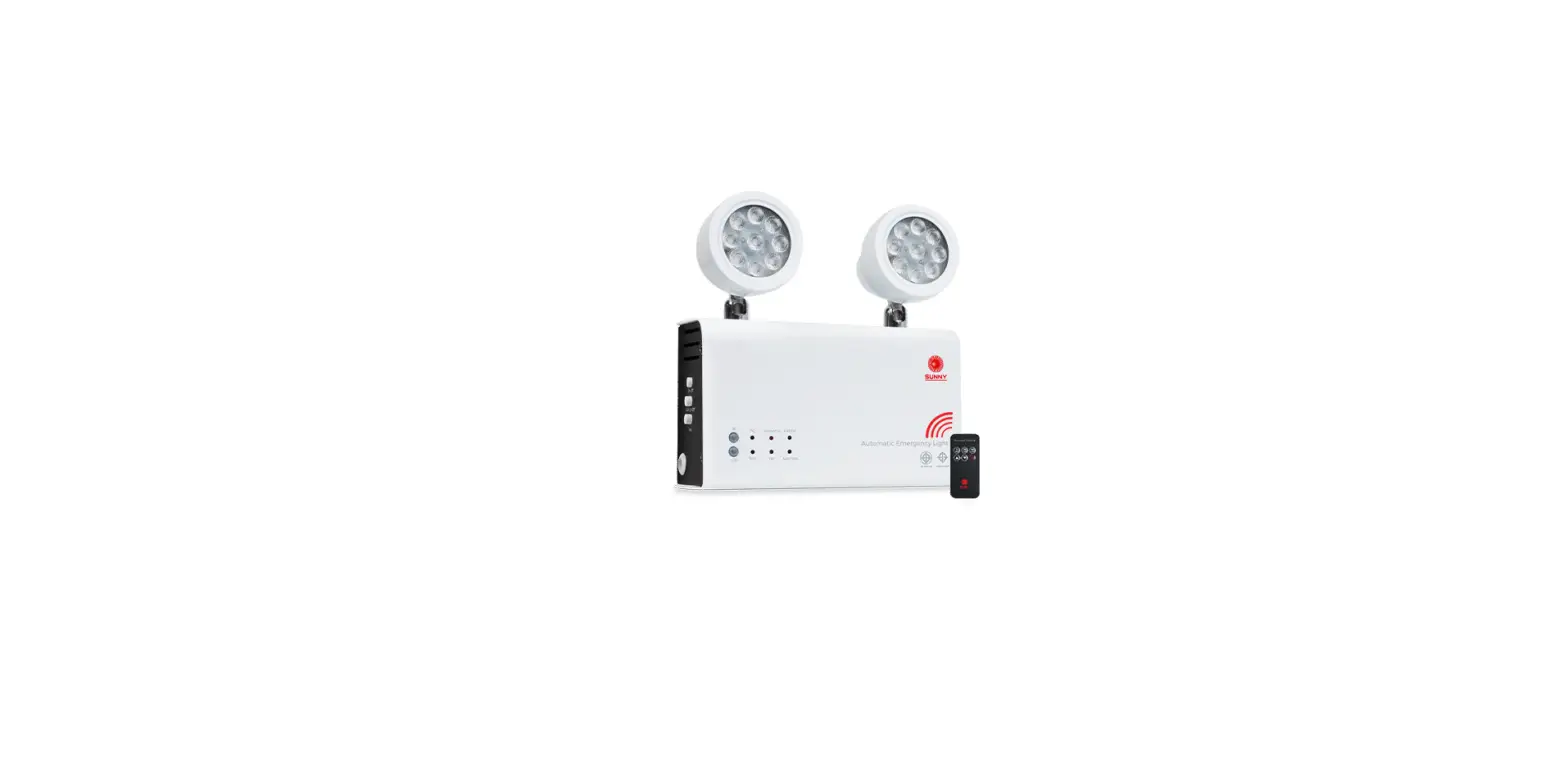
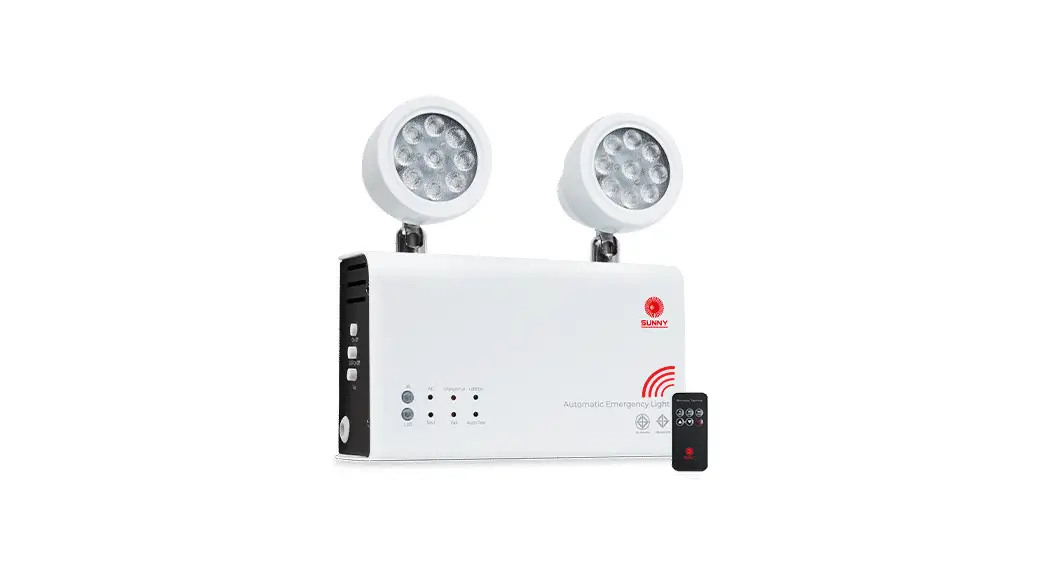
EL-7006-RC Emergency Light
Product Information
The Emergency Light (Remote Capable) model EL-7006-RC is a
compact and portable lighting device that is designed to provide
illumination in emergency situations. It features a built-in
rechargeable battery and LED lamps for efficient and reliable
lighting.
Features
- Input Power on AC (when charging): 5.3W
- Input Power on AC (when fully charged): 1.5W
- Lamp Type: 2x2W LED
- Input Voltage: 120/347 VAC
- Frequency: 60 Hz
- LED Type: SMD LED
- Battery Type: Sealed Lead Acid
- Working Time: 30 Minutes at 28W
- Charging Time: 24 Hours
Description
The EL-7006-RC Emergency Light is a reliable and versatile
lighting solution for emergency situations. It is equipped with two
2W LED lamps that provide bright and energy-efficient illumination.
The built-in rechargeable battery is a sealed lead acid type,
ensuring long-lasting performance.
Product Usage Instructions
Charging the Emergency Light
- Connect the provided AC power adapter to the charging port of
the emergency light. - Plug the other end of the power adapter into a standard AC
power outlet. - The charging indicator light will turn on to indicate that the
battery is being charged. - Leave the emergency light connected to the power source for a
minimum of 24 hours to fully charge the battery. - Once fully charged, the charging indicator light will turn
off.
Using the Emergency Light
- In the event of a power outage or emergency, locate the power
switch on the emergency light. - Flip the power switch to the “ON” position to activate the LED
lamps. - The LED lamps will provide bright illumination for up to 30
minutes. - After use, flip the power switch to the “OFF” position to
conserve battery power.
Note: It is recommended to periodically check the charge level
of the battery and recharge as needed to ensure optimal performance
in emergency situations.
EMERGENCY LIGHT (REMOTE CAPABLE)
EL-7006-RC
Features
Input Power on AC (when charging) Input Power on AC (when fully charged) Lamp Type Input Voltage Frequency LED Type Battery Type Working Time Charging Time
5.3W 1.5W 2x2W LED 120/347 VAC 60 Hz SMD LED Sealed Lead Acid 30 Minutes at 28W 24 Hours
Description
· Injection-molded thermoplastic ABS housing · UL-94-V-0 flame rating, fire-retardant · Wall Mountable · Switchable input voltage 120/347 VAC · Optional 120V line cord/AC plug included · 2x2W lamps for emergency mode, 113.5 lumens each · Sealed lead acid battery 6V5Ah · Test switch and charge indicator light · Overcharge & Over-Discharge protection · Backup time: 30 Minutes at 28W · Remote Capability: Up to 24W of additional remotes
for 30 minutes, 7W for 90 minutes · Conversion time: <0.2 second · IP Class: IP20 · Insulation: II, 80m2/860sq ft · Operating Temperature: 0 ºC ~ 40 ºC / 32 ºF ~ 104 ºF
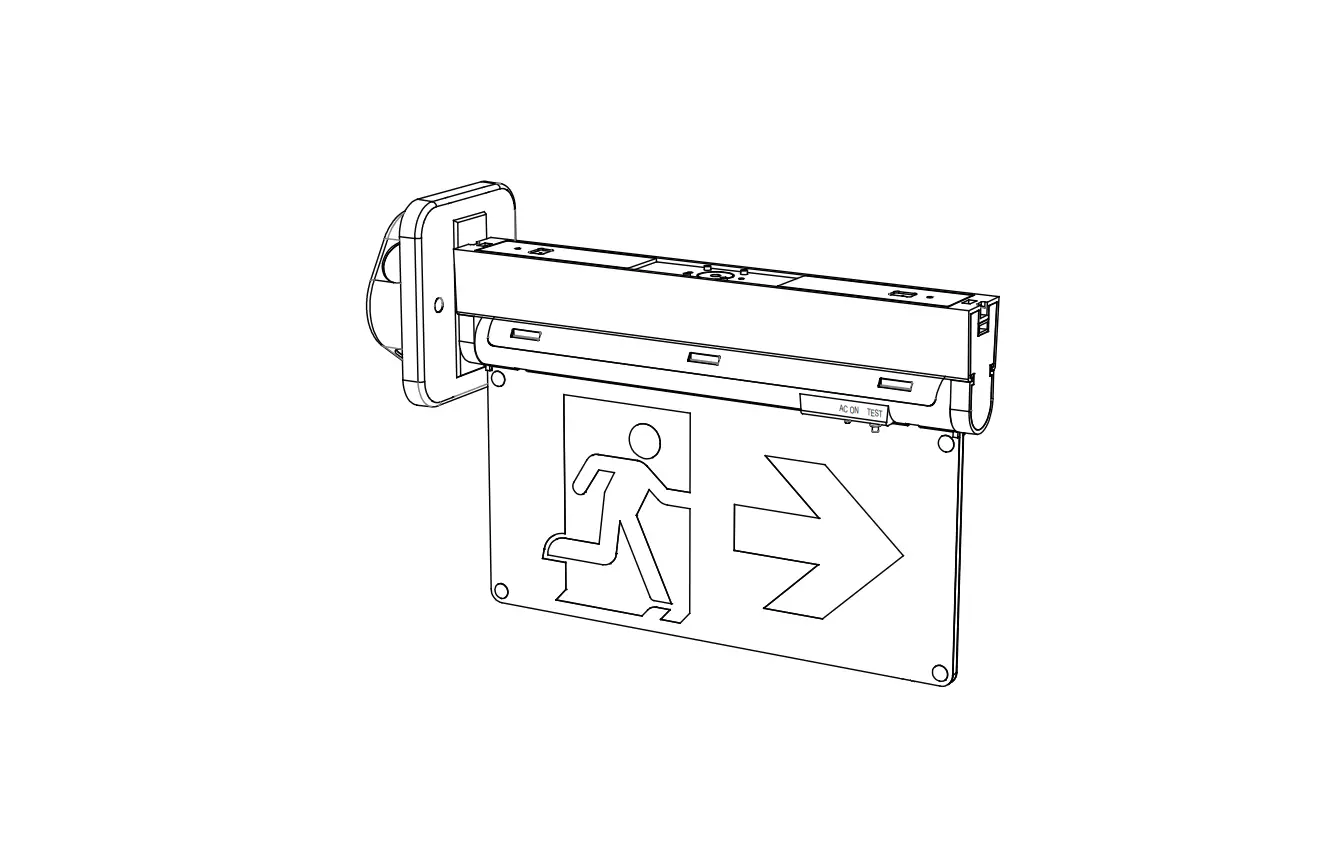
Technical Drawing
15.8″ 401.7mm
4.1″ 103.7mm
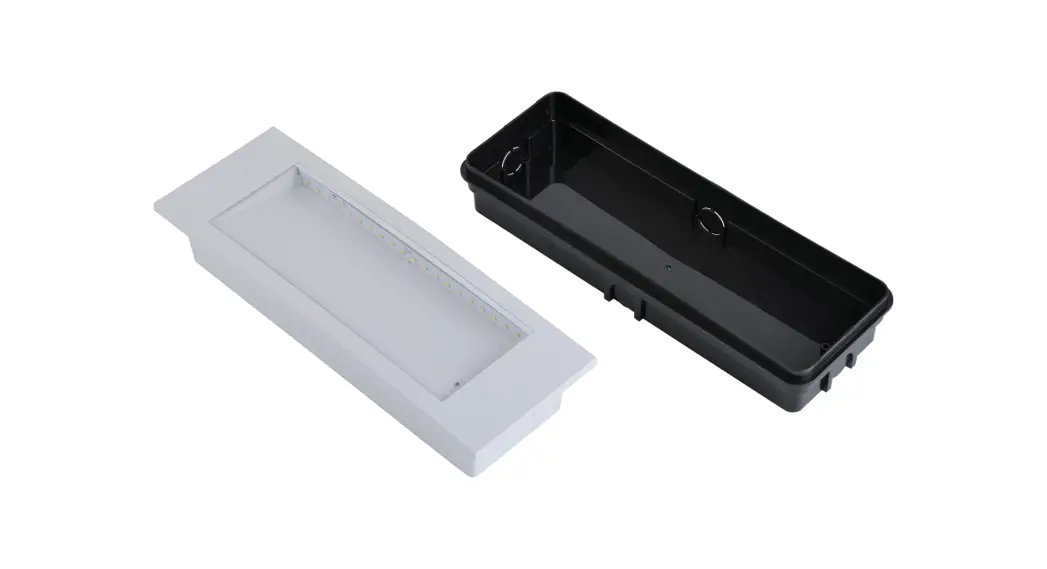
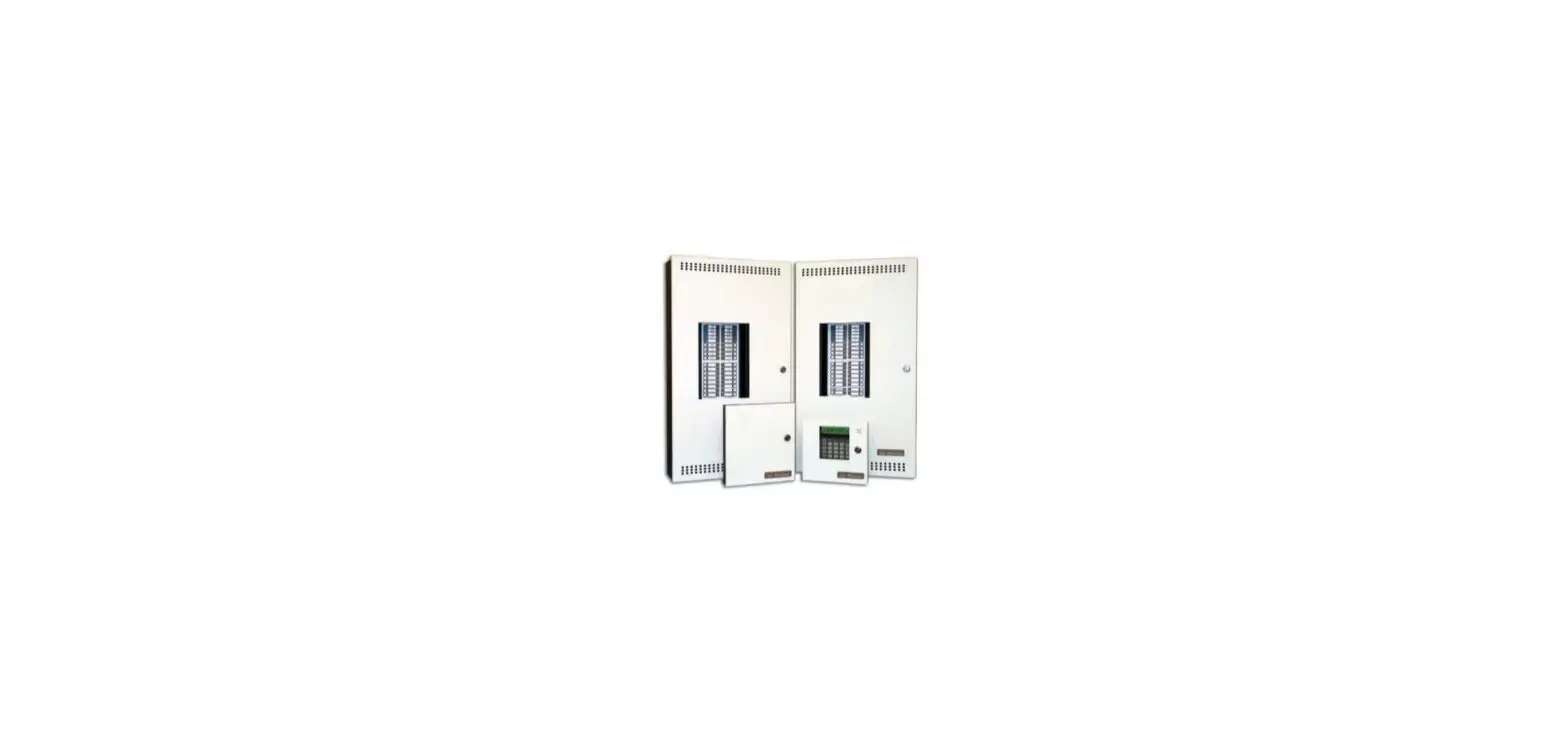
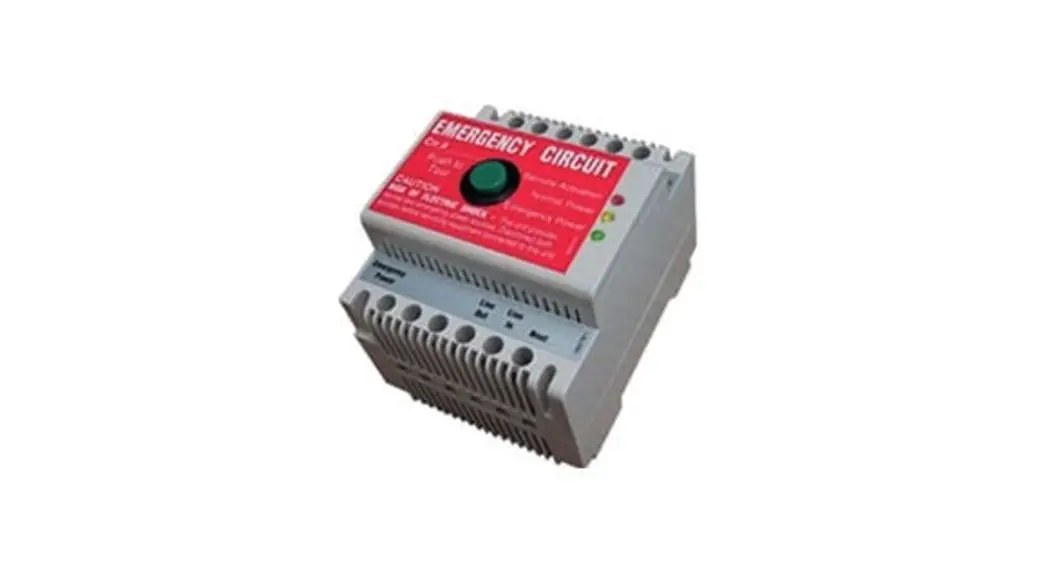
Remote Add-ons
5.1″ 130.5mm
Ordering Information
Model EL-7006-RC
Description Emergency Light (Remote Capable)
EL-7030A (1.5W)
EL-7030B (3W)
Canada 25 Interchange Way Vaughan, ON L4K 5W3 Telephone: (905) 660-4655 | Fax: (905) 660-4113
U.S.A. 4575 Witmer Industrial Estates Niagara Falls, NY 14305 Toll Free: (888) 660-4655 | Fax Toll Free: (888) 660-4113
www.mircom.com
THIS INFORMATION IS FOR MARKETING PURPOSES ONLY AND NOT INTENDED TO DESCRIBE THE PRODUCTS TECHNICALLY.
For complete and accurate technical information relating to performance, installation, testing and certification, refer to technical literature. This document contains intellectual property of Mircom. The information is subject to change by Mircom without notice. Mircom does not represent or warrant correctness or completeness. All rights reserved. All other trademarks and registered trademarks are properties of their respective owners.
4154 CATALOG NUMBER
Rev. 0
 Mircom - Smart Buildings. Smarter Solutions.