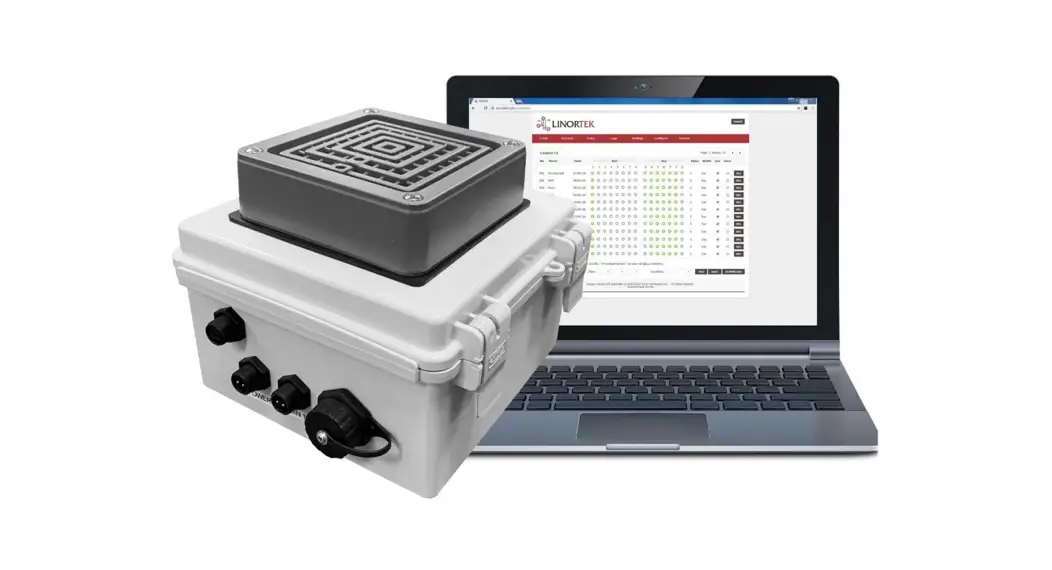
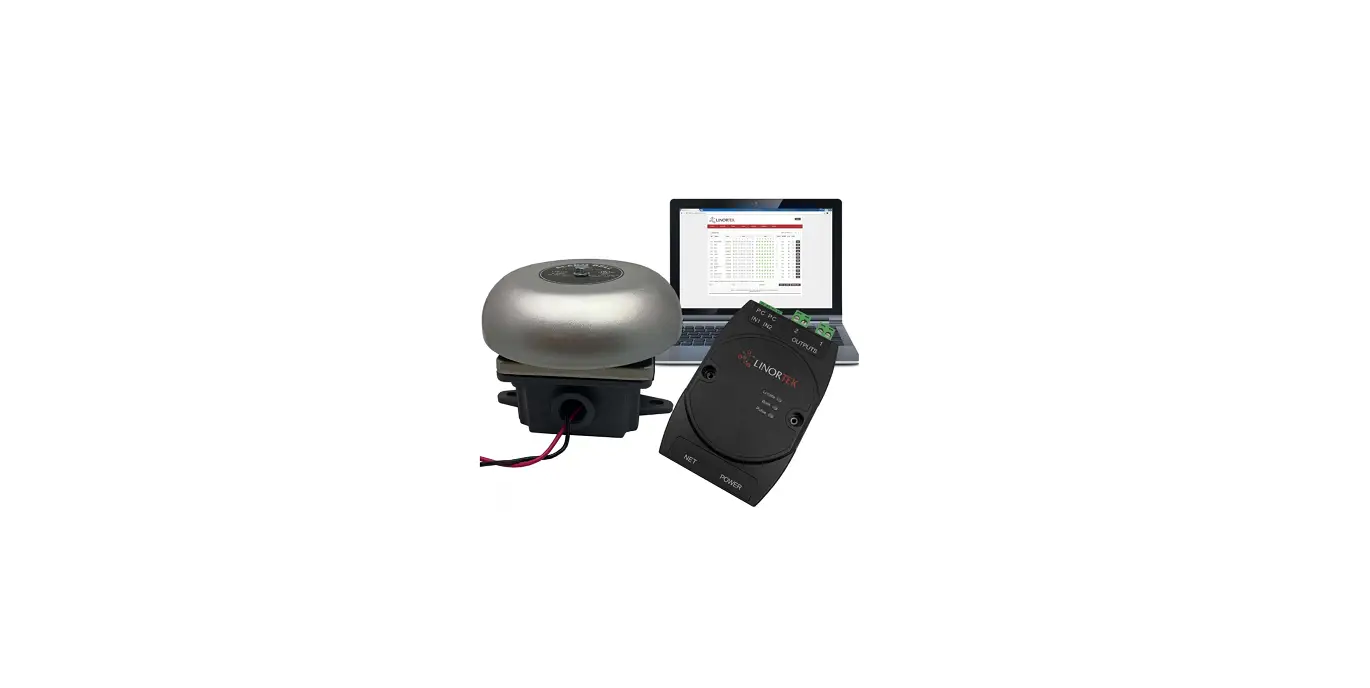
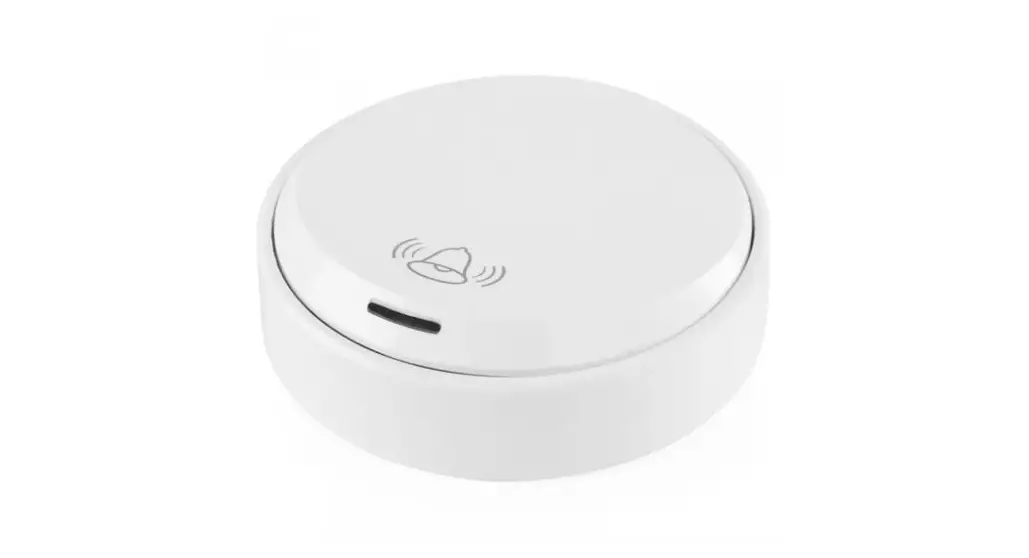
01-910-00025 Network Break Bell System
Product Information
- Model Part#: Netbell-2-1Bel 01-910-00025
- Model Part#: Netbell-2-2Bel 01-910-00027
- Model Part#: Netbell-2-1LBel 01-910-00030
- Model Part#: Netbell-2-2LBel 01-910-00062
Technical Specifications
- Bell Scheduling Software: Built-In (All software located on
built-in web server.) - Event Schedules: Up to 500 Web-Based Event Schedules (Add
schedules from web browser) - Bell Ringing Duration: User Programmable for Each Schedule
- Built-In Bell/Buzzer: Yes
- Bell Output(s): 2
- Coverage (SQ FT): 1 (6 Bell/86dBa), 2 (6 Bell/86dBa), 1 (6
Bell/102 dBa), 2 (6 Bell/102 dBa) - Manual Bell Control: Yes
- Push Switch Enclosure: Optional
- Accessories: DIN Rail Mountable (For the Netbell-2 Controller),
12VDC Power Adapter/1M RJ45 Cable/10ft Power Cable/Wago
Connectors - Power Input: 12VDC/POE for Controller, 24VAC for Bell
- Voltage Sensor: On Board
- Temperature Sensor: On Board
- Rechargeable Battery: On Board (For offline time & settings
keeping backup up to 7 days) - Working Temperature: From 0 to +60 Celsius
- Supported Protocols: HTTP/SMTP/SNTP
For more information, visit the manufacturer’s website: www.linortek.com
Product Usage Instructions
The Netbell-2 Bell Controller is a self-contained device that
provides remote access to control a timed alert system. It allows
you to schedule bell ringing events from a web browser without the
need for any additional software installation on your computer.
- Connect the Netbell-2 Bell Controller to power using the
provided 12VDC power adapter or through Power over Ethernet
(POE). - If using external bells, connect them to the Bell Output(s) on
the controller. The number of bells supported depends on the
model. - If desired, install the optional Push Switch Enclosure for
manual bell control. - Access the built-in web server of the Netbell-2 Bell Controller
from a web browser on your computer. - Add event schedules to the controller by navigating to the
appropriate section in the web interface. - Program the duration of bell ringing for each schedule
according to your requirements. - If needed, utilize the on-board voltage and temperature sensors
for monitoring purposes. - In case of power loss, the on-board rechargeable battery will
keep the time and settings backed up for up to 7 days. - The Netbell-2 Bell Controller supports various protocols such
as HTTP, SMTP, and SNTP for seamless integration into your
network. - For further assistance or detailed instructions, refer to the
user manual or visit the manufacturer’s website.
Applications
Provide remote access to control timed alert system for:
· Schools · Office Buildings · Small Factories, Ware-
houses · Any other timed alert
system.
Self-Contained, Easy-To-Use, Remote Access, Scheduling Bells from Web Browser, No Software Required to Install on Your Computer
· Network enabled, access the Netbell software from web browser
· Import/export schedules from existing data in text format
· Flexible and accurate control of when the bells ring (HH:MM:SS,MM/DD/YYYY, SUNDAY- SATURDAY)
· Built-in real time clock sync its time from NTP server every 30 minutes (user changeable)
· Built-in rechargeable battery protected auxiliary real time clock
· Use as either a network device or a standalone device
· Designed, developed and built in the USA with global materials
Linortek Netbell® is an ease-of-use, network enabled, custom developed device for schools, factories, warehouses and other organizations to build a fully automated web-based timed alert system for signaling shift changes, general alarm, and breaks in areas of high ambient noise levels. The system is built on a TCP/IP platform with a built in web server, which allows users to access, control, and schedule the bells accurately and effectively using an Internet connection from anywhere over the network, with no additional software or designated computer required.
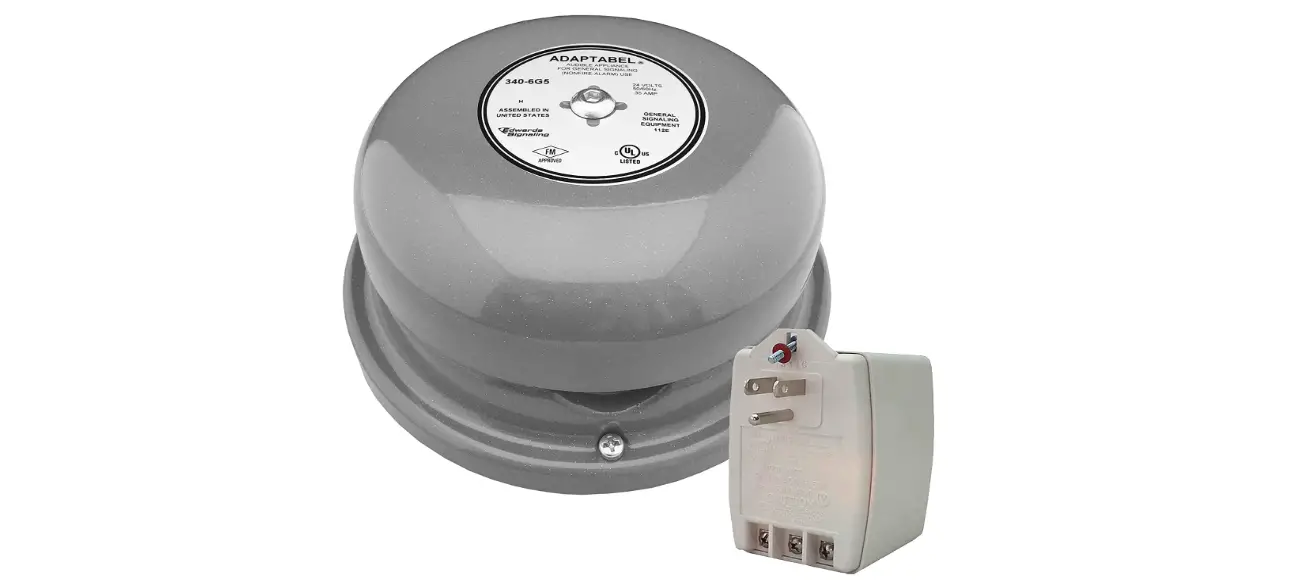
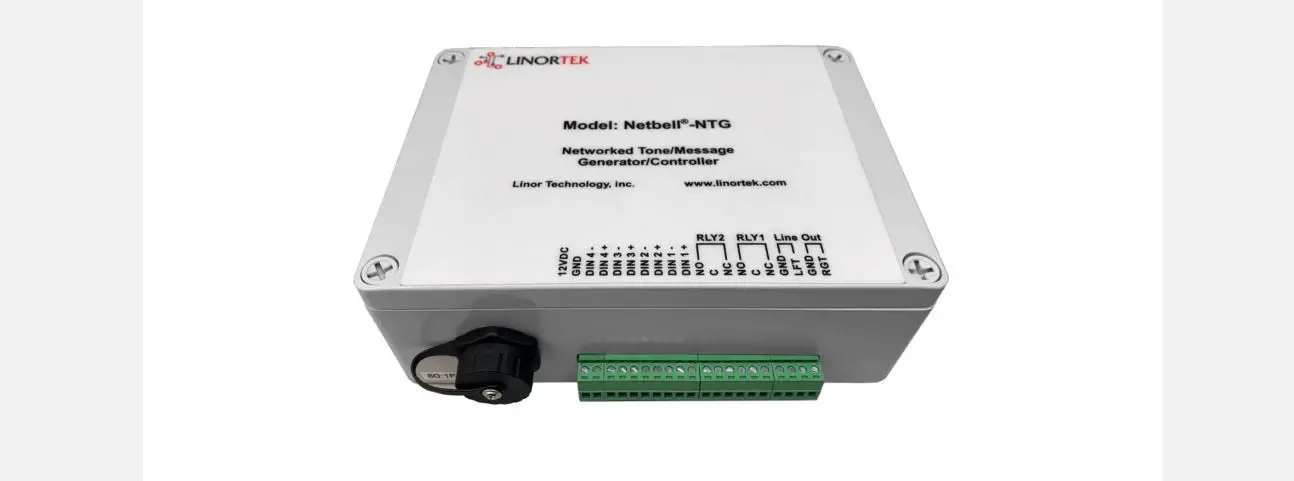
The Netbell-2-1Bel is a one-stop solution that comes with everything needed for installation and operation a bell system. The kit includes one Netbell-2 networked Bell Controller, one 6-in bell kit. The bell kit comes with a 12VDC gray signal bell, one weatherproof back box for wall mounting and one 12VDC power supply to power the bell, one 10ft power cable. With the Netbell-2, you can access, control and schedule bells individually over the network, no additional software or programming required. With the digital inputs you can wire a push switch for ringing bell manually in emergency. For anyone who has separate areas or multiple buildings where running additional wiring is not an option, but network is available at the locations, you can use the built-in remote feature to manage & schedule multiple Netbell devices from the free BellScheduler desktop app, making the management of your bell systems incredibly easy.
Netbell-2 Bell Controller with Break Bell
General Information Model Part#
Netbell-2-1Bel 01-910-00025
Netbell-2-2Bel 01-910-00027
Netbell-2-1LBel 01-910-00030
Netbell-2-2LBel 01-910-00062
Technical Specification Bell Scheduling Software Event Schedules Bell Ringing Duration Built-In Bell/Buzzer
Built- In (All software located on built-in web server.) Up to 500 Web-Based Event Schedules (Add schedules from web browser)
User Programmable for Each Schedule No
Bell Output(s)
External Bell(s) Coverage (SQ FT) Manual Bell Control Push Switch Enclosure Accessories Power Input Voltage Sensor Temperature Sensor Rechargeable Battery Working Temperature Supported Protocols
2 1 (6″ Bell/86dBa) 2 (6″ Bell/86dBa) 1 (6″ Bell/102 dBa) 2 (6″ Bell/102 dBa)
8,000
16,000
20,000
40,000
Yes
Optional
DIN Rail Mountable (For the Netbell-2 Controller)
12VDC Power Adapter/1M RJ45 Cable/ 10ft Power Cable/Wago Connectors
12VDC/POE
12VDC/POE for Controller, 24VAC for Bell
On Board
On Board
On Board (For offline time & settings keeping backup up to 7 days)
From 0 to +60 Celsius
HTTP/ SMTP/SNTP
Linor Technology, Inc. www.linortek.com
Address: Winston Salem, NC 27127 © Linortek, information subject to change without notice.
References
 Linortek - Remote Control Monitoring Solutions for Industrial Equipment
-
Linortek - Remote Control Monitoring Solutions for Industrial Equipment
-
Netbell-2-2LBel Network Extra Loud Break Bell System
-
Netbell-2-1Bel Network Break Bell System
-
Netbell-2-1LBel Network Extra Loud Break Bell System
-
Netbell-2-2Bel Network Break Bell System
 Linortek - Remote Control Monitoring Solutions for Industrial Equipment