T5640 Transmitters Web Sensors with power over Ethernet
Product Information
The Transmitters Web Sensor Tx64x with Ethernet connection are
designed to measure the concentration of CO2 in the air, as well as
temperature and relative humidity. These devices can be powered
either by a power supply adapter or through power over Ethernet
(PoE).
The CO2 concentration is measured using a dual wavelength NDIR
sensor with multipoint calibration. This calibration principle
compensates for the aging of sensing elements, providing
maintenance-free operation and outstanding long-term stability.
The relative humidity transmitters allow for the determination
of other calculated humidity variables such as dew point
temperature, absolute humidity, specific humidity, mixing ratio,
and specific enthalpy.
Device setup can be done using the TSensor software or through
the web interface.
The models available are T5640, T5641, T6640, and T6641. The
measured values vary depending on the model, with options including
CO2, temperature (T), relative humidity (RH), and computed values
(CV).
The devices are designed to be mounted on a wall.
Product Usage Instructions
Device Setup:
- Connect the Transmitters Web Sensor to the power supply adapter
or to a PoE source. - If using the TSensor software:
- Install the TSensor software on your computer.
- Connect the Transmitters Web Sensor to your computer using an
Ethernet cable. - Open the TSensor software and follow the instructions provided
to set up the device.
- If using the web interface:
- Ensure that the Transmitters Web Sensor is connected to your
network. - Open a web browser and enter the default IP address of the
device (192.168.1.213) in the address bar. - Follow the on-screen instructions to set up the device.
- Ensure that the Transmitters Web Sensor is connected to your
Error States:
The device continuously checks its state during operation. If an
error occurs, it will display a relevant error code. The error
codes and their meanings are as follows:
- Err 1: Measured or calculated value is over the upper
limit. - Err 2: Measured or calculated value is below the lower limit,
or a CO2 concentration measurement error occurred. - Err 0, Err 3, Err 4: Serious errors. Please contact the
distributor of the device. For devices with an external probe
CO2G-10, Err 4 indicates that the probe is not connected.
Safety Instructions:
For detailed safety instructions, please refer to the Download
section specific to your device on the www.cometsystem.com
website.
COMET SYSTEM, s.r.o., Bezrucova 2901 756 61 Roznov pod
Radhostem, Czech Republic
Specifications are subject to change without notice.
ie-snc-n-tx64x-02
Transmitters Web Sensors with power over Ethernet – PoE QUICK START MANUAL
PRODUCT DESCRIPTION
T5640 · T5641 · T6640 · T6641
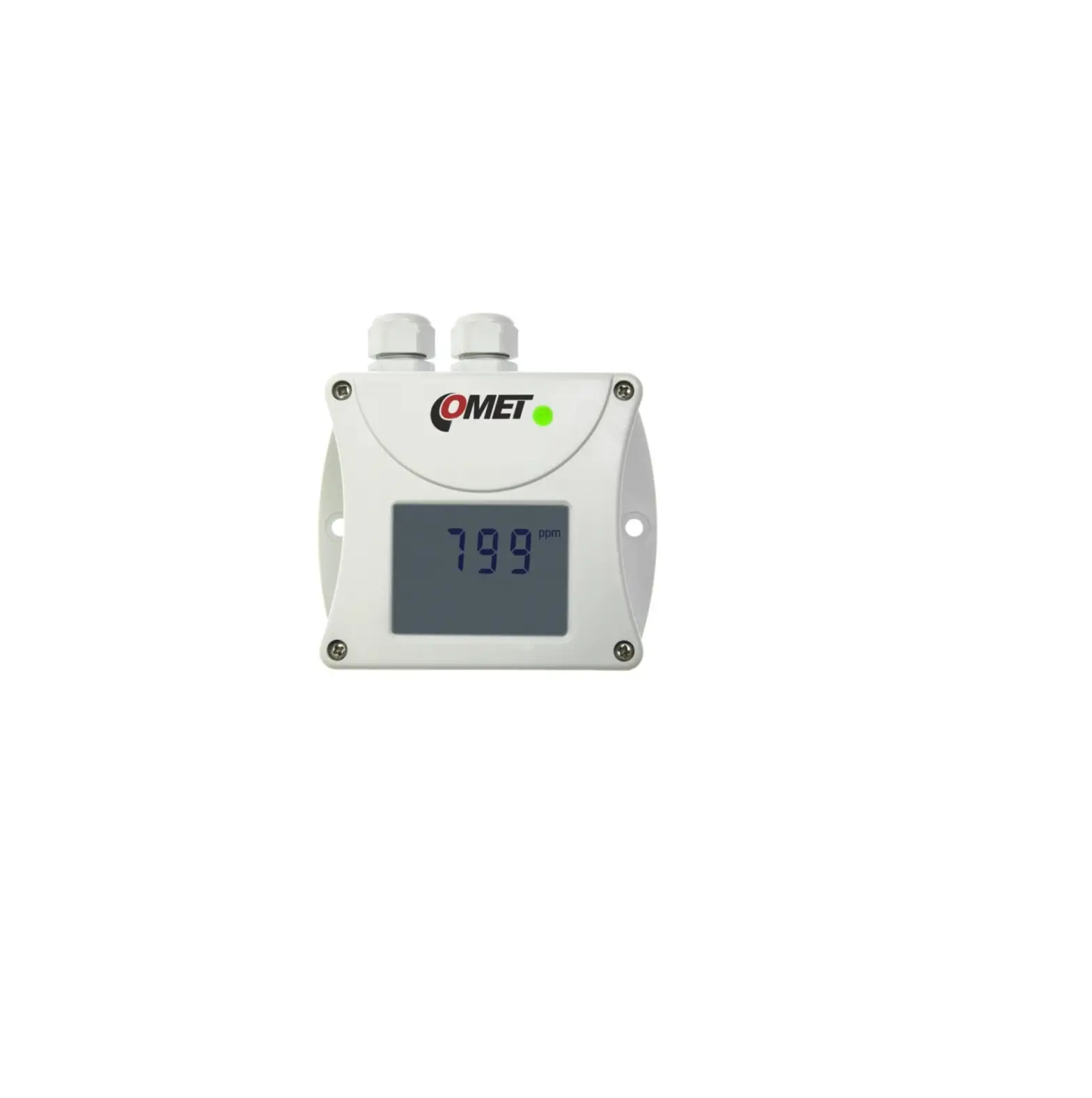
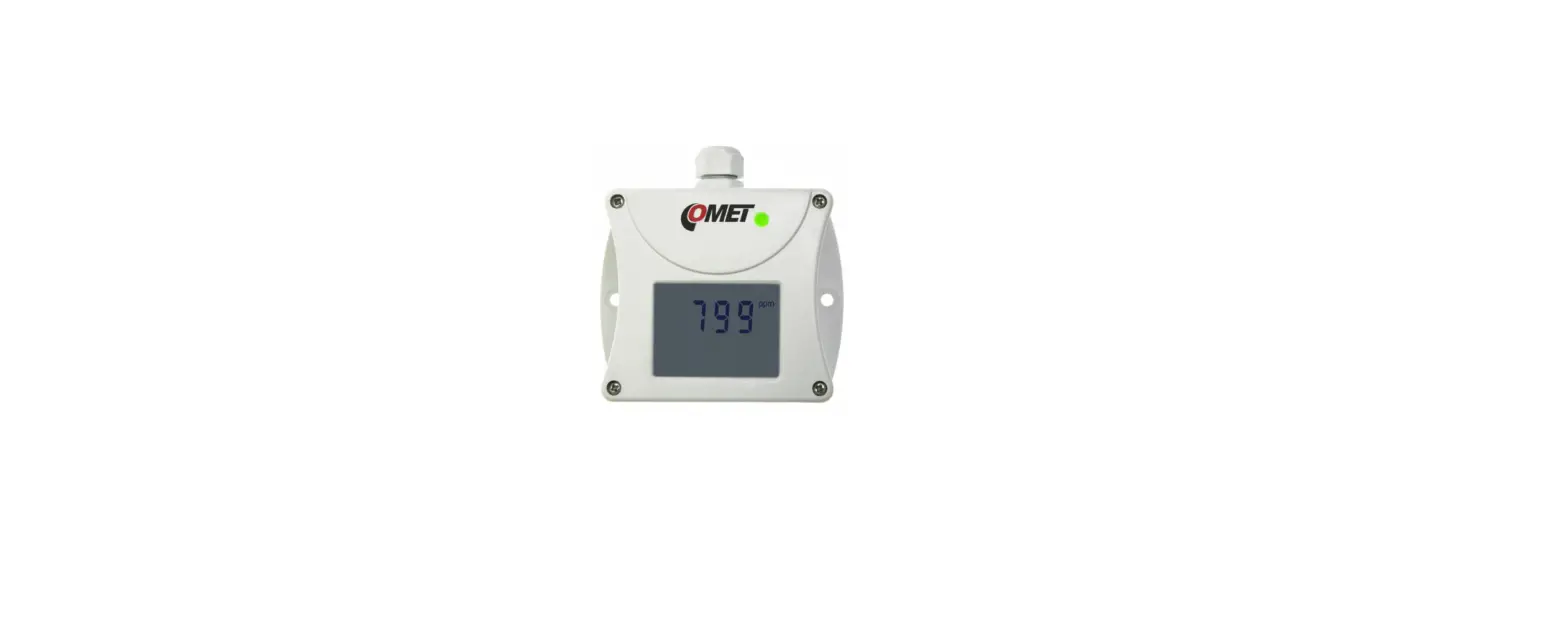
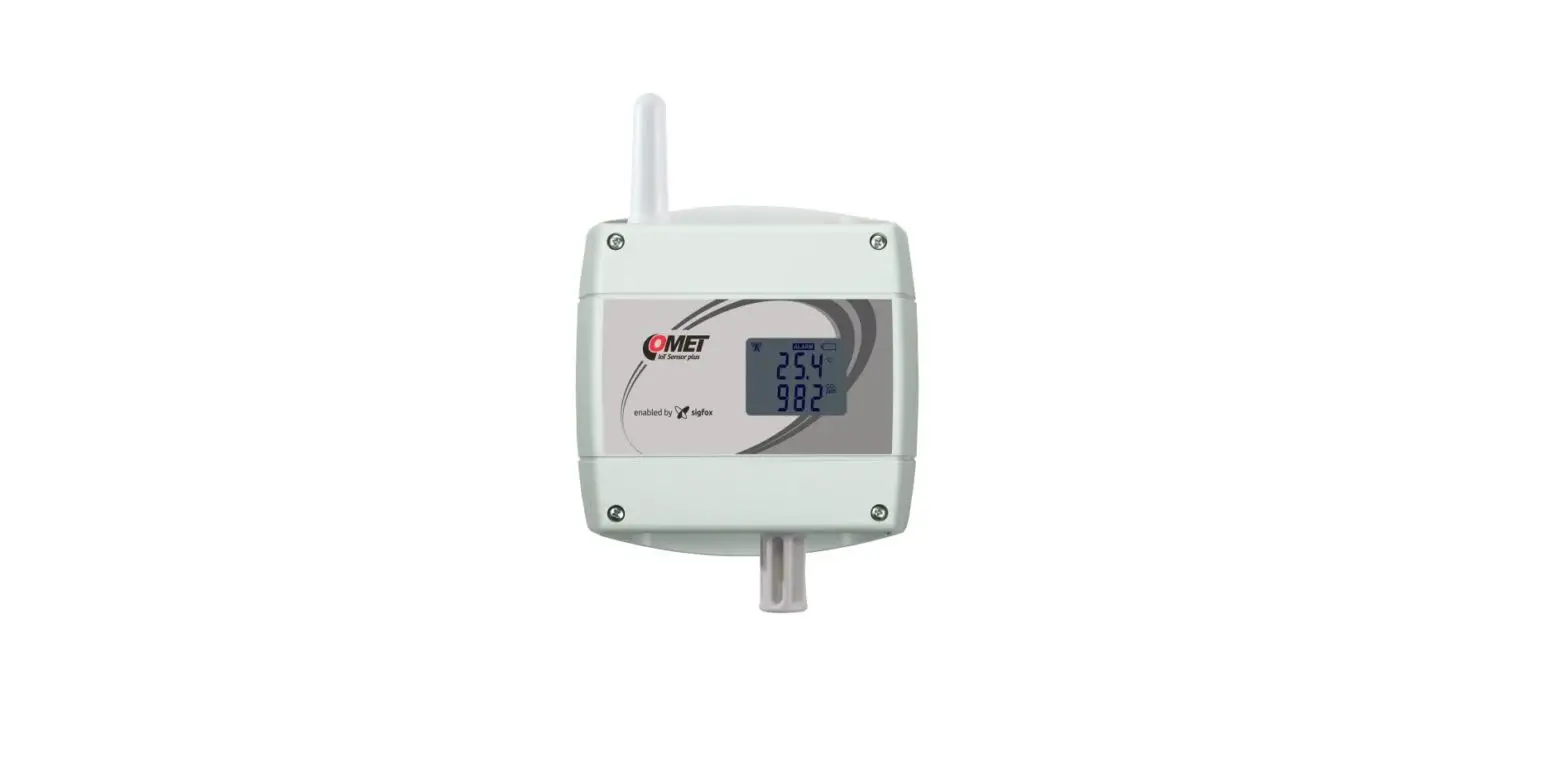
Transmitters Web Sensor Tx64x with Ethernet connection are designed to measure concentration of CO2 in the air and to measure temperature and relative humidity of air. Devices can be powered from power supply adapter or by using power over Ethernet – PoE.
The CO2 concentration is measured using the dual wavelength NDIR sensor with the multipoint calibration. This principle compensates aging of the sensing elements and offers maintenance free operation and outstanding long term stability.
Relative humidity transmitters allows to determine other calculated humidity variables like dew point temperature, absolute humidity, specific humidity, mixing ratio and specific enthalpy.
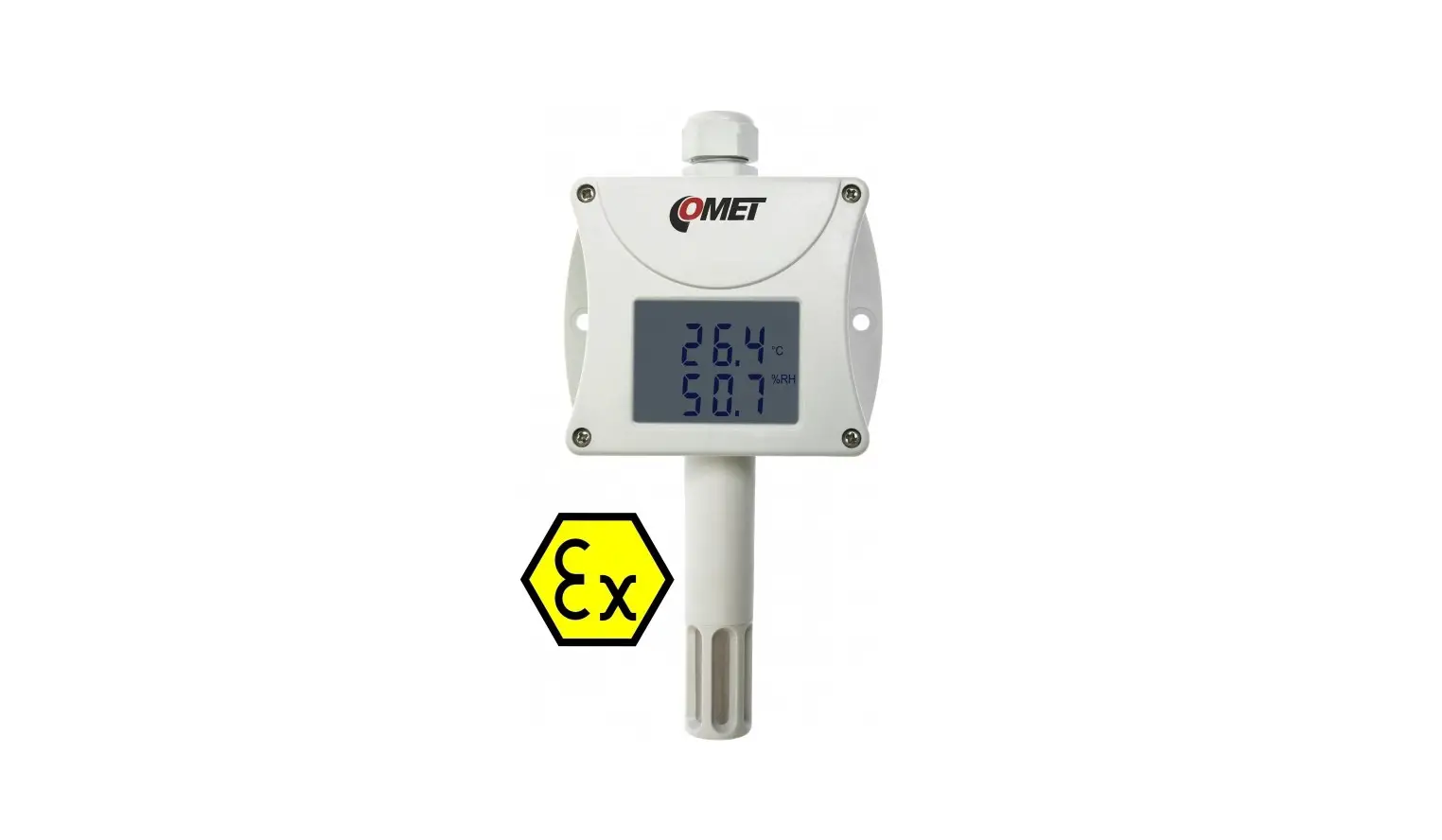
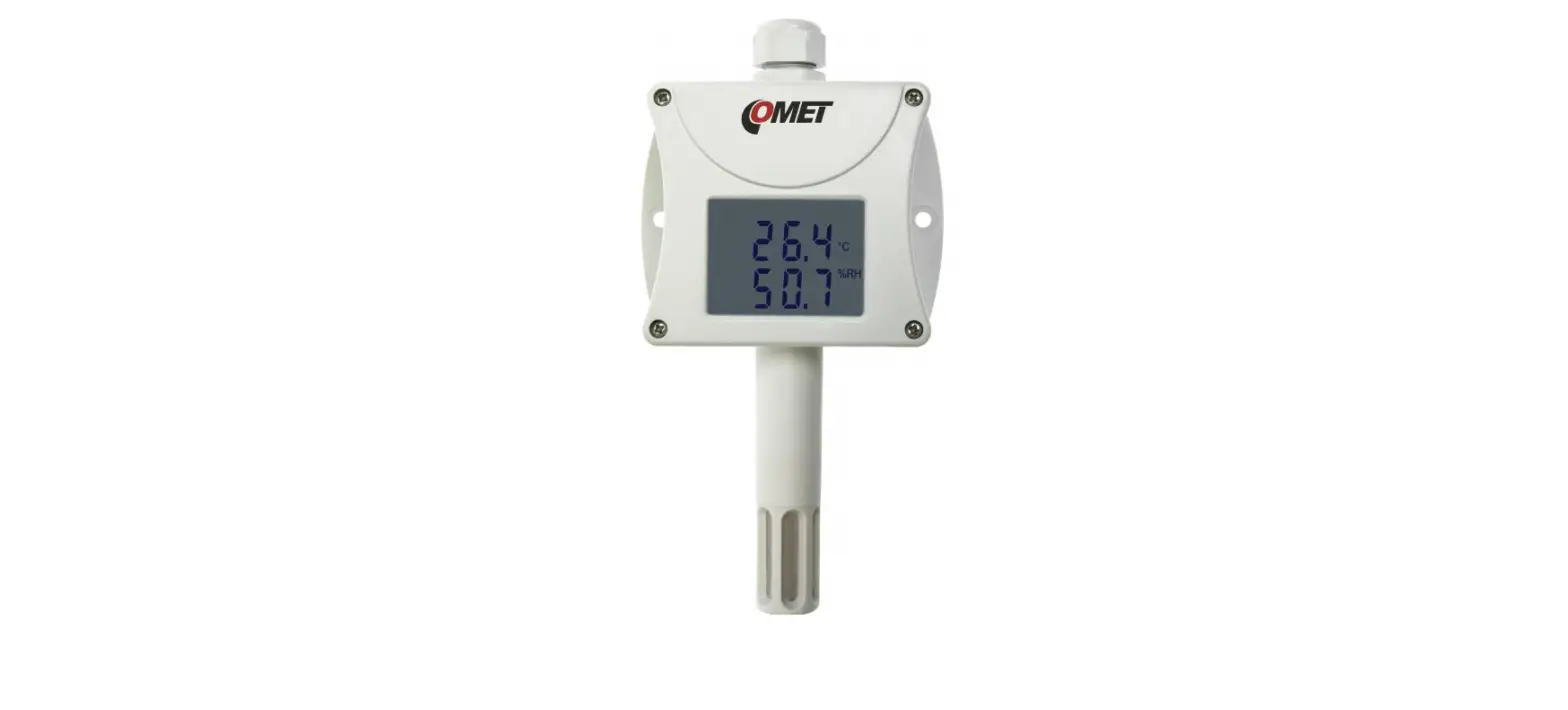
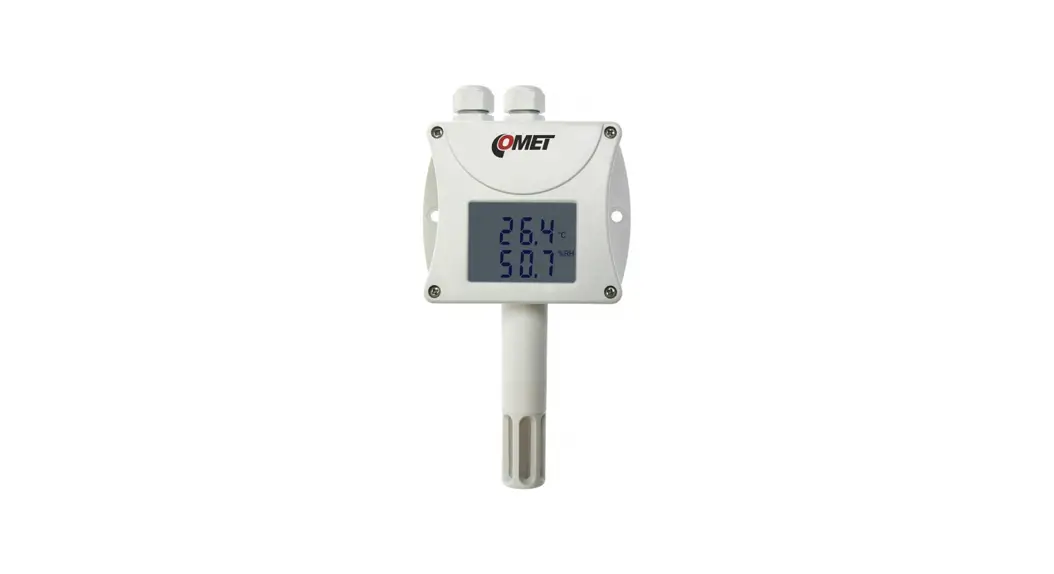
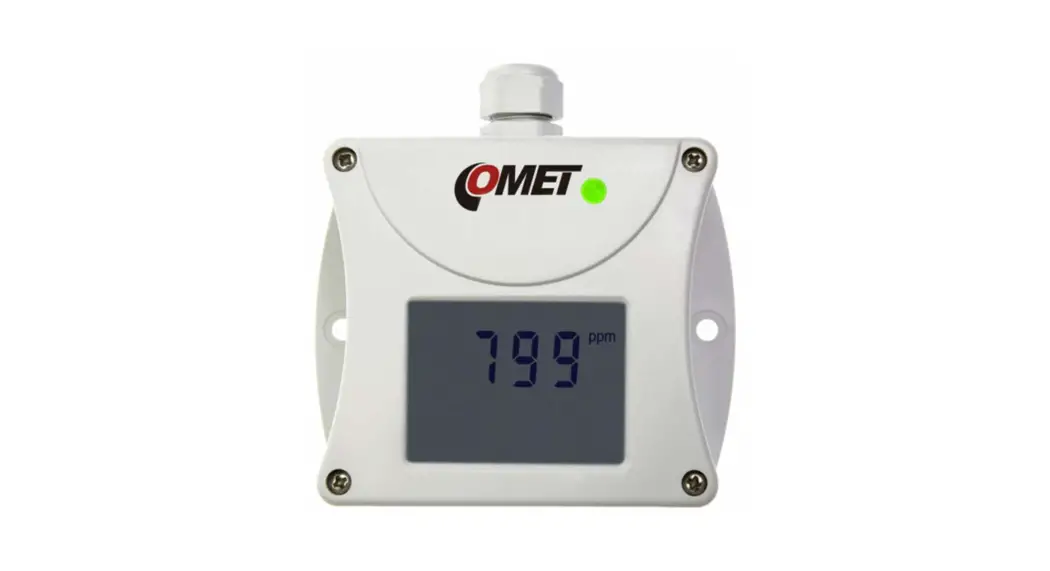
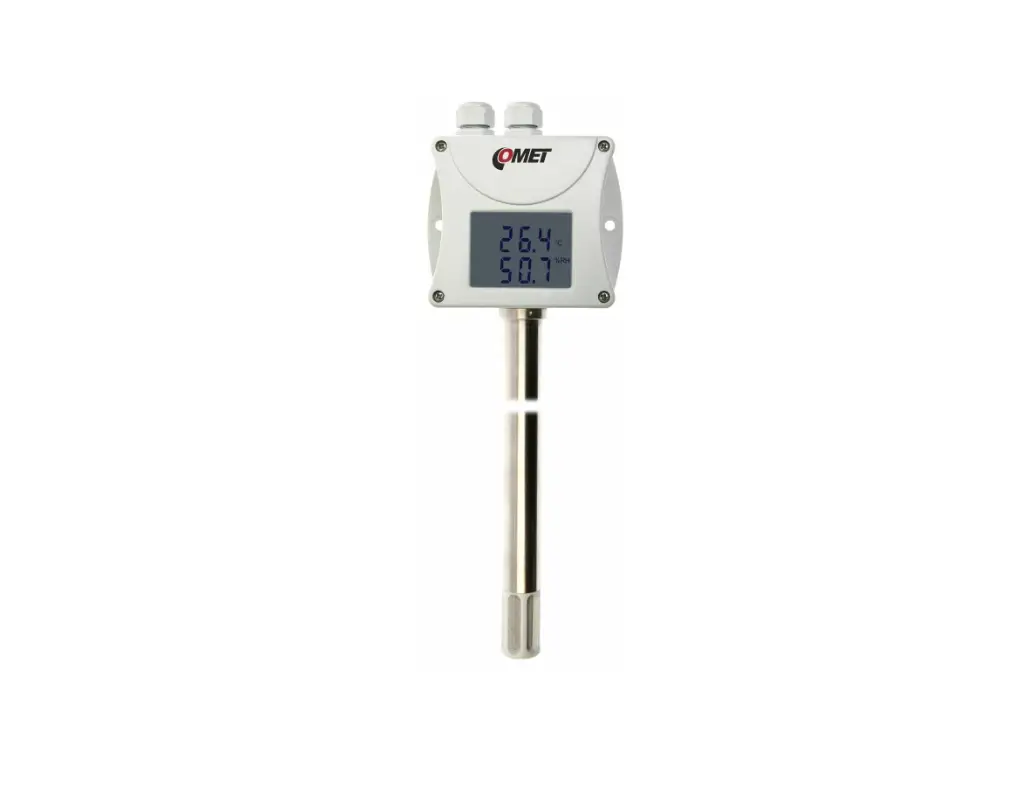
Measured and calculated values are displayed on a two-line LCD display or can be read and then processed via Ethernet interface. The following formats of Ethernet communication are supported: www pages with user-design possibility, Modbus TCP protocol, SNMPv1 protocol, SOAP protocol, XML and JSON. The instrument may send also a warning message if the measured value exceeds adjusted limit. The possible ways to sending messages: sending e-mails up to 3 e-mail addresses, sending SNMP traps up to 3 configurable IP addresses, sending messages to Syslog server. The alarm states are also displayed on the web page.
The device setup can be made by the TSensor software (see www.cometsystem.com) or using the www interface.
type * T5640 T5641 T6640 T6641
measured values
CO2 CO2 T + RH + CO2 + CV T + RH + CO2 + CV
* models marked TxxxxZ are custom – specified devices
version
ambient air with probe on a cable ambient air with probes on a cable
mounting
wall wall wall wall
T…temperature, RH…relative humidity, CO2…concentration of CO2 in air, CV…computed values
INSTALLATION AND OPERATION
The mounting holes and connection terminals are accessible after unscrewing four screws in the corners of case and removing the lid. Devices have to be mounted on a flat surface to prevent their deformation. The external probe place in a measured environment. Pay attention to the location of the device and probe. Incorrect choice of working position could adversely affect accuracy and long-term stability of measured value. All cables should be located as far as possible from potential interference sources.
Devices don´t require special maintenance. We recommend you periodic calibration for measurement accuracy validation.
DEVICE SETUP
For network device connection it is necessary to know new suitable IP address. The device can obtain this address automatically from a DHCP server or you can use the static IP address, which you can get from your network administrator. Install the latest version of TSensor software to your PC and according to the “Electrical wiring” (see next page) connect the Ethernet cable and the power supply adapter. Then you run TSensor program, set the new IP address, configure the device in accordance with your requirements and finally store the settings. The device setup can be made by the web interface too (see manual for devices at www.cometsystem.com ).
The default IP address of each device is set to 192.168.1.213.
ERROR STATES
Device continuously checks its state during operation and if an error appears, it is displayed relevant code: Err 1 – measured or calculated value is over the upper limit Err 2 – measured or calculated value is below the lower limit or CO2 concentration measurement error occurred Err 0, Err 3, Err 4 – it is a serious error, please contact distributor of the device (for devices with an external probe CO2G-10 the Err 4
indicates that the probe is not connected)
SAFETY INSTRUCTIONS
– Humidity and temperature sensors cannot be operate and store without a filter cap. – Temperature and humidity sensors have not to be exposed to direct contact with water and other liquids. – It is not recommended to use the humidity transmitters for long time under condensation conditions. – Take care when unscrewing the filter cap as the sensor element could be damaged. – Use only the power adapter according to technical specifications and approved according to relevant standards. – Don’t connect or disconnect devices while power supply voltage is on. – If it is necessary connect the device to the Internet, properly configured firewall must be used. – The device should not be used for applications, where malfunction could cause to injury or damage to property. – Installation, electrical connection and commissioning should be performed by qualified personnel only. – Devices contain electronic components, it needs to liquidate them according to currently valid conditions. – To supplement the information provided in this data sheet, use the manuals and other documentations which
are available in the “Download” section for a particular device at www.cometsystem.com
COMET SYSTEM, s.r.o., Bezrucova 2901 756 61 Roznov pod Radhostem, Czech Republic
Specifications are subject to change without notice. ie-snc-n-tx64x-02
 Manufacturer of Dataloggers, Thermometers, Hygrometers,CO2 meters