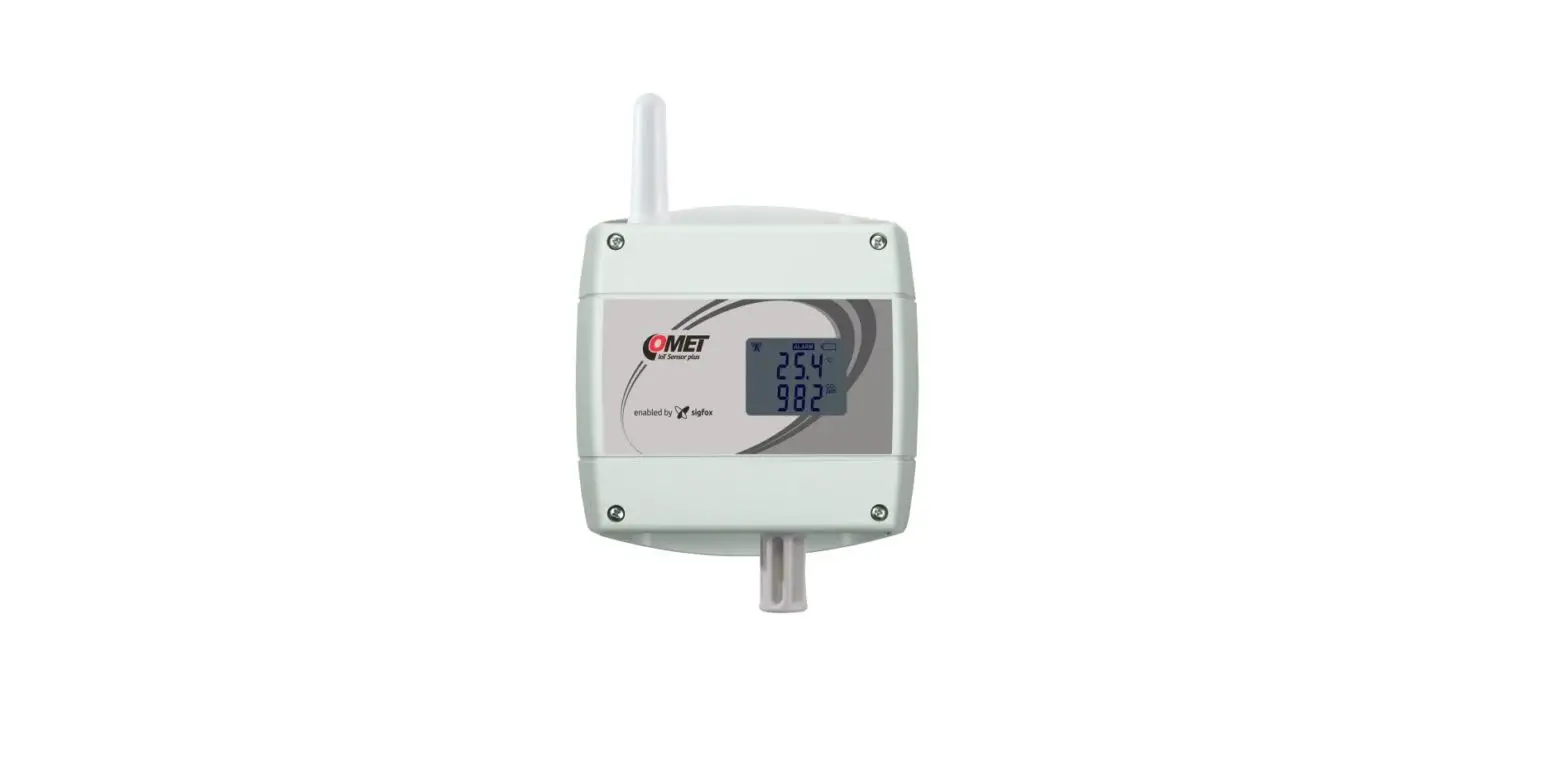

IoT Sensor plus for the SIGFOX network
QUICK START MANUAL
W0841 • W0841E • W0846
PRODUCT DESCRIPTION
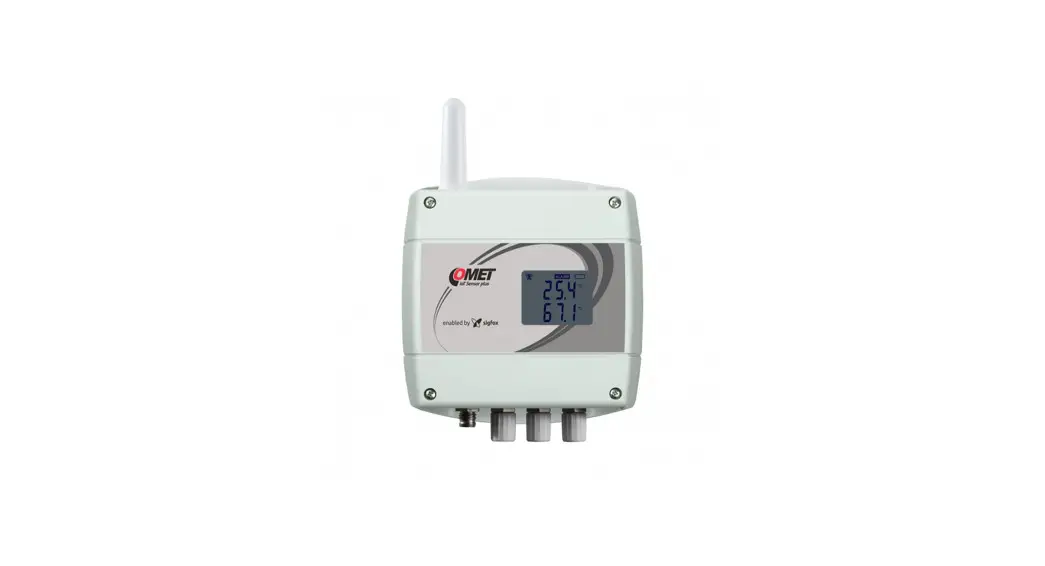
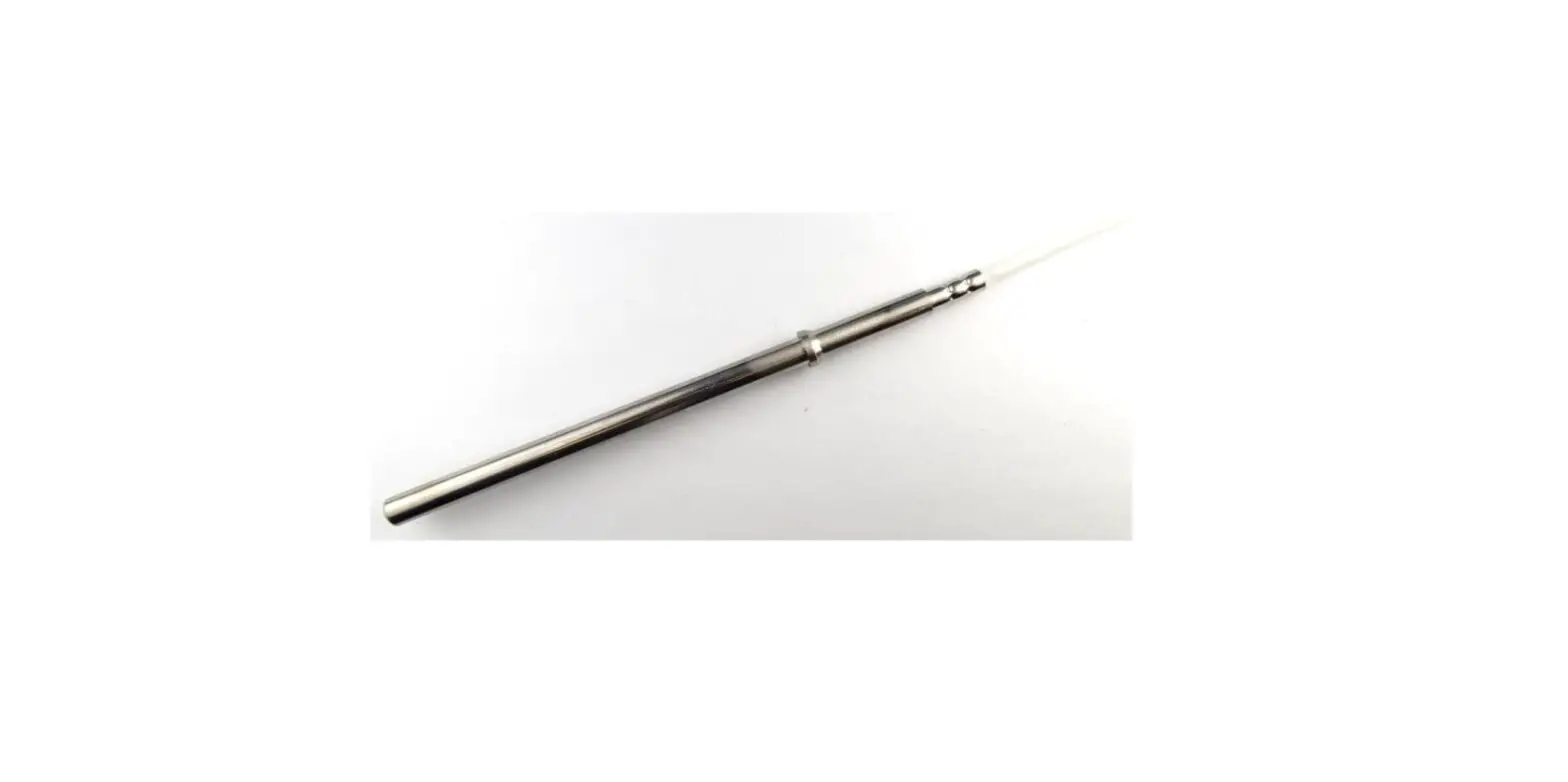
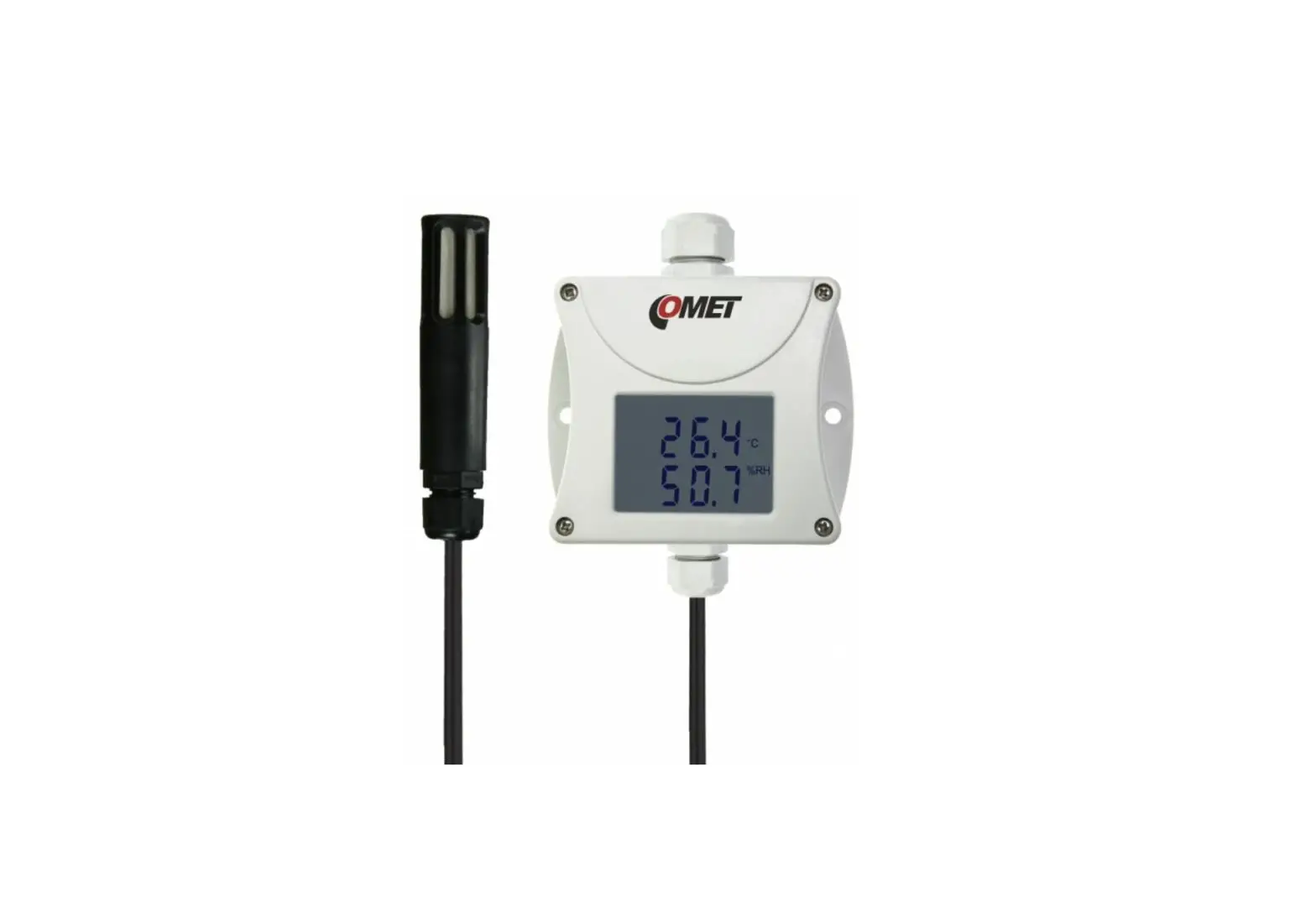
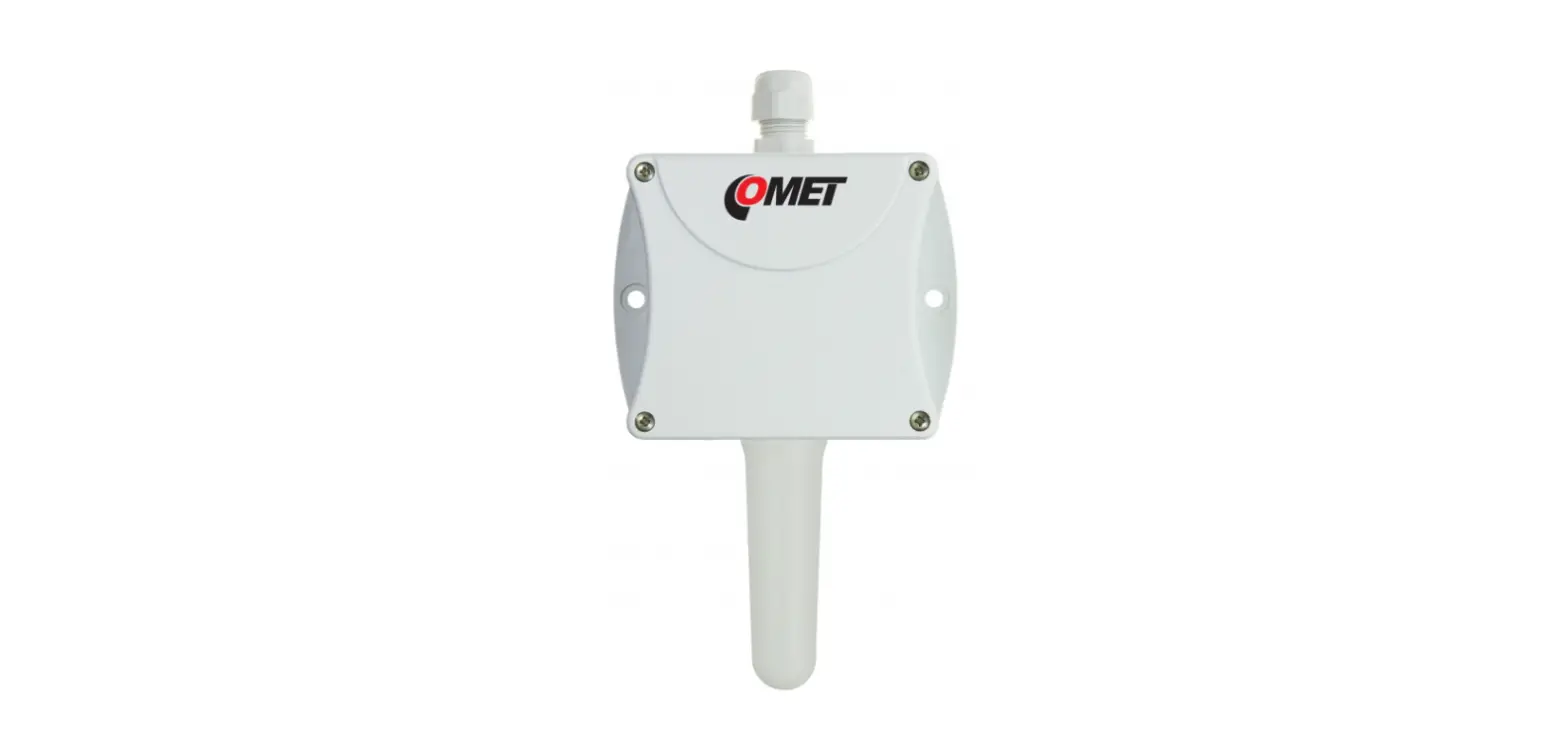
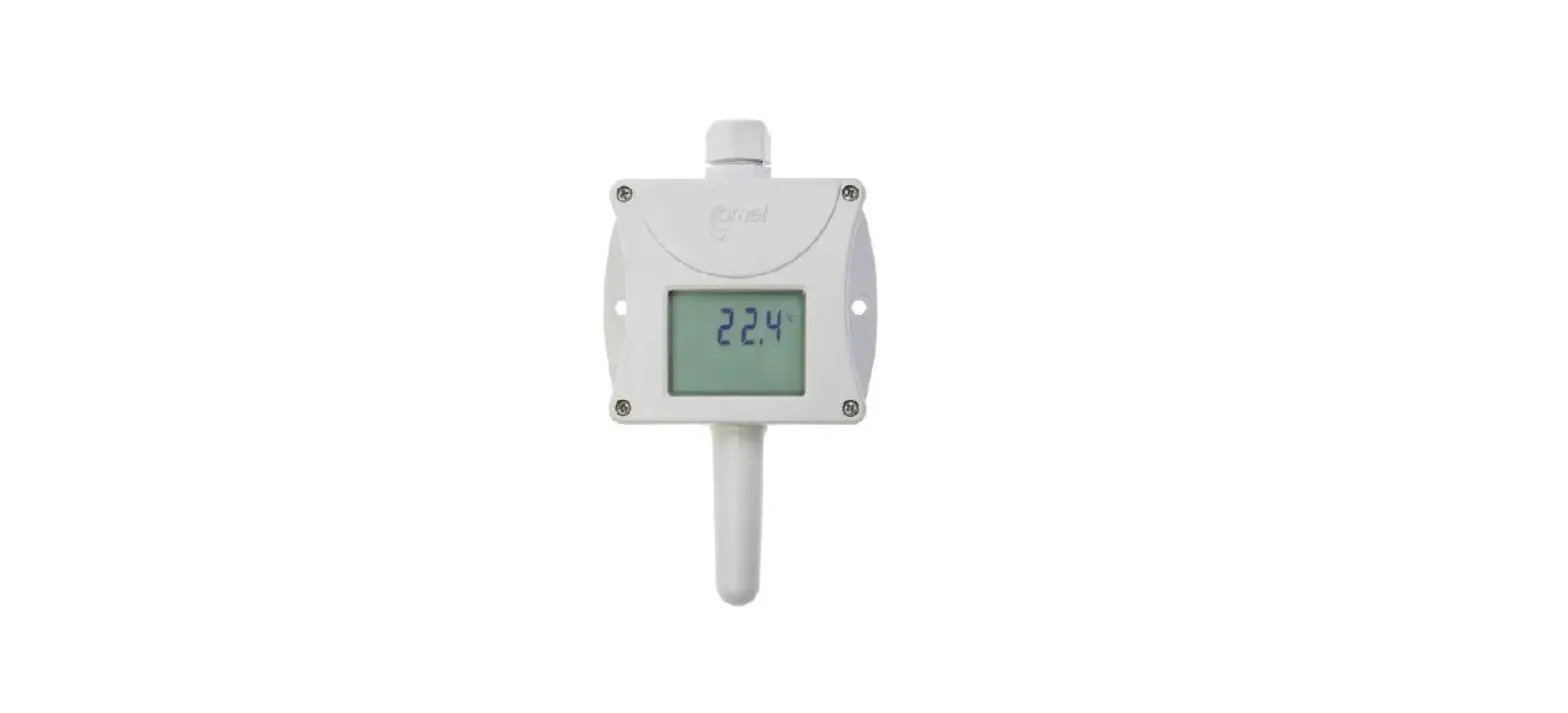
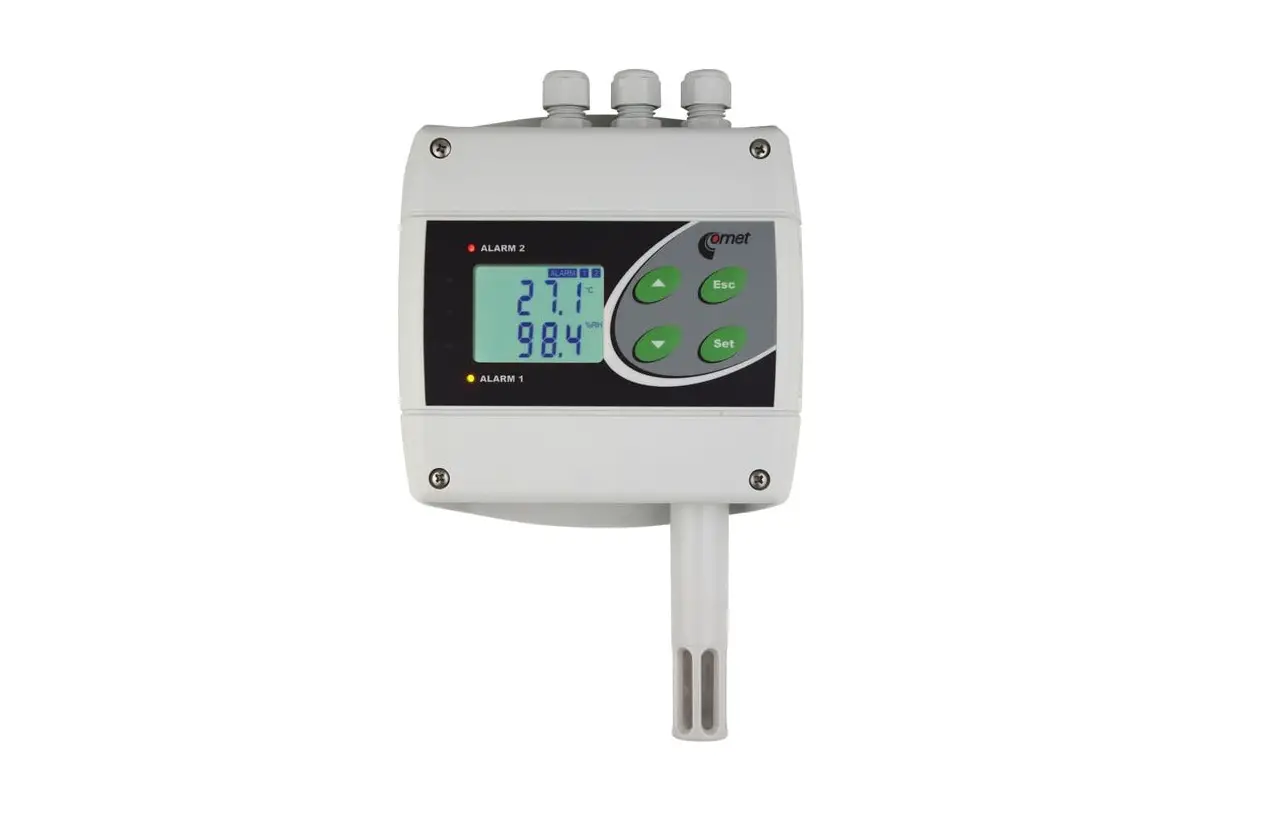
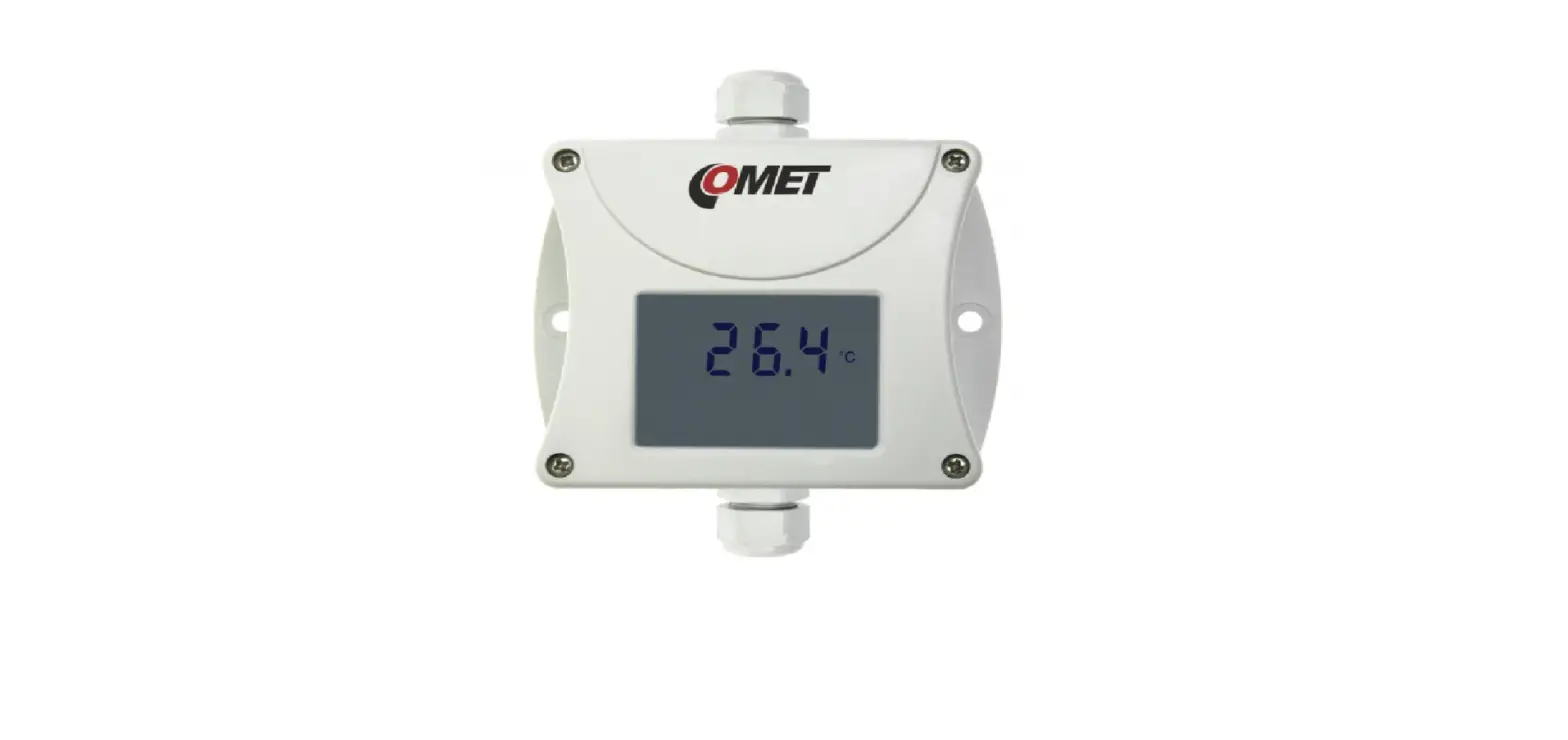
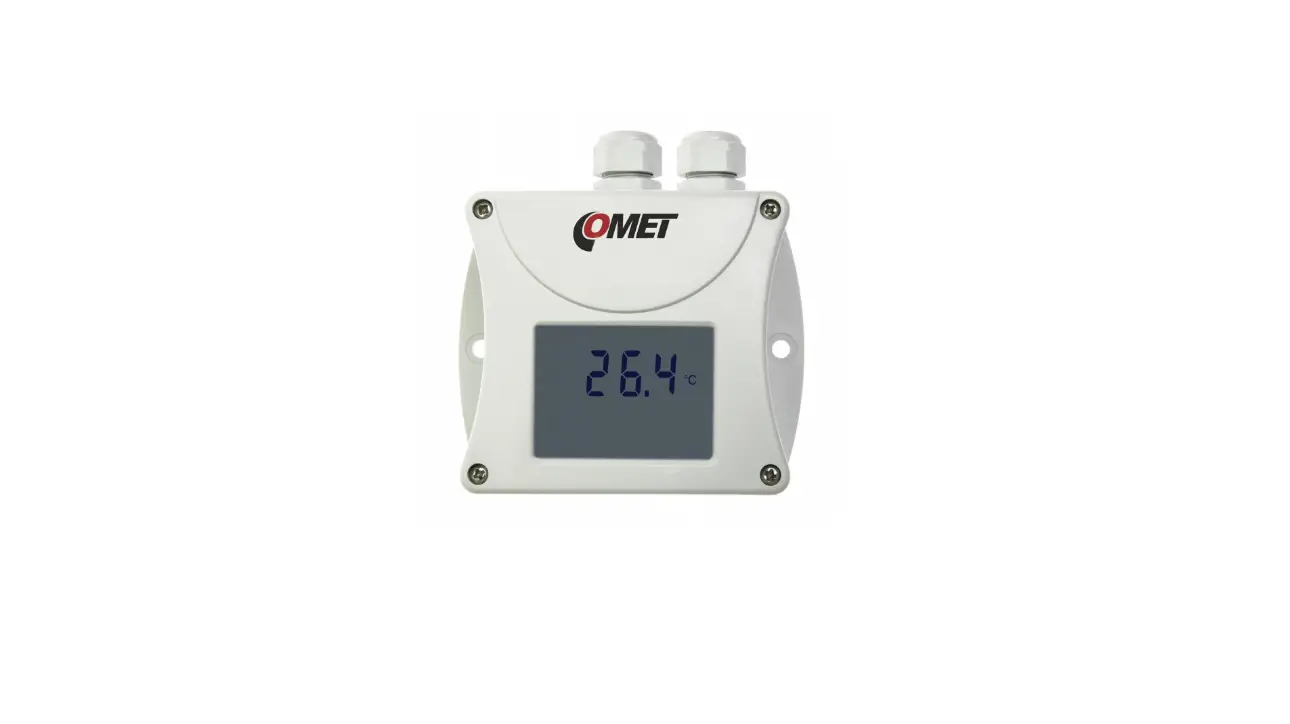
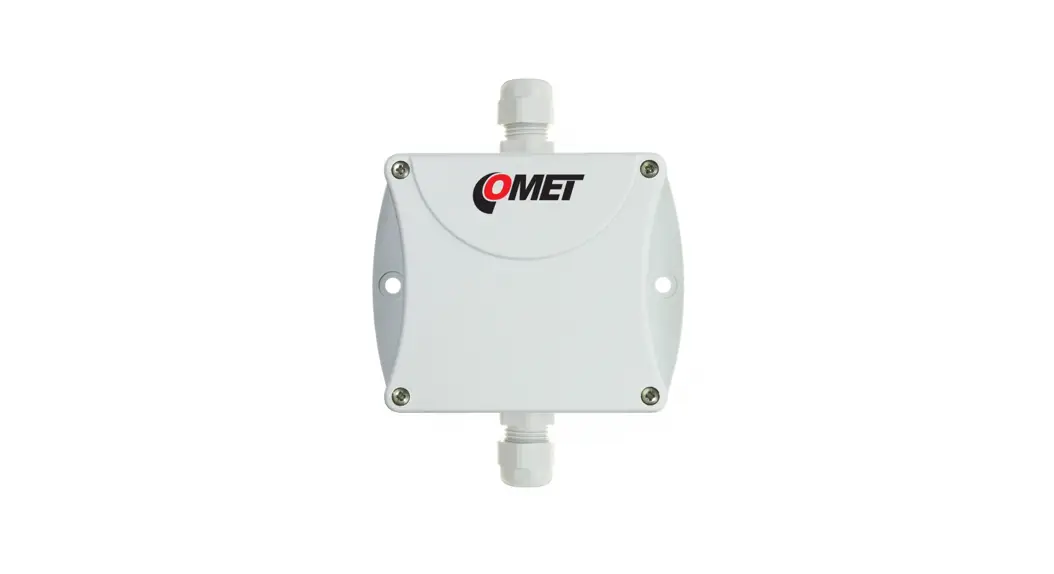
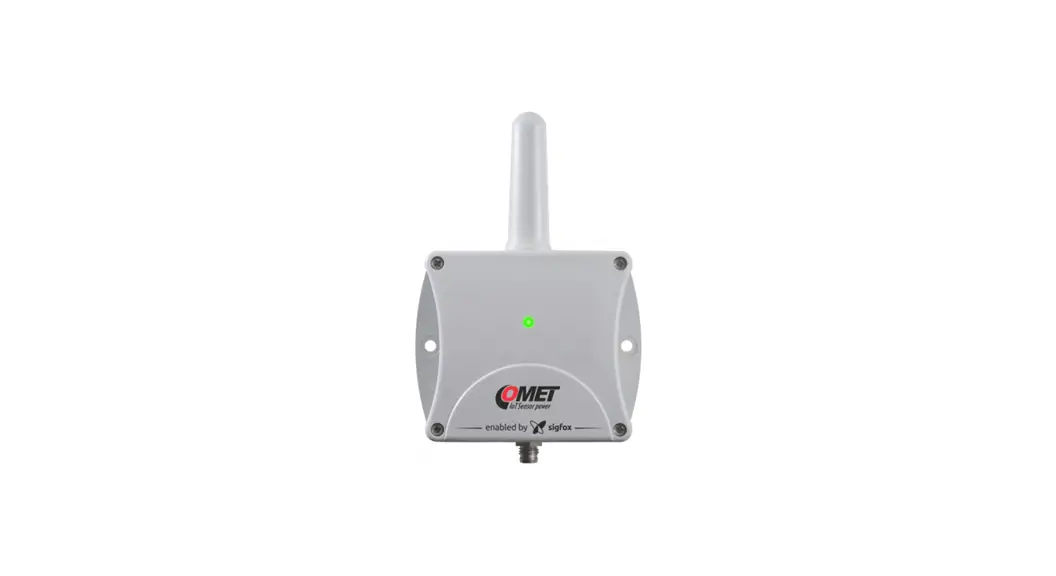
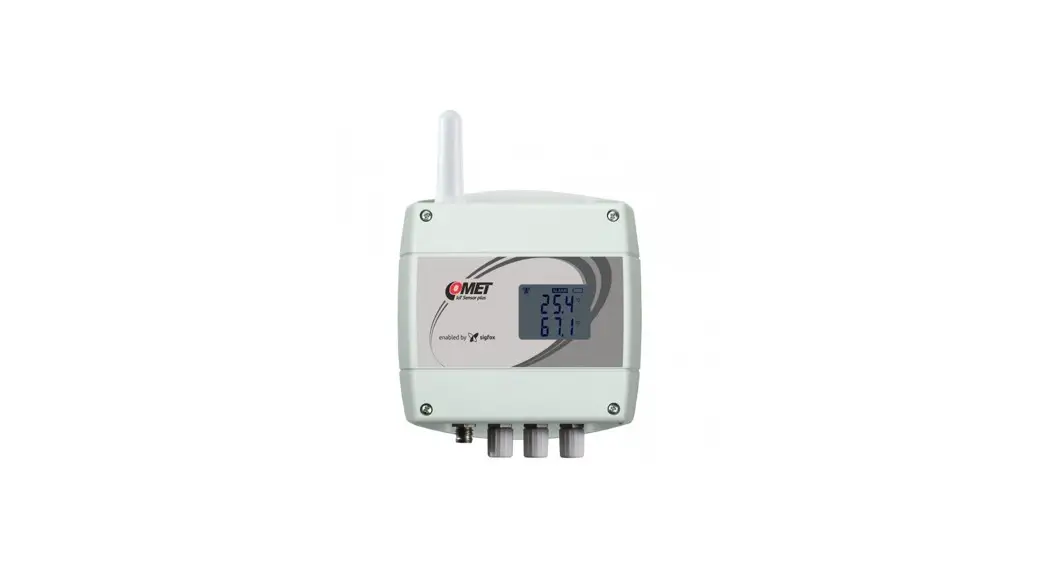
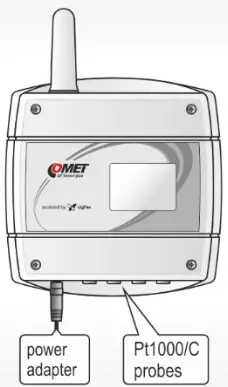
The transmitters W084x for SIGFOX network are designed to measure temperature. The devices are available with connectors or internal terminal block for the connection of external probes. Internal replaceable batteries are used for power. Some models can be powered from an external power supply (the internal battery then serves as a backup source).
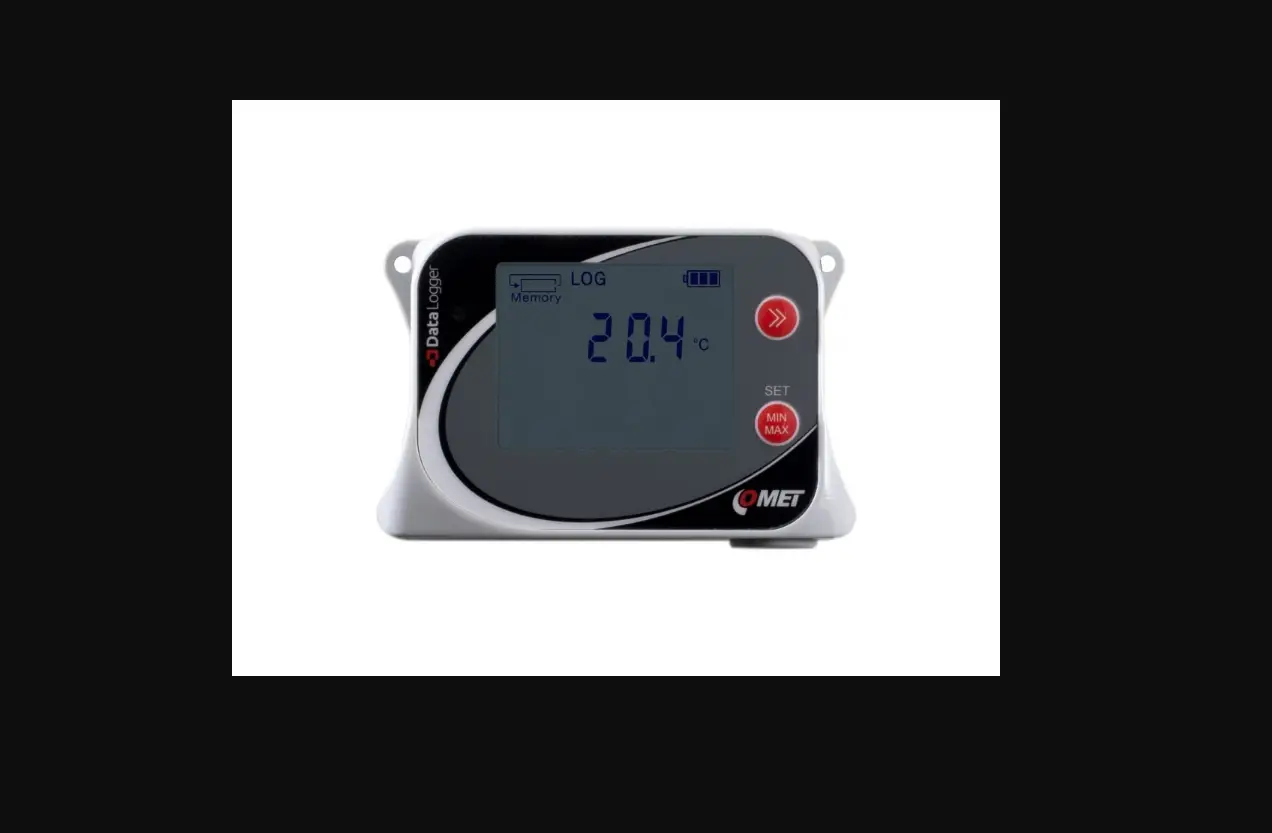
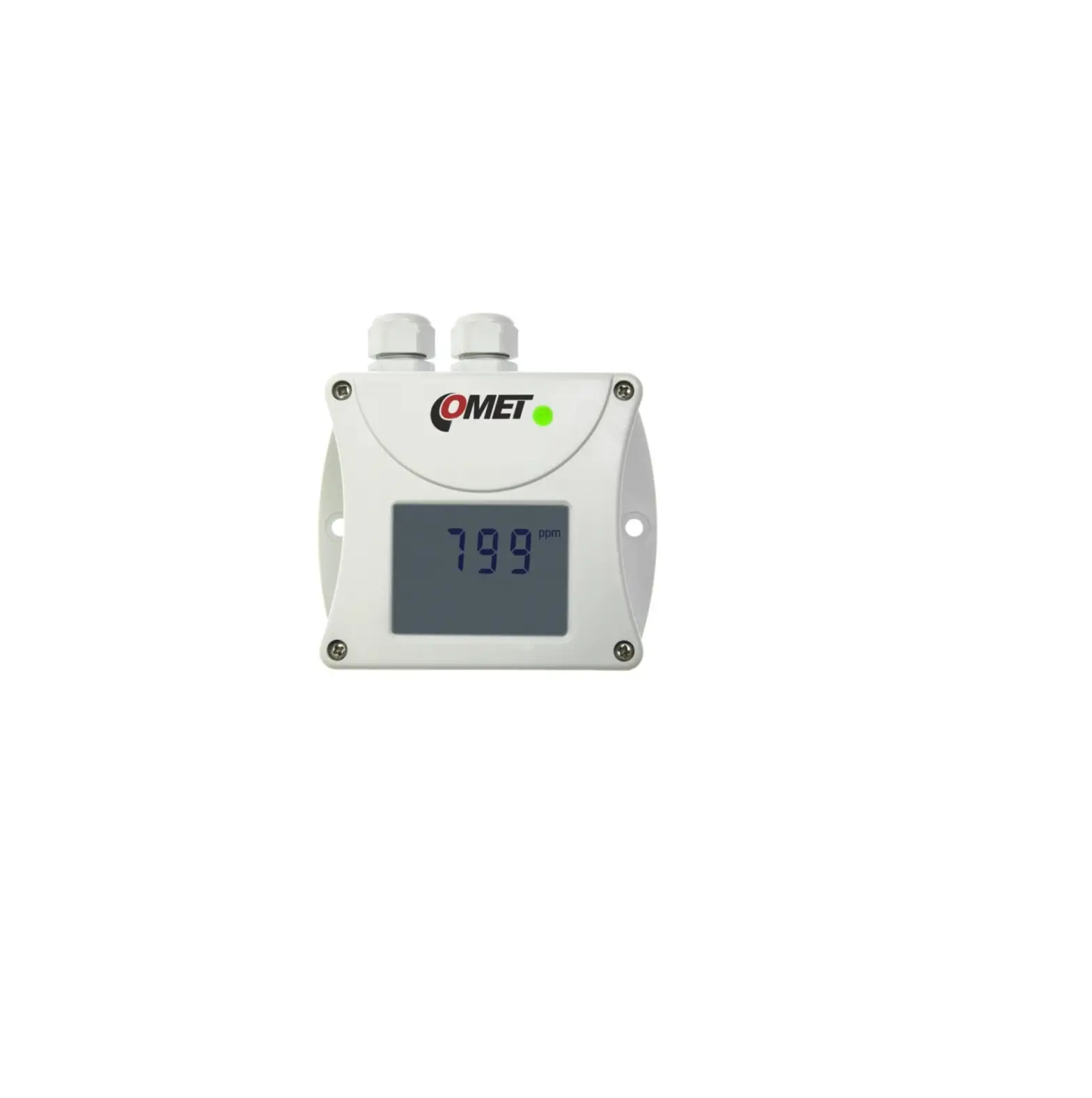
The measured values and service information are displayed cyclically in three steps on the LCD and are sent over an adjustable time interval via radio transmission in the SIGFOX network to the cloud data store. The cloud allows you to view current and historical data through a regular web browser. The device performs a measurement every 1 minute. For each measured variable it is possible to set two alarm limits. The alarm is signalled by the symbols on the LCD display and by sending an extraordinary message to the Sigfox network, from which it is to send to the user via e-mail or SMS message.
Device setup is done either locally by connecting your device to the computer with installed the COMET Vision software, or remotely via cloud web interface.
| Device type | Measured value | Construction | Battery | External power |
| W0841 | T (4x) | Connectors Elka for four external Pt1000 probes | 1 pc | no |
| W0841E | T (4x) | Connectors Cinch for four external Pt1000 probes | 1 pc | yes |
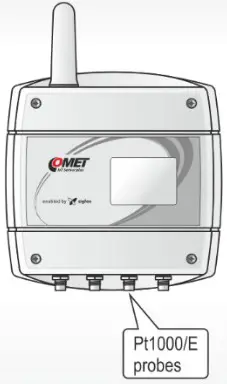
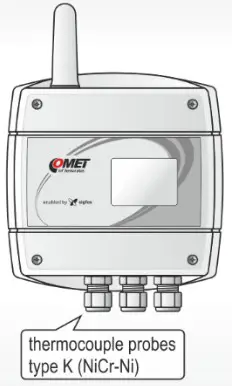
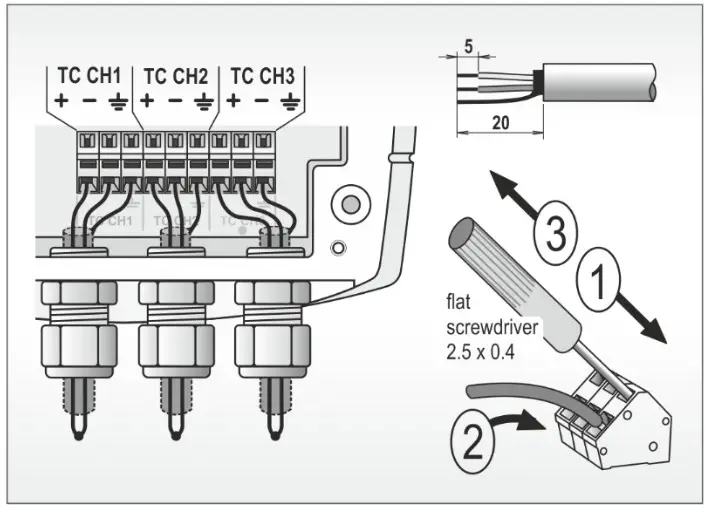
| W0846 | T (4x) | Three inputs for external thermocouple probes (type K) and internal temperature sensor | 1(2) pcs | no |
MOUNTING
- The device box has holes for fixing with appropriate screws or straps (the holes are accessible after removing the cover).
- Always install the devices vertically (with the antenna cap facing up) at least 10 cm away from all conductive objects.
- Do not install the devices in underground areas (the radio signal is generally unavailable here). In these cases, it is preferable to use the model with an external probe on the cable and place the device itself, for example, one floor above.
- The devices and probe cables should be place away from electromagnetic interference sources.
- Insert supplied plugs (W0846) into unused cable glands to seal the device.
- Use the supplied connector caps (W0841) to seal unused temperature probe inputs.
- If you install the device at a greater distance from the base station or in locations where the radio signal difficult to penetrates follow the recommendations on the other side of this manual.
TURNING ON AND SETTING UP THE DEVICE
- The CONFIGURATION button use to switch on the device (see figure). Press the button and release it as soon as the display lights up (within approx. 1 second).
- Cloud is an internet storage of data. You need a PC with internet connection and a web browser to work with. Navigate to the cloud address you use and sign in to your account – if you use COMET Cloud by a device manufacturer, enter www.cometsystem.cloud and follow the instructions in the COMET Cloud Registration Card that you received with your device. Each transmitter is identified by its unique address (device ID) in the Sigfox network. The transmitter has an ID printed on the nameplate along with its serial number. In the list of your device in the cloud, select the device with the desired ID and start viewing the measured values.
- Check in the cloud, whether the messages are correctly received. In case of problems with the signal, please refer to the manual for devices in the “Download” section at
www.cometsystem.com - Change the device settings as needed.
- Carefully tighten the cover of the instrument (making sure that the gasket in the housing groove is correctly positioned).
Device setting from the manufacturer – message sending interval of 10 minutes, alarms deactivated, remote device setup enabled.
SAFETY INSTRUCTIONS

- Read carefully the Safety information for IoT SENSOR before operating the device and observe it during use!
- Installation, electrical connection and commissioning should only be performed by qualified personnel in accordance with applicable regulations and standards.
- Devices contain electronic components, it needs to liquidate them according to currently valid conditions.
- To complement the information in this data sheet read the manuals and other documentation, which are available in the Download section for a particular device at www.cometsystem.com
| Device type | W0841 | W0841 E | W0846 |
| Measurement interval | 1 minute | ||
| Sending interval | Adjustable (10 minutes to 24 hours) | ||
| RF part – working frequency | Transmission is in the band 868,130 MHz • Reception is in the band 869,525 MHz | ||
| RF part – maximum transmission power | 25 mW (14 dBm) | ||
| RF part – radio configuration zone | RC1 | ||
| Power battery (lithium 3.6 V – 8.5 Ah – C size) | 1 pc | 1 pc | 1 or 2 pcs |
| External power supply – supply voltage | — | 5 to 14 V | — |
| External power supply – maximum supply current | — | 100 mA | — |
| Internal temperature measuring range | — | — | -30 to +60 °C |
| Accuracy of internal temperature measurement | — | — | ± 0.4 °C |
| External temperature probe | Pt1000 | Pt1000 | Thermocouple type K |
| External temperature measuring range | -200 to +260 °C | -200 to +260 °C | -200 to +1300 °C |
| Accuracy of external temperature measurement | ± 0.2 °C* | ± 0.2 °C * | ± ()0.003 x MV1+ 1.5) °C ** |
| Cold iunction compensation ranae | — | — | -30 to +60 °C |
| Recommended calibration interval | 2 years | 2 years | 2 years |
| Protection class | IP65 | IP20 | IP65 |
| Temperature operating range | -30 to +60 °C | -20 to +60 °C | -30 to +60 °C |
| Relative humidity operating range | 0 to 95 %RH | 0 to 95 %RH | 0 to 95 %RH |
| Recommended storage temperature range | -20 to +45 °C | -20 to +45 °C | -20 to +45 °C |
| Recommended storage humidity range | 5 to 90 %RH | 5 to 90 %RH | 5 to 90 %RH |
| Working position | with antenna cover up | with antenna cover up | with antenna cover up |
| Weight of the device without probes (including one battery) | 350 g | 350 g | 360 g |
| Dimensions [mm]
|  |  |  |
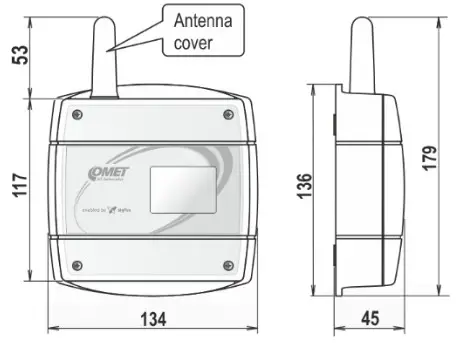
* accuracy of the device without probe in range -200 to +100 °C is 0.2 °C, accuracy of the device without probe in range +100 to +260 °C is +0.002 x MV (measured value in °C)
** accuracy of the device without probe (MV – measured value in °C)
The optimal location of the device in terms of radio range
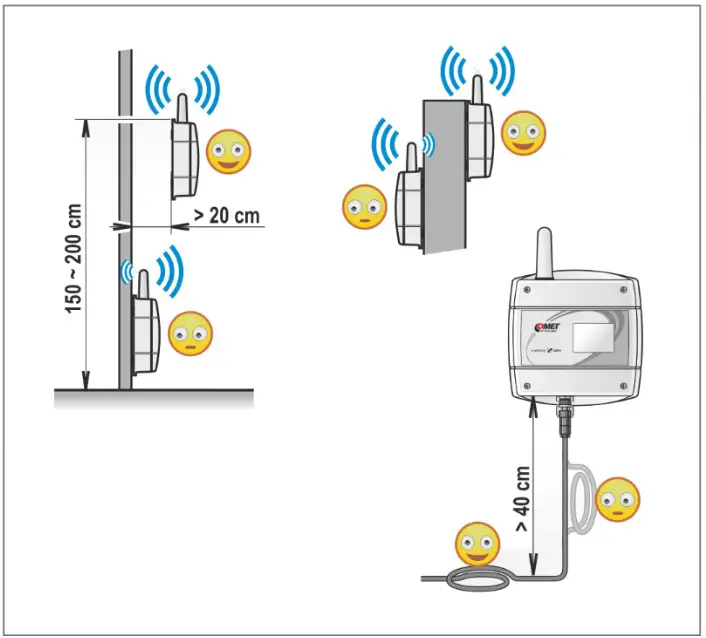
- place the device as high as possible (max. 2m) at a sufficient distance (20 cm) from all obstacles
- lead the cables of probes, thermocouples and the power cables first down to a distance of at least 40 cm from the device
W0846 – probes connection
COMET SYSTEM, s.r.o., Bezrucova 2901
756 61 Roznov pod Radhostem, Czech Republic
Specifications are subject to change without notice.
IE-WFS-N-W084xPlus-01
 COMET Cloud
 Manufacturer of Dataloggers, Thermometers, Hygrometers,CO2 meters