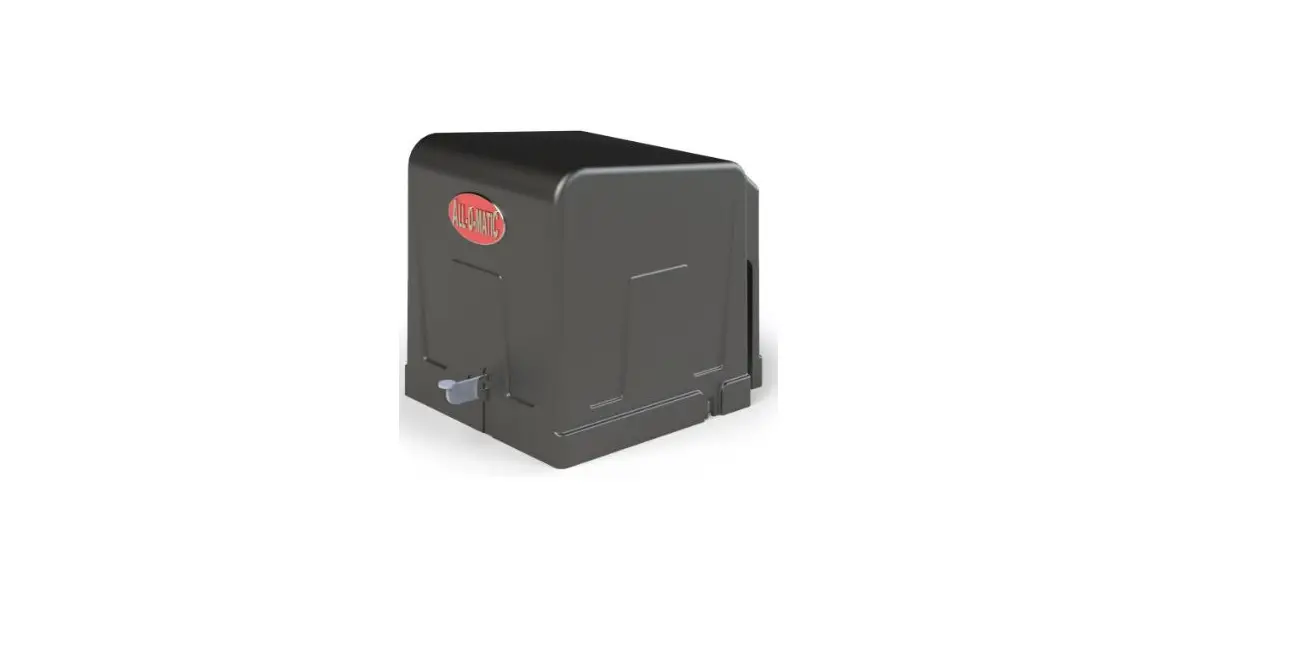
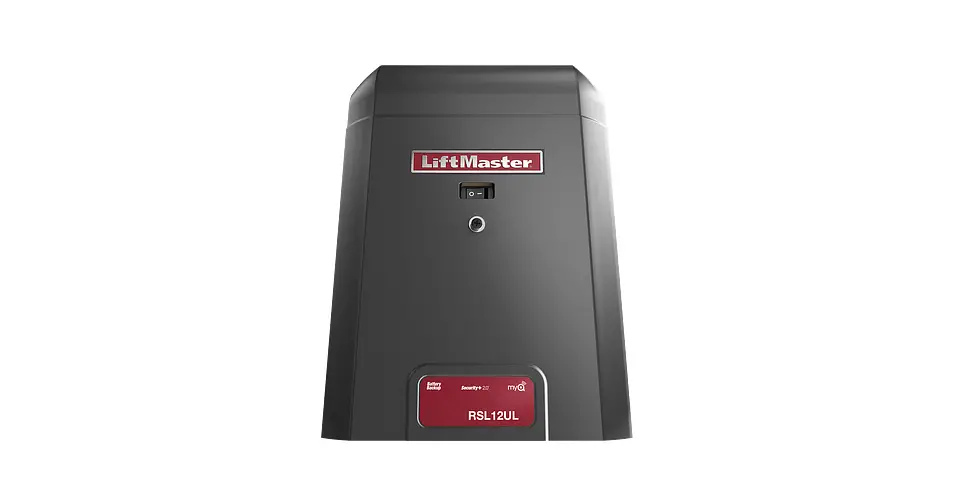
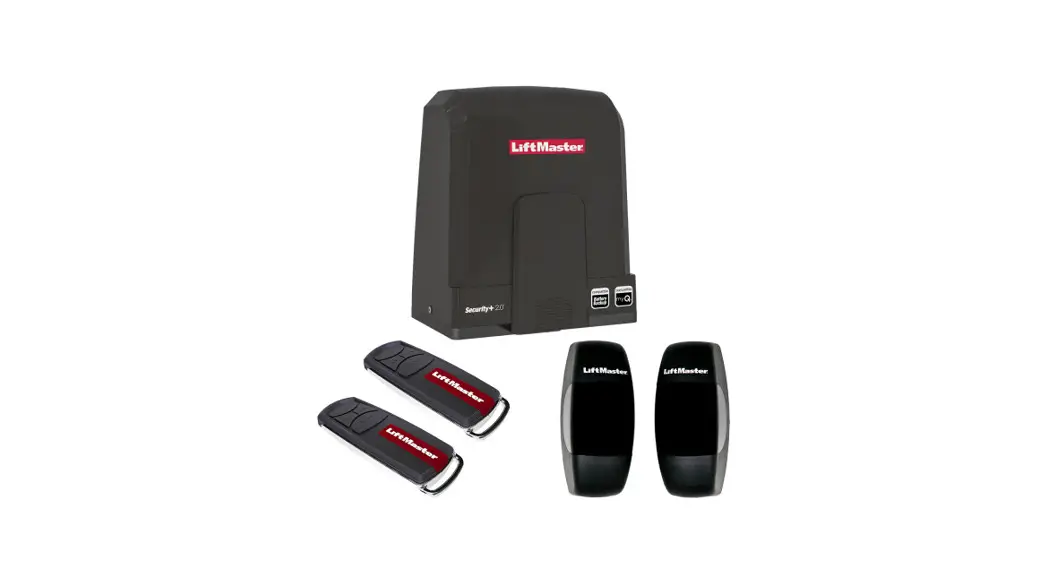
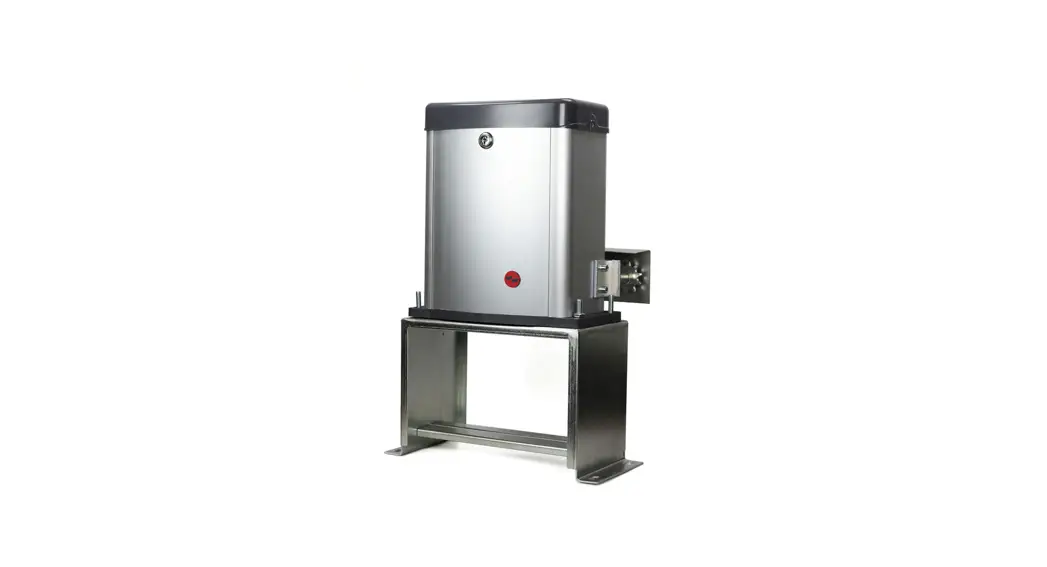
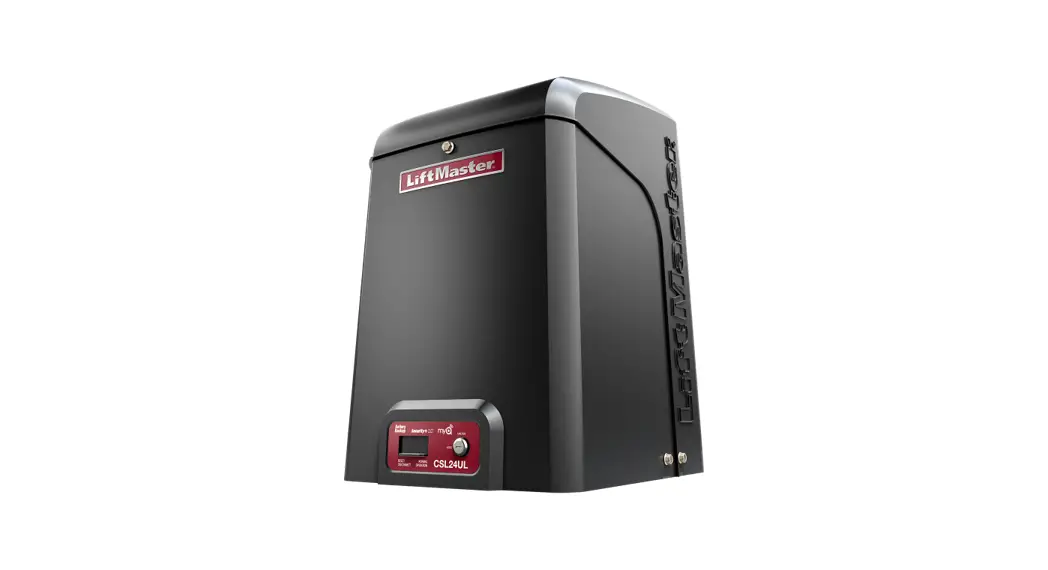
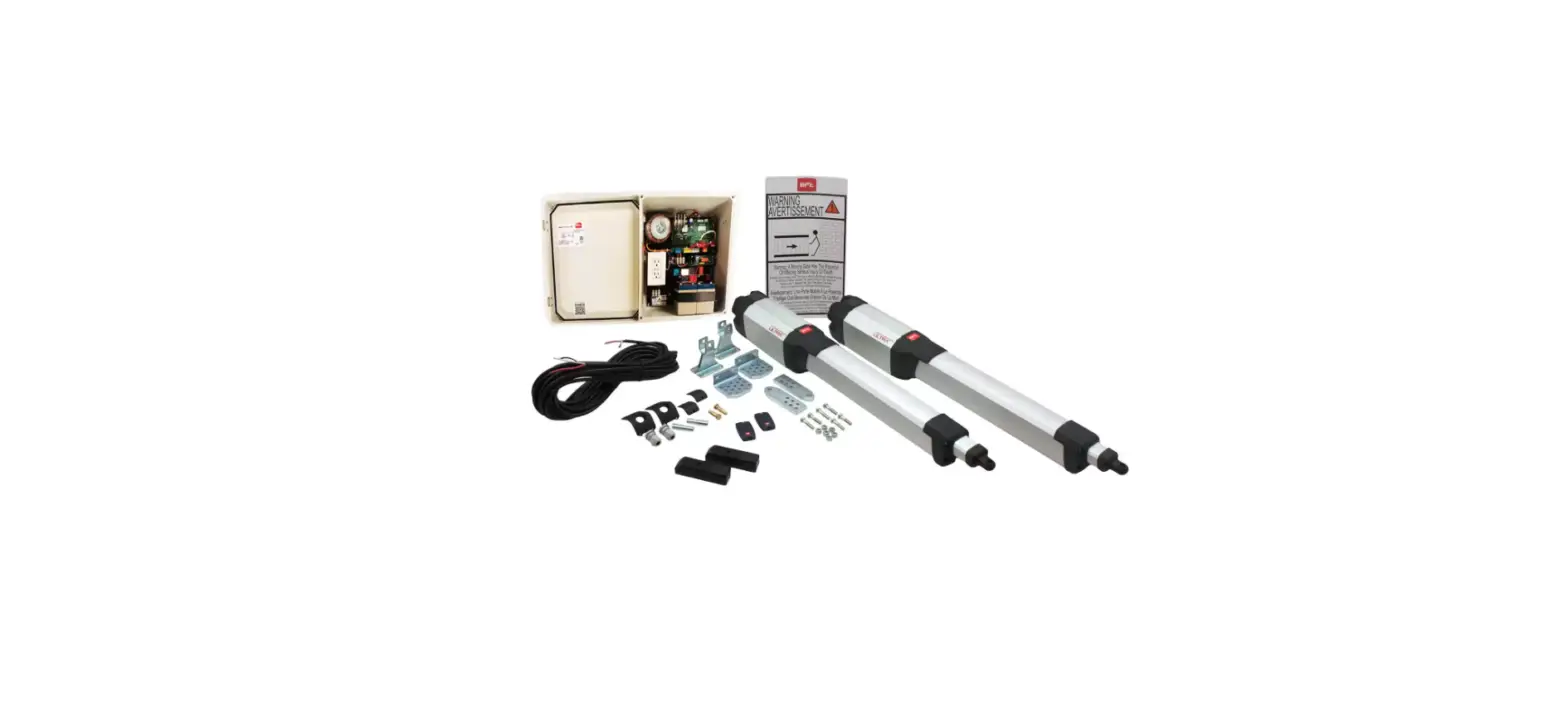
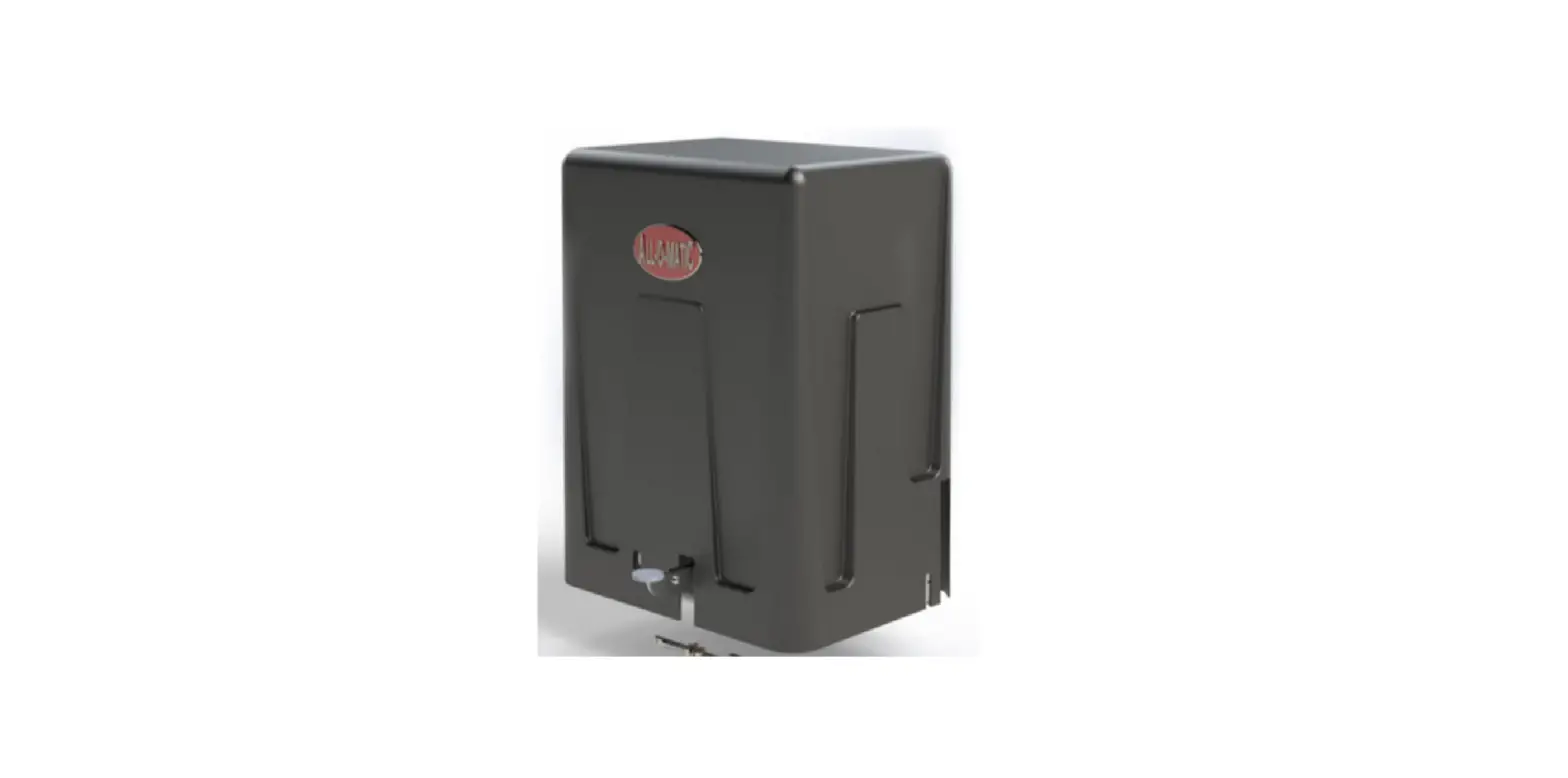
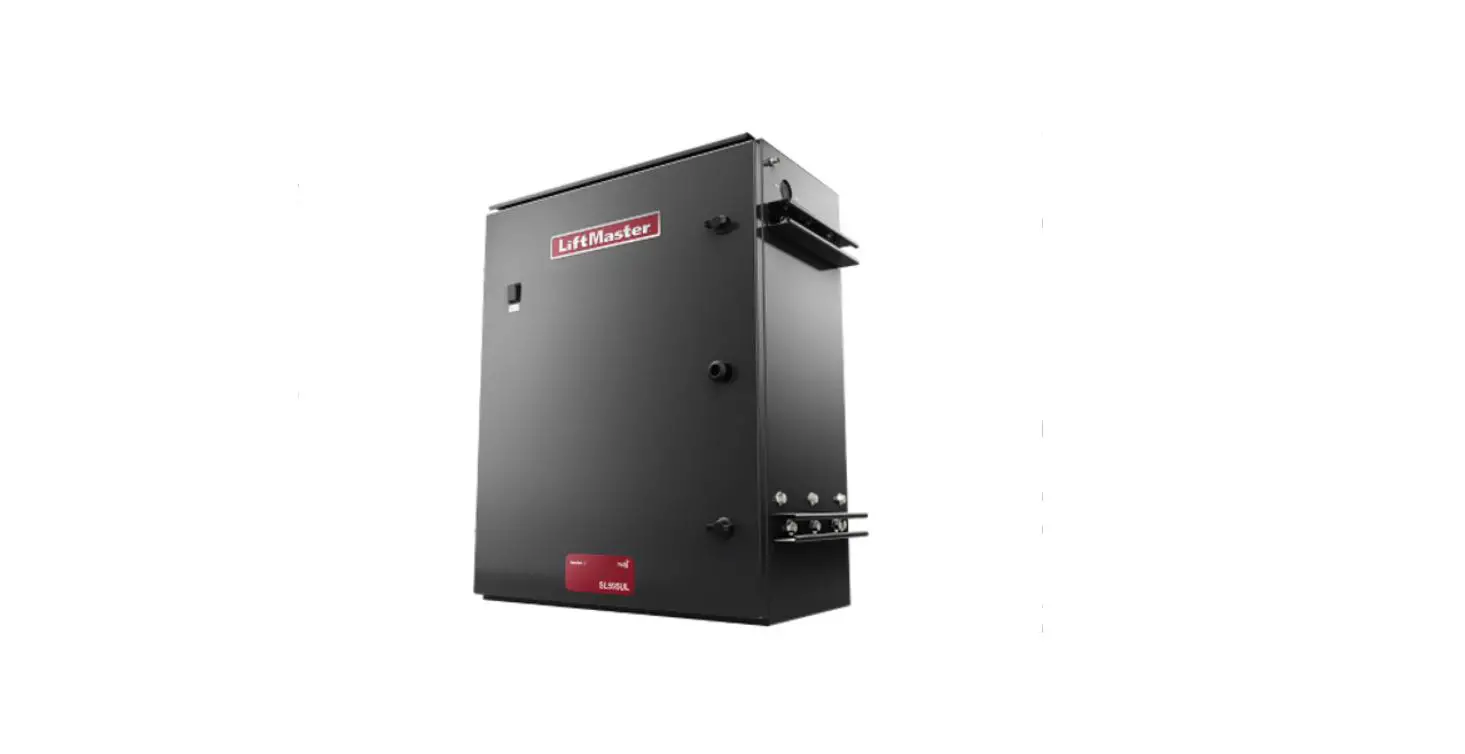
CM9-537 Sliding Gate Operator
The Push to Exit Button (model CM9-537) is an essential
component used to control the access of a gate operator system. It
provides a convenient and user-friendly way to exit a secured area
by simply pushing the button.
Features:
- Sturdy construction for durability and long-lasting
performance - Green input for easy connection to the gate operator circuit
board - Compatible with gate operator systems
Specifications:
- Model: CM9-537
- Wire Gauge: 20
Product Usage Instructions:
- Select appropriate size 20 gauge electrical wires (not
included) for installation. - Locate the push to exit button on the gate operator
system. - On the back of the push to exit button, identify the green
input and the gate operator circuit board. - Connect one end of the electrical wire to the green input on
the back of the push to exit button. - Connect the other end of the electrical wire to the
corresponding green input on the back of the gate operator circuit
board. - Ensure a secure and tight connection between the wires and the
terminals. - Once the wiring is complete, test the functionality of the push
to exit button by pressing it. The gate should open or release
accordingly.
Note: It is important to refer to the specific instructions
provided by the gate operator manufacturer for proper integration
of the push to exit button with their system.
Push to Exit Button Installation
CM9-537
1. Use size 20 gauge electrical wires (not included)
2. On the back of the push to exit button, connect wires from the push to exit button to the green input on the back of the gate operator circuit board. a. Relay b. 24V-COM