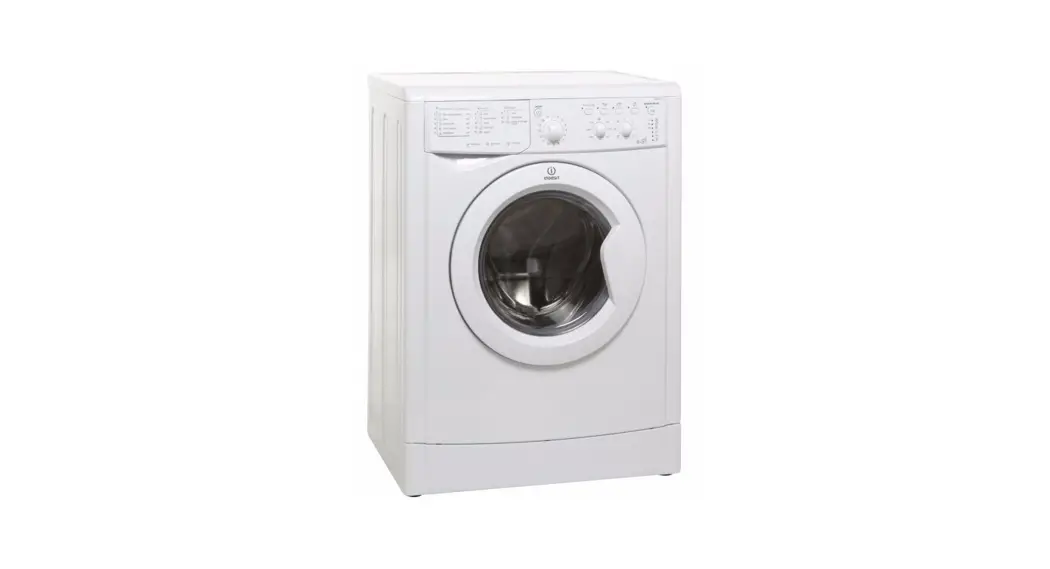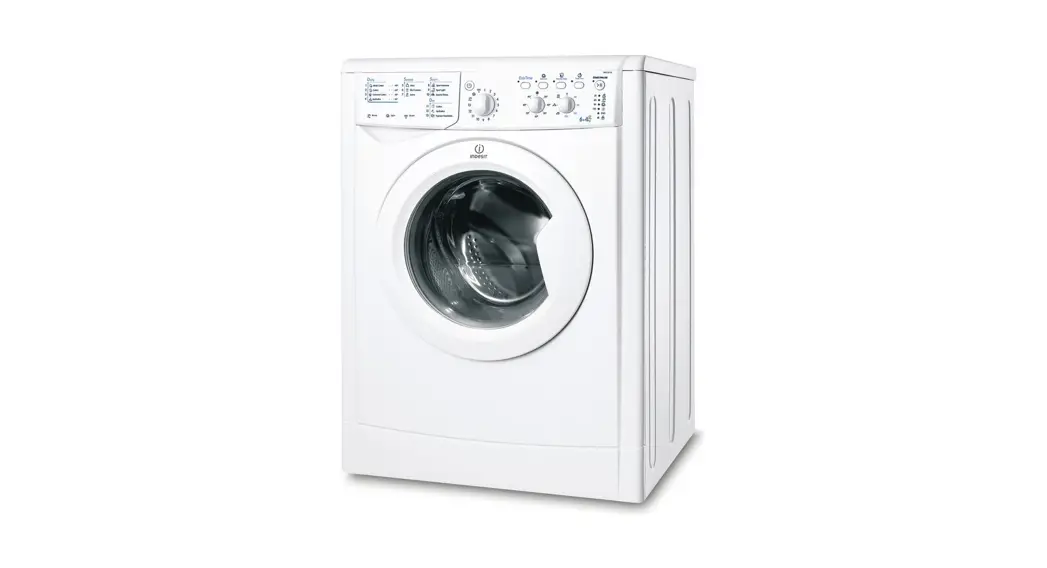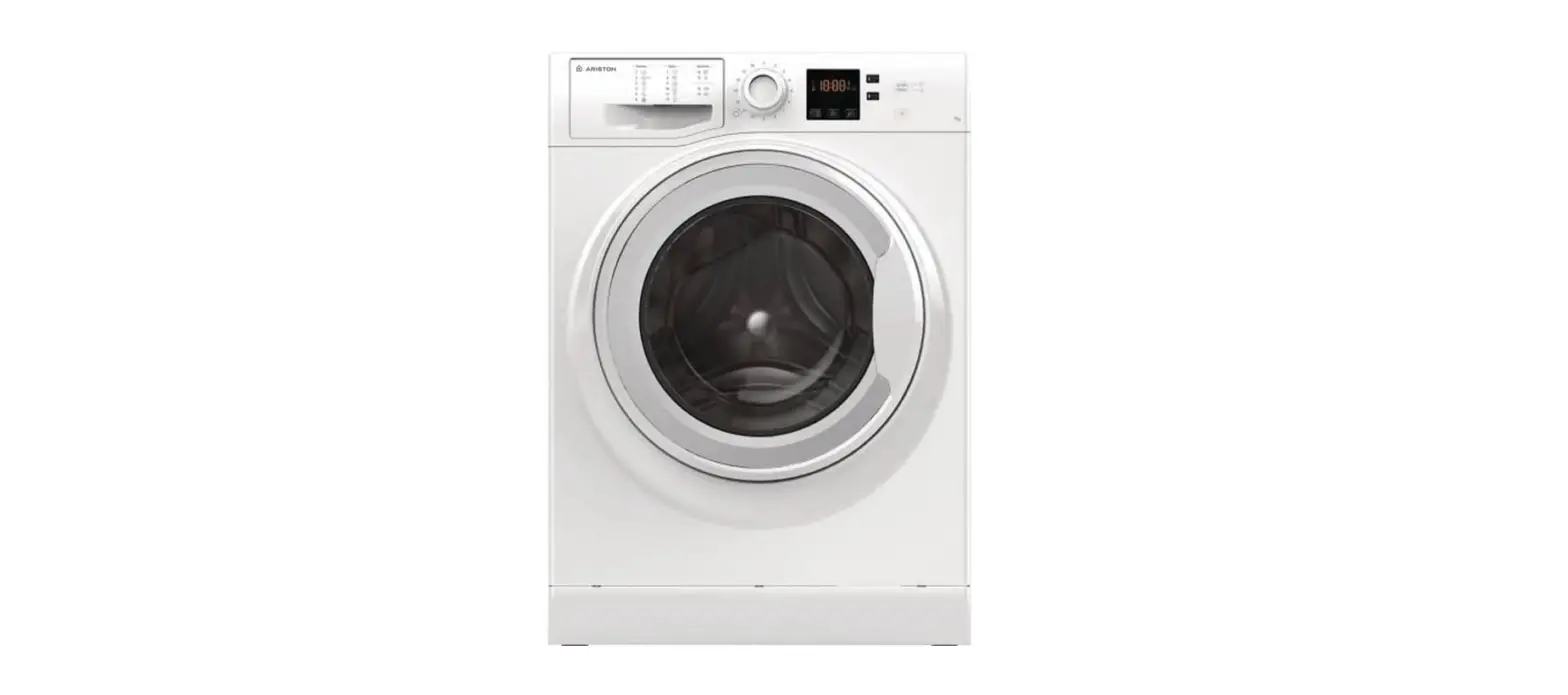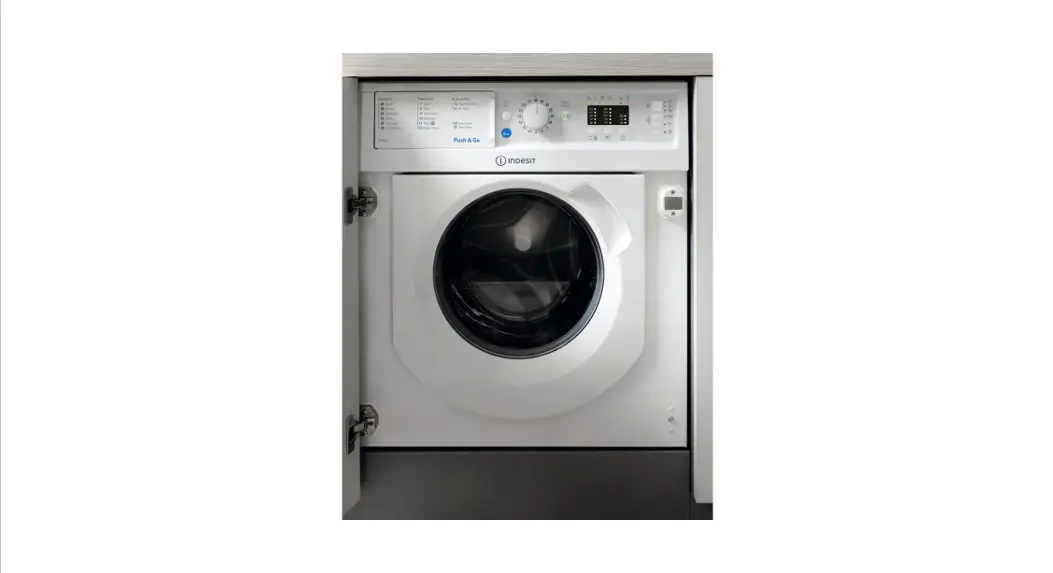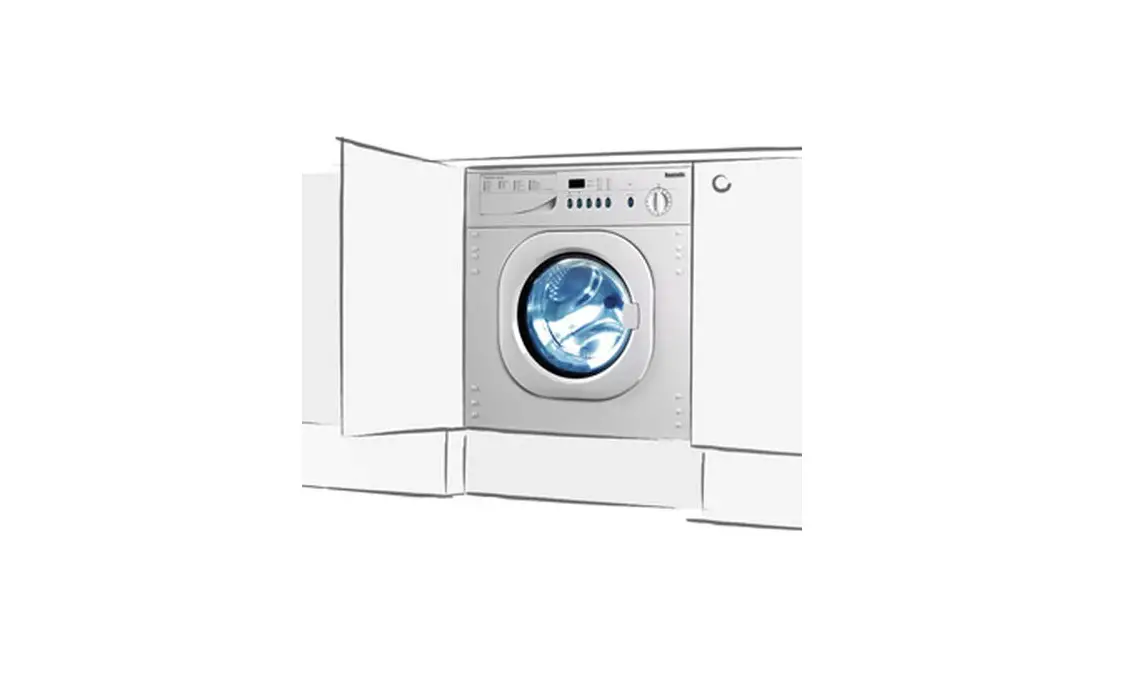
saco BWD1212 Baumatic Washer Dryer Instruction Manual
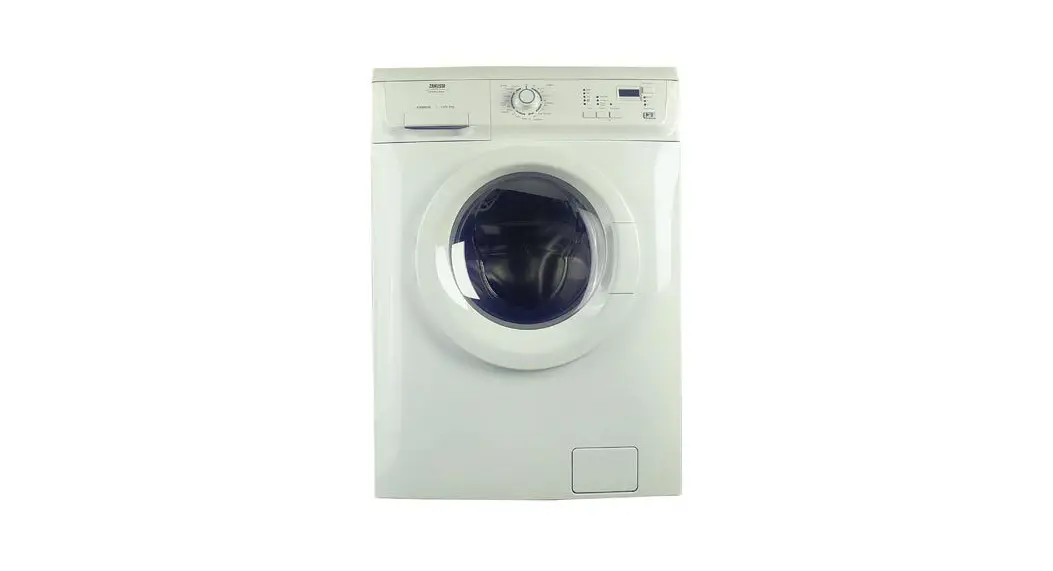
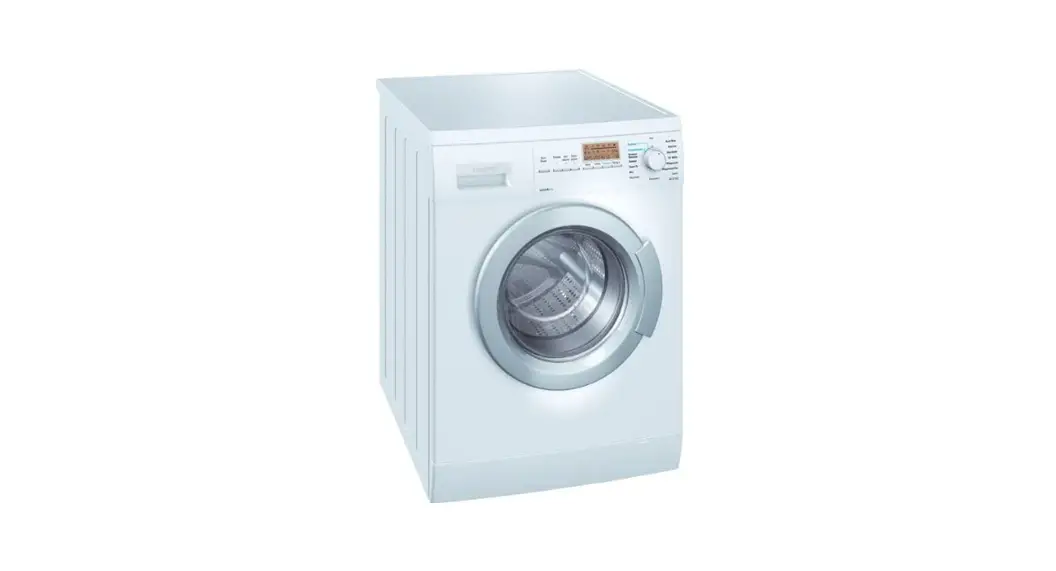
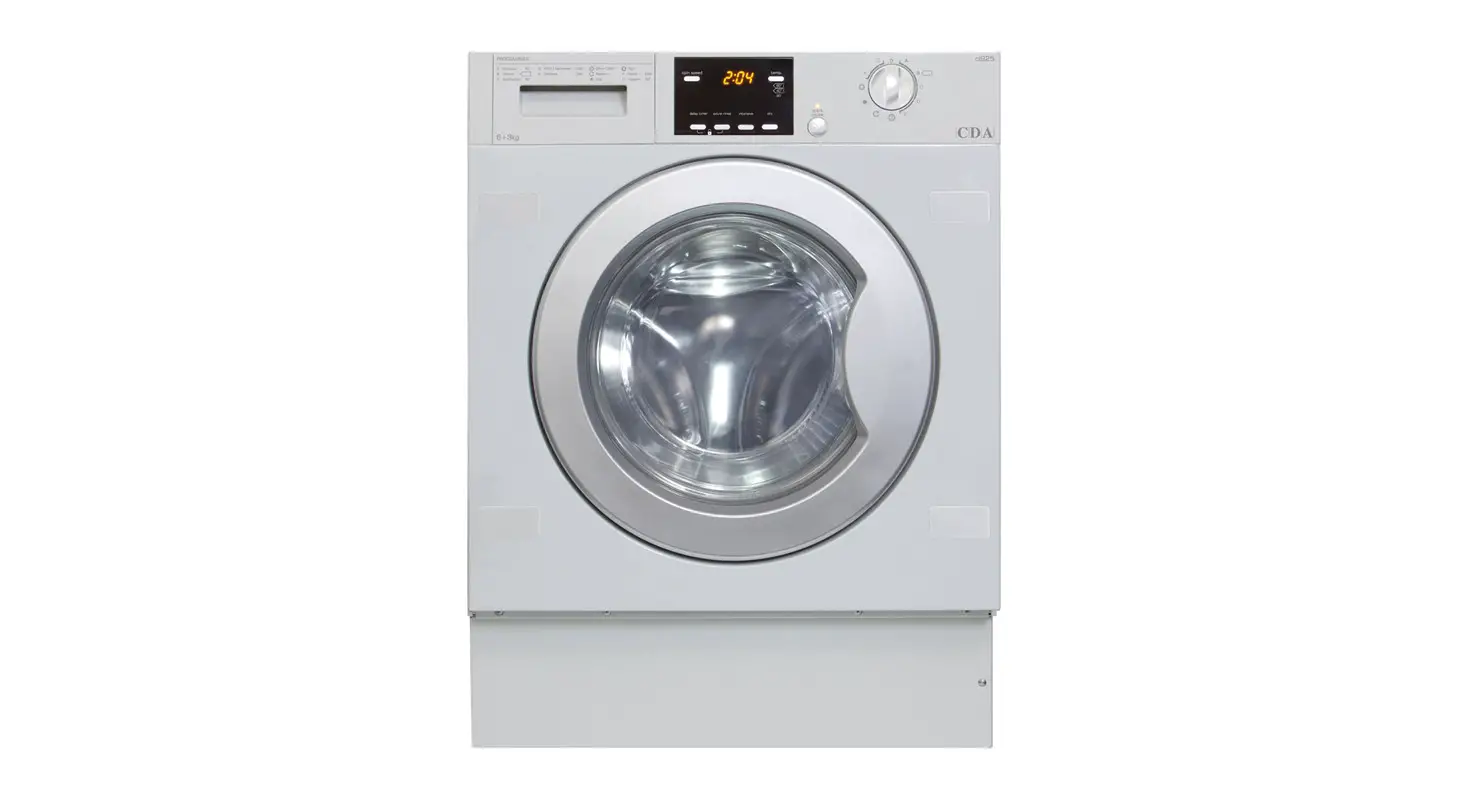
Control Panel
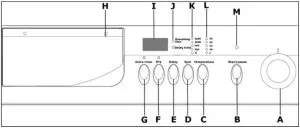
- A) Wash program selection dial
- B) Start/Pause button
- C) Temperature selection button
- D) Spin selection button
- E) Delay start button
- F) Drying selection button
- G) Extra rinse option button
- H) Detergent drawer
- I) LCD display
- J) Timer indicator neons
- K) Spin speed indicator neons
- L) Wash temperature indicator neons
- M) Start/Pause indicator neon
Wash program selection knob
Turning the control dial anti-clockwise or clockwise allows you to select the wash or drying program of your choice.
Start/pause button
Once a wash or drying program has been selected, this button should be pressed to start the wash cycle. Or to pause a wash cycle that is in progress.
Temperature selection button
Press this button to select the temperature that you require for a particular wash program.
Spin selection button
Press this button to select the spin speed that you require for a particular wash program.
Delay Start button
Press this button to delay the start of the wash program for a maximum of 24 hours.
Drying Selection button
Press this button to get the appliance to complete a drying program.
You can select a separate drying program. Or get the appliance to commence a drying cycle automatically at the end of a wash cycle.
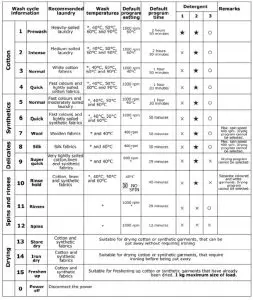
Program table