
the serviced apartment company
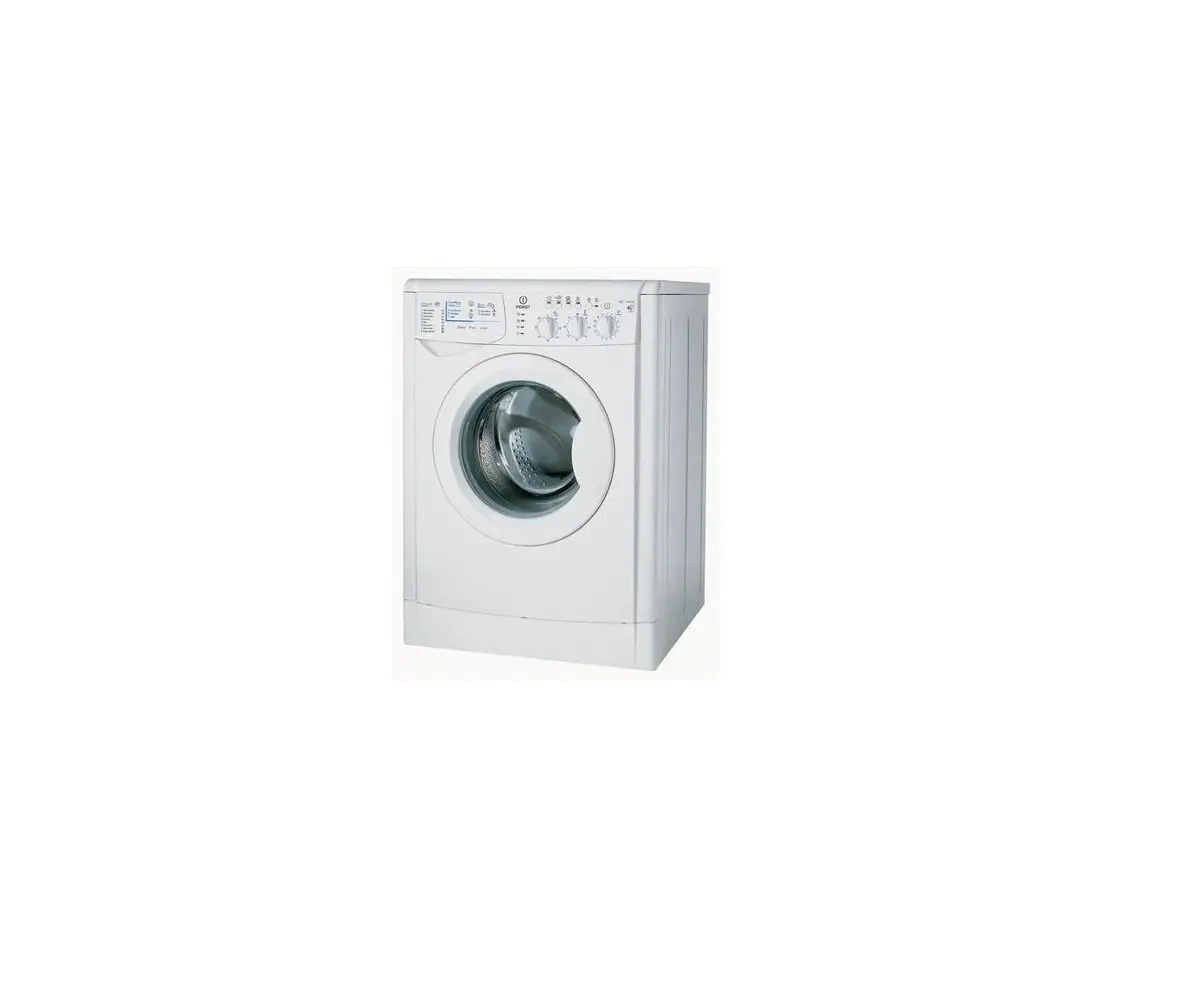
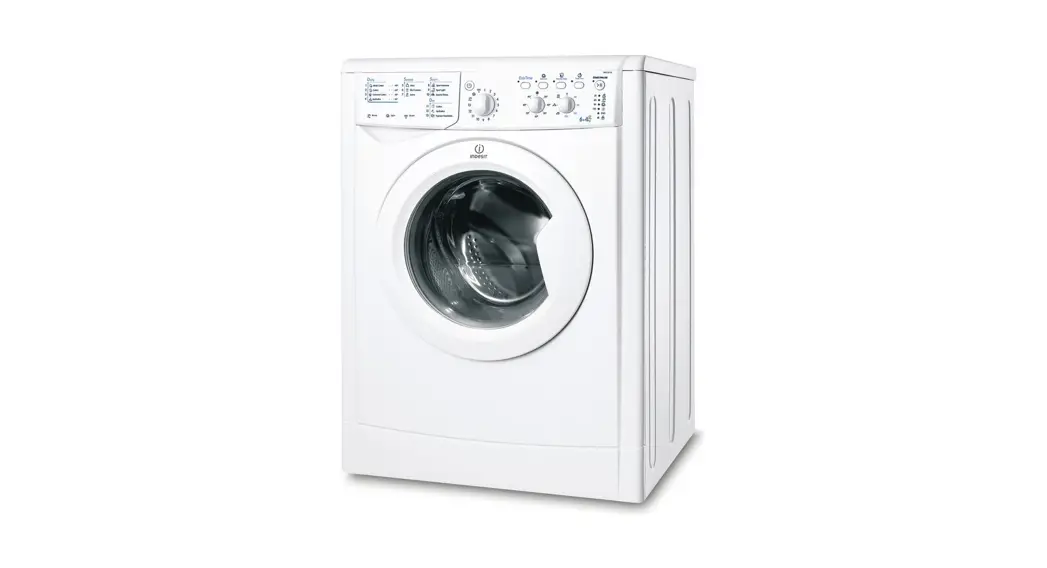
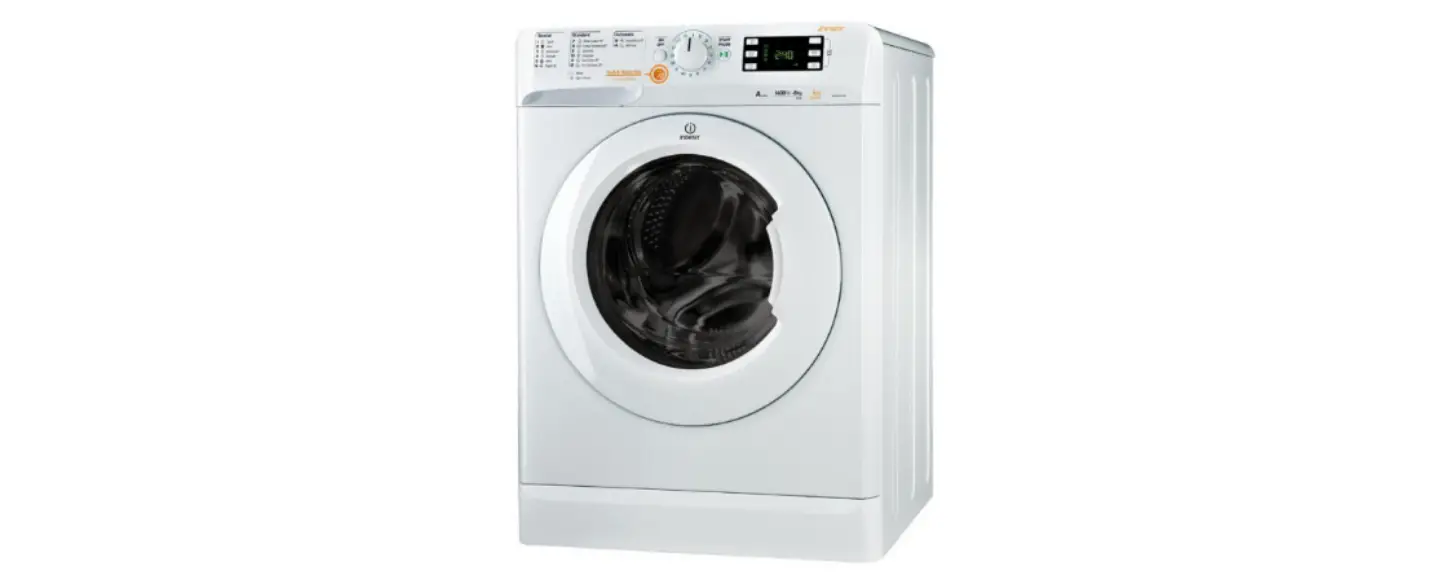
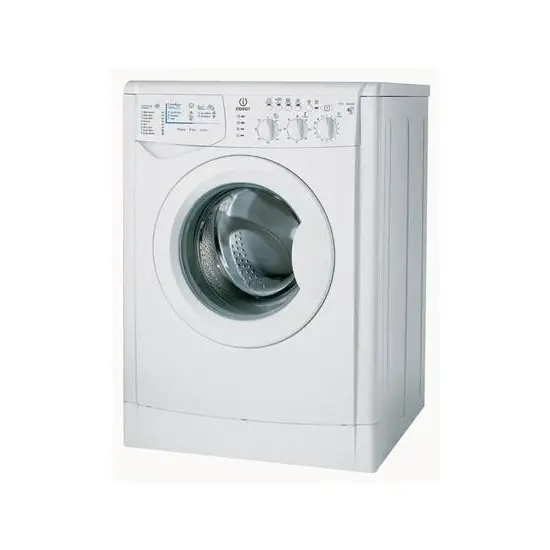
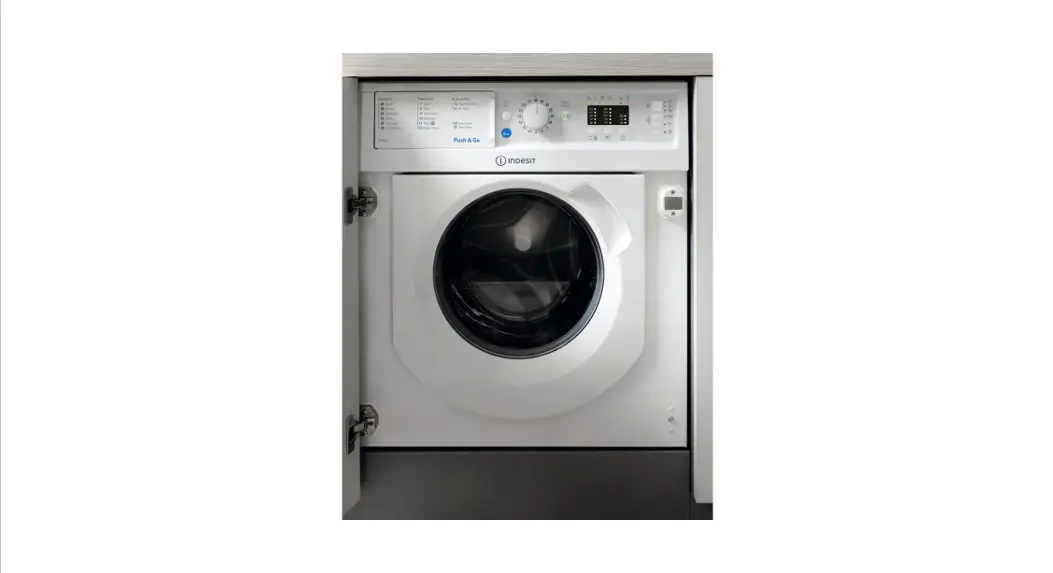
Operating Instructions – Washer dryer Indesit WDIL 7125
Control Panel
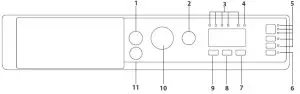
| 7. DRYING LEVELS button 8. TIME DRYING button 9. TEMPERATURE button 10. WASH CYCLE knob 11. PUSH & GO button |
Wash programs
| Maximum load 7 kg Power input in off mode 0.5 W / In left-on mode 8 W | Drying | Maximum load for drying (Kg) | Additives Detergents and | Recommended | ||||||||
| Wash cycle | Temperature | Maximum spin (r.p.m.) | torture load want | Duration (minutes) | Wash | Fabric softener | Powder | Liquid | ||||
| Default | Range | 2 | 3 | |||||||||
| 1 | Mixed | 40°C | *0-40°C | 1000 | 3,5 | 59 | • | 3,5 | • | 0 | – | V |
| 2 | Cotton (2) | 40°C | * – 60°C | 1200 | 7 | 220 | • | 5 | • | 0 |  | |
| 3 | Synthetics | 40°C | * – 60°C | 1200 | 3,5 | 195 | • | 3 | • | 0 | | |
| 4 | White | 60°C | * – 90°C | 1200 | 7 | 170 | • | 5 | • | 0 | | |
| 5 | Coloureds | 40°C | * – 40°C | 1200 | 7 | 100 | • | 5 | • | 0 | – | |
| 6 | Eco cotton c (1) | 60°C | *-60°C | 1200 | 7 | 215 | • | 5 | • | 0 | | |
| 7 | Sport | 40°C | *-40°C | 600 | 3,5 | 90 | • | 3,5 | • | 0 | – | |
| 8 | Dark | 30°C | * – 30°C | 800 | 3 | 70 | • | 3 | • | 0 | | |
| 9 | Anti Odour | 60°C | *- 60°C | 1000 | 3 | 100 | • | 3 | • | 0 | | |
| 10 | Deli cates | 30°C | *– 30°C | 0 | 1 | 80 | • | 1 | • | 0 | – | |
| 11 | Wool | 40°C | *- 40°C | 800 | 1,5 | 70 | • | 1,5 | • | 0 | – | |
| 12 | Rapid 30 min | 30°C | * – 30°C | 800 | 3,5 | 30 | – | 3,5 | • | 0 | – | |
| 13 | Wash&Dry 4S min | 30°C | * – 30°C | 1200 | 1 | 45 | • | 1 | • | 0 | – | |
| 14 | AirFresh | – | – | – | – | 30 | • | 1 | – | – | ||
| Rinse + Spin | – | – | 1200 | 7 | 50 | • | 5 | – | 0 | – | – | |
| Spin + Drain | 1200 | 7 | 10 | • | 5 | – | ||||||
| · Required dosage 0 Optional dosage | ||||||||||||
Daily Use
- Turn on the machine by pressing the ON/ OFF button.
- Open the door and load the laundry, making sure not to exceed the maximum load quantity indicated on the programme table.
- Pour the detergent into the relevant compartments in the detergent dispenser drawer.
- Close the door.
- Set the WASH CYCLE knob to the desired cycle.
- Select the temperature by pressing the temperature button.
- Select the desired wash cycle.
- Select the desired options.
- Press the START/ PAUSE button to start the wash cycle, the relative indicator light will light up and the door will lock.
Pausing a cycle
To pause the wash cycle, press the START/PAUSE button again; the indicator light will flash. If the indicator light is not lit, the door may be opened. To start the wash cycle from the point at which it was interrupted, press the START/PAUSE button again.
Opening the door if necessary
Once a cycle starts, the indicator light turns on to signal that the door cannot be opened. While a wash cycle is running, the door remains locked. To open the door while a cycle is underway, for example, to add or remove garments, press the START/PAUSE button to pause the cycle; the indicator light will flash. If the indicator light is not lit, the door may be opened. Press the START/PAUSE button again to continue the cycle.
Changing a running wash cycle
To change a wash cycle while it is in progress, pause the washing machine using the START/PAUSE button (the relative indicator light will flash), then select the desired cycle and press the START/PAUSE button again. To cancel a cycle that has already begun, press and hold the ON/OFF button. The cycle will be stopped and the machine will switch off.
End of the cycle
Once the cycle terminates the END indicator light will light up; when the indicator light switches off, the door may be opened. Open the door, unload the laundry and switch off the machine. If you do not press the “ON/OFF” button, the washing machine will switch off automatically after about half of an hour. Open the door and unload the washing machine. Leave the door ajar to allow the drum to dry.