 Orating Instructions
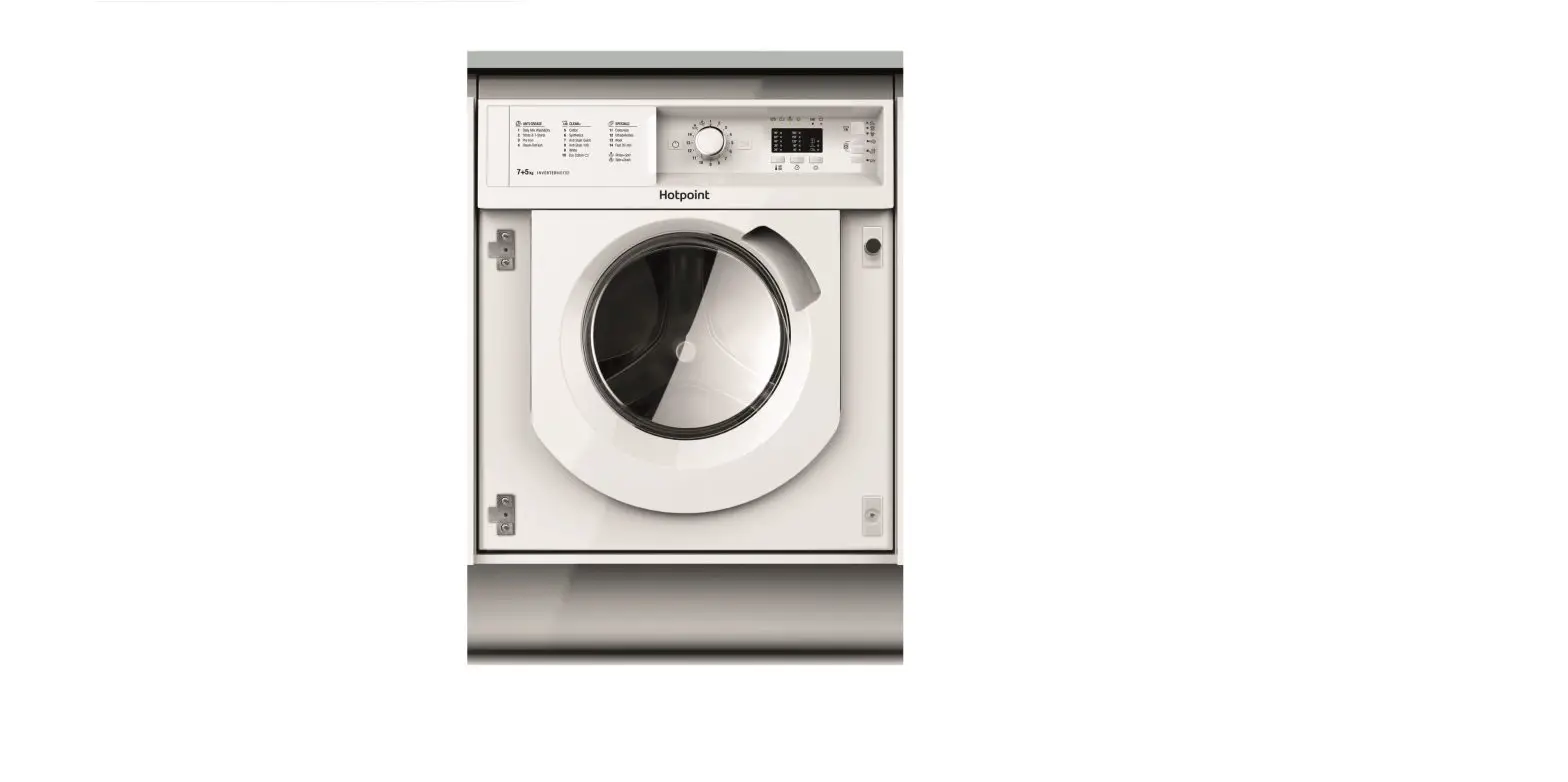
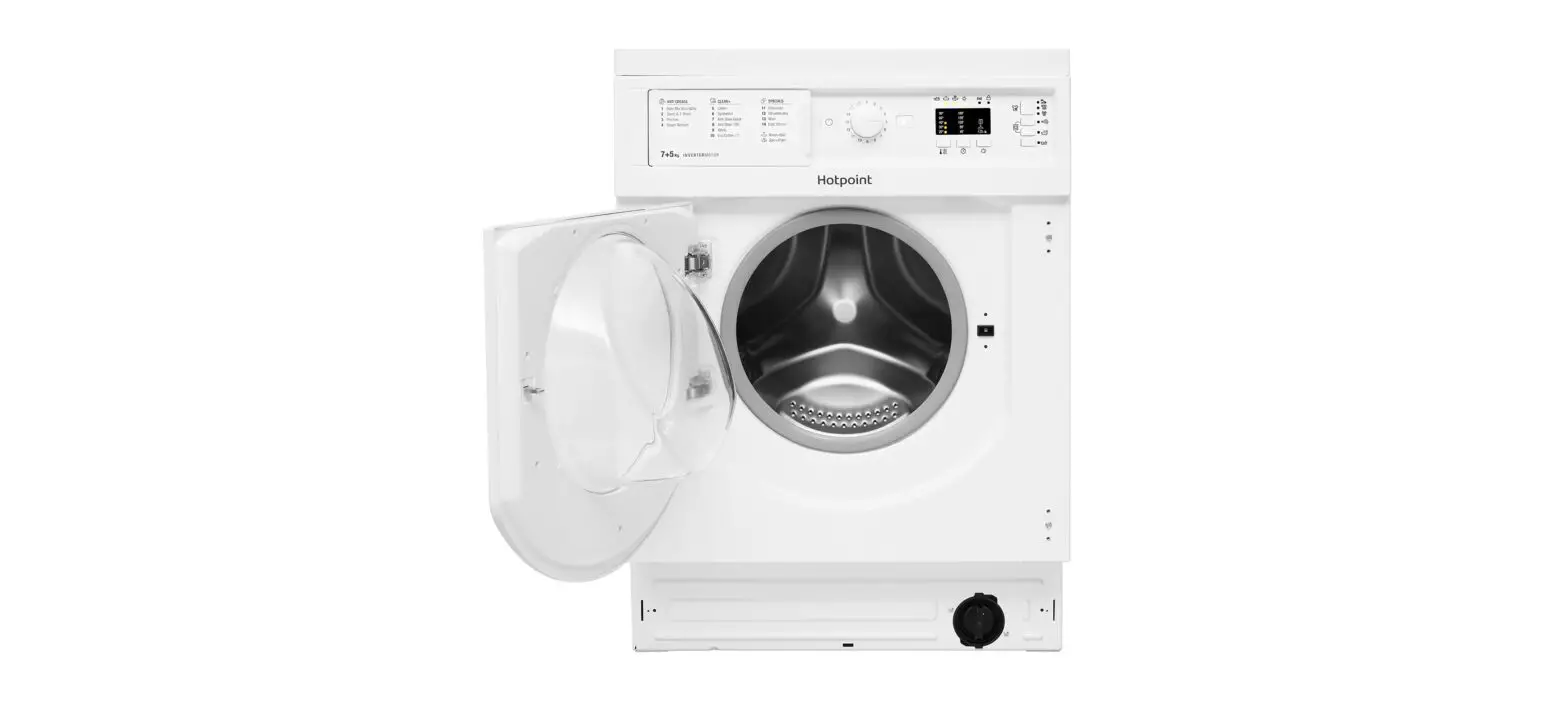
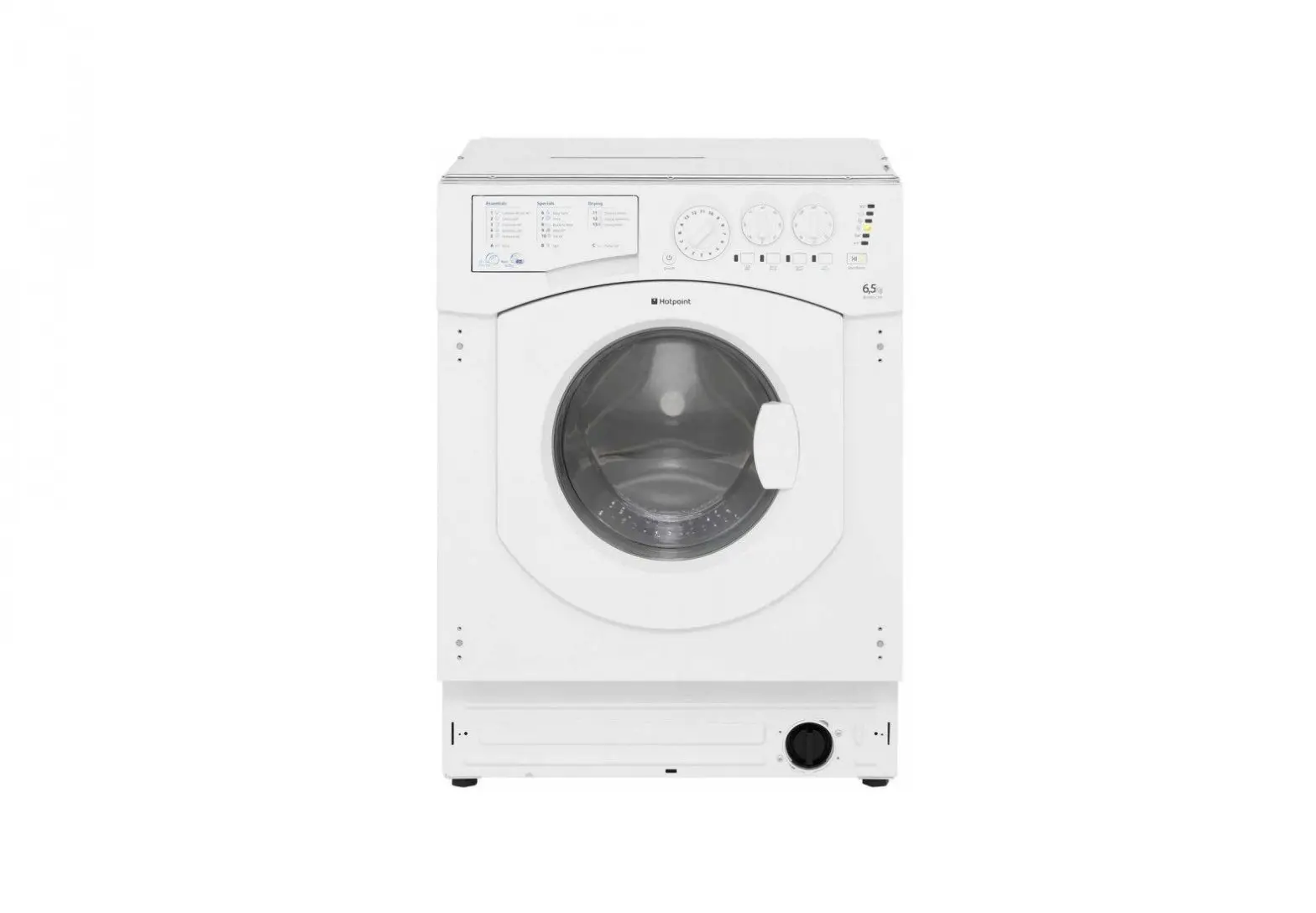
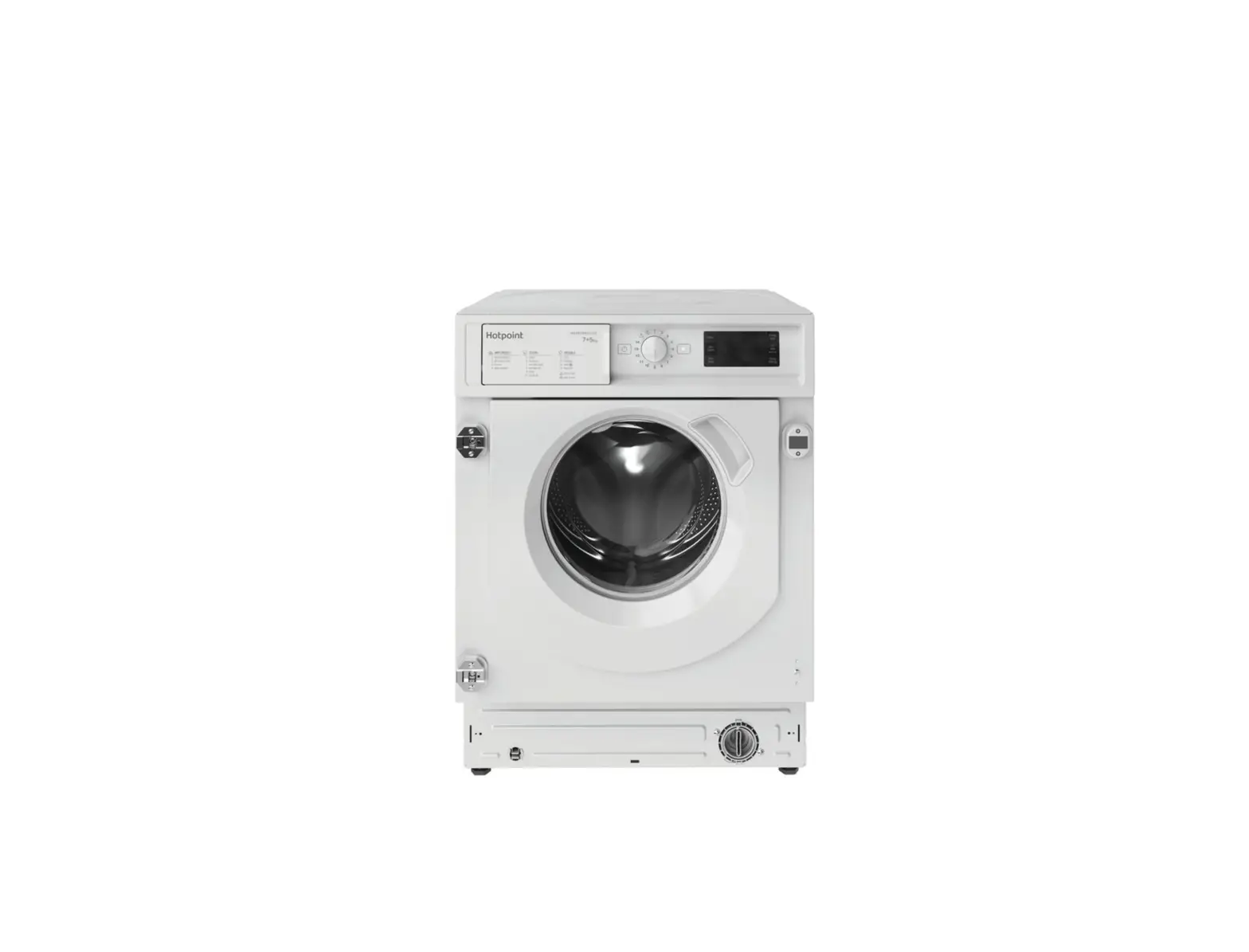
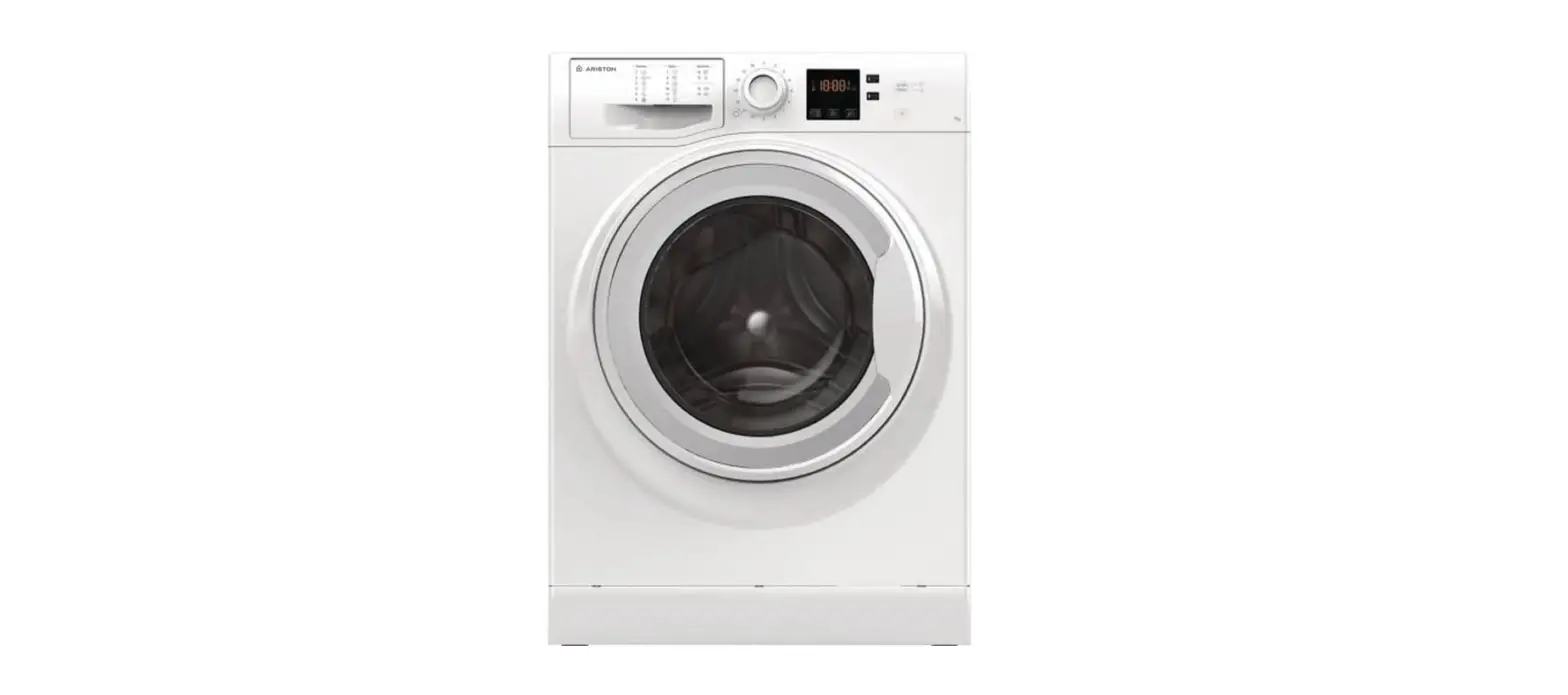
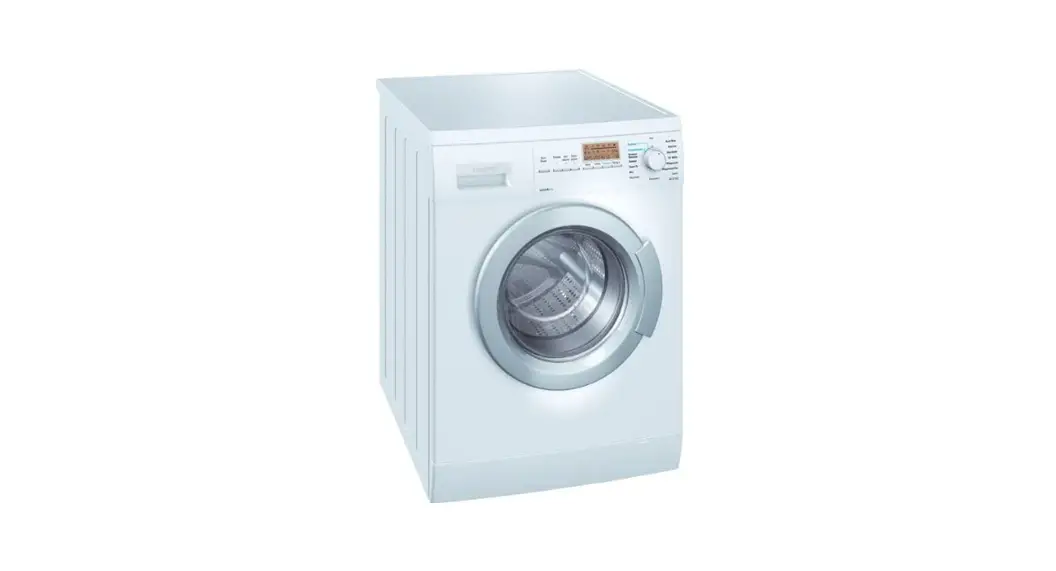
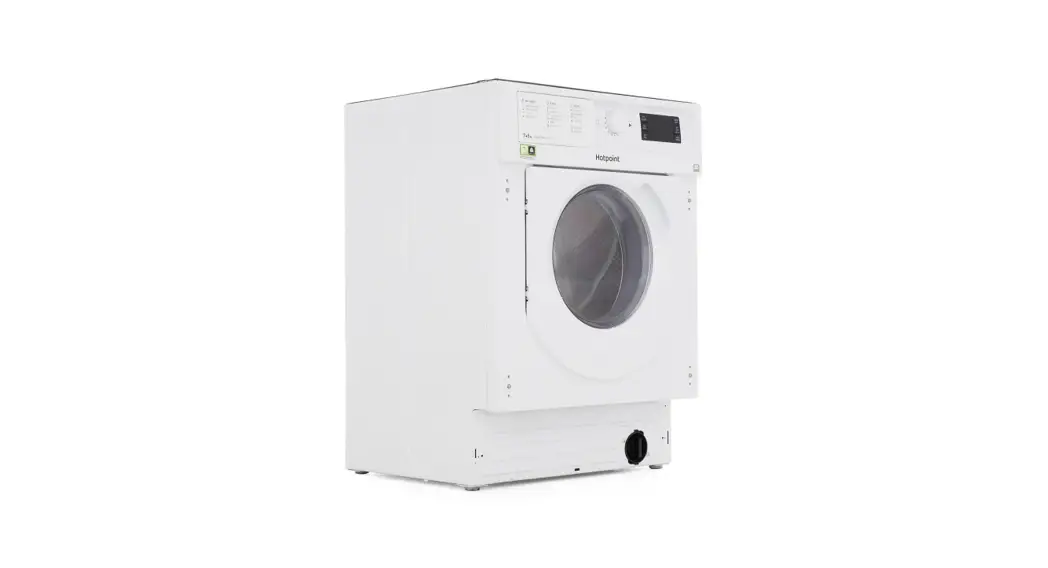
Washer Dryer Hotpoint BI WDHG 7148
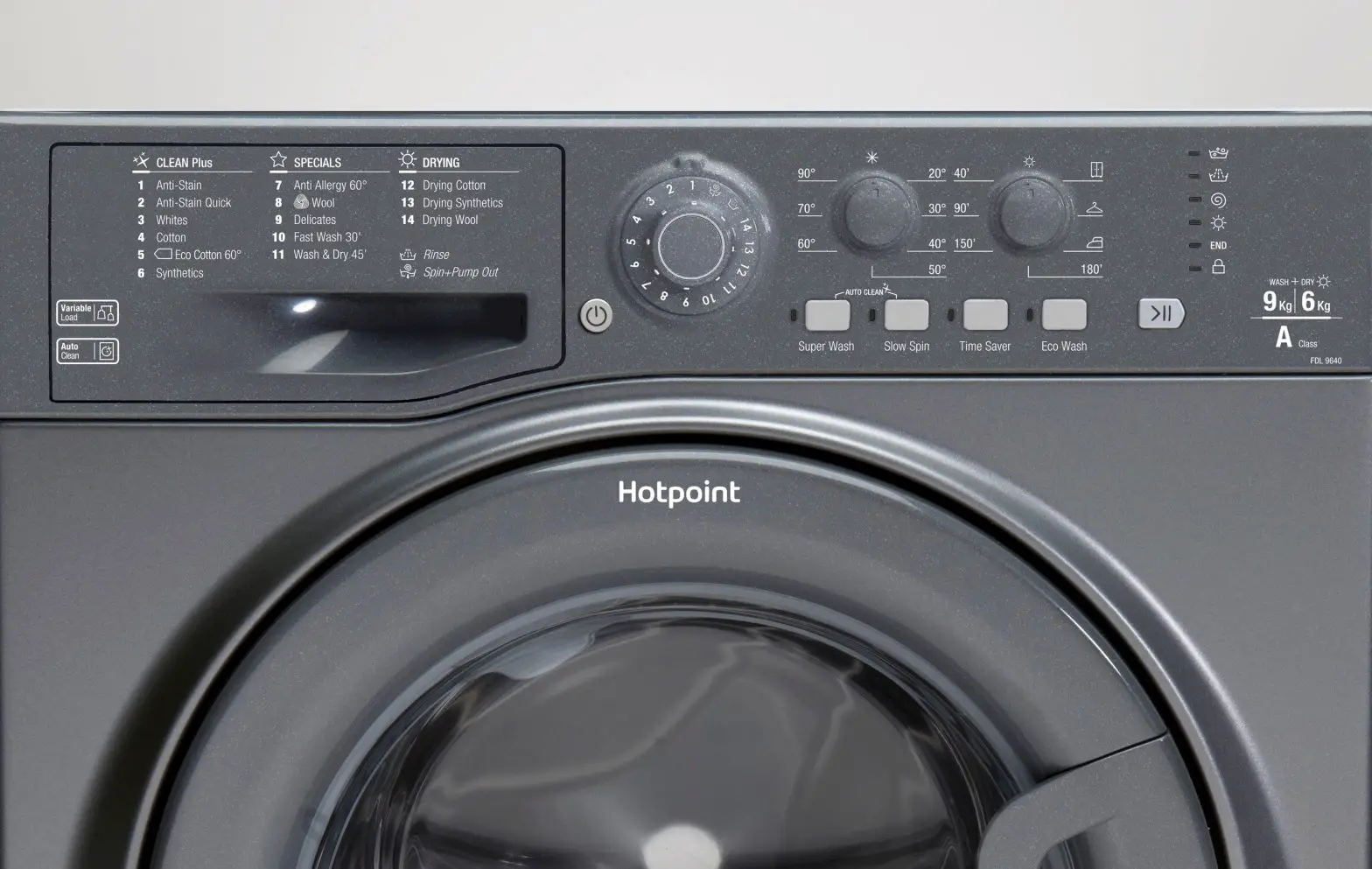
Control Panel

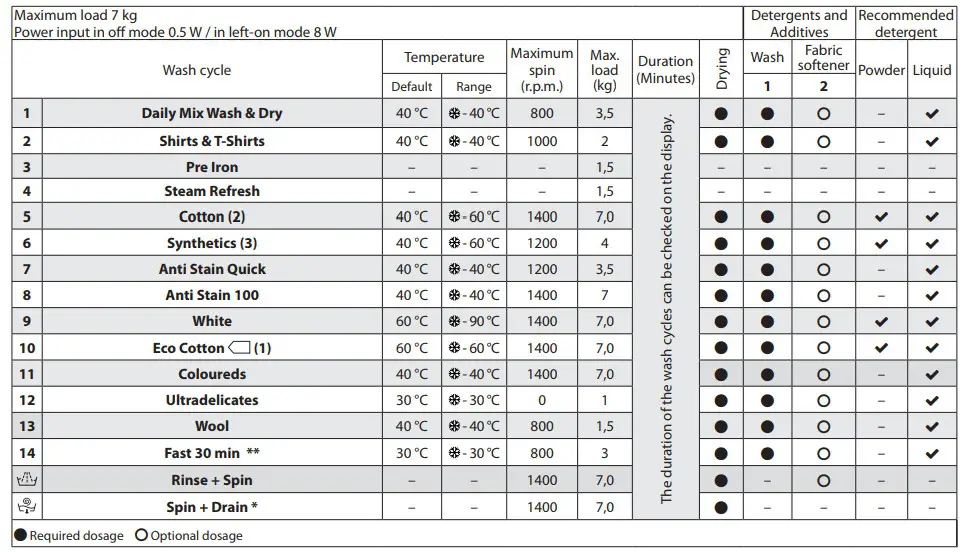
Wash cycle table
Detergent dispenser
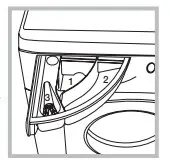
Compartment 1: Do not insert detergent in this compartment
Compartment 2: Washing detergent (powder or liquid)
Compartment 3: Additives (fabric softeners etc)
The fabric softener must not exceed the “MAX” level.
Wash cycles
Follow the instructions on the symbols of the garment’s wash care label. The value indicated in the symbol is the maximum recommended temperature for washing the garment.
- Daily Mix wash & dry
Use program 1 to wash and dry mixed garments (cotton and synthetics). This cycle may be used to wash and dry loads of up to 3.5kg. The use of steam in this program is optimized to reduce the formation of creases, making ironing easier. - Shirts & T-shirts
Use program 2 to wash and dry shirts and t-shirts in different fabrics and colors to ensure maximum care.
This cycle may be used to wash and dry loads of up to 2kg. The use of steam in this program is optimized to reduce the formation of creases, making ironing easier. - Pre-iron
Use this program immediately before ironing. Max 1.5kg load. The use of steam in this program is optimized to reduce the formation of creases, making ironing easier. - Steam Refresh
For refreshing garments, neutralize unpleasant odors and relax the fibers by delivering steam into the drum. The garments will be damp at the end of the cycle. - Cotton
Suitable for washing towels, underwear, table cloths etc. Made of resistant linen and cotton that are moderate to heavily soiled. - Synthetics
Suitable for washing moderately soiled garments made of synthetic fibers or mixed synthetic-cotton fibers. - Anti-Stain Quick
This program is ideal for washing the most difficult daily stains in 1 hour. It is ideal for mixed fabrics and colored garments, caring for your clothes as it washes. If the drying function is selected, a drying cycle automatically activates at the end of the wash cycle that resembles open-air drying. A dryness level is recommended. - Anti Stain 100
This program is suitable to heavily-soiled garments with resistant colors. It ensures a washing class that is higher than the standard class (A-class). When running the program, do not mix garments of different colors. We recommend using powder detergent. If the drying function is selected, a drying cycle automatically activates at the end of the wash cycle, which resembles open-air drying. A dryness level is recommended. - White
For heavily soiled whites and resistant colours - Eco Cotton
Suitable for washing moderately soiled cotton garments. At 40°C and 60°C it is the standard cycle for washing cotton garments and is the most efficient in terms of combined water and electricity consumption. - Coloreds
For washing colored cotton garments. This program is optimized to keep colors bright even after repeated washing. - Ultradelicates
For washing very delicate garments. It’s advisable to turn the garments inside out before washing them. For best results use liquid detergent on delicate garments. When selecting an exclusively time-based drying function, a drying cycle is performed at the end of the wash cycle that is particularly delicate. The recommended durations are:
1kg of synthetic garments – 150 mins
1 kg of synthetic and cotton garments – 180 mins
1kg of cotton garments – 180 mins
The degree of dryness depends on the load and fabric composition. - Fast 30 min
For washing lightly soiled garments in a short time. Not suitable for wool, silk, and garments to be washed by hand. - Rinse + Spin
Designed for rinsing and spinning. - Spin + Drain
Designed for spinning and draining the water.
Door locked indicator
If the  symbol is of the door is locked. To prevent any damage, wait until the symbol turns on before opening the door. To open the door while a cycle is in progress, press the START/PAUSE button
 if the symbol is lit, the door can be opened.
Daily use
- Prepare the laundry
- Press the On/Off
 button the indicator light relative to START/PAUSE
 will flash slowly.
 - Open the door. Load the laundry while making sure not to exceed the maximum load quantity indicated in the wash cycle table.
- Pull out the detergent dispenser drawer and add the detergent in the relevant compartments
- Close the door
- The machine automatically displays the default temperature and spin speed values for the selected cycle, or the most recently used settings if they are compatible with the selected cycle.
- Select the desired wash cycle.
- Select the desired options.
- Press the START/PAUSE button to start the wash cycle; the relative indicator light will light up steady and the door will lock. the symbol will turn off.
Pausing a cycle
To pause the wash cycle, press the START/PAUSE button again, the indicator light will flash. If the symbol is lit, the door may be opened. To start the wash cycle from the point at which it was interrupted, press the START/PAUSE button again.
Opening the door if necessary
Once a cycle starts, the symbol turns off to signal that the door cannot be opened. While a wash cycle is running, the door remains locked. To open the door while a cycle is underway, for example, to add or remove garments, press the START/PAUSE button to pause the cycle; the indicator light will flash. If the symbol is lit the door may be opened. To start the wash cycle from the point at which it was interrupted, press the START/PAUSE button to continue to cycle.
Changing a running wash cycle
To change a wash cycle while it is in progress, pause the washer-dryer using the START/PAUSE button (the relative indicator light will flash), then select the desired cycle and press the START/PAUSE button again. To cancel a cycle that has already begun, press and hold the ON/OFF button. The cycle will be stopped and the machine will switch off.
At the end of the wash cycle
This will be indicated by the word “END” on the display; when the symbol switches on, the door may be opened. Open the door, unload the laundry and switch off the machine. If you do not press the “ON/OFF” button , the washing machine will switch off automatically after about half an hour. Open the door and unload the washing machine. Leave the door ajar to allow the drum to dry.
Options
If the selected option is incompatible with the program set, the incompatibility will be signaled by a buzzer and the corresponding indicator light will flash. !If the selected option is incompatible with another previously set option, only the most recent selection will remain active.
Energy saving
This option saves energy by not heating the water used to wash your laundry – intensified wash action and water optimization ensure great wash results in the same average time of a standard cycle. For the best washing results, we recommend the usage of a liquid detergent.
Start delay
To set the selected program to start at a later time, press the button to set the desired delay time. The symbol lights on the display when this function is enabled. To cancel the delayed start, press the button again until the value “0” is shown on the display.
Temperature
Each wash cycle has a pre-defined temperature. To modify the temperature, press the “Temp” button. The value will appear on the display.
Spin
Each wash cycle has a pre-defined spin speed. To modify the spin speed, press the “Spin Speed” button. The value will appear on the display.
Setting the drying cycle
The first time the button “Drying Settings” is pressed, the machine will automatically select the maximum drying cycle which is compatible with the selected wash cycle. Subsequent presses will decrease the drying level and then the drying time until the cycle is excluded completely “OFF”. Drying may be set as follows:
A- Based on the desired laundry dryness level:
Cupboard: suitable for laundry which can be put back in a cupboard without being ironed.
Hanger: Ideal for clothes that do not need to be dried fully.
Iron: Suitable for clothes that will need ironing afterward, the remaining dampness softens creases, making
them easier to remove.
B- Based on a set time period: between 210 and 30 minutes. If your laundry load to be washed and dried is much greater than the maximum stated load, perform the wash cycle and when the cycle is complete, divide the garments into groups and put some of them back in the drum. At this point, follow the instructions provided for a “Drying only” cycle. Repeat this procedure for the remainder of the load. Note: A cooling down period is always added to the end of each drying cycle.
Drying only
Press the button “Dry only” to perform the drying-only cycle. After selecting the desired cycle press button “Dry only” to exclude the washing phase and start the drying phase at the maximum level for the selected cycle. The drying level or time may be set and changed by pressing the drying button “Drying settings”.
Key Lock
To lock the control panel, press and hold the button “Dry only” for approximately 3 seconds, the symbol  lights on the display to indicate that the control panel is locked. This prevents unintentional changes to the programs, especially with children near the machine. If any attempt is made to use the control panel, the symbol flashes on the display. To unlock the control panel, press and hold the button “Dry only” for approximately 3 seconds.