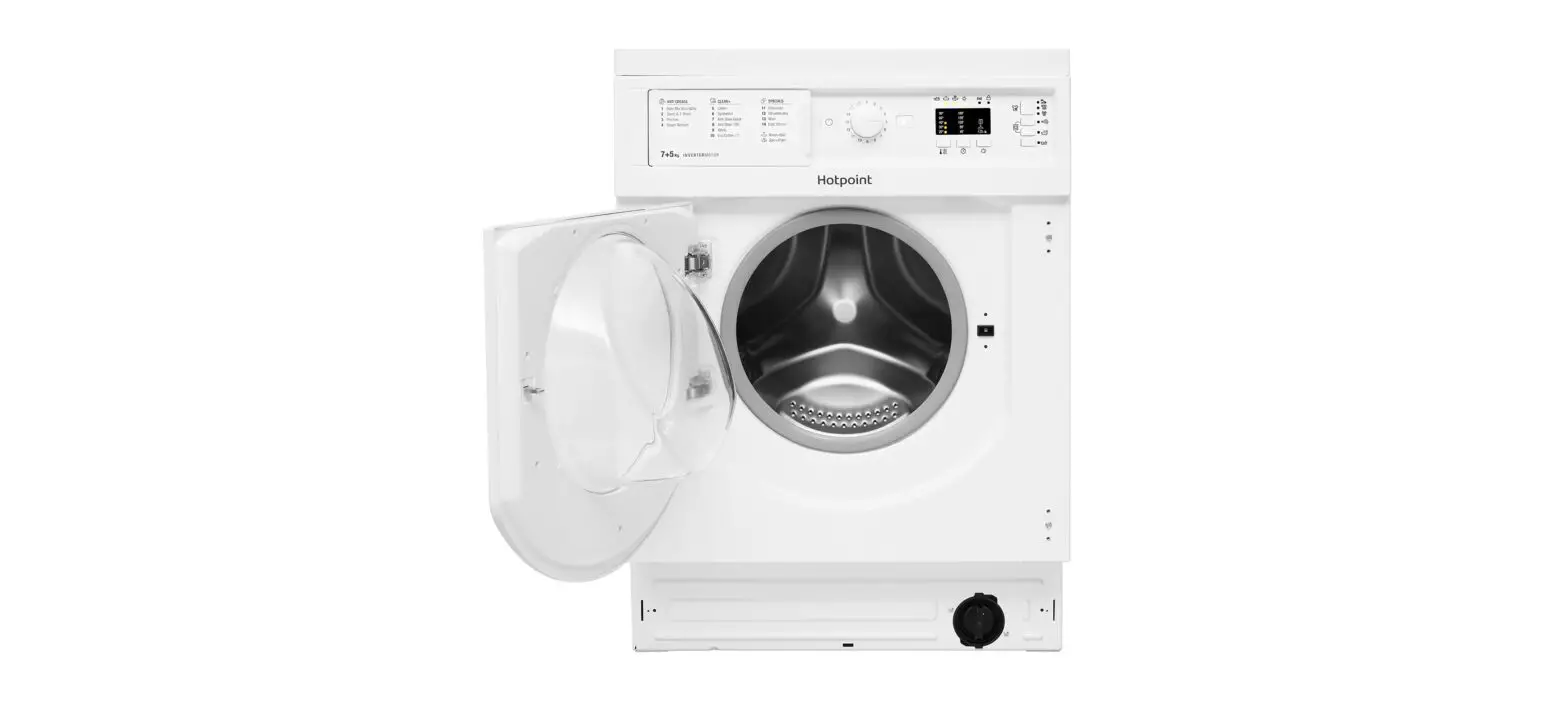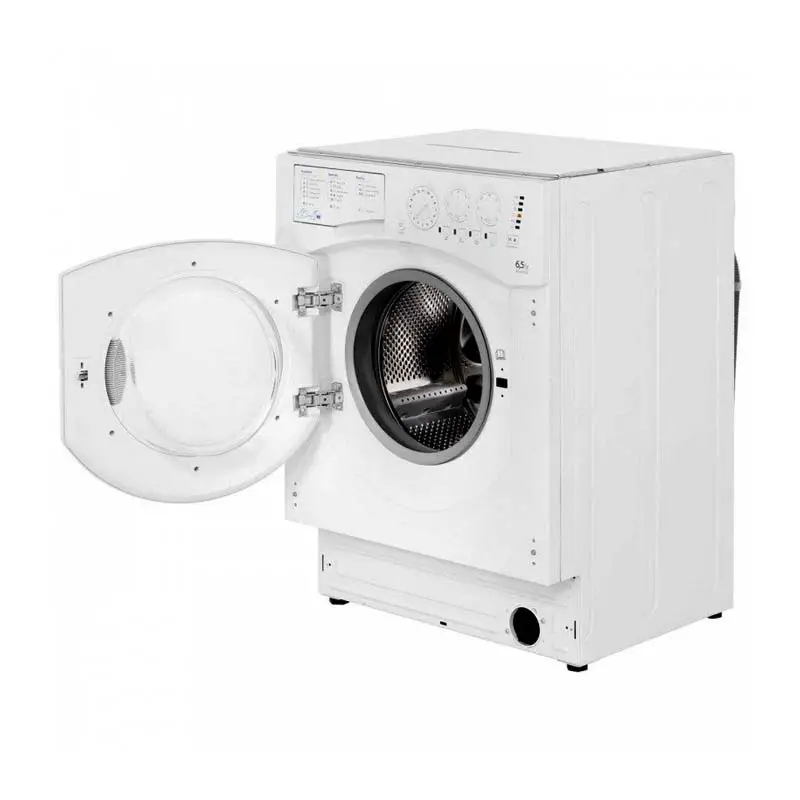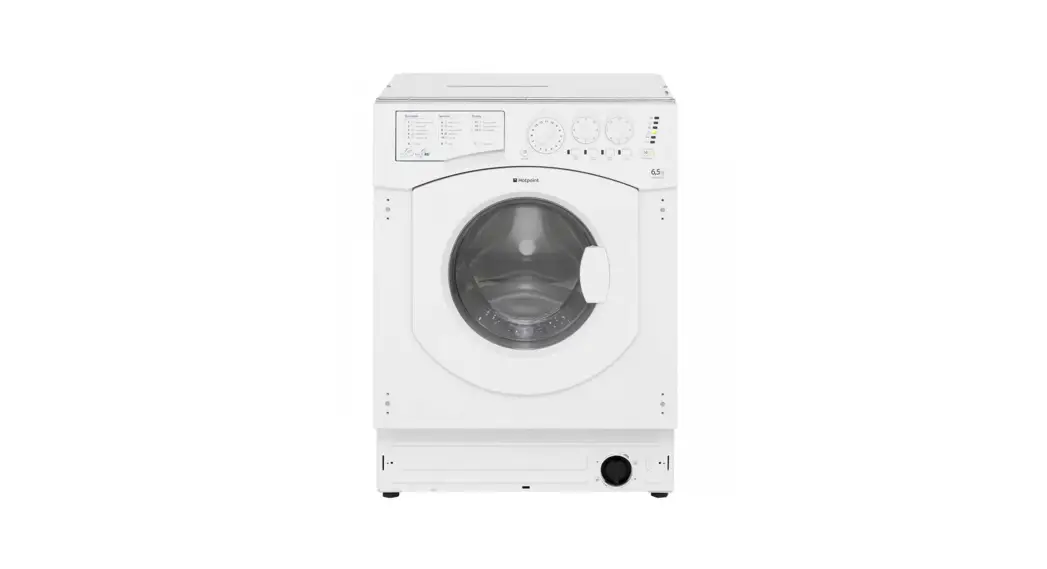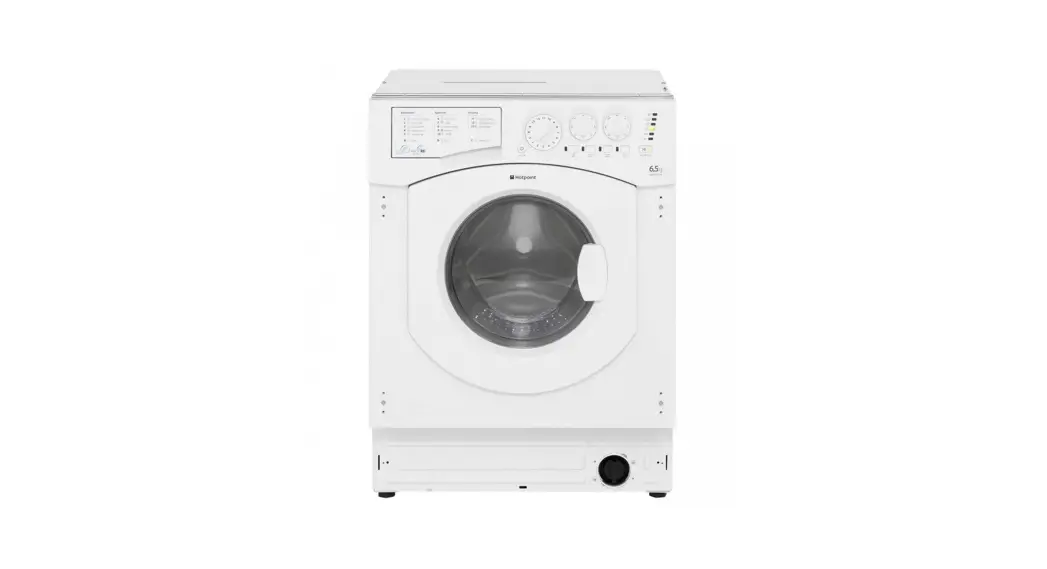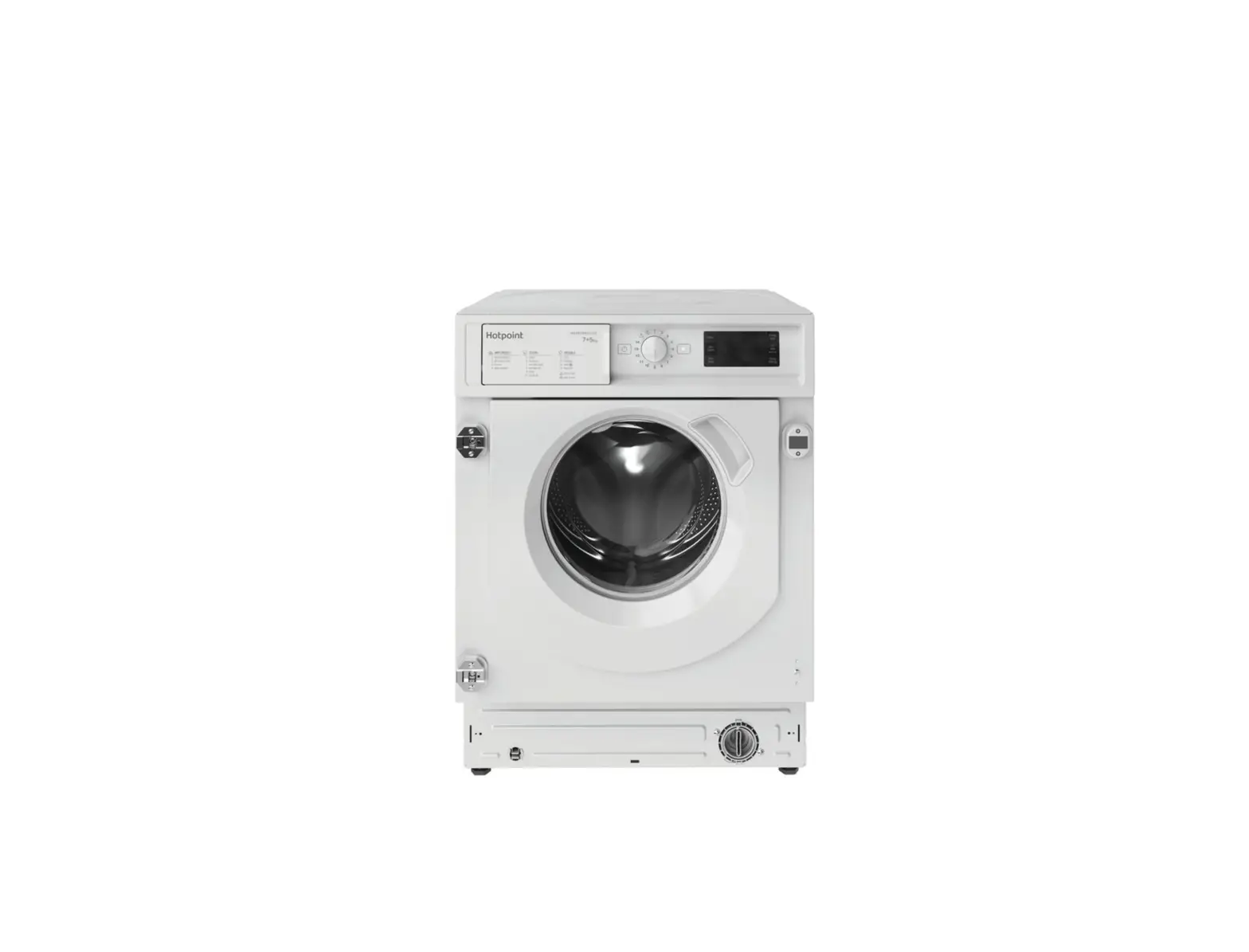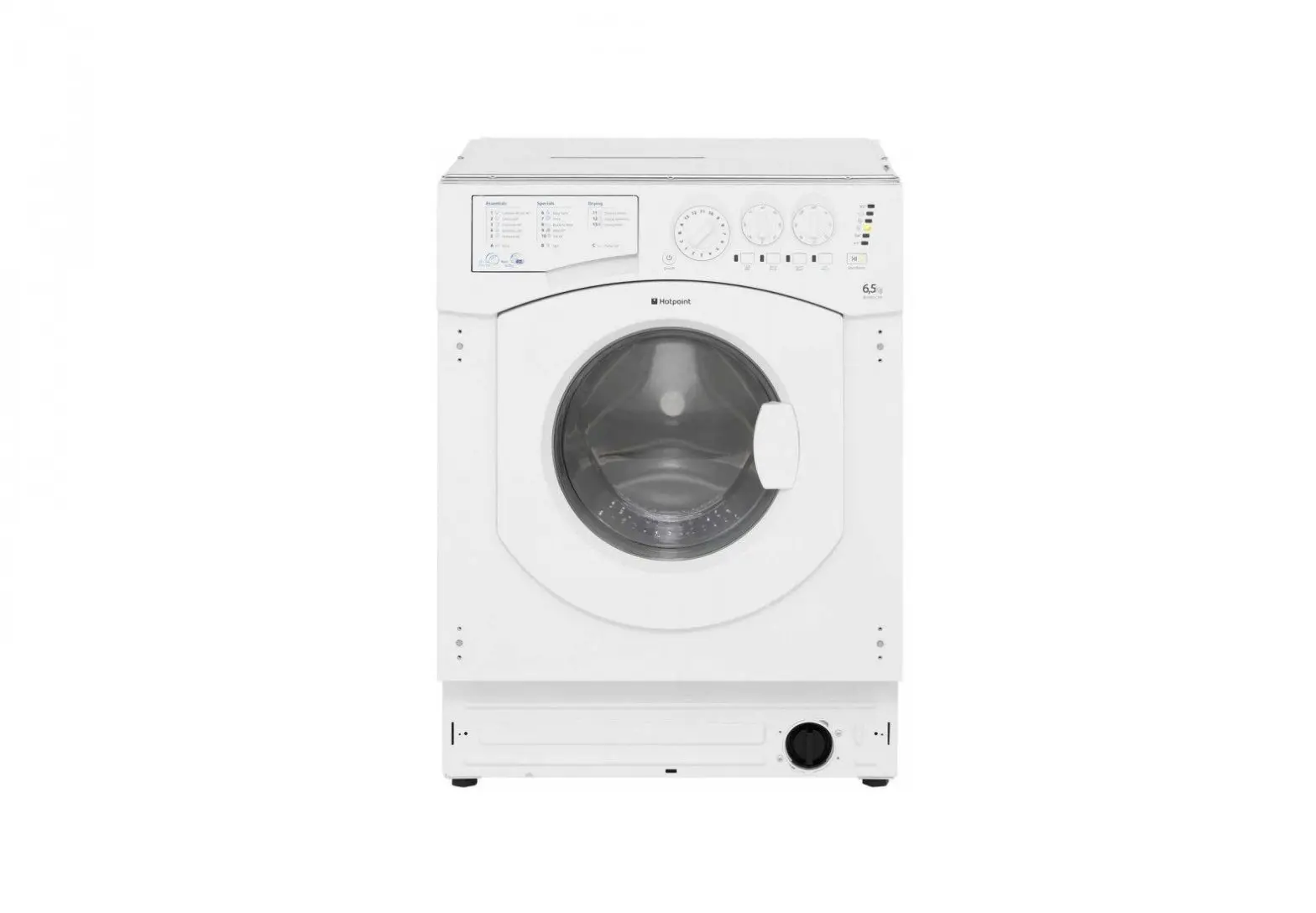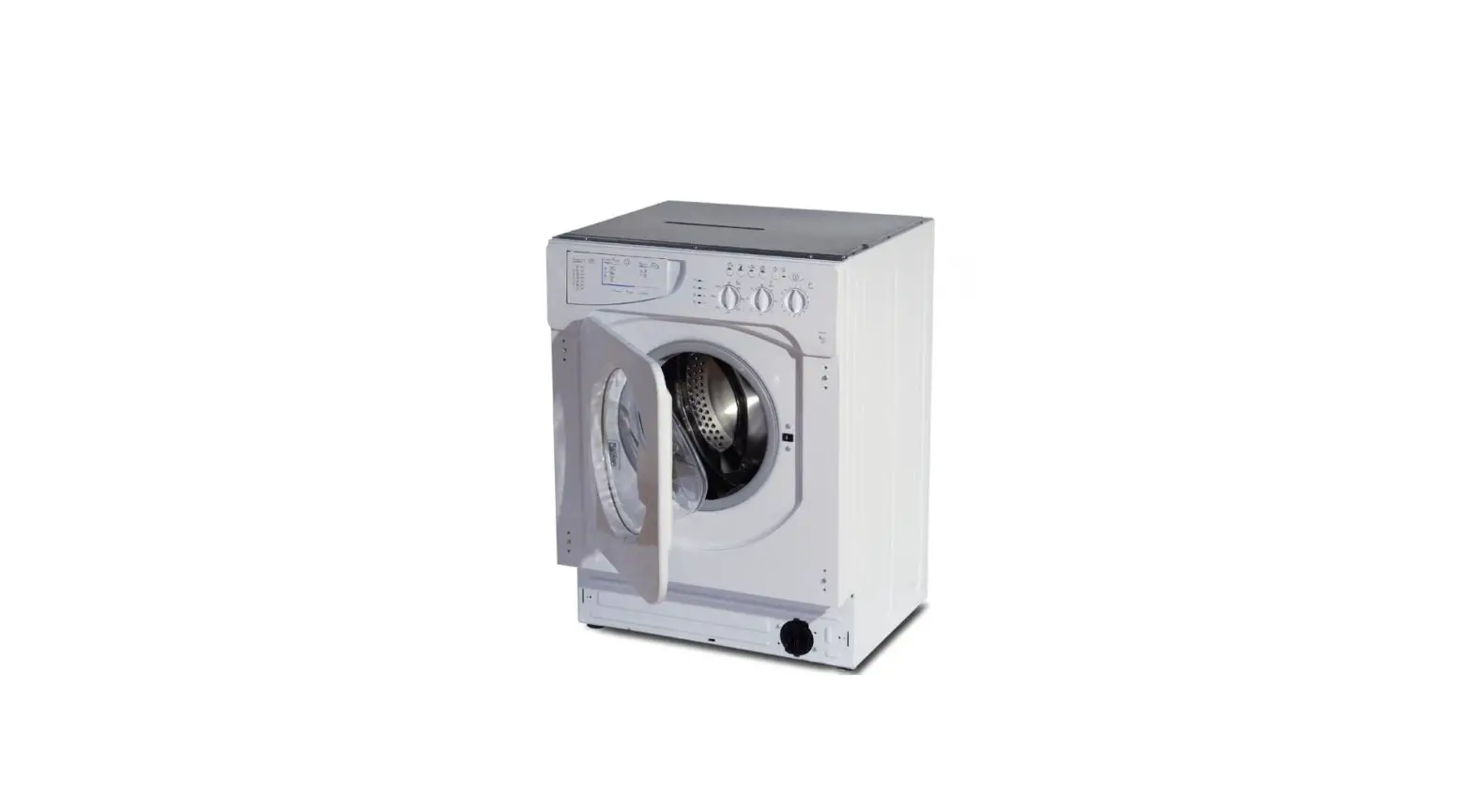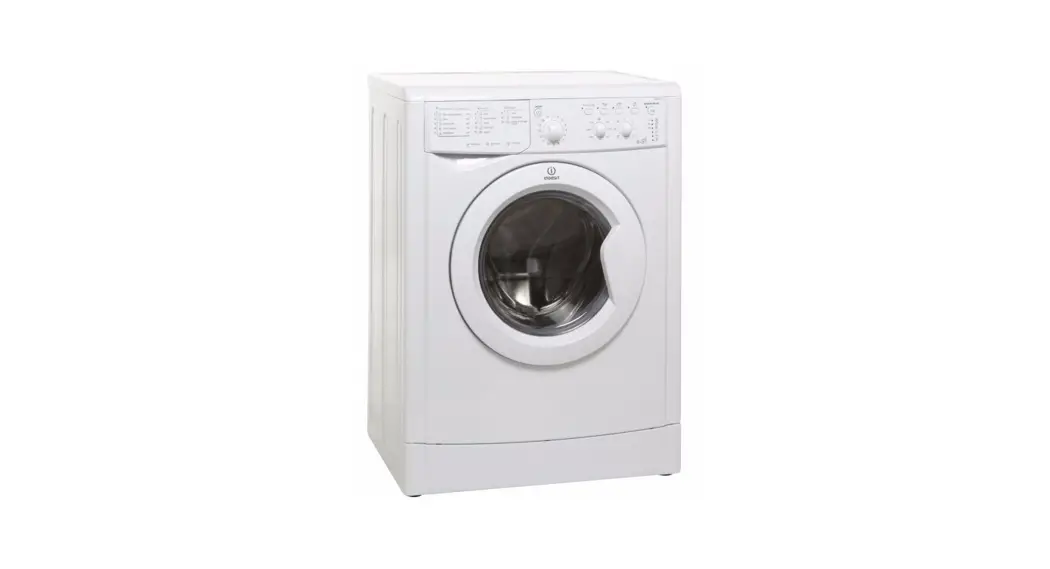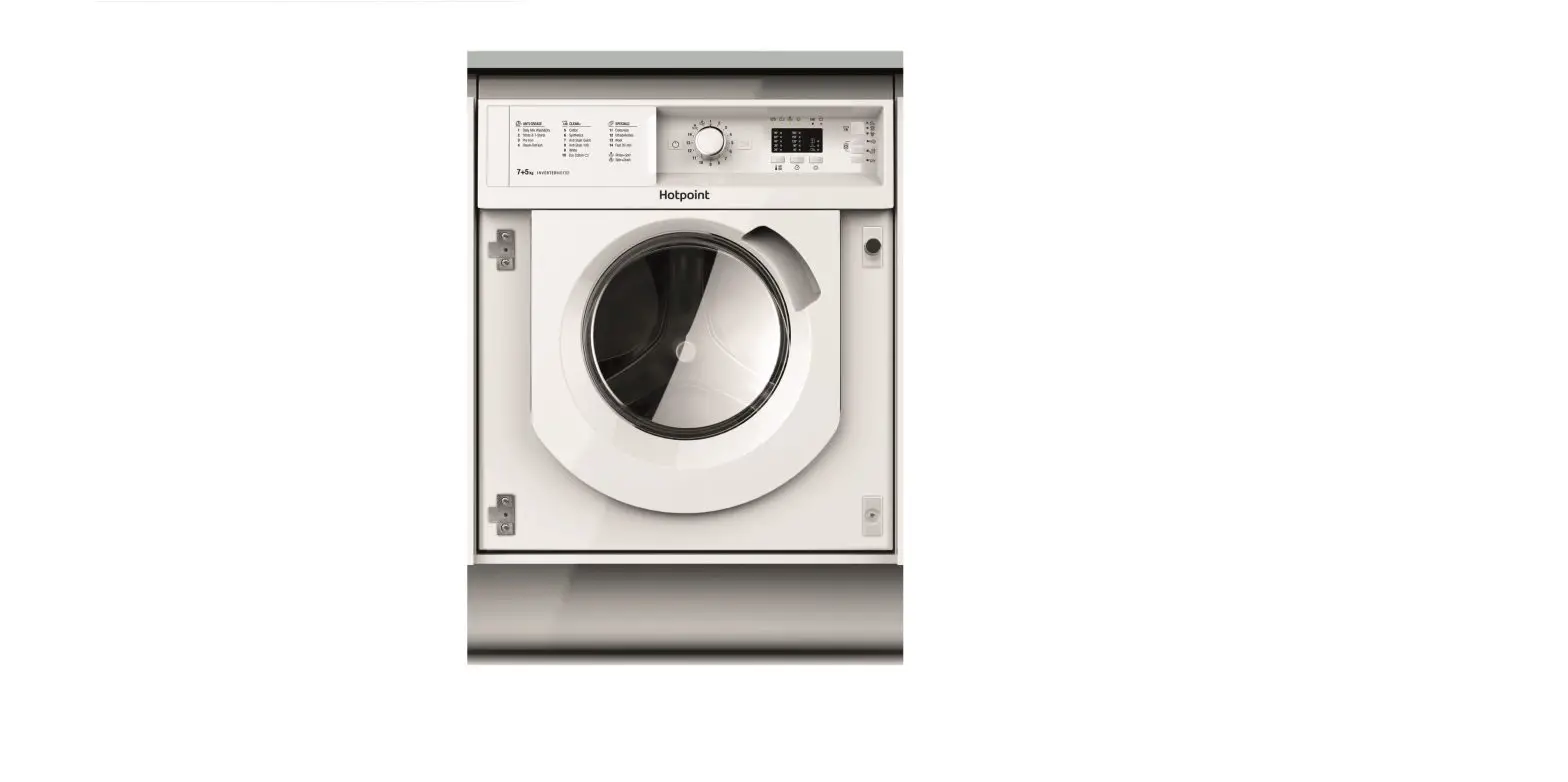

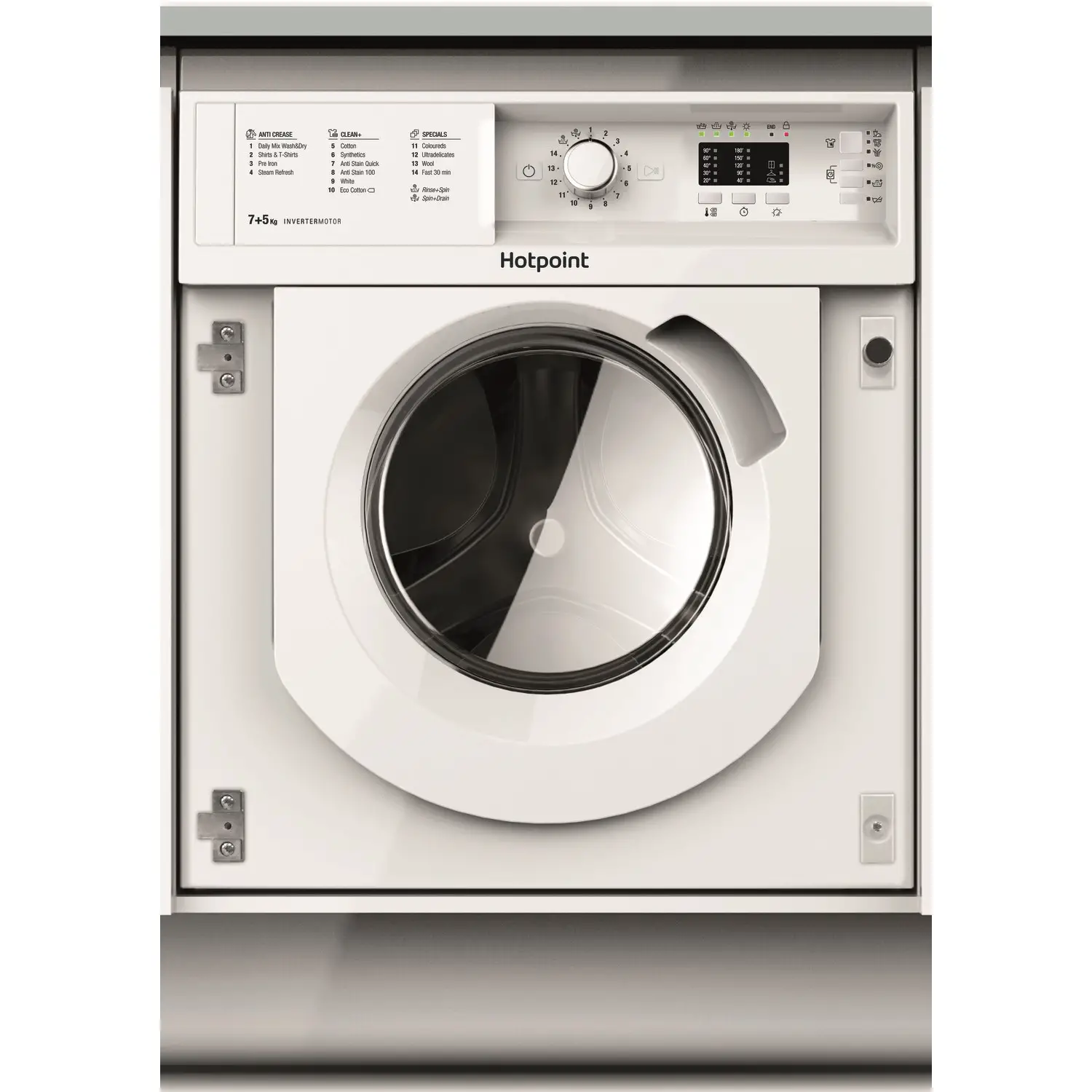
saco BIWDHL7128 Hotpoint Integrated Washer Dryer
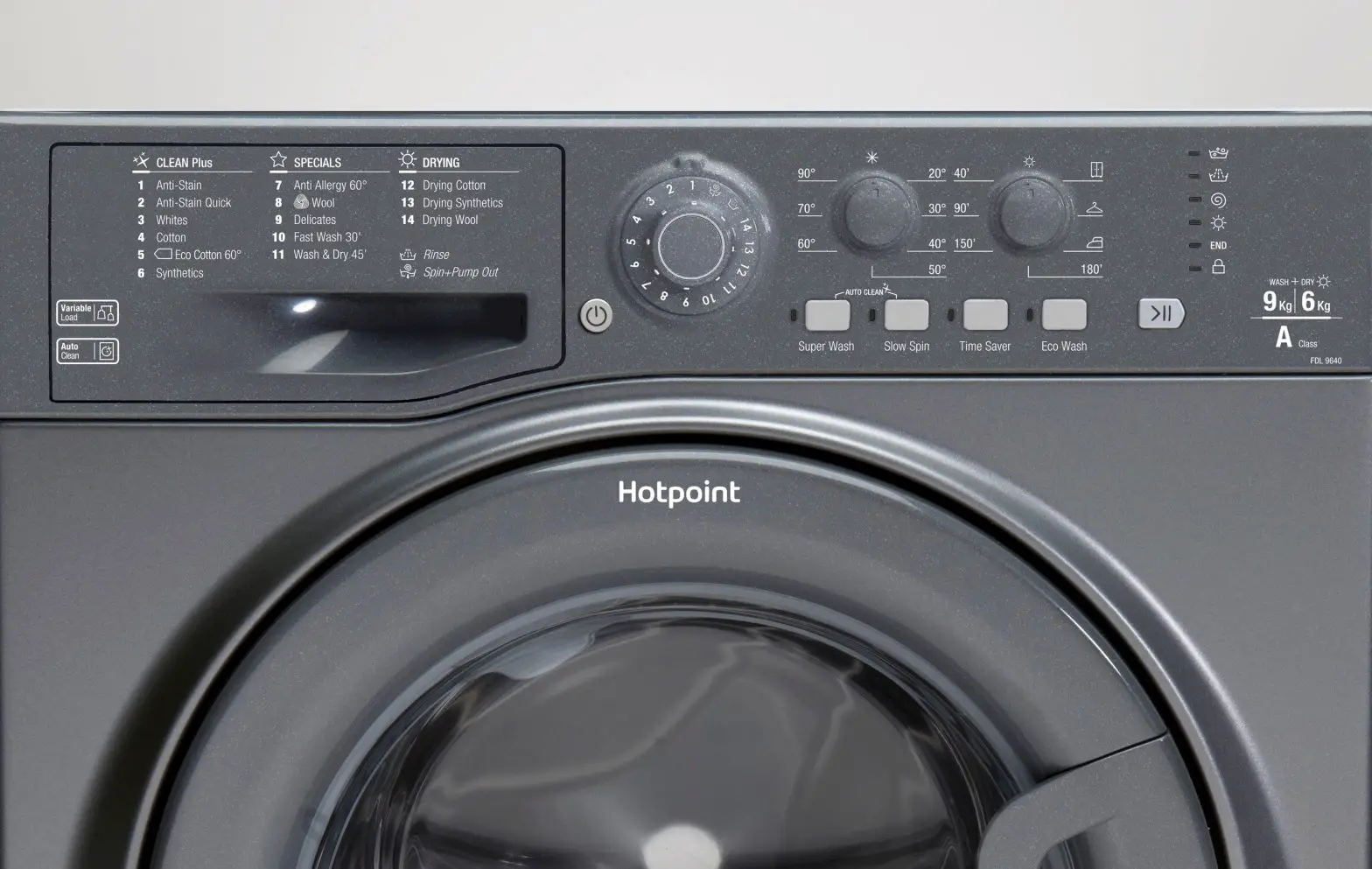
Control Panel
Quick Start
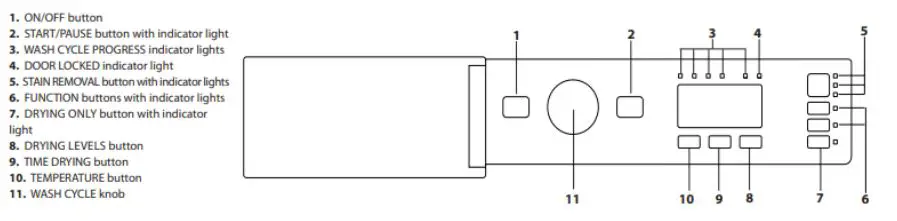
- Turn the washing machine on by pressing the ON/OFF button. All the indicator lights will light up for a few seconds, then only the lights corresponding to the settings for the selected wash cycle will remain lit; the START/PAUSE indicator light will also flash.
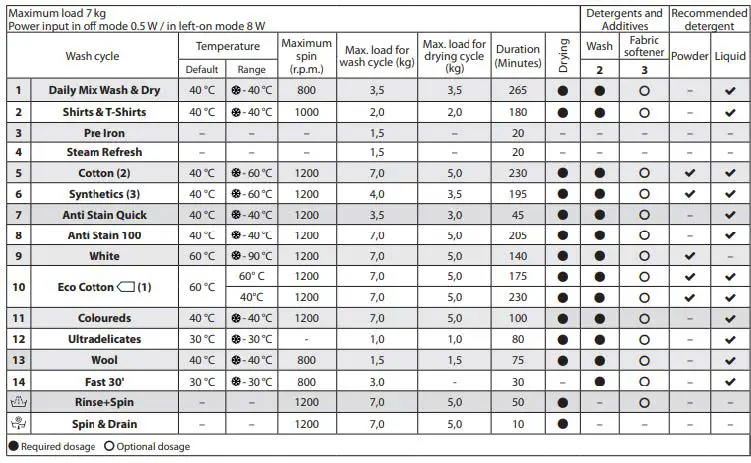
- Open the door. Load the laundry while making sure not to exceed the maximum load quantity indicated in the Wash Cycle Table.
- Pull out the detergent dispenser drawer and pour the detergent into the relevant compartments as described in “DETERGENT DISPENSER DRAWER” section.
- Close the door.
- Set the WASH CYCLE knob to the desired cycle.
- Modify the temperature: pressing the 40° 60° button allows for gradually reducing the temperature down to the cold wash level (20°C).
- Press the START/PAUSE button to start the wash cycle; the relative indicator light will light up steady green and the door will lock (indicator light on)
Table of wash cycles
Drying only
Press button to perform the drying-only cycle. After selecting the desired cycle (compatible with the type of garments), press button to exclude the washing phase and start the drying phase at the maximum level for the selected cycle.