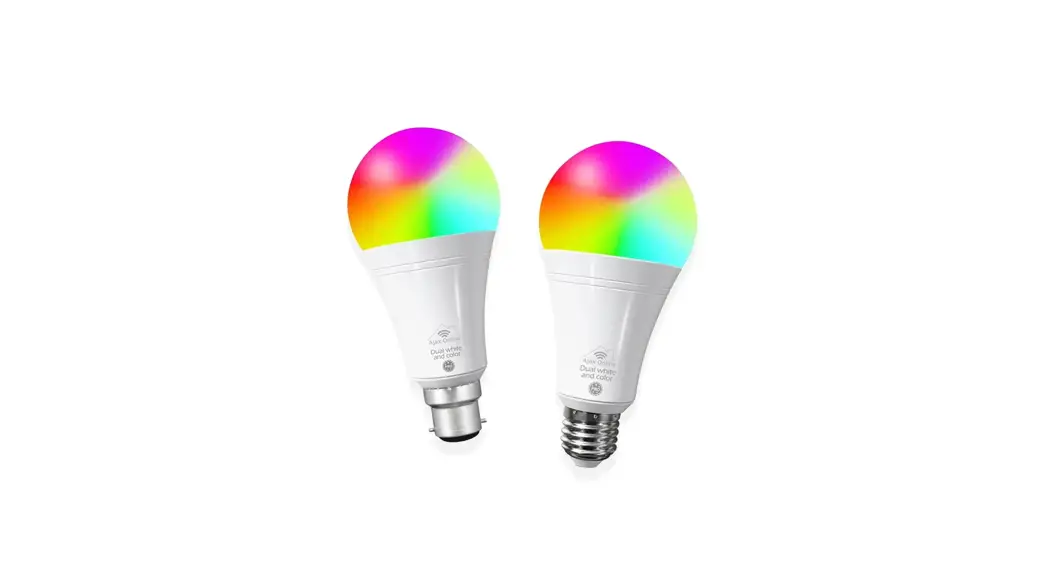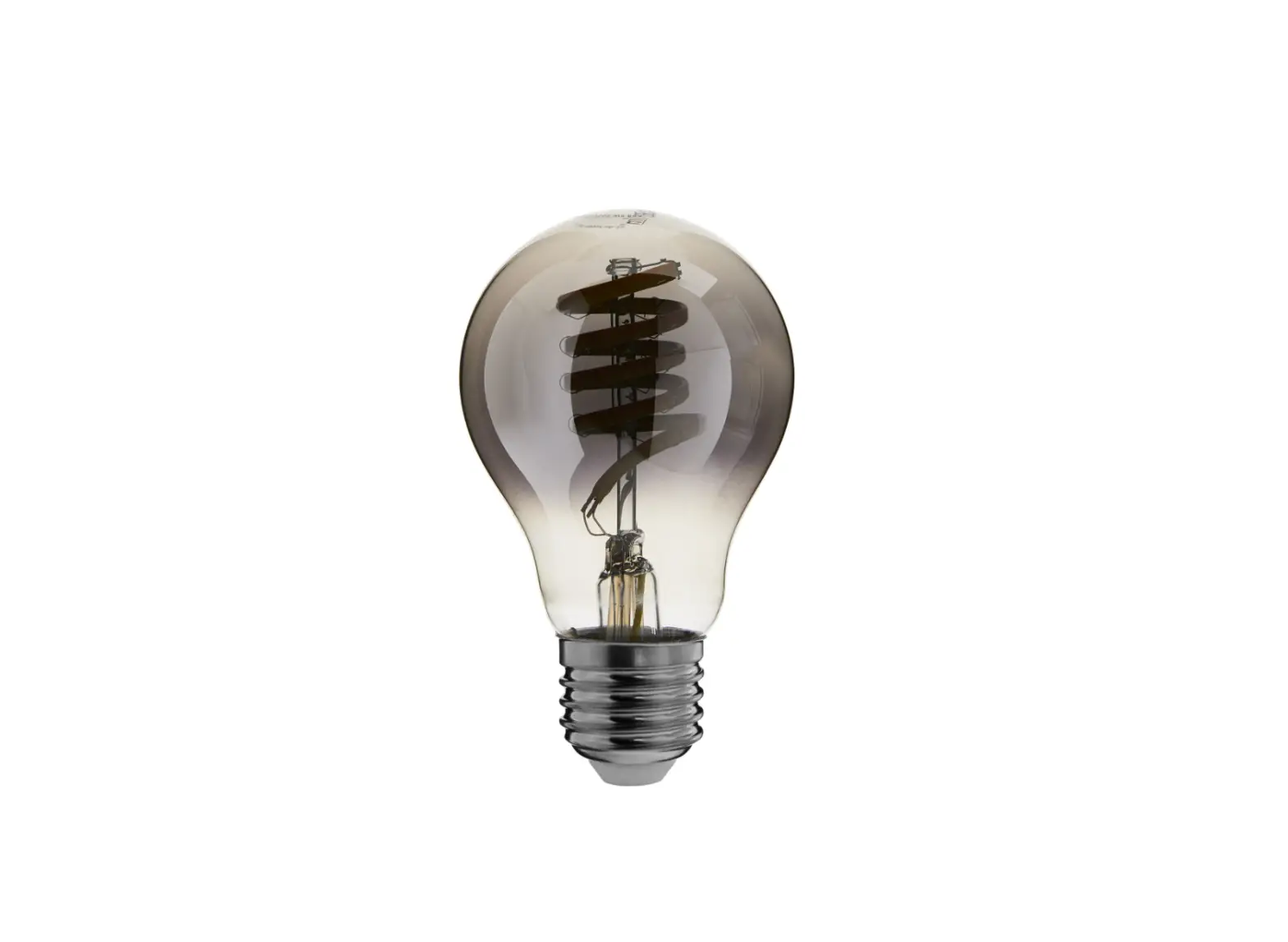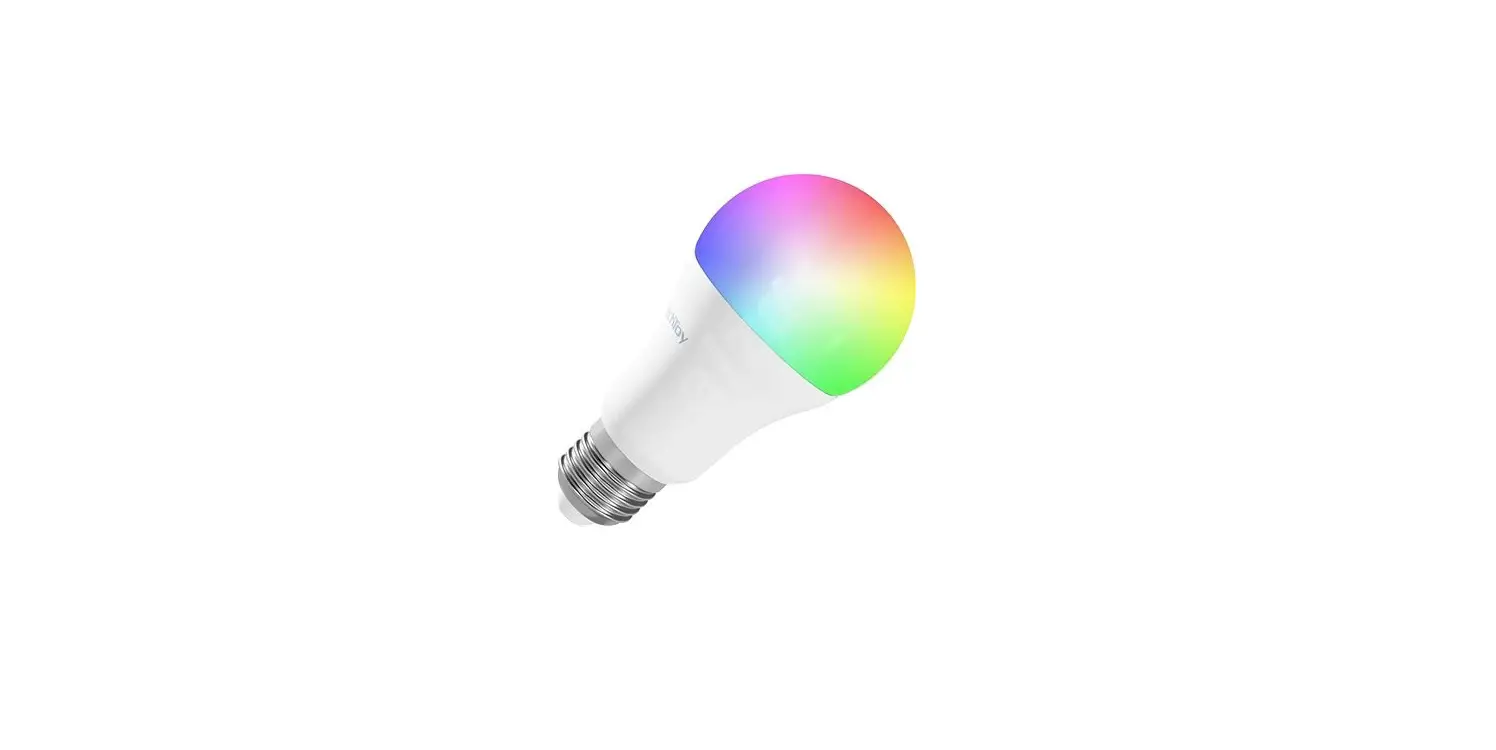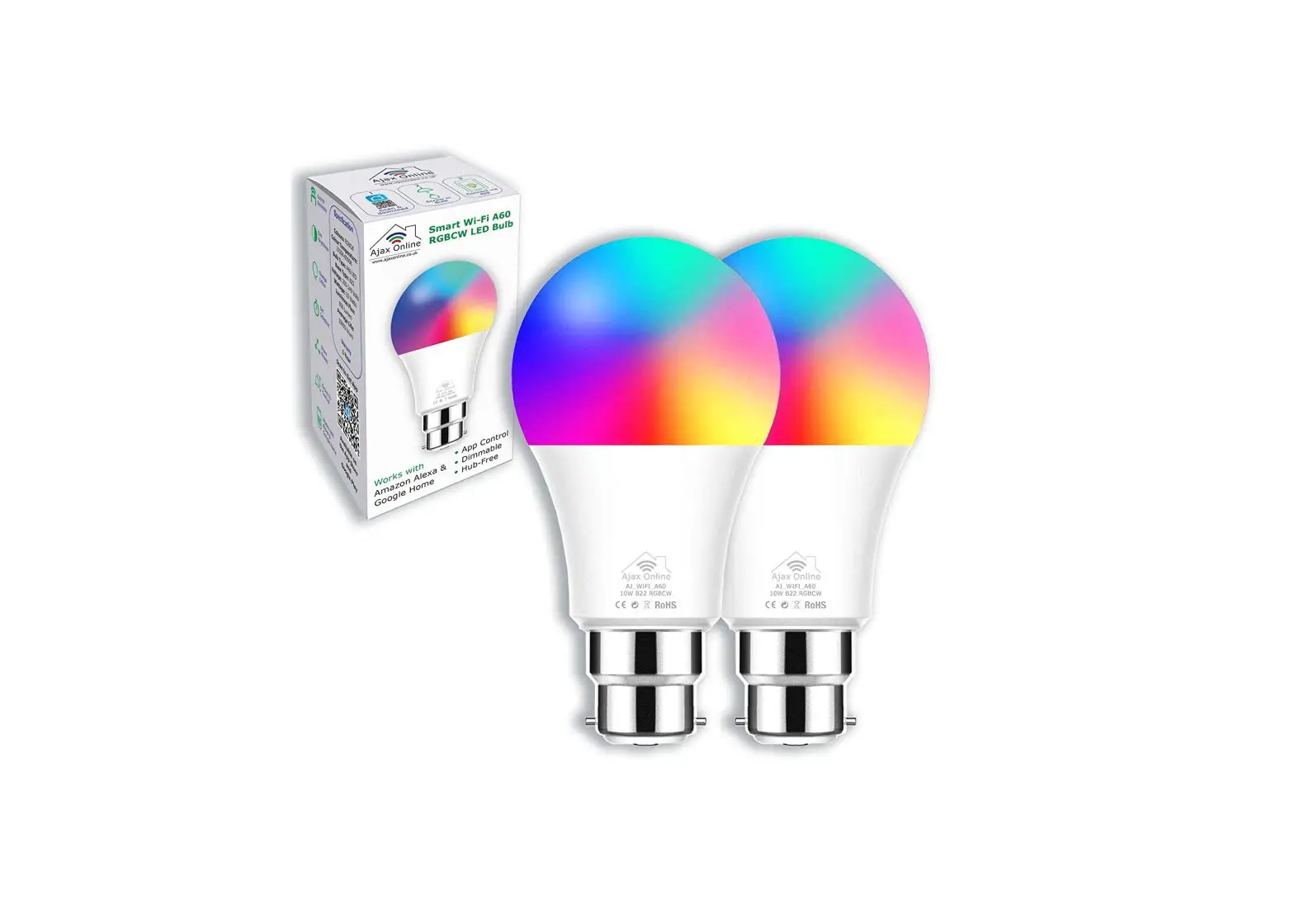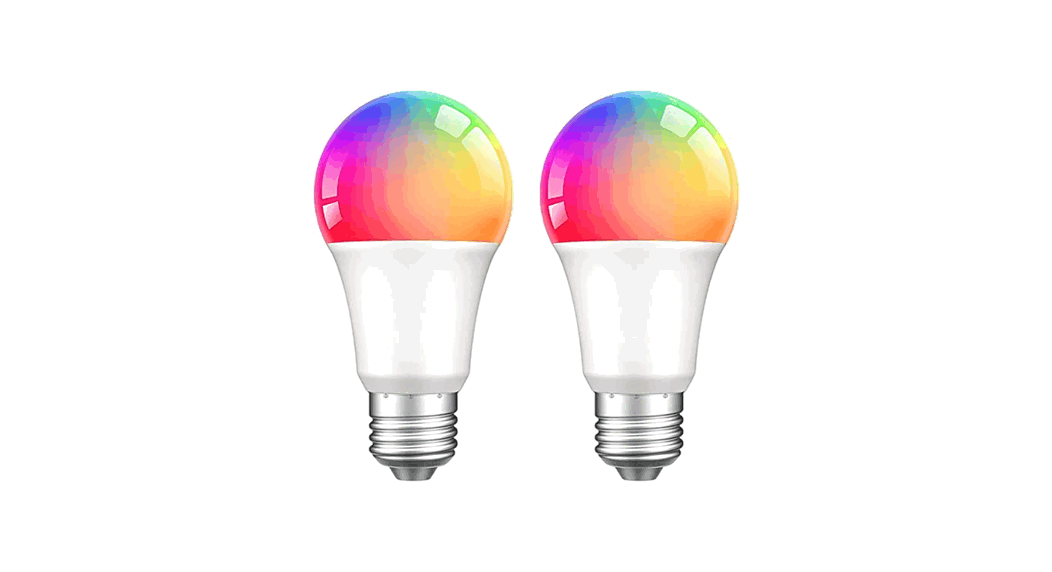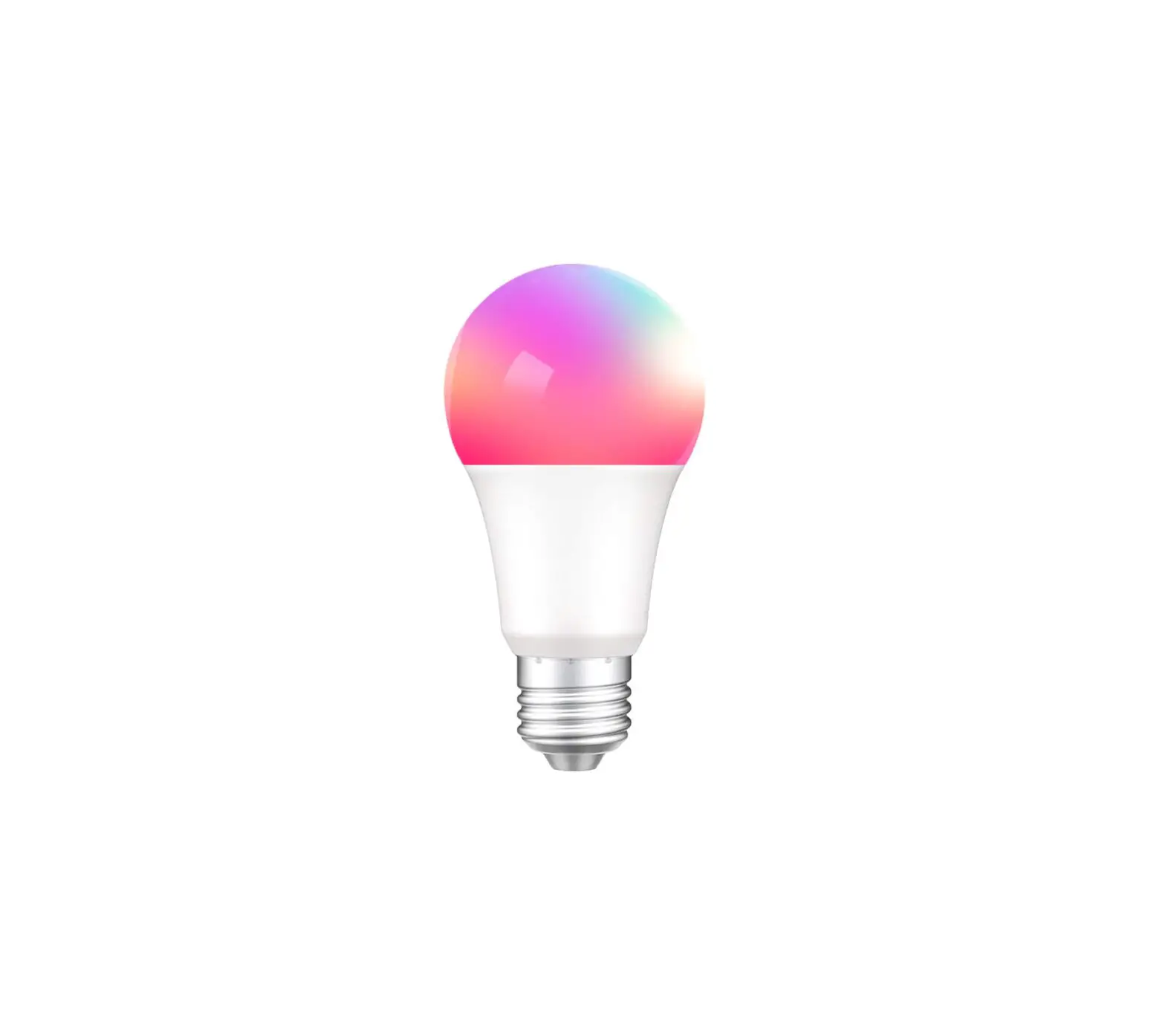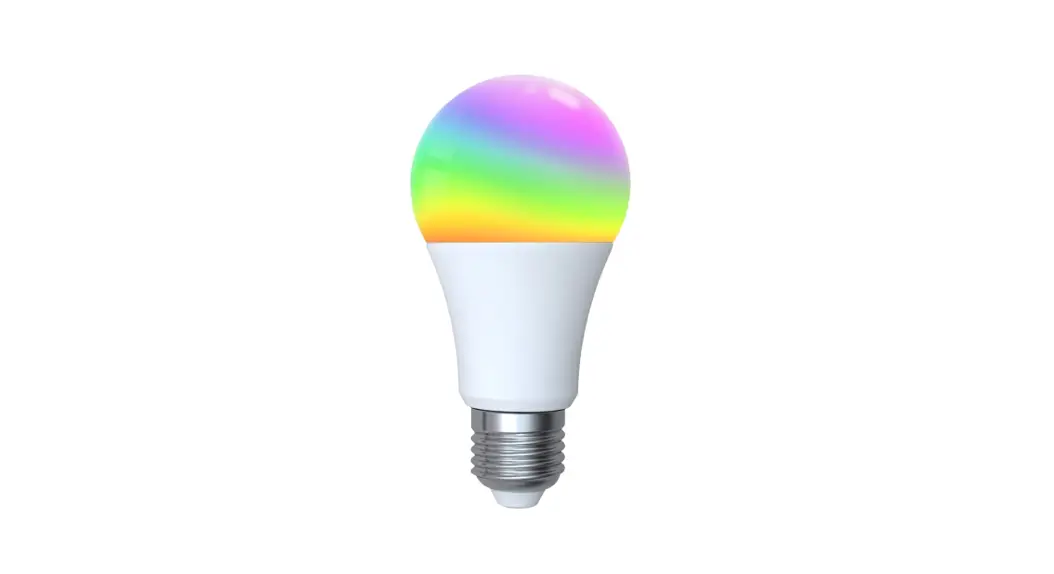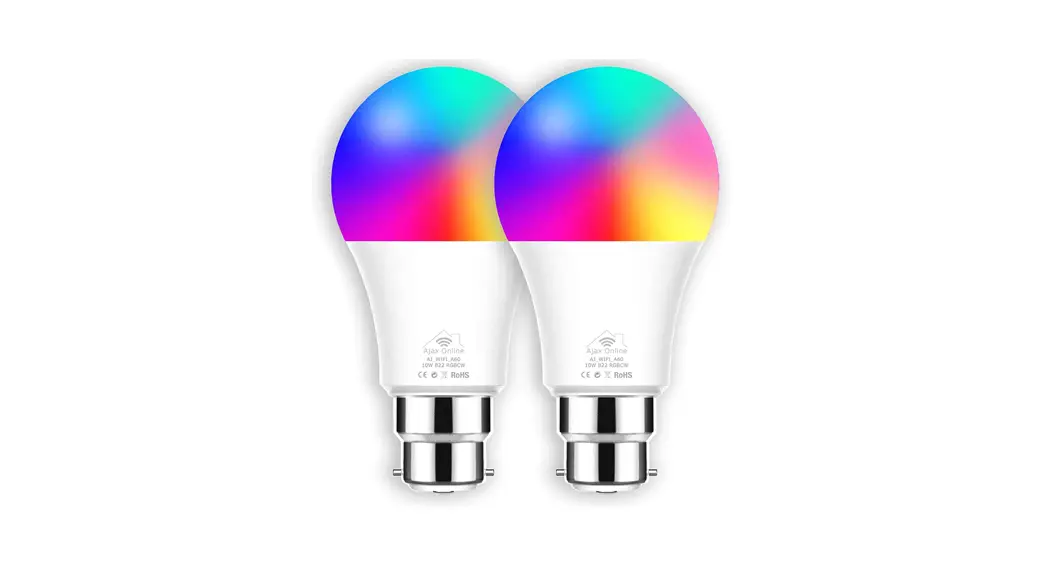
 Smart Zigbee Pro 12W A60 Bulb
Pairing Guides
(AJ_ZBPROA60)
Pairing with Philips Hue Bridge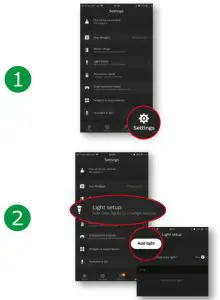
Pairing with Philips Hue Bridge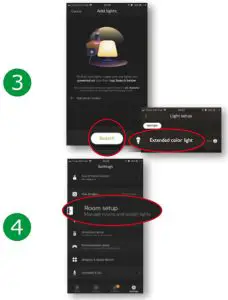
Pairing with Philips Hue Bridge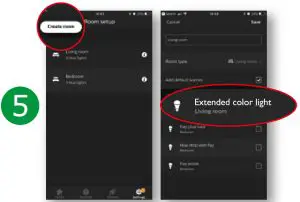
FACTORY RESET
If this fails, reset the bulb by switching it on & off (slowly) 5 times from the mains. The bulb will blink & glow softly.
Repeat 1-5.
Pairing with Samsung SmartThings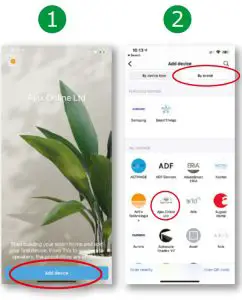
Pairing with Samsung SmartThings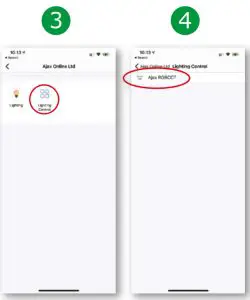
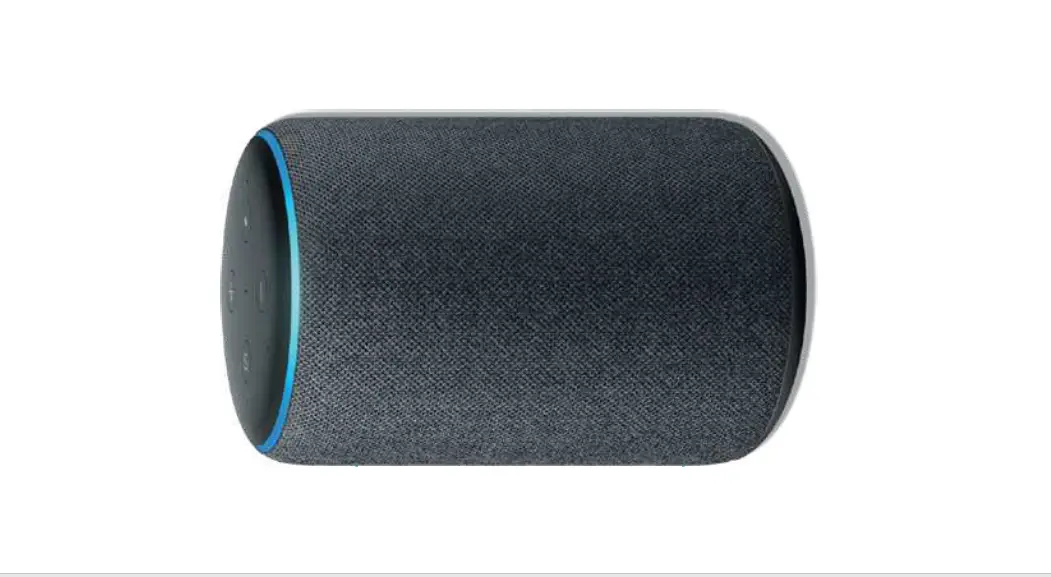
Pairing with Amazon Echo Plus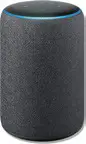
- Ask Alexa to “Discover devices”
- Now insert the bulb and turn it on.
- Although Alexa will say “No new smart home devices were discovered”
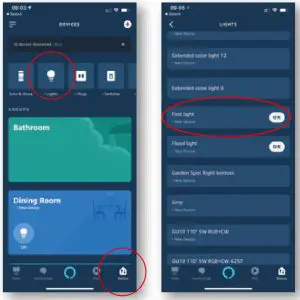
- In the Alexa app and select “Devices”, you will see your new device (first light, second light, third light, fourth light etc) under “Lights”.
Free Warranty
Acitvate your free warranty… Please do this at your earliest convenience. It takes a couple of minutes and you’ll have total peace of mind. If you have any issues, please do not hesitate in contacting us at [email protected]
REGISTER ONLINE
www.ajaxonline.co.uk/warranty
Home Automation Made Easy
For all the latest products, downloads and news please visit www.ajaxonline.co.uk to keep up do date with all things home automation.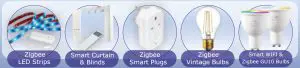
For further information, please contact us and we’ll be happy to assist you.
[email protected]
www.ajaxonline.co.uk