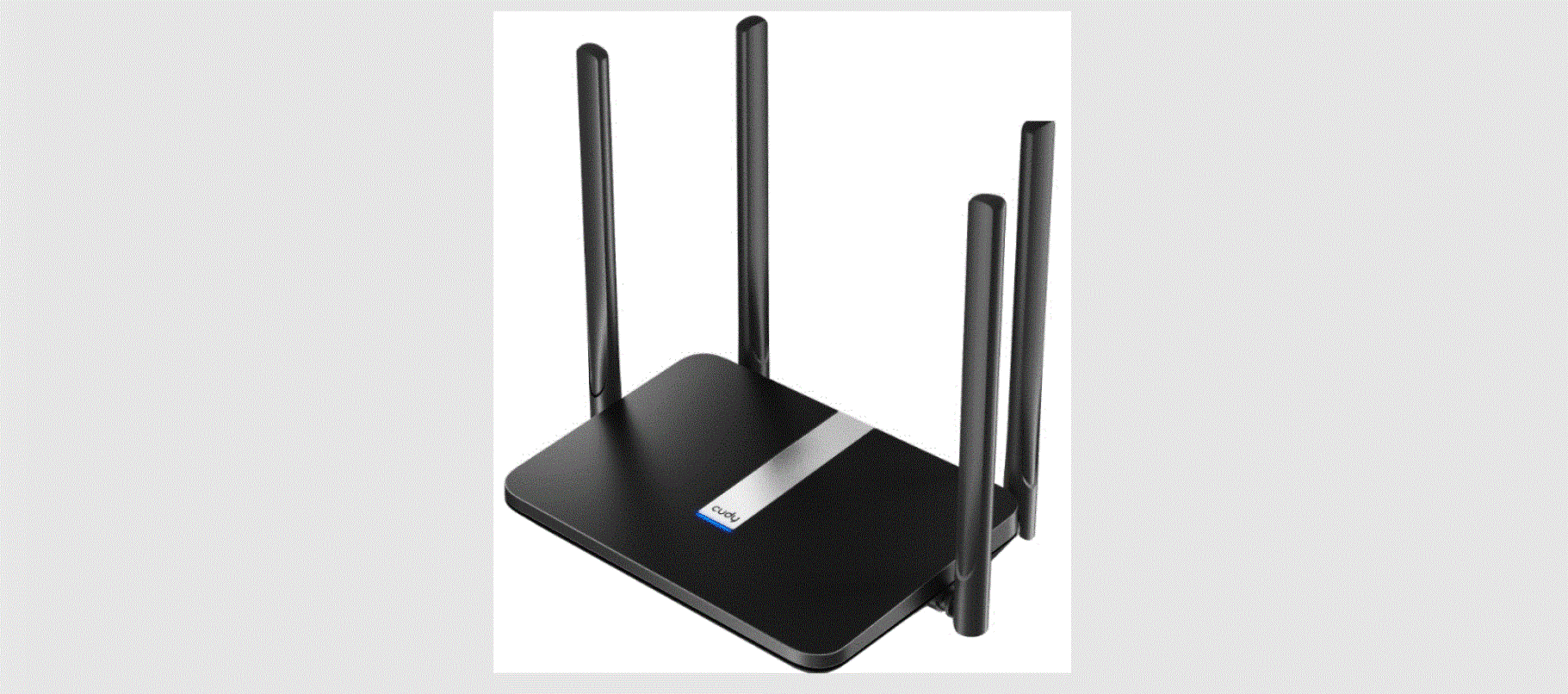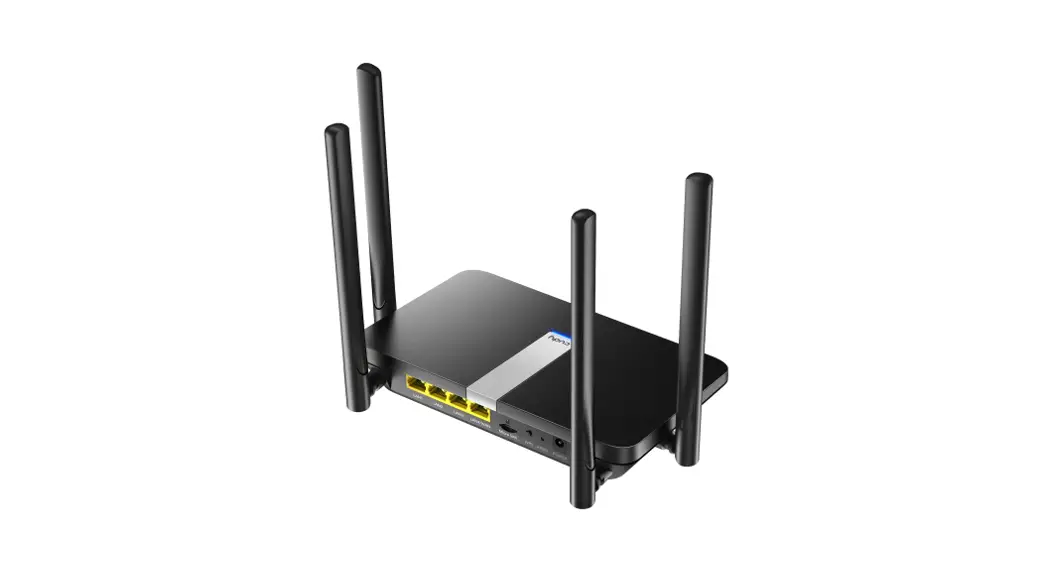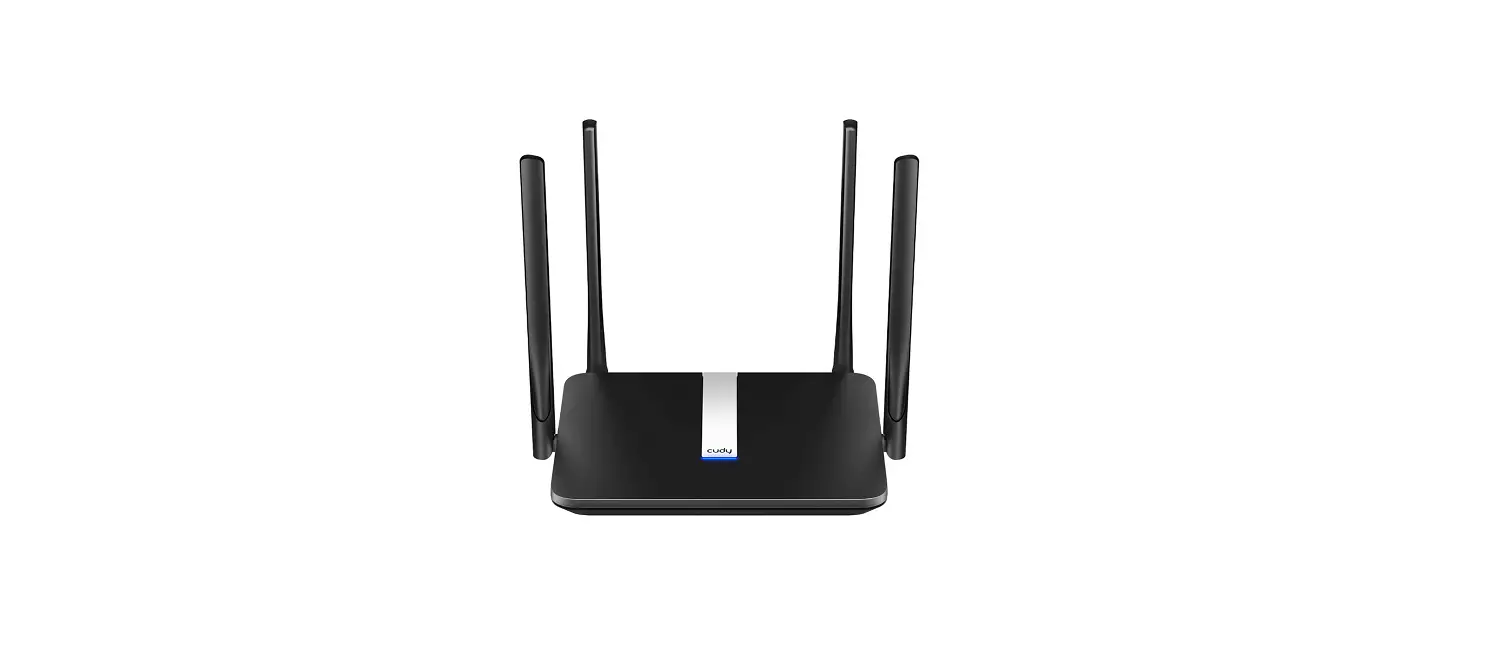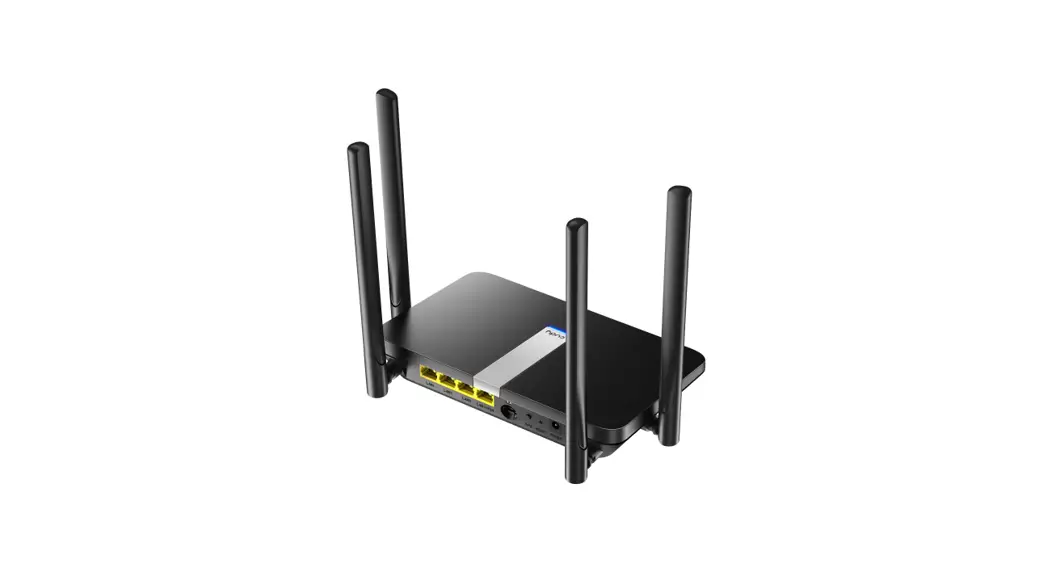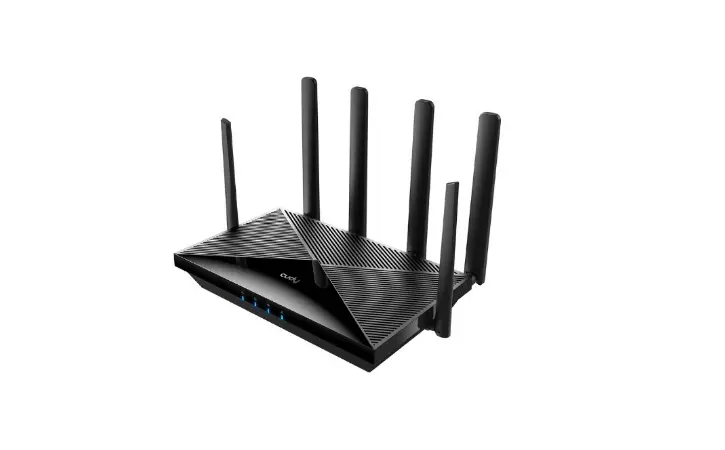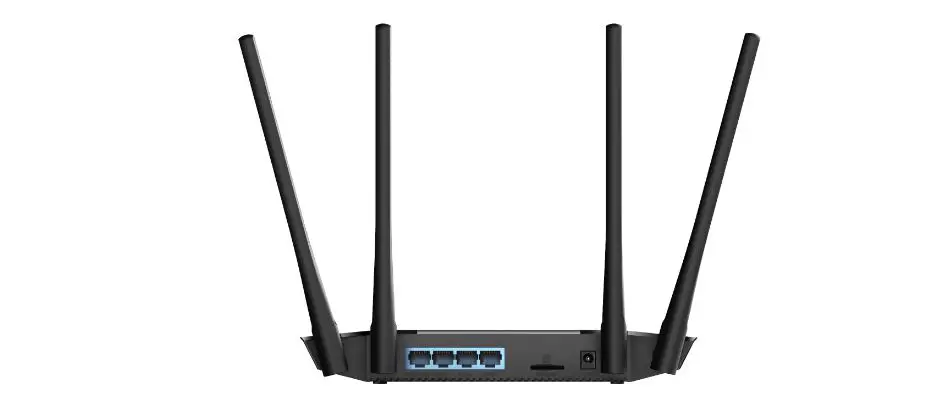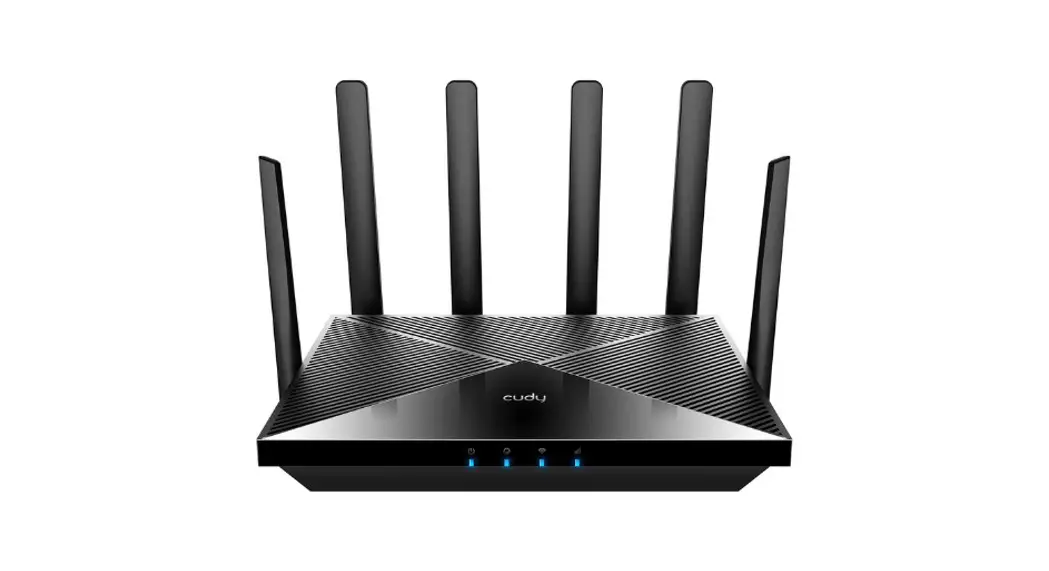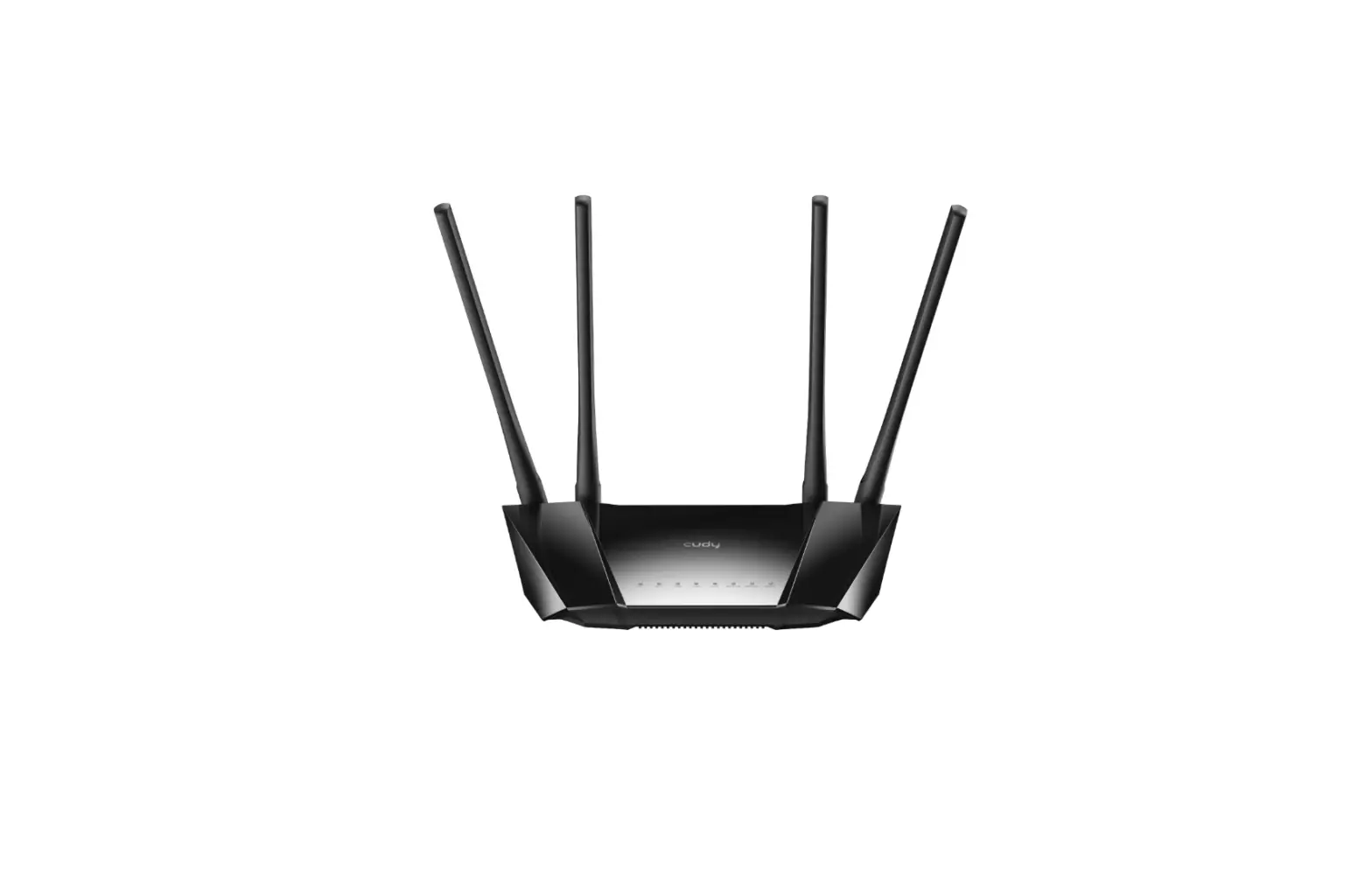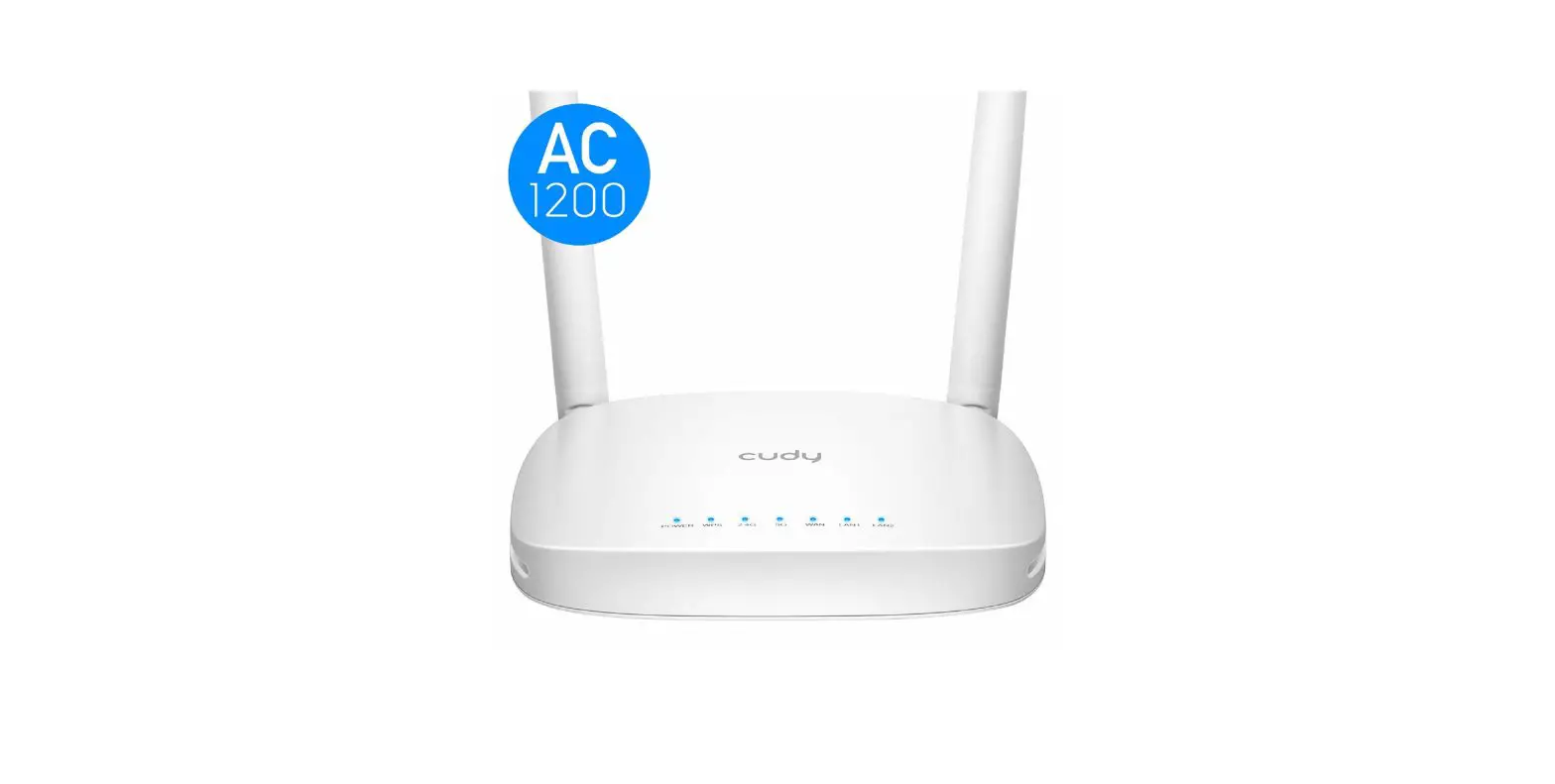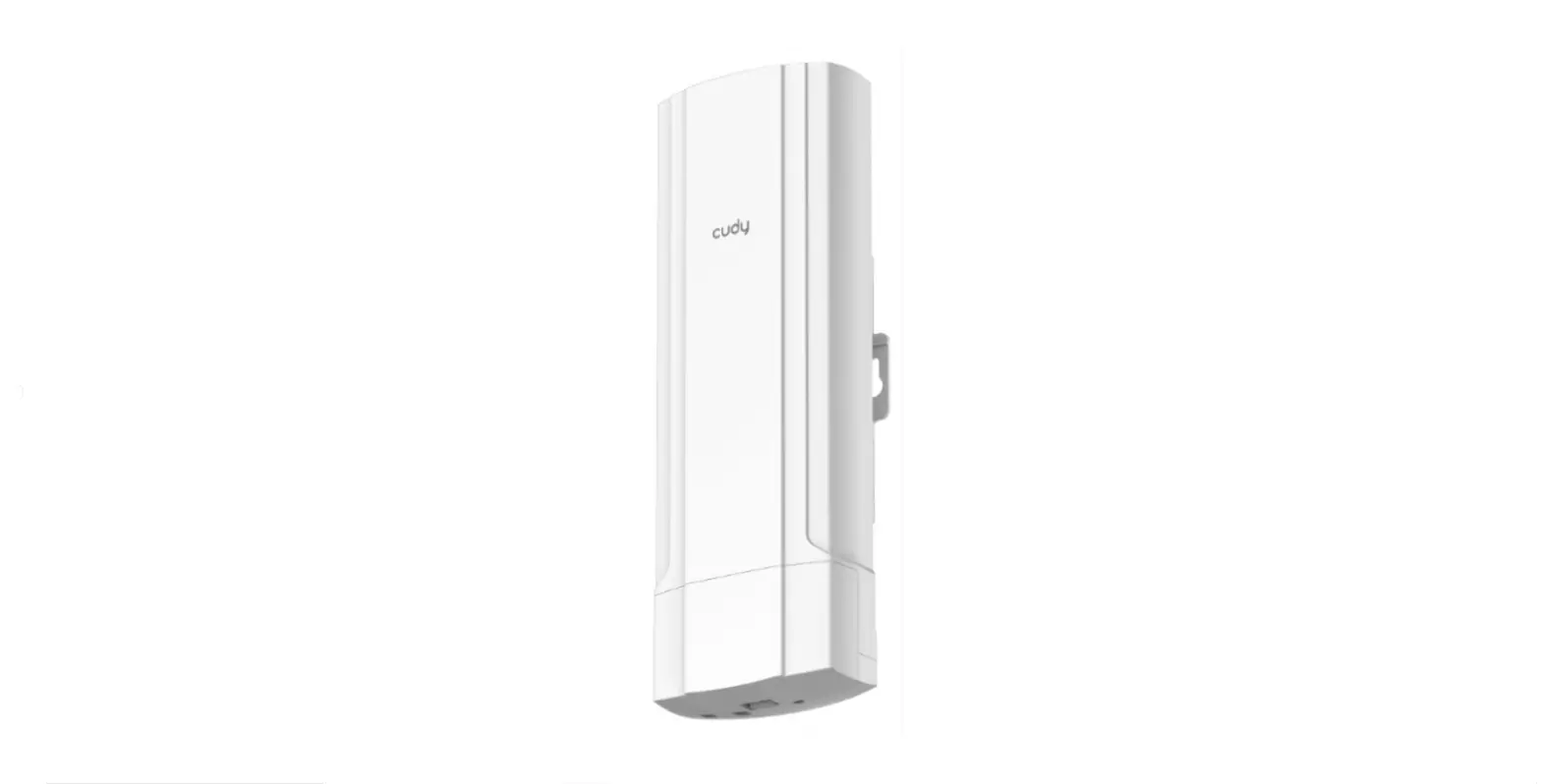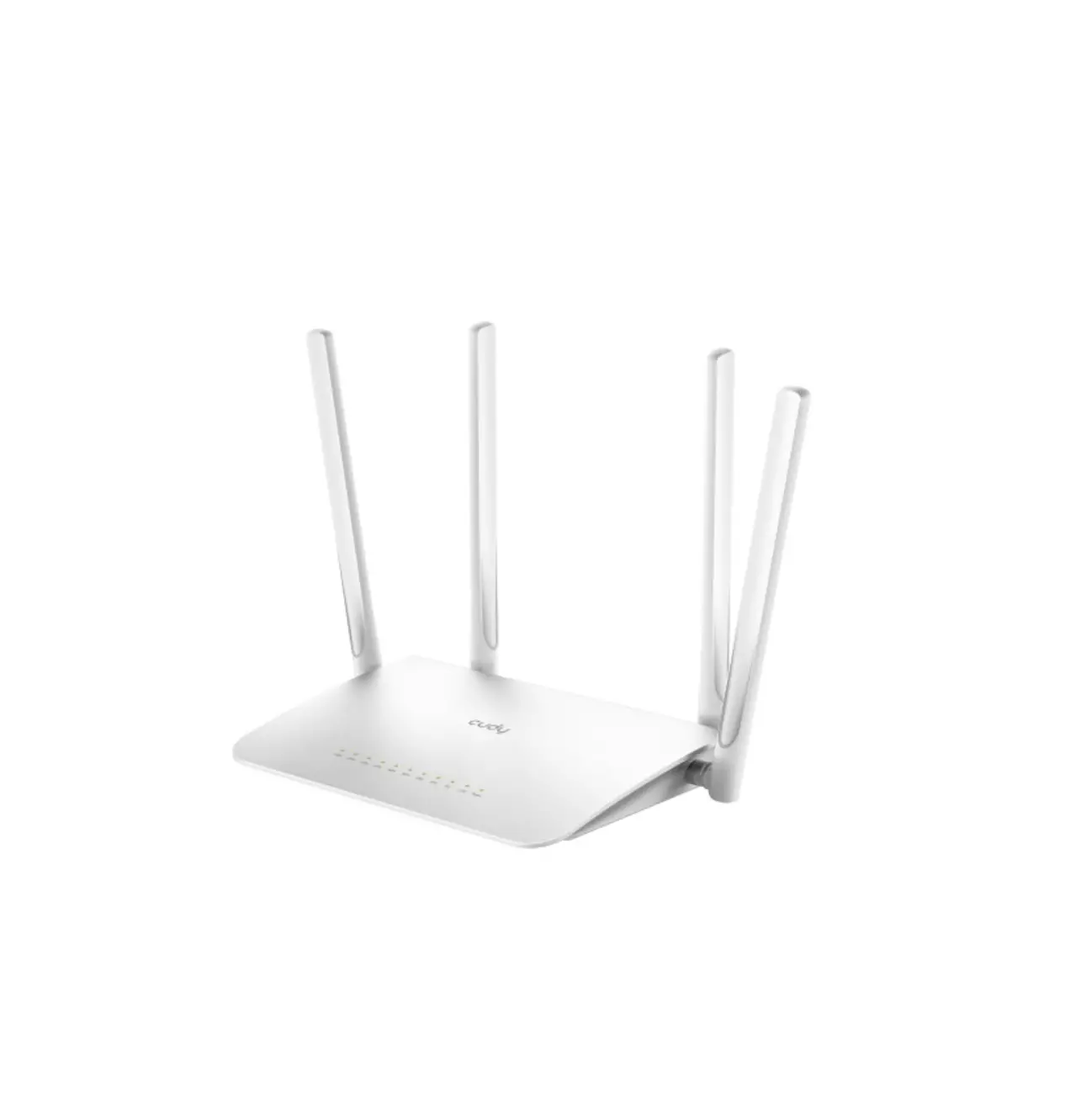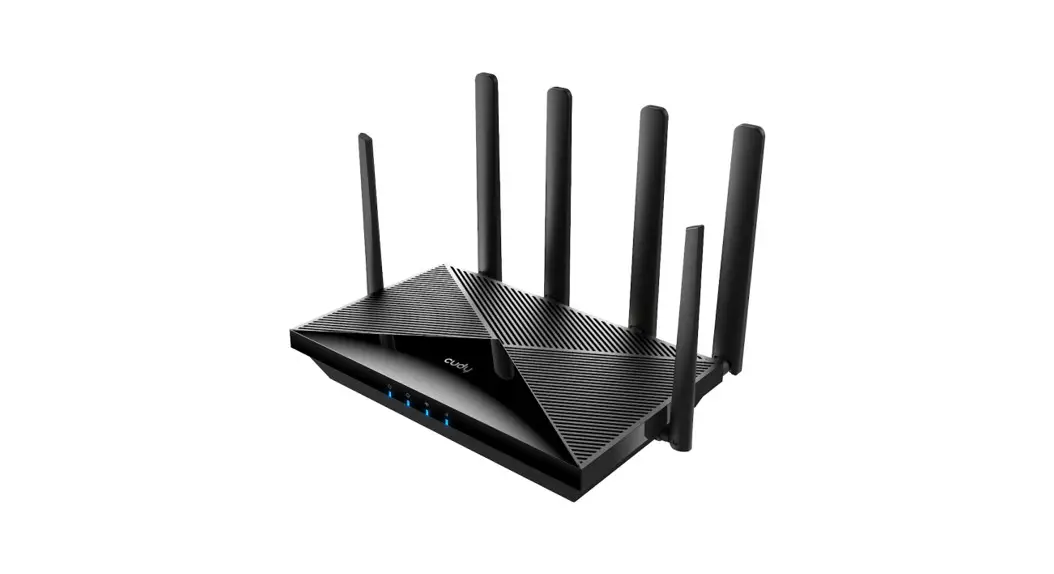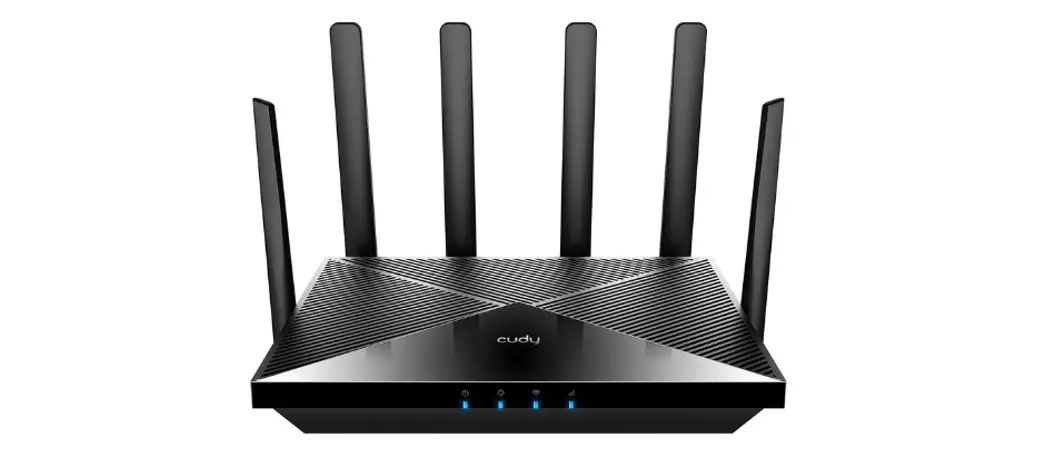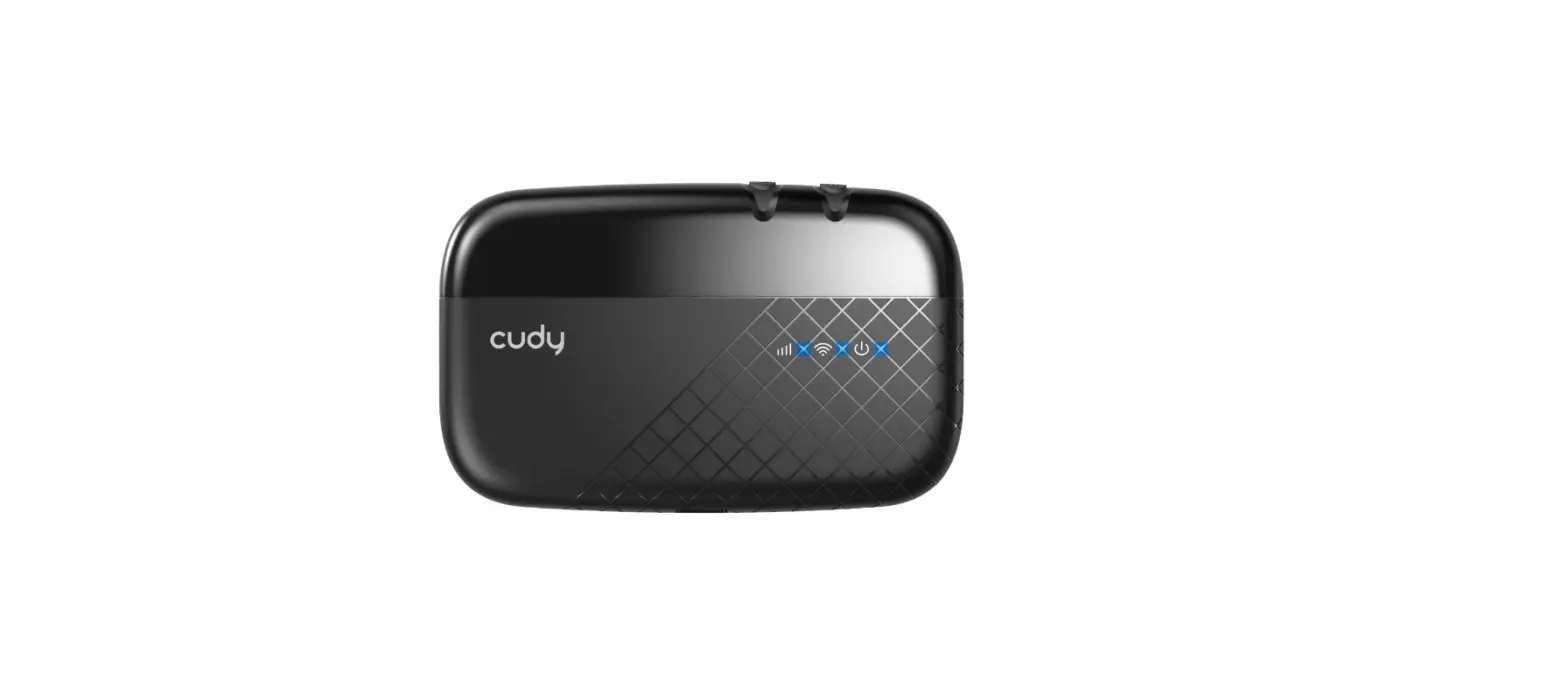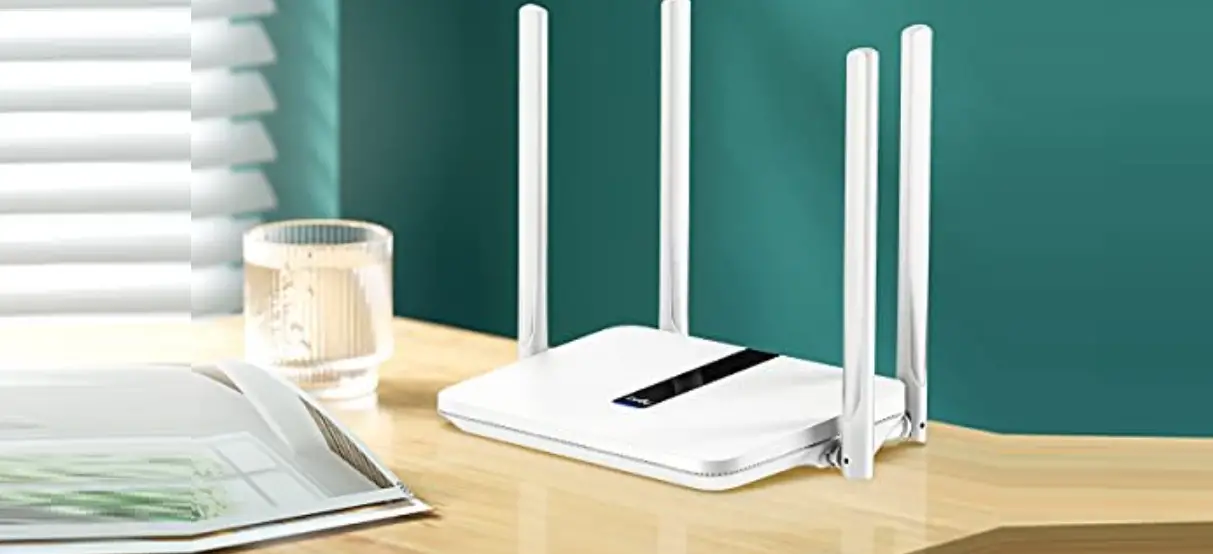

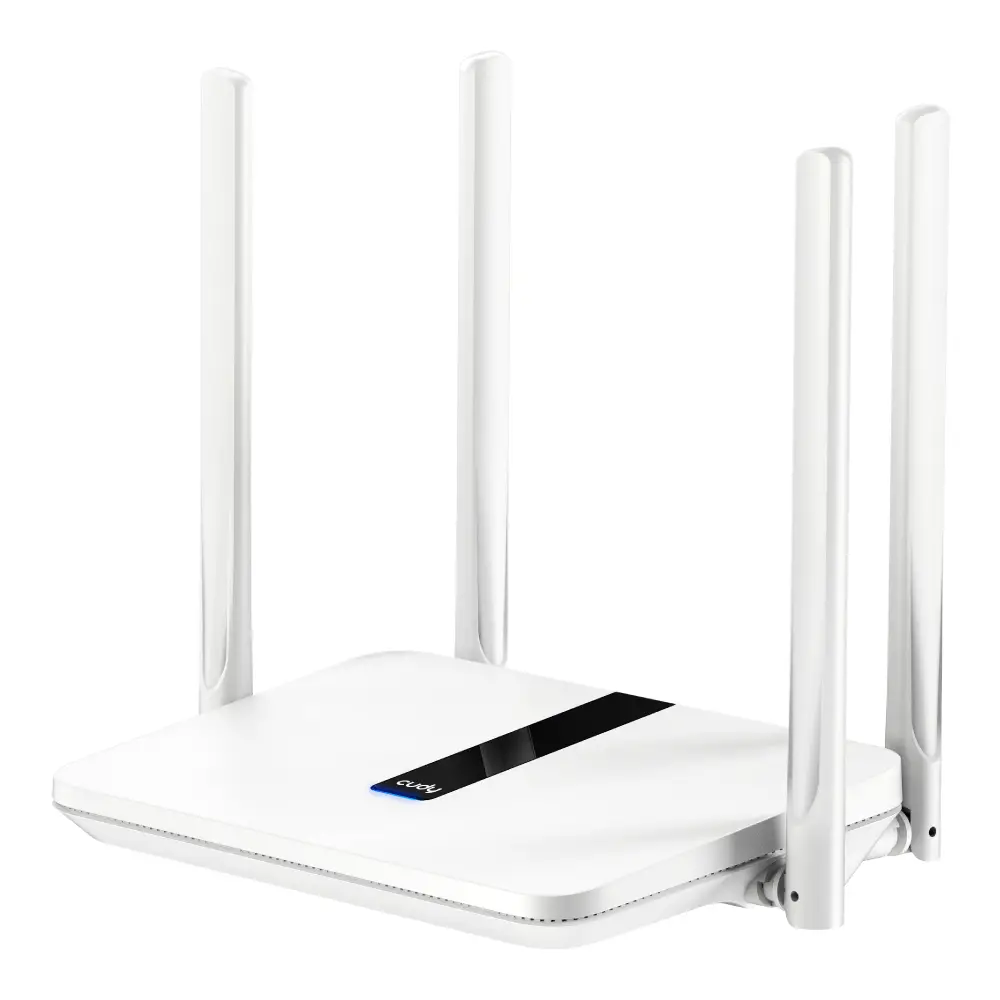
cudy LT450 4G LTE AC1200 Dual Band WiFi Router
Package Content
- 1 x 4G LTE Router
- 1 x Power Adapter
- 1 x Quick Installation Guide
- 1 x Ethernet Cable
- 1 x SIM Adapter
Quick Installation
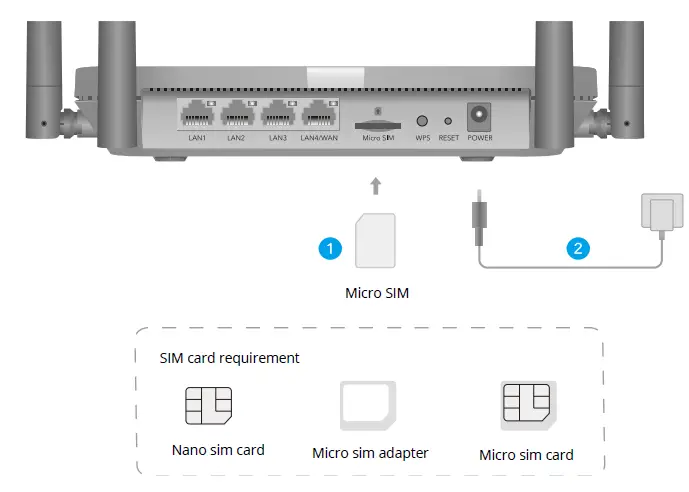
- Insert the Micro SIM card into the slot until you hear a click

- Connect power adapter and turn on the router. Waiting for 1 minutes for it to start.
- Check the status of the system LED.
If the system LED turns to solid blue, means connect to 4G network successfully. If the system LED turns to solid purple, means connect to 2/3G network.
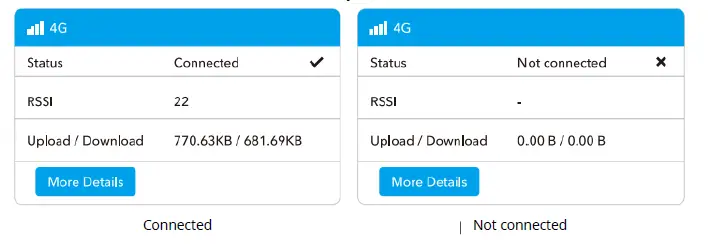
If the system LED turns to solid red, please follow the instructions of Customize the 4G Router. - Then please check 4G information card of the status page. If the status is connected, means connected to the internet successfully.

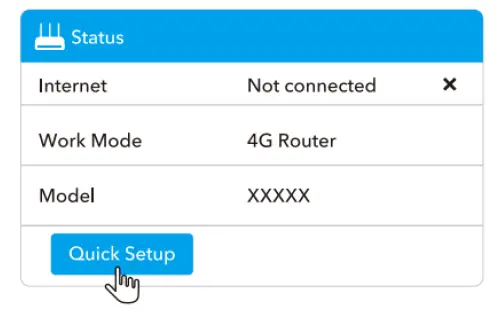
- If 4G is not connected, or if you want to customize the router yourself, click “Quick setup” and follow the step-by-step instructions to configure the router.

Note:
- If you are not sure about APN parameters, please contact your internet provider.
- If you meet any other problems, don’t hesitate to contact our technical support team: [email protected]
LED and Interface Explanation
| Red | Internet is not connected | ||
| Solid On | Blue | 4 G or WAN internet is connected | |
| System LED | Purple | 2/3 G is Connected | |
| Red | System is starting up | ||
| Flashing | Blue | WPS is in progress | |
| Red-Purple-Blue | Software Upgrading | ||
| Off | Power Adapter is not connected to the device | ||
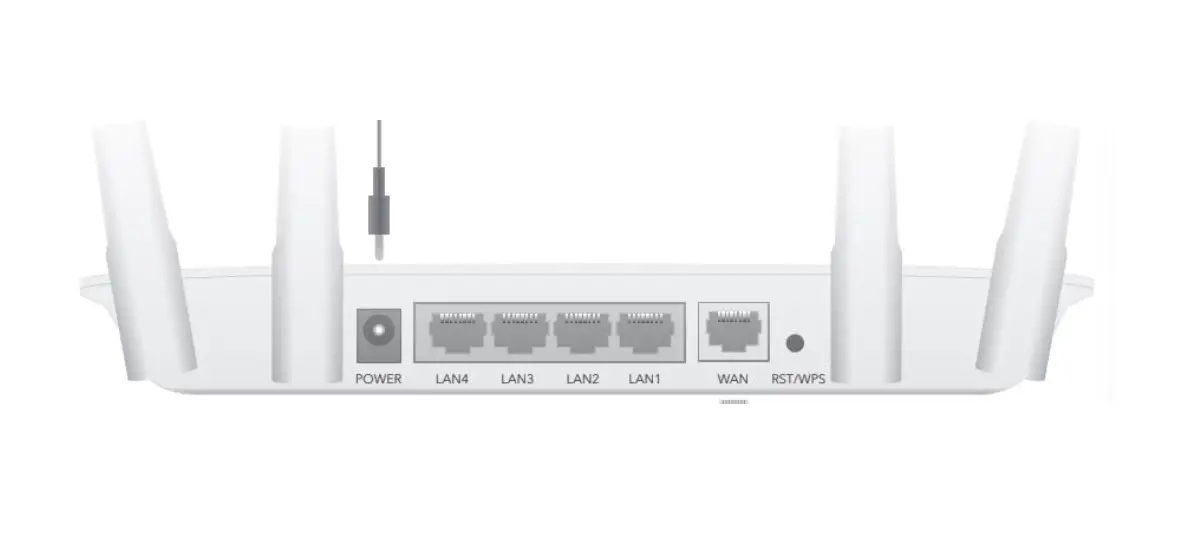
| Ethernet LED | ON | The corresponding ethernet port is connected | |
| OFF | The corresponding ethernet port is not connected | ||
| Button | WPS | Press and hold 1 second to enable the WPS function | |
| Reset | Press and hold this button for about 6 seconds to reset the router to its factory default settings. | ||
Need Help?
Q1. What should I do if I cannot access the web management page?
A1: If the computer is set to a static IP address, change its settings to obtain an IP address automatically.
A2: Make sure http://cudy.net/ or http://192.168.10.1/ Is correctly entered in the web browser.
A3: Use another web browser and try again.
A4: Reboot your router and try again.
A5 Disable and enable the active network adapter in use.
Q2. How do I restore the router to its factory default settings?
A1: With the router powered on, press, and hold the RESET button for 6 seconds before release. Wait the router resets.
A2: Log in to the web management page of the router, and go to Advanced Settings Reset, click Perform Reset and wait until reset process is complete.
Warranty Conditions
A new product purchased in the Alza.cz sales network is guaranteed for 2 years. If you need repair or other services during the warranty period, contact the product seller directly, you must provide the original proof of purchase with the date of purchase.
The following are considered to be a conflict with the warranty conditions, for which the claimed claim may not be recognized:
- Using the product for any purpose other than that for which the product is intended or failing to follow the instructions for maintenance, operation, and service of the product.
- Damage to the product by a natural disaster, the intervention of an unauthorized person or mechanically through the fault of the buyer (e.g., during transport, cleaning by inappropriate means, etc.).
- Natural wear and aging of consumables or components during use (such as batteries, etc.).
- Exposure to adverse external influences, such as sunlight and other radiation or electromagnetic fields, fluid intrusion, object intrusion, mains overvoltage, electrostatic discharge voltage (including lightning), faulty supply or input voltage and inappropriate polarity of this voltage, chemical processes such as used power supplies, etc.
- If anyone has made modifications, modifications, alterations to the design or adaptation to change or extend the functions of the product compared to the purchased design or use of non-original components.
EU Declaration of Conformity
Identification data of the manufacturer’s / importer’s authorized representative: Importer: Alza.cz a.s.
Registered office: 1522/53, , 170 00 Prague 7
CIN: 27082440
Subject of the declaration:
- Title: 4G Router
- Model / Type: Cudy-LT450
The above product has been tested in accordance with the standard(s) used to demonstrate compliance with the essential requirements laid down in the Directive(s):
- Directive No. 2014/53/EU
- Directive No. 2009/125/EC
- Directive No. 2011/65/EU as amended 2015/863/EU
Prague
WEEE
This product must not be disposed of as normal household waste in accordance with the EU Directive on Waste Electrical and Electronic Equipment (WEEE – 2012/19 / EU). Instead, it shall be returned to the place of purchase or handed over to a public collection point for the recyclable waste. By ensuring this product is disposed of correctly, you will help prevent potential negative consequences for the environment and human health, which could otherwise be caused by inappropriate waste handling of this product. Contact your local authority or the nearest collection point for further details. Improper disposal of this type of waste may result in fines in accordance with national regulations.
 Alza.sk – rýchly a pohodlný nákup odkiaľkoľvek | alza.sk
 alza.at
 alza.co.uk
 alza.de
 alza.hu
 alza.sk