ZMUIPNG ZM1801 USB C Hub Adapter
Product Introduction
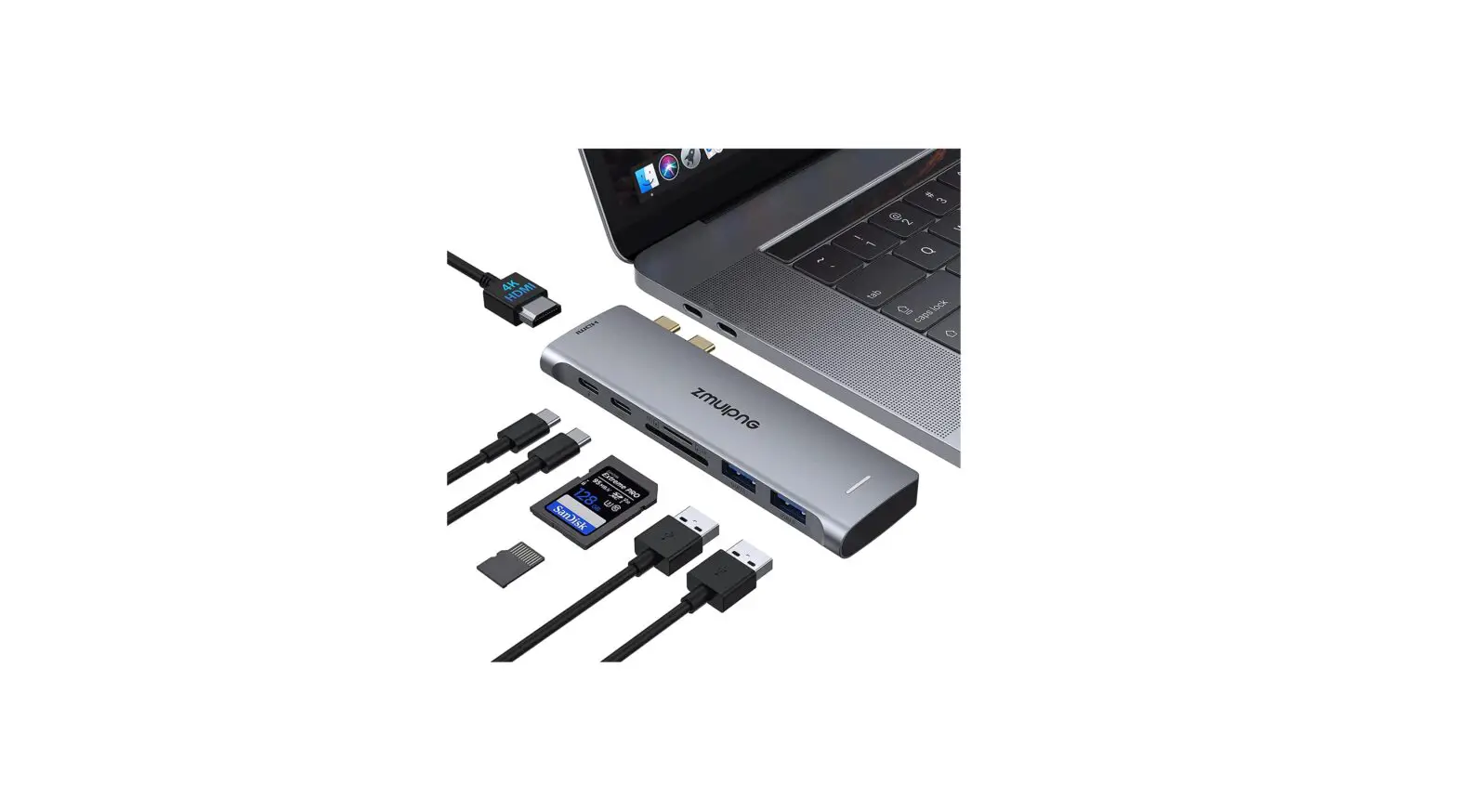
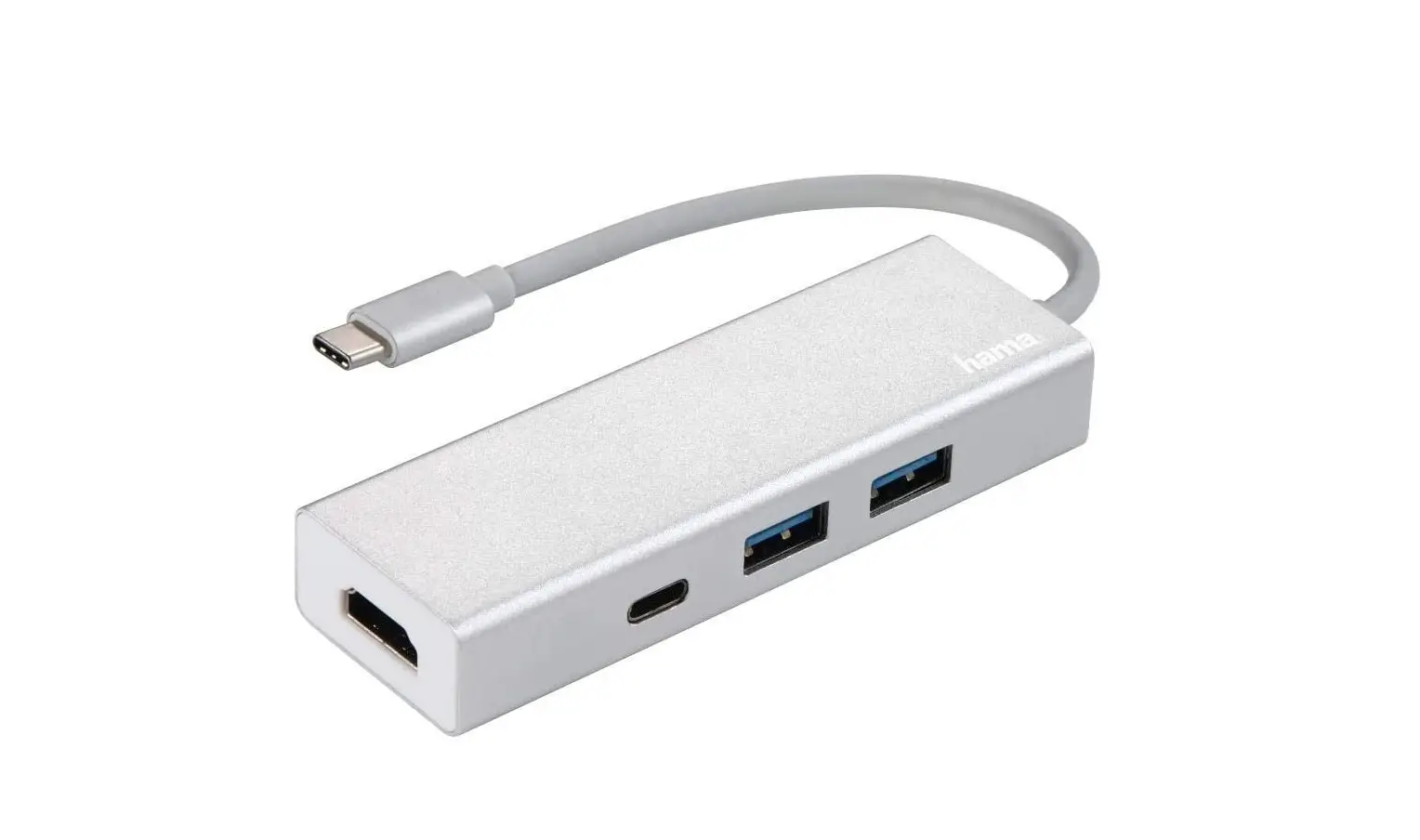
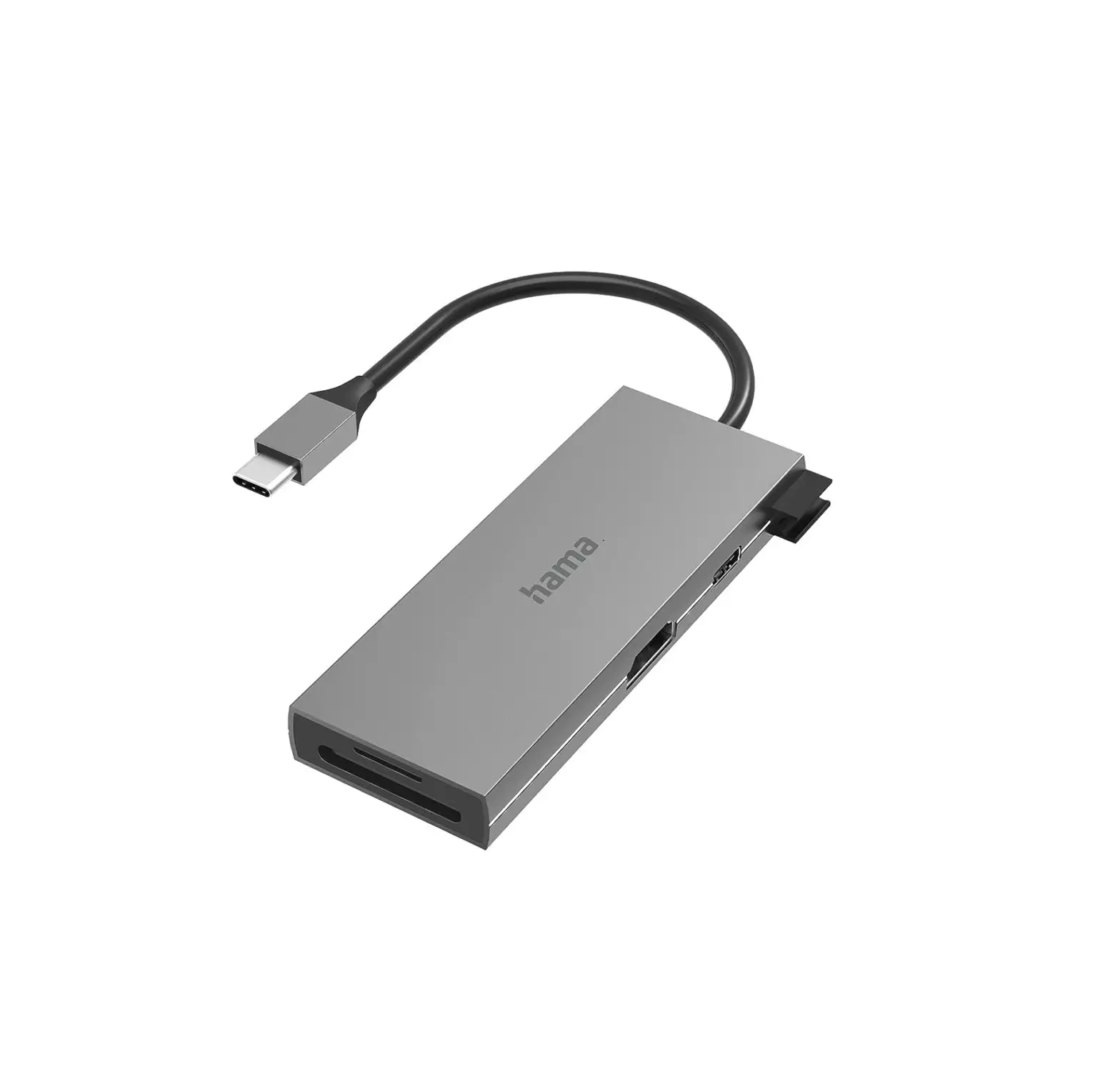
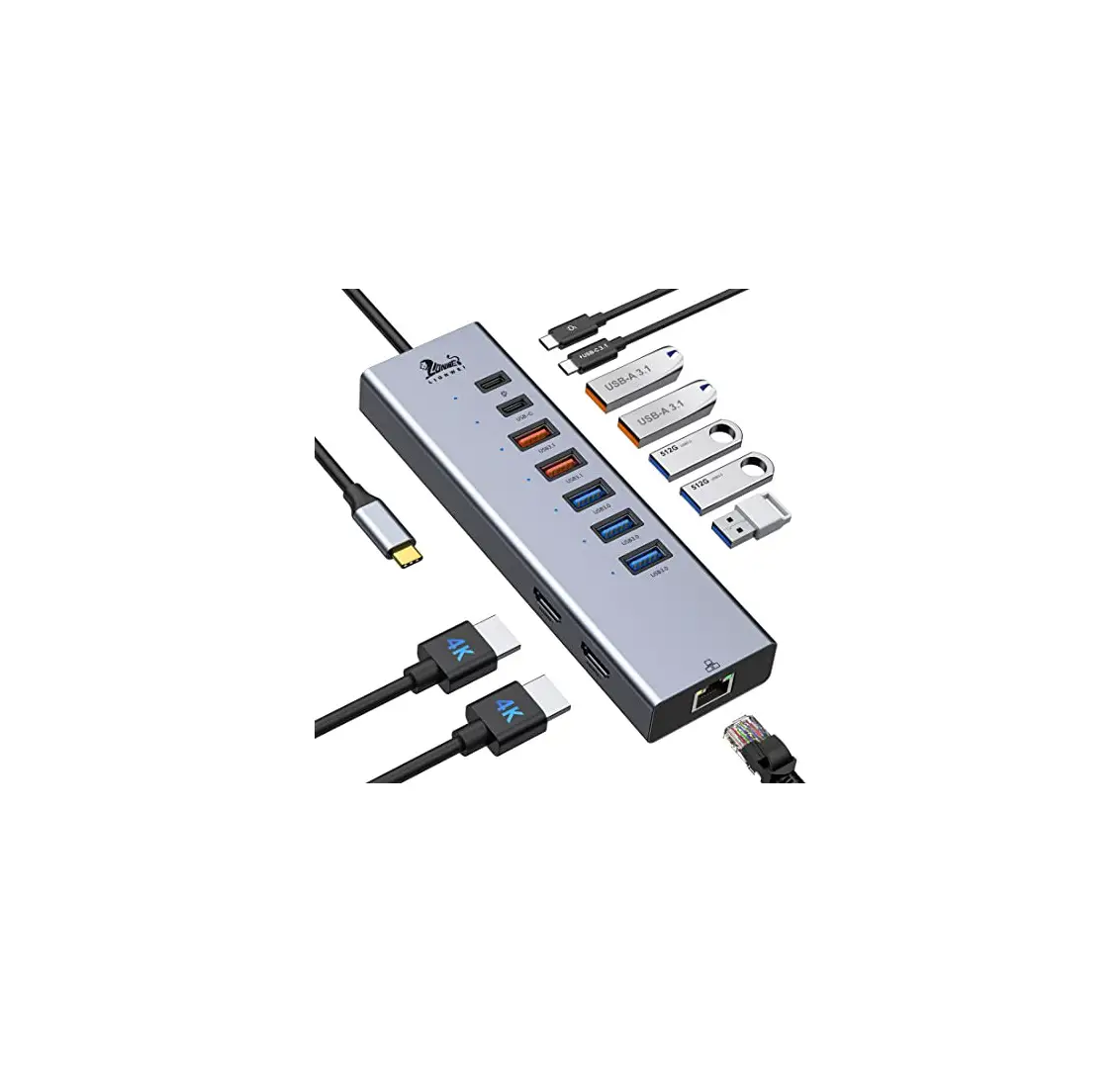
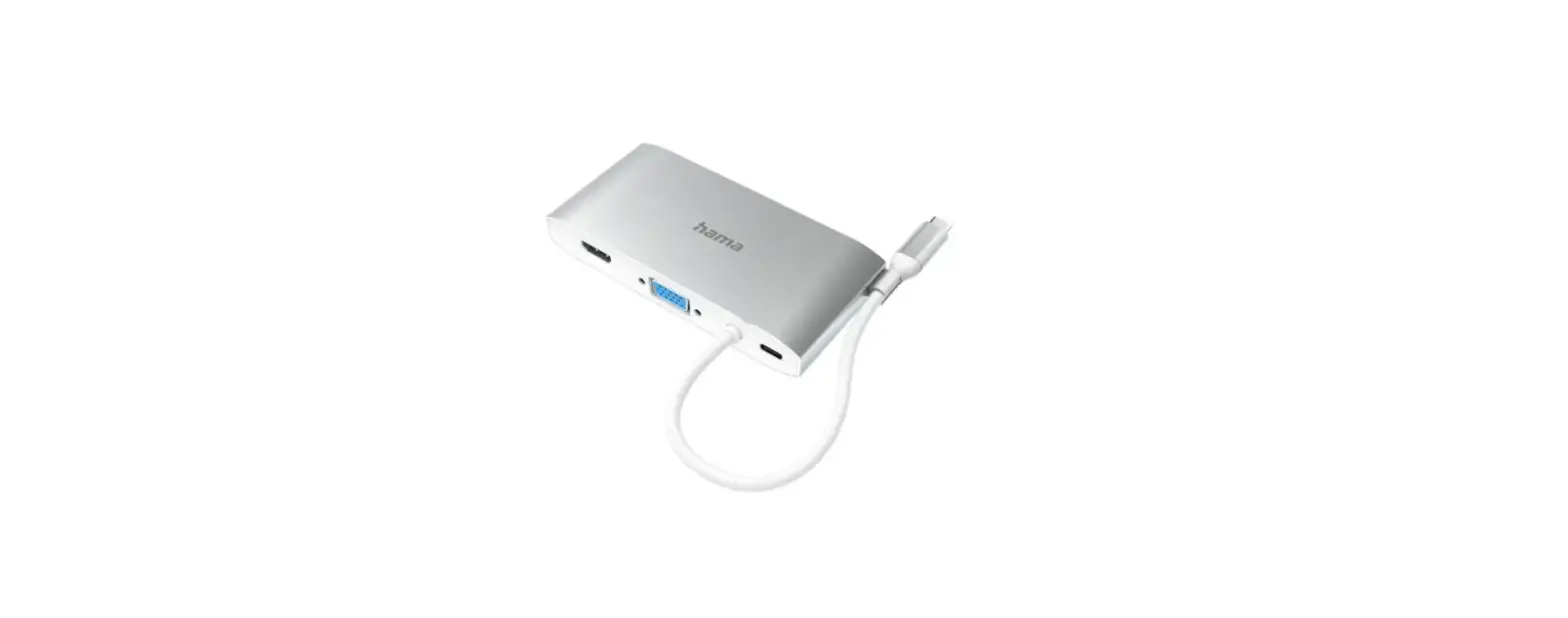
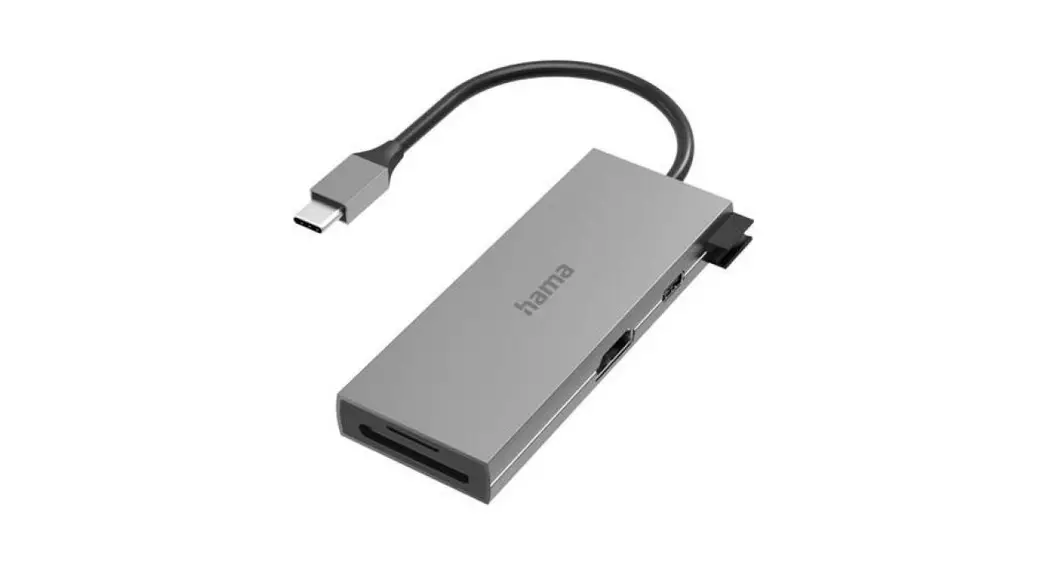
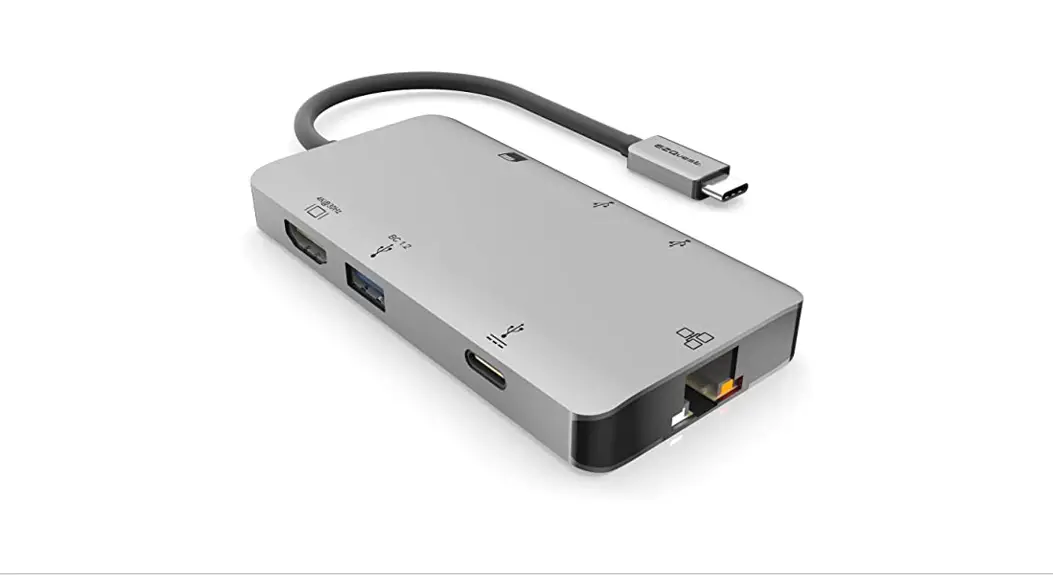
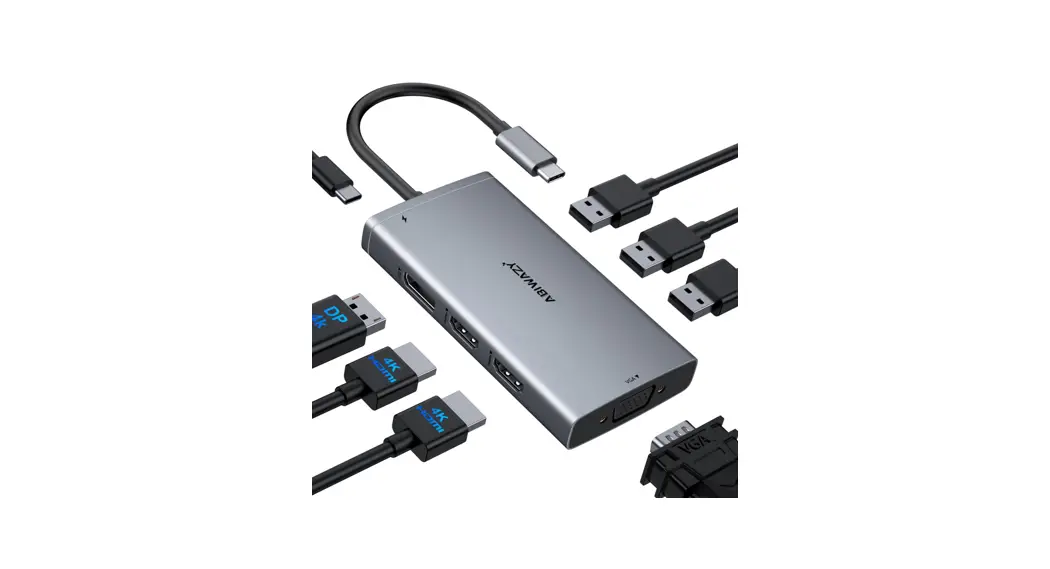
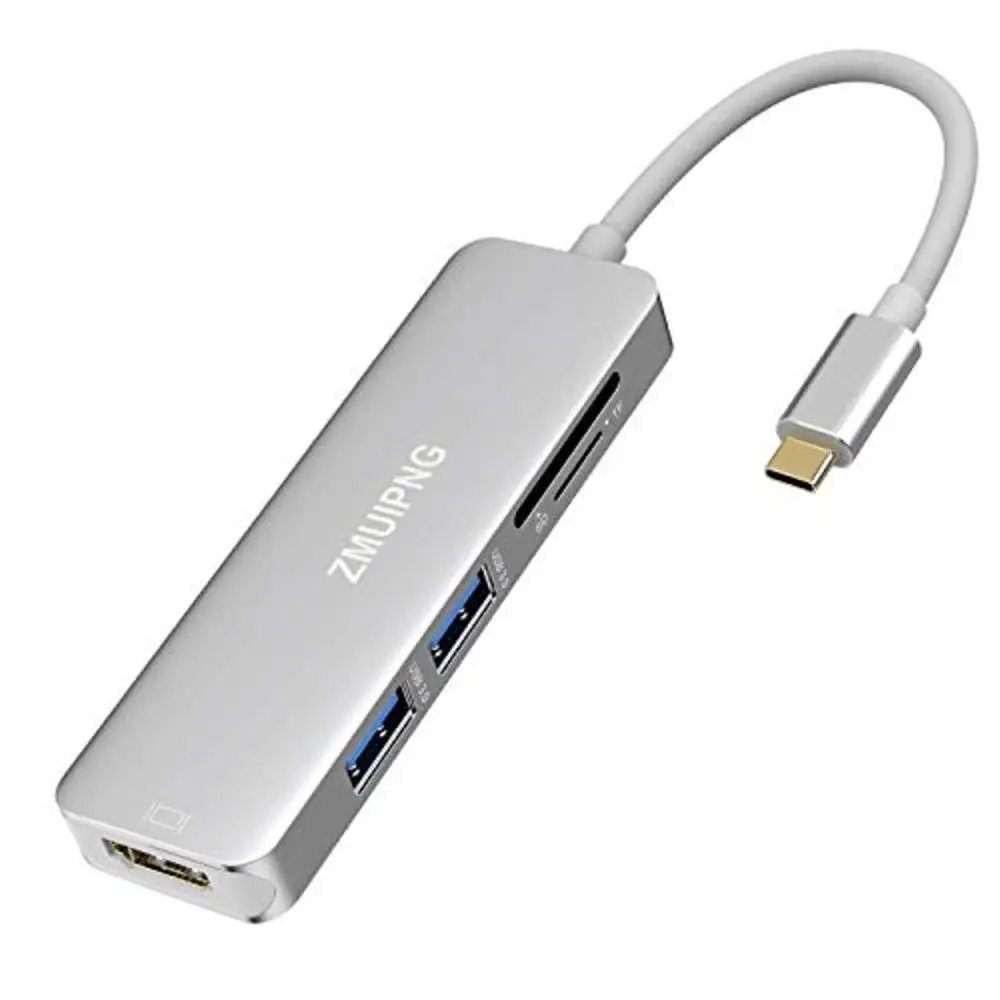
ZM1801 is a metallic multifunctional Type-C hub, which can extend the Type-C port on your laptop. More ports can be extended including HDMI, USB-A, and SD & microSD.
Product Schematic
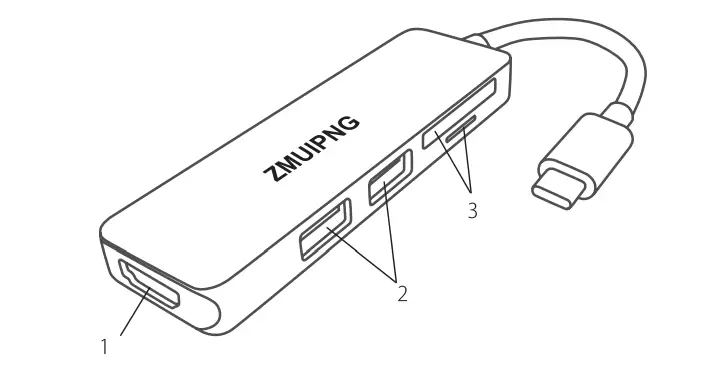
- HDMI Port
- USB-A Port
- SDµSD Port
Package Information
- ZM1801
- Instruction Manual
Features
- Upstream
USB 3.1 Type-C Genl (The plug fits the right side and upside down) - Downstream
HDMI 4 Supports resolutions up to 3840×2160@30Hz(4K@30Hz). - USB-A
USB 3.0 SGbps bandwidth, UASP high-speed transmission supported. - SD & microSD
Support Secure Digital TM v1 .0/ vl.1/ v2.0/ SDHC/ SDXC (Capacity up to 2TB), Support Secure Digital TM v3.01 UHS-1 (Ultra High Speed) including SDRl 2/ SDR25/ SDRSO/ DORSO/ SDR104. - MacBook Air 6 IN 1 USB C Dongle Adapter
By extending one USB C port from your Thunderbolt 3/Type C devices to 4K@30hz HDMI, SD/Micro SD Card reader, and 3 x USB 3.0 ports without installing any additional hardware, ZMUIPNG Mac Adapter may easily meet your daily needs. Please be aware that Apple Super Drive is not supported by this product. - MacBook Pro 4K HDMI Adapter
This USB C to HDMI Multiport Adapter can directly stream 4K UHD or Full HD 1080p video to an HDTV and has a maximum resolution of HDMI 4K@(3840x2160P)30Hz. It can also mirror or extend your screen via the HDMI port. - 3 Ports Super Speed USB 3.0
This USB-C Macbook Air Dongle features three super-fast USB 3.0 ports that can transport data at speeds of up to 5Gbps and support USB hard drives, keyboards, and mice. - SD Card Reader via USB Type C
With a data transmission speed of up to 104Mb/s, the ZMUIPNG macbook pro dongle is the perfect card reader for photographers and designers. You can transfer large photographs or hundreds of photos in only a few seconds. Also, this Mac Converter allows sd and tf to cooperate.
Parameters
- Model Number ZM1801
- Size 97x29x10mm
- Weight 50g
- Color Silver
- Length of use Cable 15cm
- Certification CE, FCC
FAQs
Please make sure that there is an audio output function on the monitor. Please set the external monitor as the default audio output device.
The USB port is powered by an upstream device. The power supply depends on the USB port of the upstream device. Please do not connect two or more high-consuming devices simultaneously.
Please connect the USB-C port of ZM1801 to the Type-C port of your laptop.
Please make sure that there is an audio output function on the monitor.
The USB port is powered by an upstream device. The power supply depends on the USB port of the upstream device. Please do not connect two or more high-consuming devices simultaneously.
Please check if your laptop has a Type-C interface before purchasing ZM1801.
The most advanced USB-C docking stations have newer ports with technologies, like Thunderbolt 3, that support faster charging and faster data transfer.
If you’re building a Type-C peripheral device that does not use alternate modes, you do not need to write a new USB client driver as long as you can use one of the inbox USB device class drivers from Microsoft.
In other words, a USB-C port on a computer equipped with Thunderbolt 3 can push data speeds to a theoretical limit of 40Gbps. Those increased data transfer speeds make it possible to push video over the same connection.
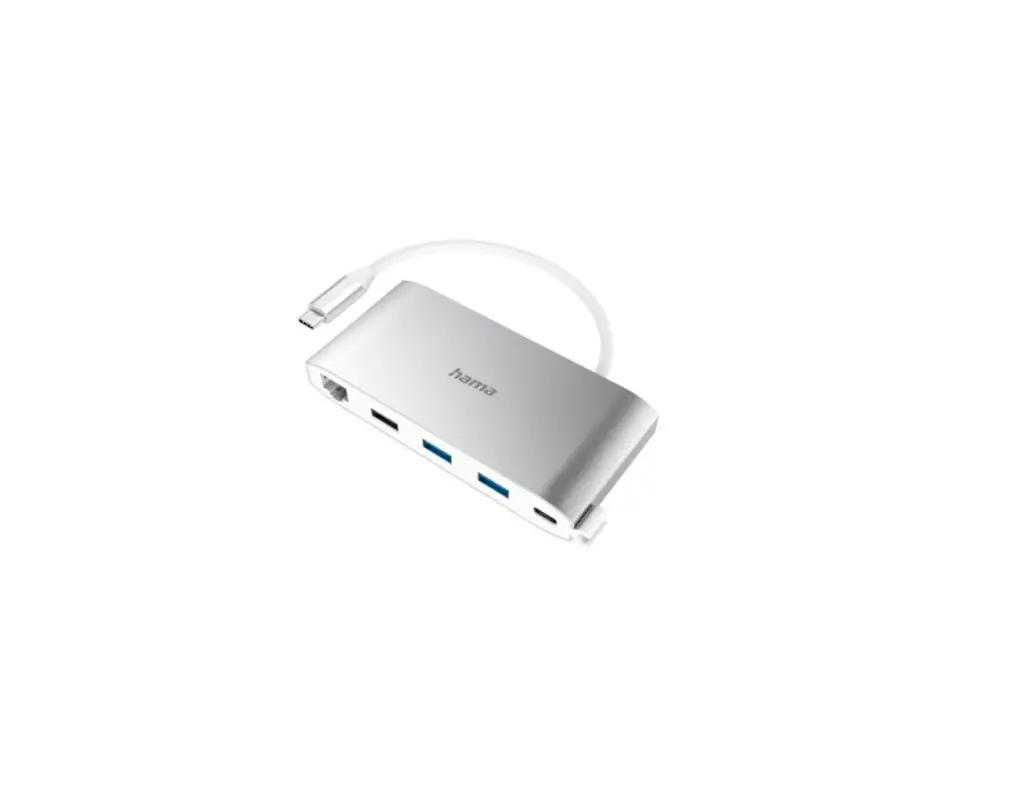
In terms of available ports, they come with everything a USB-C hub has and more. This includes connections for external monitors, Thunderbolt 4 ports, and Ethernet ports, among others. They are also powered via a power outlet allowing for all connected devices to be powered directly from the docking station.
Yes. Just like in standard DisplayPort connectors and cables, DisplayPort over USB-C can take advantage of the four high-speed data lanes in the USB Type-C connector and cable to provide 4K display resolutions and beyond on supported products.
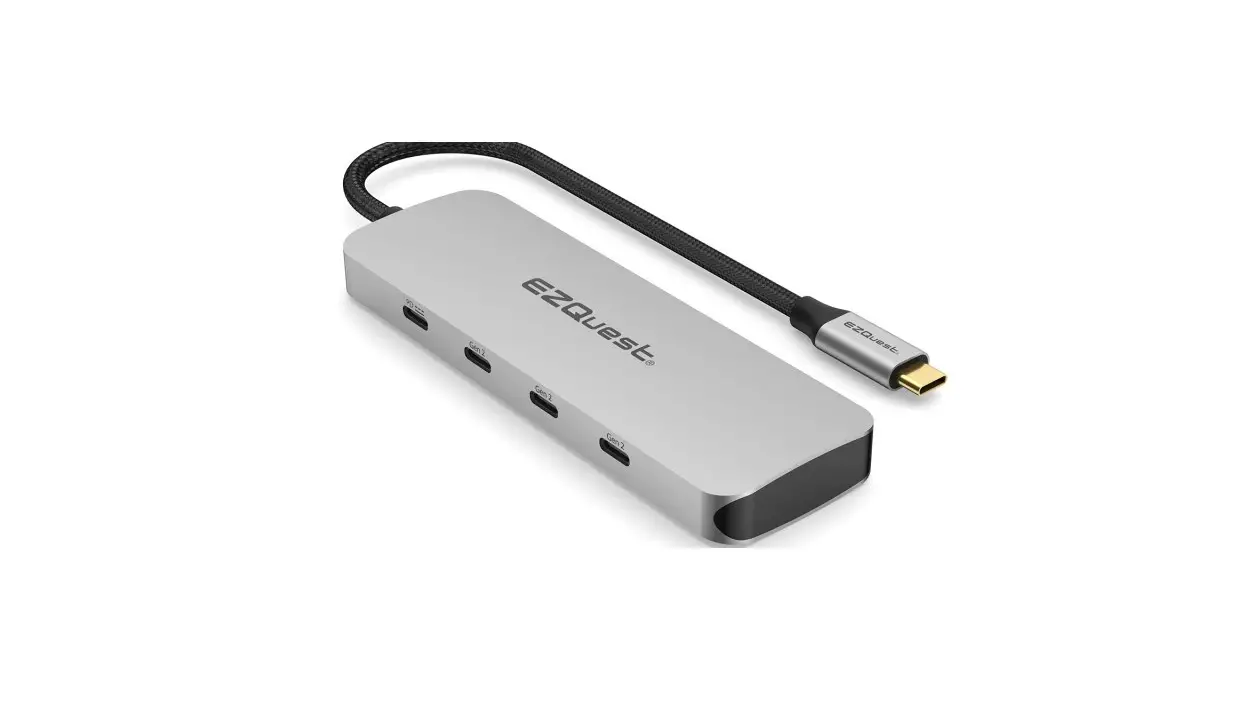
The 4-PORT USB-C USB HUB allows you to connect your various USB-C devices to your USB-C computer via a single hub. It will allow you to connect up to 4 USB-C devices and peripherals to the USB-C port of your computer: mouse, keyboard, hard drive, USB key, printer, smartphone, etc.
Fortunately, there are some USB-C hubs on the market that can support Power Delivery (PD) pass-through charging. Pass-through charging is where you connect the hub to your laptop, and then connect your laptop’s USB-C charger to the hub’s PD input port. Some hubs with this feature can even support up to 100W charging.
Video – Product Overview
Download The PDF Link: ZMUIPNG ZM1801 USB C Hub Adapter PDF