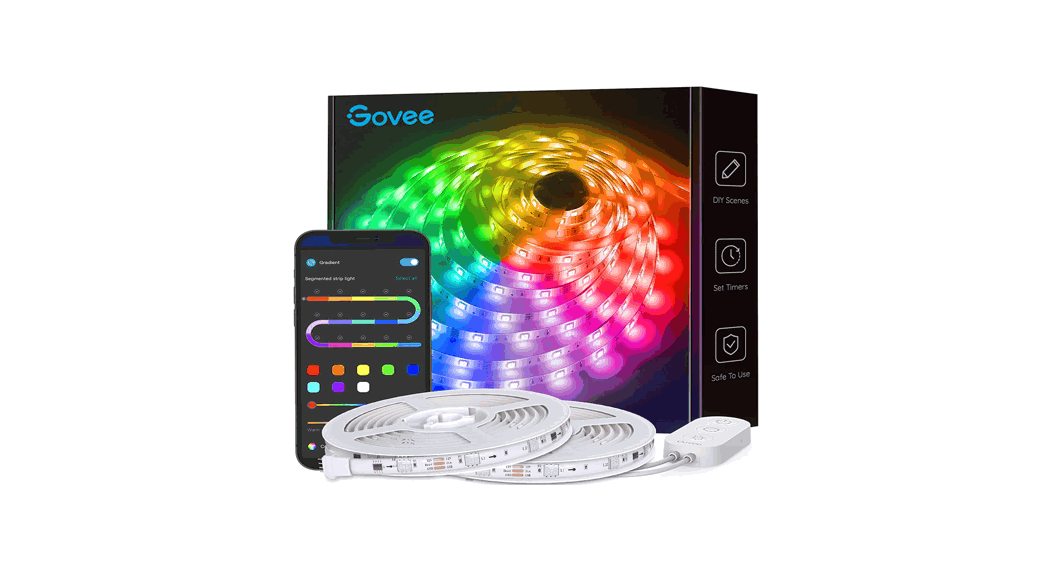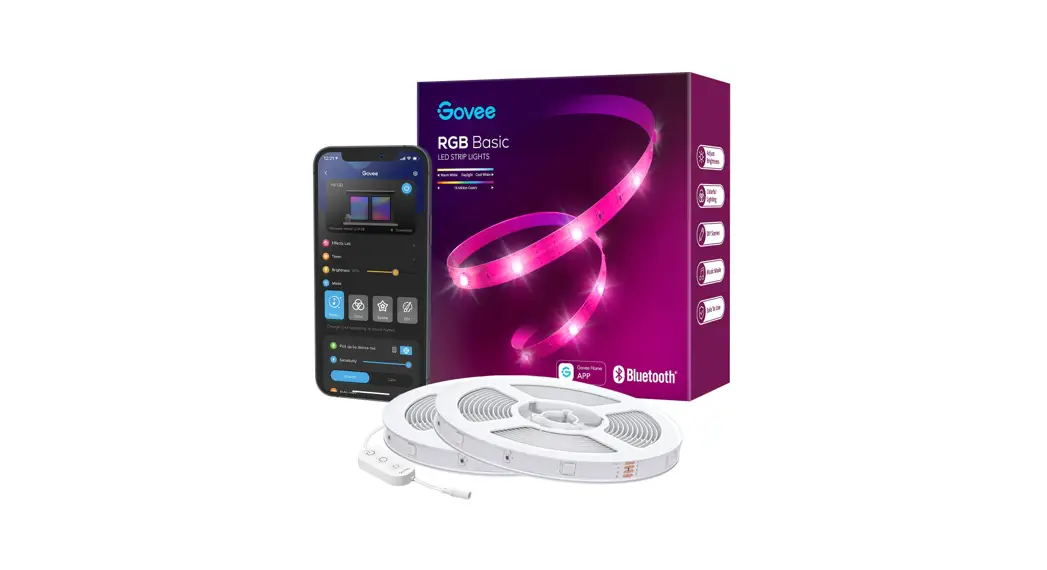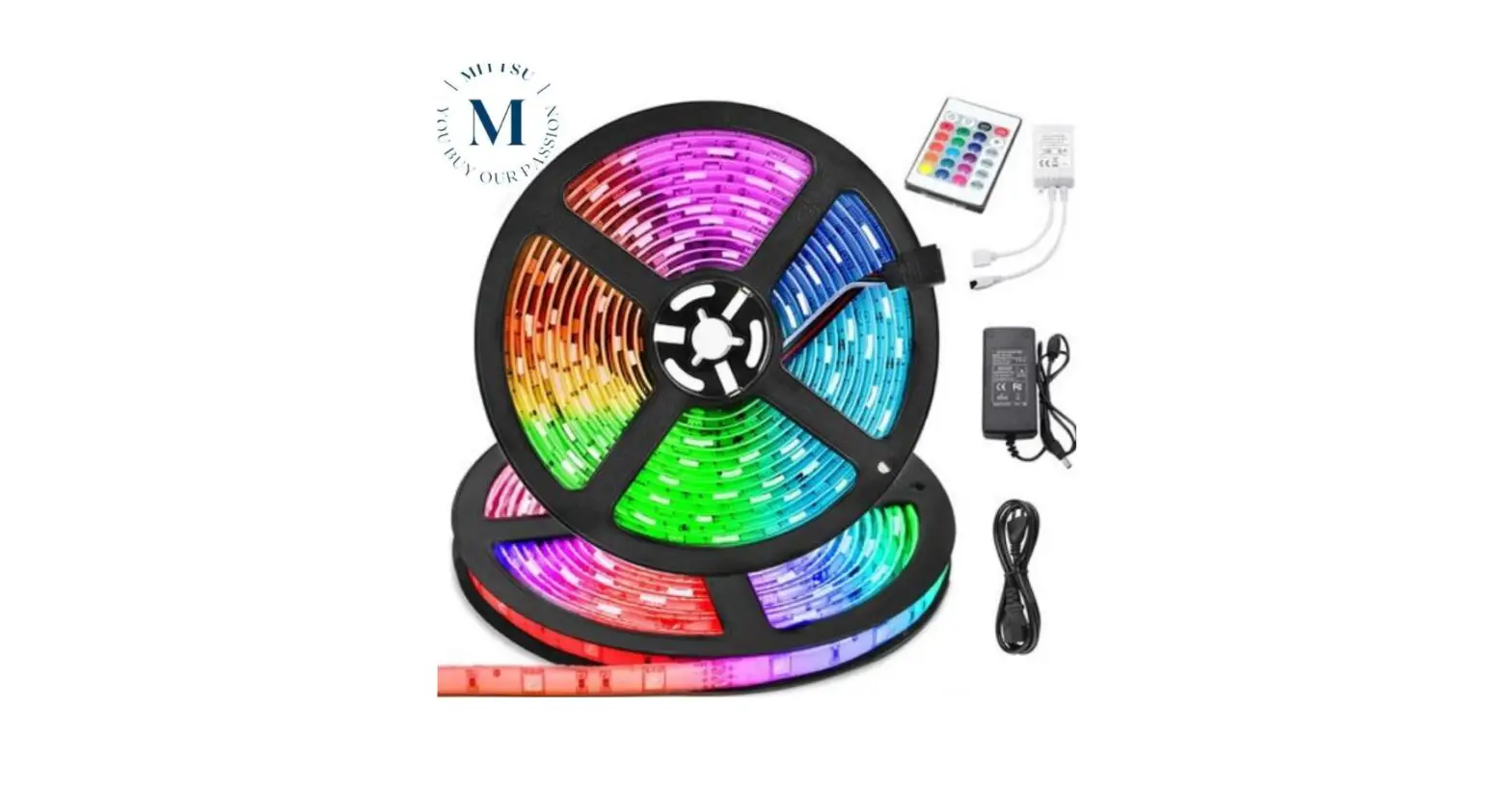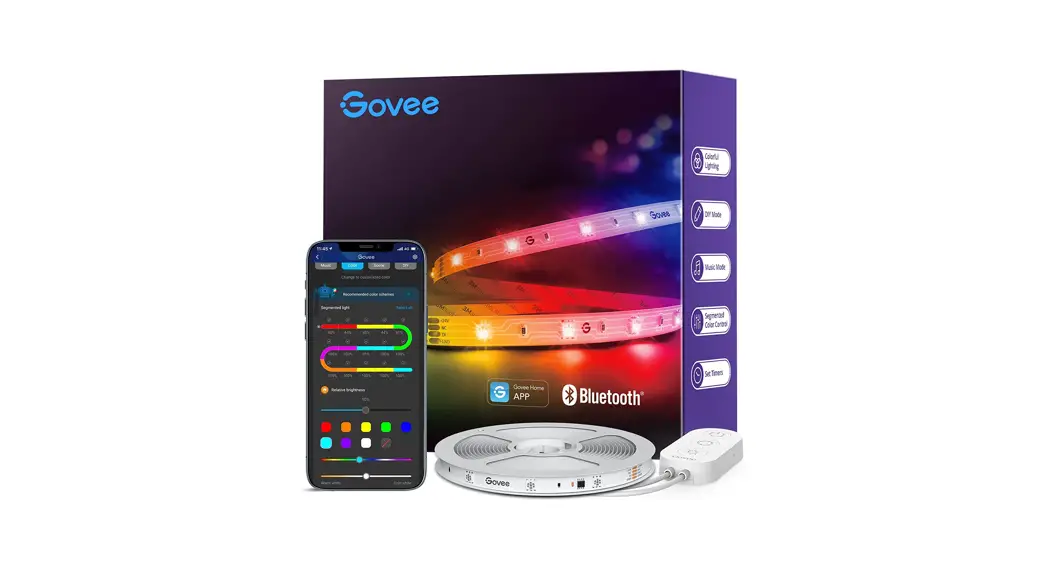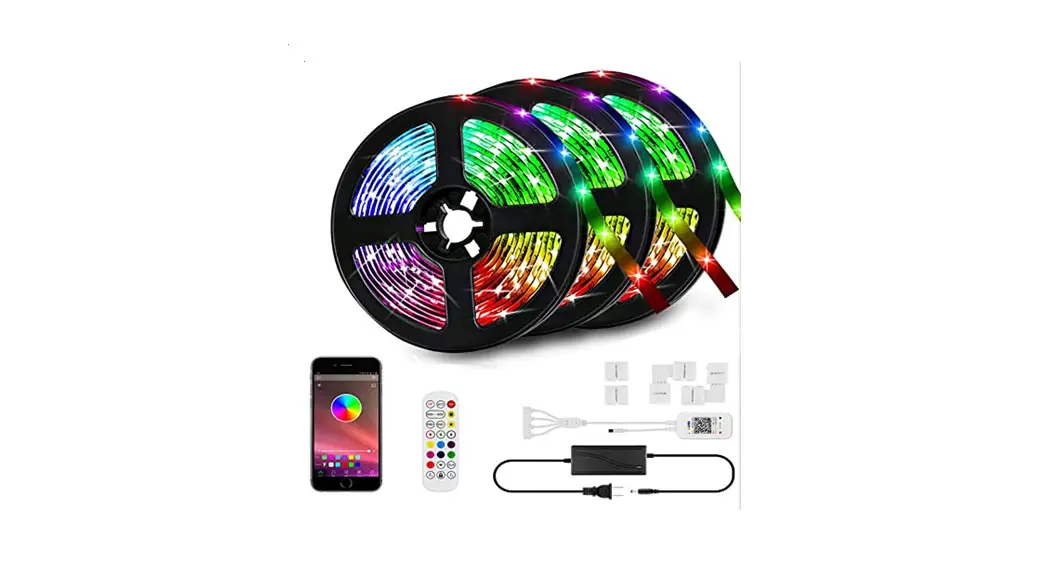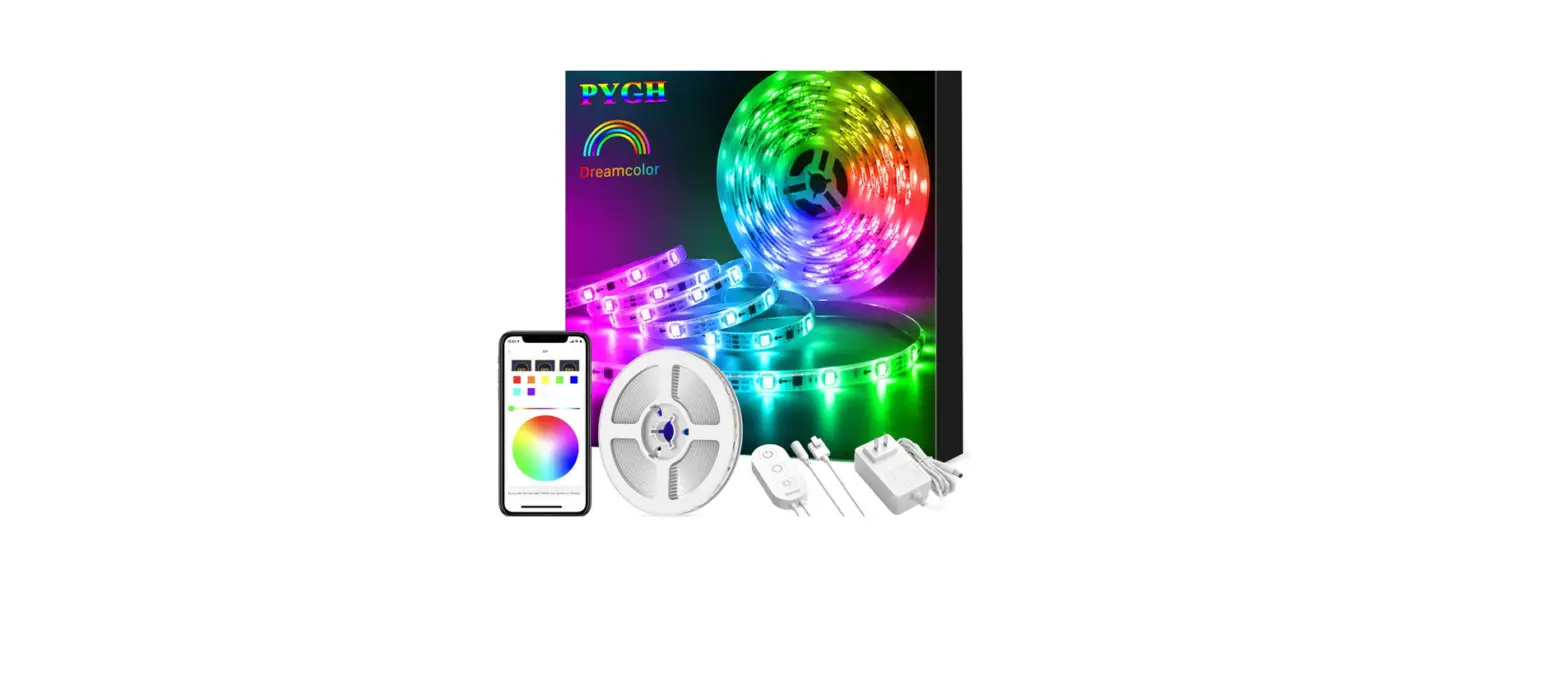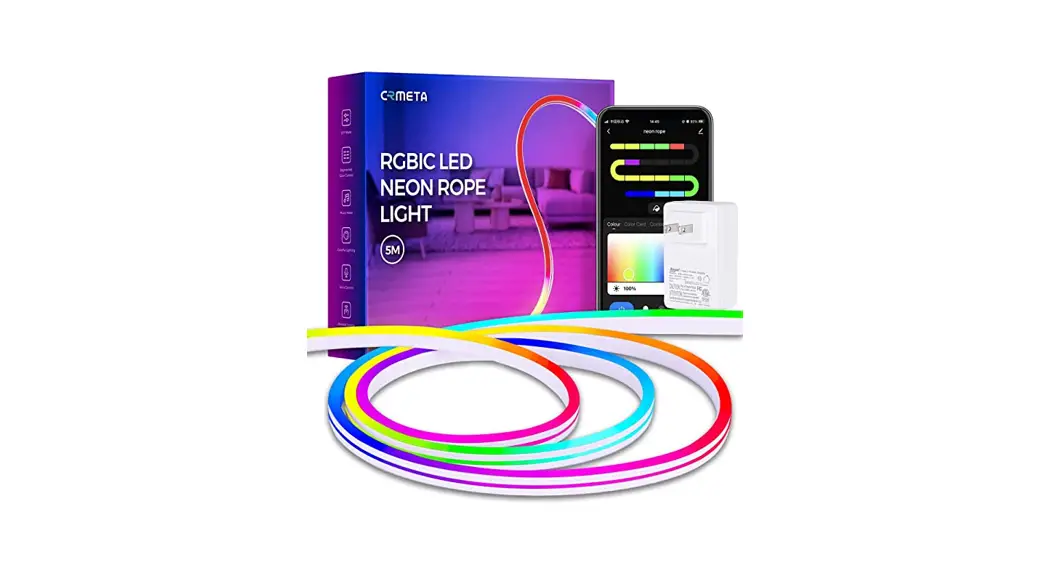

SMART RGBIC
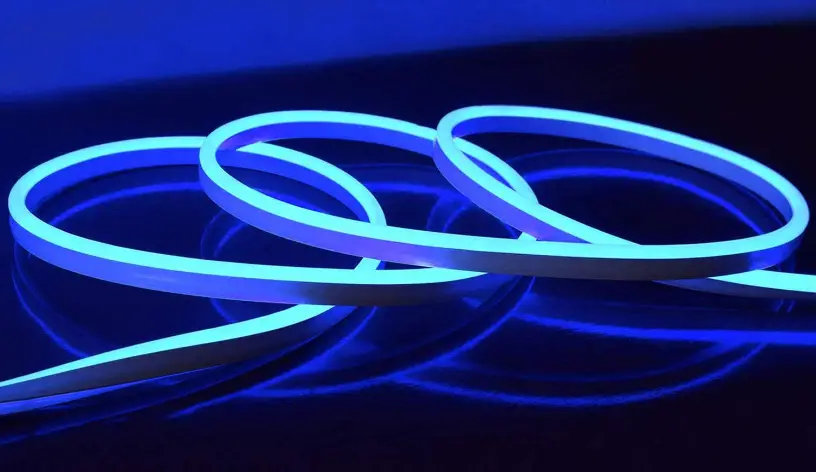
NEON STRIP
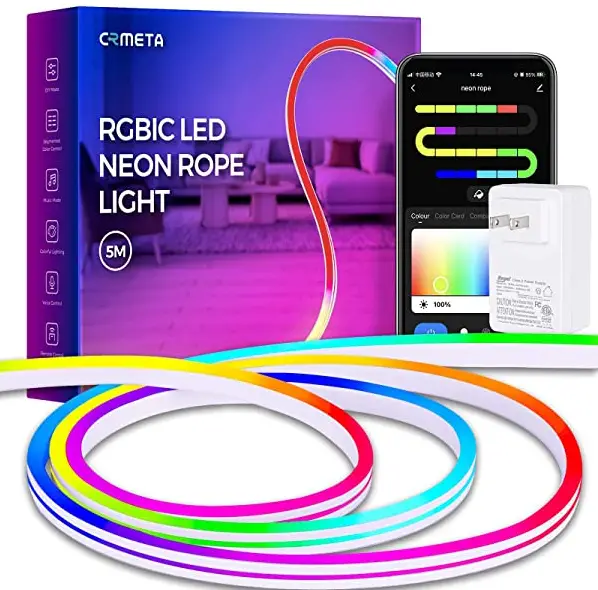
USER MANUAL
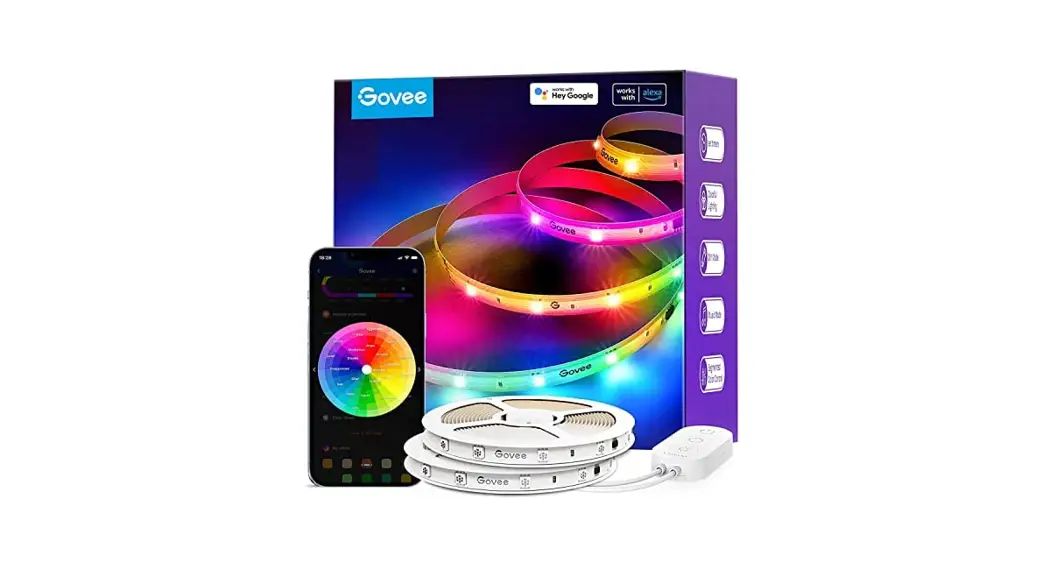
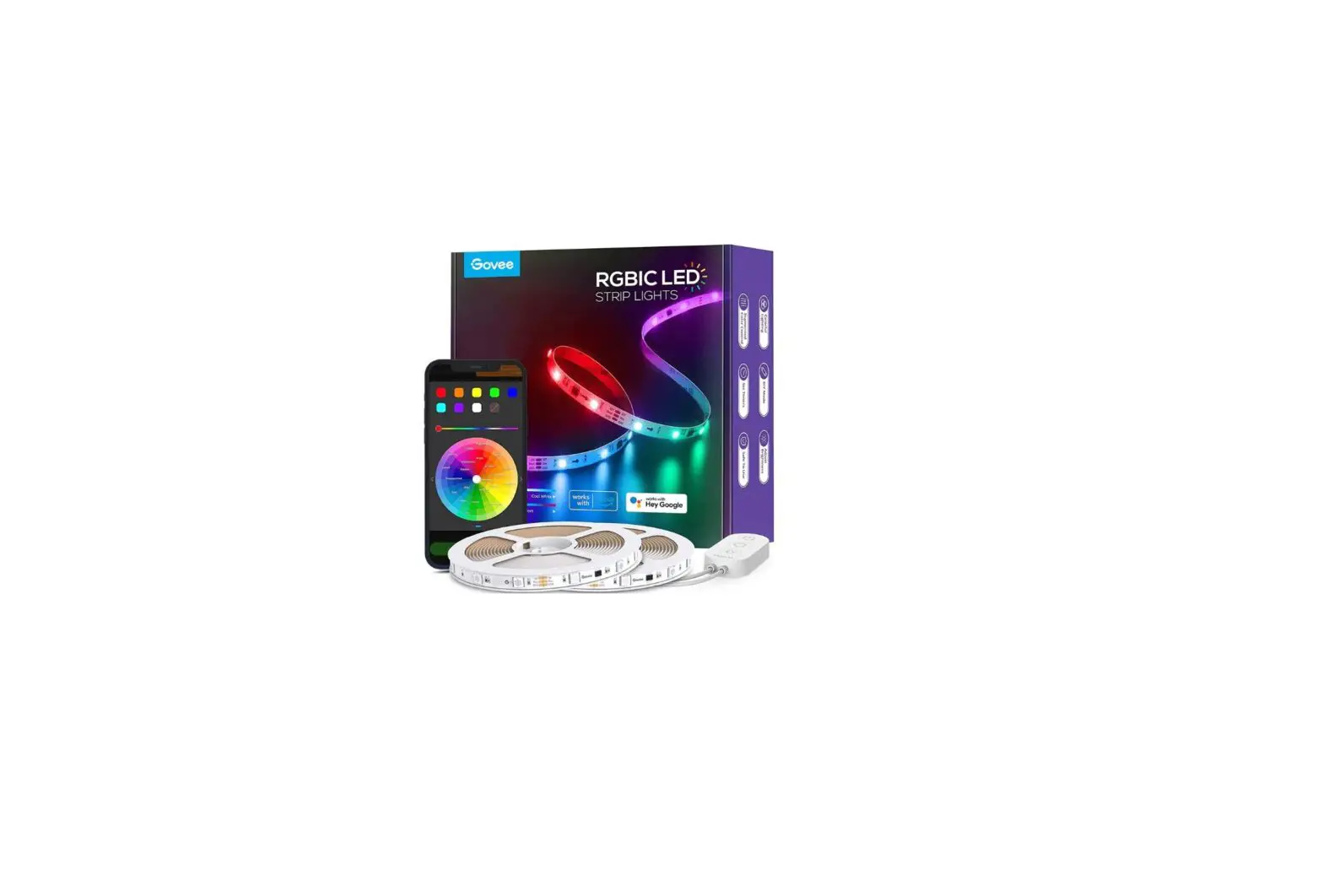
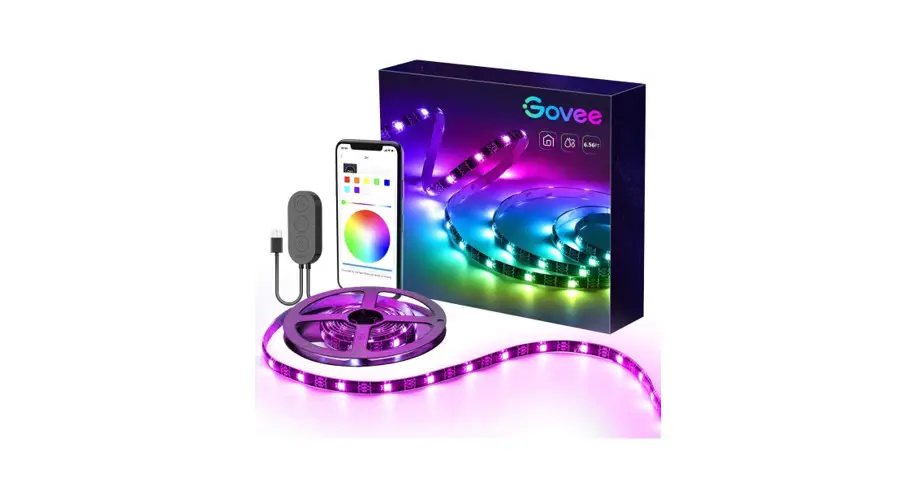
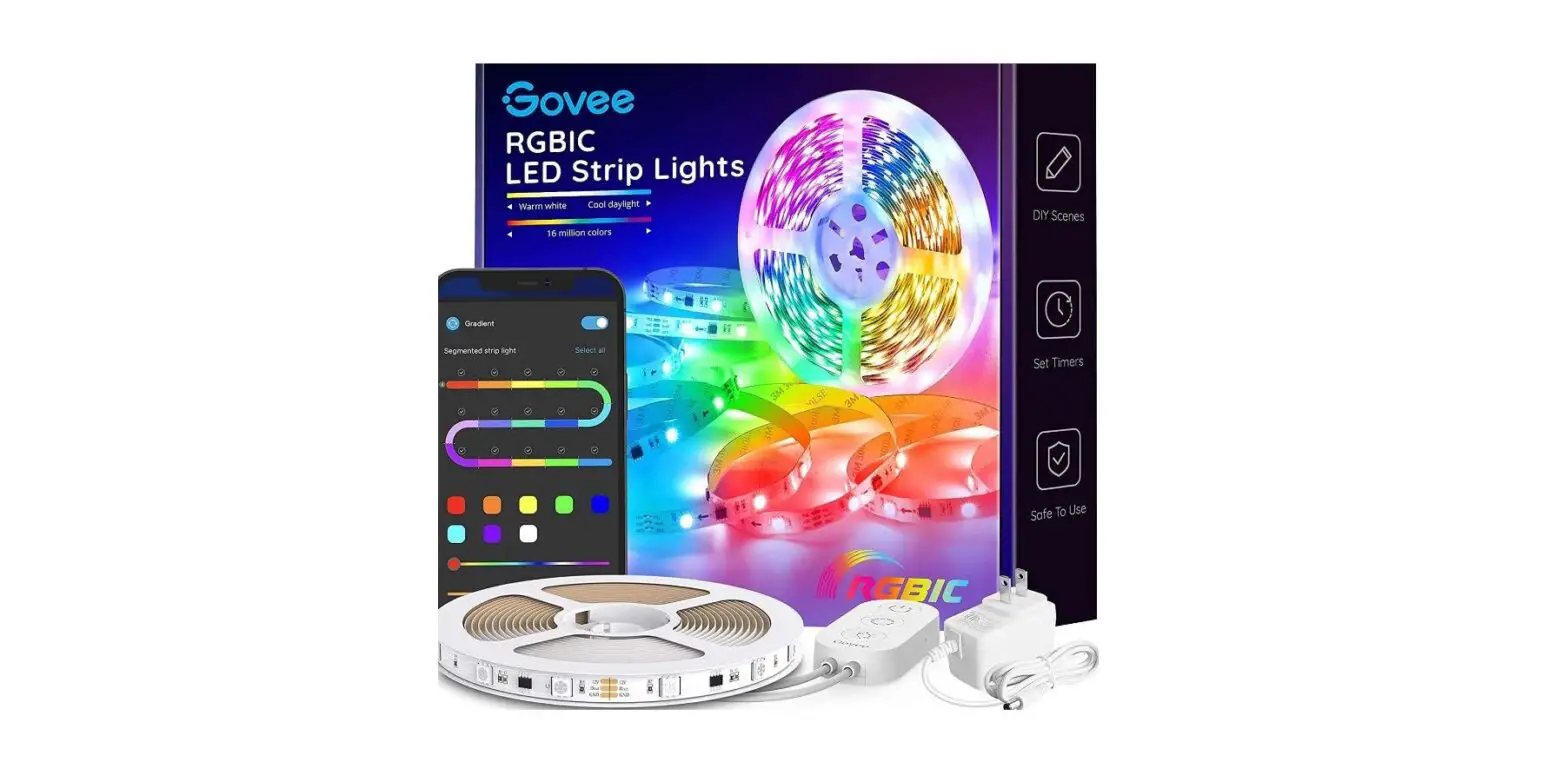
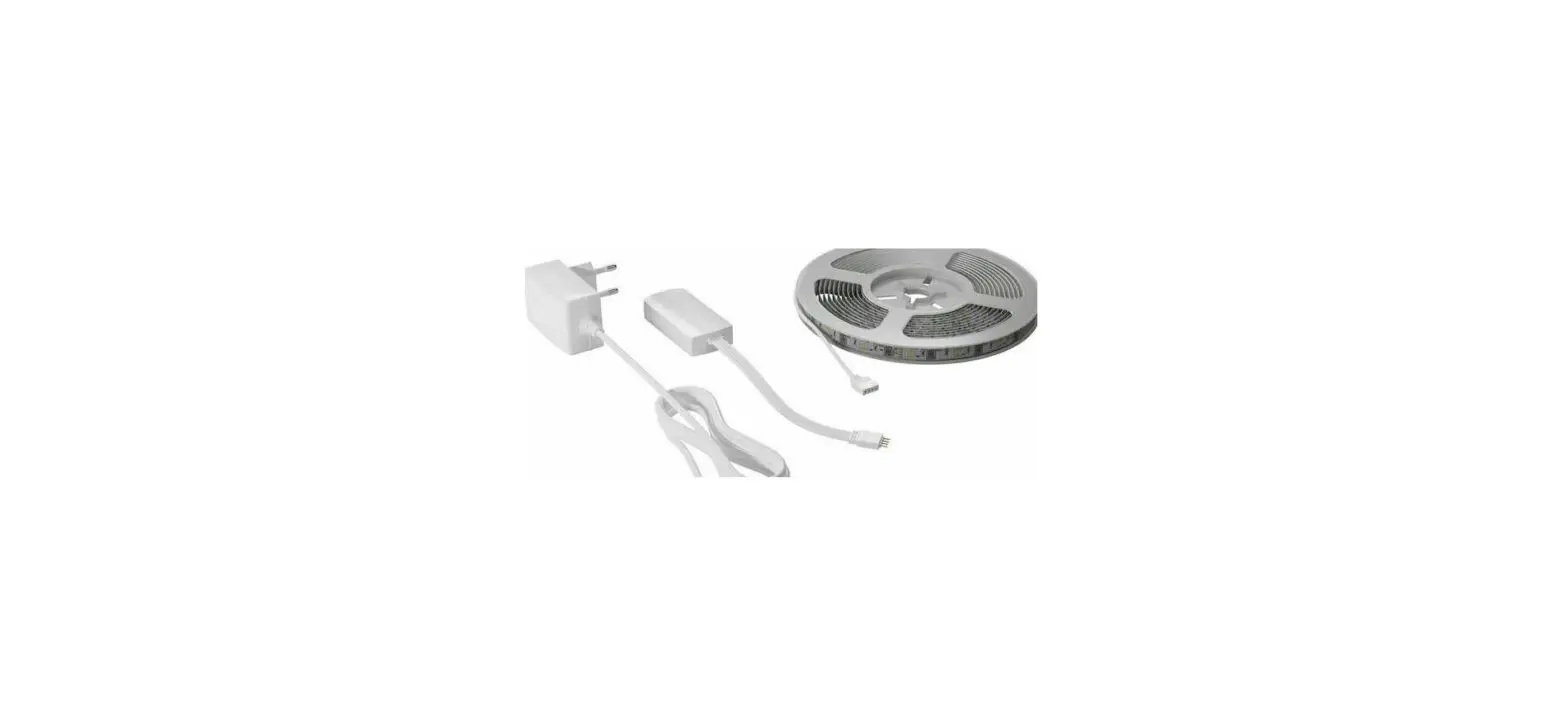
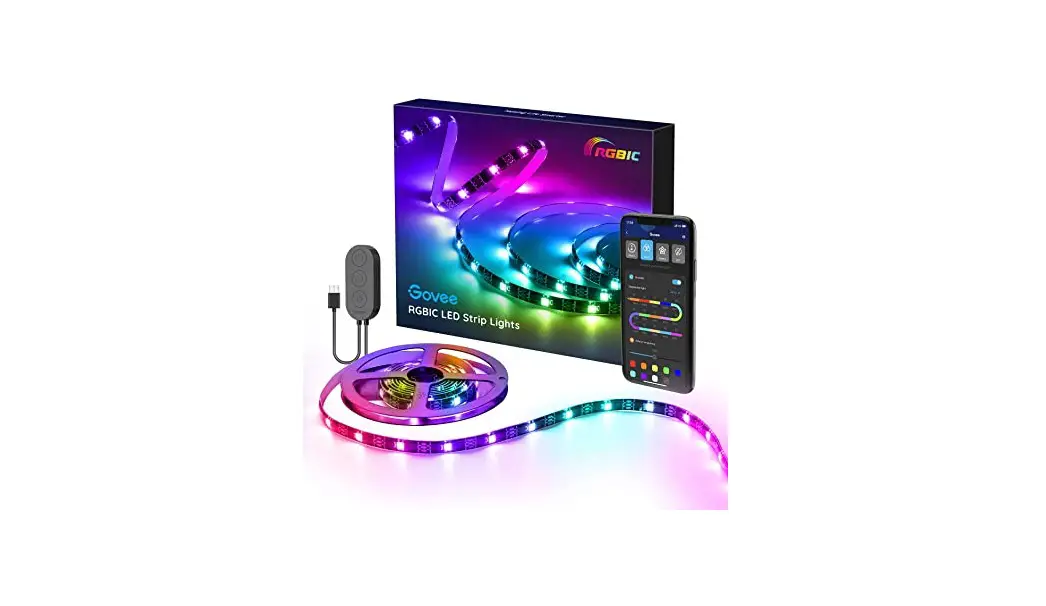
Package Content
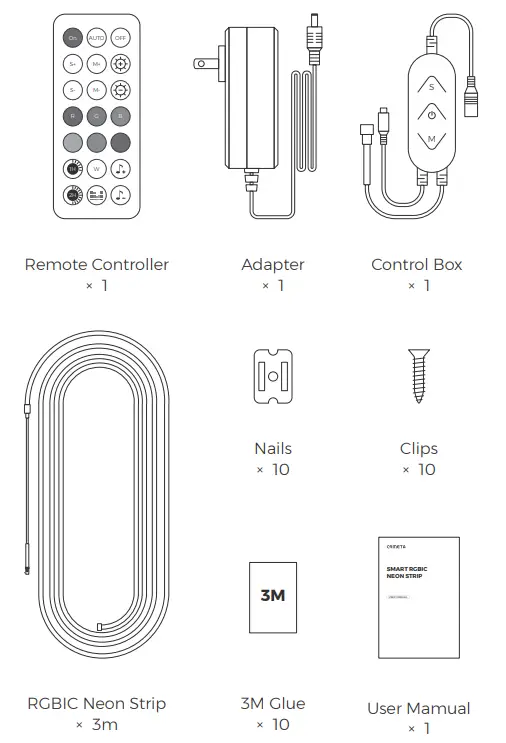
Product Specifications
| Input Voltage | 100-240V~50/60HZ |
| Power | 36W |
| Color | RGBIC |
| Neon Strip Size | 6*12mm |
| Neon Strip Length | 3 meters |
| Working Temperature | -20°—+40° |
| Supported Platforms | Android & iOS |
| Wireless Connect | Bluetooth |
Function Instruction
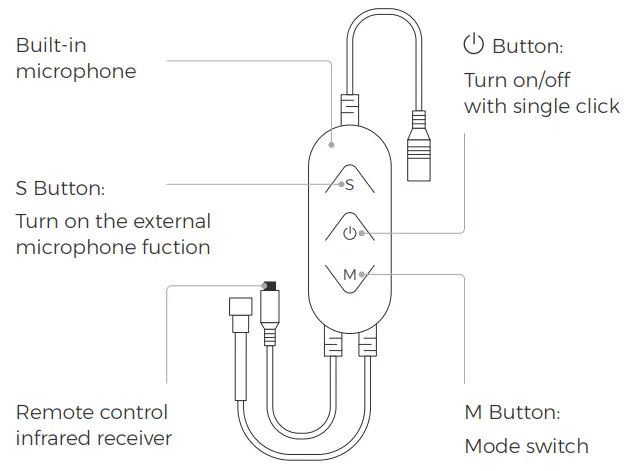
I Control Box Instruction
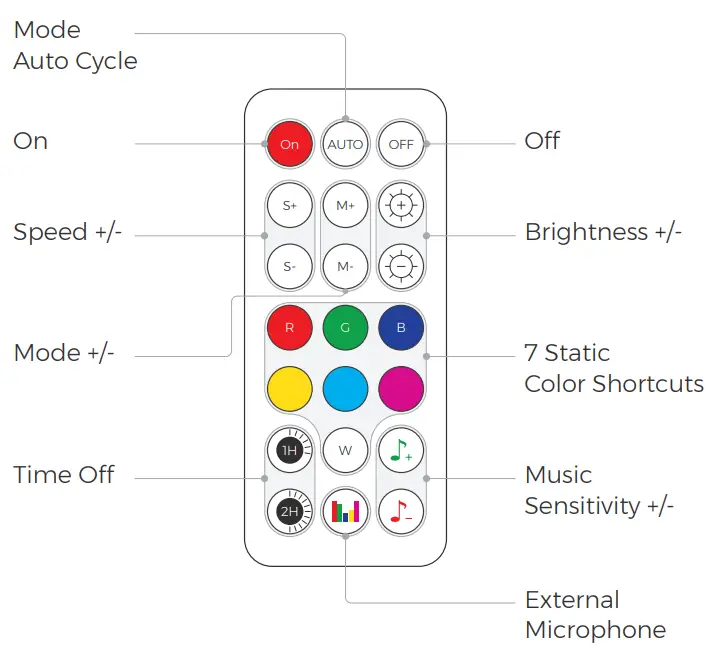
II Remote Control Instruction
III APP Operation Instruction
a. Connect with APP and Neon Strip
For the first time you use it, please following the below steps:
Step 1
Search “Happy Lighting” in the APP store or scan the following QR code to download.
http://download.appglobalmarket.com/happylightingdownload.html
Step 2
Turn on the APP, allow access to Bluetooth, allow new connections.
Step 3
Click  in the top left of APP page, then click “My Device” to see if the APP pair with neon strip successfully.
When this finsh, next time the neon strip will connect to the APP automatically.
 Adjust
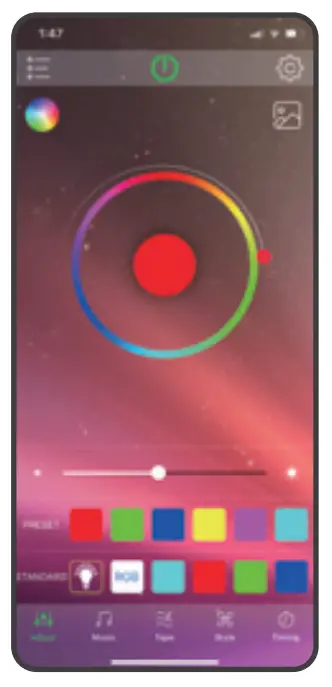
- DIY the color of neon strip as you like
- Click
 to choose a photo, the light color will change to the same color as the picture
 Music
Music
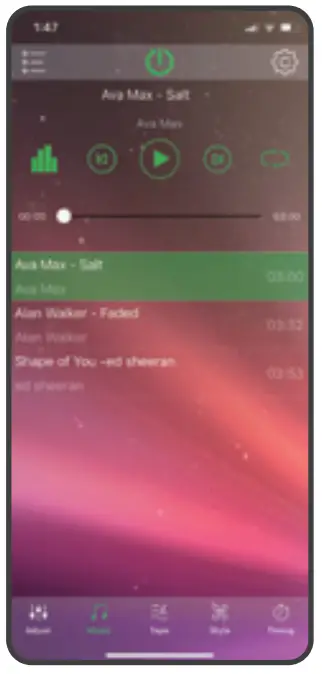
Play music and change RGB LED color by music rhythm.
 Tape
Tape
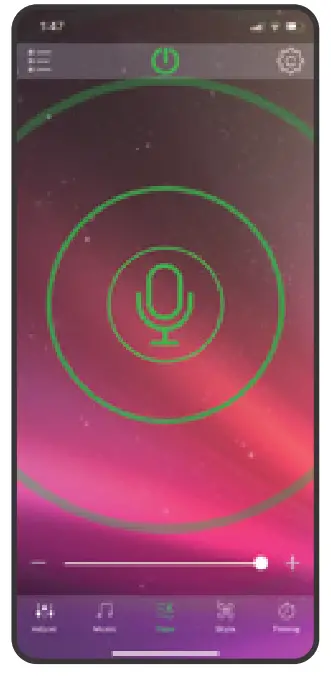
Turn on the external microphone fuction, the light color wiil change with the volume of the outside sound.
 Style
Style
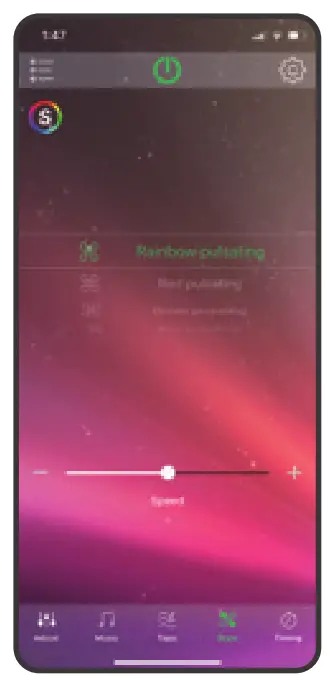
256 modes to choose from.
 Timing
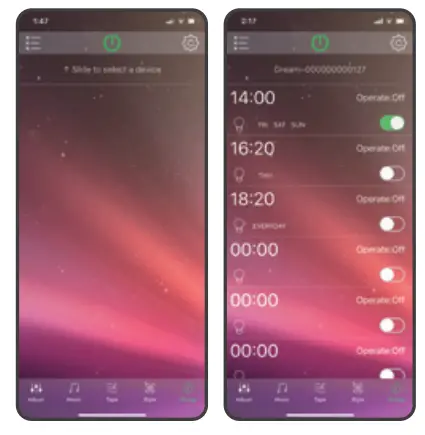
Slide to select the device first, and then set up the timer.
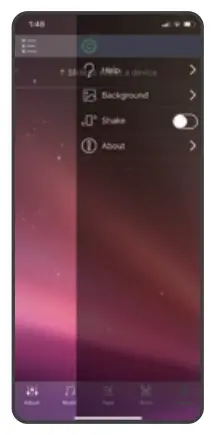
 To unlock more features, please check
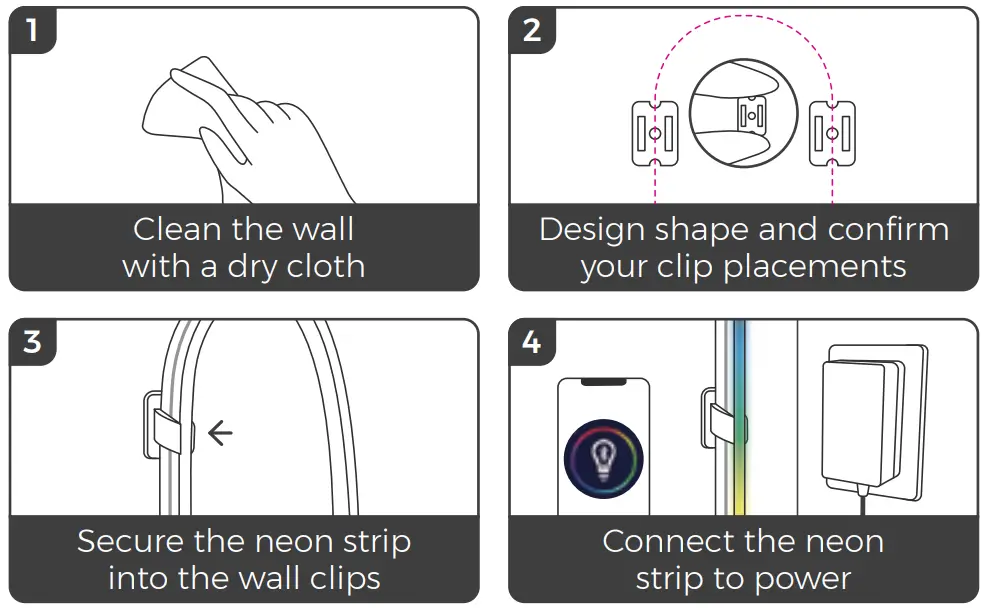
Installtion
I Clips with adhesive back
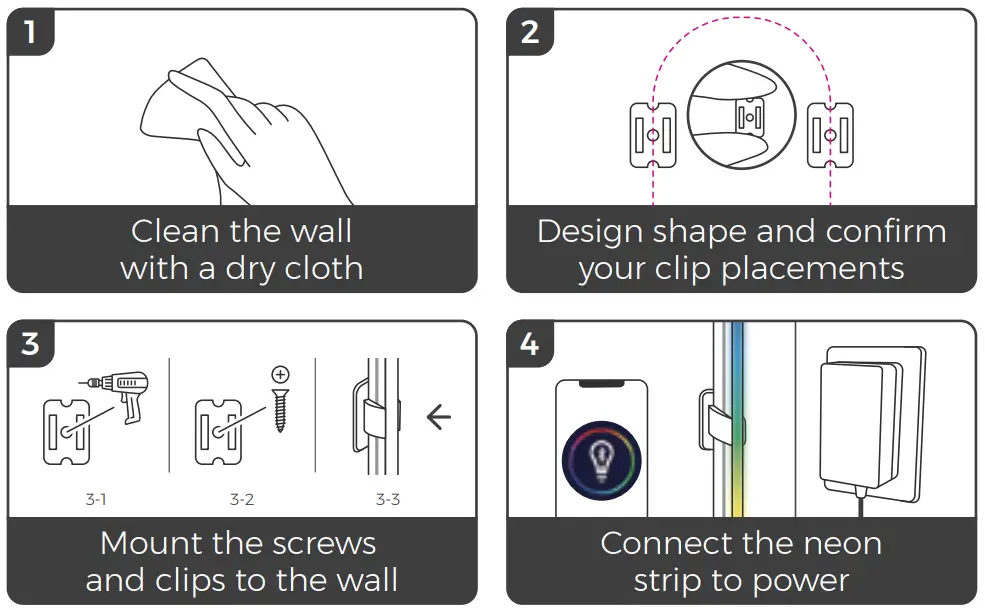
II Clips with crews
Product Application
I Use as ambient lighting (gaming room background, TV background, party lights and so on)
II DIY signs as you likes (such as gamepad, love letters, hearts, clouds, ad logo)
III It can be cut into small segments for use (cut at the cutting spot with mark)
Notice:
- The waterproof rank is IP67, but the adapter and control box are not waterproof;
- The maximum distance of the IR remote control is 5m, and it needs to be pointed at the receiver on the control box when using remote;
- The neon strip is allowed to be cut at the cutting spot; The power supply voltage applied to the neon strip should be 12V.
- The APP can only control one neon strip at a time, and the cutting part witholut control box can’t be use directly;
- Do not install the product near fire, gas or other dangers;
- Do not bend the light strip repeatedly, which may cause damage to the interior of the product;
- If the neon strip is not used for a long time, the power plug should be unplugged;
- The product is guaranteed for one year.
WARNING!
The LED strip must be unplugged when making any modifications to the device. Electrical currents are dangerous and may cause electrical shock, injury (in some cases)
Manufacturer:
Yangzhou Huacai Optoelectronics Co., Ltd.
Address:
Daqiao Industrial Park, Jiangdu District,
Yangzhou, Jiangsu Province, 225200
E-MAIL: [email protected]
Made in China