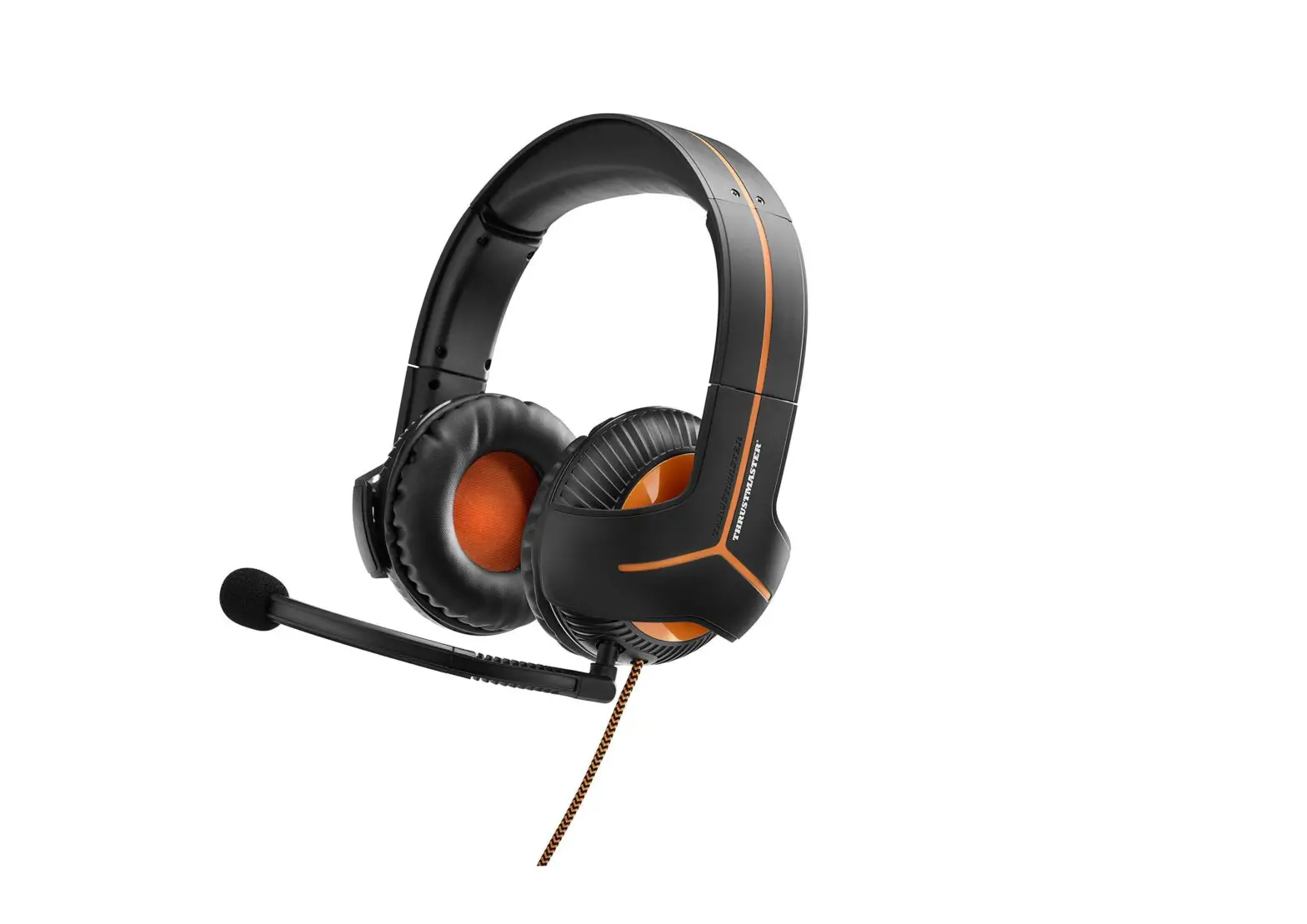
Headset 350CPX
QUICK START GUIDE
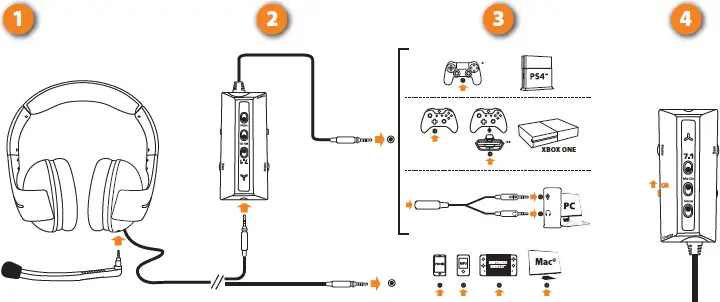
On the PS4™ system, select All Audio in Settings > Sound & Screen > Audio Output Settings > Output to Headphones Devices.

- ON/OFF switch
- Volume knob
- Bass volume knob
- Enable/disable 7.1 mode
- Enable/disable microphone
- Enable/disable voice feedback
- Operating/charging indicator:
– Green = ON
– Orange = charging
– Red = low battery

CHARGING: Before using the Y Sound Commander, be sure to charge it completely.
You can charge the headset via any device equipped with a USB port. The average charging time is 3 hours.