

Quick start guide
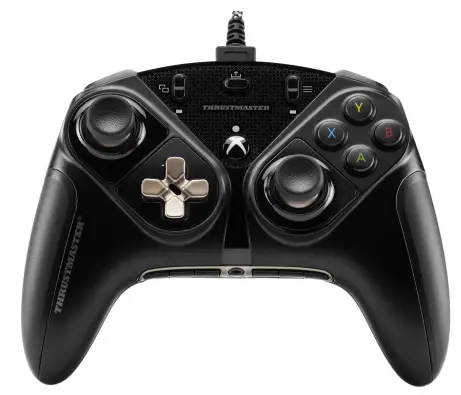
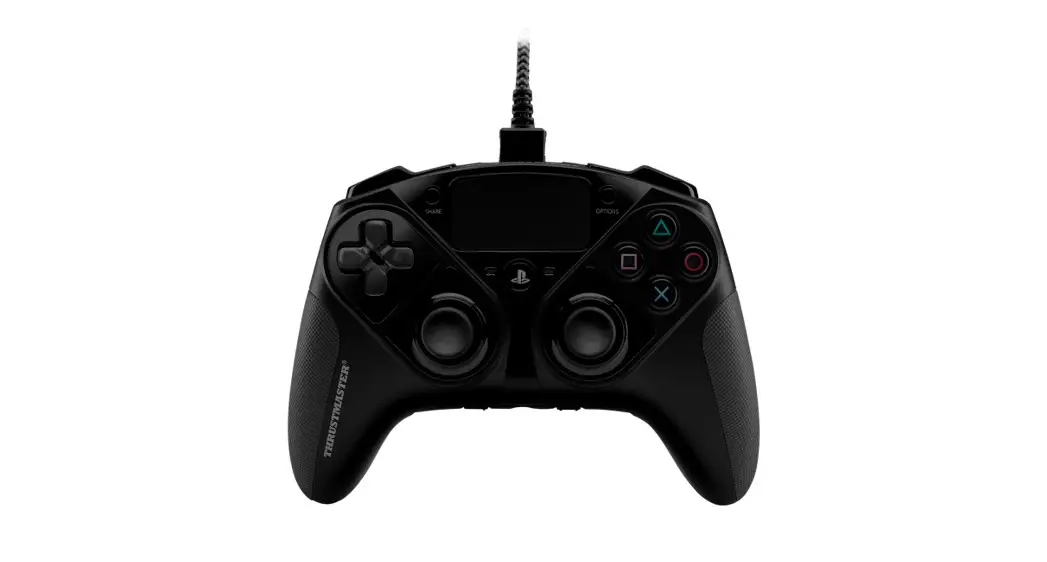
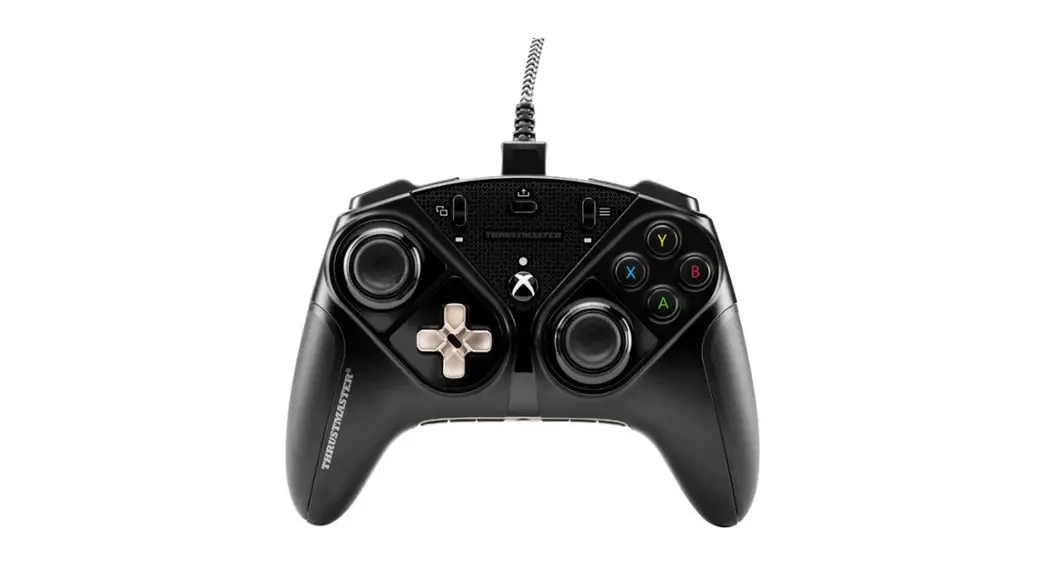
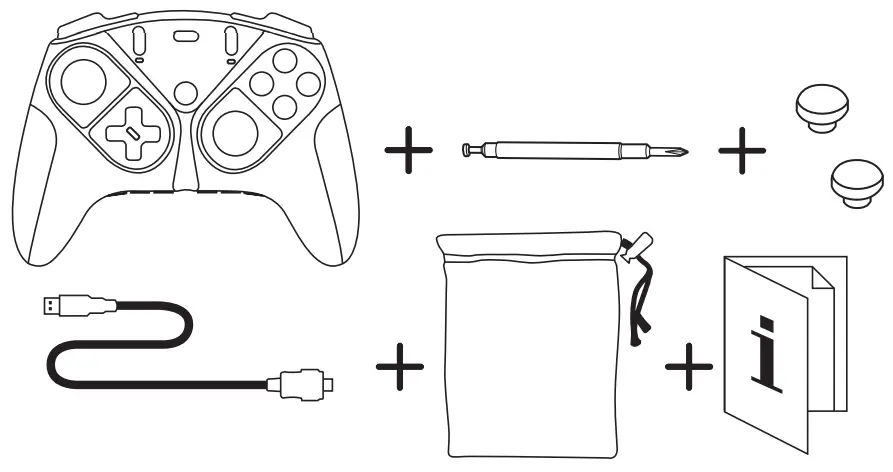
Box contents
Connection
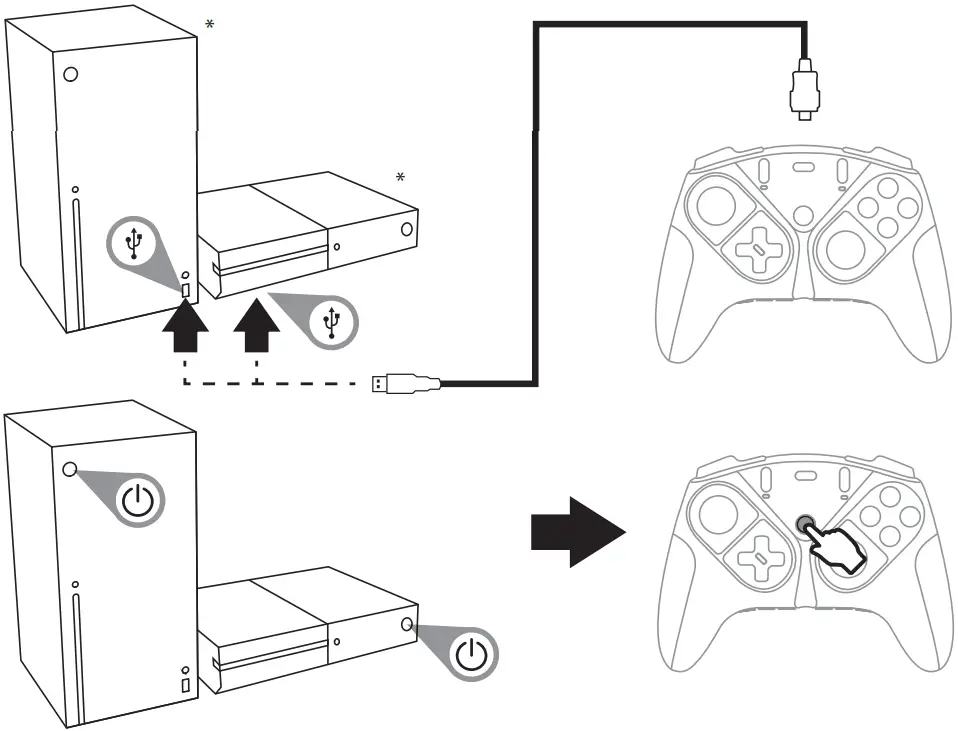
* Xbox Series X – Xbox One consoles not included
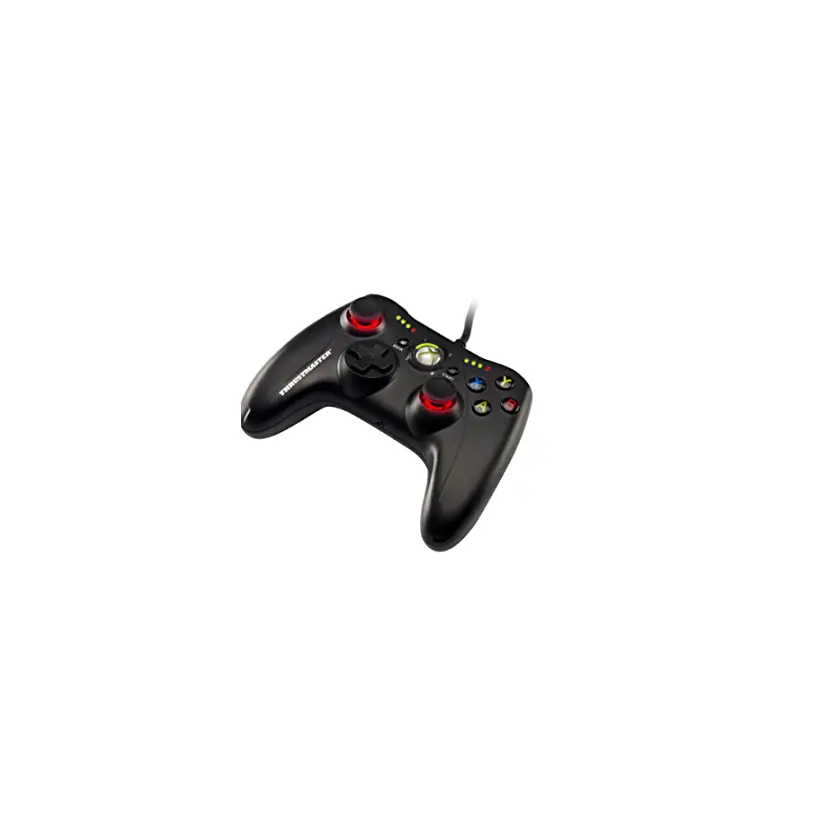
Gamepad features
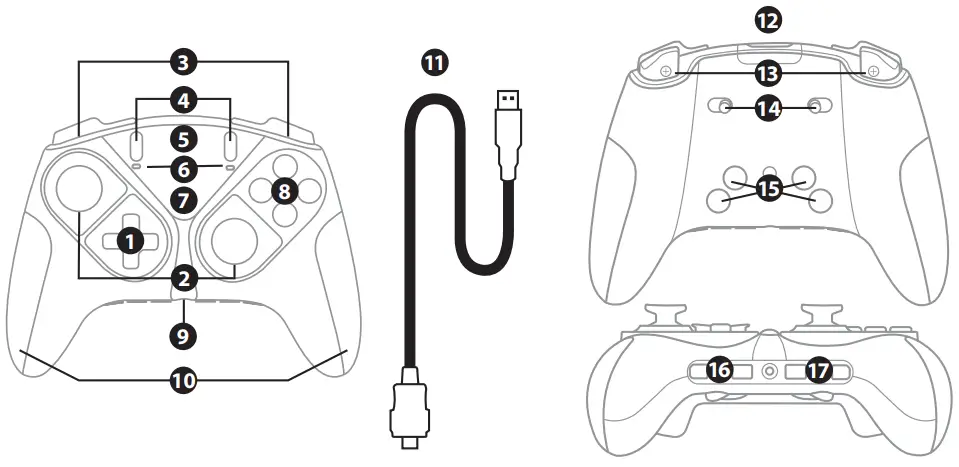
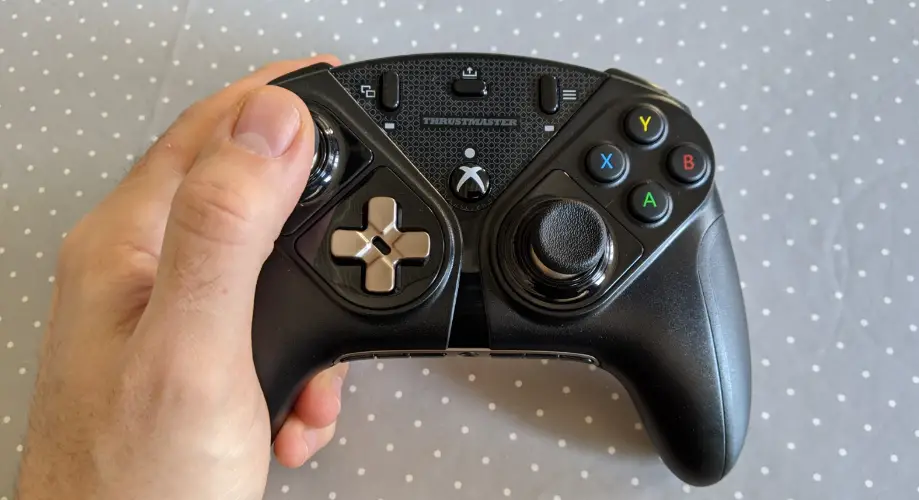
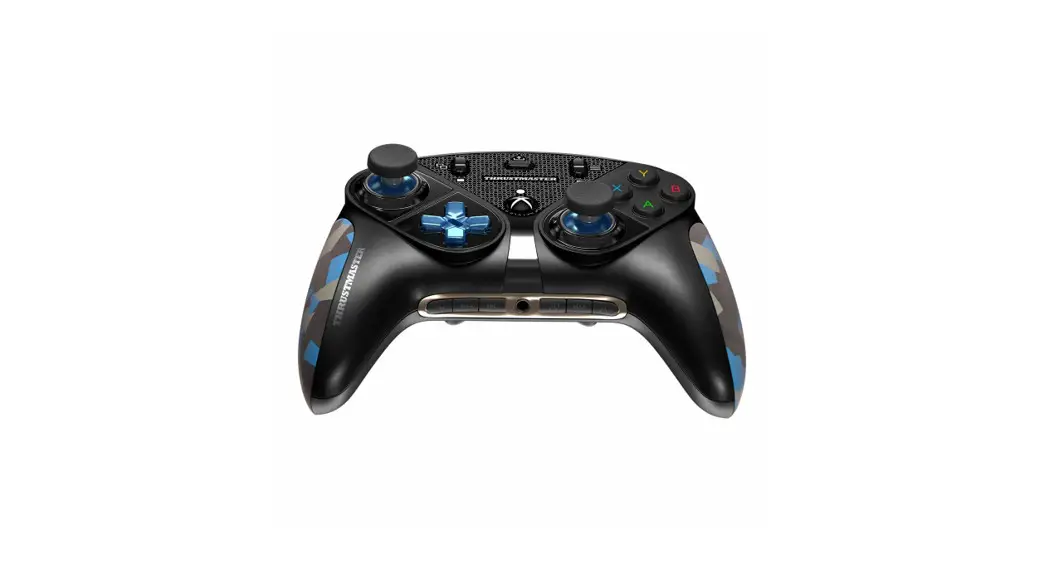
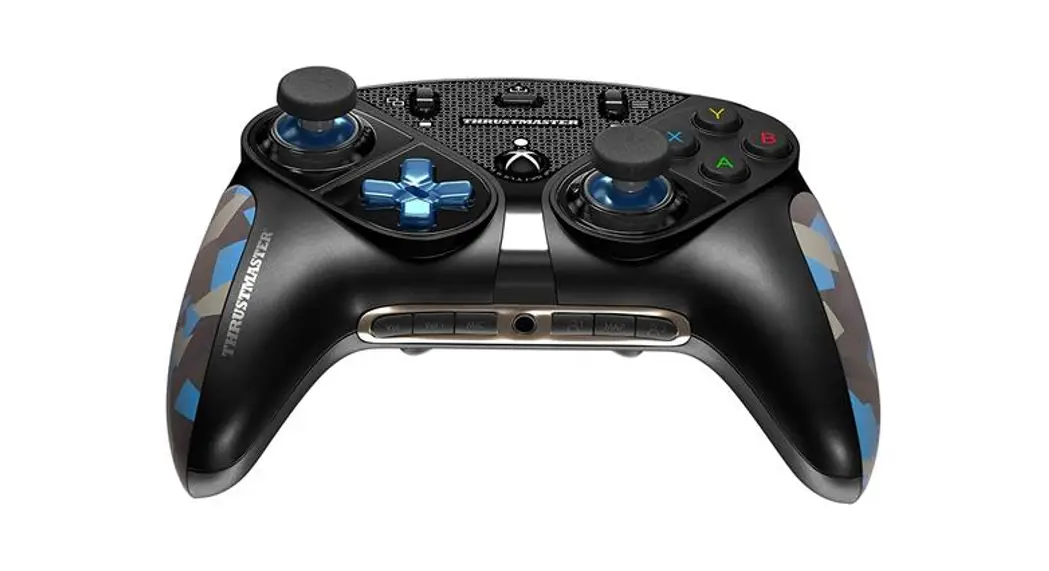
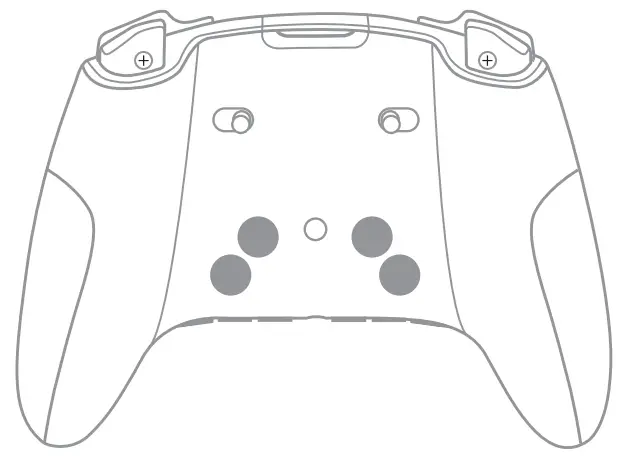
| 1. Swappable directional buttons module 2. Swappable stick modules 3. RB/LB buttons 4. VIEW/MENU buttons 5. SHARE button 6. Profile 1/Profile 2 leds 7. Xbox Guide button 8. Action buttons 9. 1/8” / 3.5 mm audio port | 10. Swappable grips 11. Proprietary USB cable 12. Micro-USB port 13. Swappable progressive RT/LT triggers 14. RT/LT trigger locks 15. Buttons 1-2-3-4 16. Volume +/Volume -/Mic mute buttons 17. Profile 1/Mapping/Profile 2 buttons |
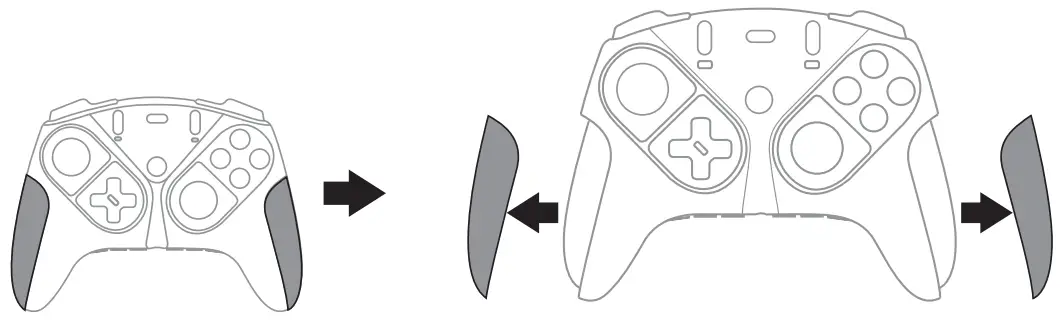
Swapping the grips
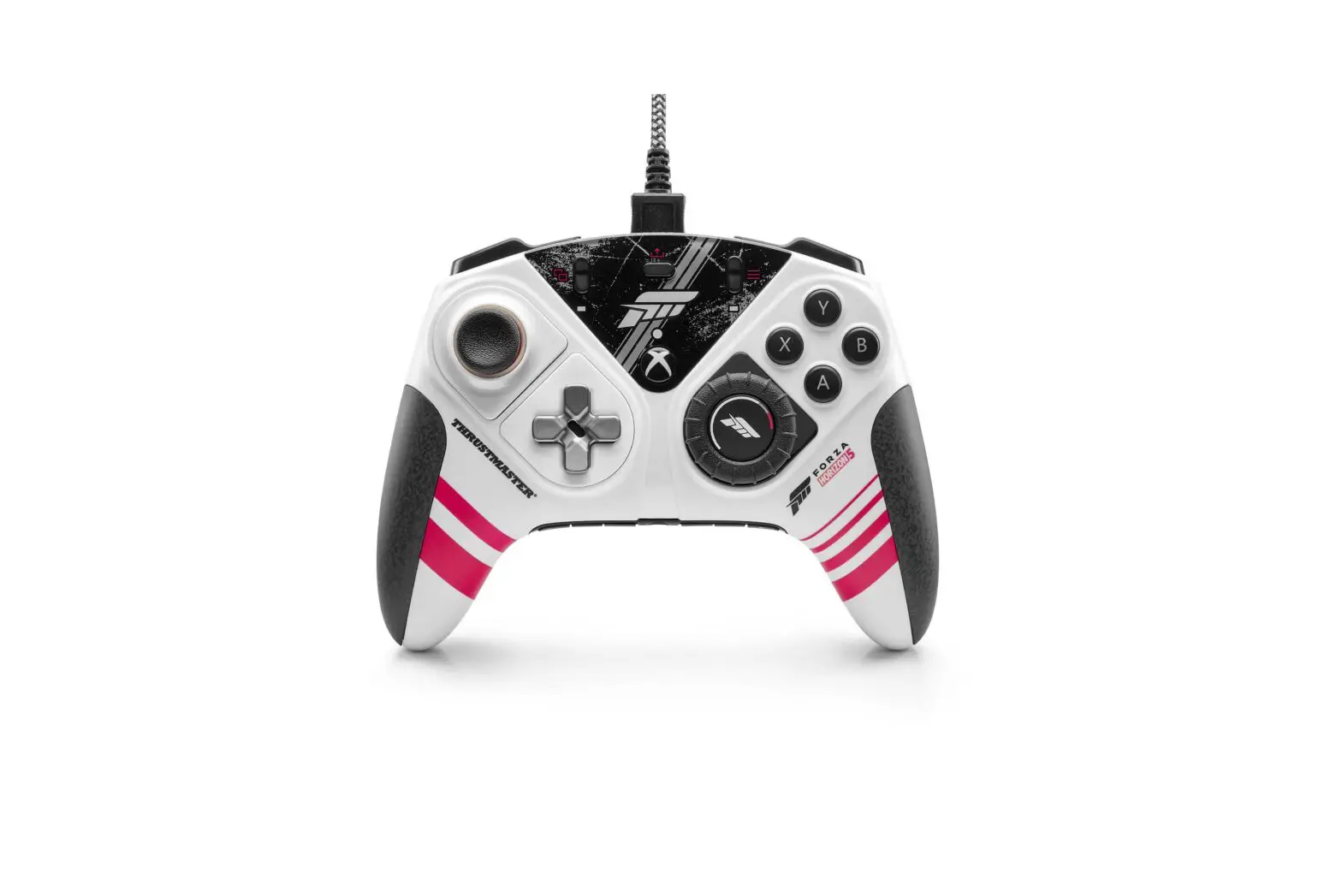
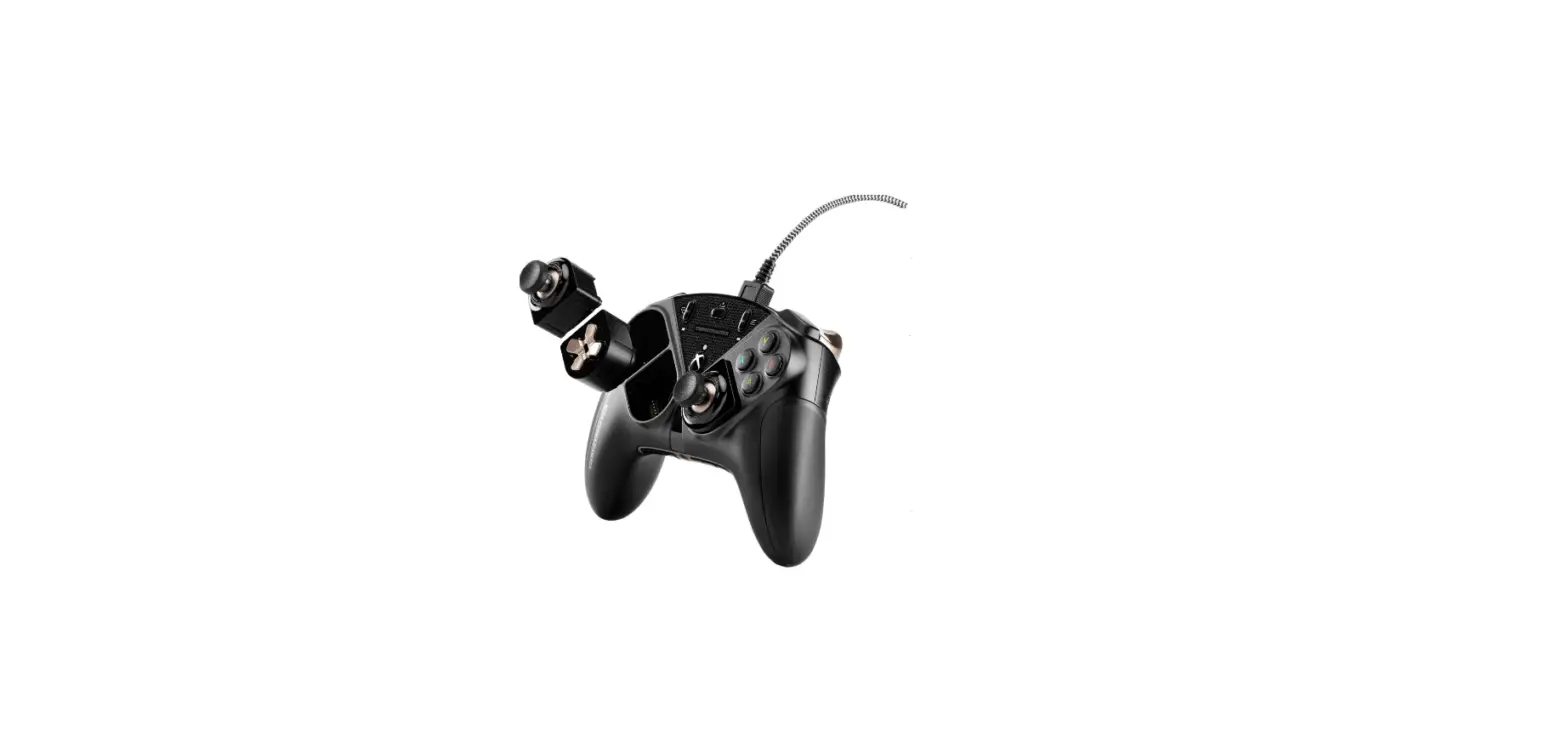
T-MOD technology
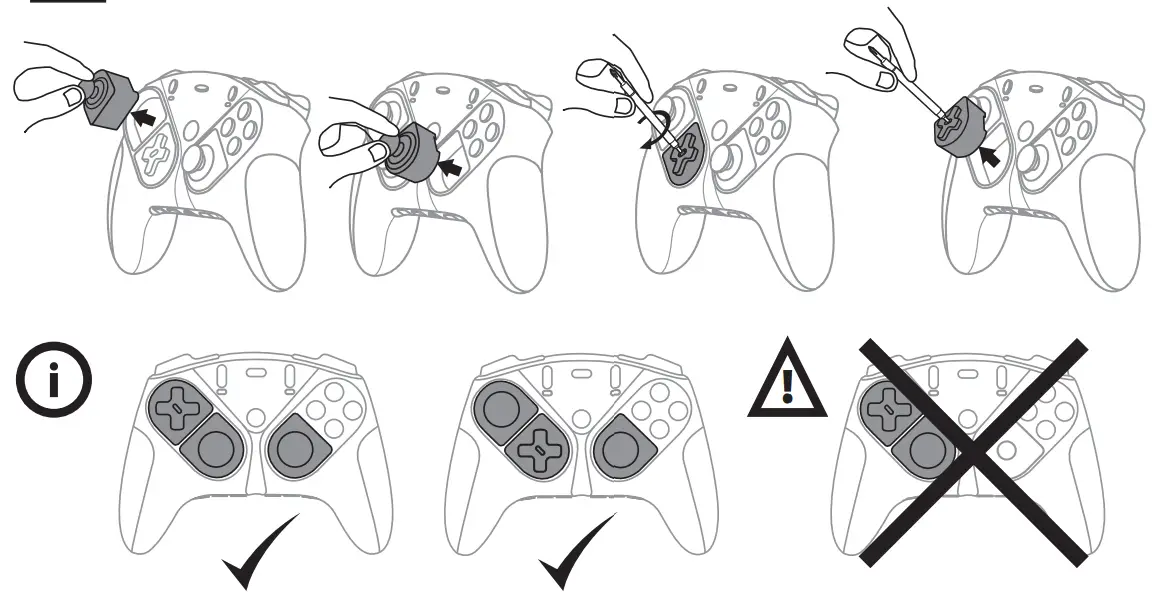
Above configurations have been approved and tested by Thrustmaster. All other module configurations are not tested nor endorsed by Thrustmaster. Make sure that all modules are connected before playing. Additional modules packs will be available soon, allowing for more possible configurations.
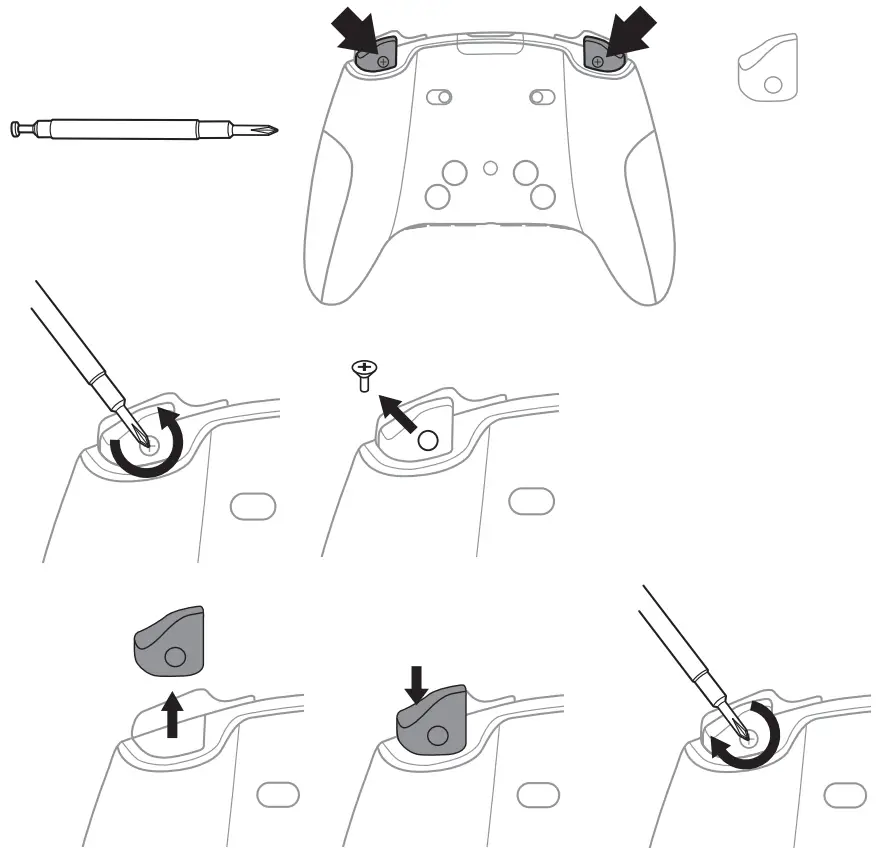
Swapping triggers RT/LT
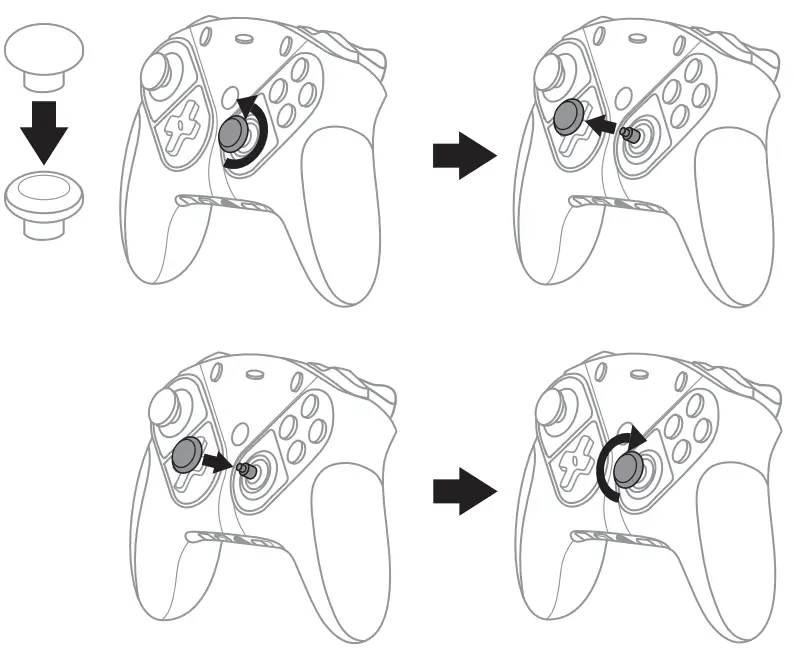
Swapping mini-stick caps
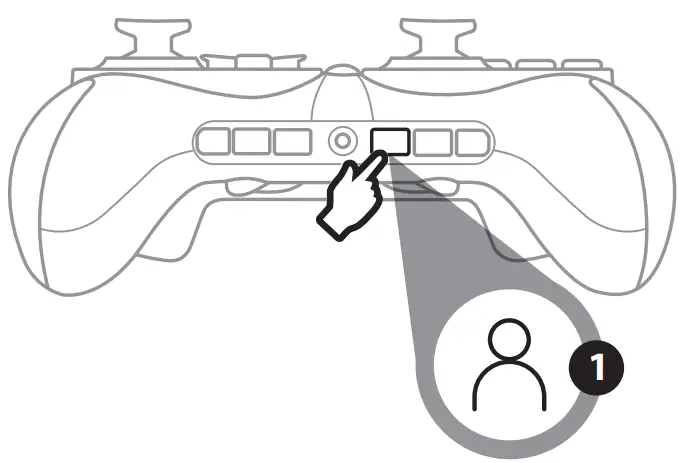
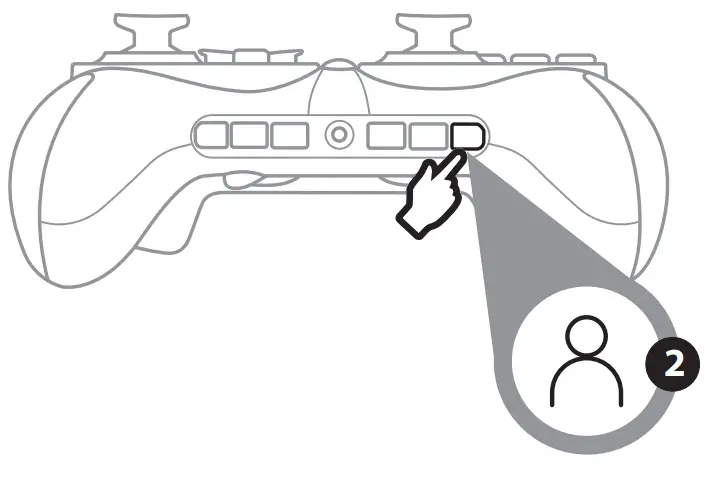
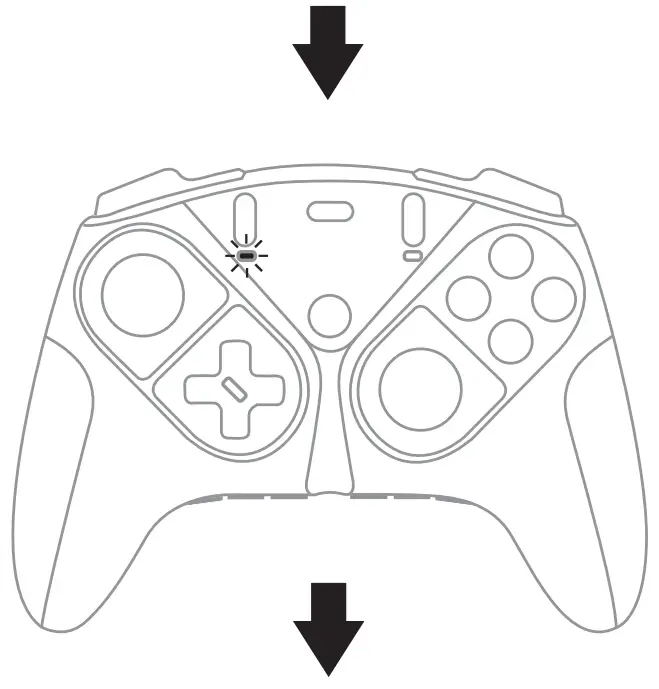
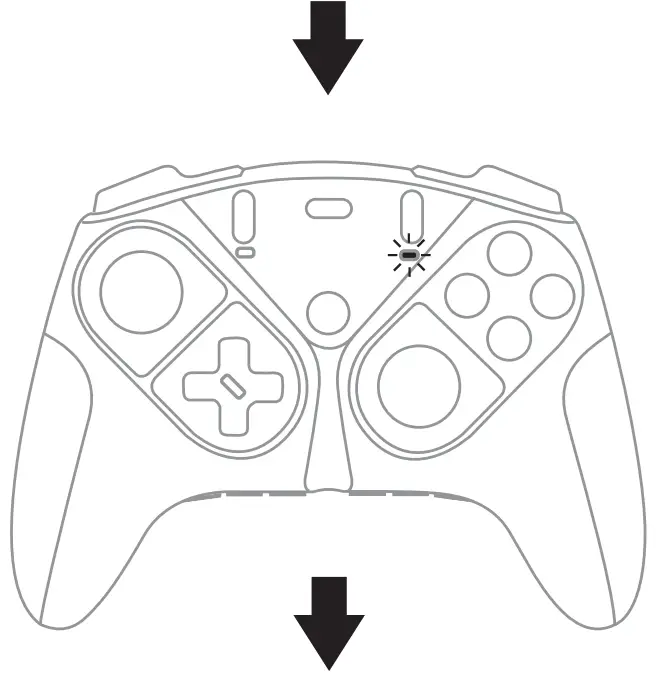
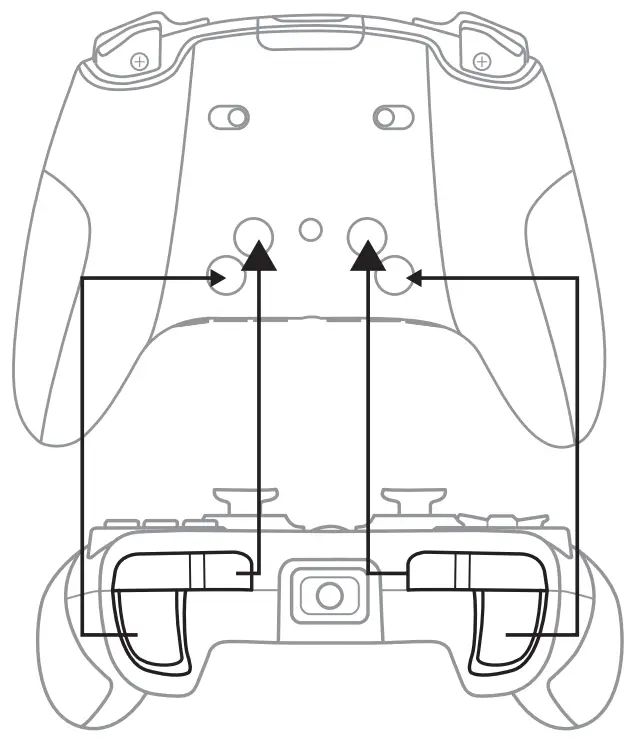
Selecting the mapping profile
 |  |
 |  |
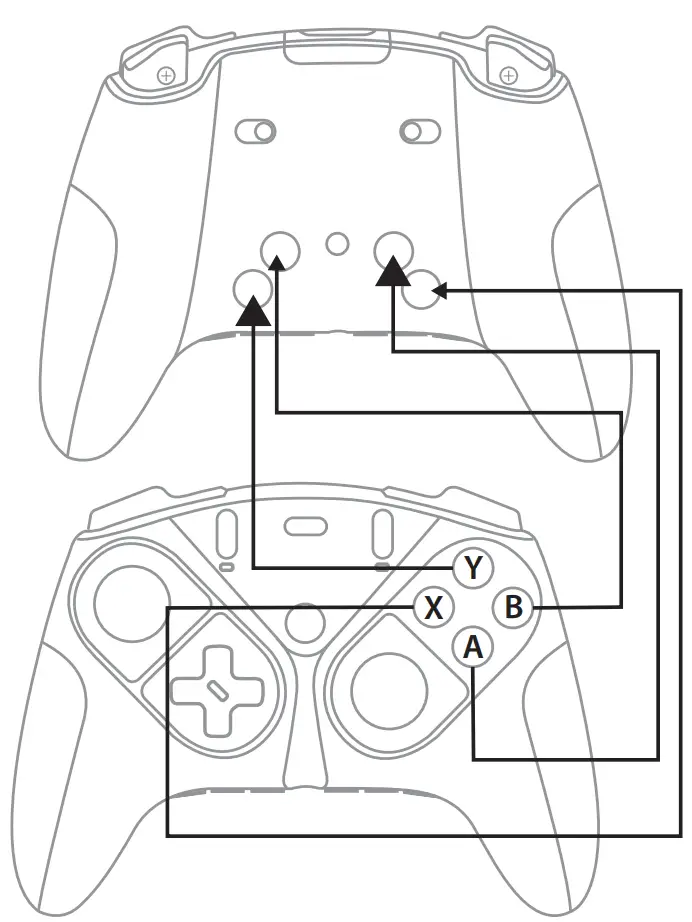 |  |
Modifying the mapping of one of the two profiles:
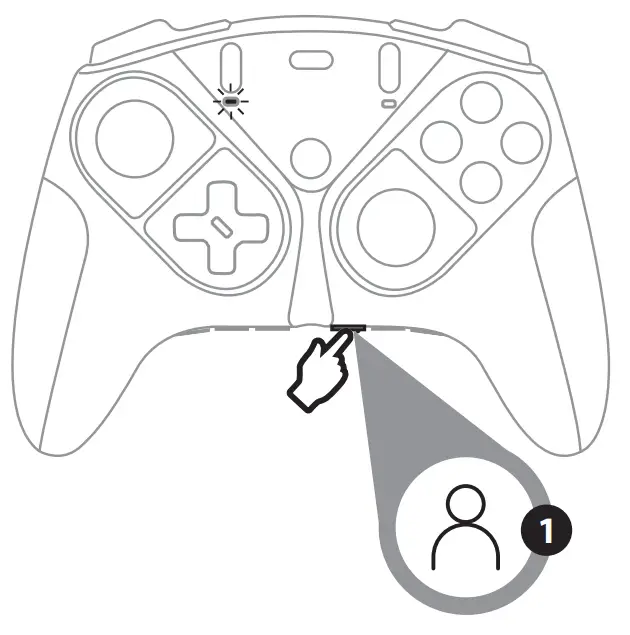
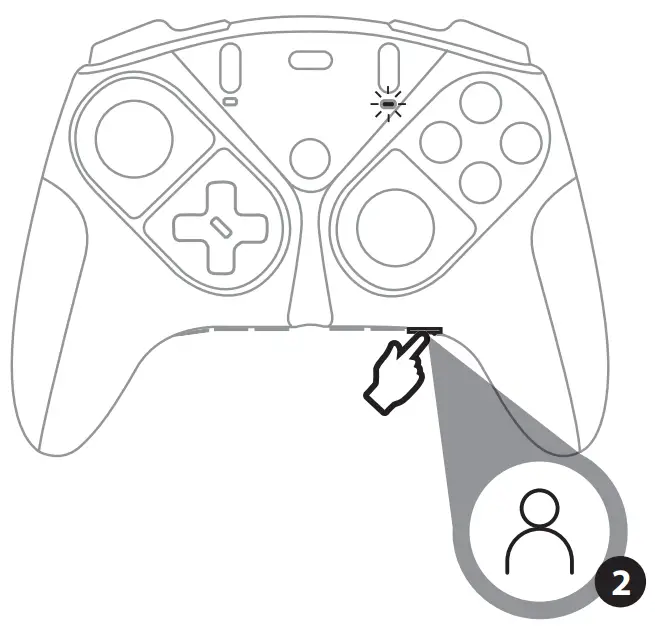
Step 1: Select the profile to modify, then press the MAP button. The profile LED flashes.
 |  |
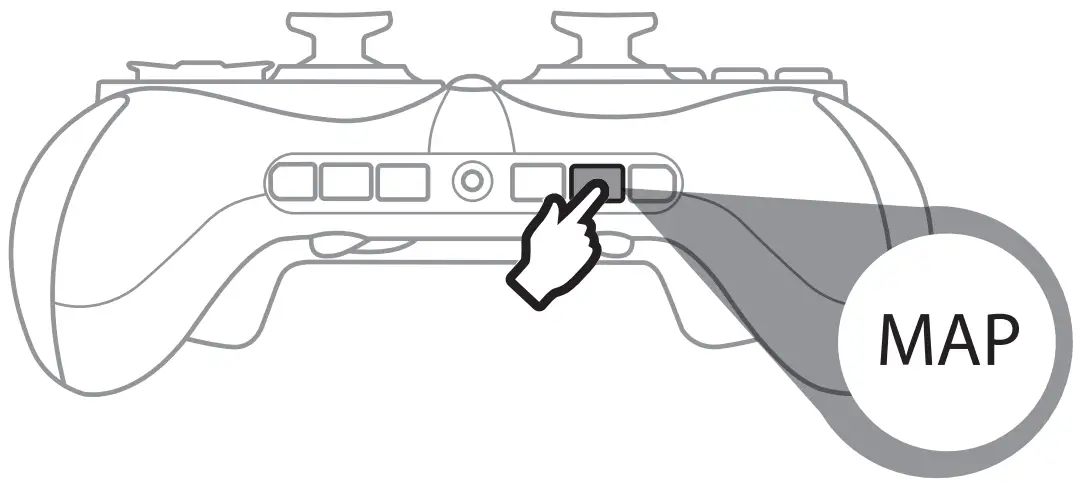 | |
Step 2: Press and hold the button you want to modify (1, 2, 3 or 4).
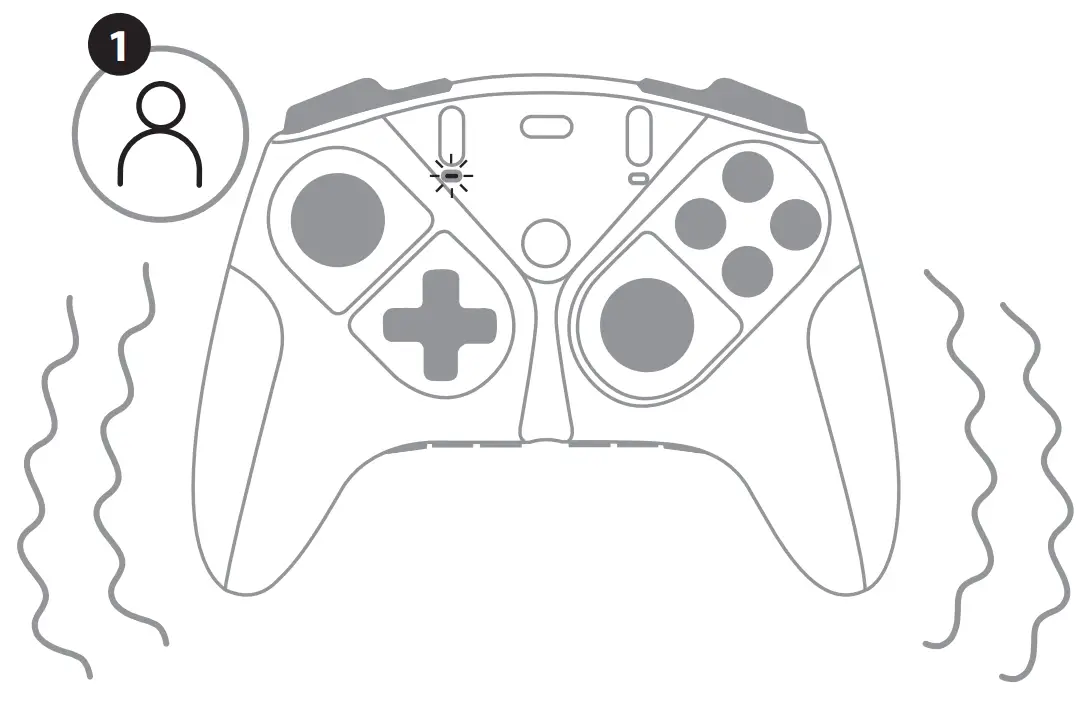
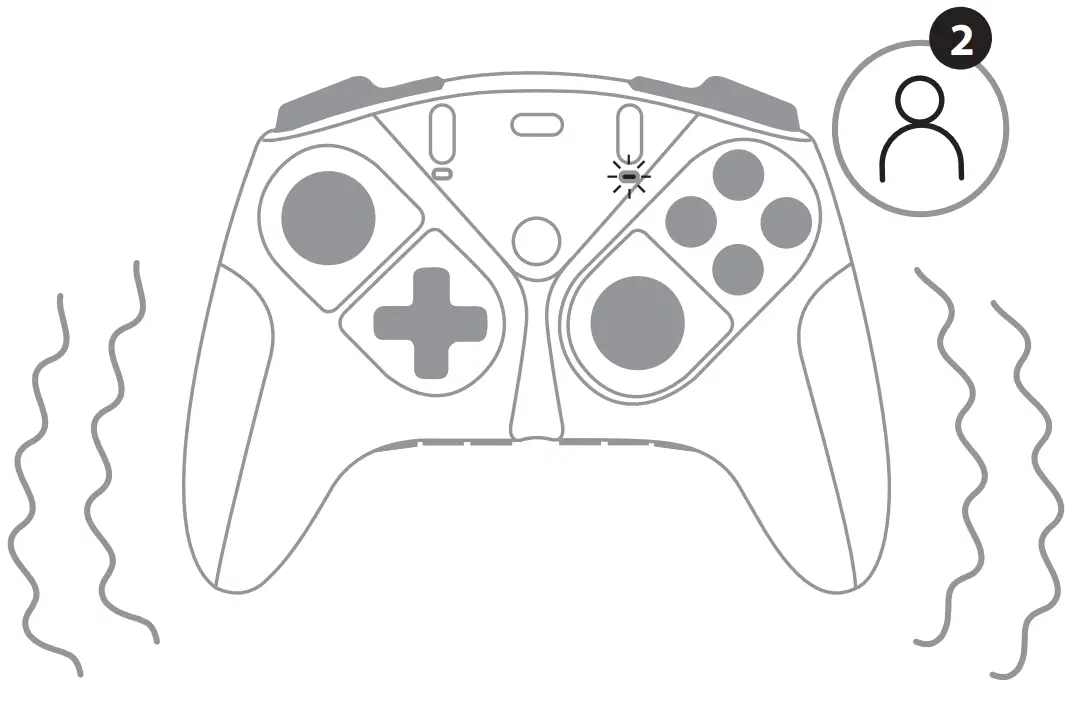
Step 3: Press the button you want to assign. The gamepad vibrates to indicate that the change is applied. The profile LED stops flashing and turns solid.
 |  |
Adjusting the trigger travel
|
|
 | |
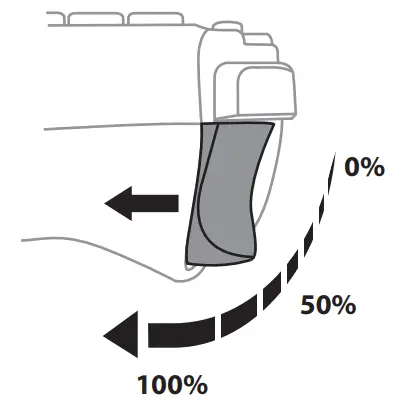 Long travel
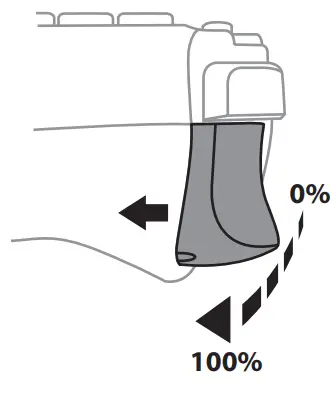 Short travel
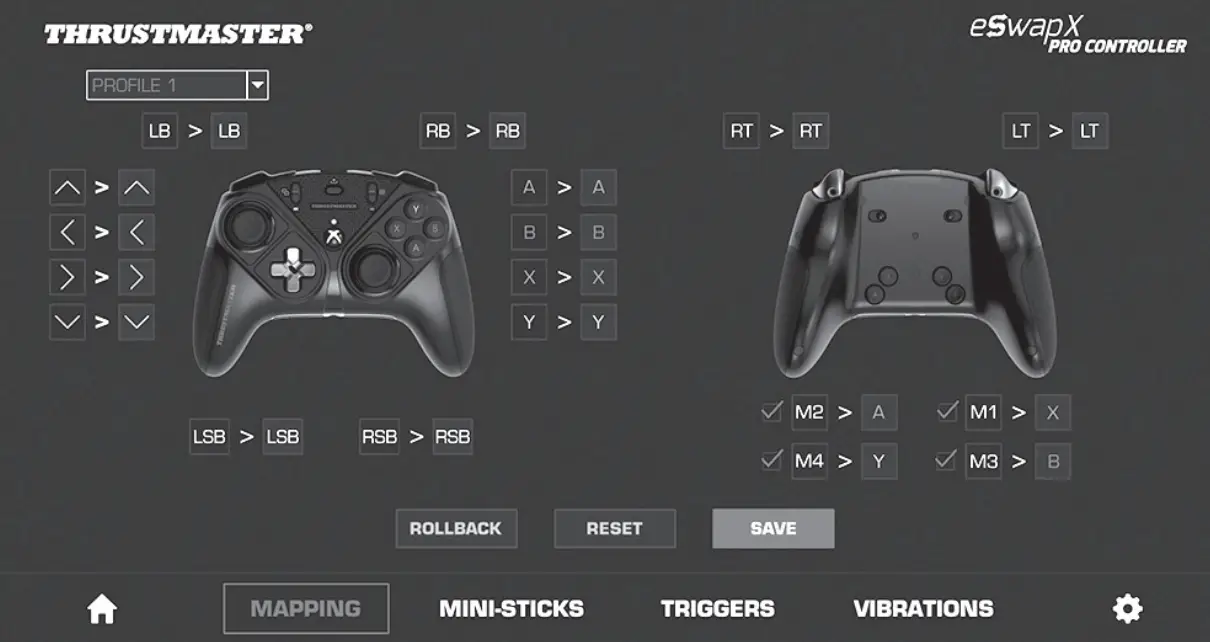
Advanced mapping and customization
Download and install the Thrustmapper software for Xbox on the Xbox Store/Microsoft Store from your Xbox/PC.
Design is subject to change
Updating your gamepad’s firmware
EN The firmware included in your gamepad can be updated to a more recent version featuring product enhancements.
Launch the Thrustmapper software and follow the instructions.

TECHNICAL SUPPORT
https://support.thrustmaster.com


 Thrustmaster - Technical support website
 Thrustmaster - Technical support website