
BENUTZERHANDBUCH
OWNER‘S MANUAL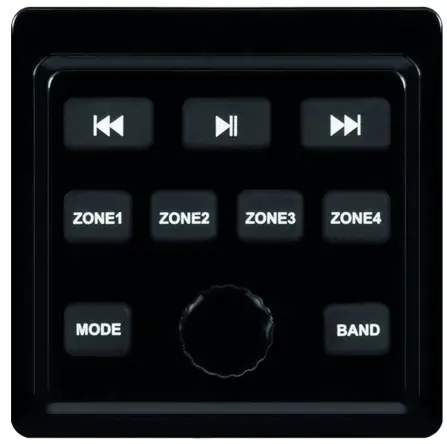
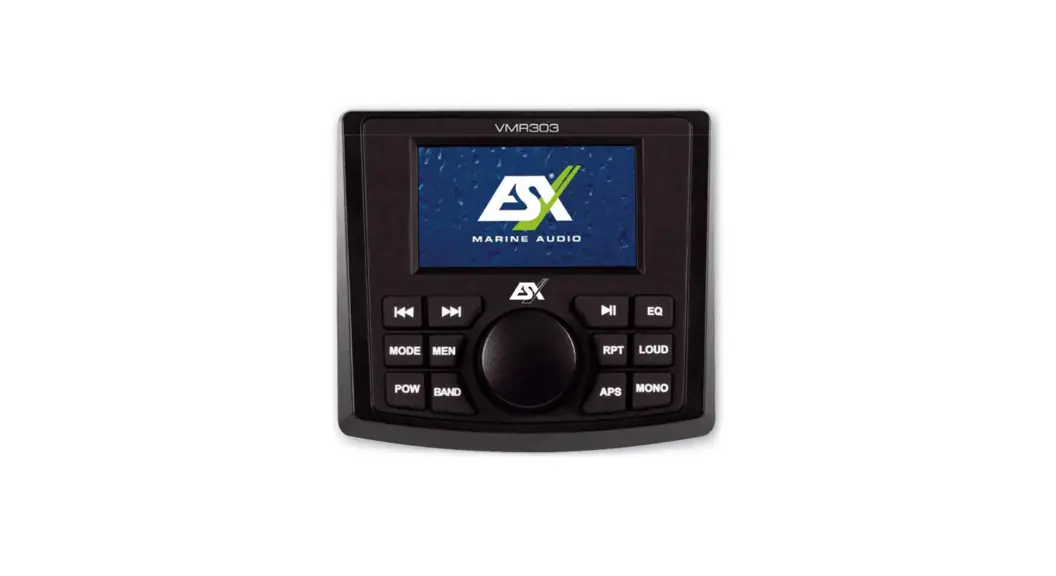
VMR303C
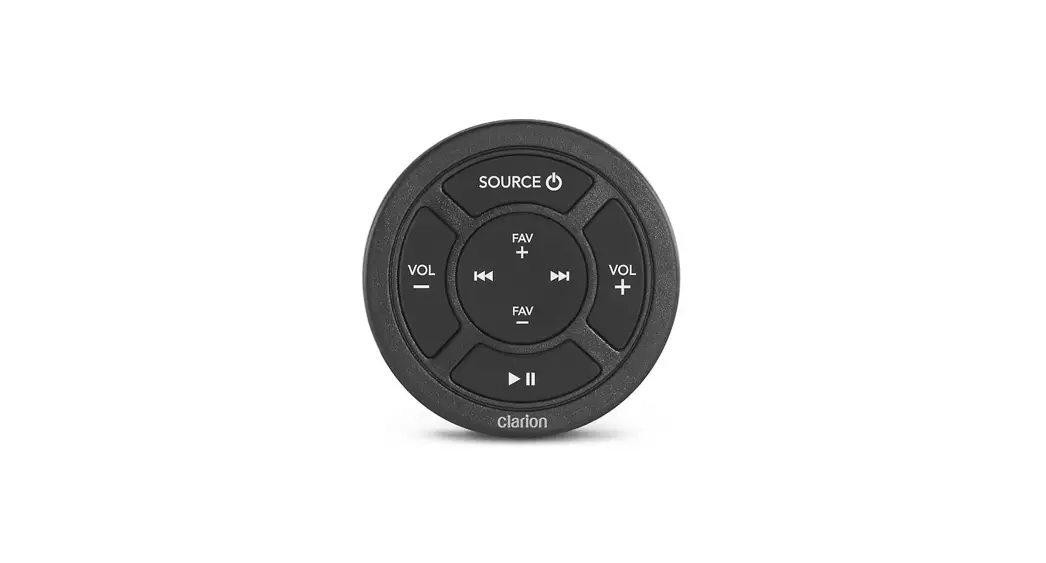
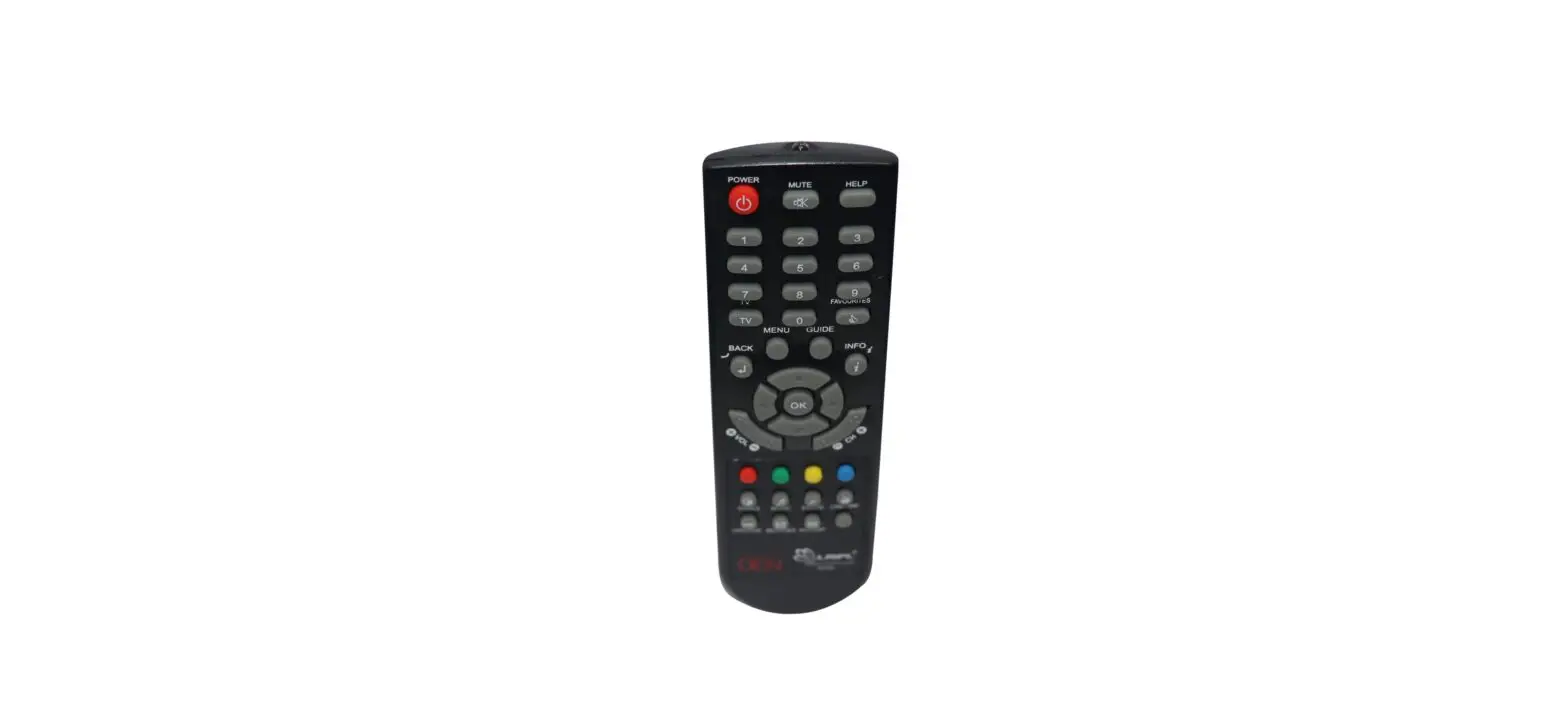
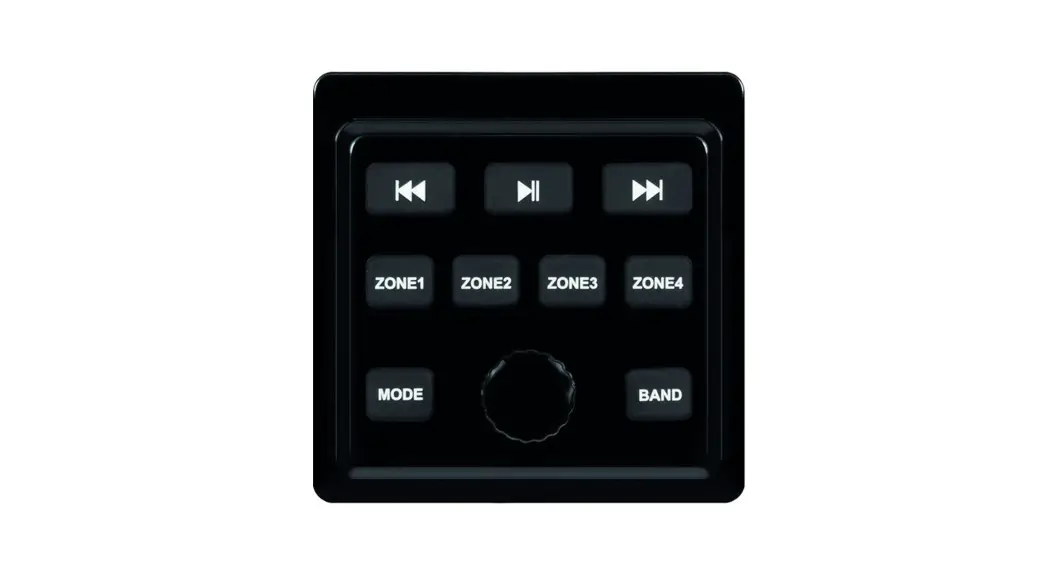
REMOTE CONTROLLER FOR VMR303
VERS. 1.1
GENERAL INFORMATION
Always follow the instructions in this manual before using the device. Please keep this manual for future reference.
- All registered product names, trademarks, and brands are the property of their respective owners.
- This user’s manual was created with great care.
- Technical changes and errors reserved.
- Due to the further development of this device, it is possible that the information in this manual is incomplete or does not match the delivery status.
SAFETY INSTRUCTIONS
This device is equipped with sensor technology and should always be handled with care. Observe the following information in order to extend the service life of the device.
- Please only use the original accessories supplied. Ensure that the device is adequately fastened using the installation accessories supplied.
- In the event of a defect or malfunction, do not attempt to repair or open the device yourself. Repairs should only be carried out by trained and authorized personnel.
- Keep the device and all accessories away from small children.
- Keep the device and its components away from excessive heat.
- Keep the device and its components away from excessive cold.
- Do not use strong chemical cleaners, solvents, or water to clean the device. Use a slightly damp cotton cloth with a soft surface.
INTENDED USE OF THE DEVICE
This remote controller is only suitable for use with the ESX Media Receiver VRM303. It is protected against the ingress of water and dust (protection classes ASTM B117, ASTM D4329, IP66).
DISPOSAL
 If you have to dispose of the device, please note that no electronic devices may be disposed of in the household waste. Dispose of the device in a suitable recycling facility in accordance with local waste regulations. If necessary, consult your local authority or your dealer.
CONTROLS
| Control | Function |
 | Volume control during media playback Mute on / off (press briefly) Media Receiver switch on / off (press longer than 2 seconds) |
 | Previous station / track |
 | Next station / track |
 | Start / pause playback |
| MODE | Select playback mode: DAB radio > FM radio > Bluetooth > USB > AUX IN |
| BAND | Frequency band selection FM1 / FM2 / FM3 in FM radio mode Play media from USB storage in the USB menu (press briefly) Select the media folder on the USB storage (press longer than 2 seconds) |
| ZONE1 | Select the volume of ZONE 1 with the rotary control |
| ZONE2 | Select the volume of ZONE 3 with the rotary control |
| ZONE3 | Select the volume of ZONE 3 with the rotary control |
| ZONE4 | Select the volume of ZONE 4 (sub) with the rotary control |
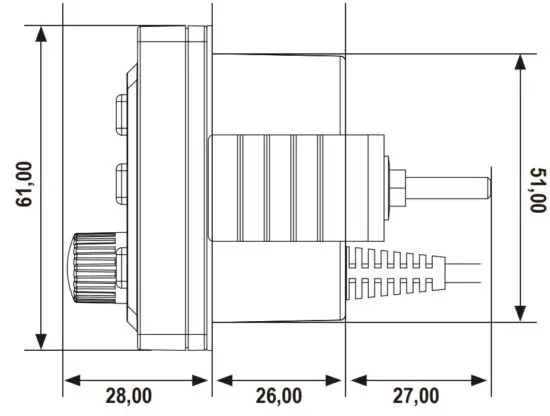
DIMENSIONS IN MM
INSTALLATION INSTRUCTIONS
Please note the following steps when installing the device:
- Mounting location
First, find a suitable mounting location for the device. Make sure that the device has enough space for installation. The installation dimensions can be found in the DIMENSIONS” section. In order to avoid malfunctions, never mount the device near the motor. - Mounting opening
After finding a mounting location, you need to cut a circular hole with a diameter of approx. 51 mm. - Interconnection
Connect the device as described under “CONNECTION DIAGRAM” in the owner’s manual of the Media Receiver VRM303. Then slide the device and the wiring through the hole. - Functional test
Before you complete the installation, you should carry out a function test. - Fastening
The device must now be fastened with the enclosed fixing screws and the mounting bracket.
The mounting bracket must be pressed from the inside against the baffle of the mounting location in order to fix the device.
When mounting, make sure that the device lies flat on the mounting surface,
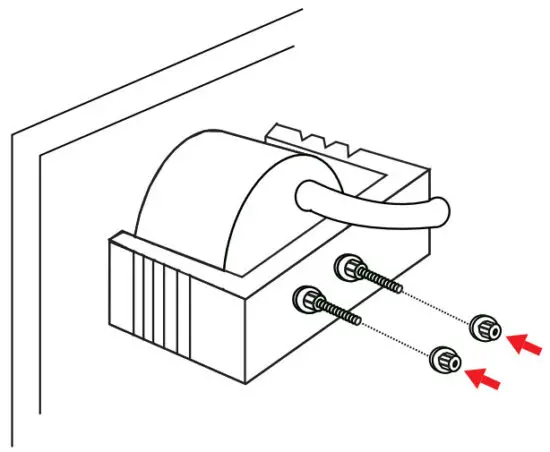
Use the two enclosed nuts to fasten the device.
Make sure that the wiring harness and the connection cables are not kinked or crushed during assembly.
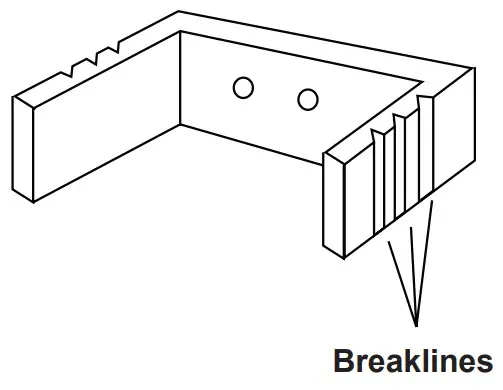 If the mounting bracket is too long, you can shorten the length accordingly on both sides at the breaklines.

ESX Marine Audio · Audio Design GmbH
Am Breilingsweg 3 · D-76709 Kronau/Germany
Tel. +49 7253 – 9465-0 · Fax +49 7253 – 946510
www.esxaudio.de/marine – www.audiodesign.de
© All Rechte vorbehalten, Technische Änderungen und Fehler vorbehalten
 Audio Design - The Home Of Car Audio, Navigation And More ...