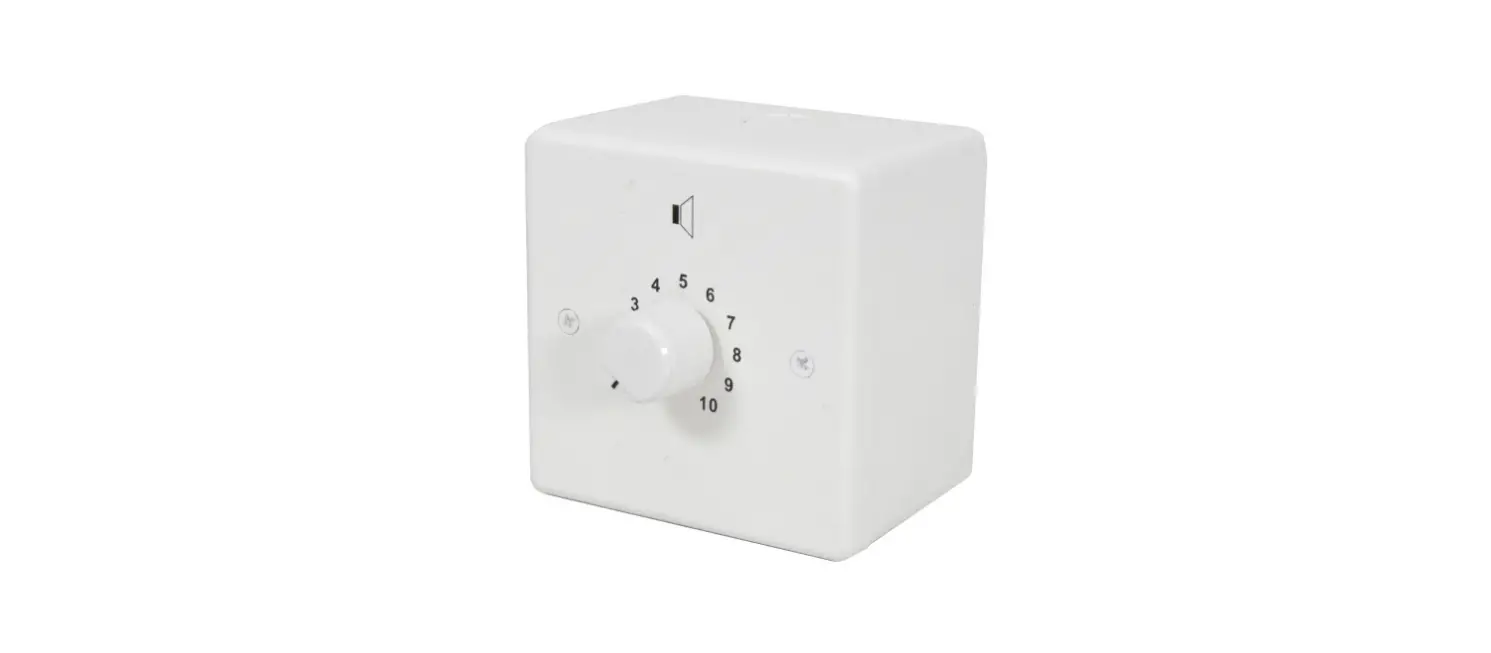
VLA42 Remote Volume Control Node
Product Information
The VLA42 is a remote volume control node manufactured by
INTUSONIC, a brand of Universal Technical Industries Co. Ltd. It is
designed and distributed by Adelto Industries Limited, located at
Unit 4 Britannia Business Park Comet Way, Southend-on-Sea Essex,
SS2 6GE, United Kingdom. For more information, visit www.intusonic.com or contact
[email protected].
Product Usage Instructions
- Thank you for choosing INTUSONIC for your sound system. To
ensure optimal performance and longevity, please read and follow
this instruction manual carefully. - This user manual is written in English. For other languages,
please use an auto-translation service of your choice. - Important Safety Instructions:
- Read these instructions and all markings on the product. Keep
these instructions. - Heed all warnings and instructions provided in this manual and
on the product. - Clean the product only with a dry cloth. Before cleaning,
unplug the unit or its power adaptor/charger from the AC
supply. - Avoid using this product near water or exposing it to
water. - Prior to connecting this product to any AC supply, ensure that
the AC mains voltage and frequency match the indication on the
product and its packaging. - Only connect this product or its power adaptor/charger to an AC
supply with sufficient power handling, protective earth connection,
ground-fault (earth-fault) protection, and overload
protection. - During thunderstorms or extended periods of non-use, disconnect
the product or its power adaptor/charger from the AC supply.
The manufacturer, Adelto Industries, declares that the INTUSONIC
VLA42 equipment conforms to the following
directives/standards/regulations:
- EMC Directive 2014/30/EU EN55035:2017
- LVD Directive 2014/35/EU EN62368-1
- ROHS2 Directive 2011/65/EU & 2015/863/EU EN63000:2018
Date: 19th March 2021
Authorized Signature
- Input 1, Input Impedance
- Inputs 1, Max. Input Level
- Inputs 1, LR Crosstalk
- Input 2/3/4, Input Impedance
- Input 2/3/4, Max. Input Level
- Input 2/3/4, LR Crosstalk
- Main Out, Residual Noise
- Main Out, THD
- Main Out, FQ Response
- AC IN
- Dimensions WxDxH (bare)
- Dimensions WxDxH (bumper)
- Weight
This product is guaranteed to be free of defects in material and
workmanship at the time of purchase. The warranty repair period is
determined by:
- A period of at least 6 months (from the date of purchase), or
the minimum period required by law in the territory of sale,
whichever is longer. - A period no longer than the specified average lifetime of a
component by the component’s manufacturer (from the date of
purchase).
For further assistance or inquiries, please visit www.intusonic.com.
16 | Page
USER MANUAL VLA42
USER MANUAL VLA42
Page | 1
WWW.INTUSONIC.COM
INTUSONIC is a brand of Universal Technical Industries Co. Ltd.
Concept, Design & Distribution by
Adelto Industries Limited
Unit 4 Britannia Business Park Comet Way, Southend-on-Sea Essex, SS2 6GE, United Kingdom www.adelto.com / [email protected]
INTUPAK VLA42
Remote Volume Control Node
WWW. INTUSONIC.COM
2 | Page
USER MANUAL VLA42
Welcome
Thank you for choosing INTUSONIC for your sound system. To make sure that this product meets your expectations and provides long-term, reliable performance, please read and follow this instruction manual carefully.
Manual language
UK This user manual is written in English. For other languages, please use an auto-translation service of your choice.
FR Ce guide est écrit en anglais. Pour les autres langues, veuillez utiliser un service de traduction automatique de votre choix.
DE Diese Anleitung ist in Englisch verfasst. Für andere Sprachen verwenden Sie bitte einen automatischen Übersetzungsdienst Ihrer Wahl.
ES Este manual está escrito en Inglés. Para otros idiomas, utilice un servicio de traducción automática de su elección.
PT Este manual está escrito em Inglês. Para outros idiomas, use um serviço de tradução automática de sua escolha.
IT Questo manuale è scritto in inglese. Per altre lingue, utilizza un servizio di traduzione automatica a tua scelta.
Important safety instructions
Read these instructions and all markings on the product. Keep these instructions.
Heed all warnings and instructions, both in this manual and on the product.
Clean only with a dry cloth. Unplug the unit or its power adaptor/charger from AC supply before cleaning.
Do not use this product near water and avoid any exposure to water. Before connecting this product to any AC supply (if any), make sure
to check whether the AC mains voltage and frequency match the indication on the product and its packaging. Only connect this product or its power adaptor/charger to an AC supply (if any) with sufficient power handling, protective earth connection, ground-fault (earth-fault) protection and overload protection. Disconnect the product or its power adaptor/charger from the AC supply (if any) during thunderstorms or longer periods of being unused.
WWW.INTUSONIC.COM
USER MANUAL VLA42
Page | 15
EC Declaration of Conformity
The manufacturer Adelto Industries, Unit 4 Britannia Business Park, Comet Way,
Southend-on-Sea, Essex, SS2 6GE, United Kingdom Declares at his sole responsibility that the equipment
INTUSONIC VLA42 is in conformity with the following directives/standards/regulations:
EMC Directive 2014/30/EU EN55035:2017
LVD Directive 2014/35/EU EN62368-1
ROHS2 Directive 2011/65/EU & 2015/863/EU EN63000:2018
And is marked as follows:
Southend-on-Sea, 19th March 2021
Authorized Signature
WWW.INTUSONIC.COM
14 | Page
USER MANUAL VLA42
Technical Data
Input 1, input Impedance Inputs 1, max. input level Inputs 1, LR crosstalk Input 2/3/4, input impedance Input 2/3/4, max. input level Input 2/3/4, LR crosstalk Main Out, residual noise Main Out, THD Main Out, FQ response AC IN Dimensions WxDxH (bare) Dimensions WxDxH (bumper) Weight
……………………………………….300k ……………………………………..15.5dBu ……………………………………….-76dBu …………………………………………49k ……………………………………..15.5dBu ……………………………………….-73dBu …………………………………….-82.5dBu ………………………………………0.055% ……………………..20H-20kHz (+-0.5dB) ……………….115/230V~, 50/60Hz, 12W …………………………..140x115x42 mm …………………………..166x146x53 mm ……………………………………..0.75 kg
Warranty
This product is guaranteed to be free of defects in material and workmanship at the time of purchase. Send-in warranty repair is granted for a period determined by
A period of at least 6 months (from the date of purchase), or the minimum period required by law in the territory of sale, whichever is longer.
A period of no longer (from the date of purchase) than the specified average lifetime of a component by the component’s manufacturer.
WWW.INTUSONIC.COM
USER MANUAL VLA42
Page | 3
Make sure any heat sink or other cooling surface, or any air
convection slot, is exposed sufficiently to free air circulation and is
not blocked. Do not operate this product in environmental temperatures
exceeding 35 degrees Celsius and/or 85% relative humidity. Position the product in a safe and stable place for operation, out of
reach of unauthorized persons. Make sure any cable connections to and from the product are neither
subject to potentially destructive mechanical impact nor present any
risk of stumbling or other accident risk to people. Audio equipment may generate sound pressure levels sufficient to
cause permanent hearing damage to persons. Always start up at low
volume settings and avoid prolonged exposure to sound pressure
levels exceeding 90dB. Do not open this product for service purposes. There are no user-
serviceable parts inside. Warranty will be void in any case of unauthorized service by the user
or other not authorized persons. Take any precaution required by local law, applicable regulations or
good business practice to avoid injury of people or material damage
by use of this product.
Symbols used in this manual
DANGER! Safety hazard. Risk of injury or death.
ATTENTION! Read manual before installation and operation.
WARNING! Hazardous voltage. Risk of severe or fatal electric shock.
WARNING! Fire hazard.
Health Advice
This unit may produce and absorb electromagnetic radiation. The strength of radiation and the sensitivity for disturbing interference matches the CE and FCC requirements. A corresponding sign is printed on the backside of the unit. Any change or modification may affect the behavior of the unit concerning electromagnetic radiation, with the CE and FCC requirements eventually not to be met any more. The manufacturer takes no responsibility in this case.
WWW.INTUSONIC.COM
4 | Page
USER MANUAL VLA42
Functional Advice (only for powered products)
This unit is immune to the presence of electromagnetic disturbances both conducted and radiated – up to a certain level. Under peak conditions, the unit is classified to show a “class C” performance criteria and may encounter temporary degradation or loss of function which may need manual help to recover. In such case, switch the unit off and back on to recover .
Environmental Advice
This unit is built to conform to the ROHS-2 standard according to directive 2011/65/EU and the WEEE directive 2012/19/EU of the European Parliament and of the Council of the European Union. Under these regulations, the product shall not be discarded into regular garbage at the end of its life, but shall be returned to authorized recycling stations.
Battery Advice (only for battery-powered products)
Some products may contain a battery. Refer to the further chapters of this manual to determine whether this product contains a battery, and whether this is removable and/or rechargeable.
Where applicable, adhere to the relative regulations in aviation transport.
If the battery is rechargeable, the battery might not be fully charged or partly discharged at the time of purchase. Recharge before use. Only use recommended or included chargers with appropriate voltage/current rating.
WARNING! Fire hazard. Batteries might heat up during charging. Only charge in a place with sufficient air convection.
Wireless Advice
Some products may contain a wireless transmitter, receiver or transceiver. Refer to the further chapters of this manual to determine whether this product contains a wireless function, and in which frequency this operates.
Make sure the frequency of operation does not require a specific license in the territory you operate the product in. If it does, obtain such license prior to any operation.
Certain wireless technologies are designed for short distance operation. The actual distance will depend on how jammed the
WWW.INTUSONIC.COM
USER MANUAL VLA42
C abling
Page | 13
This product may use all or a selection of the below connector types, for which the pin assignment must comply with the following specification. Always make sure to use good connectors and cables to ensure proper operation. Balanced connections are to be preferred over unbalanced connections where applicable and feasible. Avoid unbalanced connections exceeding 2m of cable length.
WWW.INTUSONIC.COM
12 | Page
USER MANUAL VLA42
be a remote audio input on a wall remote control panel or the audio line of a paging bus. This source can only be selected at the external d evices. IR sensor. This optical sensor will receive the signals from the provided IRB44 infrared remote control, as long as there is a line of unobstructed sight between the unit and the infrared remote control. If the unit is mounted in a concealed position, use the IR extension port (14) to bring the external IR sensor to a position in line of sight for the IRB44 remote control. IR extension port. If the unit is mounted in a position where an unobstructed line of sight for proper operation of the IRB44 infrared remote control is not granted, plug in the provided IR sensor extension here and mount the external IR sensor in a position where such unobstructed line of sight is granted. Power Indicator LED. Shows whether the unit is powered on or off.
Power switch. Switches the unit on and off. Make sure to switch the unit off when not in use. The ON position is indicated by a backlight.
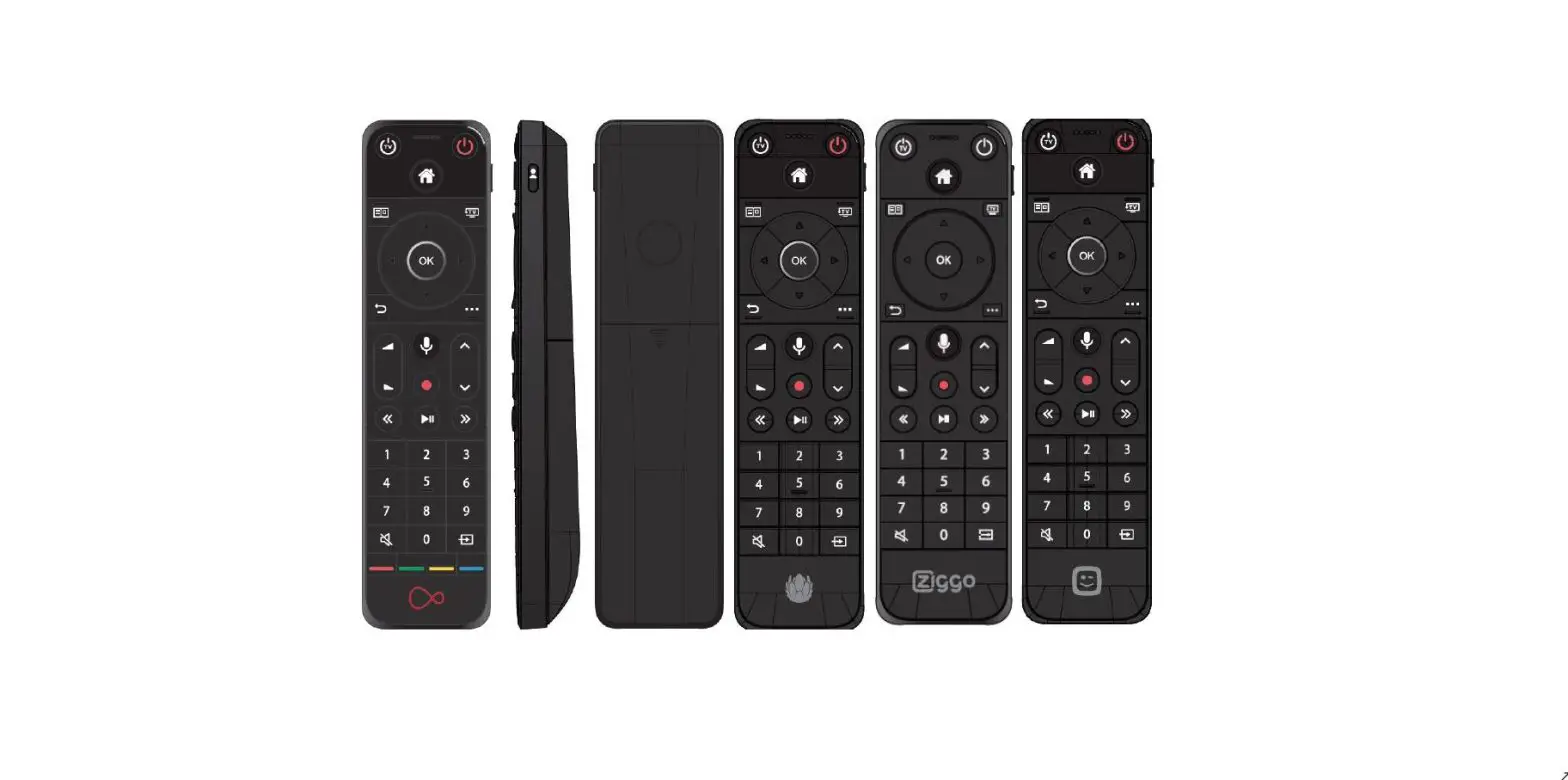
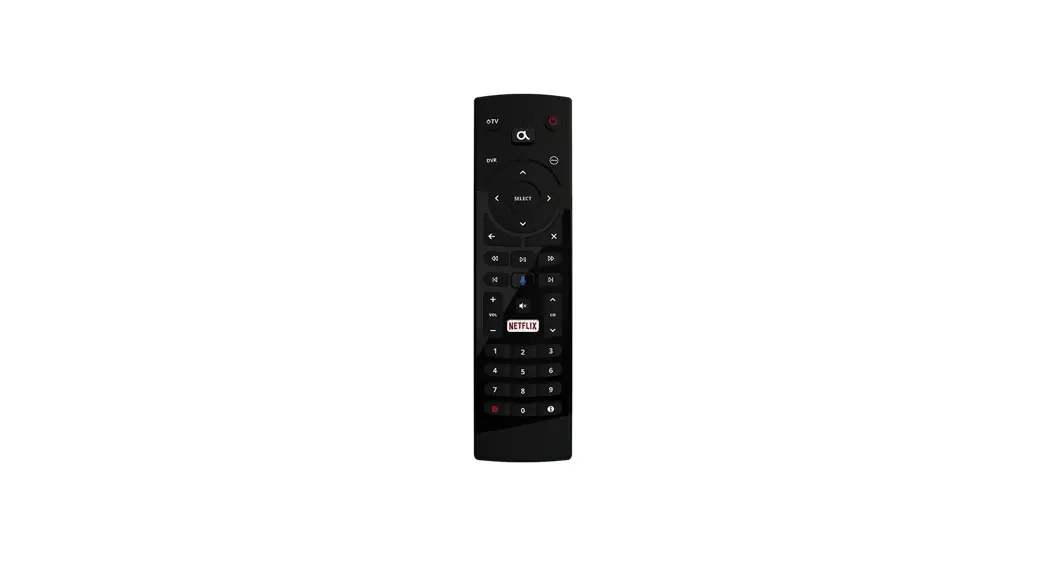
IRB44 source selector switches. Allow the remote control of the source selector switches (11). IRB44 zone selector switches. If several VLA42 (up to 4) are installed, these buttons allow to select the active receiving unit. IRB44 Volume control (“-” and “+”). Allow the remote control of the volume control (7). IRB44 mute control. Allows the remote control of the volume control’s mute function (7)/(9).
WWW.INTUSONIC.COM
USER MANUAL VLA42
Page | 5
frequency band is at the location of use. In adverse cases, operational distances might be as low as 5m. In normal circumstances, 10m can be assumed. Test the operational distance prior to relying on the wireless functionality in a specific application.
Unpacking
Please check that the box contains the following items:
1 pc. main unit 1 pc. AC cord set 1 pc. External IR sensor with extension cord 1 set (4 pcs.) surface mount brackets 1 set (2 pcs.) panel mount brackets 1 pc. IRB44 infrared remote control 1 pc. user manual
If any part is missing, please contact your dealer immediately for replacem ent.
Please note that rack mount bracket described in this manual (ref. JUP-2) is only available as an optional accessory.
WARNING! After unpacking, and before plugging the AC cord in the wall outlet, check whether the AC mains voltage and frequency is the same as this product is specified for (see rear panel of product). Whenever the specified voltage or your AC plug should not match the local conditions, do NOT plug the AC cord into the wall outlet and contact your dealer immediately.
WWW.INTUSONIC.COM
6 | Page
USER MANUAL VLA42
Mounting options
This product comes pre-assembled with synthetic rubber corner bumpers (C). By removing the 8 screws that hold these corner bumpers, the basic configuration (B) can be attained. By adding the relative bracket types, a panel mount version (P) or a surface mount version (S) can be generated. These brackets are included. By the purchase of the optional JUP-2 rackmount kit, a 19”/1U rackmount version (R) can be generated.
USER MANUAL VLA42
Page | 11
WWW.INTUSONIC.COM
Volume control. This is an infinite rotary encoder with integrated push switch. Turning the encoder clockwise will increase the volume at the output (4), turning the encoder counterclockwise will decrease the volume. The current volume setting will be indicated on the volume indicator LEDs (8). Pressing the encoder will invoke a mute status, with this status being indicated by the mute LED (9). Volume indicator LEDs. This circular arrangement of 8 LEDs indicates the current volume setting. The 8 LEDs will incrementally be lit when the volume is increased via the volume control (7). It takes more than one detent of turns with the volume control to invoke the next LED, as the number of internally available volume adjustment steps is bigger than 8. Mute LED. Once the mute status was invoked by pressing the volume control encoder (7), this LED will be lit. Upon pressing the volume control encoder (7) again, the mute status will be cleared, the volume will return to the prior setting and the mute LED will be off. Output Peak indicator LED. Since the volume indicator LEDs (8) do only make a relative statement about the volume setting, this LED will indicate when the actual audio output level exceeds +4dBu. Source selector switches. These are tact switches accompanied by source status LEDs (12). Pressing one of these switches will change the active source to the selected source. The relative source status LED (12) will be lit. Source status LEDs. Once a source has been selected by the source selector switches (11), the relative source status LED will be lit. Apart from the 4 sources available for selection at the VLA42, there is also a 5th LED for an external source being active, which may
WWW.INTUSONIC.COM
10 | Page
Controls and Connections
USER MANUAL VLA42
AC inlet and fuse holder. Use the supplied AC cord to connect the unit to AC mains. Make sure voltage and frequency stated and set on the unit comply with your local AC supply. The fuse can be accessed by the small drawer at the AC inlet. To change the fuse, unplug the AC cord first, pull out the fuse drawer and replace the fuse ONLY with a fuse of SAME voltage and rating. If the fuse blows again after replacement, hand over the unit to qualified service personnel. Stereo signal input 1. This is a pair of 3.5mm balanced terminal strips. The input is optimized for longer cable runs due to its higher common mode rejection ratio (CMRR). Connect any remote source here, and make sure the source provides a balanced signal. The signal fed into this input can be selected via the source selector (7). Stereo signal inputs 2/3/4. These are pairs of unbalanced RCA jacks. Connect any close-by sources here. The signals fed into these inputs can be selected via the source selector (7). Stereo signal output. This is a pair of 3.5mm balanced terminal strips, carrying the output signal selected via the source selector (7). Remote control input. This is a RJ45 jack for the connection of other Intusonic devices featuring the IntulinkTM bus system. This input can be configured to either work in paging or remote audio input applications (see chapter “configuration”). Digital control input. This is a RJ45 jack for the connection of a control device compatible with the IntulinkTM bus system. This could for example be a PCB with a RS485 interface matching the pinout of the IntulinkTM bus.
WWW.INTUSONIC.COM
USER MANUAL VLA42
Page | 7
About this product
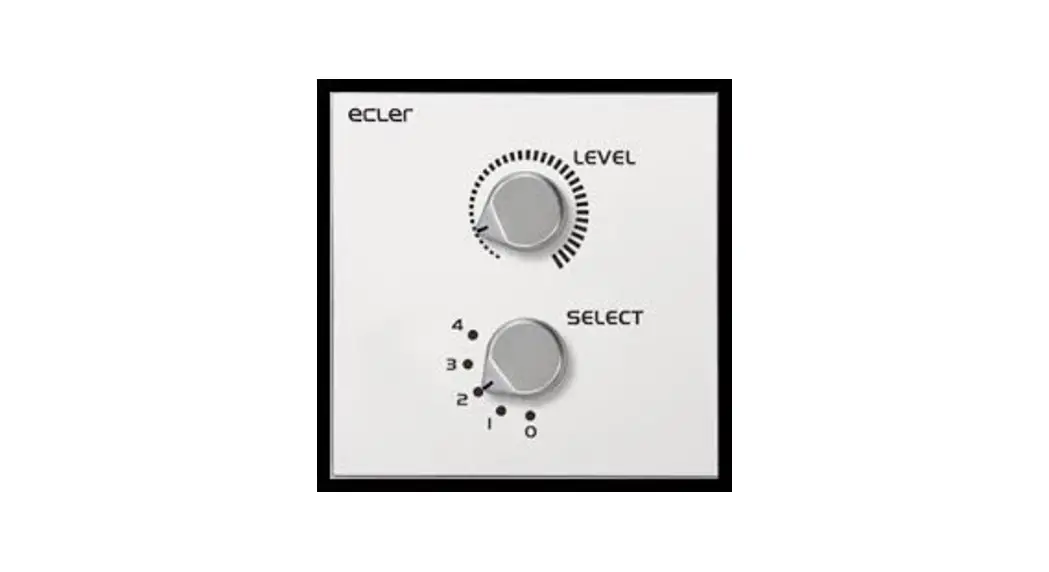
The VLA42 is an audio signal selector and volume controller with 4 stereo inputs and one stereo output. One of the inputs is specifically designed as a balanced input for long cable runs, so that the unit may process one remote input signal and 3 local input signals. The source selection and volume control can be expedited via the user interface on the unit, via the included IR remote control or via an IntulinkTM compatible wall remote control panel with matching features. The Intusonic VRE11 audio remote control panel is recommended. Using the VRE11 audio remote control panel, the VLA42 can also process a 5th input remotely connected to the VRE11.
The IntulinkTM bus system
The VLA42 uses Intusonic’s IntulinkTM control bus system, which uses standard CAT5/CAT6 shielded cables and combines RS485 control lines with power supply lines and a mono balanced audio connection according to the following pinout:
A documentation of the RS485 commands used for remotely controlling devices with the IntulinkTM bus system is continuously updated and hence only available for download from www.intusonic.com.
WARNING! Do not connect any other devices but Intusonic products with InutlinkTM bus connection to the RJ45 ports of this unit. PC network connections or other manufacturer’s RJ45-based interconnection systems are or may be incompatible, and the attempt of making such connection may result in damage of this unit or other equipment. The manufacturer accepts no claims towards damages evolving from incorrect connections.
WWW.INTUSONIC.COM
8 | Page
USER MANUAL VLA42
ATTENTION! Do only use shielded CAT5/CAT6 cables with shielded connectors for better suppression of interference (EMI) in long cables ru ns. ATTENTION! To make sure that your installation complies with EMC requirements, you must attached snap-on ferrites to both ends or at least one end (recommended close to the VLA42) of the CAT5/CAT6 c able(s).
Configuration
The VLA42 can be configured to meet certain operational requirements by setting internal jumpers/switches:
USER MANUAL VLA42
Page | 9
Zone setting. This is a 3-position DIP switch allowing for 8 different settings, which refer to the unit being set to one out of 8 control zones that the IntulinkTM bus system can administrate. As a default, the switch is set to Zone 1 (position OFF-OFF-OFF). Other zones can be set as follows:
Zone # 1 2 3 4 5 6 7 8
Switch 1 OFF ON OFF ON OFF ON OFF ON
Switch 2 OFF OFF ON ON OFF OFF ON ON
Switch 3 OFF OFF OFF OFF ON ON ON ON
External audio signal selector. Jumper JP1: configures the REMOTE RJ45 port either as a paging bus input (EXT audio relates to the paging bus audio signal) or a wall controller input (EXT audio relates to the input on the wall panel). Factory default is the wall controller setting. RS485 Debug connector. Jumper JP3: This is only used for service purposes, and there is no jumper fit on this connector. Do NOT place any jumper on this connector.
WARNING! Any action which requires opening the product shall only be expedited by qualified service technicians. Remove the AC cord before opening the product. Be aware that the warranty may be void unless you are an appointed Intusonic installer, contractor or technical service provider.
To change the jumper settings, unscrew the lid from the product and remove it. Note the lid is in this case the bottom cover.
WWW.INTUSONIC.COM
WWW.INTUSONIC.COM
 INTUSONIC – commercial audio systems – the smart choice