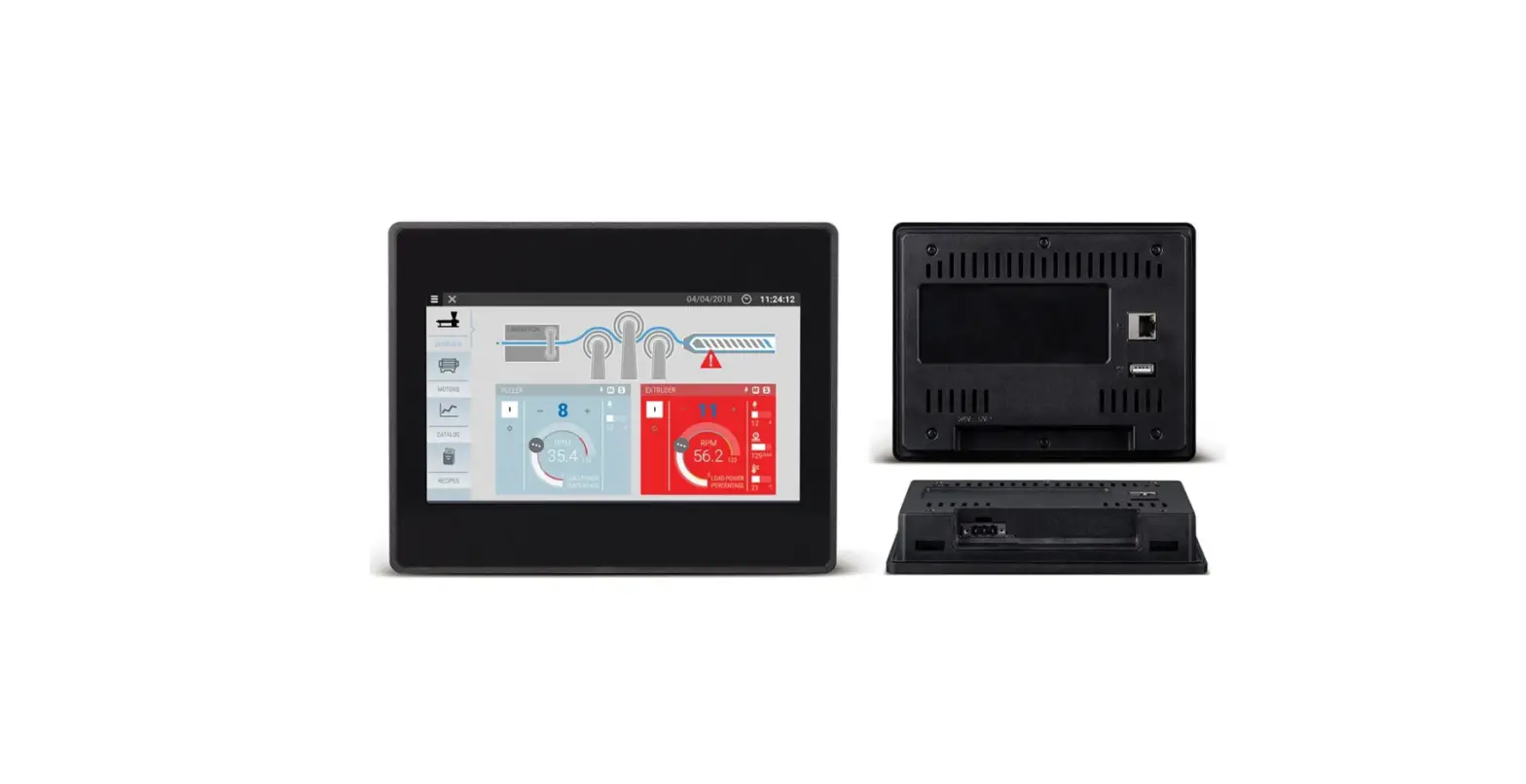
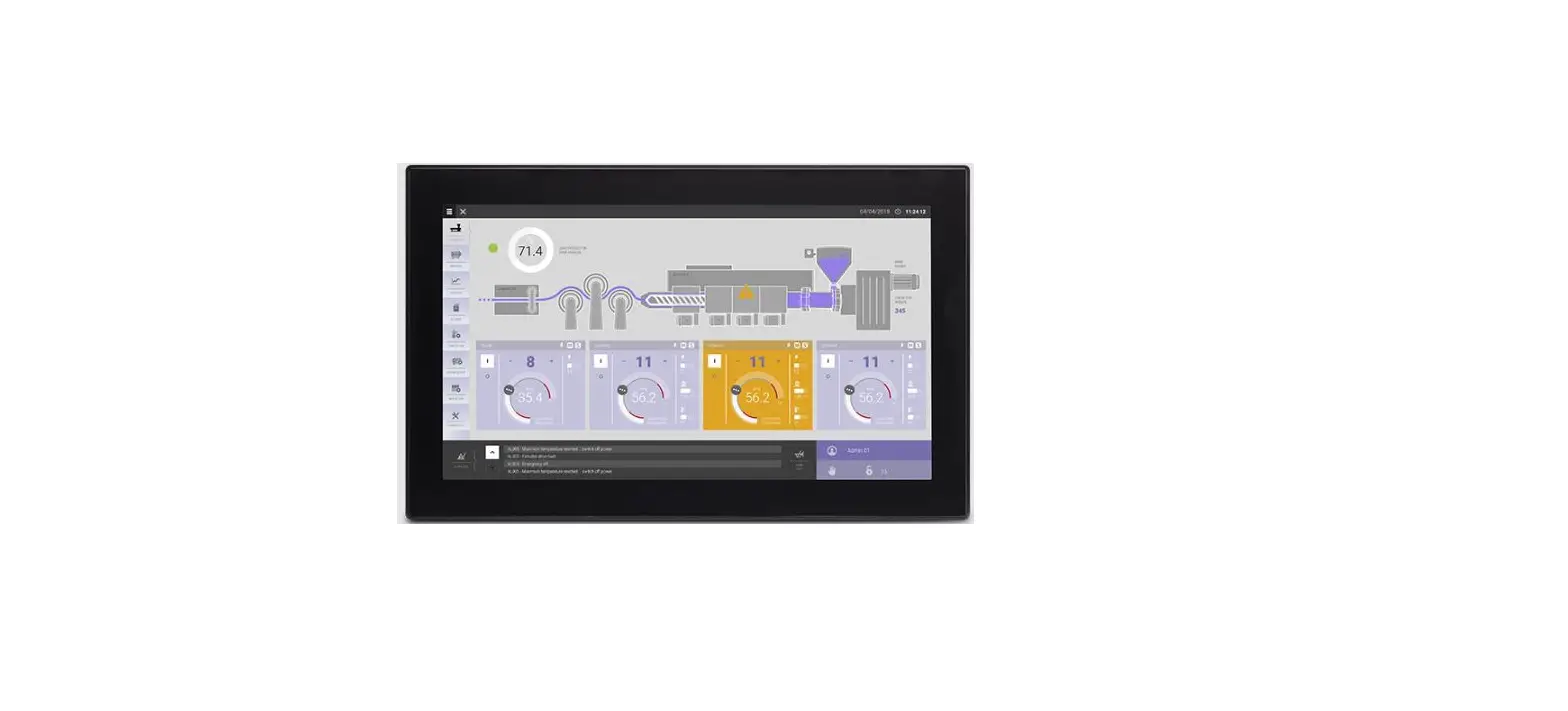
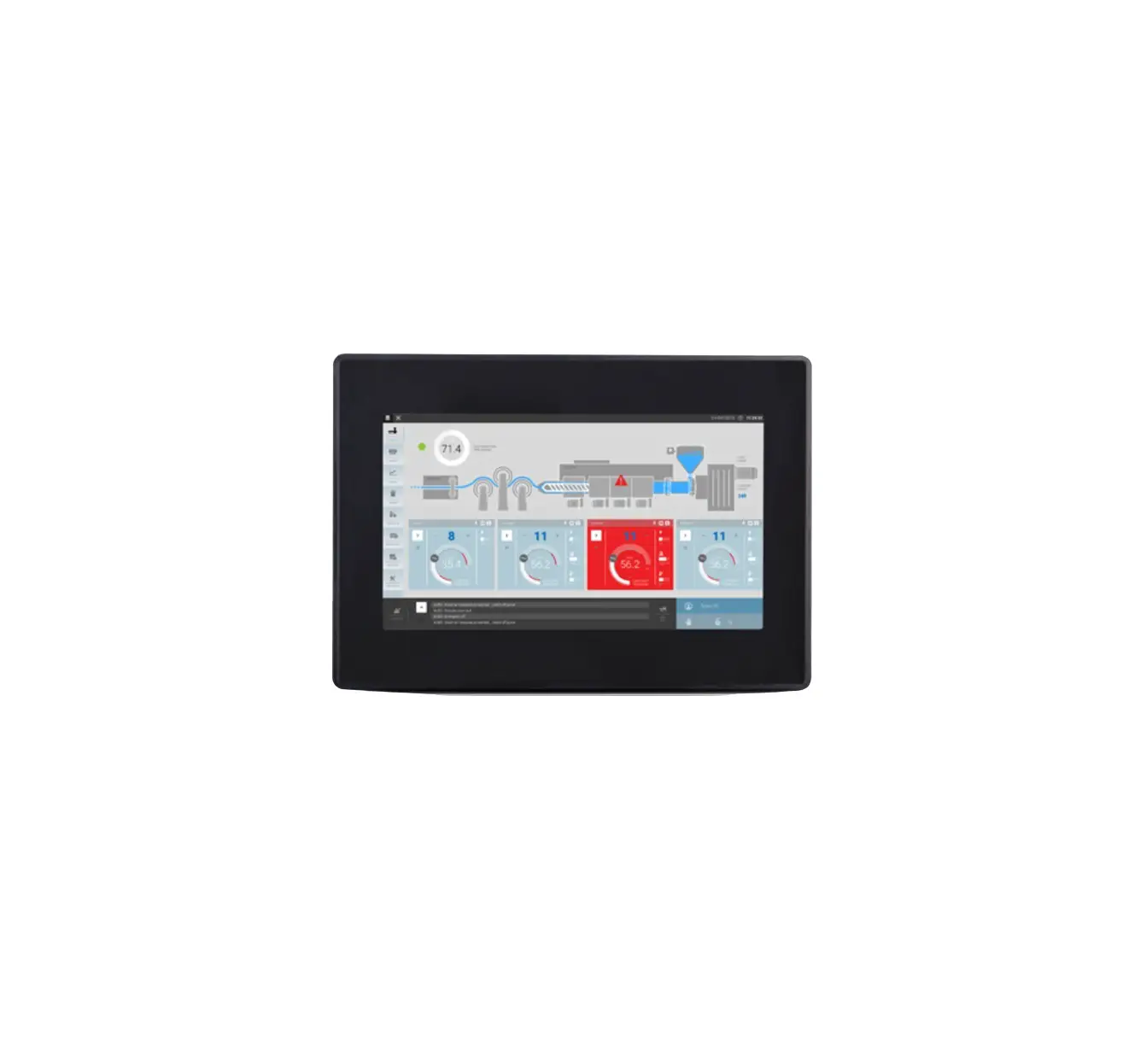
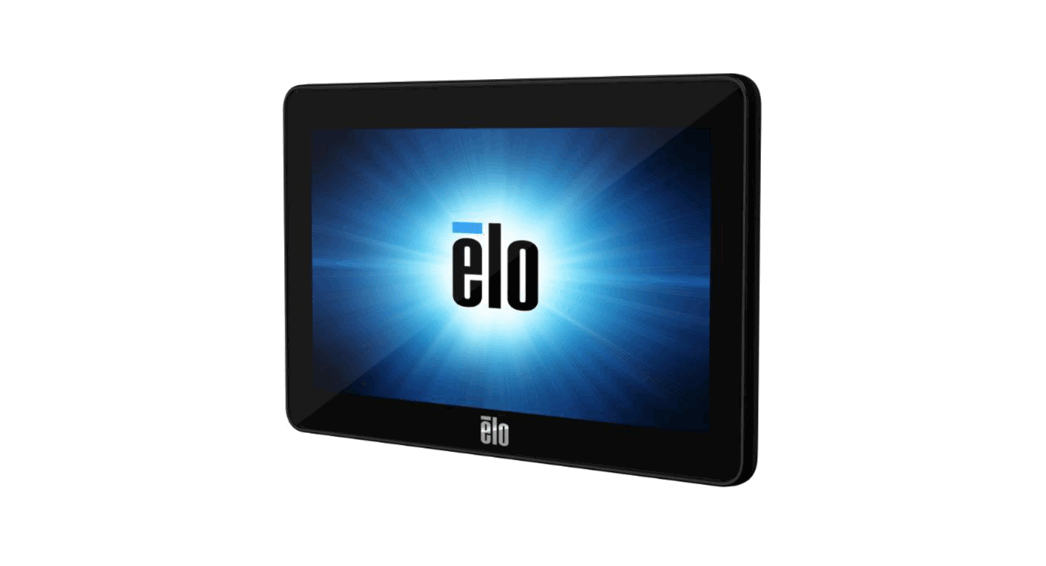
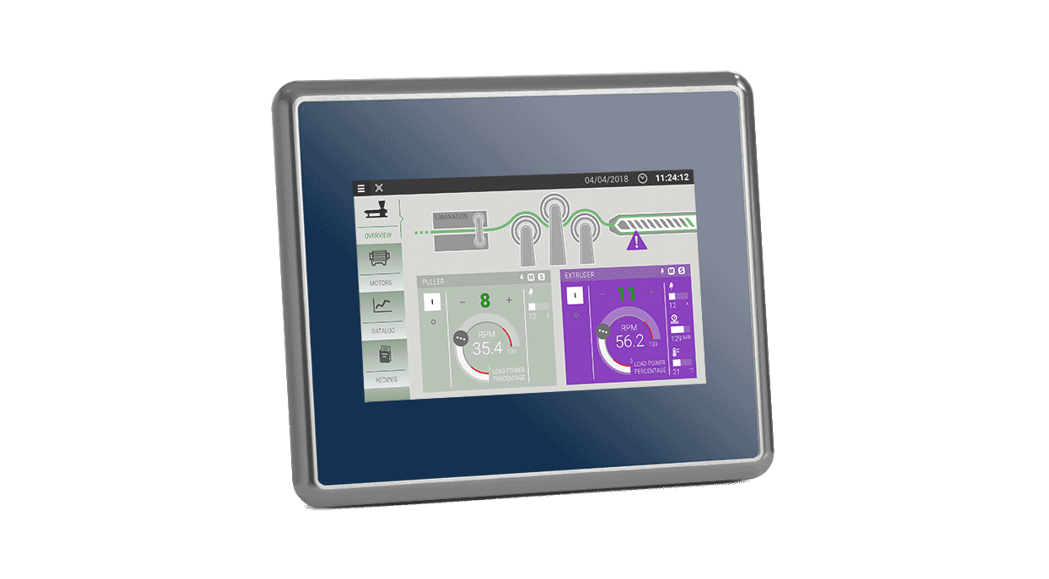
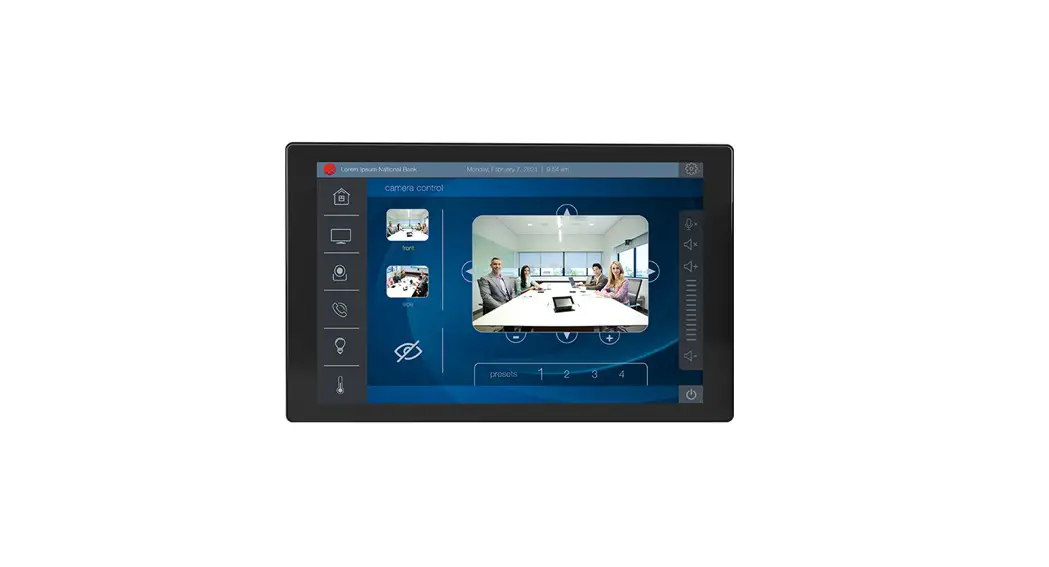
eSMART107 Essential Resistive Touch Controller 7 Inch Display
Product Information: – Model: eSMART107 – Dimensions: –
Cut-Out: A = 176mm/06.90, B = 136mm/05.35 – Installation: H =
147mm/05.79, L = 187mm/07.36, C = 29mm/01.14, T = 5mm/00.19 – Power
Supply: Extra low voltage power supply / Limited power source –
Power Supply Range: 11-30Vdc – Ports: – RS422/485 + CAN (COM2 /
CAN0) – RS422/485 + CAN (COM3 / CAN1) – RS232 + RS232 (COM1 / COM4)
– USB (2 ports) – ETH0 – 10/100Mbit/s – ETH1 – 10/100Mbit/s –
Safety: All ports are SELV (Safety Extra – Low Voltage) according
to European Standards Product Usage Instructions: 1.
Dimension-Cut Out / Einbauausschnitt / Decoupe de montage / Seccion
para montaje / Foratura per il montaggio: – Cut out a hole in the
installation surface with dimensions A = 176mm and B = 136mm. 2.
Installation: – Place the eSMART107 device in the cut-out with
dimensions H = 147mm, L = 187mm, C = 29mm, and T = 5mm. – Secure
the device using the provided terminal and contact components. 3.
Power Supply: – Use an extra low voltage power supply with a range
of 11-30Vdc. – Ensure that the power supply has enough power
capacity for the operation of the device. – Do not open the panel
rear cover when the power supply is applied. 4. Connections: –
RS232 (ref. X4): – Connect the pins of the RS232 ports (COM1 and
COM4) according to the pin description provided. – RS485 (ref. X2 –
X3): – Connect the pins of the RS485 ports (COM2 and COM3)
according to the pin description provided. – Use terminal and
contact components for secure connections. – CAN (ref. X2 – X3): –
Connect the pins of the CAN ports (CAN0 and CAN1) according to the
pin description provided. – Use terminal and contact components for
secure connections. 5. RS485 – CAN port configuration (ref. S1 –
S2): – Configure the RS485 ports (COM2 and COM3) for half-duplex
operation using the S1 and S2 positions. – Set the CAN0 termination
using positions 1 and 2 on S1. – Set the CAN1 termination using
positions 1 and 2 on S2. Note: Follow all safety guidelines
provided in the user manual for proper usage and installation of
the eSMART107 device.
MANESMA107U001 V.1.10 09.08.2022
1 DIMENSION-CUT OUT/ ABMESSUNGEN-EINBAUAUSSCHNITT /
2
DIMENSION-DECOUPE/ DIMENSIONES-SECCION/
DIMENSIONI-FORATURE
FIXING BRACKET/ BEFESTIGUNG/ MONTER ET SERRER LES ÉTRIERS/ PIEZAS DE SUJECCIÓN/ FISSAGGIO SUPPORTI
3
REAR VIEW/ RÜCKANSICHT/ FACE ARRIERE/
VISTA POSTERIOR/ VISTA POSTERIORE
eSMART107
A
B
176mm/06.90″ 136mm/05.35″ A.
B.
eSMART107 Installation cut-out/ Einbauausschnitt/ Decoupe de montage/ Seccion para montaje /Foratura per il montaggio
Installation guide Installationsanleitung Notice d`installation
Guía de instalación Guida di installazione
MODEL eSMART107
H
L
C
T
147mm/05.79″ 187mm/07.36″ 29mm/01.14″ 5mm/00.19″
MODEL eSMART107
CSD 600mm/23.62″
CSD2 450mm/17.71″
CSD = Minimum Compass Safe Distance of standard compass/ Minimum sicherer Entfernung von der Norm Kompass/ Distance minimale de sécurité du compas/ Distancia mínima de seguridad de la brújula/ Minima distanza di sicurezza dalla bussola standard CSD2 = Minimum Compass Safe Distance of steering compass, standby steering compass, emergency compass/ Minimaler Sicherheitsabstand vom Steuerstand Kompass, Kompass Stand-by, Notfall Kompass/ La distance minimale de sécurité du compas, compas standby, boussole de secours/ Distancia mínima de seguridad desde el compás, el compás de espera, brújula de emergencia/ Minima distanza di sicurezza dalla bussola di rotta, bussola standby, bussola di emergenza
Tightening torque: 75 Ncm Anzugsdrehmoment: 75 Ncm Couple de serrage: 75 Ncm Par de apriete: 75 Ncm Coppia di serraggio: 75 Ncm
4 POWER SUPPLY/ SPANNUNGSVERSORGUNG/ ALIMENTATIO/ ALIMENTACION DE CORRIENTE/ ALIMENTAZIONE
Extra low voltage power supply / Limited power source.
! Kleinspannung Stromversorgung / Limitierte Stromquelle. Alimentation de voltage extra bas / tension d’alimentation limitée. Fuente de alimentación de extra baja tensión / Tensión limitada. Alimentatore a bassissima tensione di sicurezza / sorgente di potenza limitata.
The unit must always be grounded to earth. Earth connection will have to be done using either the screw or the faston terminal located near the power supply terminal block. Also connect to ground the terminal 3 on the power supply terminal block. Das Gerät muss immer geerdet werden. Erdungsanschluss muss getan werden, entweder mit der Schraube oder die faston Terminal in der Nähe der Stromversorgung Klemmenblock . Schließen Sie auch das Terminal 3 an der Stromversorgung Klemmenblock zu erden. L’appareil doit toujours être mis à la terre. Prise de terre devra être fait en utilisant soit la vis ou la borne faston situé à proximité du bornier d’alimentation. Connectez également à la terre la borne 3 sur le bornier d’alimentation. La unidad debe estar siempre conectado a tierra. Toma de tierra tendrá que ser hecho utilizando el tornillo o el terminal faston ubicada cerca del bloque de terminales de alimentación. También conecte a tierra el terminal 3 en el bloque de terminales de alimentación. L’unità deve essere sempre collegata a terra. Il collegamento a terra dovrà essere effettuato utilizzando la vite o il terminale faston situato vicino al blocco terminale di alimentazione. Collegare a terra anche il terminale 3 sul morsetto di alimentazione.
DC Power Connector – AWG24 wire size – R/C Terminal Blocks (XCFR2), Female pitch 5.08mm, torque 4.5 lb-in (50Ncm) DC Spannungsklemme – AWG24 Drahtstärke – R/C Terminal Block (XCFR2), weibloch Teilung 5.08mm, Drehmoment 4.5 lb-in (50Ncm) Alimentateur DC – AWG24 taille de fil – Blockages terminales R/C (XCFR2), terrain Femme 5.08mm, couple 4.5 lb-in (50Ncm) Conector de alimentacion – AWG24 tamaño del cable – R/C Regleta de Tornillos (XCFR2), el tono femenino 5.08mm, par de apriete 4.5 lb-in (50Ncm) Connettore di alimentazione – dimensione cavi AWG24 – R/C morsetti (XCFR2), femmina passo 5.08mm, coppia 4.5 lb-in (50 Ncm)
1 Power supply (11-30Vdc) 2 RS422/485 + CAN (COM2 / CAN0) 3 RS422/485 + CAN (COM3 / CAN1) 4 RS232 + RS232 (COM1 / COM4) 5 USB
6 USB 7 ETH0 – 10/100Mbit/s 8 ETH1 – 10/100Mbit/s 9 RS485 + CAN port configuration 10 RS485 + CAN port configuration
All ports are SELV (Safety Extra – Low Voltage) according European Standards and
! Class 2 according UL Standards Alle Anschlüsse sind SELV (Kleinspannung) nach europäischen Standards und Class 2 nach UL Standards Toutes les portes sont SELV (Extra Sécurité – Voltage bas) selon les normes européennes et de Class 2 selon normes UL Todos los puertos son SELV (Seguridad Extra – Baja tensión) según las normas europeas y Class 2 según las normas UL Tutte le porte sono in SELV (bassissima tensione di sicurezza) secondo le norme europee e Class 2 secondo UL
Don’t open the panel rear cover when the power supply is applied.
! Das Bediengerät nicht unter Spannung öffnen. N’ouvrez pas le couvercle arrière avec le pupitre sous tension. No abra la parte posterior del terminal cuando esté conectado a tensión. Non aprire l’involucro dei pannelli quando sono alimentati.
Ensure that the power supply has enough power capacity for the operation
!
of the equipment. Stellen Sie sicher, dass die Spannungsversorgung genügend Leistungskapazität
für den Betrieb des Gerätes aufweist.
Assurez vous que votre alimentation possède suffisament de puissance pour
le pupitre.
Asegúrese que la fuente de alimentación tiene suficiente capacidad para operar
con el equipo.
Verificare che l’alimentatore sia in grado di erogare la potenza necessaria per il
corretto funzionamento dell’apparecchiatura.
Ensure that the power supply has enough power capacity for the operation
!
of the equipment. Stellen Sie sicher, dass die Spannungsversorgung genügend Leistungskapazität
für den Betrieb des Gerätes aufweist.
Assurez vous que votre alimentation possède suffisament de puissance pour
le pupitre.
Asegúrese que la fuente de alimentación tiene suficiente capacidad para operar
con el equipo.
Verificare che l’alimentatore sia in grado di erogare la potenza necessaria per il
corretto funzionamento dell’apparecchiatura.
5
CONNECTIONS / ANSCHLÜSSE/ RACCORDEMENTS/
CONEXIONES/ COLLEGAMENTI
The kit supplied with the panel contains the terminals and the contacts for wiring./ Das mit der Schalttafel gelieferte Kit enthält die Klemmen und die Kontakte für die Verdrahtung./ Le kit fourni avec le panneau contient les bornes et les contacts pour le câblage./ El kit suministrado con el panel contiene los terminales y los contactos para el cableado/. Nel kit fornito assieme all’apparecchiatura sono presenti i morsetti ed i contatti per il cablaggio.
RS232 (ref. X4)
Reference Pin Description
1 GND
X4 RS232 (COM1)
2 TxD 3 RxD 4 RTS
5 CTS
6 GND
X4 RS232 (COM4)
7 TxD 8 RxD 9 RTS
10 CTS
Terminal and contact 43025-1000 and 43030-0001 MOLEX Terminal und Kontakt terminal et contact terminal y contacto Morsetto e contatto
RS485 (ref. X2 – X3)
Reference Pin Description
1
2
3
Used by CAN
4
X2 RS485 (COM2)
5 6 Reserved 7 GND
8 Reserved
9 Y (TX+)
10 Z (TX-)
11 A (RX+)
12 B (RX-)
Terminal and contact 43025-1200 and 43030-0001 MOLEX Terminal und Kontakt terminal et contact terminal y contacto Morsetto e contatto
Reference Pin Description
1
2
3
Used by CAN
4
X3 RS485 (COM3)
5 6 Reserved 7 GND
8 Reserved
9 Y (TX+)
10 Z (TX-)
11 A (RX+)
12 B (RX-)
Terminal and contact 43025-1200 and 43030-0001 MOLEX Terminal und Kontakt terminal et contact terminal y contacto Morsetto e contatto
CAN (ref. X2 – X3)
Reference Pin Description
1 GND
2 Reserved
3 CAN-H
4 CAN-L
5 Reserved
X2
6
CAN0 7
8 Used by 9 RS485
10
11
12
Terminal and contact 43025-1200 and 43030-0001 MOLEX Terminal und Kontakt terminal et contact terminal y contacto Morsetto e contatto
Reference Pin Description
1 GND
2 Reserved
3 CAN-H
4 CAN-L
5 Reserved
X3
6
CAN1 7
8 Used by 9 RS485
10
11
12
Terminal and contact 43025-1200 and 43030-0001 MOLEX Terminal und Kontakt terminal et contact terminal y contacto Morsetto e contatto
RS485 – CAN port configuration (ref. S1 – S2)
Reference Pos Description
1 CAN0 termination
2 CAN0 termination
S1
3 RS485 half duplex 4 RS485 half duplex
5 RS485 termination (COM2)
6 RS485 termination (COM2)
1 CAN1 termination
2 CAN1 termination
S2
3 RS485 half duplex 4 RS485 half duplex
5 RS485 termination (COM3)
6 RS485 termination (COM3)
For use in Pollution Degree 2 Environment, Maximum Surrounding Air Tem-
!
perature 50°C/ Für den Einsatz in Verschmutzungsgrad 2, Maximale Umgebungslufttemper-
atur 50°C/
Pour une utilisation en environnement degré de pollution 2, au maximum une
température ambiante de 50°C/
Para su uso en la contaminación del medio ambiente grado 2, la máxima tem-
peratura del aire circundante 50°C/
Per l’impiego in ambiente grado di inquinamento 2, massima temperatura
dell’aria circostante 50°C /
CAUTION: FOR USE IN A CONTROLLED ENVIRONMENT, REFER TO MANUAL
!
FOR ENVIRONMENTAL CONDITIONS. ATTENTION : POUR UTILISATION EN ATMOSPHÈRE CONTROLÉE, CONSULTER
LA NOTICE TECHNIQUE.
6 DISPOSE OF BATTERIES/ BATTERIE-ENTSORGUNG/ ÉLIMINATION DES PILES/ ELIMINACIÓN DE LA BATERÍA/ SMALTIMENTO DELLA BATTERIA
Dispose of batteries according to local regulations.
!
Akkus müssen ordnungsgemäß entsorgt werden. Les batteries doivent être jetées conformément à la réglementation locale.
Deshágase de las baterías conforme a las normativas locales
Smaltire le batterie rispettando le normative locali.
This device cannot be disposed of as a domestic waste but according
!
to WEEE European Directive 2012/19/EU Dieses Gerät darf nicht als Hausmüll entsorgt werden, sondern gemäß
der WEEE-Richtlinie 2012/19/EU
Cet appareil ne peut pas être éliminé en tant que déchet domestique,
mais conformément à la directive européenne DEEE 2012/19/UE
Este dispositivo no se puede tirar como un desecho doméstico, pero
de acuerdo con la Directiva Europea RAEE 2012/19/UE
Questo dispositivo non può essere smaltito come rifiuto domestico in
accordo alla Direttiva Europea RAEE 2012/19/UE
The products have been designed for use in an industrial environment in compliance with the 2014/30/EU directive / Diese Produkte wurden für die industrielle Nutzung hergestellt. Ihr Betrieb erfüllt die folgenden Bestimmungen 2014/30/EU / Ces pupitres ont été conçus pour utilisation dans un environnement industriel. Ils répondent aux normas 2014/30/UE / Estos productos están diseñados para su instalación en ambientes industriales cumpliendo con las norma 2014/30/UE / I prodotti sono stati progettati per l’impiego in ambiente industriale in conformità alla direttiva 2014/30/UE
The products have been designed in compliance with: Die Produkte wurden konform den geltenden Normen und Standards erstellt: Les produits ont ete designes en conformite’ aux normes: El producto ha sido diseñado en conformidad con: I prodotti sono stati progettati in conformità alle norme:
EN 61000-6-4 EN 61000-6-3
EN 55011 Class A EN 55022 Class B
EN 61000-6-2 EN 61000-6-1
EN 61000-4-2 EN 61000-4-3 EN 61000-4-4 EN 61000-4-5 EN 61000-4-6 EN 61000-4-8
EN 60945
Software available in this product is based on OpenSource. Visit oss.exorint.net for more details. Die in diesem Produkt verfügbare Software basiert auf OpenSource. Besuchen Sie oss. exorint.net für weitere Details. Le logiciel disponible dans ce produit est basé sur OpenSource. Visitez oss.exorint.net pour plus de détails. El software disponible en este producto se basa en OpenSource. Visite oss.exorint.net para más detalles. Il software disponibile in questo prodotto si basa su OpenSource. Visita oss.exorint.net per maggiori dettagli.
Reproduction of the contents of this copyrighted document, in whole or part, without written permission of Exor International S.p.A., is prohibited. Dieses Dokument ist urheberrechtlich geschützt. Das vervielfältigen in Auszügen oder im Ganzen darf nicht ohne die schriftliche Zustimmung von Exor International S. p. A. vorgenommen werden. Il est interdit de reproduire ou transmettre tout ou partie de ce manuel, a quelques fins que ce soit, sans l’autorisation expresse de Exor International S.p.A. Se prohibe la reproducción de cualquier parte de éste manual sin el permiso escrito de Exor International S.p.A. Nessuna parte di questo manuale puo’ essere riprodotta senza il preventivo permesso scritto di Exor International S.p.A.
User Manual available on/ Benutzerhandbuch verfügbar auf/ Manuel de l’utilisateur disponible sur/ Manual de usuario disponible/ Manuale utente disponibile su: www.exorint.com
MANESMA107U001 V.1.10 09.08.2022
©2014-2022 Exor International S.p.A Exor International S.p.A. – San Giovanni Lupatoto VR, Italy www.exorint.com
 EXOR INTERNATIONAL
 Exor Open Source Code Distribution Service
 EXOR International | Industrial Automation