Contents hide
Superlightingled E2-B Hand Swipe Induction CCT Dimmer Owner’s Manual

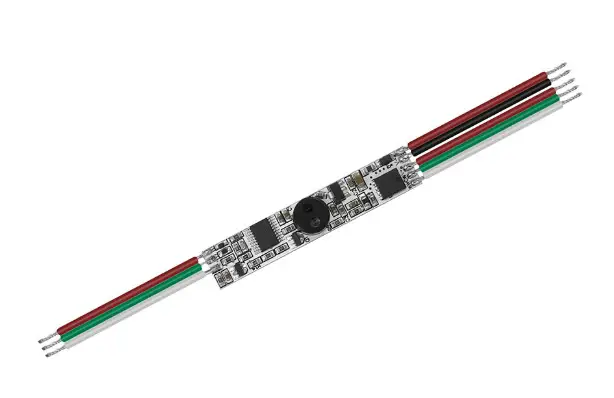
Hand Swipe Induction CCT Dimmer
Model No.: E2-B
Hand swipe induction / Push dim / Max.3A output / Aluminum profile installation
Features
Hand Swipe Induction CCT Dimmer
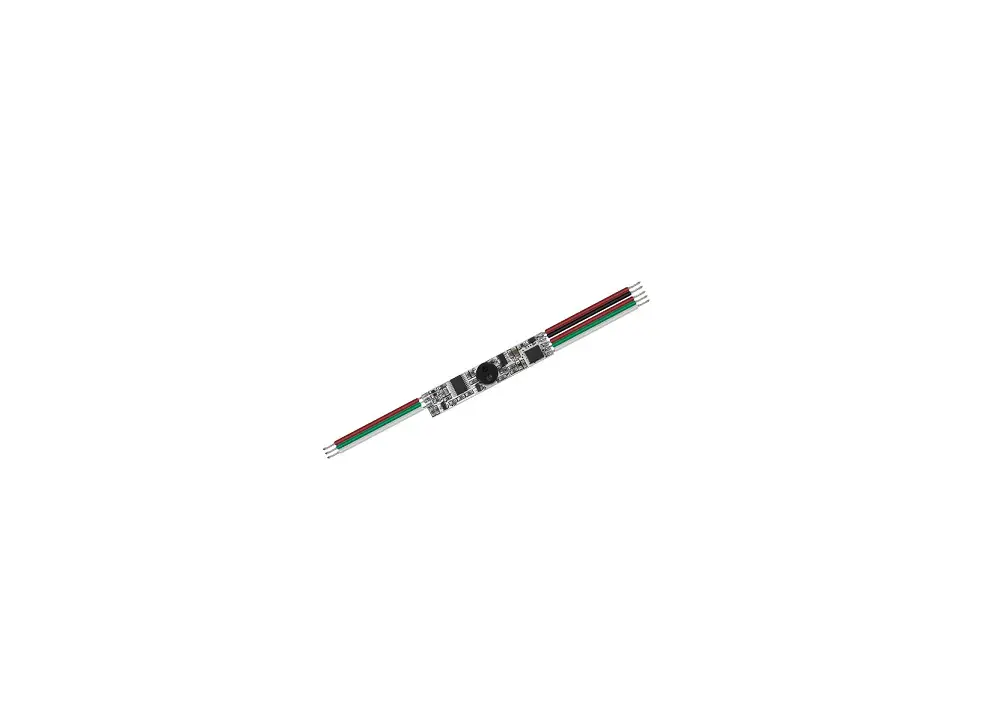
- Hand swipe induction CCT dimmer, connected directly to the color temperature low-voltage LED strip.
- When hand swipe, switch between brightness and color temperature adjustment.
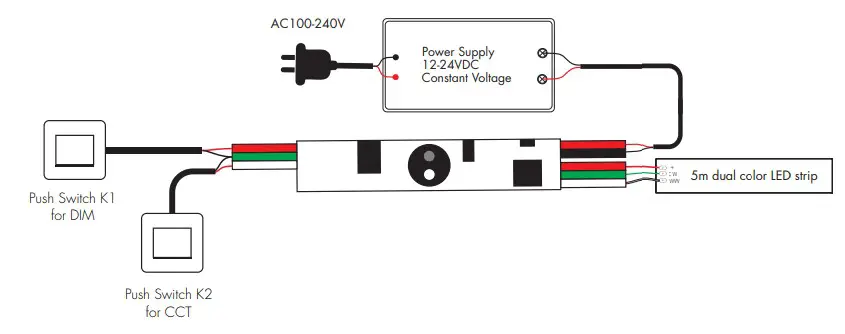
When hold hand short for on/off and long for adjust brightness / color temperature continuously. - Connect with external two push switches, one is used for on/off and adjusting brightness, the other is used for adjusting color temperature.
- Max 3A output current, max output power 72W@24V.
- Generally installed in the aluminum lamp strip housing.
- 3M paste in the bottom of the PCBA make easy installation and security.
- Low cost and high stability.
- Widely used in table lamps, bedroom lamps, wardrobe lights, etc.
Technical Parameters
| Input and Output | |
| Input voltage | 12-24VDC |
| Output voltage | 12-24VDC |
| Output power | Max. 36W@12V Max. 72W@24V |
| Safety and EMC | |
| EMC standard (EMC) | ETSI EN 301 489-1 V2.2.3 ETSI EN 301 489-17 V3.2.4 |
| Safety standard(LVD) | EN 62368-1:2020+A11:2020 |
| Certification | CE,EMC,LVD |
| Sensor data | |
| Detective distance(cm) | ≤6 |
| Detective angle (OC ) | 15-30 |
| Warranty and Protection | |
| Warranty | 5 years |
| Protection | Reverse Polarity |
Dimension
Hand swipe control
- Hand swipe (<1s):Switch between brightness and color temperature adjustment.
- Hold hand (<1s):Turn on/off the light.
- Hold hand (>1s): Adjust brightness or color temperature continuously, with every other long hold hand, the brightness or color temperature level goes to the opposite direction

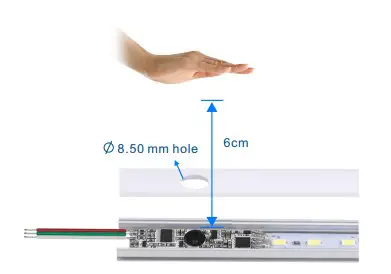
Hand swipe control
- Hand swipe (<1s): Switch between brightness and color temperature adjustment.
- Hold hand (<1s): Turn on/off the light.
- Hold hand (>1s): Adjust brightness or color temperature continuously, with every other long hold hand, the brightness or color temperature level goes to the opposite direction.
Push-DIM control
- Short press: Turn on / off the light gradually.
- Long press(1-6s): Adjust brightness continuously, with every other long press, the light level goes to the opposite direction. Push switch K1:
Push switch K2:
- Short press:Change 3 levels color temperature (WW, NW and CW) in sequence.
- Long press(1-6s): Adjust color temperature continuously, with every other long press, the color temperature level goes to the opposite direction
Notice:
- NW = 50% WW + 50% CW
- For color temperature adjustment, if the current brightness is lower than 30%, the brightness will auto restore 30% to avoid light flash.
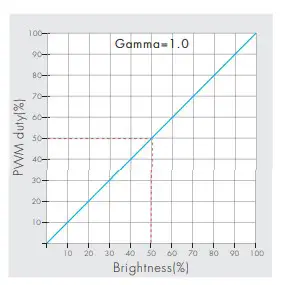
Dimming curve