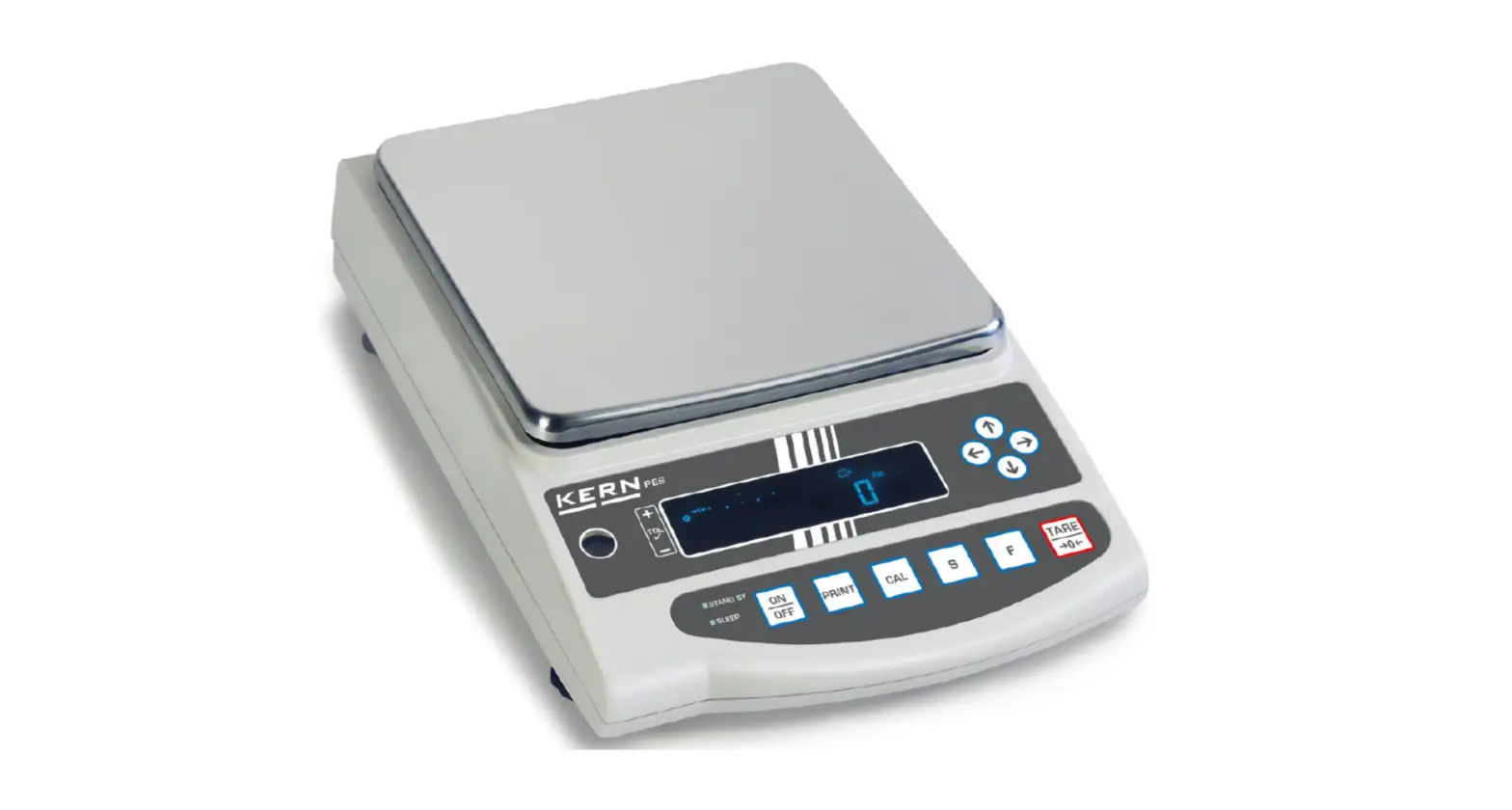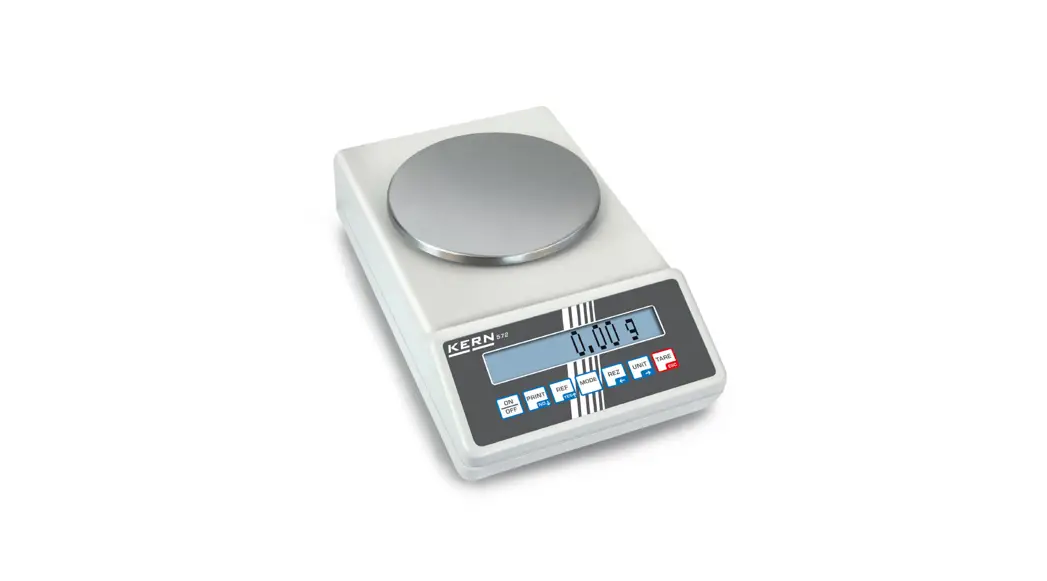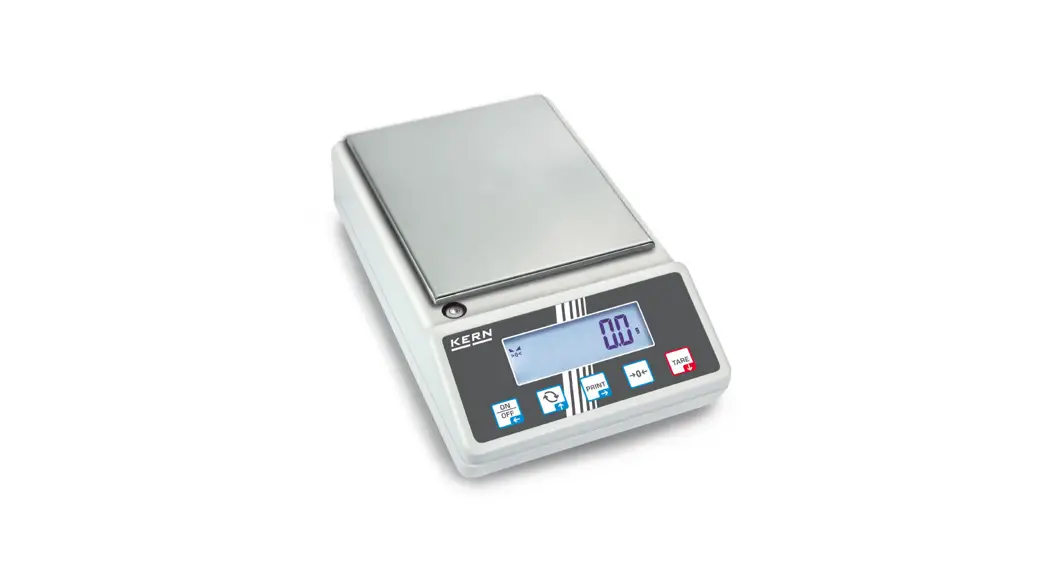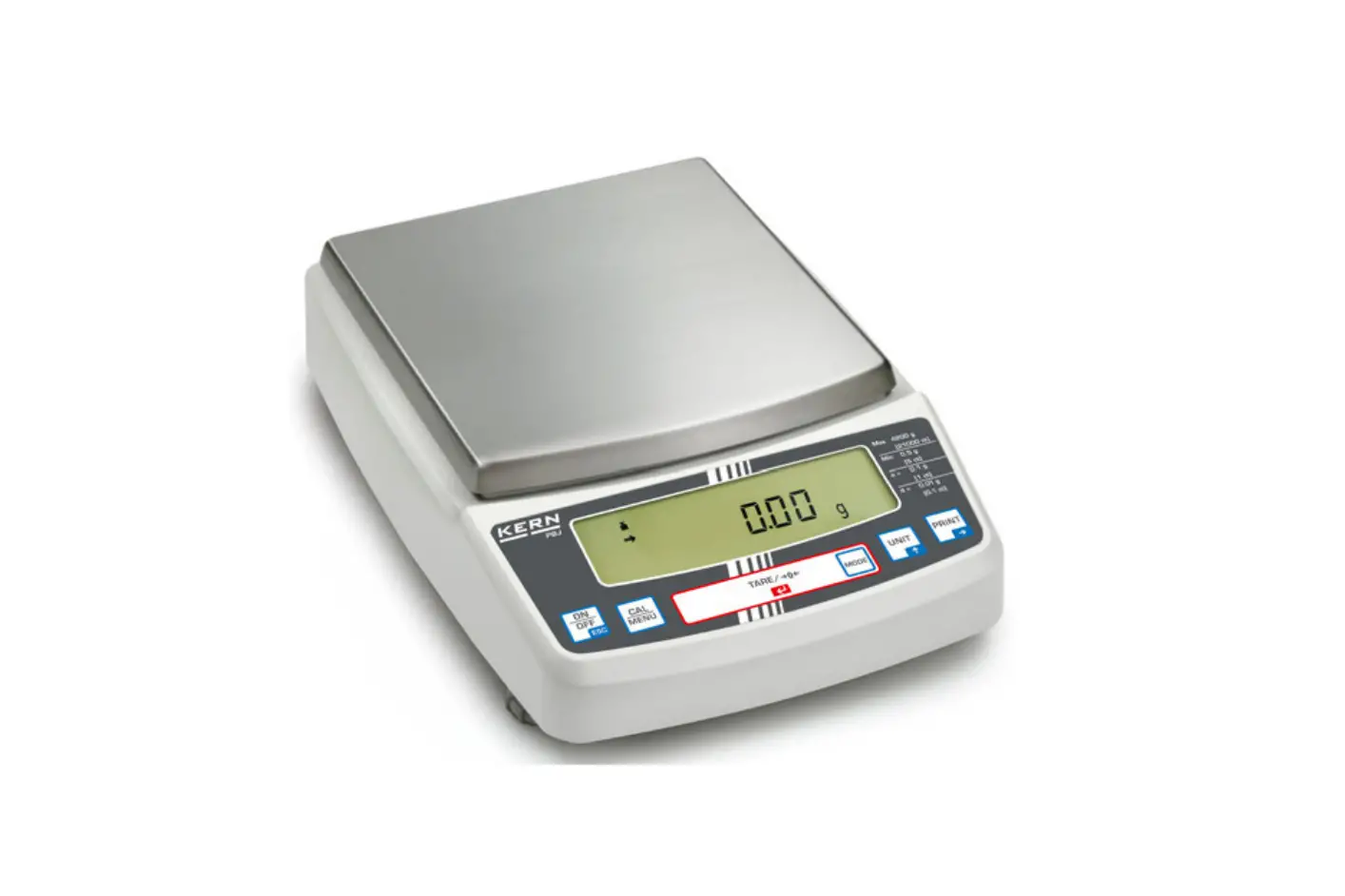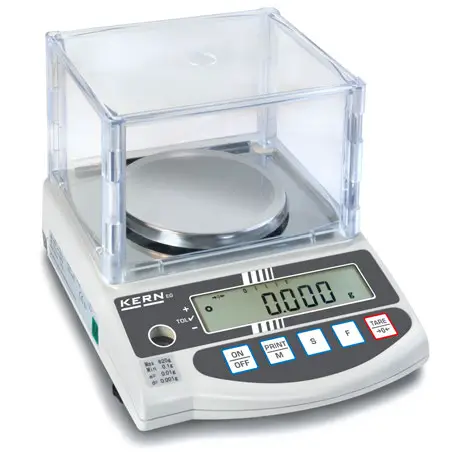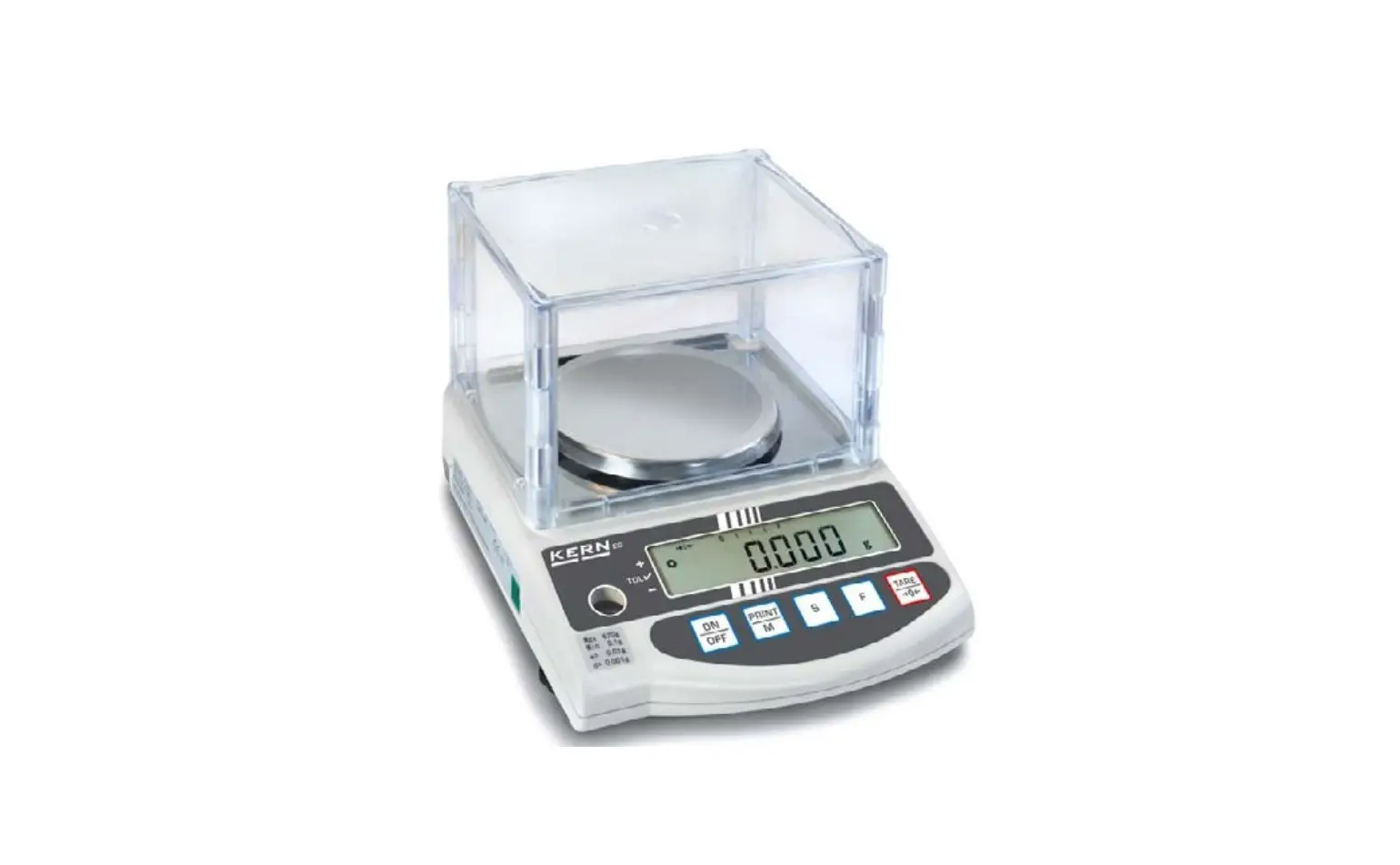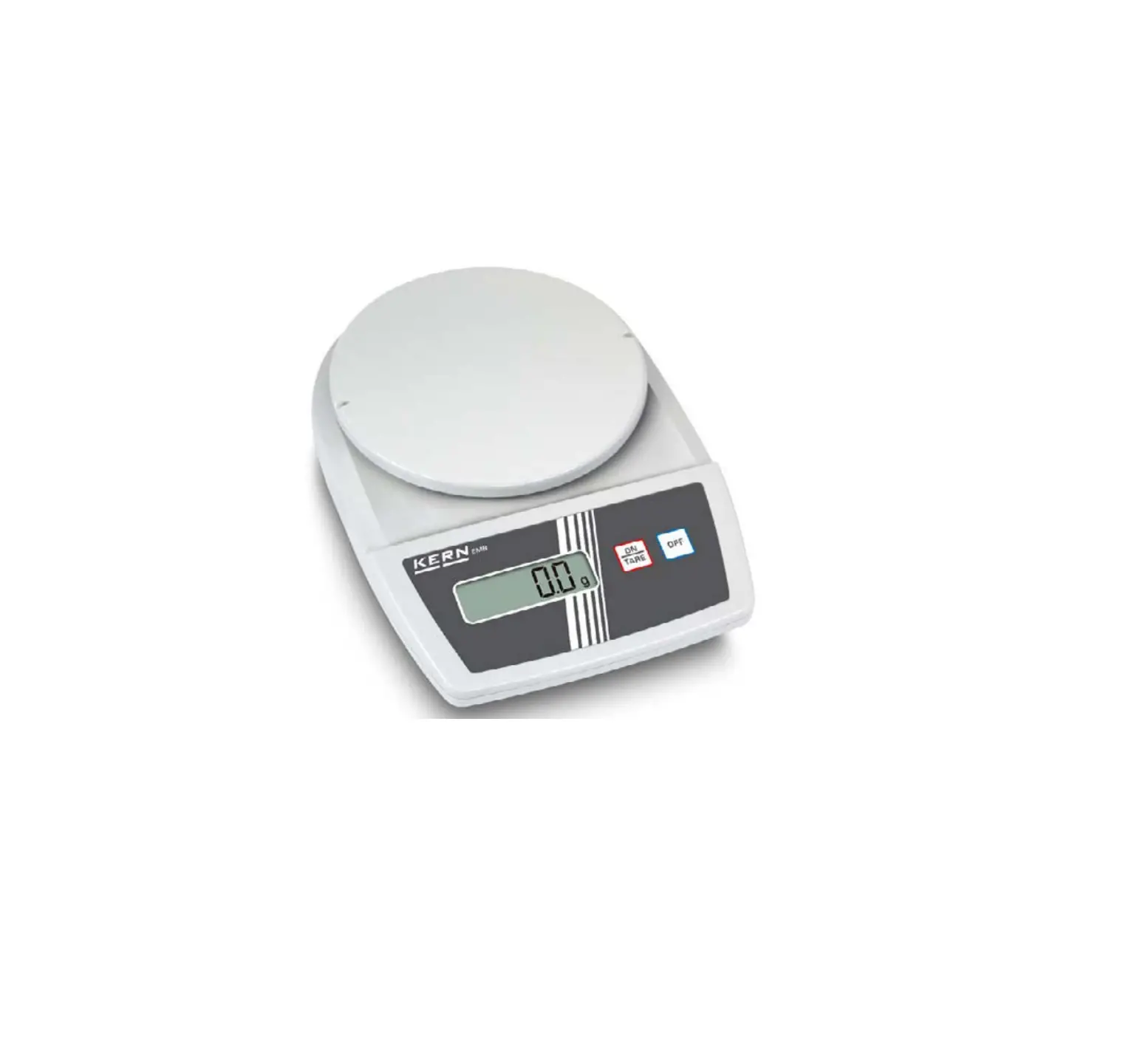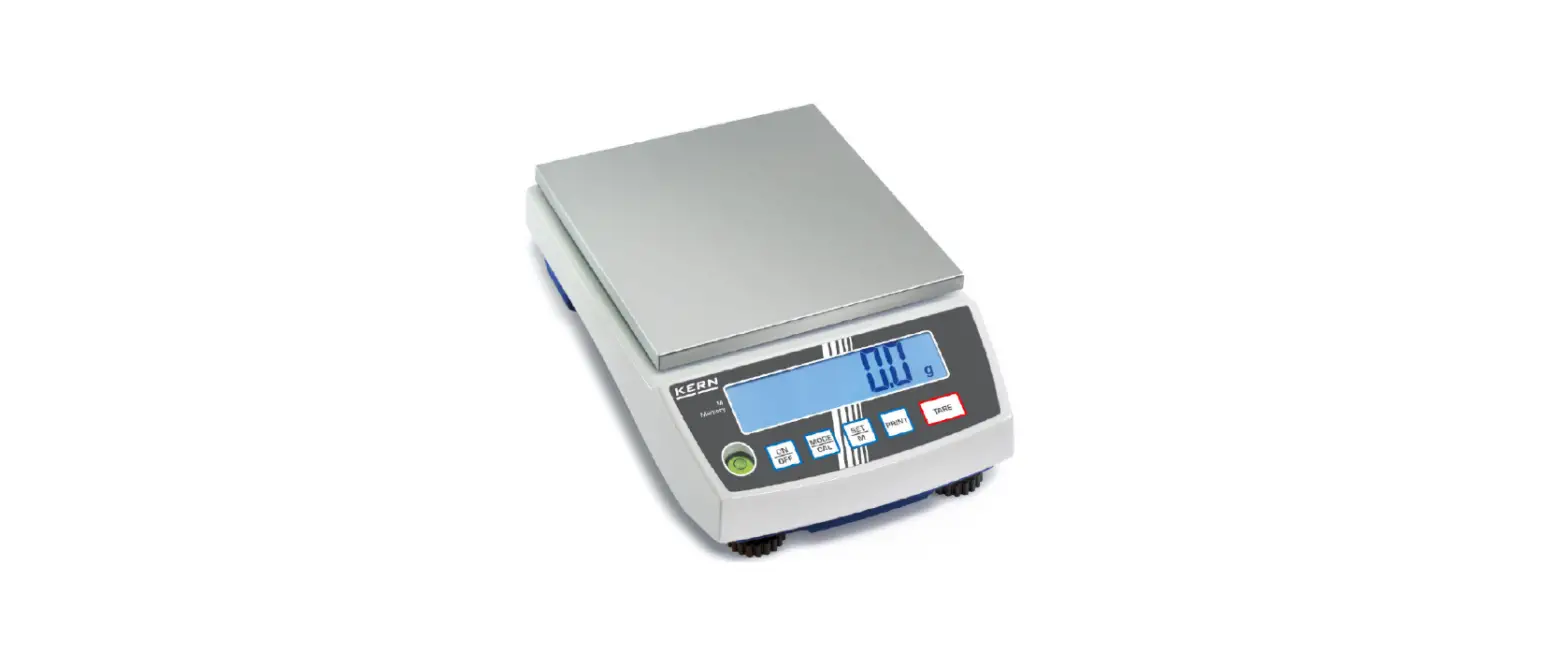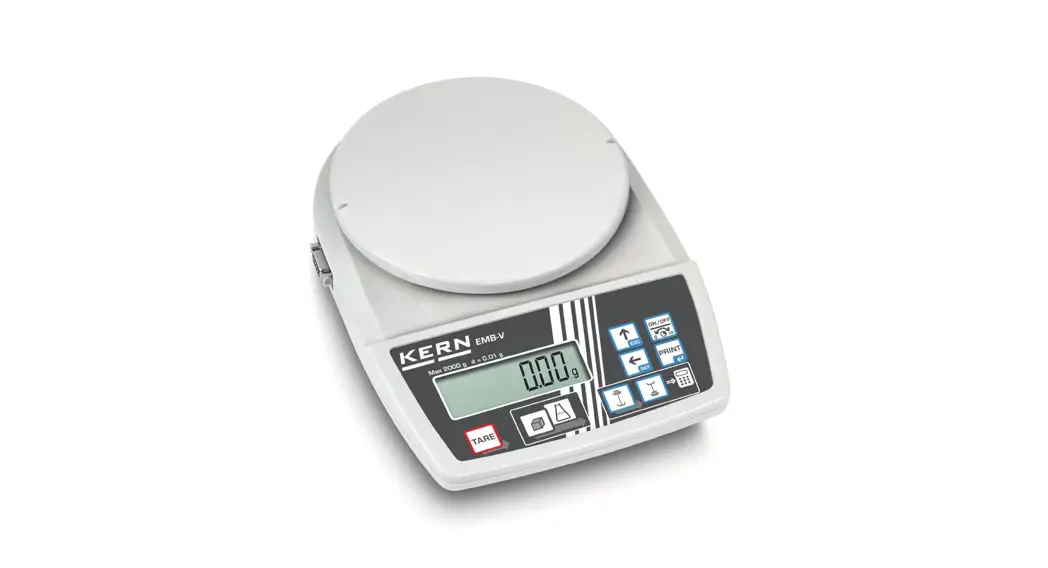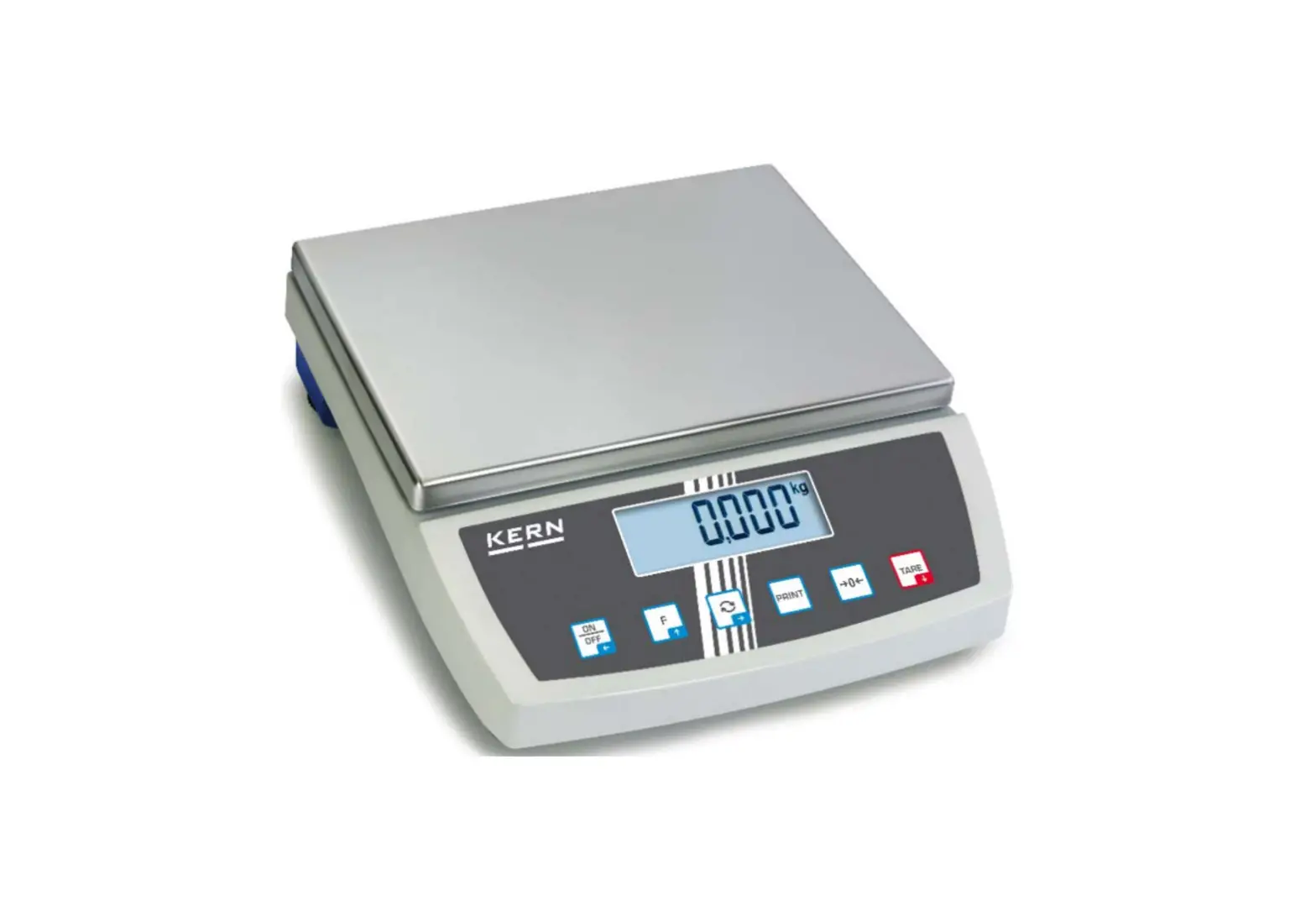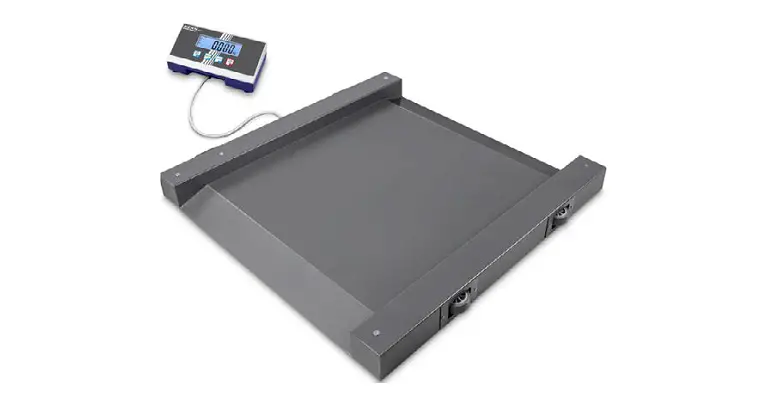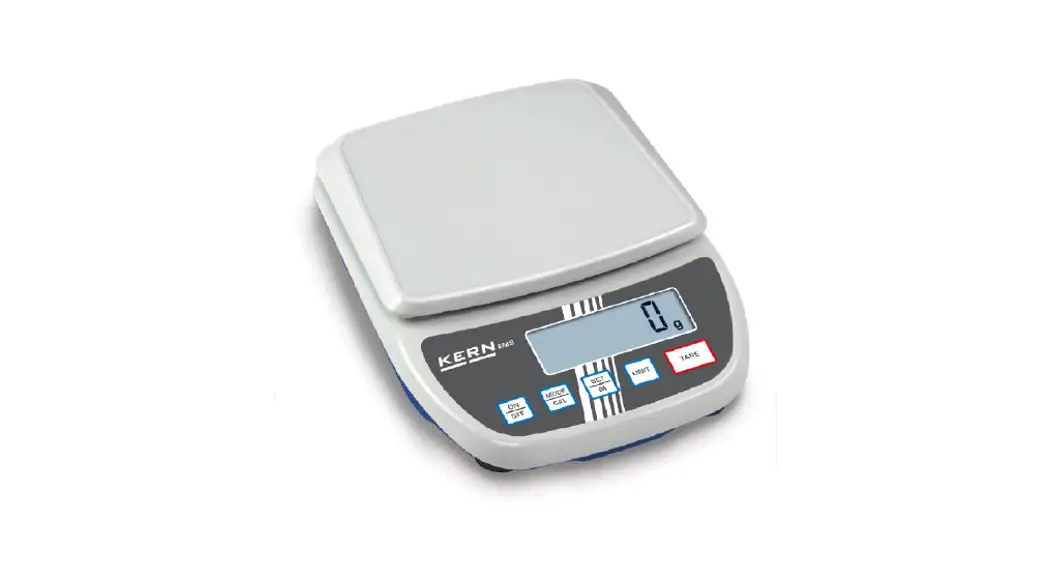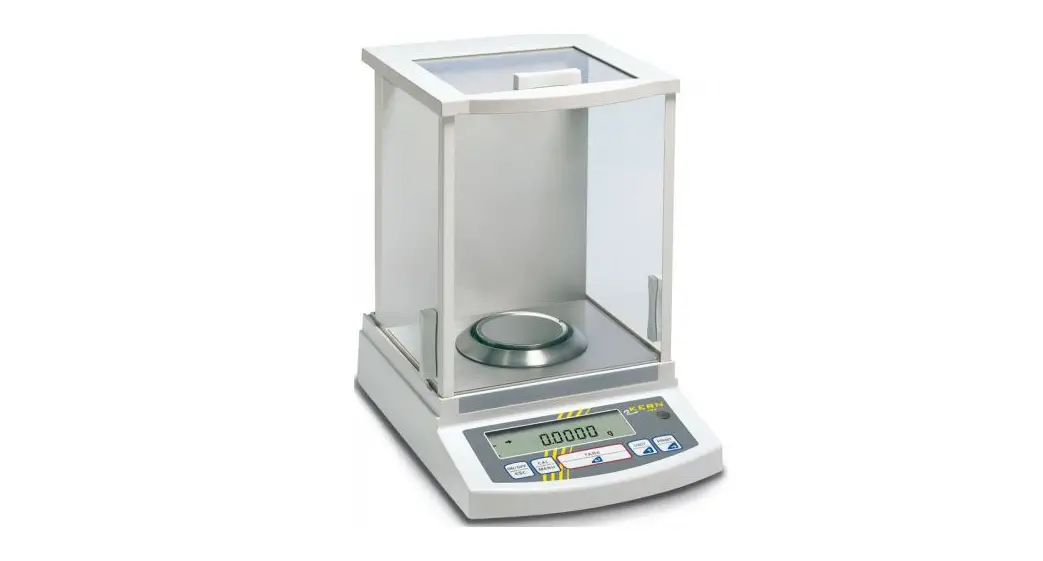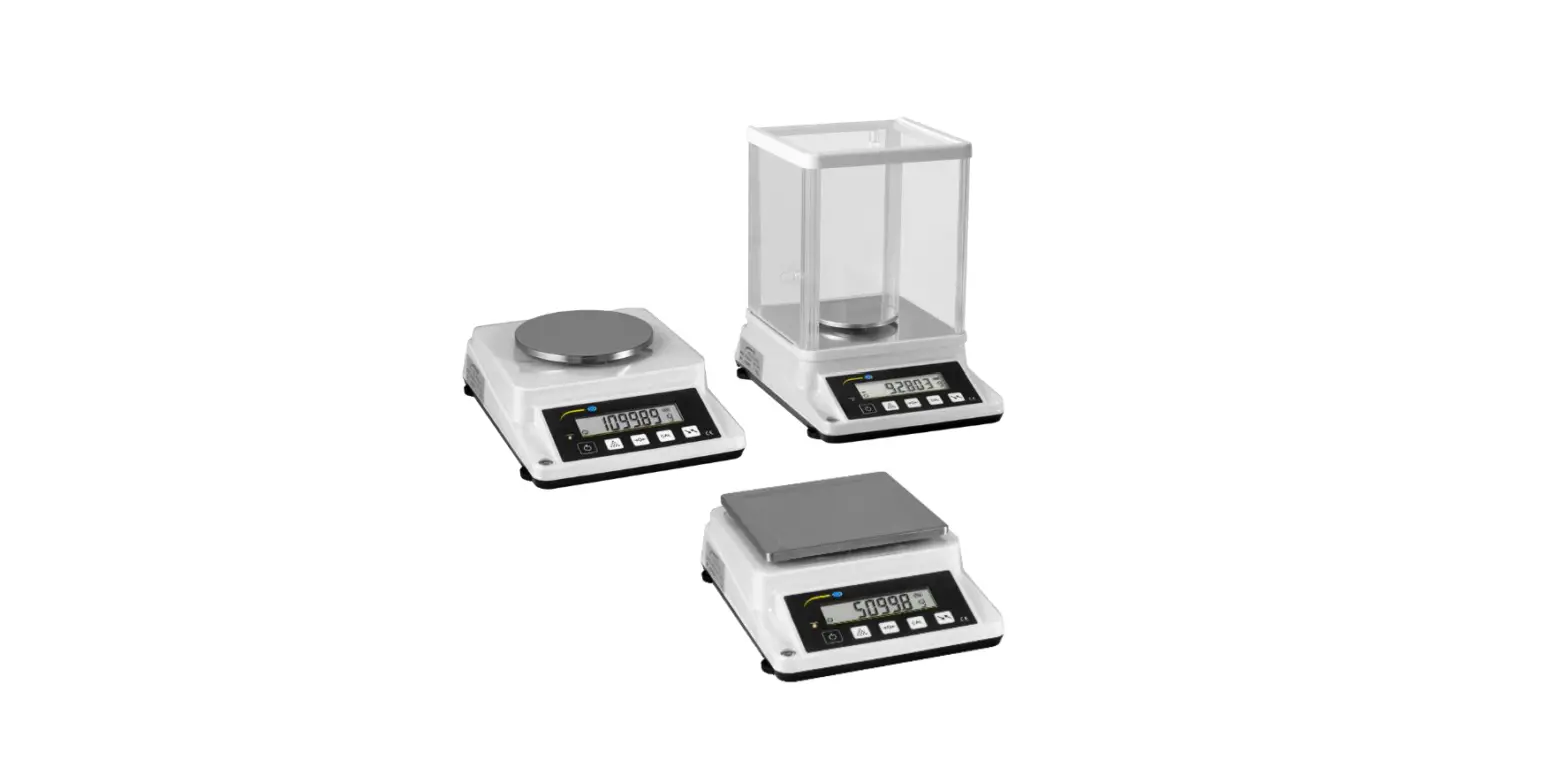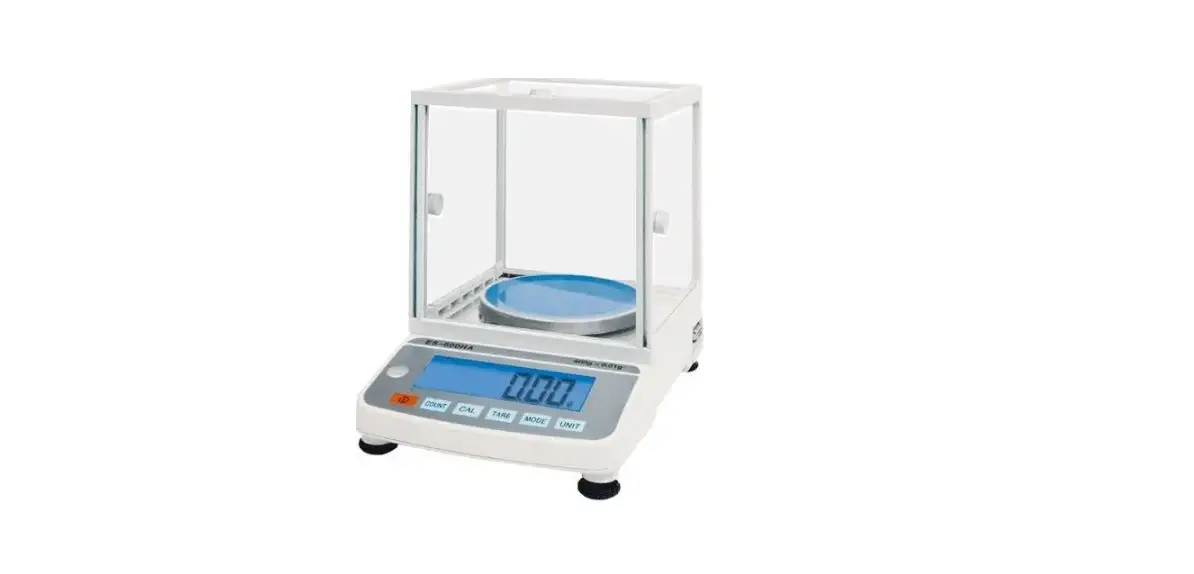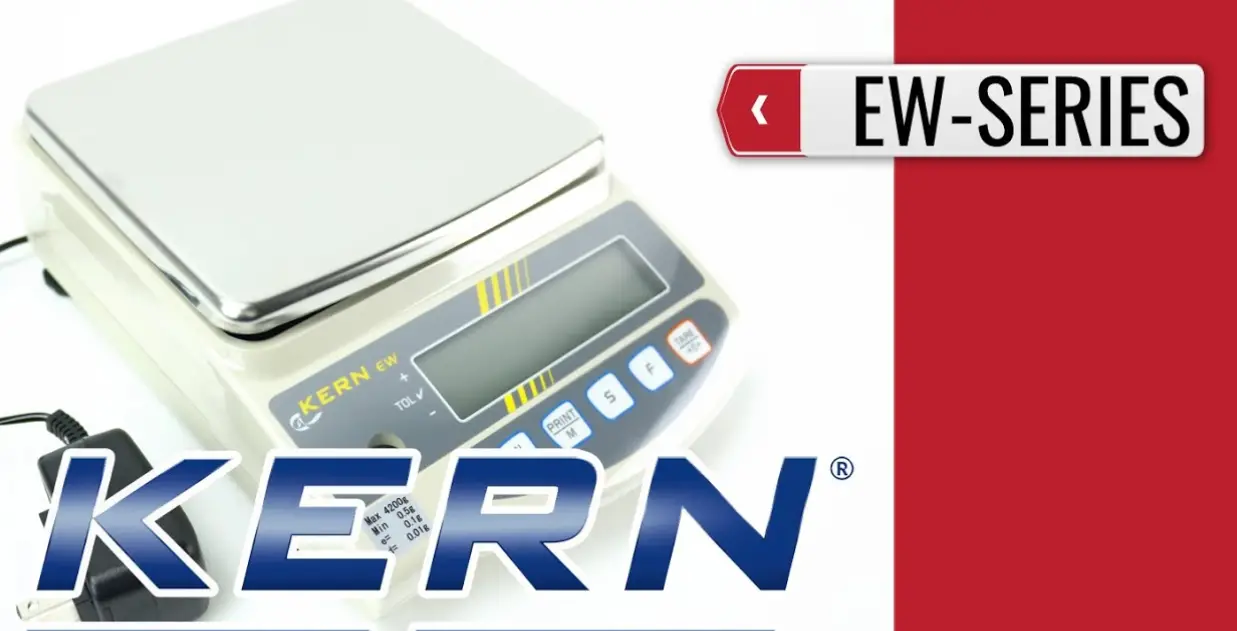

KERN EFS Series Precision Balance
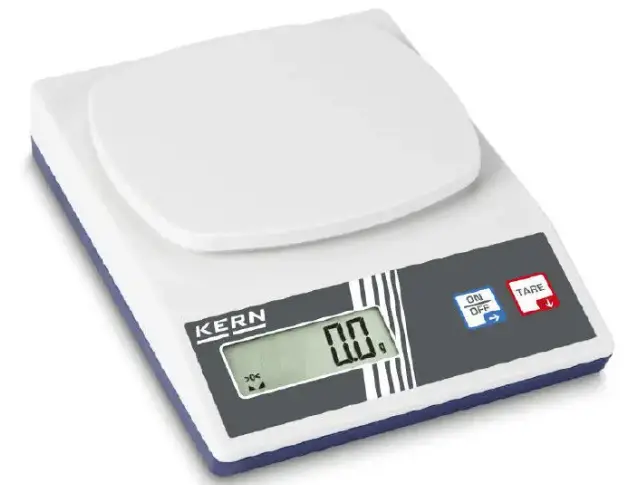
Technical data
| KERN | EFS 200-1 | EFS 500-2 | EFS 600-1 |
| Type/Article number | TEFS 220-1-A | TEFS 500-2-A | TEFS 620-1-A |
| Readability (d) | 0.1 g | 0.01 g | 0.1 g |
| Weighing range (max) | 220 g | 500 g | 620 g |
| Reproducibility | 0.2 g | 0.02 g | 0.2 g |
| Linearity | ± 0.3 g | ± 0.03 g | ± 0.3 g |
| Recommended adjustment weight, not added (class) | 200 g (M1) | 500 g (F2) | 500 g (M2) |
| Stabilization time (typical) | 2-3 sec. | ||
| AUTO-OFF-function (With battery operation) | OFF, 30 sec, 1 min, 3 min. | ||
| Units | dwt, g, gn, oz, ozt, lb | ||
| Operating temperature | +10°C… +40°C | ||
| Humidity of air | max. 80 % (not condensing) | ||
| Housing (B x D x H) mm | 145 x 205 x 45 | ||
| Weighing plate mm | 134 x 127 | ||
| Battery operation (Standard) | 4 x 1.5 V AA Operating period: 200 h | ||
| Mains adapter (optional) | 6 V / 1 A | ||
| KERN | EFS 2000-0 | EFS 3000-1 | EFS 5000-0 |
| Type/Article number | TEFS 2200-0-A | TEFS 3000-1-A | TEFS 5200-0-A |
| Readability (d) | 1 g | 0.1 g | 1 g |
| Weighing range (max) | 2200 g | 3000 g | 5200 g |
| Reproducibility | 2 g | 0.2 g | 2 g |
| Linearity | ± 3 g | ± 0.3 g | ± 3 g |
| Recommended adjustment weight, not added (class) | 2000 g (M1) | 3000 g (F2) | 5000 g (M1) |
| Stabilization time (typical) | 2-3 sec. | ||
| AUTO-OFF-function (with battery operation) | OFF, 30 sec, 1 min, 3 min. | ||
| Units | dwt, g, gn, oz, ozt, lb | ||
| Operating temperature | +10°C… +40°C | ||
| Humidity of air | max. 80 % (not condensing) | ||
| Housing (B x D x H) mm | 145 x 205 x 45 | ||
| Weighing plate mm | 134 x 127 | ||
| Battery operation (Standard) | 4 x 1.5 V AA Operating period: 200 h | ||
| Mains adapter (optional) | 6 V / 1 A | ||
Basic Information (General)
Proper use
The balance you purchased is intended to determine the weighing value of material to be weighed. It is intended to be used as a “non-automatic balance”, i.e. the material to be weighed is manually and carefully placed in the centre of the weighing pan. As soon as a stable weighing value is reached, the weighing value can be read.
Improper Use
Do not use balance for dynamic weighing. In the event that small quantities are removed or added to the material to be weighed, incorrect weighing results can be displayed due to the “stability compensation“. (Example: Slowly draining fluids from a container on the balance.)
Do not leave permanent load on the weighing pan. This may damage the measuring system.
Impacts and overloading exceeding the stated maximum load (max) of the balance, minus a possibly existing tare load, must be strictly avoided. Balance may be damage by this.
Never operate balance in explosive environment. The serial version is not explosion protected.
The structure of the balance may not be modified. This may lead to incorrect weighing results, safety-related faults and destruction of the balance.
The balance may only be used according to the described conditions. Other areas of use must be released by KERN in writing.
Warranty
Warranty claims shall be voided in case:
- Our conditions in the operation manual are ignored
- The appliance is used outside the described uses
- The appliance is modified or opened
- Mechanical damage and damage caused by media, liquids
- Natural wear and tear
- The appliance is improperly installed or incorrectly electrically connected
- The measuring system is overloaded
Monitoring of Test Equipment
In the framework of quality assurance the measuring-related properties of the balance and, if applicable, the testing weight, must be checked regularly. The responsible user must define a suitable interval as well as type and scope of this test. Information is available on KERN’s home page (www.kern-sohn.com with regard to the monitoring of balance test equipment and the test weights required for this. In KERN’s accredited DKD calibration laboratory test weights and balances may be calibrated (return to the national standard) fast and at moderate cost.
Basic Safety Precautions
Pay attention to the instructions in the Operation Manual
Personnel training
The appliance may only be operated and maintained by trained staff.
Transport and storage
Testing upon acceptance
When receiving the appliance, please check packaging immediately, and the appliance itself when unpacking for possible visible damage.
Packaging / return transport
- Keep all parts of the original packaging for a possibly required return.
- Only use original packaging for returning.
- Prior to dispatch disconnect all cables and put aside loose/mobile parts.
- Reattach possibly supplied transport securing devices.
- Secure all parts such as the glass wind screen, the weighing platform, power unit etc. against shifting and damage.
Unpacking, Installation and Commissioning
Installation Site, Location of Use
The balances are designed in a way that reliable weighing results are achieved in common conditions of use.
You will work accurately and fast, if you select the right location for your balance.
Therefore, observe the following for the installation site:
- Place the balance on a firm, level surface;
- Avoid extreme heat as well as temperature fluctuation caused by installing next to a radiator or in the direct sunlight;
- Protect the balance against direct draughts due to open windows and doors;
- Avoid jarring during weighing;
- Protect the balance against high humidity, vapours and dust;
- Do not expose the device to extreme dampness for longer periods of time. Non-permitted condensation (condensation of air humidity on the appliance) may occur if a cold appliance is taken to a considerably warmer environment. In this case, acclimatize the disconnected appliance for ca. 2 hours at room temperature.
- Avoid static charging of the material to be weighed, weighing container and windshield.
If electro-magnetic fields or static charge occur, or if the power supply is unstable, major deviations on the display (incorrect weighing results) are possible. In that case, the location must be changed.
Unpacking and checking
Remove the device and the accessories from the packaging, remove the packaging material and place the device on the allocated work place. Check if that there has been no damage and that all items of delivery scope are present.
Placing
The balance must be installed in a way that the weighing plate is exactly in horizontal position.
Scope of delivery
Serial accessories:
KERN EFS
- Balance
- Batteries (4 x 1.5V AA)
- Operating instructions
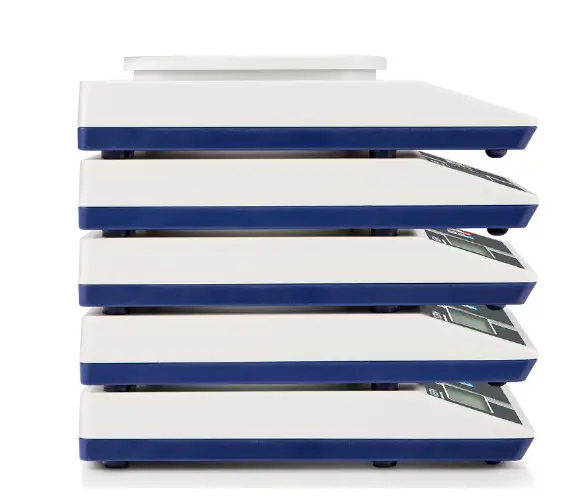
Stackability
There is a possibility to stack up to 5 scales on top of each other
Overview of displays
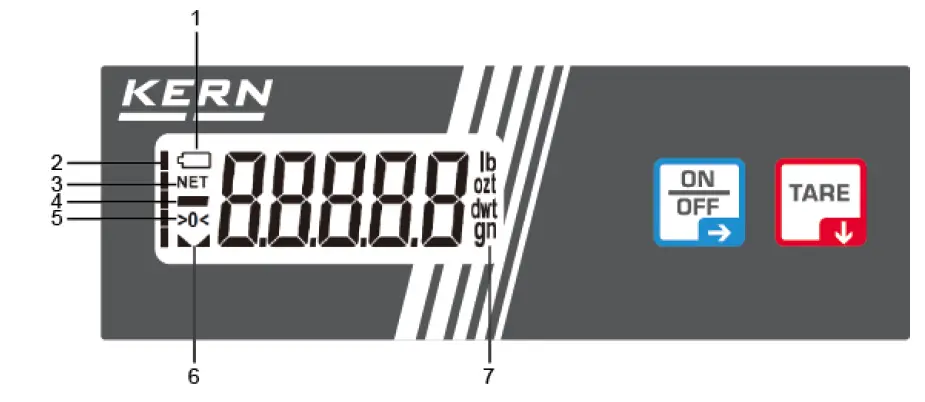
| 1 | Battery display |
| 2 | Bar graph |
| 3 | Net weight |
| 4 | Negative value |
| 5 | Balance set at zero |
| 6 | Stability display |
| 7 | Weighing Units |
Keyboard overview
 |
|
 |
|
Battery operation (Standard)
Remove the battery cover under the weighing pan. Insert 4 x 1.5 V batteries. Reinsert the battery cover.
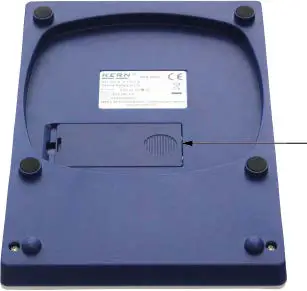
In order to save the battery, the balance switches automatically off after 3 minutes without weighing.
- If the batteries are approximately exhausted, the battery symbol appears on the display.
- If the batteries are completely exhausted, the battery symbol and „Lo bAt“ appear on the display.
- Press button
 and change batteries immediately.
If the balance is not used for a longer time, take out the batteries and store them separately. Leaking battery liquid could damage the balance.
Mains connection (option)
Power is supplied via the external mains adapter KERN YKA-27 (optional). The stated voltage value must be the same as the local voltage.
Only use original KERN mains adapters. Using other makes requires consent by KERN.
Initial Commissioning
A warming up time of 3 minutes after switching on stabilizes the measuring values.
The accuracy of the balance depends on the local acceleration of gravity.
Strictly observe hints in chapter “Adjustment”.
Adjustment
As the acceleration value due to gravity is not the same at every location on earth, each balance must be coordinated – in compliance with the underlying physical weighing principle – to the existing acceleration due to gravity at its place of location (only if the balance has not already been adjusted to the location in the factory). This adjustment process must be carried out for the first commissioning, after each change of location as well as in case of fluctuating environment temperature. To receive accurate measuring values it is also recommended to adjust the balance periodically in weighing operation.
With an adjustment weight, the weighing accuracy can be checked and re-adjusted at any time.
Procedure when adjusting:
Observe stable environmental conditions. Stabilisation requires a certain warm-up time.
| Start balance by | 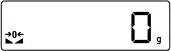 |
| Press long time until „unit“ appears. | 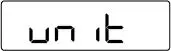 |
| Press again, „cALE“ appears | 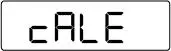 |
| Press“Zero” followed by the required adjustment weight, will appear | (example)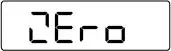 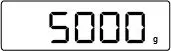 |
| After that „PutLd“ is displayed. | 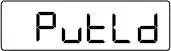 |
| Place adjustment weight. „Wait“, followed by „reMLd“ is displayed. During the display „rEMld“ take away the adjustment weight. | 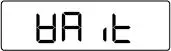 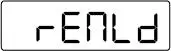 |
| The balance changes automatically into weighing mode. Adjustment has now been completed successfully. | 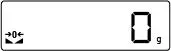 |
If an adjustment error occurs or a wrong adjustment weight is placed, „WronG“ is displayed. Repeat adjustment.
Keep the adjustment weight close to the balance. Daily control of the weighing exactness is recommended for quality-relevant applications.
Operation
Weighing
| Start balance by pressing . The balance carries out a selftest and then changes to the zero display. | 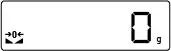 |
| If the weighed material is heavier than the weighing range, in the display appears (=overlaod) | 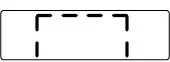 |
| The balance is switched off by pressing for a long time. |  |
Taring
| In weighing mode place a tare vessel on the weighing pan and press . The display goes to „0“, the weight of the vessel is now saved internally. If the weight is heavier than the zeroing range“ (20d), „NET“ is displayed. | 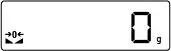 |
| Place the weighing good and read the measured value. The bargraph appears according to the placed weight. | (example)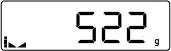 |
If you press again the button after finishing the weighing process, „0“ will appear again.The taring process can be repeated any number of times, e.g. when adding several components for a mixture (adding).
The limit is reached when the whole weighing range is allocated.
After removing the taring container the total weight is displayed as negative display.
Weighing Units
The balance can display different units.
Switch-over takes place in the menu under menu item „unit“.
| Display indication | Conversion factor 1 g = | |
| Gram * | g | 1. |
| Ounce | oz | 0.035273962 |
| Troy ounce | ozt | 0.032150747 |
| Pennyweight | dwt | 0.643014931 |
| Grain | gn | 15.4324 |
| Pound | lb | 0.00220462 |
| Access to menu | In weighing mode press button long time, „unit“ is displayed. |
| Select menu items | With help of , the individual menu items can be selected one after the other. |
| Change settings | Confirm the selected menu item by , the current setting is displayed. Select desired setting with and acknowledge by . |
| unit | Weighing Units: dwt, g, gn, oz, ozt, lb |
| cALE | Adjustment with specified adjustment weight |
| tr | Auto-Zero Tracking |
| AF | Auto off selectable after 30, 60, 180 sec., off |
| rESEt | Back to factory setting |
| EXit | Return to weighing mode |
Weighing units switch-over Condition: Menu item „unit“
- Confirm „unit“ by , the weighing unit set as last is displayed.
- Switch-over the weighing units by until the desired unit appears. Confirm these units by, the unit flashes shortly before the balance returns to the menu.
- Press to go till to the menu item „Exit“ and confirm by. The balance changes into weighing mode, the new weighing unit is now adjusted.
Zero tracking
The Auto-Zero function is used to tare small variations in weight automatically.
In the event that small quantities are removed or added to the material to be weighed, incorrect weighing results can be displayed due to the “stability compensation“. (Example: Slowly draining fluids from a container on the balance).
When apportioning involves small variations of weight, it is advisable to switch off this function.
If Zero-Tracking however is switched off, the weighing display becomes more busy.
Enable/disable zero tracking: Condition: Menu item „tr“:
- Confirm menu item by
- Press to select between the following settings:
Display Adjustment „on“ Auto-Zero switched on „oFF“ Auto-Zero switched off - Acknowledge desired selection by . Press to go till to the menu item „Exit“ and confirm by . The balance changes into weighing mode.
AUTO-OFF function
For battery mode, the balance has an automatic switch-off function which in the menu can be enabled or disabled. Proceed as follows:
Condition: Menu item „AF“:
- Confirm by pressing
- Press to select between the following settings:
Display Adjustment AF oFF Continous operation AF 30, 60, 180 To save the battery, the balance switches off automatically after 30 or 60, or 180 seconds after the finished weighing process - Acknowledge selection by . The display flashes shortly and then returns to the menu. Press to go till to the menu item „Exit“ and confirm by . The balance changes into weighing mode.
Reset function
Menu reset to factory settings.
Condition: Menu item „rESEt“:
- Acknowledge with. In the display the current setting appears.
- Press to select between the following settings:
Display Adjustment YES Menu reset to factory settings. no No menu reset to factory settings. - Acknowledge selection by. The display returns to the menu. Pressto go till to the menu item „Exit“ and confirm by. The balance changes into weighing mode.
Servicing, maintenance, disposal
Cleaning
Before cleaning, please disconnect the appliance from the operating voltage.
Please do not use aggressive cleaning agents (solvents or similar agents), but a cloth dampened with mild soap suds. Ensure that no liquid penetrates into the device and wipe with a dry soft cloth.
Loose residue sample/powder can be removed carefully with a brush or manual vacuum cleaner.
Spilled weighing goods must be removed immediately.
Servicing, maintenance
The appliance may only be opened by trained service technicians who are authorized by KERN. Before opening, disconnect from power supply.
Disposal
Disposal of packaging and appliance must be carried out by operator according to valid national or regional law of the location where the appliance is used.
Instant help for troubleshooting
In case of an error in the program process, briefly turn off the balance and disconnect from power supply. The weighing process must then be restarted from the beginning.
Help:
Fault : Possible cause
The displayed weight does not glow.
- The balance is not switched on.
- Batteries are inserted incorrectly or empty
- No batteries inserted.
- The mains supply connection has been interrupted (mains cable not plugged in/faulty).
- Power supply interrupted.
The displayed weight is permanently changing
- Draught/air movement changing
- Table/floor vibrations
- Weighing pan has contact with other objects.
- Electromagnetic fields / static charging (choose different location/switch off interfering device if possible)
The weighing value is obviously wrong
- The display of the balance is not at zero
- Adjustment is no longer correct.
- Great fluctuations in temperature.
- Electromagnetic fields / static charging (choose different location/switch off interfering device if possible)
Should other error messages occur, switch balance off and then on again. If the error message remains inform manufacturer.
Declaration of conformity
The current EC/EU Conformity declaration can be found online in: www.kern-sohn.com/ce
 RealNames | A more meaningful email address
 KERN & SOHN GmbH