EGY Series Electronic Balance
Product Information
The EGY series electronic balance is a high-precision weighing
and measuring device that comes equipped with functions such as
wind prevention, static electricity resistance, unit exchange,
calibration, and backlight. The balance is designed to be portable
with a packing box that protects it from damage. It can be powered
using both alternating current and batteries and is available in
models EGY-10, EGY-30, EGY-50, EGY-60, and EGY-100. The balance has
a readability of 2.8 in / 70 mm for EGY-10, 4 for EGY-30, and 1 for
the rest of the models. The unit of measurement can be switched
between g, oz, ozt, dwt, gn, and ct.
Product Usage Instructions
- To turn on the balance, plug it into the socket at the back of
the balance and connect it to the mains. Press the On/Off
button. - To set the auto-off function, press the Menu button three times
until “OFF–540 S” appears. Use the Unit button to change the
setting and press Tare to confirm it. Choose OFF to disable the
function or select a setting between 60 seconds to 540
seconds. - Do not strike the balance to prevent damage from organic
solvent. - Avoid weighing at places with radioactive substances or strong
magnetic forces to maintain weighing accuracy. - Remove the batteries when not in use to prevent corrosion.
- Clean the balance with a wet cloth.
Weigh after 15 minutes warm-up, when the balance is on, press On/Off to turn off the balance. 3.2 Calibration When precision weighing is done, calibrate the balance as follows: First take away the object from the platform , then press Tare to set the display to zero. Press Menu , displaying “SCALE” or “LINE”. “SCALE” means calibrating the balance sensitivity; “LINE” means calibrating the balance linear. Press Tare to make sure (If press Unit , the two kinds of calibration can be interchangeable. 3.2.1 Sensitivity calibration When calibrating the balance sensitivity, two different weight values can be used. According to the shown calibrating weight value, press Unit the two calibrating weight values can be interchangeable, press
Tare to make sure. After that, the balance will display “0”. In a few seconds, the balance will display the calibrating weight value. At this time, put the corresponding calibrating weight on the center of the platform according to the shown weight value. In a few seconds, the display will stop, and meanwhile the calibrating weight value will be shown, indicating that calibration is over. Normal weighing can be done. 3.2.2 Linear calibration Being in the state of “LINE”, press Tare ,the balance will display “0”. In a few seconds, the scale will show 1/3 (or 1/2)
2
of the weight value of it’s full capacity; put the corresponding calibrating weight on the center of the platform. In a few seconds, The full capacity weight value will be shown, put the corresponding calibrating weight on the center of the platform. In a few seconds, the display will stop, and meanwhile the calibrating weight value will be shown, indicating that calibration is over. Normal weighing can be done NOTE: The balance linear has been calibrated in the factory, unless the users need to change the loadcell or have the right weight. 3.3 Units exchange Under weighing, press Unit to get the following units:
Unit
g–oz–ozt–dwt–gn–ct
Note: The balance has the function of keeping the current unit, that means when the balance is turned on next time, the unit shown on the indicator will be the last one. 3.4 Taring Under weighing, press Tare to set the display to zero. 3.5 Backlight Keep on pressing Menu for two times, F1 appears, backlight bigger than 10d will be on automatically. Press Unit to select F2, it means the backlight is always on; Press Unit to select F3, it means the backlight is always off ; Press Tare to make sure, the backlight can be set to different states.
3
3.6 Auto Off When this function is selected, the balance will turn off if it is idle for the selected period of time (1-9 minutes). Choose “OFF” to disable the function, or choose the setting ranging from 60 seconds to 540 seconds. Operation as follows: (1)Keep on pressing Menu for three times, “OFF–540 S” appears ; (2)press Unit to change the setting; (3)press Tare to confirm the setting.
4Points for attention 4.1 The balance mustn’t be stricken, preventing it from being damaged by organic solvent.
4.2 Weighing can’t be done at the places where there are radioactive substances around or the magnetic force is very strong, so as not to effect the weighing accuracy. 4.3 Remove the batteries when the balance is not in use, so as not to corrode it . 4.4 Please clean the balance with wet cloth. 5. Specification
Model
EGY-10 EGY-30
EGY-50
EGY-60
EGY-100
Capacity and 10g×0.001 30g×0.001 50g×0.001 60g×0.002 100g×0.002
Readability(g)
Pan Size Ø
2.8 in / 70 mm
4
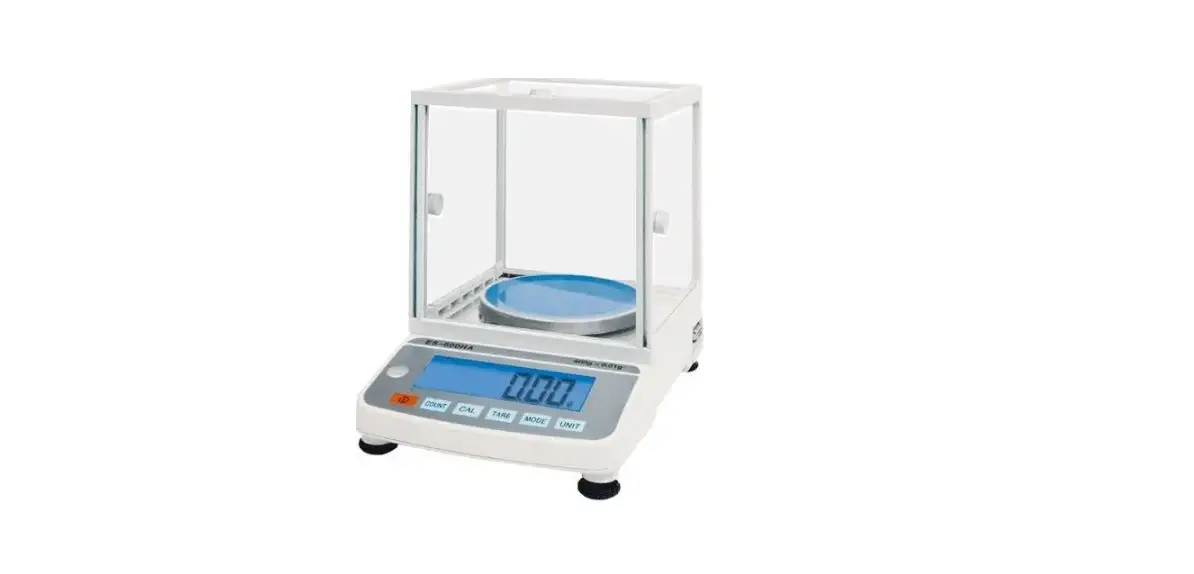
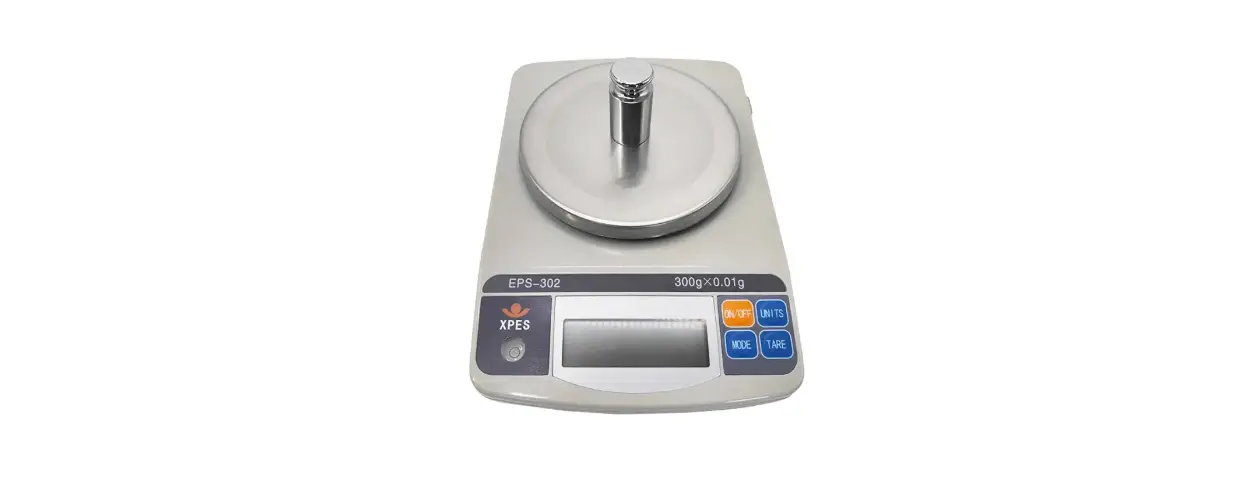
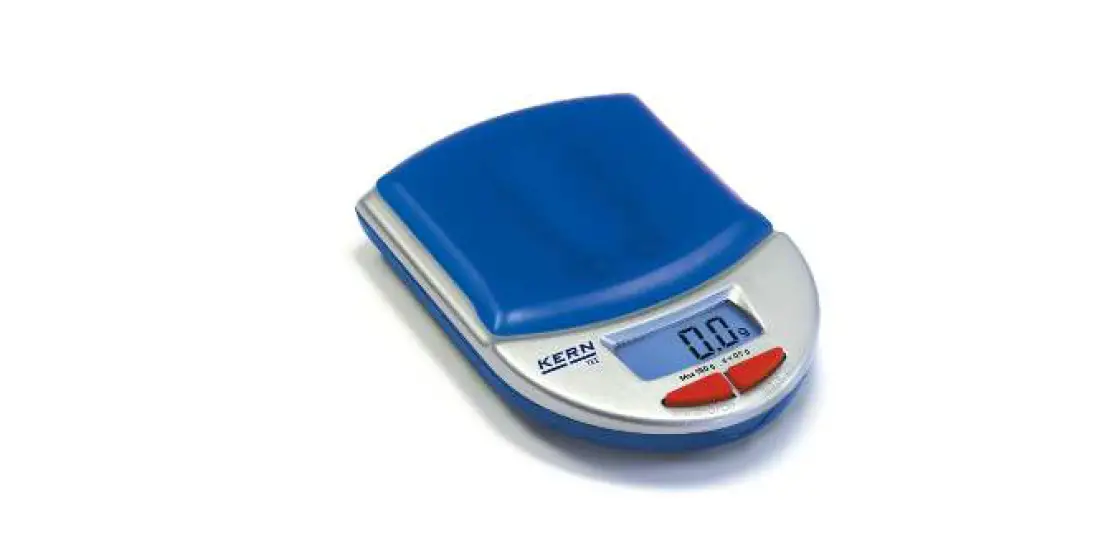
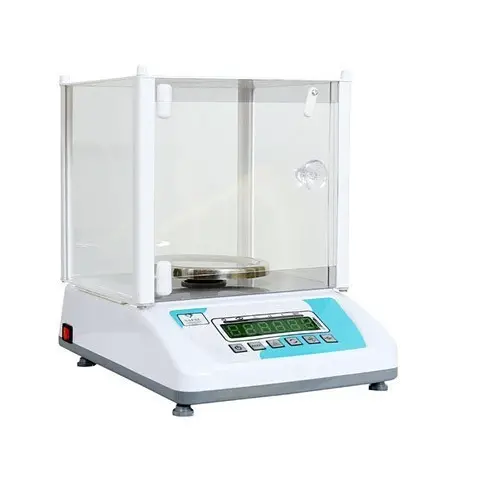
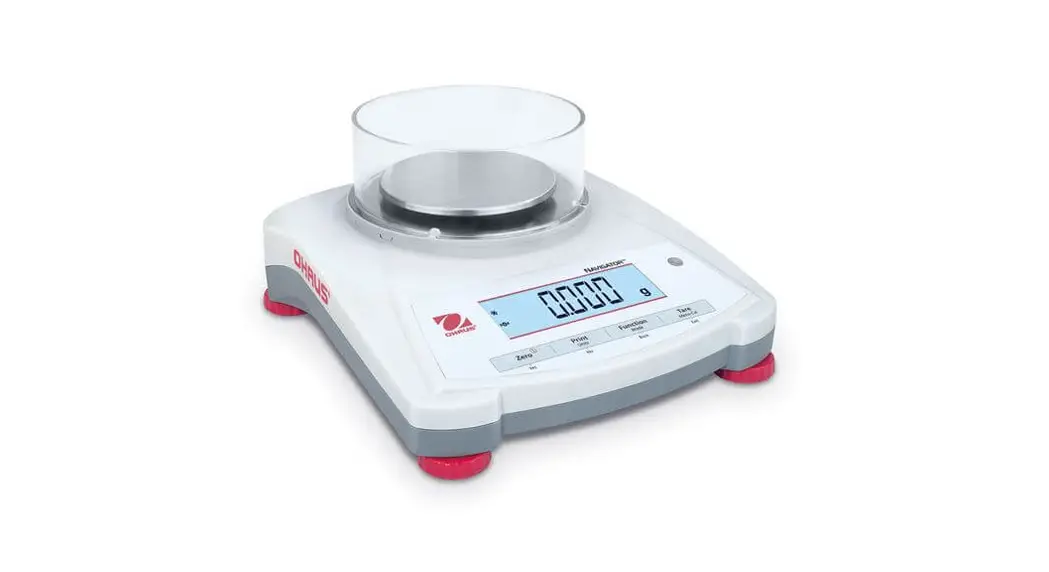
1.Description This kind of balance is mainly used to do weighing and measuring with high precision. It has the functions of preventing wind, resisting static electricity, exchanging units, calibrating and backlight. It also has the packing box for carrying and avoiding striking. It can be used with both alternating current and batteries. 2. Construction
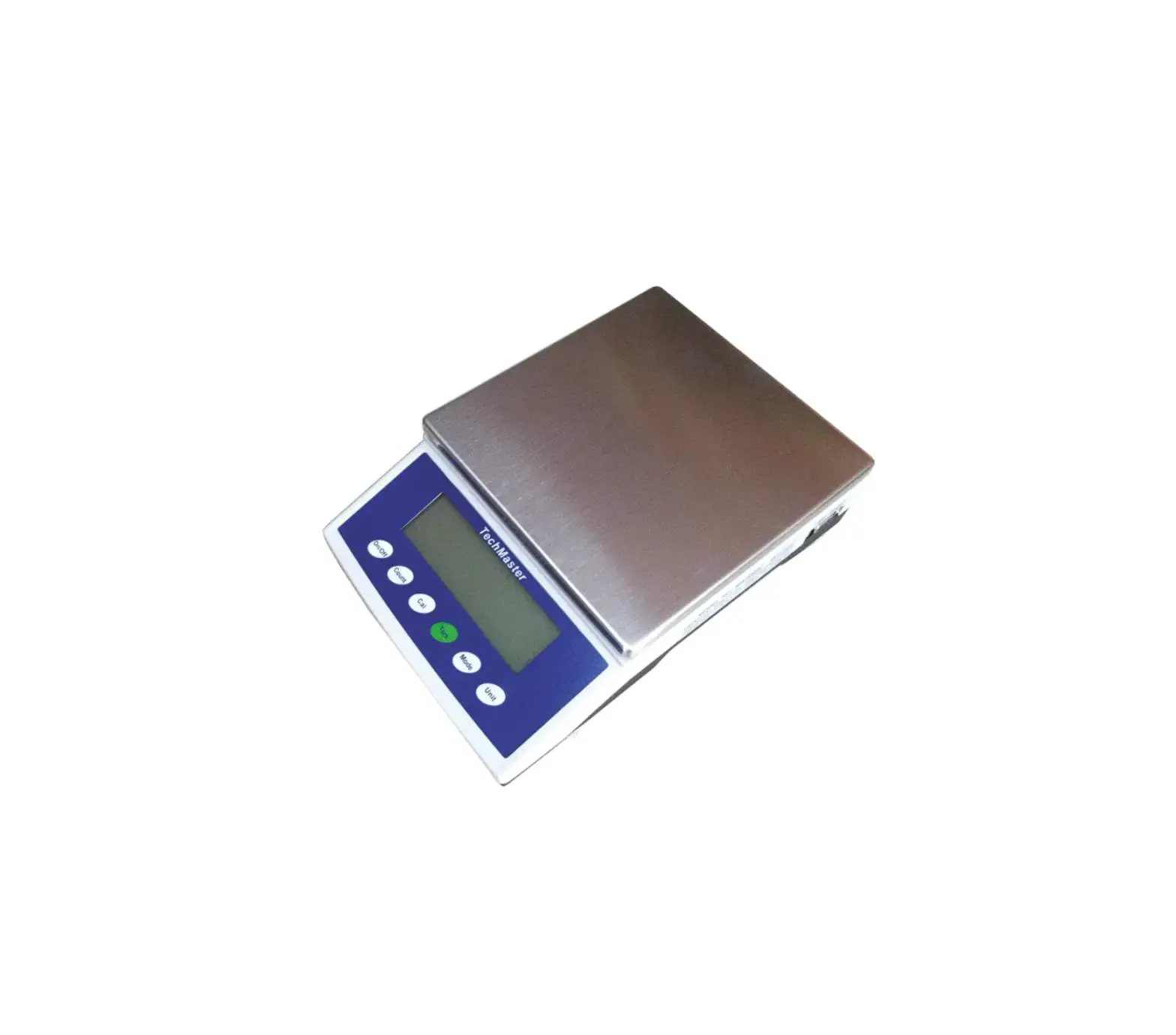
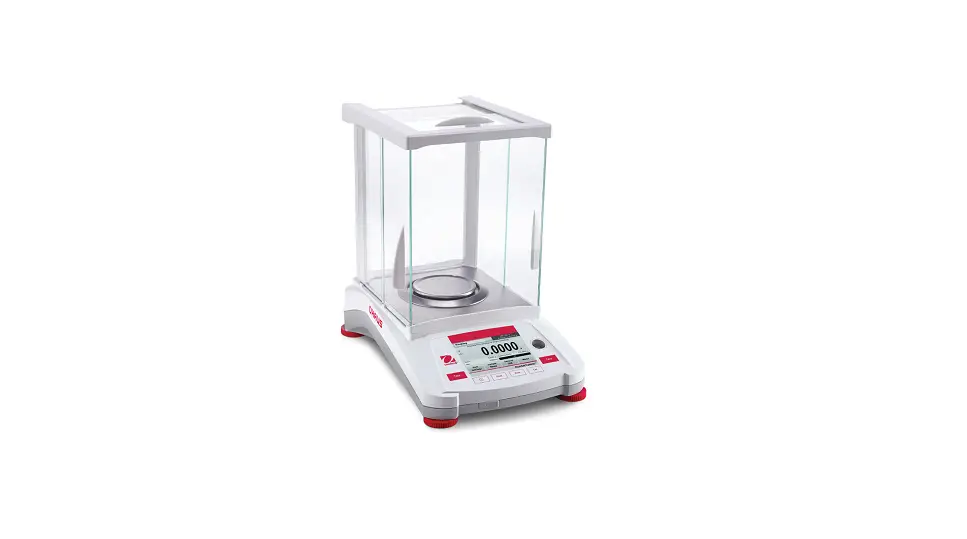
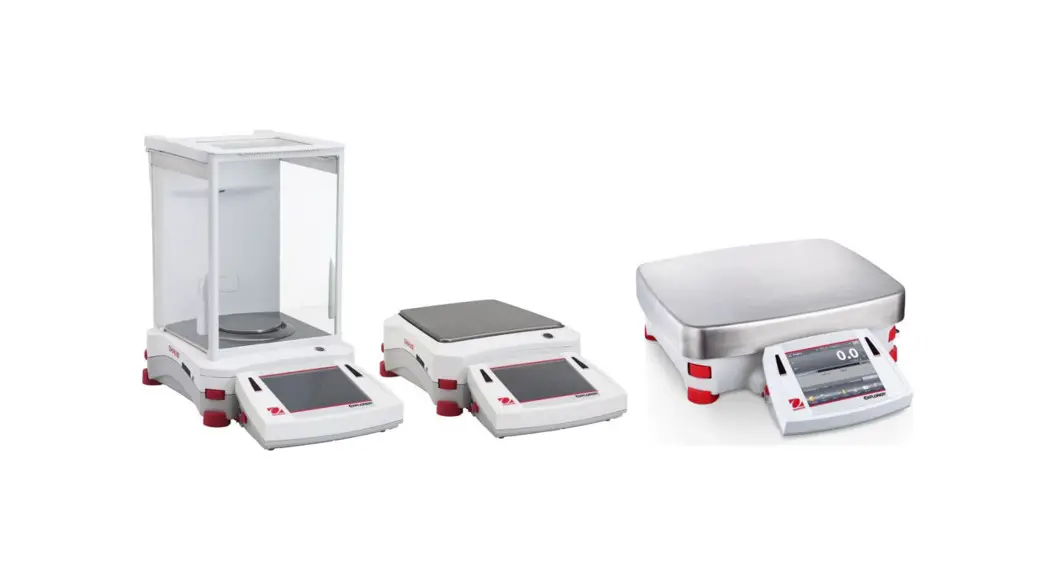
balance body
wind cover
weighing platform push button
3. Operation instruction
3.1Turn on/off
indicator
Put the plug into the socket at the back of the balance and
connect with the mains. Press On/Off to turn on the balance.
1
EGY SERIES
ELECTRONIC BALANCE INSTRUCTION MANUAL