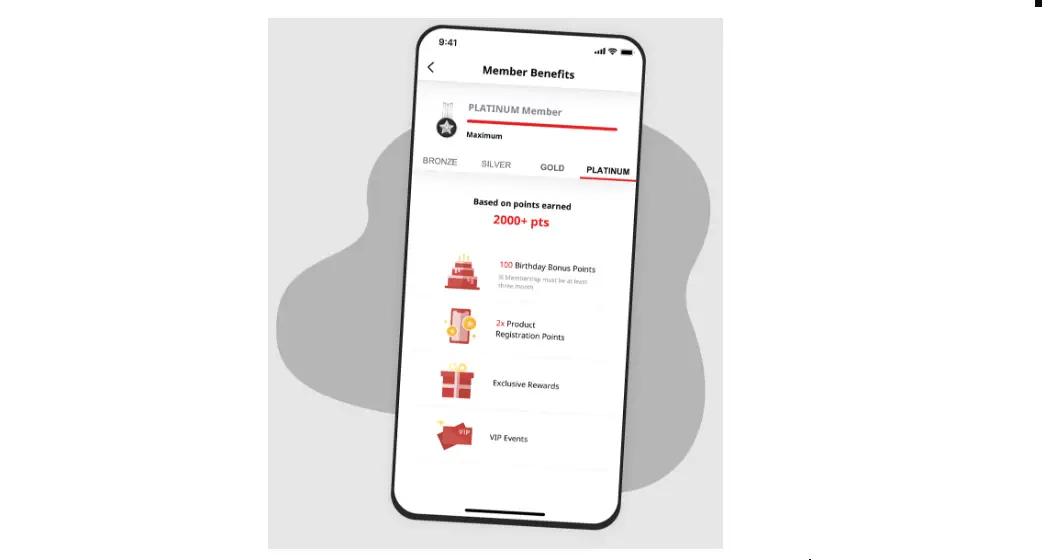

MyMSI Membership App
MyMSI membership app Instruction
- How to refer a friend to download MyMSI app?
Step 1: Download MyMSI app
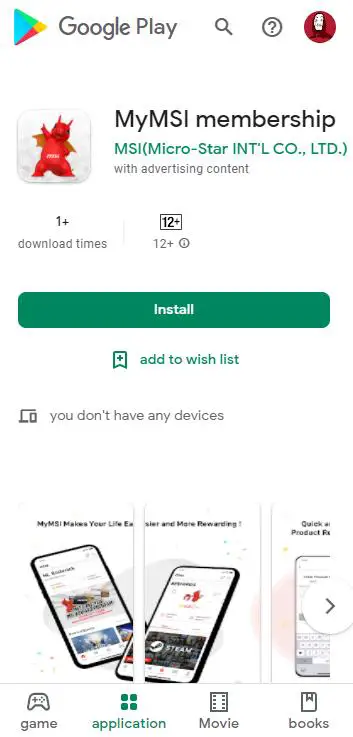
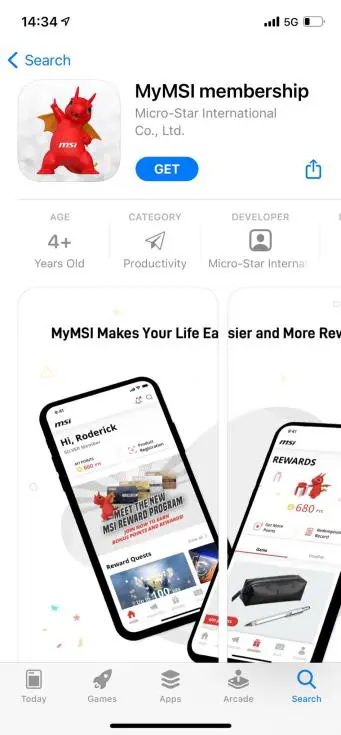

Step
2 : Register MyMSI app account
- Click the Sign Up Free button

- Complete your profile
- Or Login MyMSI app
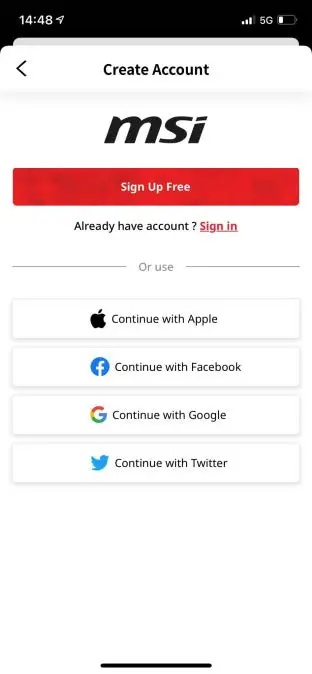
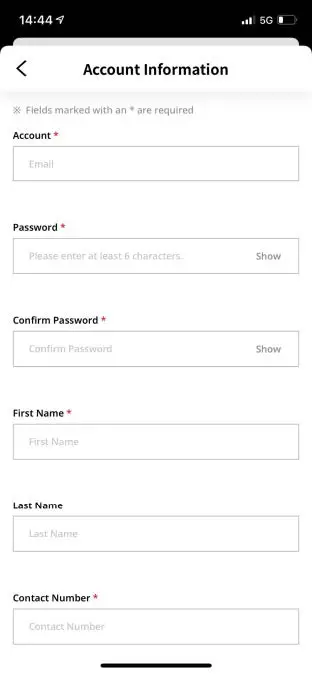

Step 3 : Share your member ID to friends
- Go to Account page

- Check your member ID

- Share your ID with your friend
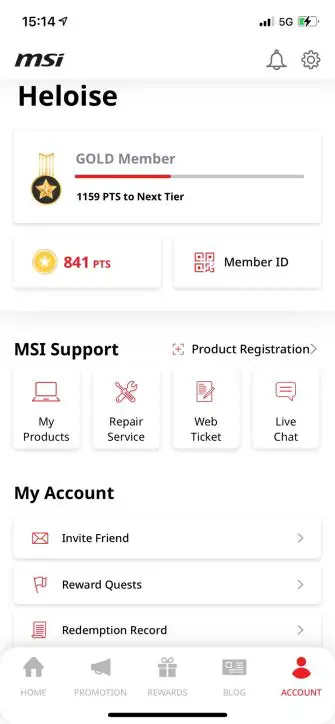
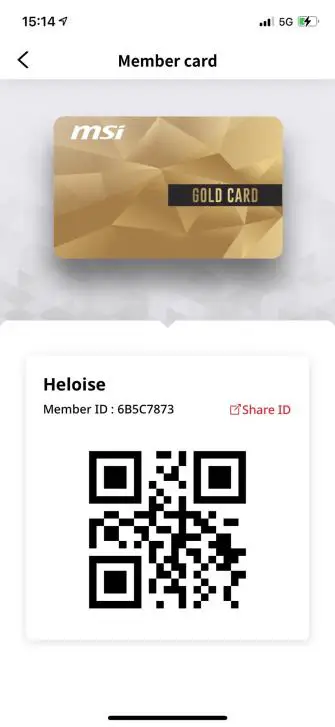
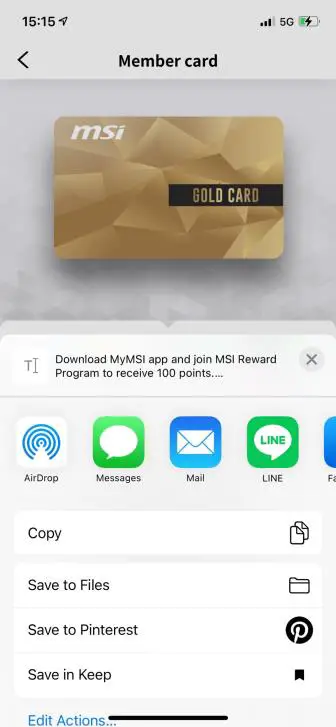
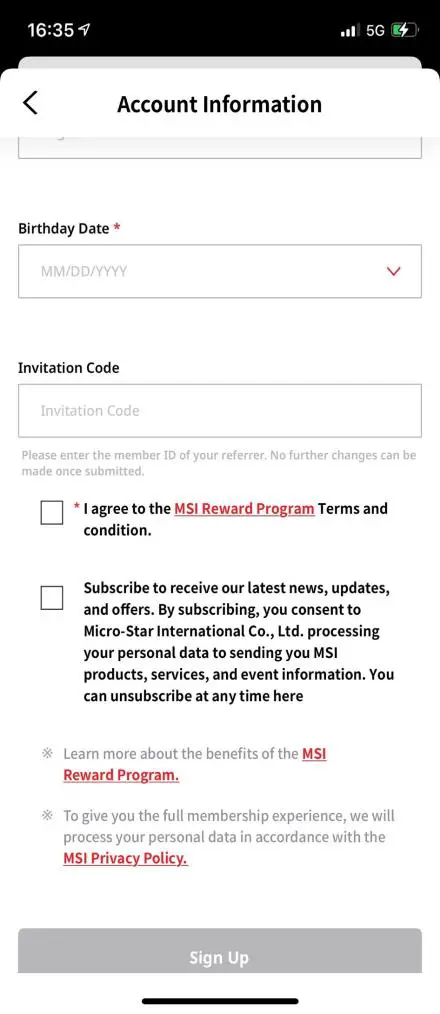
- The referrer gets 25 points when the referee inputs the referrer’s membership ID.
- If the registration is successful but not entered the member ID, no further changes can be made once signed up the account.
- How to leave a review in app store/google play store and get the 50 points?
- How to leave a review in app store/google play store and get the 50 points?
How to leave a review in app store/google play store and earn the 50 points?
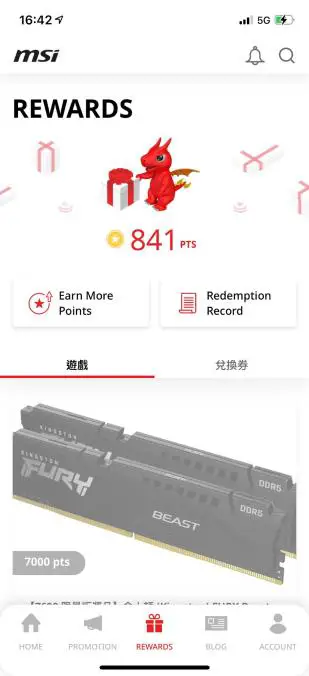
- Login MyMSI member ship app and click Rewards page

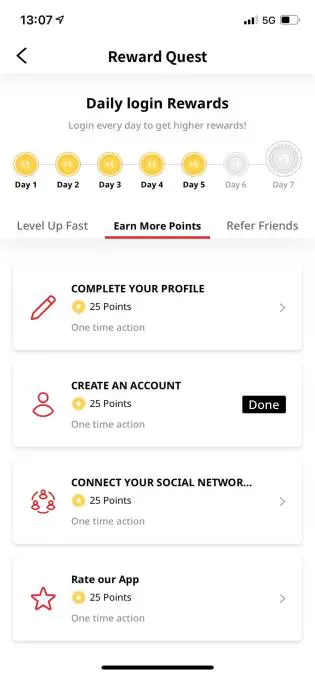
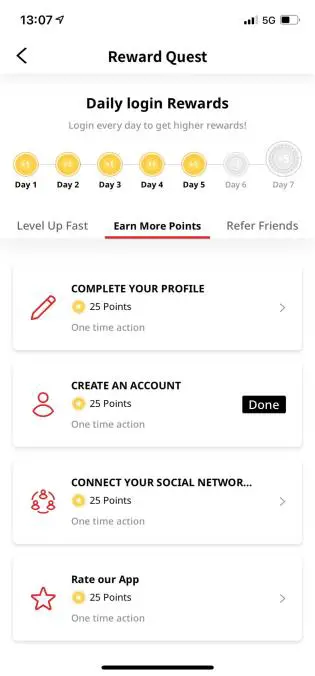
- Click Rate our app

- Rate our app
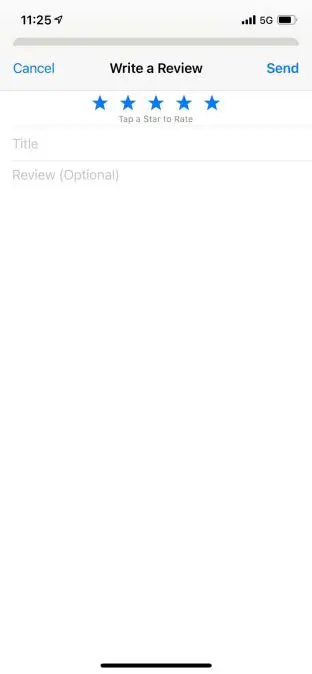
- Write down your favorite feature and feedback
- Earn the 50 points
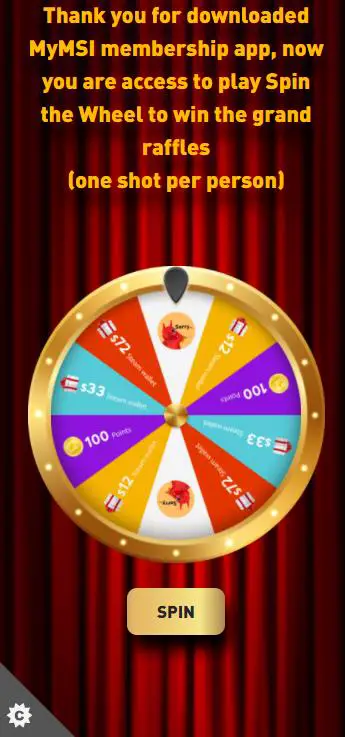
- Spin to Win
- Click the ENTER button

- Log into Sweepstakes page

- Click the SPIN button, try your luck

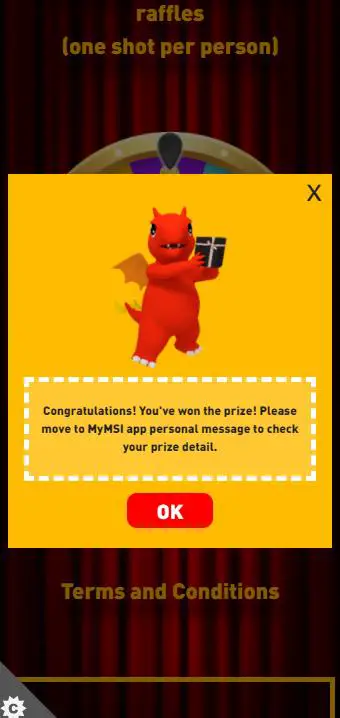
- Check your in-app personal message