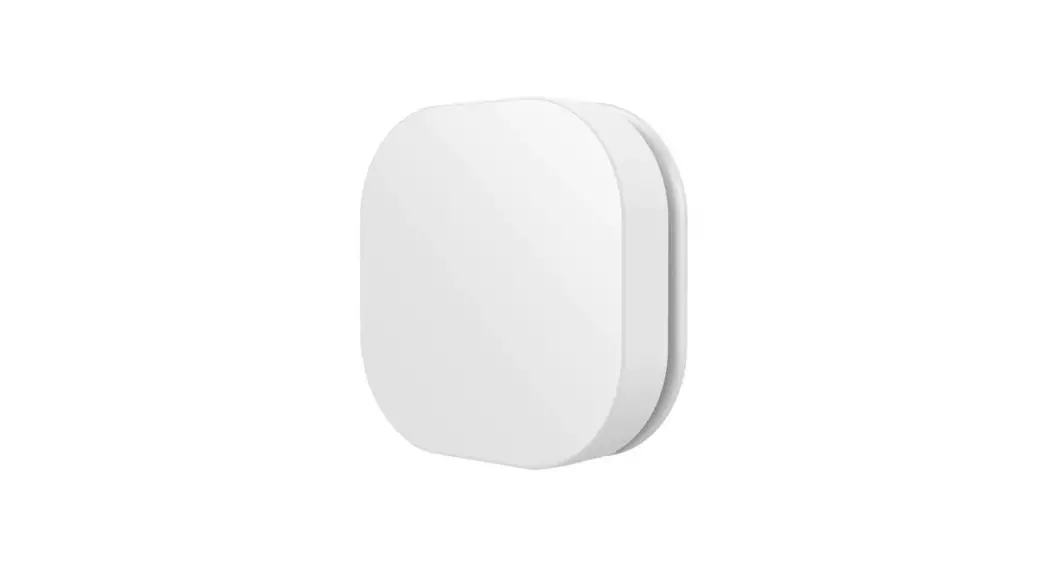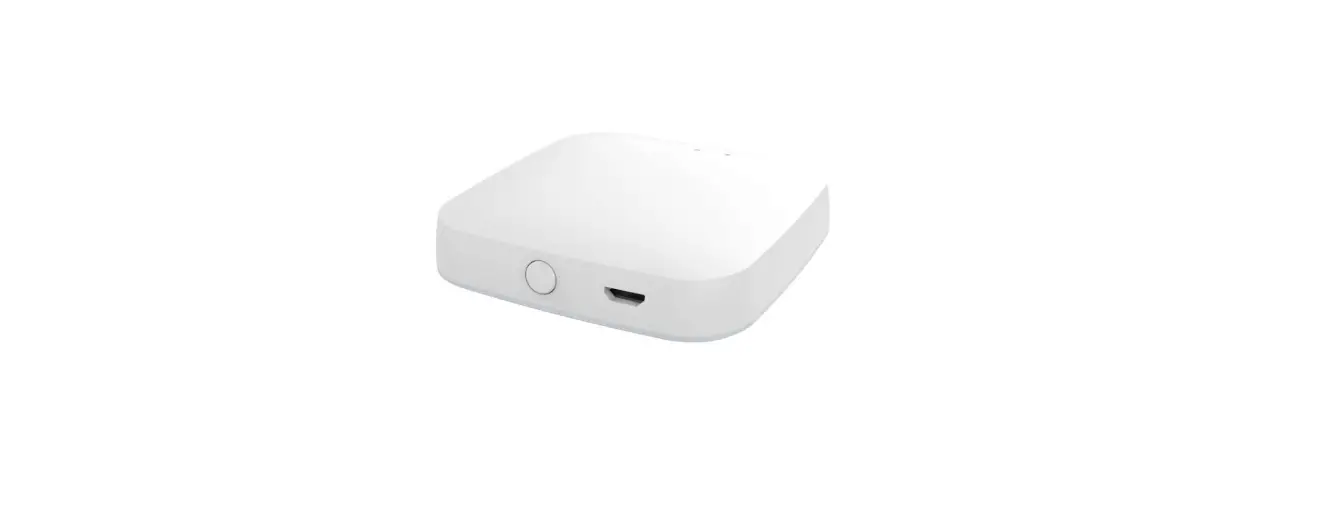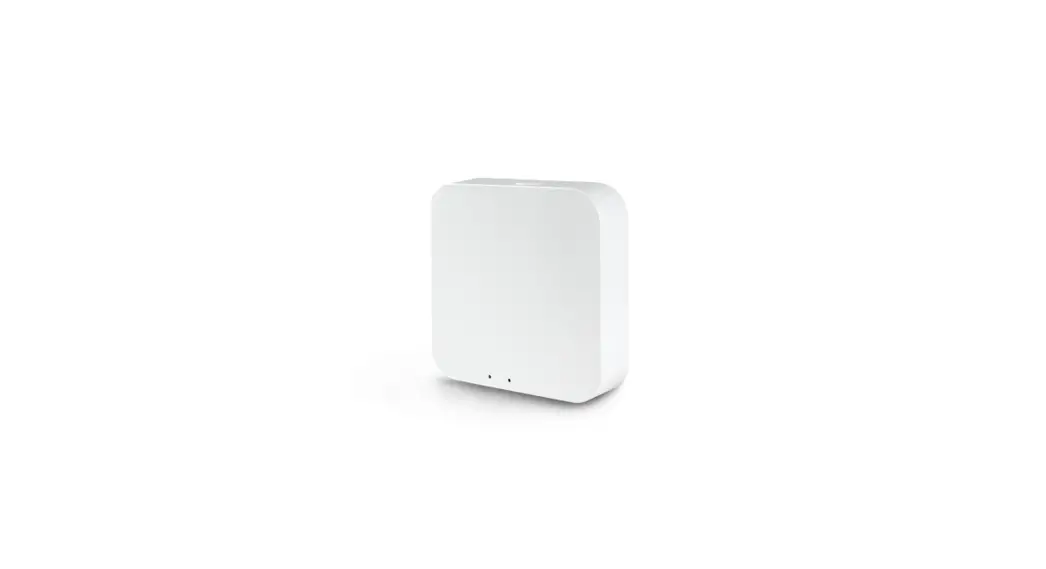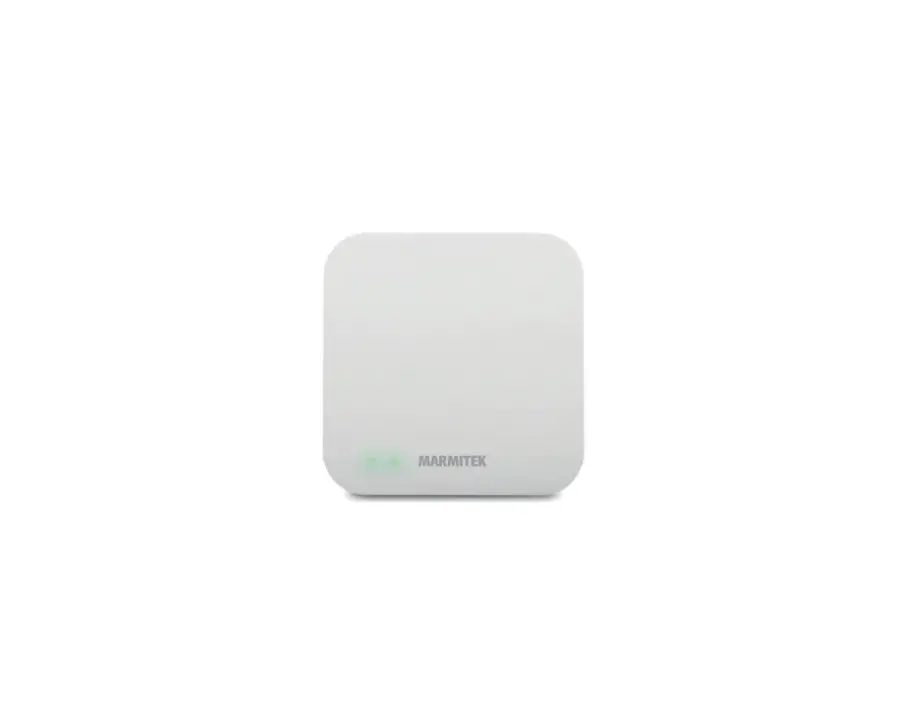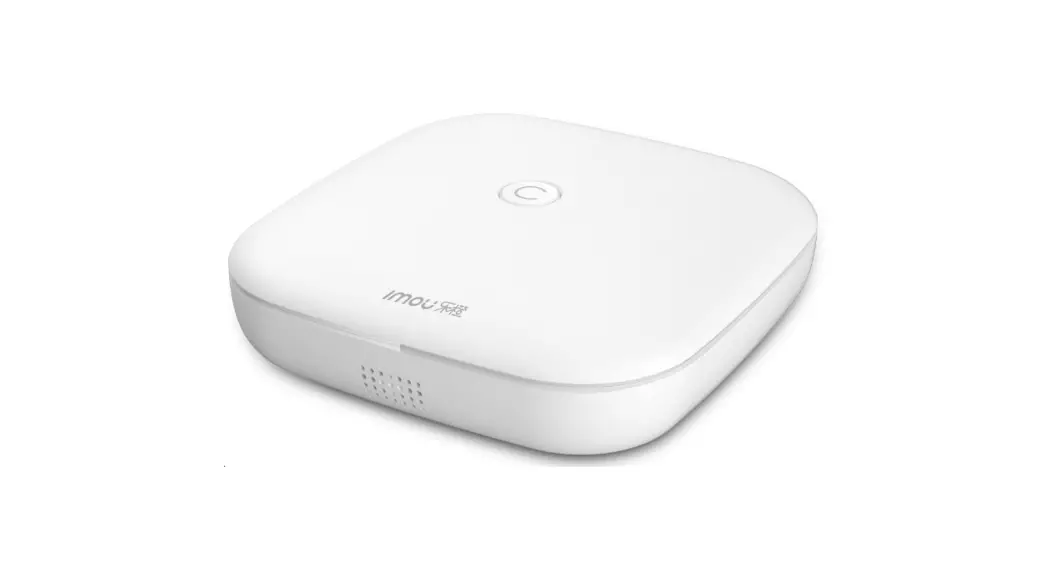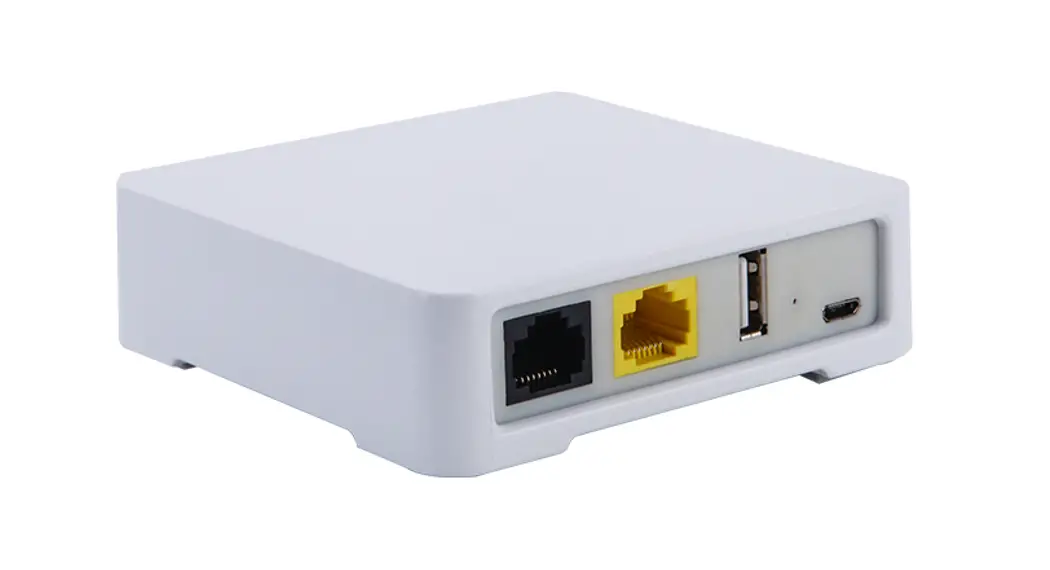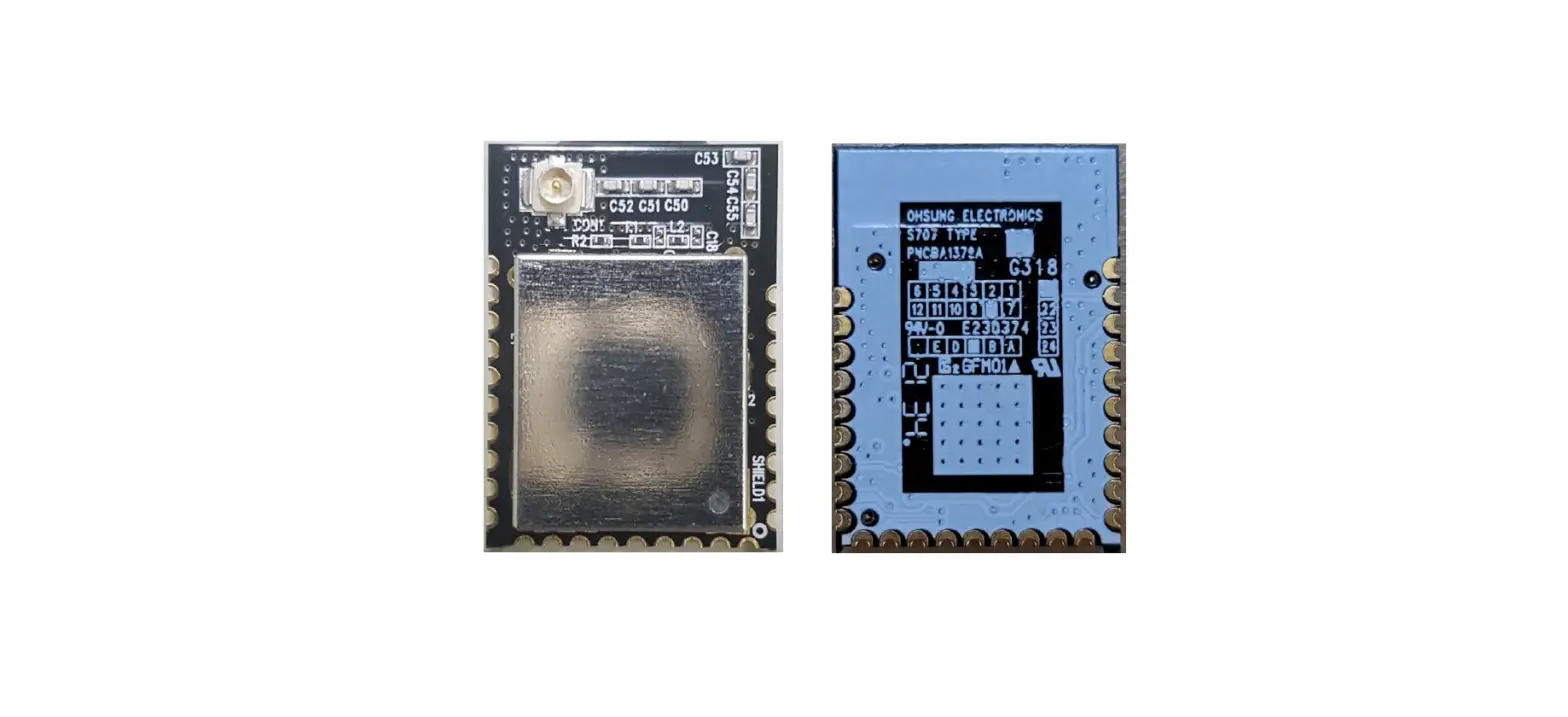

MOES ZigBee 3.0 Hub/Wired Gateway
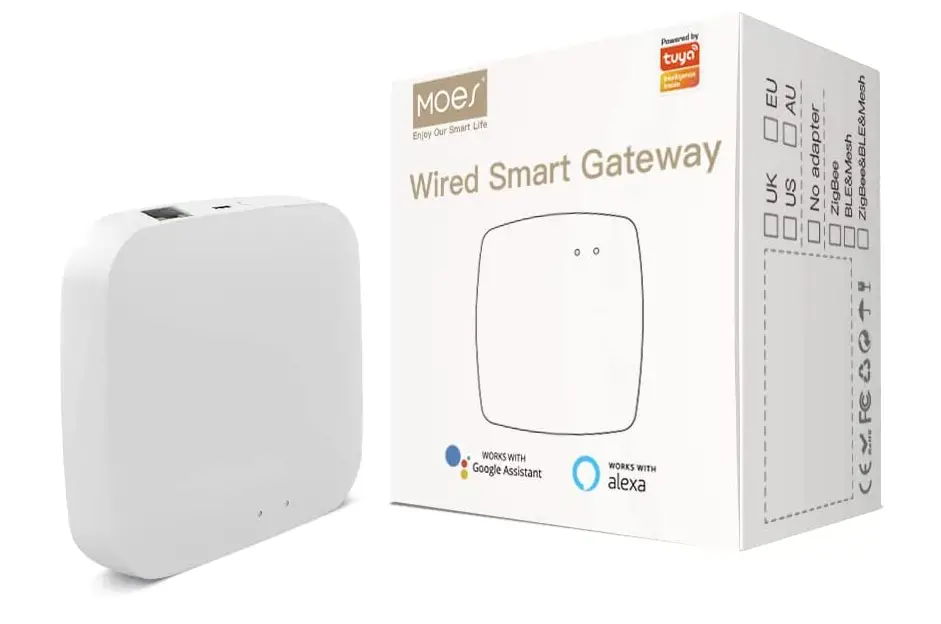
Introduction
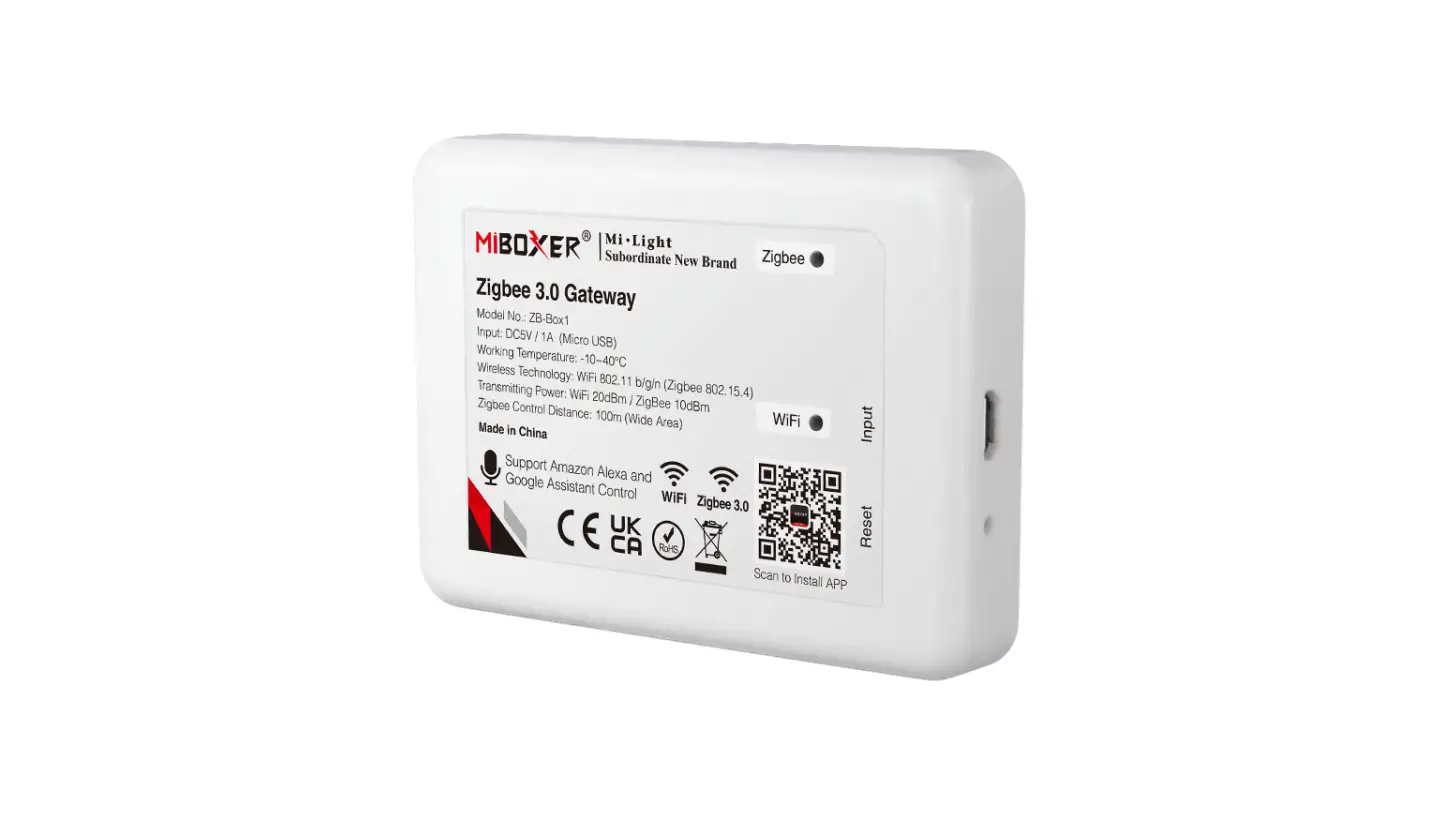
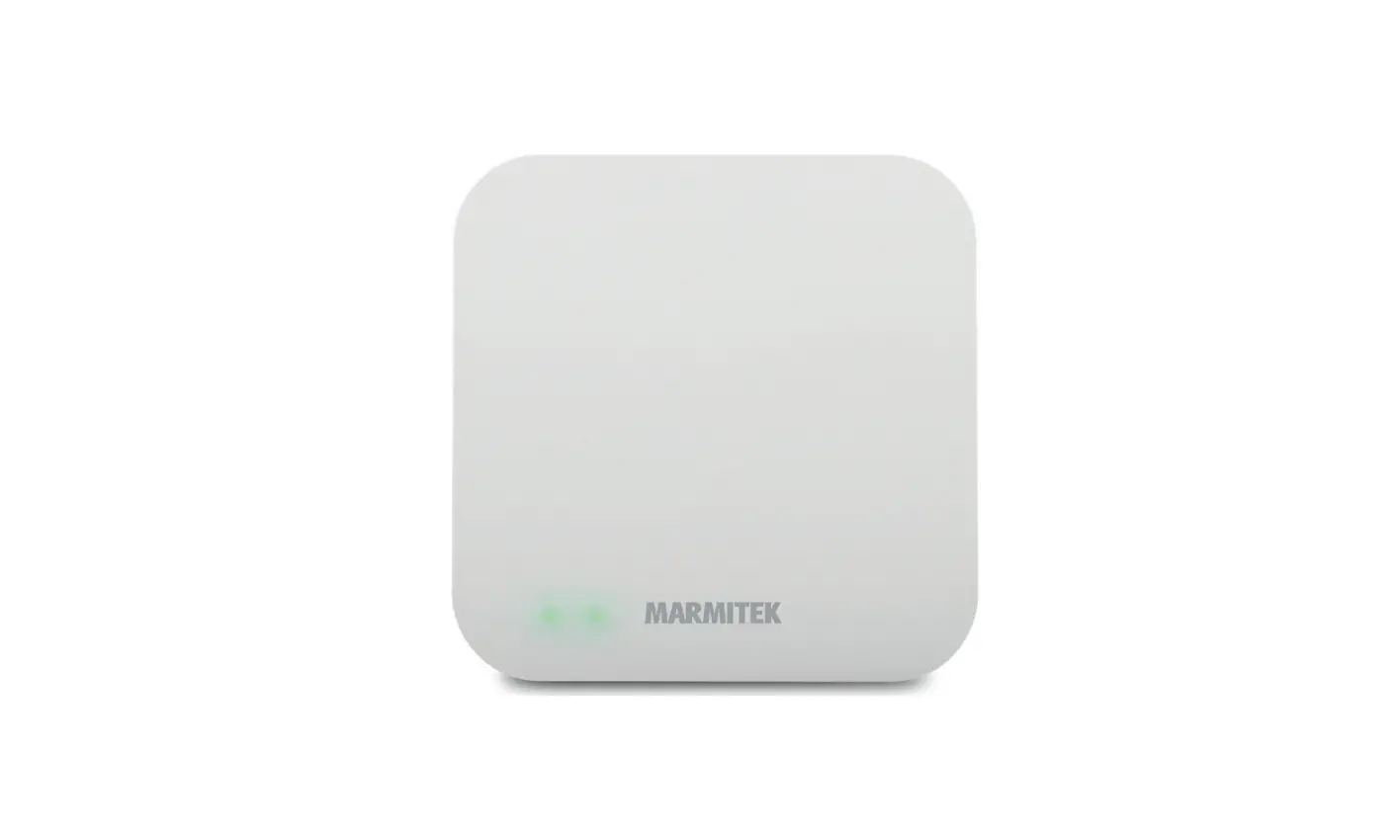
This hub serves as both a bridge and a command center for smart homes by connecting to a number of ZigBee smart goods. NOTE: A network cable is required to connect the wireless router to the gateway hub (the network cable is included in the package). It Works with all Tuya smart products. You can customize the controlling system to meet your specific needs and security requirements. It has Up to 50 devices online, more stable and reliable than wireless gateways.
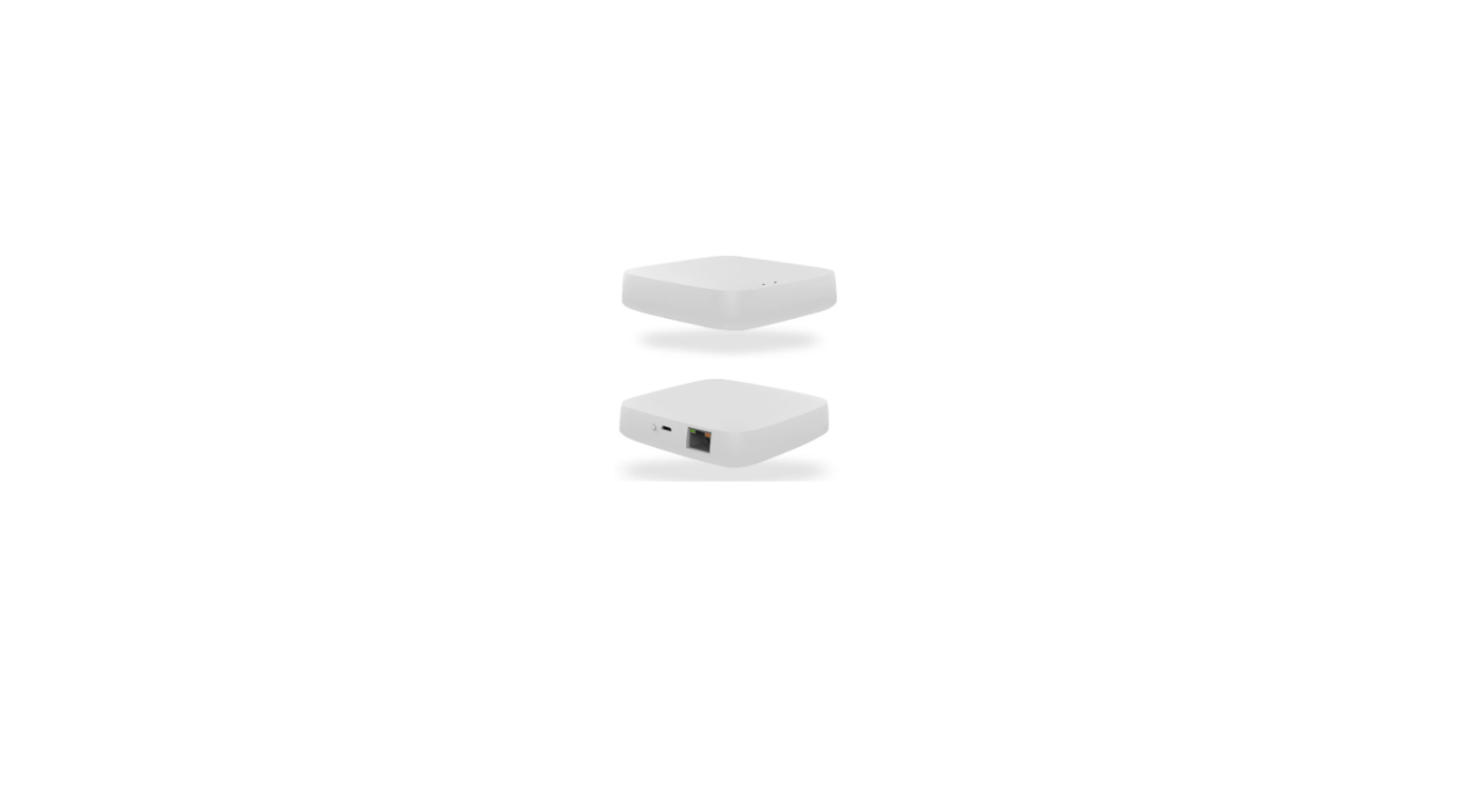
To control the hub-connected remote security kit system from anywhere at any time, just use your smartphone. compatible with Google Assistant and Alexa. The wired design of the smart gateway hub allows it to be connected to the router by cable without the need for specialized technical knowledge.
PRODUCT SPECIFICATIONS
| Product name | Wired Smart Gateway |
| Electrical Parameters | DC 5V 1A |
| Operating temperature | -10℃-55℃ |
| Operating humidity | 10%-90% RH(no condensation) |
| Model | ZigBee 3.0 |
| Product Size | 91*91*15mm |
| Product Weight | 182g |
PACKING LIST
- Wired Smart Gateway
- Instruction manual x 1
- Power cable x 1
- Adapter x 1(optional)
- Network cable x 1
PRODUCT DESCRIPTION
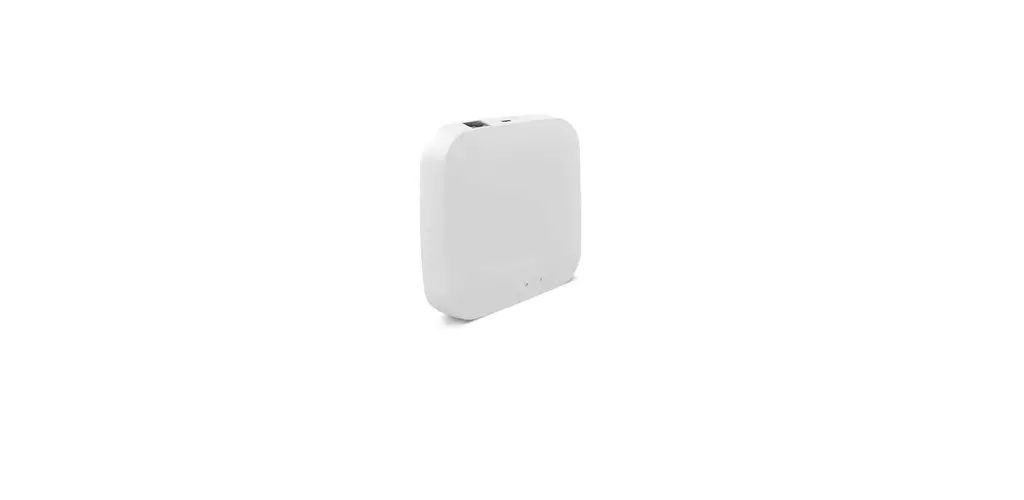
The smart gateway is the control center of the ZigBee device. Users can design and implement smart application scenarios by adding ZigBee devices.
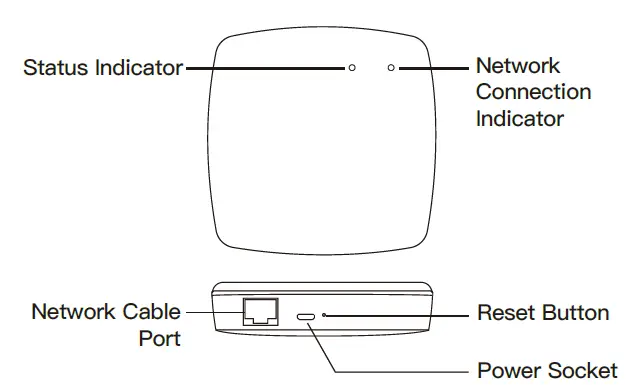
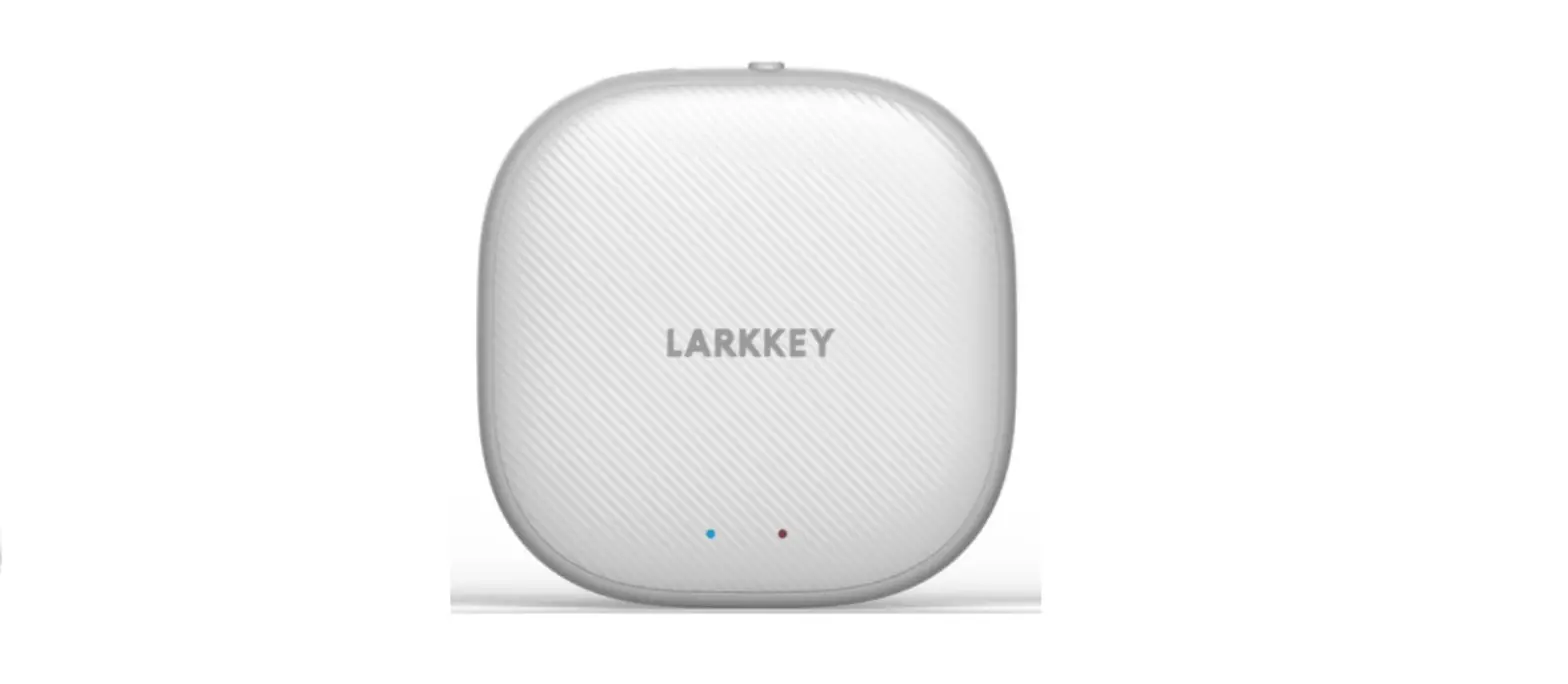
- NETWORK CONNECTION INDICATOR (GREEN):
NETWORK CONNECTION STATUS:
| Steady Off | Network disconnected |
| Steady On | Network connected |
| Blinks | Data transmission accessed |
- STATUS INDICATOR (GREEN):
CONFIGURATION STATUS:
| Steady On | Ready for connection |
| Blinks | Access learning mode |
| Steady Off | Successful connection |
PREPARATION FOR USE
- Mobile phone is connected to 2.4 GHz Wi-Fi

Ensure that the smart phone is within the same Wi-Fi network of the Smart Gateway to ensure an effective connection between the smart phone and the Smart Gateway - Download and open the App In the App Store, search for the relevant App or scan the QR code on the package/manual to download. If you are downloading the App for the first time, please tap “Register” to register your account. If you already have an account, please click the “Login” button.
ADD DEVICES
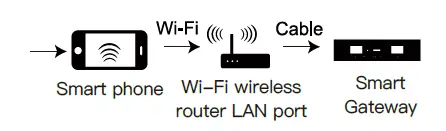
- Connect the gateway to the power supply and connect it to the home 2.4GHz band router through the cable;
- Confirm that the indicator (green light) remains illuminated. (if the indicator is in another status, press and hold the reset button until the green light remains illuminated)
- Make sure that the mobile phone is connected to the home 2.4GHz band router. At this time, the mobile phone and the gateway are in the same local area network;
- Open the “My Home” page of the App and click the “+” button on the upper right corner of the screen;
- “Smart Gateway” will appear on the “Select type of device” page, click “Add”;
- If “Smart Gateway” is not found on the “Select type of device” page, select “Smart gateway” in “Frequently added” and follow the App’s instructions.
ADD DEVICE
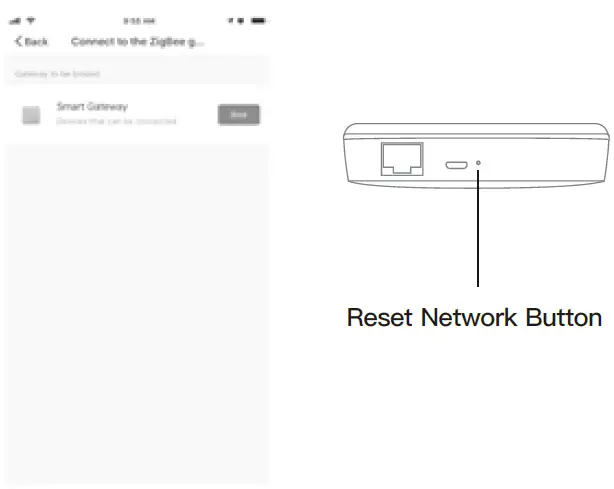
- Once the device has been added successfully, you will be able to find the device on the “My Home” page.
ELECTRONIC INFORMATION PRODUCTS TOXIC AND HAZARDOUS SUBSTANCE DECLARATION
|
Part name | Toxic or harmful substances or elements | ||||
| Lead Pb | Mercury Hg | Cadmium Cd | Hexavalent chromium
Cr(VI) | Polybrominated biphenyl
PBB | |
| PCB
board | |||||
| Housing | |||||
| Cable | |||||
O: Indicates that the content of this toxic and hazardous substance in all homogeneous materials of this part is below the maximum limit specified in SJ/T1163-2006 Requirements for Concentration Limits for Certain Hazardous Substances in Electronic Information Products;
X: Indicates that the toxic or hazardous substance contained in at least one of the homogeneous materials of the part exceeds the maximum limit specified in the SJ/T1163- 2006 standard.
SERVICE
- During the free warranty period, if the product breaks down during normal use, we will offer free maintenance for the product.
- Natural disasters/man-made equipment failures, disassembly and repair without the permission of our company, no warranty card, products beyond the free warranty period, etc., are not within the scope of free warranty
- Any commitment (oral or written) made by the third party (including the dealer/service provider) to the user beyond the warranty scope shall be executed by the third party
- Please keep this warranty card to ensure your rights 5.Our Company may update or change the products without notice. Please refer to the official website for the updates.
RECYCLING INFORMATION
All products marked with the symbol for separate collection of waste electrical and electronic equipment (WEEE Directive 2012/19 / EU) must be disposed of separately from unsorted municipal waste. To protect your health and the environment, this equipment must be disposed of at designated collection points for electrical and electronic equipment designated by the government or local authorities. Correct disposal and recycling will help prevent potential negative consequences for the environment and human health. To find out where these collection points are and how they work, contact the installer or your local authority.
Frequently Asked Questions
To be controlled, Zigbee devices require a gateway. Wi-Fi and the Zigbee protocols are distinct from one another. The Zigbee protocol is not currently supported by mobile phones. You need a Zigbee gateway to translate the Zigbee protocol into the Wi-Fi protocol so that you may control your Zigbee devices with your smartphone.
Data can be transferred between devices on one network and those on another network using a ZigBee gateway. The automatic publishing of a list of all the battery-operated ZigBee devices with low battery charge each morning is a straightforward use for a gateway that communicates with ZigBee.
I can connect up to 216=65536 distinct ZigBee devices because each one has a 16-bit short address (minus a few reserved addresses of course). Every device can now be bound to up to 28 = 256 distinct services (since a few “ports” are also reserved, the maximum is actually 240 here).
Given that WiFi and ZigBee use various sorts of protocol standards. Since WiFi terminal devices and ZigBee devices cannot communicate with each other directly, a gateway device must be used to connect the two types of devices.
The data transfer rate for ZigBee is also slower than that of WiFi. Its top speed, 250kbps, is substantially slower than the lowest WiFi speed. The best features of ZigBee are its long battery life and low power consumption rate. Its protocol was created to be “assemble and forget,” which means that once it is installed, it can function for months.
When possible, try to locate your hub in the center of your house. Zigbee and Z-Wave both assert to have a sufficient range to cover the majority of homes, but in practice every wall; floor, piece of furniture, and other electronic interference will cut down on their actual range.
Within a radius of 10 to 100 meters, ZigBee is frequently used to control a variety of devices. In comparison to existing short-range wireless technologies like Bluetooth and Wi-Fi, the communication system is more affordable and user-friendly.
A gateway often denotes a change from one mode to another (such as maritime/land), whereas a hub is a central site in a transportation system with numerous inbound and outgoing links of the same mode.
To help manufacturers, brands, and solution integrators, Tuya’s smart gateway solutions provide one-stop smart services, including gateway hardware, cloud services, apps, and the development platform. Businesses can obtain a stable core from which to expand their smart hardware solutions.
An alternative protocol to Wi-Fi called Zigbee has a far lower power need. This makes it possible for tiny wireless sensors to run for many years on a single battery.