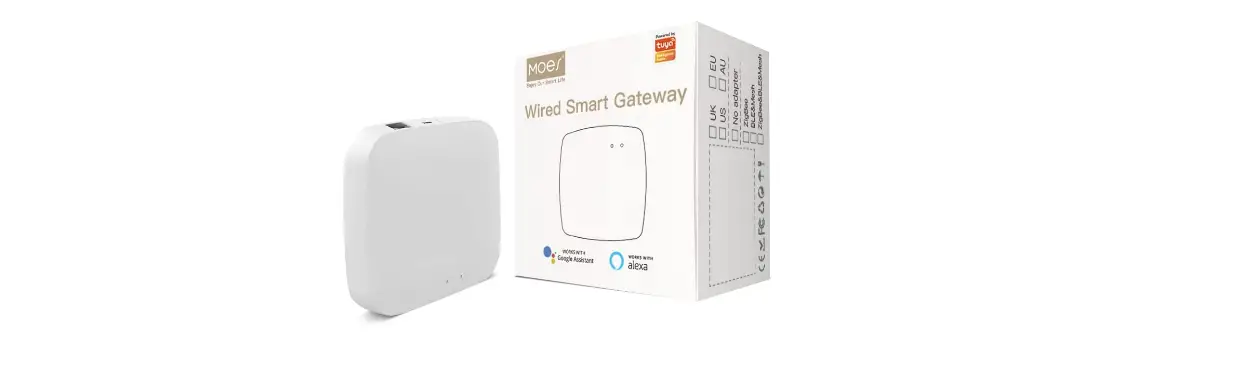
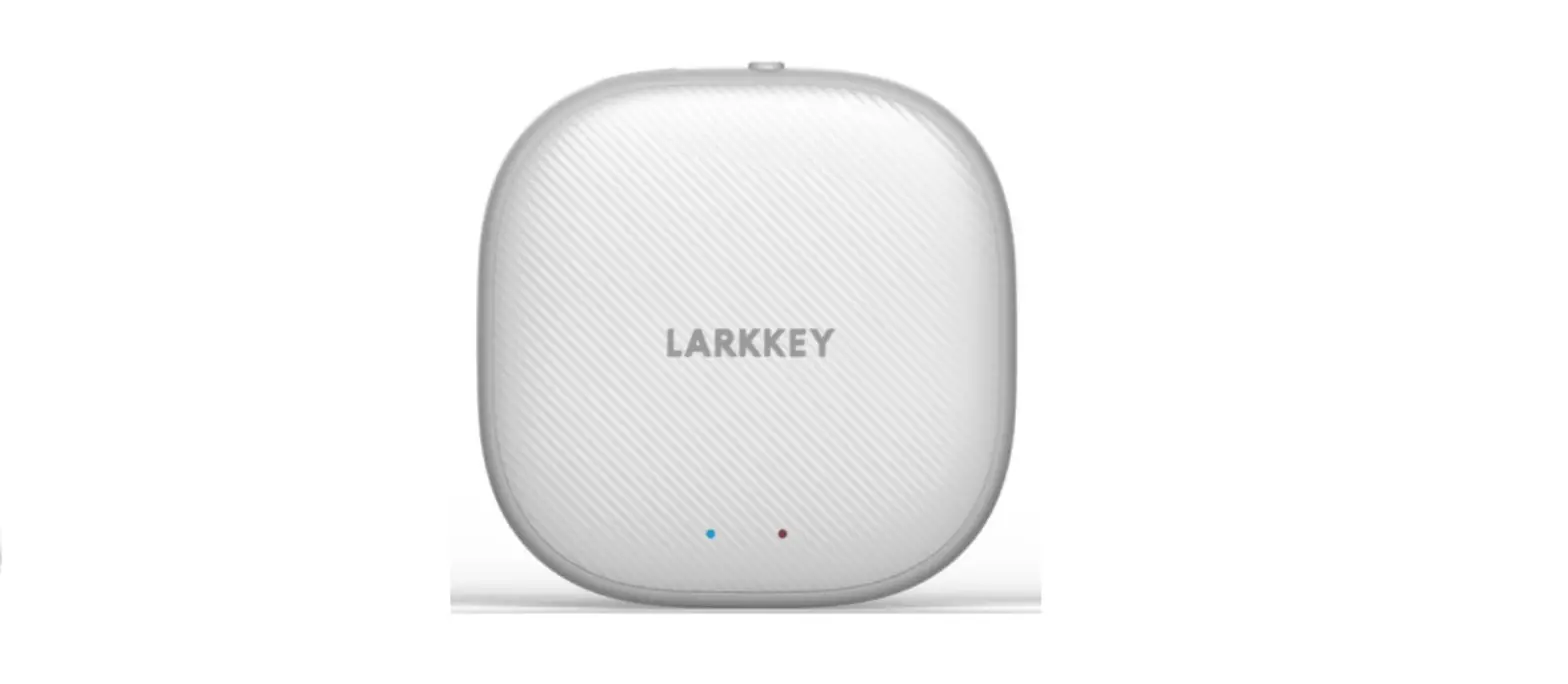
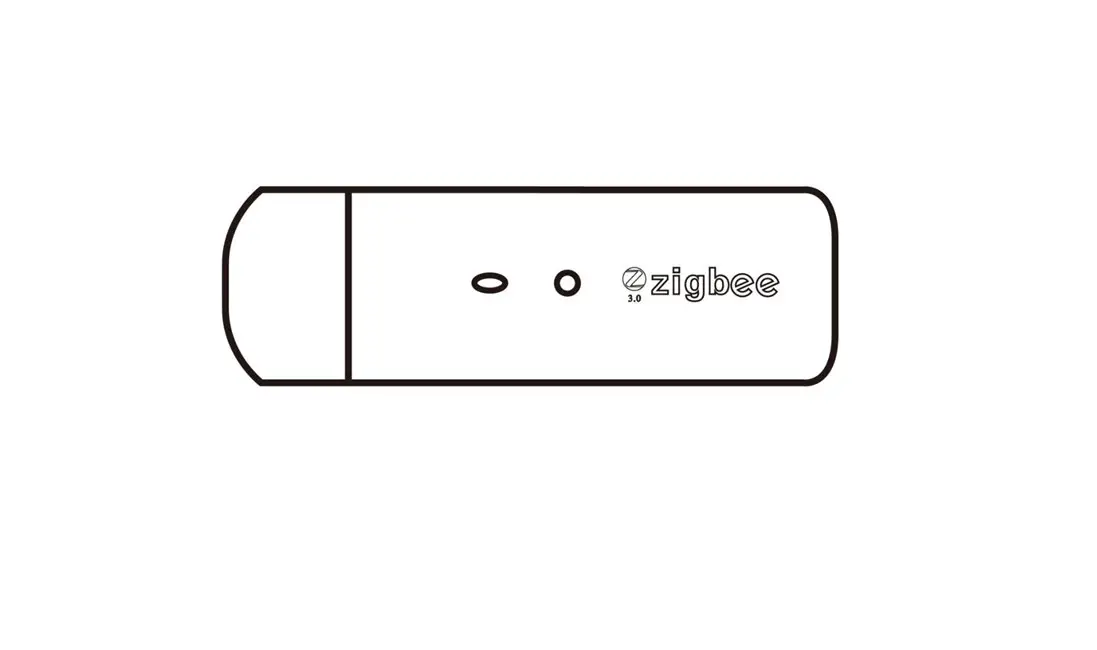
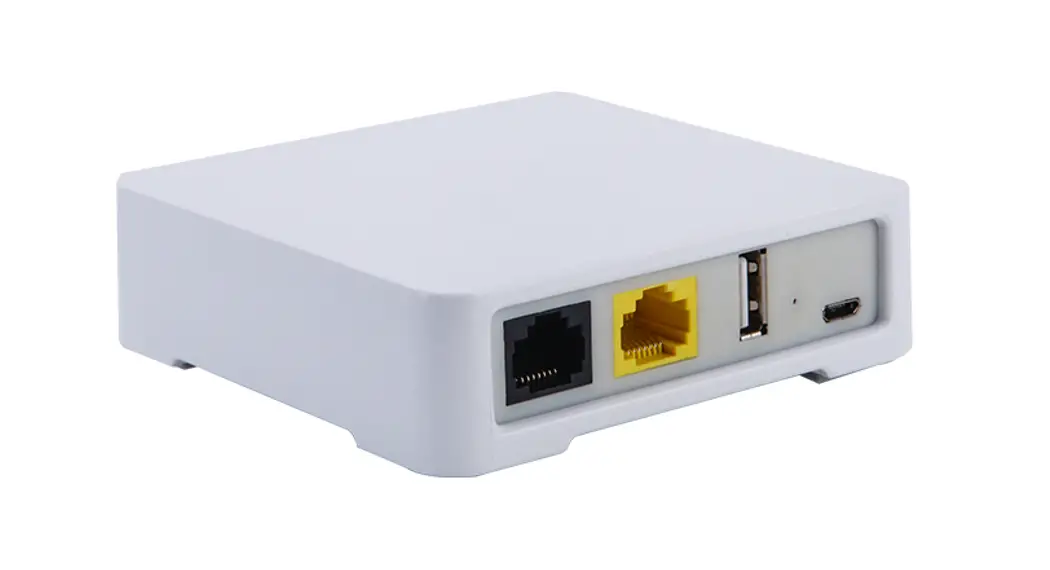
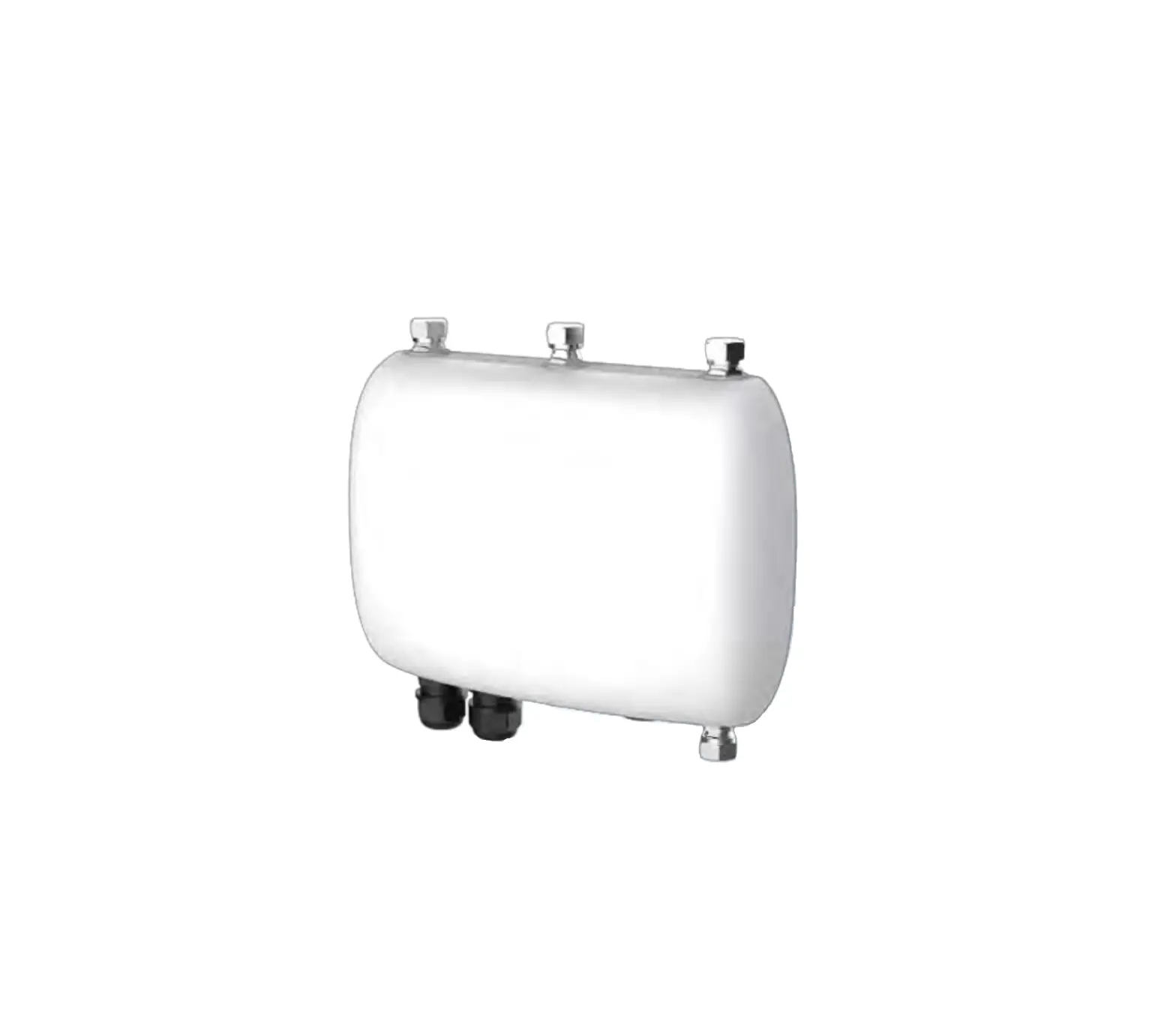
MHUB-W-Q-MS Wireless Smart Gateway
Product Information:
- Product Name: Wireless Smart Gateway
- Electrical Parameters: Operating temperature:
-10-45°C, Operating humidity: 5%-90%RH (no condensation) - Wireless Protocol: Wi-Fi 2.4GHz, ZigBee 3.0,
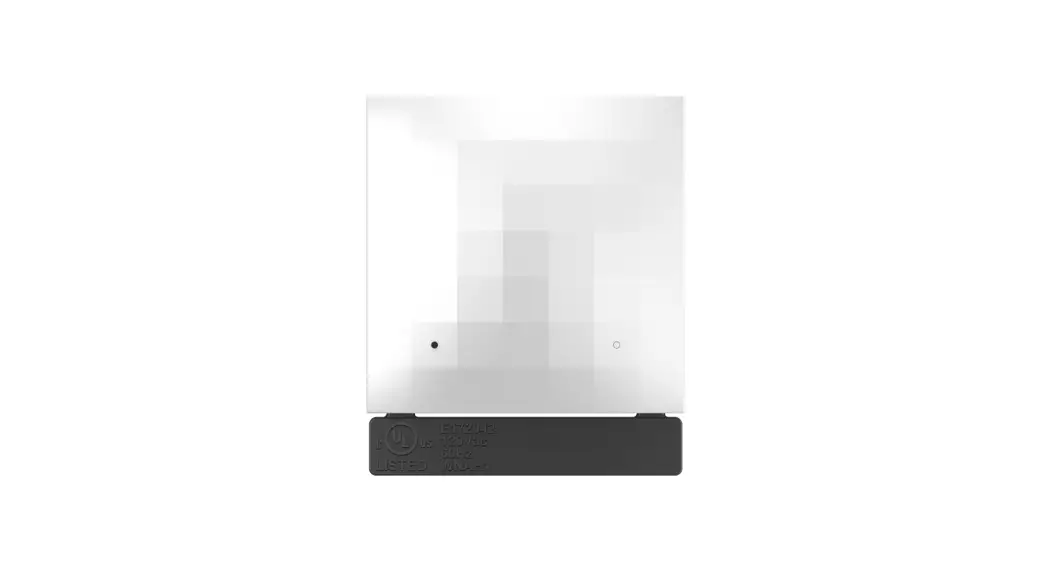
BLE, Mesh - Product Size: 60*60*15 mm
- Product Weight: 60g
- Packing List: Wireless Smart Gateway,
Instruction manual x 1, Power cable x 1
Safety Information:
- Do not disassemble, reassemble, modify, or attempt to repair
the product by yourself. Such products may cause electric shock,
which may cause serious injury or death.
Product Description:
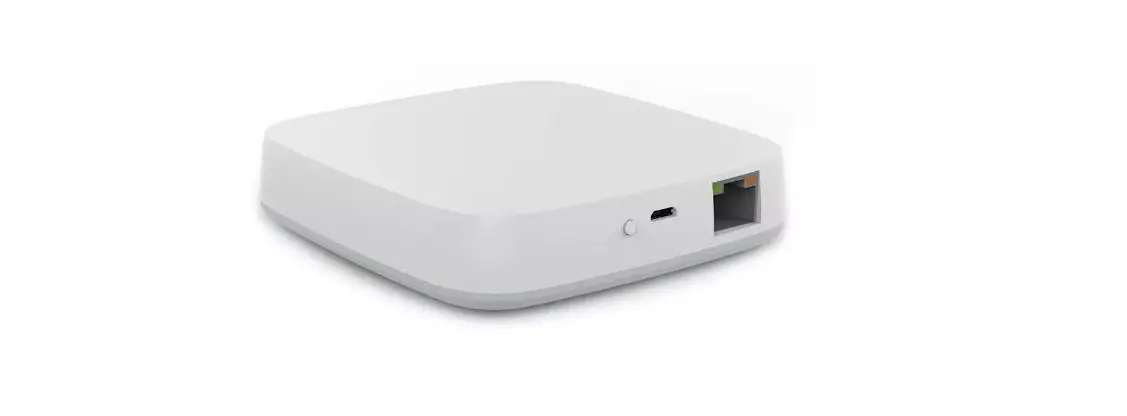
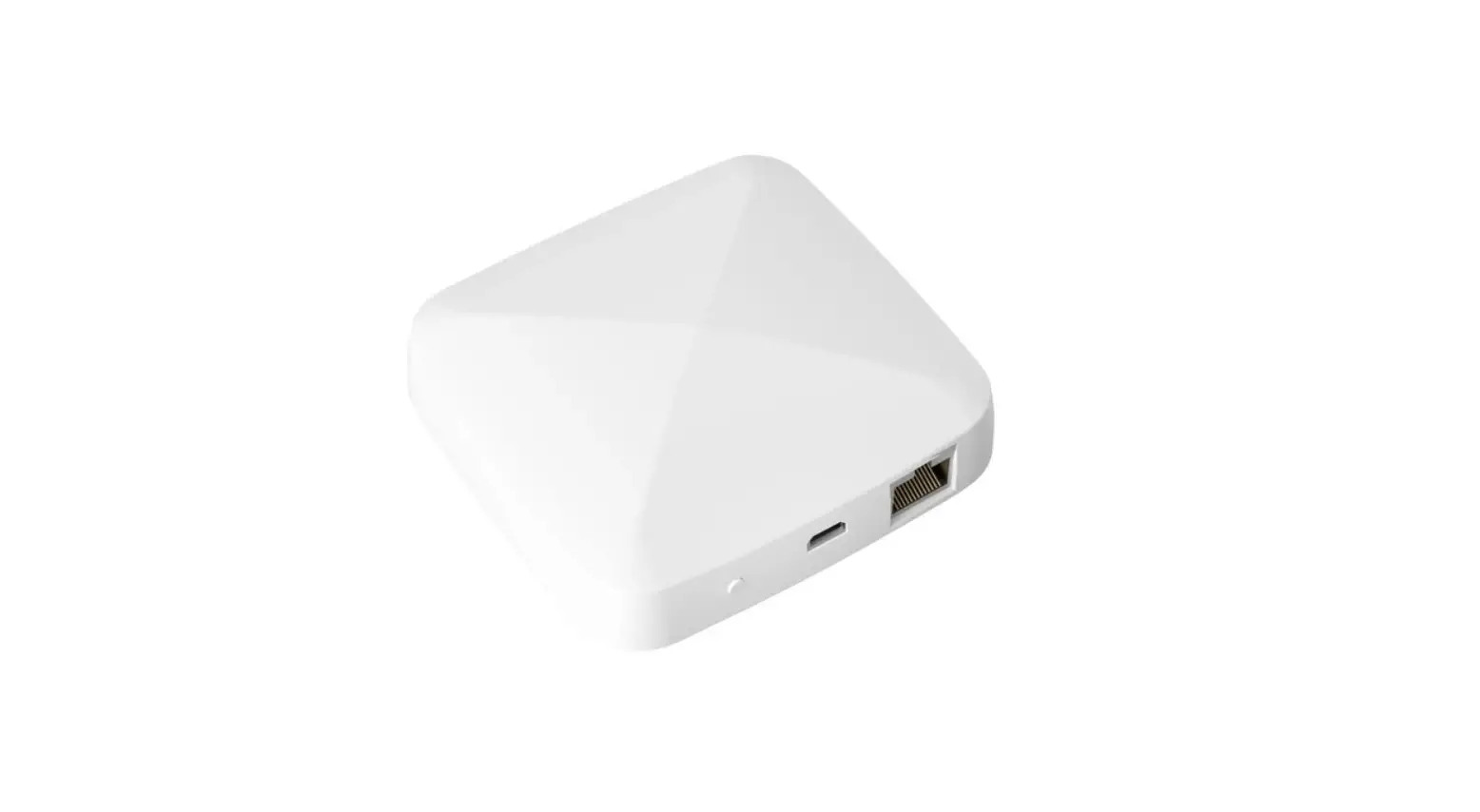
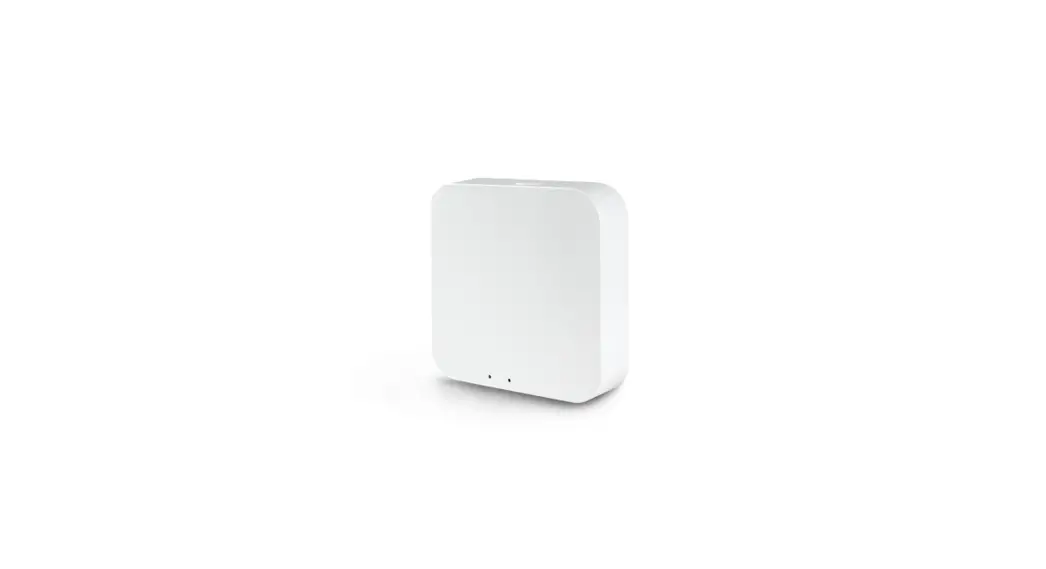
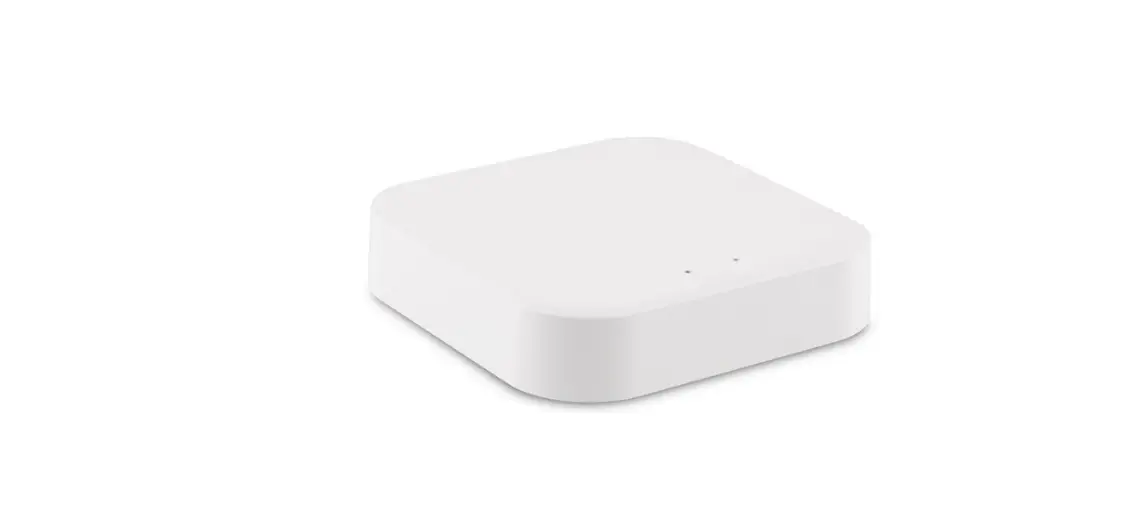
The smart gateway is the control center of the ZigBee and
Bluetooth devices. Users can design and implement smart application
scenarios by adding ZigBee and Bluetooth devices.
Wi-Fi Indicator Status Indicator:
- Wi-Fi Indicator (Red):
- Steady On: Successful connection
- Blinks: Ready for connection (Explained as 1500ms ON and 1500ms
OFF) - Steady Off: Successful configuration but the network is
disconnected
- Status Indicator (Blue):
- Steady On: Activated
- Blinks: Access learning mode (Explained as 500ms ON and 500ms
OFF) - Steady Off: Unactivated
Preparation For Use:
Mobile phone is connected to 2.4GHz Wi-Fi

Product Usage Instructions:
- The product should be transported without severe vibration,
impact, exposure to rain, dumping, and other problems. It should
comply with the provisions of the marks on the packing boxes. Note
that this product has no waterproof and dustproof function. - Store the product in a warehouse with a temperature range of
-10°C to +45°C and a relative humidity range of 5%RH to 90%RH
(non-condensation). Ensure the indoor environment is free from
acid, alkali, salt, corrosive, explosive gas, flammable matter,
dust, rain, and snow. - Download and open the App. In the App Store, search for the
relevant App or scan the QR code on the package/manual to download.
If it’s your first time downloading the App, tap “Register” to
create an account. If you already have an account, click
“Login”. - Add devices to the App.
- Once the device has been added successfully, you will be able
to find it on the My Home page.
Electronic Information Products Toxic And hazardous
substance Declaration:
| Part Name | Toxic or Harmful Substances or Elements |
|---|---|
| PCB board | Lead (Pb), Mercury (Hg), Cadmium (Cd), Hexavalent chromium (Cr(VI)), Polybrominated biphenyl (PBB) |
| Housing | O: Indicates that the content of this toxic and hazardous substance in all homogeneous materials of this part is below the maximum limit specified in SJ/T1163-2006. Requirements for Concentration Limits for Certain Hazardous Substances in Electronic Information Products; X: Indicates that the toxic or hazardous substance contained in at least one of the homogeneous materials of the part exceeds the maximum limit specified in the SJ/T1163-2006 standard. |
| Cable | O: Indicates that the content of this toxic and hazardous substance in all homogeneous materials of this part is below the maximum limit specified in SJ/T1163-2006. Requirements for Concentration Limits for Certain Hazardous Substances in Electronic Information Products; X: Indicates that the toxic or hazardous substance contained in at least one of the homogeneous materials of the part exceeds the maximum limit specified in the SJ/T1163-2006 standard. |
HOME, SMART MOES HOME
Instruction Manual Wireless Smart Gateway
Wi-Fi 2.4GHz & ZigBee 3.0 & BLE & Mesh
Product Specifications
Product name
Wireless Smart Gateway
Electrical Parameters Operating temperature
5V 1A -10-45
Operating humidity
5%-90%RH(no condensation)
Wireless Protocol Wi-Fi 2.4GHz & ZigBee & BLE & Mesh
Product Size
60*60*15 mm
Product Weight
60g
Packing list
Wireless Smart Gateway Instruction manual x 1 Power cable x 1
Transportation
1.The products shall be free from severe vibration, impact, exposure to rain, dumping and other problems during transportation, and shall comply with the provisions of the marks on the packing boxes. 2. This product has no waterproof and dustproof function.
1
Storage
Products should be put in the warehouse where the temperature is between the range -10 ~ +45,and the relative humidity between the range 5%RH~90%RH(non condensation), indoor environment with no acid, alkali, salt and corrosive, explosive gas, flammable matter, protected from dust, rain and snow.
Safety Information
Do not disassemble, reassemble, modify, or attempt to repair the product by yourself. Such products may cause electric shock, which may cause serious injury or death.
Product Description
The smart gateway is the control center of the ZigBee and Bluetooth device.Users can design and implement smart application scenarios by adding ZigBee and Bluetooth devices
Wi-Fi Indicator Status Indicator
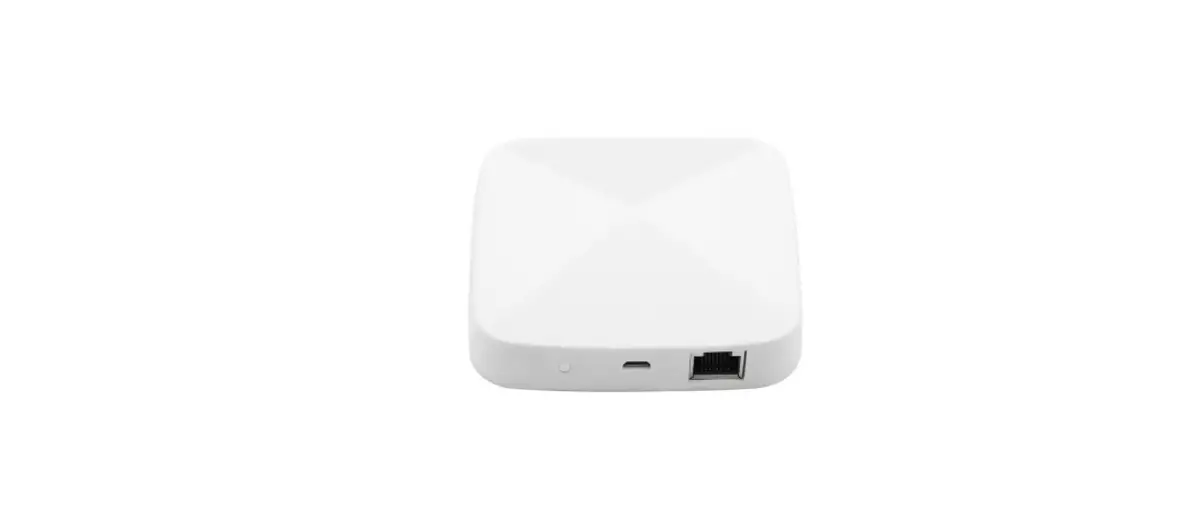
Reset Button Power Socket
2
WiFi Indicator(Red): Configuration Status:
Steady On Blinks
Bluetooth/AP mode Steady Off
Successful connection
Ready for connection
Explained as 1500ms ON and 1500ms OFF
Successful configuration but the network is disconnected
Status Indicator(Blue):
Steady On
Activated
Blinks
access learning mode as 500ms ON and 500ms OFF
Steady Off
Unactivated
Preparation For Use
Mobile phone is connected to 2.4GHz Wi-Fi
Wi-Fi
Cable
Smart phone
Wi-Fi wireless router LAN port
Smart Gateway
1. The products shall be free from severe vibration, impact, exposure to rain, dumping and other problems during transportation, and shall comply with the provisions of the marks on the packing boxes. 2. This product has no waterproof and dustproof function.
3
Download and open the App In the App Store, search for the relevant App or scan the QR code on the package/manual to download. If you are downloading the App for the first time, please tap “Register”to register your account. If you already have an account, please click the “Login” button.
Add Devices
Connect power to gateway. Confirm that the LED indicator (red) blinks. (lf the indicator is in a different state, press the reset button until red indicator blinks); Make sure Bluetooth switch of the mobile is on, and mobile is connected to the 2.4 Ghz WiFi of home router, at this point, the mobile phone and gateway in the same local area network; Open the APP, will find gateway automatically, then click”Add”. If don’t find gateway, then click the button “+” in the upper right corner of the screen, select “Gateway Control” in the left menu bar on screen, and choose “Multi-mode Gateway”, press function button until LED indicator blinks, operate according to App directions;
4
Once the device has been added successfully, you will be able to find the device on the “My Home” page.
5
Electronic Information Products Toxic And hazardous substance Declaration
Part name PCB board
Toxic or harmful substances or elements
Lead Mercury Cadmium
Pb Hg
Cd
Hexavalent chromium
Cr(VI)
Polybrominated biphenyl
PBB
Housing
Cable
O: Indicates that the content of this toxic and hazardous substance in all homogeneous materials of this part is below the maximum limit specified in SJ/T1163-2006. Requirements for Concentration Limits for Certain Hazardous Substances in Electronic Information Products;
X: Indicates that the toxic or hazardous substance contained in at least one of the homogeneous materials of the part exceeds the maximum limit specified in the SJ/T1163-2006 standard
The figures in this label indicate that the product has an environmental protection use period of 10 years under conditions of normal use, and some parts may also have an environmentally friendly use period mark. The environmental protection use period is based on the number indicated by the mark.
6
OPERATION
Q1. Can gateway/router control Zigbee devices on upper and lower floors or through the wall? A. It is possible to control the devices through the wall, but the specific distance depends on the thickness and the material of the wall. It is hard to control the devices on upper and lower floors and you can have a ZigBee repeater to effectively expand the range of ZigBee communication network.
Q2. What should I do if the signal coverage of gateway/router is poor? A. This is related to the location of the gateway/router and its distance from the sub-devices; There should be more than 2 gateways/routers needed for large flat floor, villa and other environments or with the ZigBee repeater required.
Q3. Can sub-devices on different gateways be linked? A. Hello, yes, not only the cloud link, but also the local linkage of multiple gateways in the same LAN supported,and the sub-device linkage can still be performed efficiently when the network is disconnected or the cloud problem occurs, (the premise is that there is at least one gateway featured with strong performance, such as a wired ZigBee gateway).
Q4. What if the sub-devices fails to be added to the gateway? A. Hello, please make sure that you have reset the sub-device for configuration state. It may also be due to insufficient wireless signal strength. Ensure that there is no metal wall barrier or interference from high-power electrical appliances between the gateway device and its sub-devices (it is recommended that the distance between the gateway device and its sub-devices shall less than 5 meters with no wall).
7
SERVICE
Thank you for your trust and support to our products, we will provide you with a two-year worry-free after-sales service (freight is not included), please do not alter this warranty service card, to safeguard your legitimate rights and interests. If you need service or have any questions, please consult the distributor or contact us. Product quality problems occur within 24 months from the date of receipt, please prepare the product and the packaging, applying for after-sales maintenance in the site or store where you purchase; If the product is damaged due to personal reasons, a certain amount of maintenance fee shall be charged for repair. We have the right to refuse to provide warranty service if: 1. Products with damaged appearance, missing LOGO or beyond the service term 2. Products that are disassembled, injured, privately repaired, modified or have missing parts 3. The circuit is burned or the data cable or power interface is damaged 4. Products damaged by foreign matter intrusion (including but not limited to various forms of fluid, sand, dust, soot, etc.)
RECYCLING INFORMATION
All products marked with the symbol for separate collection of waste electrical and electronic equipment (WEEE Directive 2012/19 / EU) must be disposed of separately from unsorted municipal waste. To protect your health and the environment, this equipment must be disposed of at designated collection points for electrical and electronic equipment designated by the government or local authorities. Correct disposal and recycling will help prevent potential negative consequences for the environment and human health. To find out where these collection points are and how they work, contact the installer or your local authority.
8
WARRANTY CARD
Product Information Product Name_______________________________________________ Product Type________________________________________________ Purchase Date_______________________________________________ Warranty Period_____________________________________________ Dealer Information___________________________________________ Customer’s Name____________________________________________ Customer Phone_____________________________________________ Customer Address___________________________________________ ____________________________________________________________
Maintenance Records Failure date Cause Of Issue
Fault Content Principal
9
Thank you for your support and purchase at we Moes, we are always here for your complete satisfaction, just feel free to share your great shopping experience with us.
If you have any other need, please do not hesitate to contact us first, we will try to meet your demand.
MOES.Official @moes_smart
@moessmart @moes_smart
@moes_smart www.moes.net
EVATOST CONSULTING LTD Address: Suite 11, First Floor, Moy Road Business Centre, Taffs Well, Cardiff, Wales, CF15 7QR Tel: +44-292-1680945 Email: [email protected]
AMZLAB GmbH Laubenhof 23, 45326 Essen Made In China
Manufacturer:
WENZHOU NOVA NEW ENERGY CO.,LTD Address: Power Science and Technology Innovation Center, NO.238, Wei 11 Road, Yueqing Economic Development Zone, Yueqing, Zhejiang, China Tel: +86-577-57186815 After-sale Service: [email protected]
BK18
 MOES Smart WiFi ZigBee Smart 2/3 Way Switch Socket Thermostat Sensor