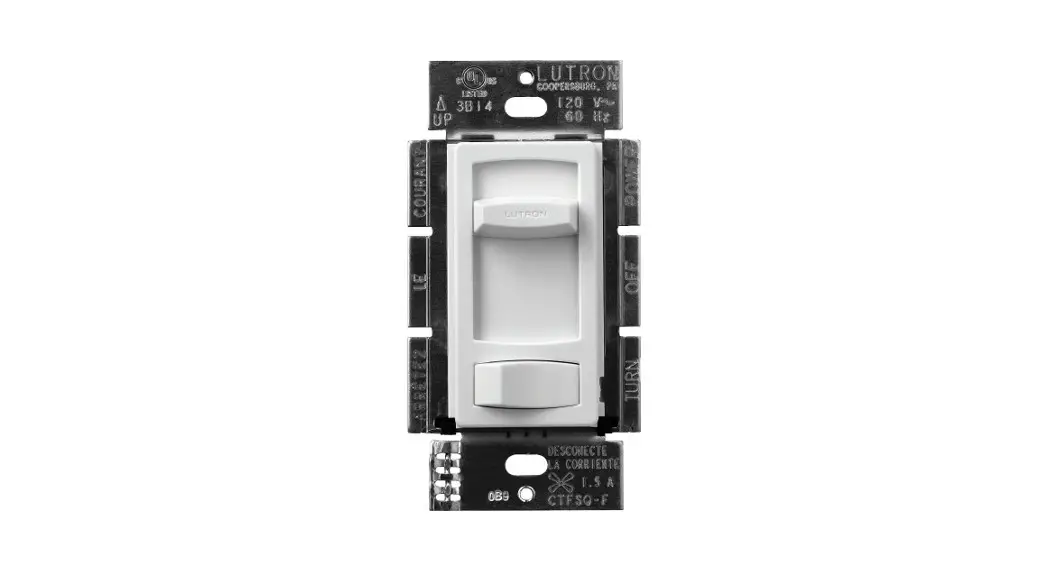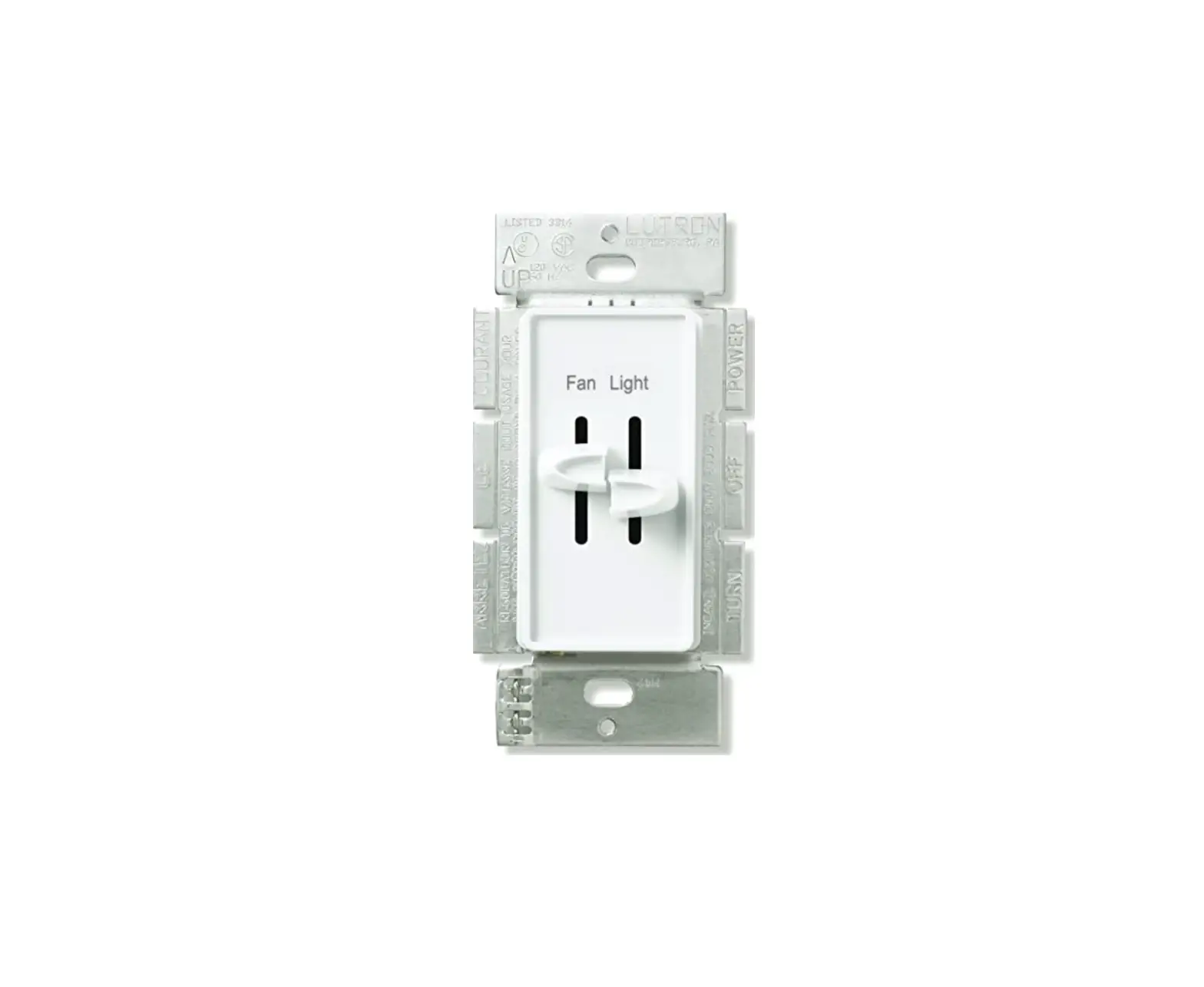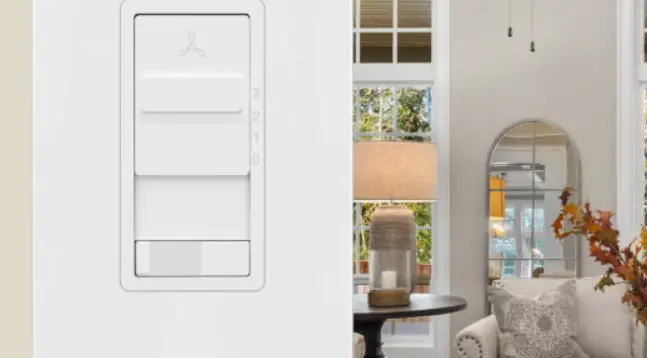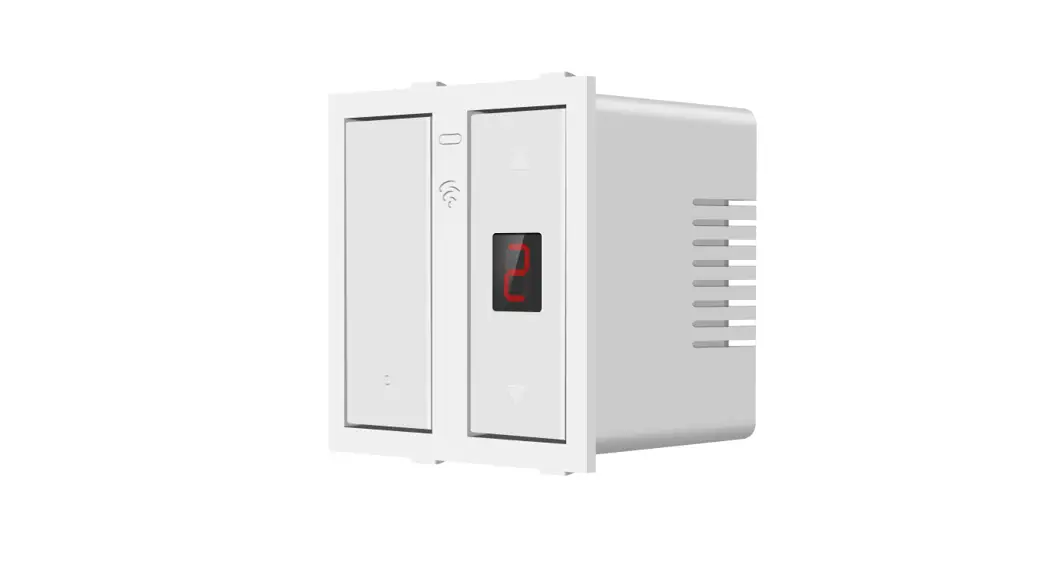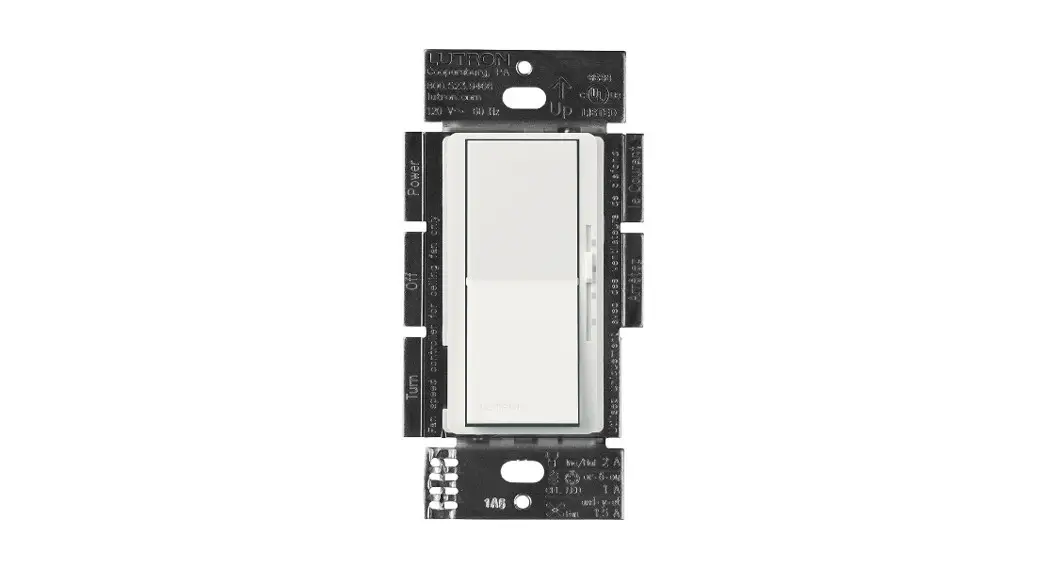


Fan Speed/Light Switch
For a fan with light(s) switched from one location
Fan Speed/Light Switch
DVFSQ-LF DVSCFSQ-LF 120 V~ 60 Hz
 |  |
 |  |
Important Notes
Please read before installing.
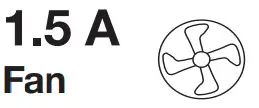
- Use DVFSQ-LF control with only one ceiling paddle fan per control. Not for use with DC motor fans.
- The use of ceiling fan controls on circuits protected by a ground fault circuit interrupter (GFCI) may result in nuisance tripping and is not recommended.
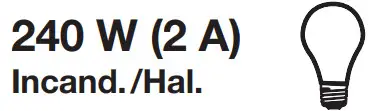
- CAUTION: Use only with permanently installed ceiling fan fixtures with screw-in compact fluorescent, screw-in LED, halogen, or incandescent lamps. To avoid overheating and possible damage to other equipment, do not use to control receptacles, motor-driven appliances, or low-voltage transformer-supplied appliances.
- Install in accordance with all national and local electrical codes.
- When no “grounding means” exists in the wall box, the 2011 National Electrical Code® (NEC®) allows a control to be installed as a replacement if 1) a nonmetallic, noncombustible faceplate is used with non-metallic attachment screws or 2) the circuit is protected by a ground fault circuit interrupter (GFCI). When installing a control according to these methods, cap or remove the green wire before screwing control into the wall box and use an appropriate faceplate such
as Claro or Satin Colors series wallplates by Lutron. - For indoor use only between 32 °F and 104 °F (0 °C and 40 °C).
- Clean dimmers with a soft damp cloth only. Do not use any chemical cleaners.
- Not for use with DC motor fans.
Before installing
Identify which switch controls the fan and which one controls the lights (only for lights and fans controlled from one location). Set multispeed fans to their highest setting before installing controls.
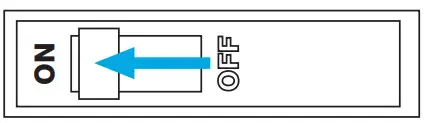
Turn power OFF at circuit breaker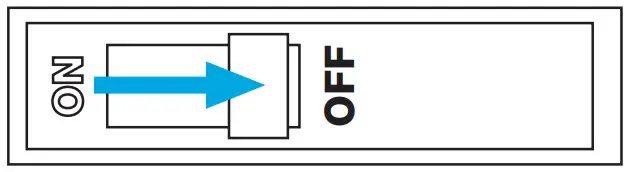
 WARNING: SHOCK HAZARD.
May result in serious injury or death. Turn off power at the circuit breaker or fuse before installing.
Remove existing device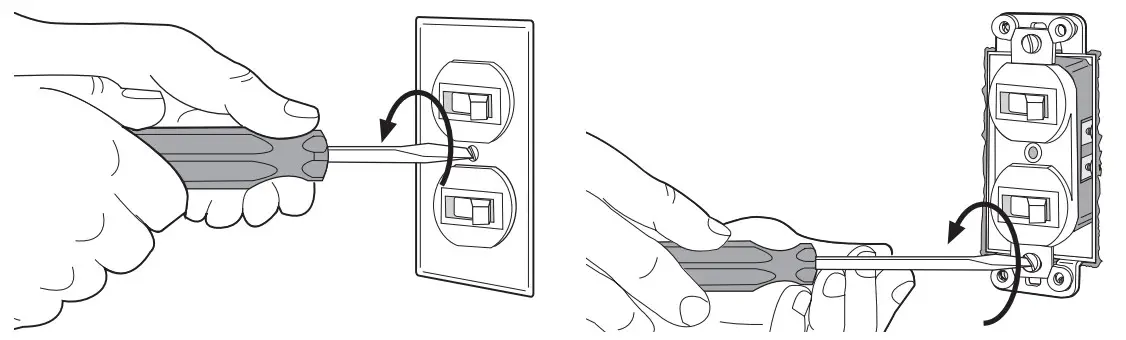
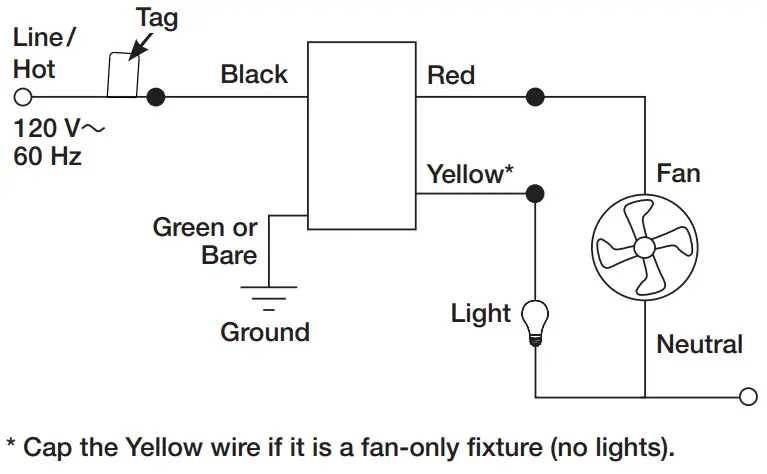
Tag the wire that is connected to the Line/Hot side of the switch (the side with the tab).
Disconnect the wires.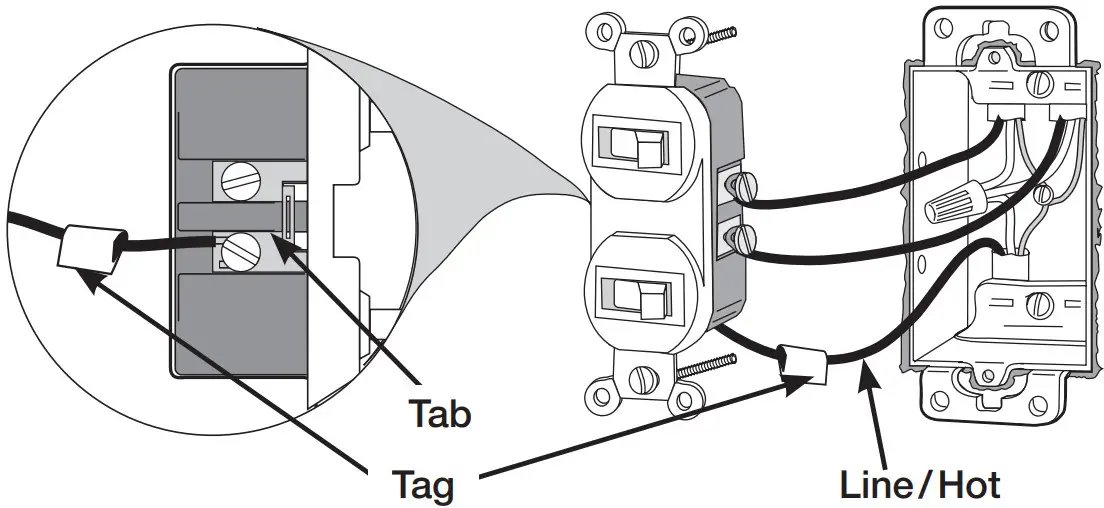 Remove middle sections (if ganging devices)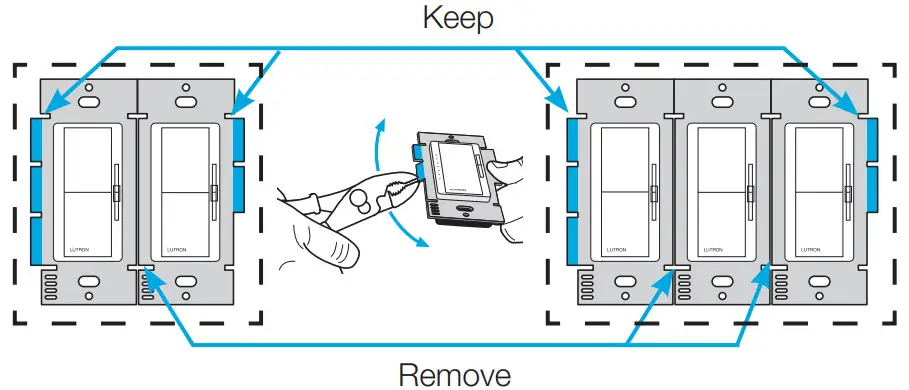
Connect the new control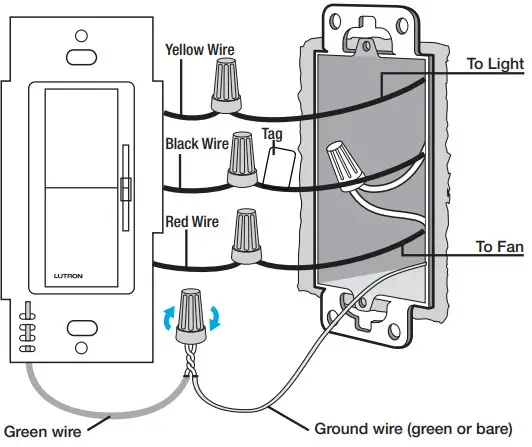
Mount the control using the provided screws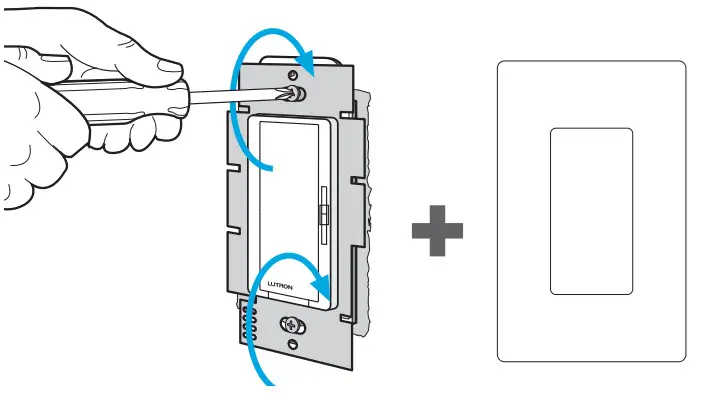 Turn power ON at circuit breaker
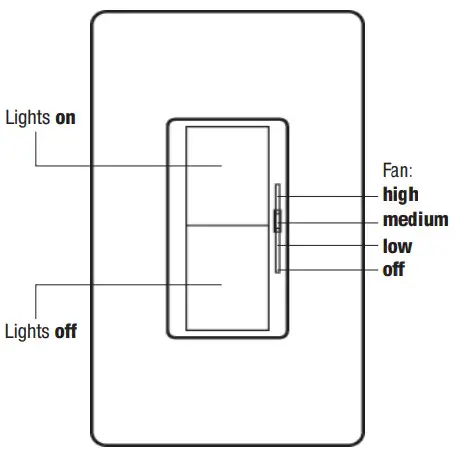
OPERATION
TROUBLESHOOTING
| Problem | Solution |
| If the lights aren’t working | Check the pull chain |
| If the tan is running too slow | Check the pull chain |
| 11 the switch turns the fan on | Swap the red and yellow wires |
Limited Warranty:
www.lutron.com/TechnicalDocumentLibrary/
369-119_Wallbox_Warranty.pdf
©2016–2021 Lutron Electronics Co., Inc.
The Lutron logo, Lutron, Claro, Satin Colors, and Diva are trademarks or registered trademarks of Lutron
Electronics Co., Inc. in the US and/or other countries.
Help
U.S.A. | Canada | Caribbean
1.844.LUTRON1
Mexico
+1.888.235.2910
Others
+1.610.282.3800
 Lutron Support Center | Lutron