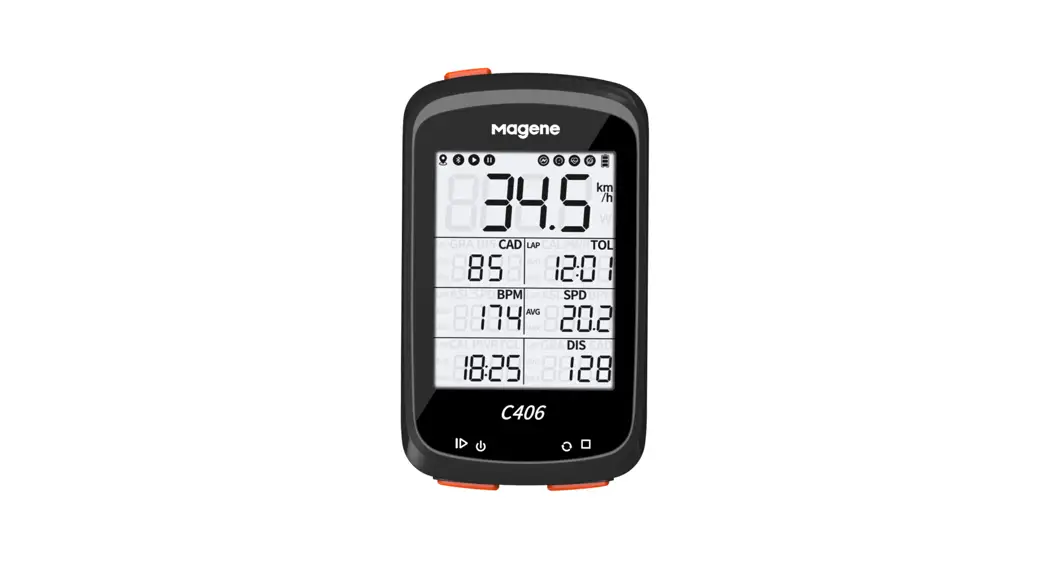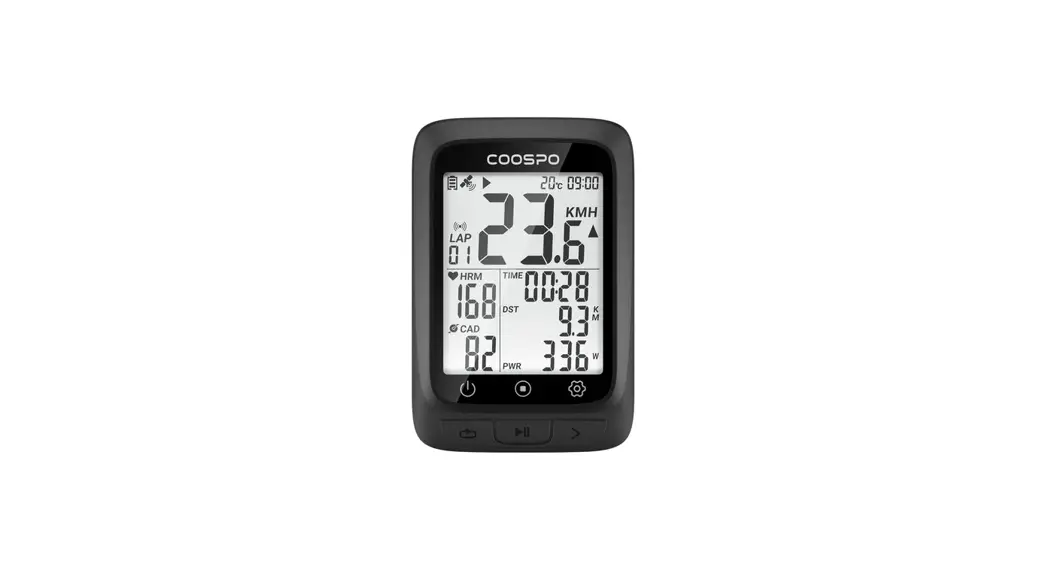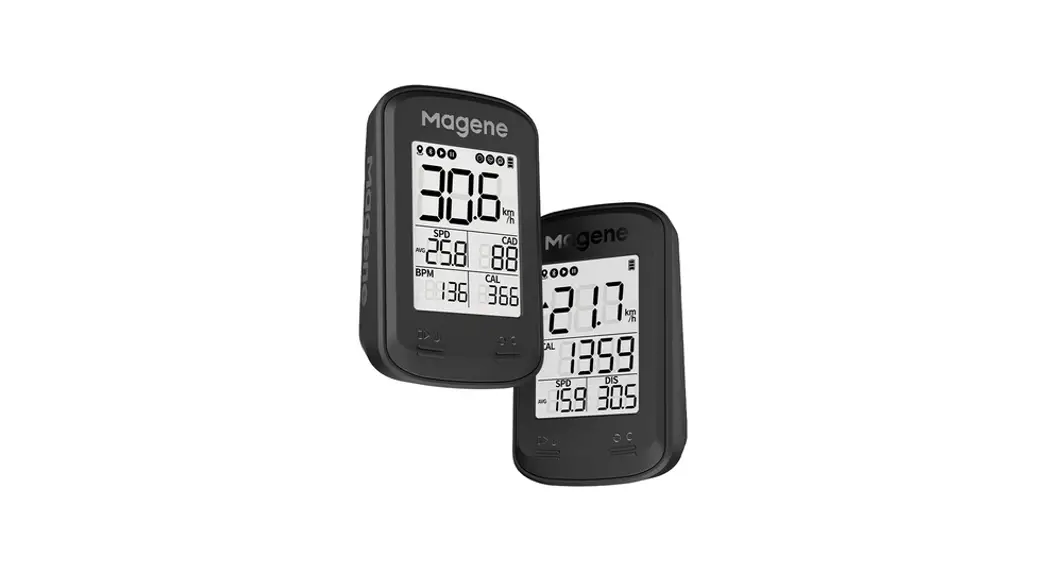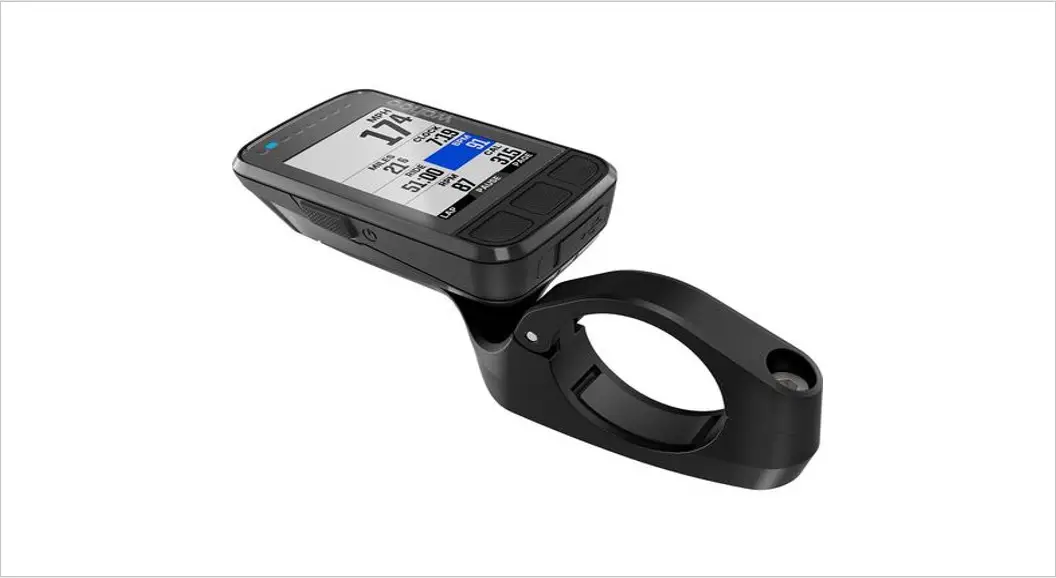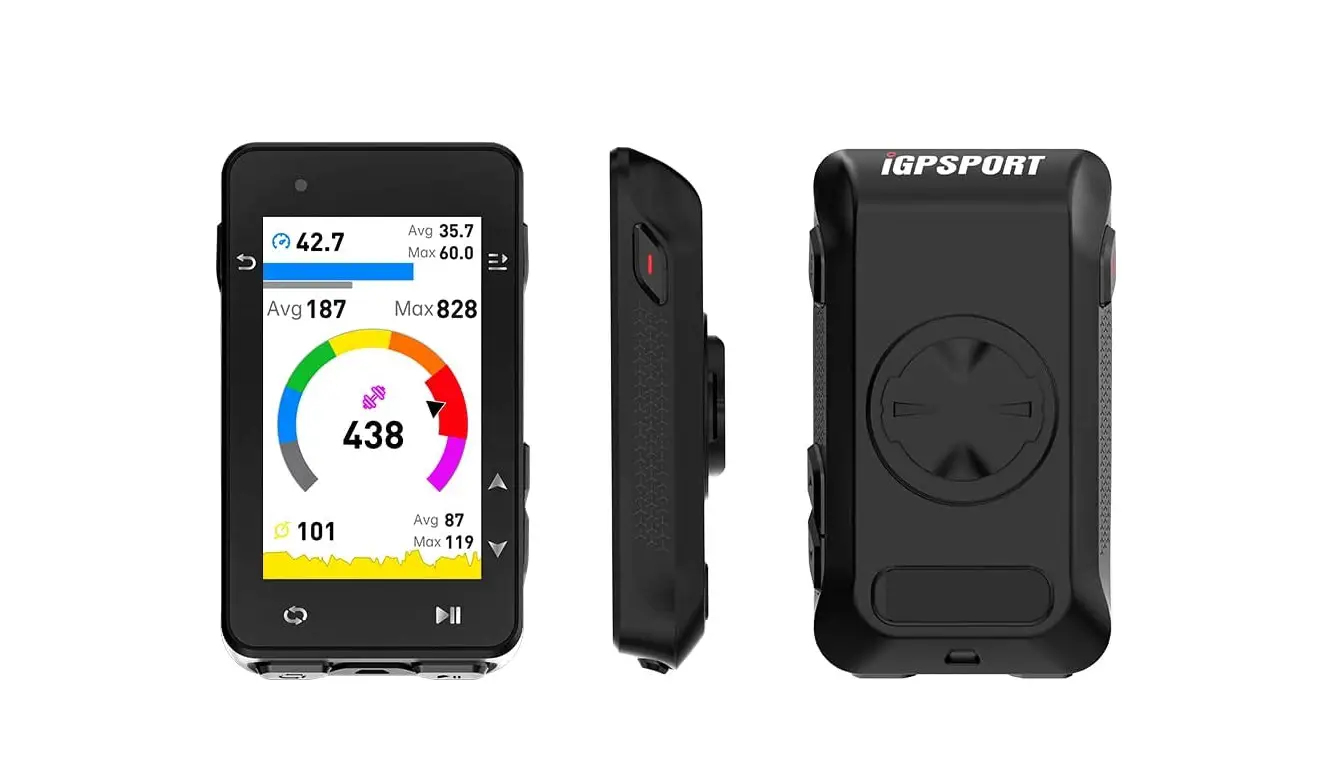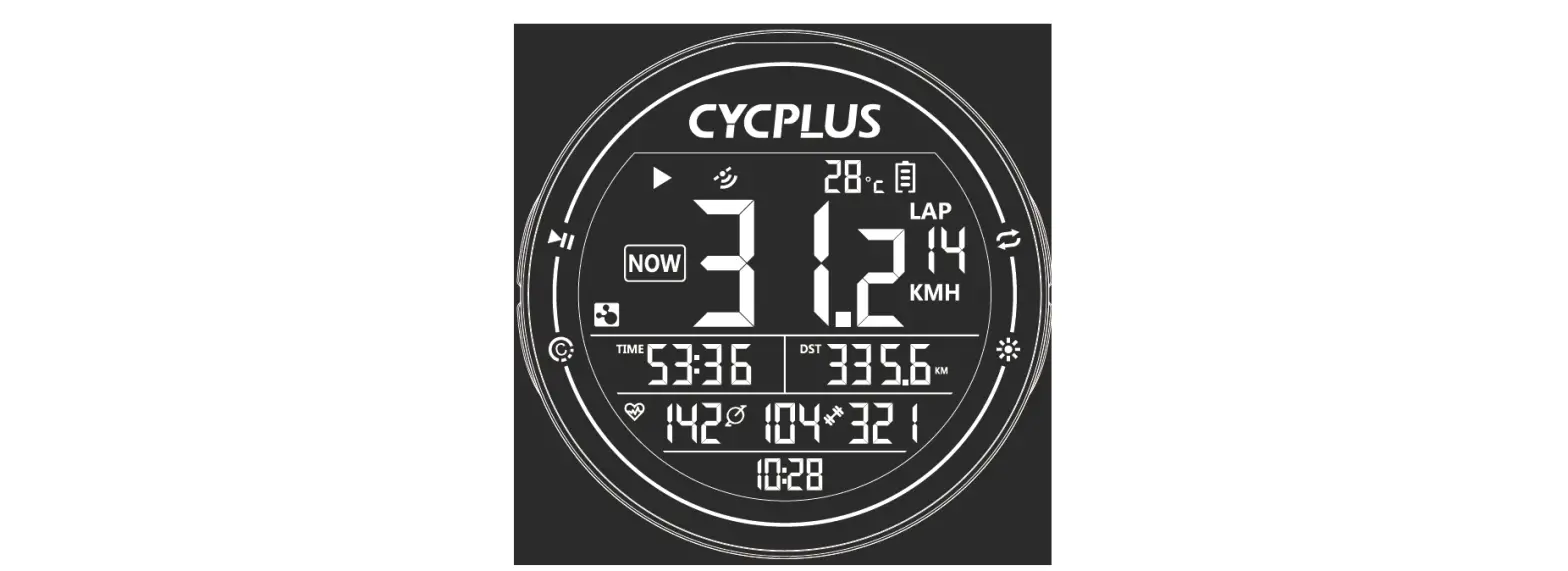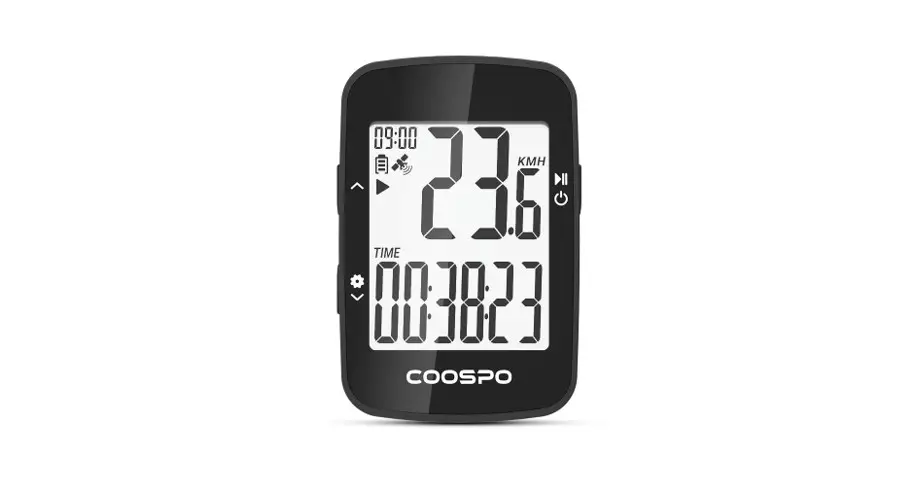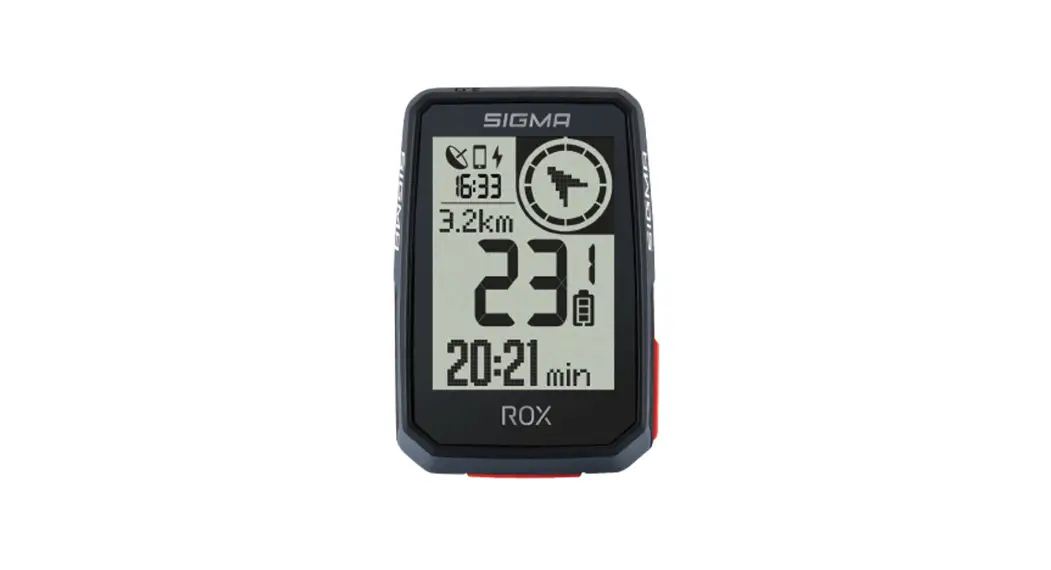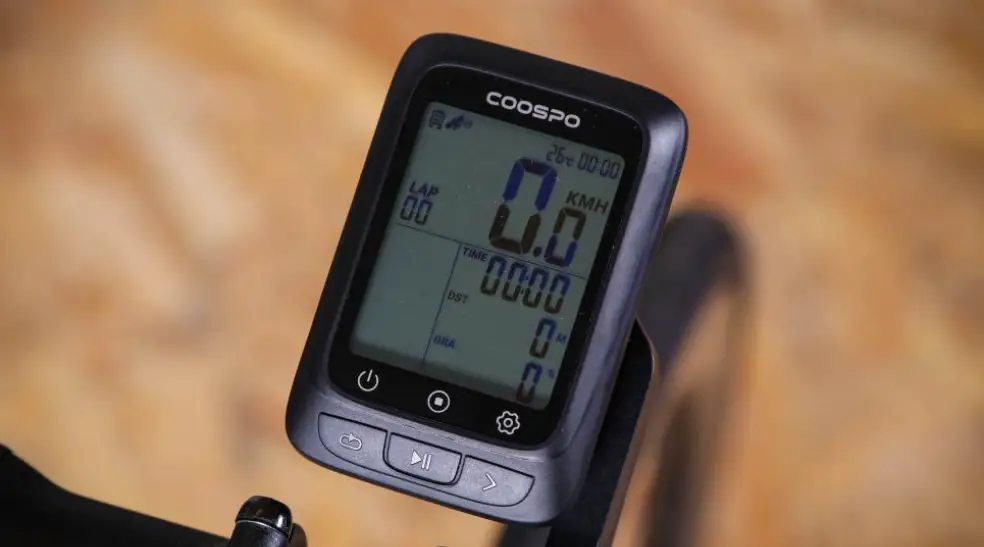

TopAction Action Go GPS Bike Computer
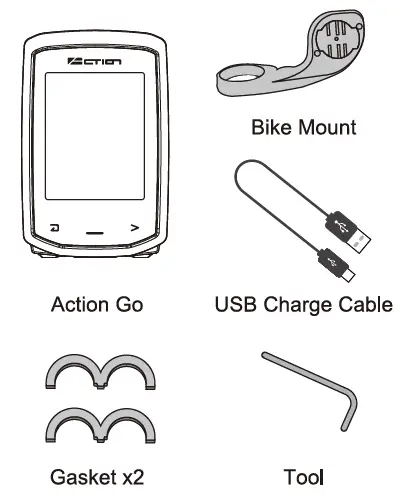
WHAT’S INCLUDED
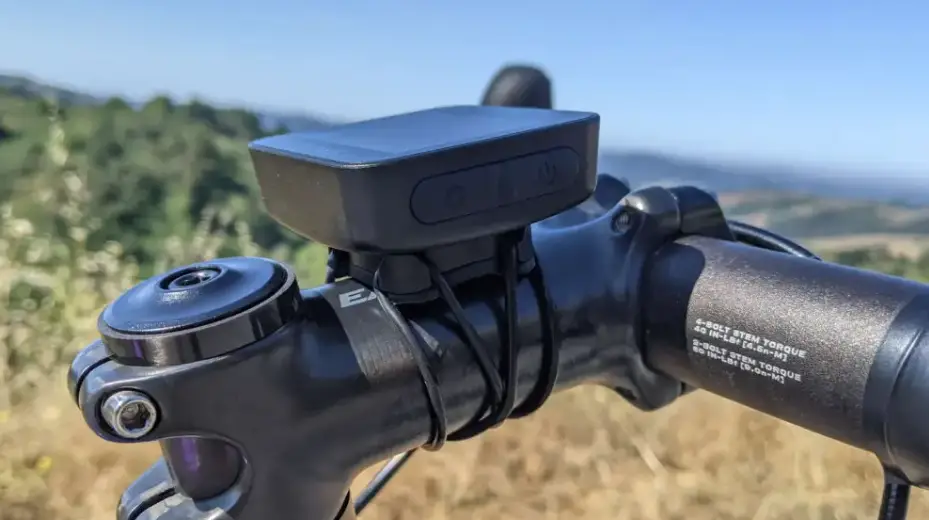
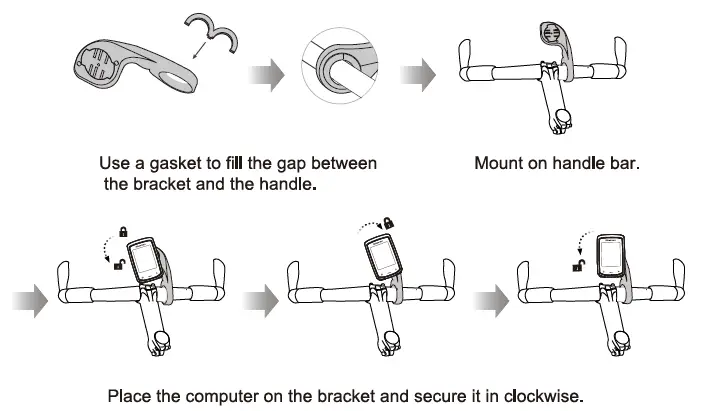
MoUNTING THE COMPUTER
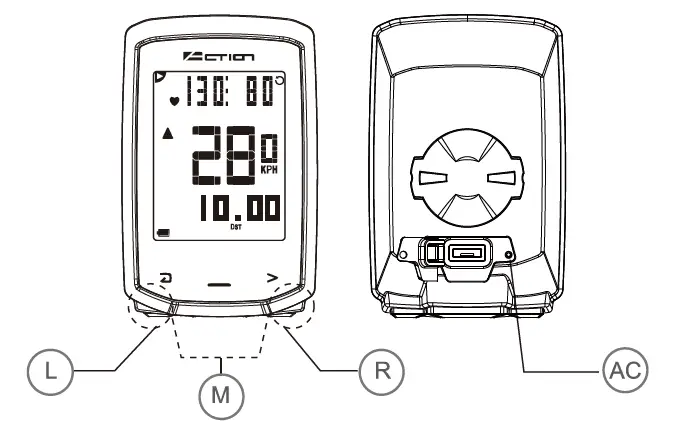
- Left Button: To return to the previous page
- Right Button: To move to the next option/ words/ setting scroll through the content of a page
- Middle Button: To enter the mode /l confirm the option
- Clear Button : To clear all your history and settings.
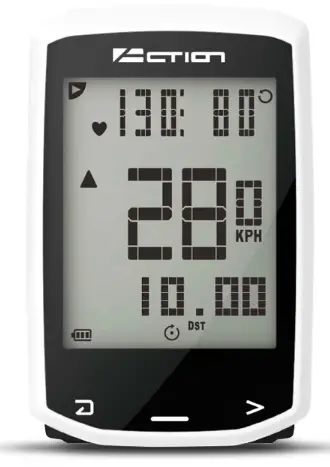
Icon
- Start recording trip data
- Speed
- Cadence
- Heart rate
- AVG Average
- MAX Maximum
- DST Distance
- RT Riding time
- Comparison of the current speed with the average speed
- Clock
- Battery indication
- Backlight ON
- O Auto-scan mode
- GAL Calories
- IN Heart rate in zone time
- Elevation
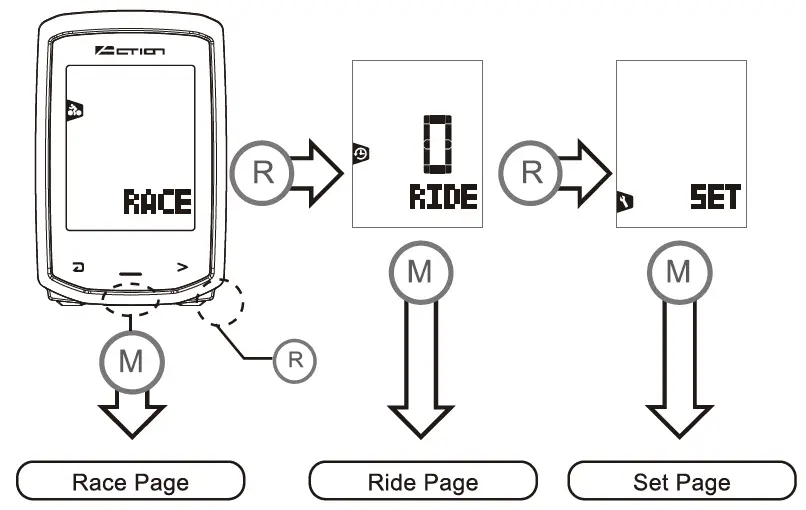
Press Right Button to move to next page, and press Middle Button to enter the mode you choose.
START RIDING / PAUSE
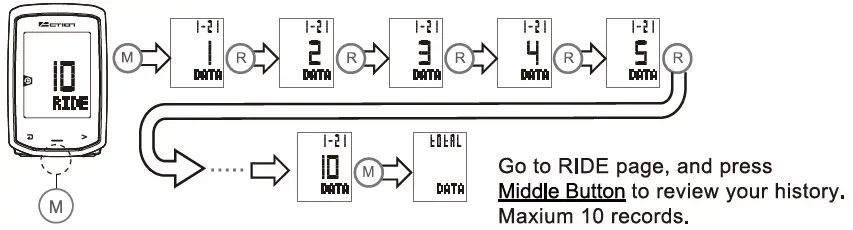
START TO RIDE
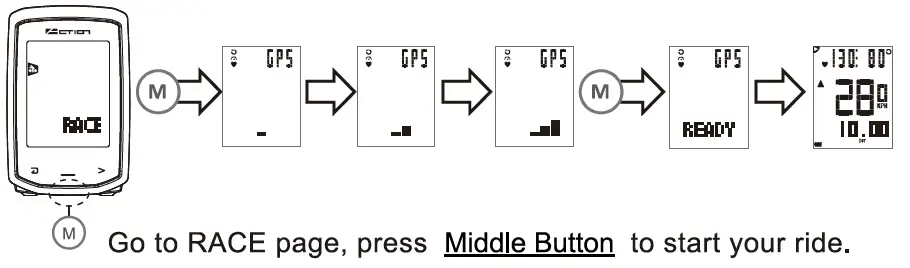
PAUSE THE RIDE
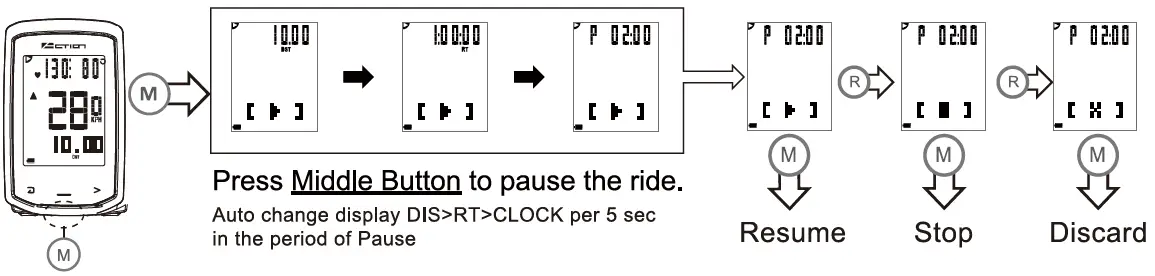
REVIEW THE HISTORY
CHARGING BATTERY
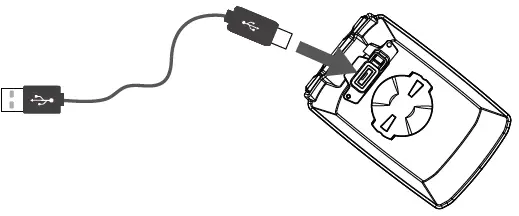
Connect Action Go to PC/Laptop or USB port of the device for charging. (Please charge 2 hours before first use)
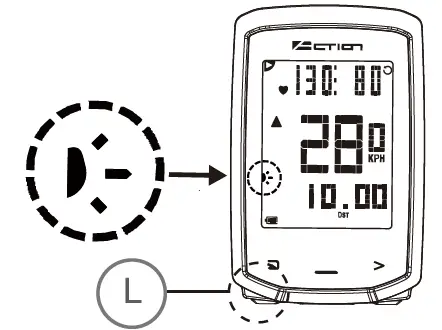
Backlight
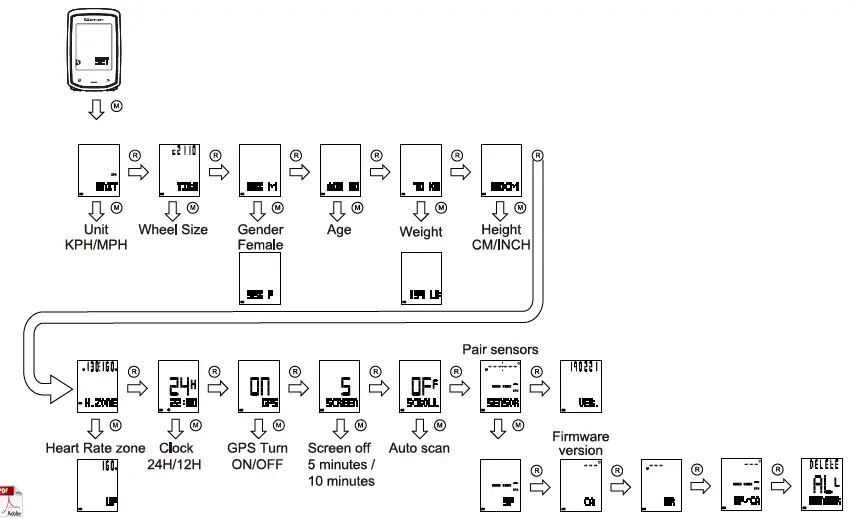
WHEEL SIZE INPUT
In order to measure and display your speed and distance more accurately, please refer to the chart below and input the wheel size into the computer. Kindly note that tire circumference may vary depending on tire P
Wheel Circumference Measurement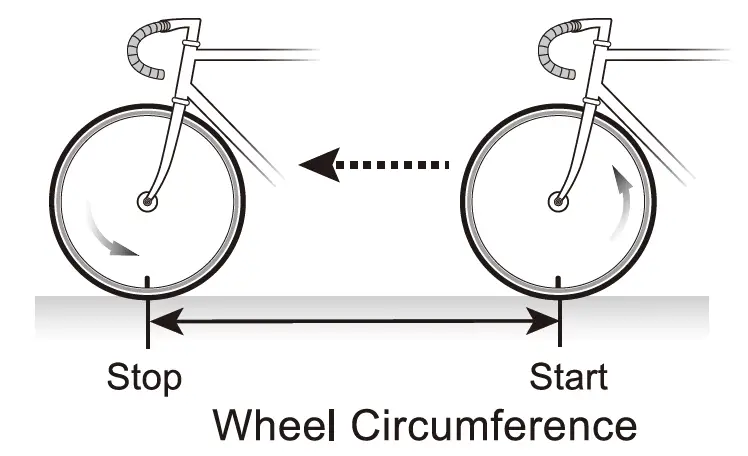
| Tire size reference table | |||||||
| ber | Tire Size | Circumference Number | Tire Size | Circumference Number | Tire Size | Circumference Number | |
| 18 Inch | 1436 mm | 26×1.40 | 1995 mm | 28 Inch | 2234 mm | 700C Tubular | 2110mm |
| 20 Inch | 1596 mm | 26×1.50 | 2030 mm | 28.6 Inch | 2281 mm | 700x20C | 2092 mm |
| 22 Inch | 1759 mm | 26×1.75 | 2045 mm | 29×2.10 | 2324 mm | 700x23C | 2112mm |
| 24×1.75 | 1888 mm | 26×1.95 | 2099 mm | 29×2.20 | 2333 mm | 700x25C | 2124 mm |
| 24 Inch | 1916mm | 26×2.10 | 2133 mm | 29×2.35 | 2354 mm | 700x28C | 2136 mm |
| 24×13/ 8 | 1942 mm | 27.5 x1.95 | 2167 mm | 700x32C | 2155 mm | ||
| 27.5 x2.10 | 2192 mm | 700x35C | 2164 mm | ||||
| 27.5 X 2.35 | 2229 mm | 700x38C | 2174 mm | ||||
| ent | Speed | 0.0 -99.9 kph 0.0 -62.0 mph |
| • Cadence | 0-199 rpm | |
| • Heart rate | 30 -240 bpm | |
|
Maximum | Speed | 0.0 -99.9 kph 0.0 -62.0 mph |
| •Cadence | 0-199 rpm | |
| •Heart rate | 30 -240 bpm | |
| Average | Speed | 0.0 -99.9 kph 0.0 -62.0 mph |
| • Cadence | 0-199 rpm | |
| *Heart rate | 30 -240 bpm | |
| Trip Distance | 0.00-999.9 km 0.00-620.0 mile | |
| Total Distance | 0.0-99999 km / 0.0 -62000 mile | |
| Duration | 0:00:00 -99:59:59 | |
| Total Duration | 0:00-999:59 | |
| In Zone Time | 0:00:00 -99:59:59 | |
| Total In Zone time | 0:00-999:59 | |
| Calories | 0.00-9999.9 kcal | |
| Total Calories | 0.00 -99999 kcal | |
| Cur ent Elevation | -500-9999 m / -1640-29600 ft |
| Altitude Gain | -500-9999 m / -1640-29600 ft |
| Maximum Elevation | -500-9999 m I -1640-29600 ft |
| Minimum El v ti n | -500-9999 m / -1640-29600 ft |
| GPS | High-Sensitivity Chipset |
| Display Dimension Prod t Net Weight Battery Battery Life | 2.2 inches Segment Type HTN LCD 80x52x16mm 49g (GPS computer o y) Li-polymer rechargeable battery Up to 13 hours |
| Log History | 10 sets (200 hours) |
| Wireless | Bluetooth 4.0 |
| Waterproof | IP68 |
| Operating Temperature | 0C°-50C0 |
| Additional | Backlight |
| Auto -Scroll | |
| Auto -Screen off | |
| Log file segment compatible with Strada | |
| Firmware update via USB |
- Press M button to star search sensor near by
- Show “SYNC” and “Sensor type” alternately changed during pairing sensor (In the period of searching, we can not select which one and we did not know which one was paired, so please close the sensor with Action GO)
- Paired sensor will be shown PAIRED Once Speed sensor was paired, biped data will be transmitted from Speed sensor, GPS will still record, except Speed sensor is lost.
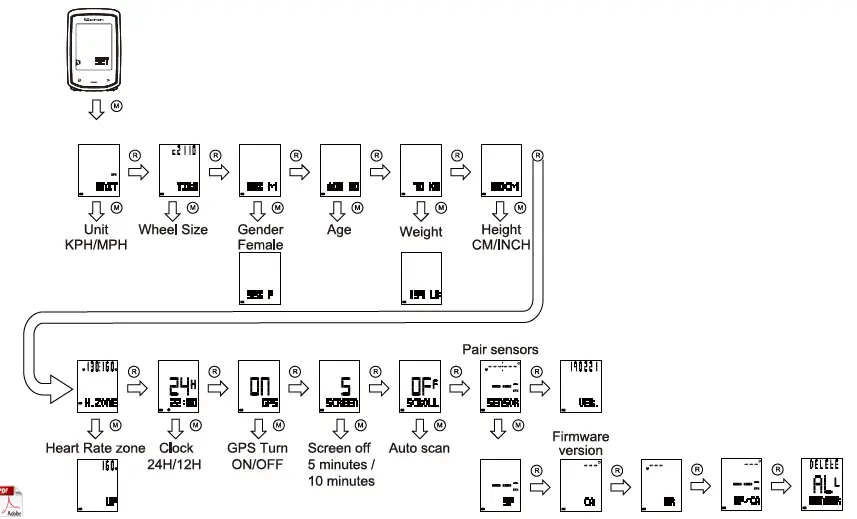
Quick setting
Hold R button for 2 seconds to add 5 digits for Age/Weight/Height.
Firmware update
It has gotten new version of Firmware.
Connect USB cable from Action Go to PC or laptop USB port, put FW in “Action Go” file to update, then unplug USB cable , Action Go will show ” UPDATE ” and FW version.
If you wish to use ” cm”, please go to ” unit ” page and select ” KPH”_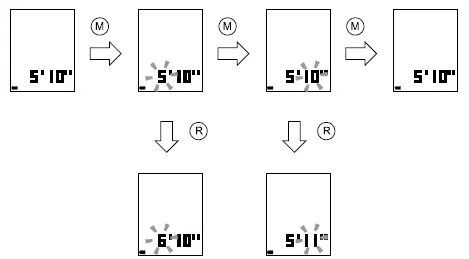
Weight unit for imperial
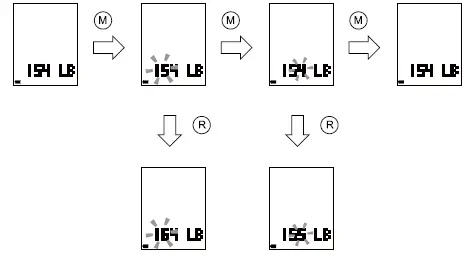
If you wish to use” kg”, please go to” unit” page and select” KG”
Sensor paring time out
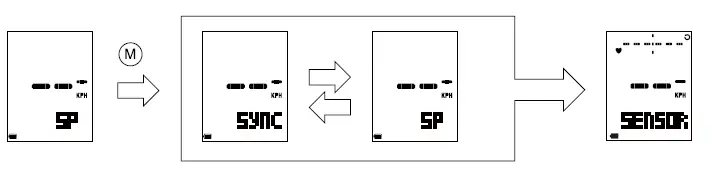 Sensor pairing time out 1 min, if pairing was over
1 min, it will go to sensor page
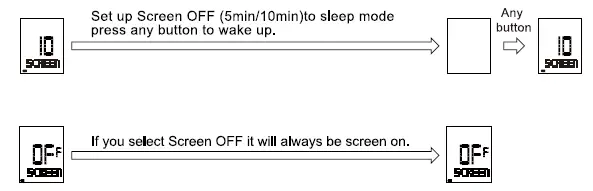
Save power by screen off