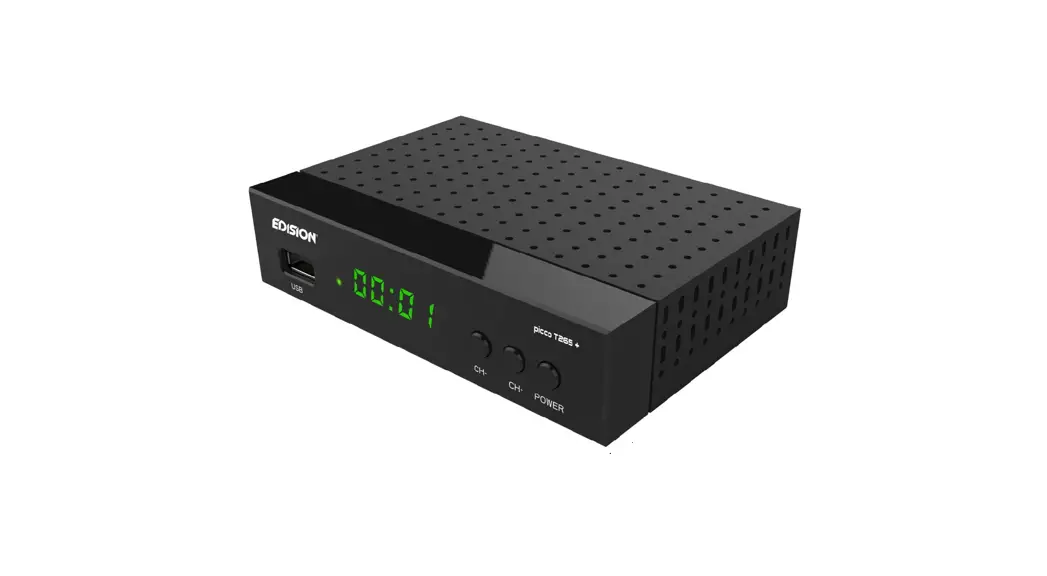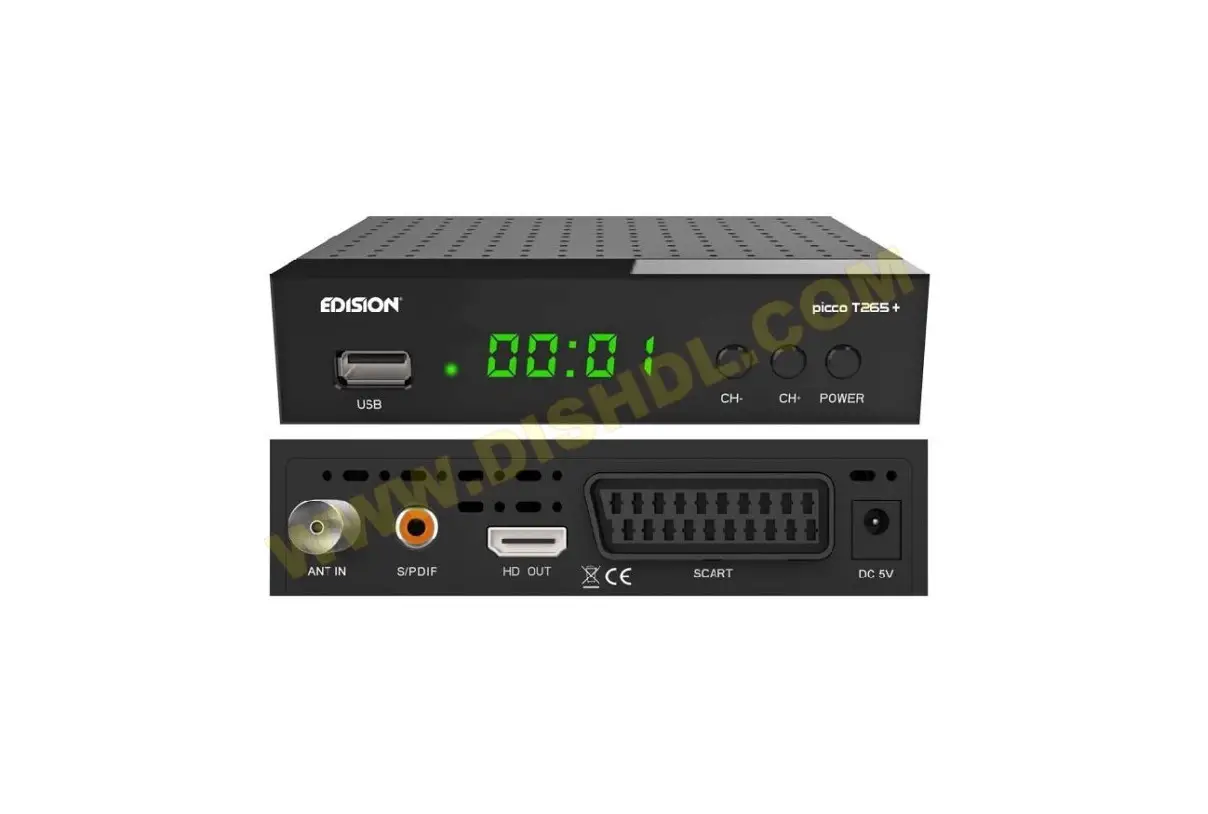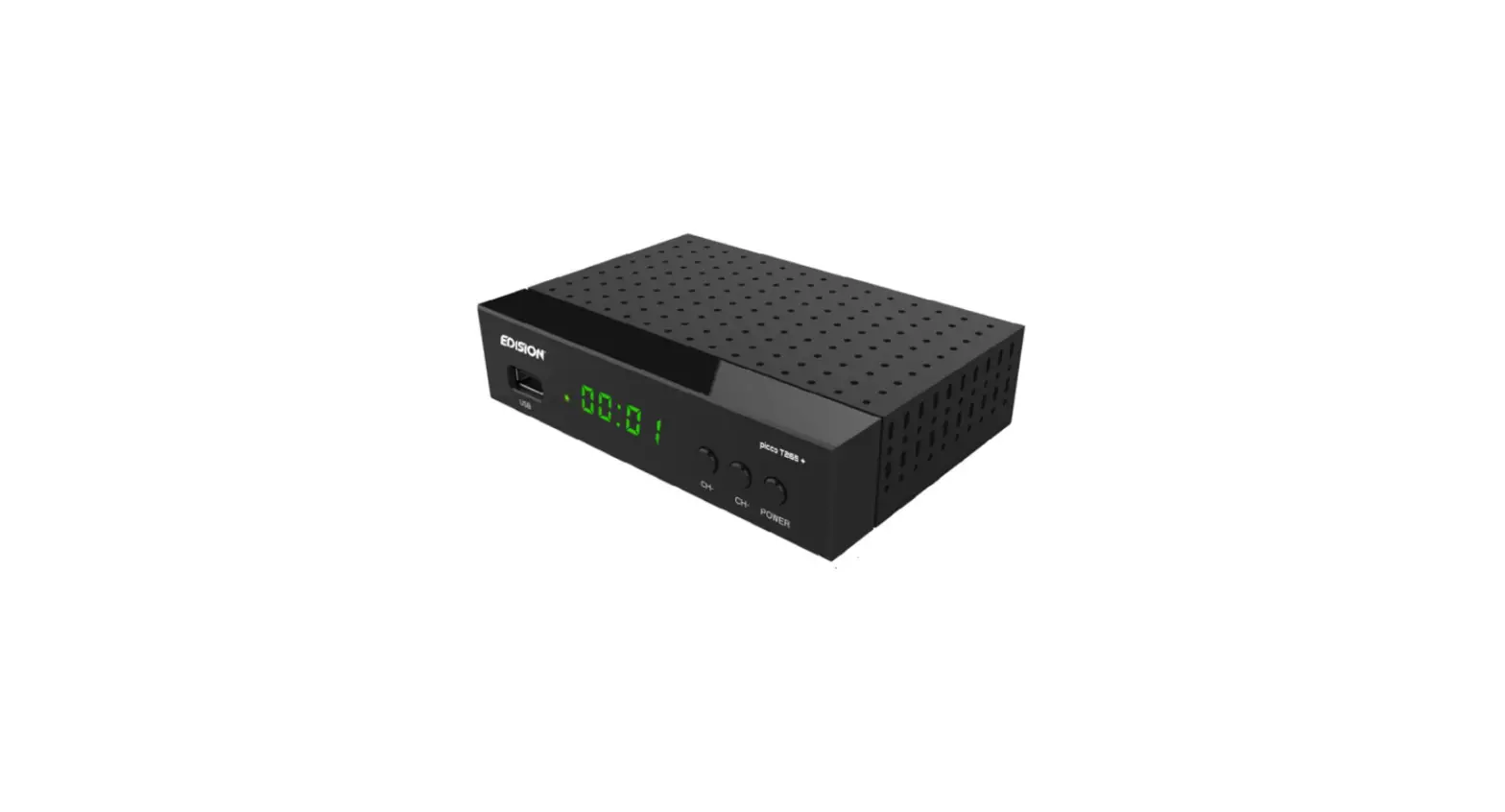

EDISON Picco T265 Pro Digital Terrestrial and Cable Receiver

USB WiFi & Online Software Update Support
The Terrestrial and Cable Receiver PICCO T265 pro supports USB WiFi for the following Internet Apps.
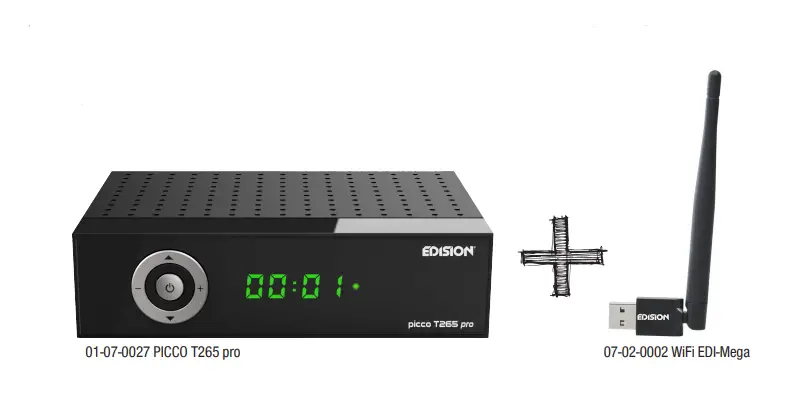
- The connection is achieved with an optional USB WiFi Dongle (07-02-0002 WiFi EDI-Mega)
Advantages
- USB WiFi Support for Internet Applications* such as YouTube, Weather, and online HTTP Software Update.
Step 1. Μenu -> Media/Internet-> Network Setting -> Network -> WIFI -> Scan (red button)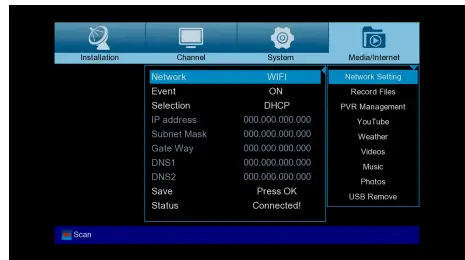
Step 2. Select SSID and set the WiFi password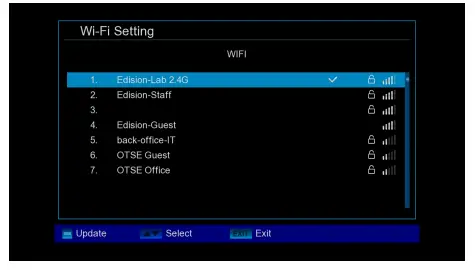
Step 3. Menu -> System -> Software Upgrade -> Online Upgrade -> Select software file -> Select Software & Loader or Software only -> Press OK or the red button to start the software upgrade process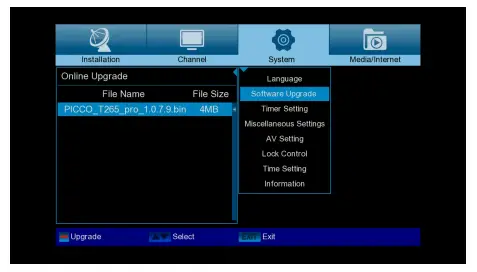
Step 4. Menu –> Media/Internet –> YouTube, Weather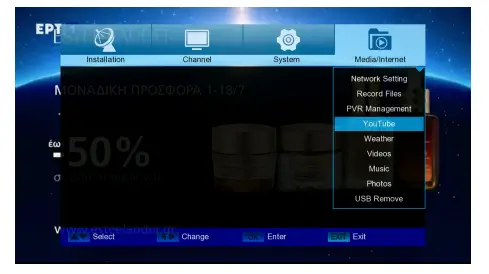
Step 5. Menu –> Media/Internet –> YouTube App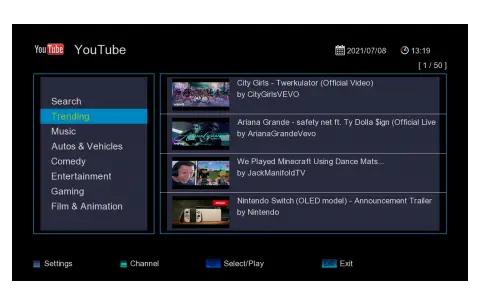
Step 6. Menu –> Media/Internet –> Weather App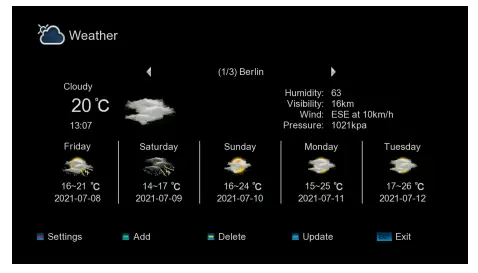
 Edision Hellas