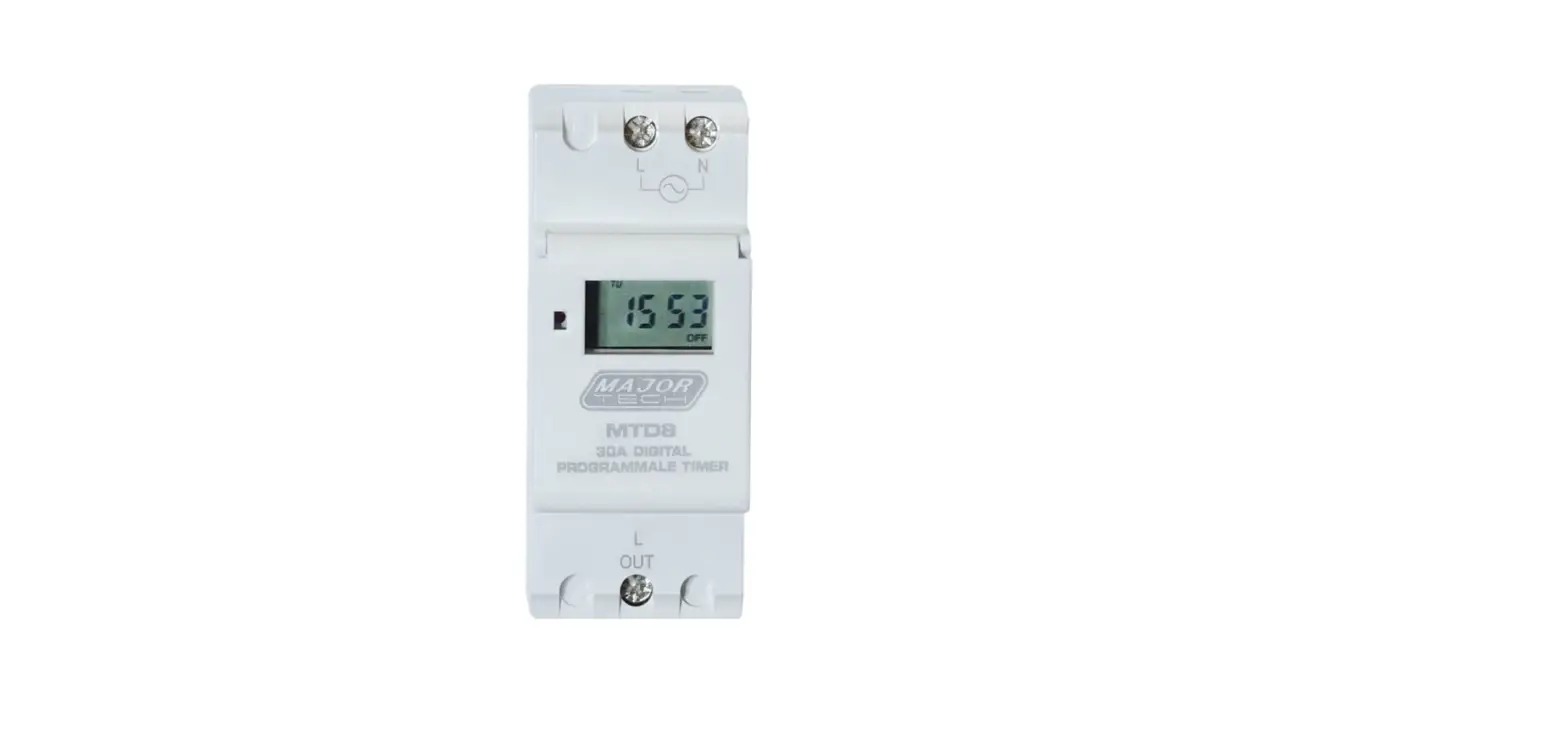
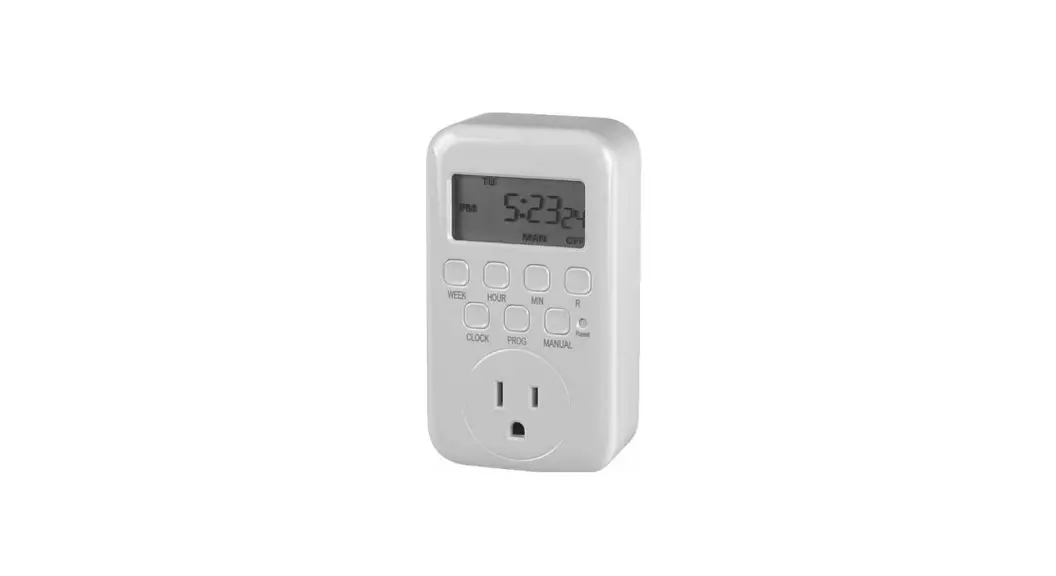
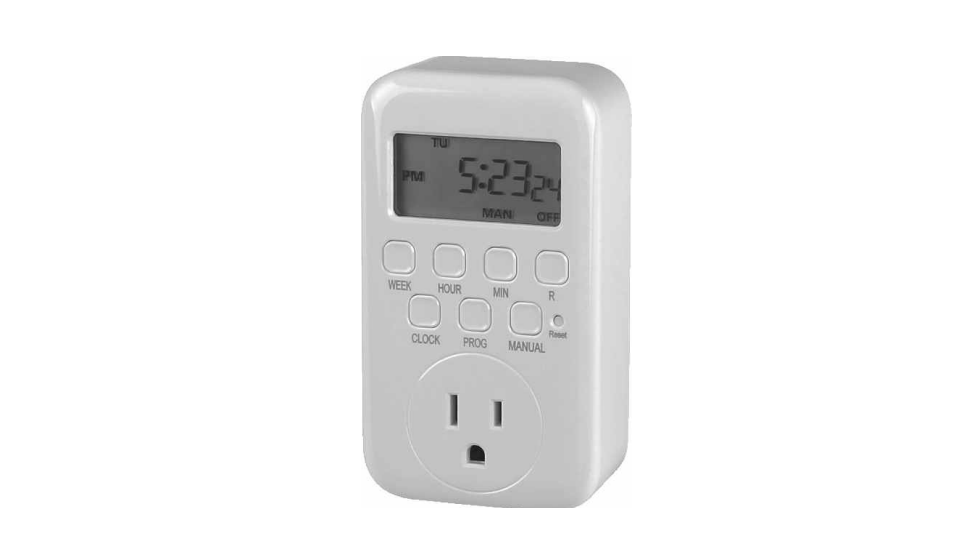
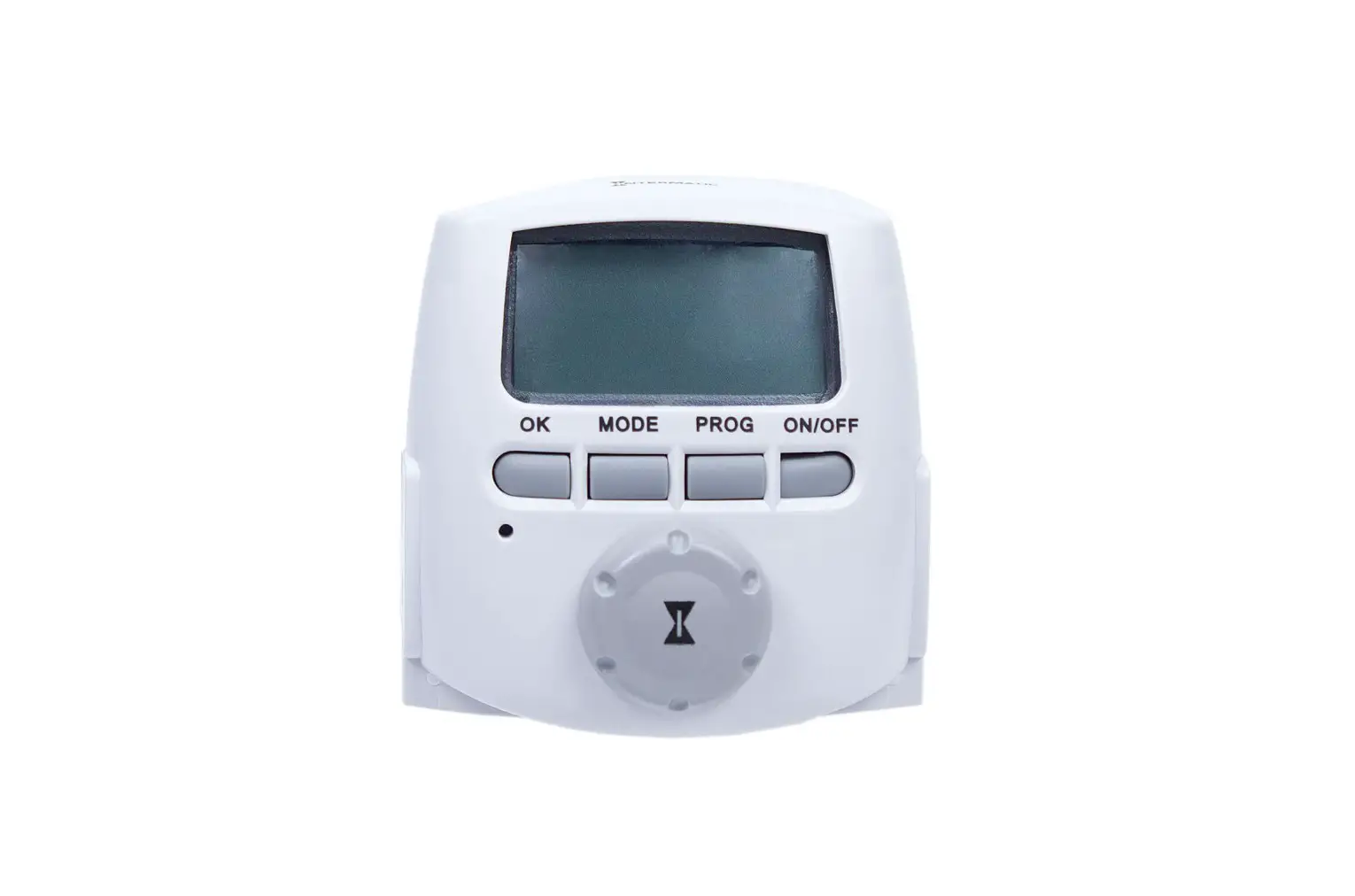
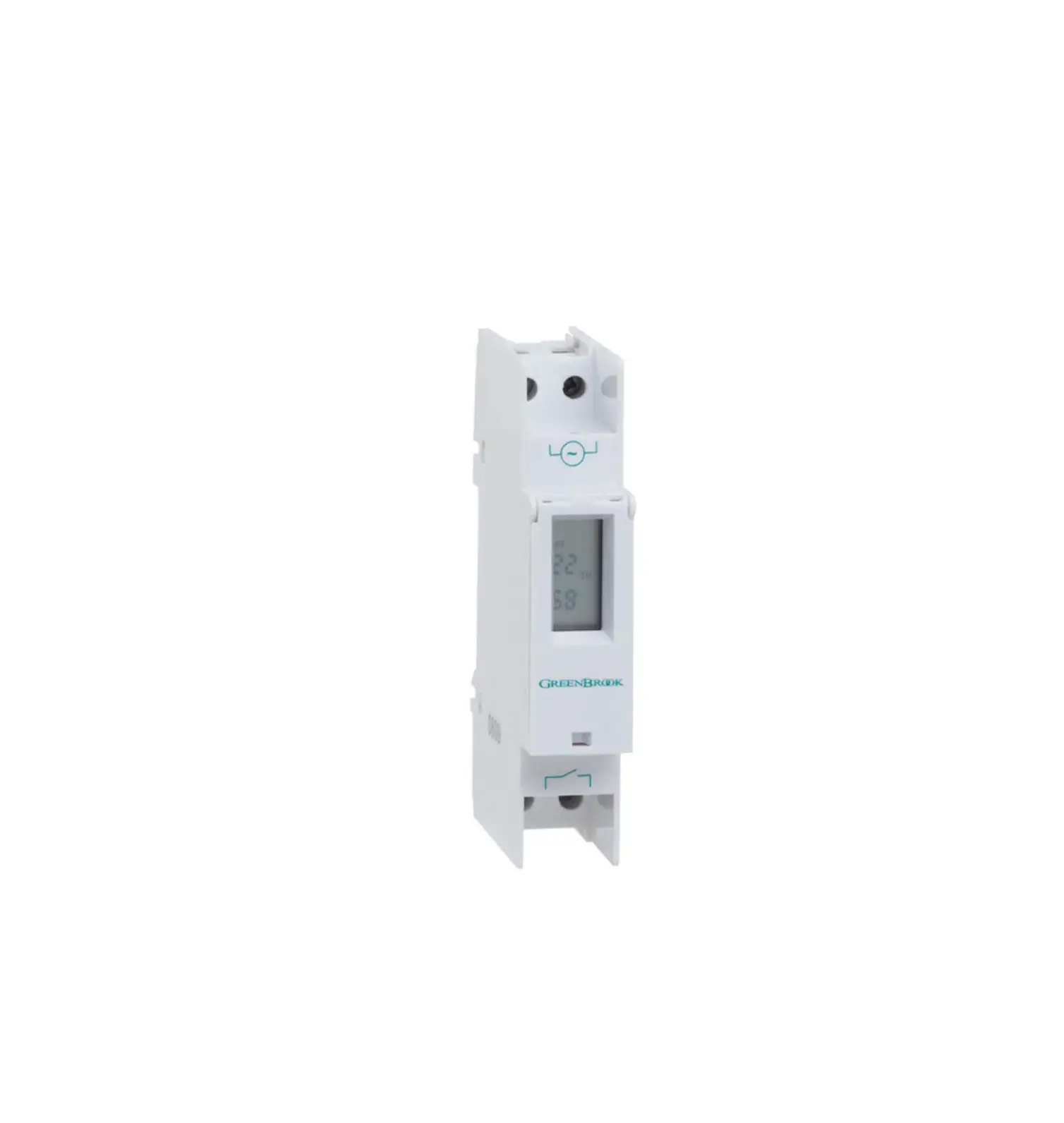
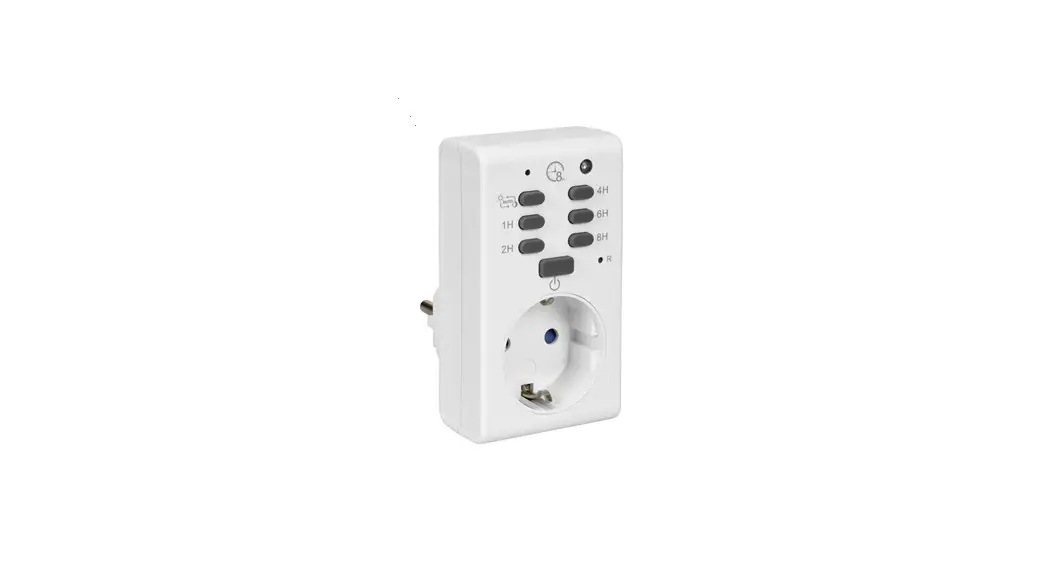
MTD7 20 On-Off Digital Programmable Timer
MTD7 DIGITAL PROGRAMMABLE TIMER
Safety:
The MTD7 Digital Programmable Timer is designed for indoor use
only. Ensure that the timer is kept dry and away from water. Do not
attempt to repair, disassemble, or modify the timer under any
circumstances. Please note that the Random and Count Down functions
are not compatible with each other. Activating one function will
deactivate the other functions.
Technical Data:
- Voltage Rating: 16A
- Voltage Accuracy: Not specified
- Output (Max): 16A
- Time Setting: 1 Second to 7 Days
- IP Grade: IP20 (Indicates protection against solid objects
larger than 12.5mm and no protection against water) - Battery: Rechargeable (Note: Battery life may be affected by
load shedding)
Product Usage Instructions:
1. Initial Setting:
Before using the timer, press the RESET button for 2 seconds to
reset the timer. The screen will turn blank and display the reset
message.
2. Setting of Current Time:
- Press CLOCK and WEEK buttons simultaneously to set the current
week. - Press CLOCK and HOUR buttons simultaneously to set the current
hour. - Press CLOCK and MINUTE buttons simultaneously to set the
current minute.
3. Setting of Timer Program:
- Press TIMER to enter the setting mode. The display will show “1
ON”. - Press SECOND, MINUTE, HOUR, and WEEK buttons to set the ON time
for each program. - Press TIMER again to enter and set the OFF time for each
program. The display will show “1 OFF”.
Note: Repeat pressing TIMER to enter different ON/OFF programs.
The timer allows for a maximum of 20 ON/OFF settings to be
programmed.
4. Combination of Days Setting:
- Press the WEEK button to choose the group of days you want to
switch the appliance on. - Press the ON/AUTO/OFF button to cancel or confirm the setting
of week days.
5. Timer Turn ON & OFF Mode Setting:
ON Mode: Press the ON/AUTO/OFF button until the screen shows
“ON”. In this status, the timer will always have an output, and the
red LED output indicator will be ON.
MTD7 DIGITAL PROGRAMMABLE TIMER
Safety:
·
The timer is designed to be used indoors. Ensure the timer is dry
and away from water.
·
Do not attempt to repair, disassemble or modify under any
circumstances.
·
The accuracy of the timer is ±2 minutes per month.
·
The Random and Count Down are not compatible with each other.
When you activate one function, the other functions will stay
inactive.
·
Before use, it is recommended to plug the unit into a power mains
for a few hours to charge the battery inside the timer.
Technical Data:
·
Installation:
Plug Into Socket Outlet
·
Program:
20 ON/OFF
·
Voltage Rating:
220V 240V AC 50/60Hz
·
Voltage Accuracy:
±2 Minute per month
·
Output (Max):
16A
·
Time Setting:
1 Second to 7 Days
·
Operating Temperature: 0°C to 55°C
·
IP Grade:
IP20
·
Battery
Rechargeable
Note: Loadshedding will affect battery life
1. Initial Setting: 1.1 Before using the timer, press the “RESET” button for 2 seconds
to reset the timer. The screen will turn blank and will show the reset display.
AM MO TU WE TH FR SA SU
88 88 PM ON OFF
RS
88
CD ON AUTO OFF
2. Setting of Current Time:
2.1. Press “CLOCK” and “WEEK” at the same time to set the current week.
WEEK HOUR MINUTE SECOND
CLOCK
TIMER ON/AUTO/OFF RANDOM RESET
2.2. Press “CLOCK” and “HOUR” at the same time to set the current hour.
2.3. Press “CLOCK” and “MINUTE” at the same time to set the current Minute.
2.4. Press “CLOCK” and “MINUTE” at the same time to set the current Minute.
TU
0 0042 OFF
TU
5 0025 OFF
TU
5 2425 OFF
TU
5 2425 OFF
WEEK HOUR MINUTE SECOND
CLOCK
TIMER ON/AUTO/OFF RANDOM RESET
3. Setting of Timer Program:
3.1. Press “TIMER” to enter into the setting mode, the display shows “1 ON”
WEEK HOUR MINUTE SECOND
CLOCK
TIMER ON/AUTO/OFF RANDOM RESET
WEEK HOUR MINUTE SECOND
CLOCK
TIMER ON/AUTO/OFF RANDOM RESET
WEEK HOUR MINUTE SECOND
CLOCK
TIMER ON/AUTO/OFF RANDOM RESET
3.2. Press “SECOND”, “MINUTE”, 3.3. Press “TIMER” again to
“HOUR” & “WEEK” to set each
enter and set the OFF time,
of the “1 ON” time settings.
the display shows “1 OFF”.
3.4. Press “SECOND”, “MINUTE”, “HOUR” & “WEEK” to set each of the “1 OFF” time settings.
ON
5 22 WE
ON
20
OFF
6 26 WE
OFF
20
OFF
OFF
OFF
OFF
WEEK HOUR MINUTE SECOND
WEEK HOUR MINUTE SECOND
WEEK HOUR MINUTE SECOND
WEEK HOUR MINUTE SECOND
CLOCK
TIMER ON/AUTO/OFF RANDOM RESET
CLOCK
TIMER ON/AUTO/OFF RANDOM RESET
CLOCK
TIMER ON/AUTO/OFF RANDOM RESET
CLOCK
TIMER ON/AUTO/OFF RANDOM RESET
NOTE: Repeat press “TIMER” to enter different ON/OFF programs. The timer allows for a maximum of 20 ON/OFF settings to be programmed.
4. Combination of Days Setting
4.1. Press the “WEEK” button to choose the group of days you want to switch the appliance on. The combination will advance in the sequence of:
MO TU WE TH FR
ON 06 2537 ON
WEEK HOUR MINUTE SECOND
a) MO + TU + WE + TH + FR + SA + SU b) MO / TU / WE / TH / FR / SA / SU c) MO + TU + WE + TH + FR d) SA + SU e) MO + TU + WE + TH + FR + SA f) MO + WE + FR g) TU + TH + SA h) MO + TU + WE i) TH + FR + SA
CLOCK
TIMER ON/AUTO/OFF RANDOM RESET
4.2. Press “ON/AUTO/OFF” button for cancelling the setting week days. Press “ON/AUTO/OFF” button again for coming back to the previous week setting.
ON
OFF
WEEK HOUR MINUTE SECOND
CLOCK
TIMER ON/AUTO/OFF RANDOM RESET
5. Timer Turn ON & OFF Mode Setting:
5.1. ON: Press “ON/AUTO/OFF” button until the screen shows “ON”. In this status, the timer always has an output. The red LED output indicator is ON.
TU
5 3428
ON
WEEK HOUR MINUTE SECOND
CLOCK
TIMER ON/AUTO/OFF RANDOM RESET
5.2. OFF: Press “ON/AUTO/OFF” button until the screen shows “OFF”. In this status, the timer always has no output. The red LED output indicator is OFF.
TU
5 3528 OFF
WEEK HOUR MINUTE SECOND
CLOCK
TIMER ON/AUTO/OFF RANDOM RESET
5.3. ON AUTO: Press “ON/AUTO/OFF” button from “ON” to “AUTO”. In this status, the red LED output indicator is ON, the timer will stay on until the next off setting arrives. And then it will work exactly as programmed.
5.4. OFF AUTO: Press “ON/AUTO/OFF” button from “OFF” to “AUTO”. In this status, the red LED output indicator is OFF, the timer will stay off until the next on setting arrives. And then it will work exactly as programmed.
TU
5 4000
ON AUTO
WEEK HOUR MINUTE SECOND
CLOCK
TIMER ON/AUTO/OFF RANDOM RESET
TU
5 4500 AUTO OFF
WEEK HOUR MINUTE SECOND
CLOCK
TIMER ON/AUTO/OFF RANDOM RESET
6. Special Functions:
6.1. Anti-theft Random Function: Press “RANDOM” to enter RANDOM mode setting when timer in ON AUTO, AUTO or AUTO OFF. The display will show “R” at the right side of display.
SU
0
55
R
28
ON AUTO
WEEK HOUR MINUTE SECOND
CLOCK
TIMER ON/AUTO/OFF RANDOM RESET
When starting the random mode, the timer will turn on and off randomly with a 2-32 minute variation based on the on and off schedule you set. The RANDOM function can only work when the timer setting is finished, and the time is in auto mode. Press “RANDOM” again to exit the Random mode.
6.2. Count Down Function: Press “WEEK” and “SECOND” at the same time to enter COUNT DOWN mode setting. The display will show “d ON” at the left side of display.
ON
OFF
WEEK HOUR MINUTE SECOND
CLOCK
TIMER ON/AUTO/OFF RANDOM RESET
You can press “HOUR”, “MINUTE” and “SECOND” to set the count down time you want, the duration of count down can be set from 1s to 99h 59m 59s. Press “ON/AUTO/OFF” to choose “ON” or “OFF” model of count down. Press “TIMER” to start the count down function. Press “TIMER” again to reset the count down time. Press “WEEK” and “SECOND” again to exit the Count down mode.
6.3. Summer Time Setting: Press “HOUR” and “MINUTE” to enter the Summer Time mode setting. The display will show “S” at the right side of display.
SU
1
55
S
28
ON AUTO
This function will allow the timer to adjust the current clock time on the timer by an hour ahead to accommodate daylight savings. Press “HOUR” and “MINUTE” again to exit the Summer Time mode.
WEEK HOUR MINUTE SECOND
CLOCK
TIMER ON/AUTO/OFF RANDOM RESET
6.4. 12/24 Hours Switching: Press “MINUTE” & “SECOND” at the same time to switch 12 or 24 hours. The display will show “AM” or “PM” on the left side of display when you choose and set in 12 Hours mode.
SU
AM 11 5528 ON AUTO
Press “MINUTE” and “SECOND” to exit the 12 Hours mode.
WEEK HOUR MINUTE SECOND
CLOCK
TIMER ON/AUTO/OFF RANDOM RESET
MAJOR TECH (PTY) LTD
South Africa
www.major-tech.com
[email protected]
 Major Tech - Innovation l Quality l Excellence