 DESKTOP DRUM SET INSTRUCTIONS
 DESKTOP DRUM SET INSTRUCTIONS
1
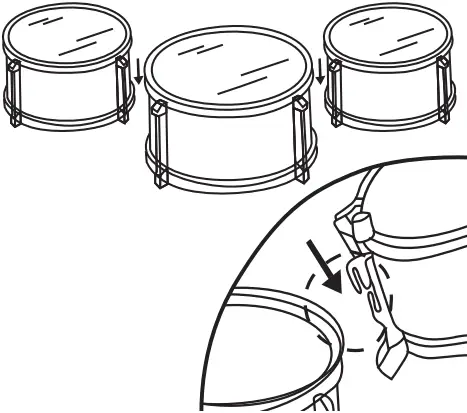
Each small tom-tom has a clip on its side. Slide these clips onto the raised rim of the large tom-tom.
2
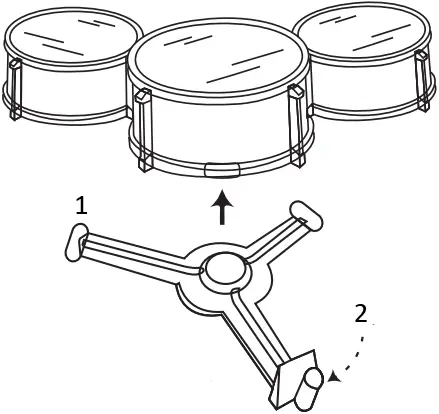
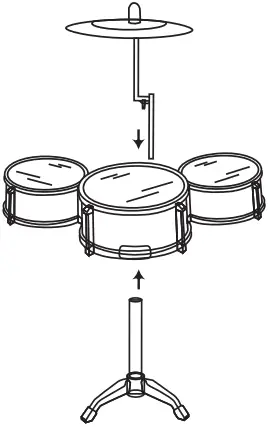
- Drum Support
- Cymbal arm will insert here. See Step 4
Place the combined tom-toms onto the drum support. But before installing, determine where you want the cymbal arm to be placed.
3
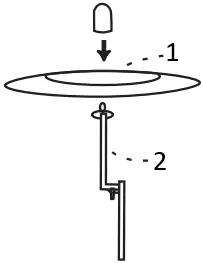
- Cymbal
- Cymbal Arm
Remove the cap of the cymbal arm, put the cymbal into place, then replace the cap.
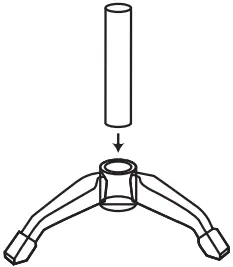
Slide the pole of the drum stand into the foot of the drum stand.
4
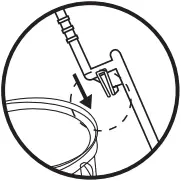
Slide the arm clip onto the rim of tom-tom.
Insert the cymbal arm into the drum support, and then put the entire drum set on the drum stand.
5
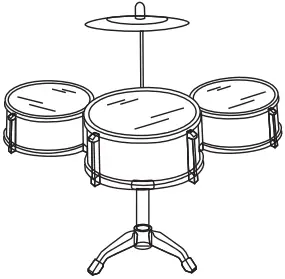
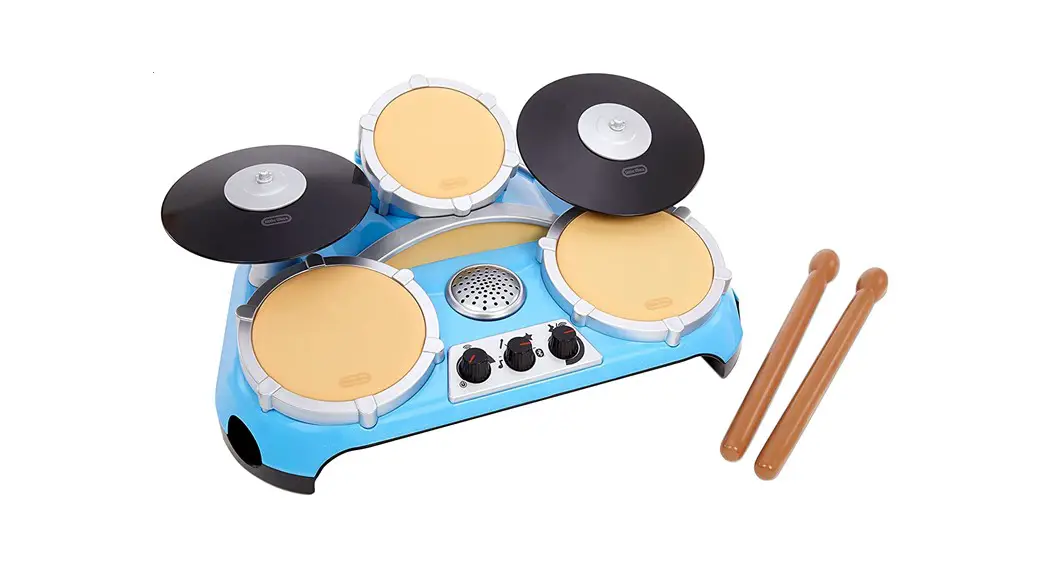
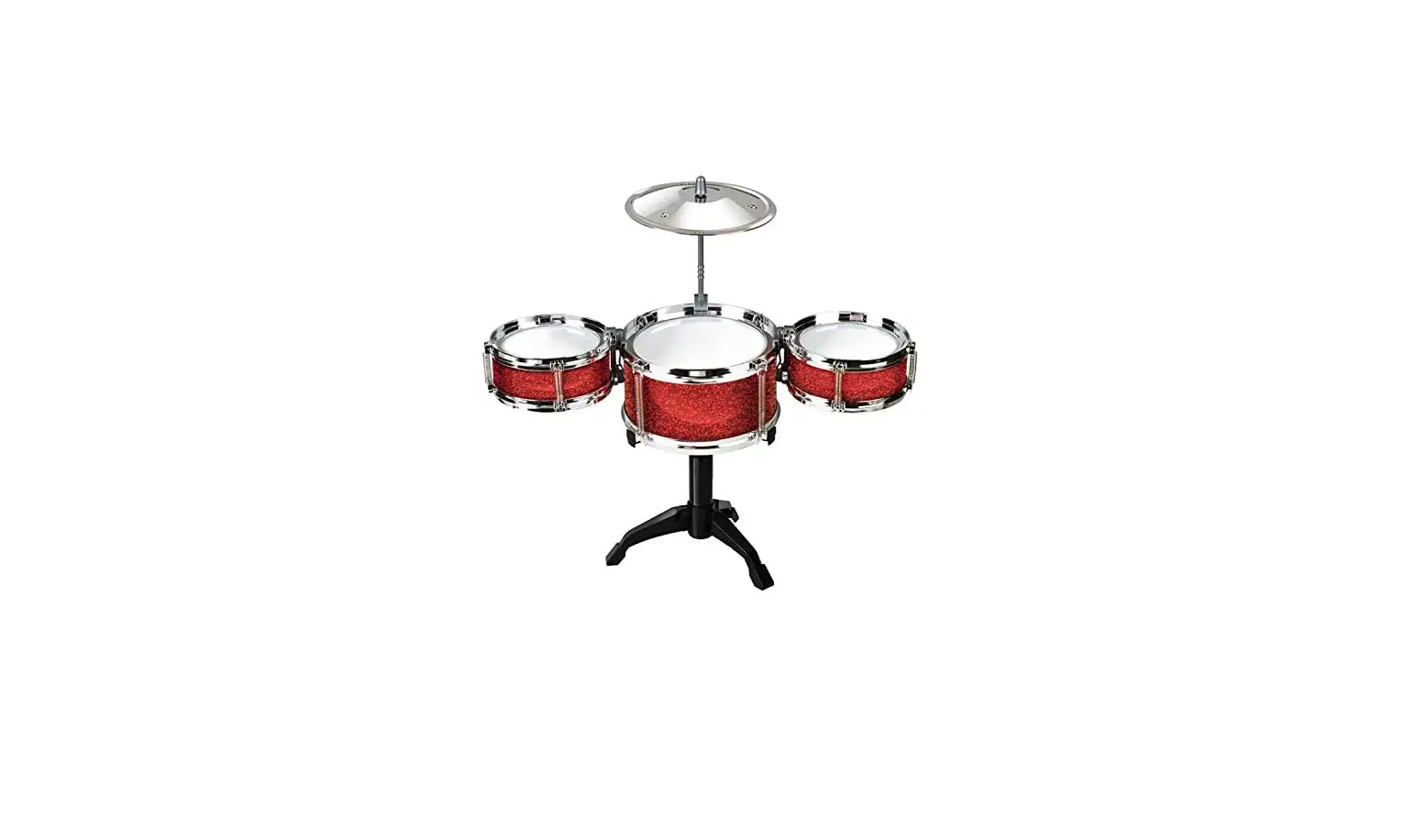
Assembled Drum Set
 WARNING:
CHOKING HAZARD- SMALL PARTS. NOT FOR CHILDREN UNDER 3 YEARS.