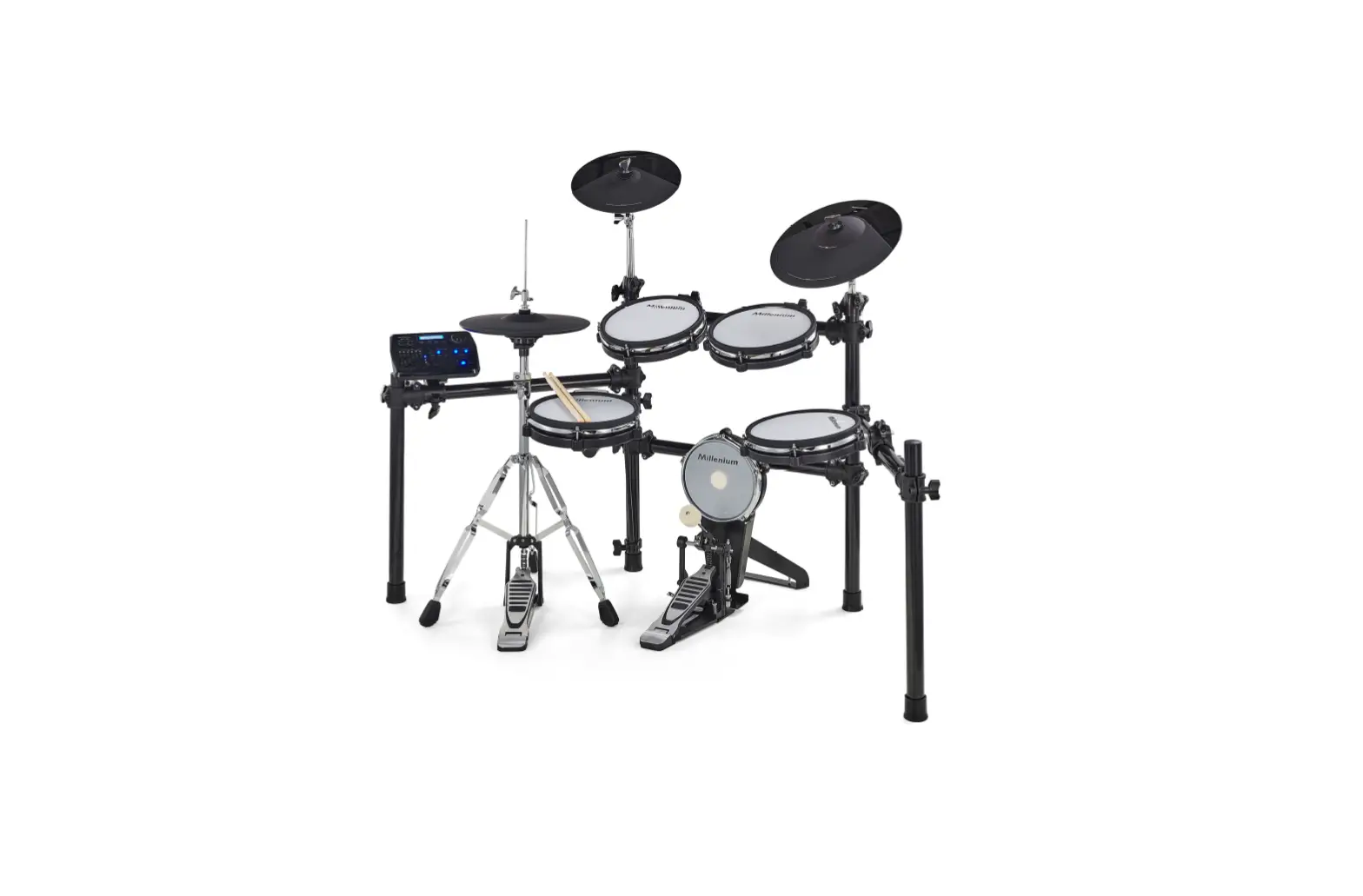
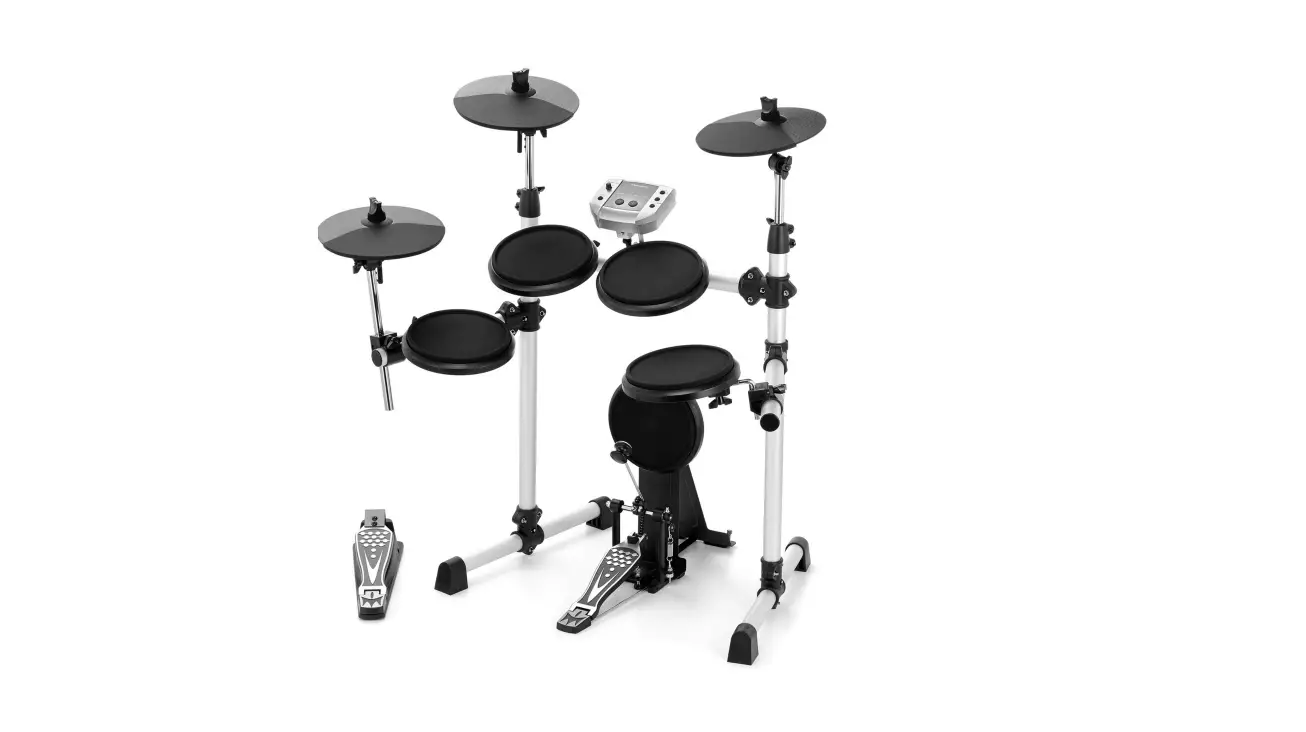
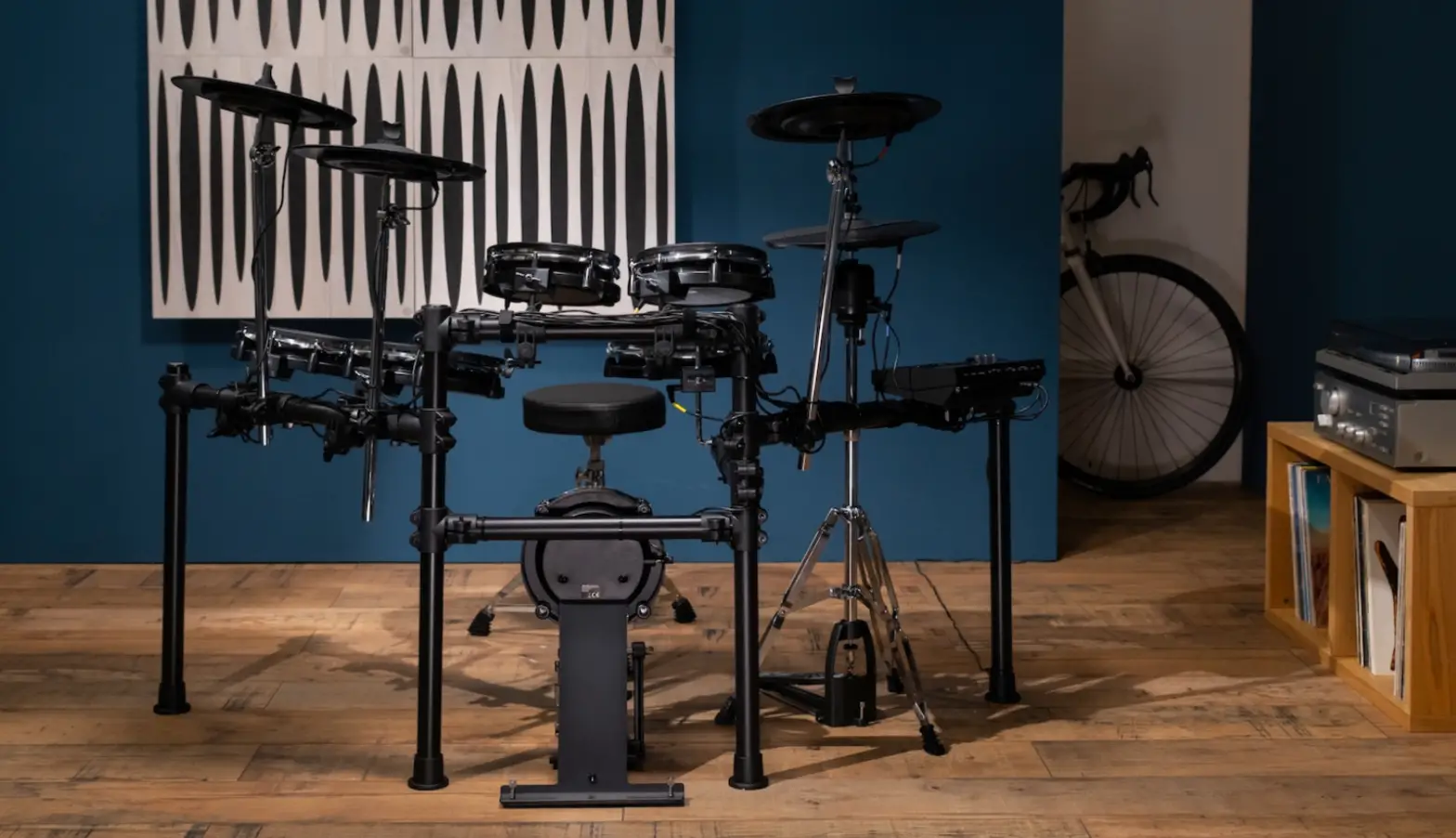
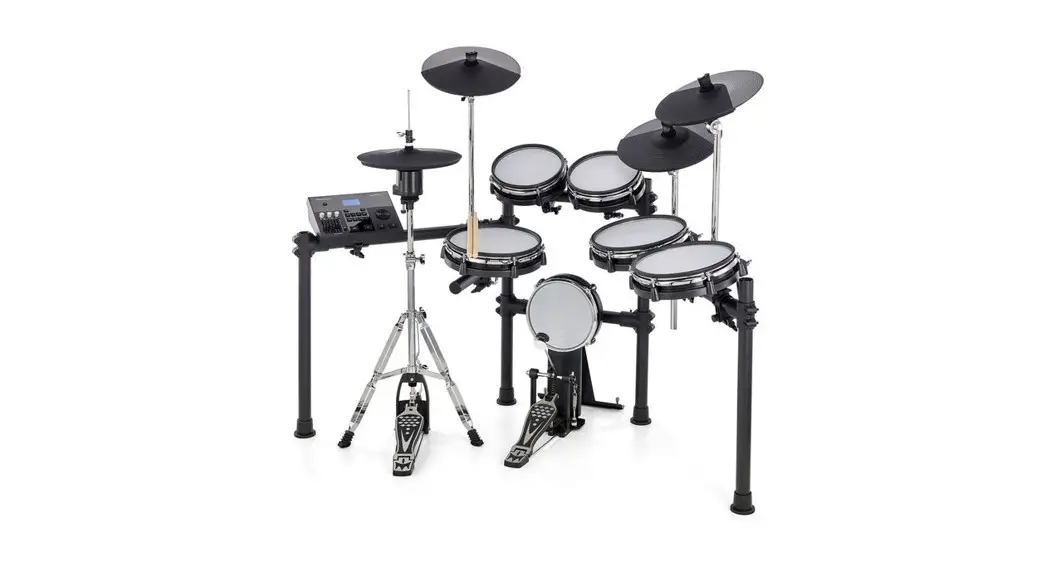
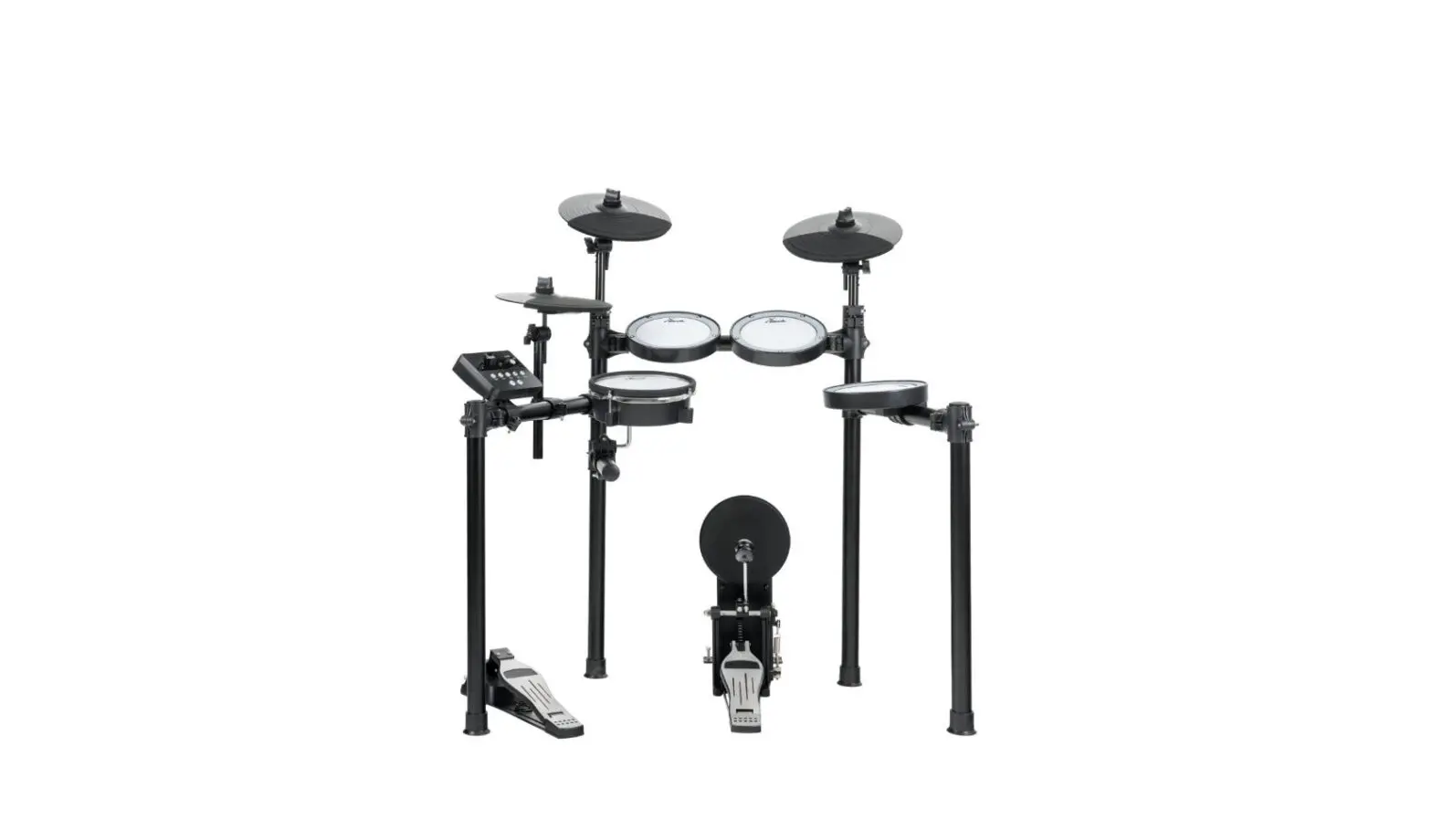
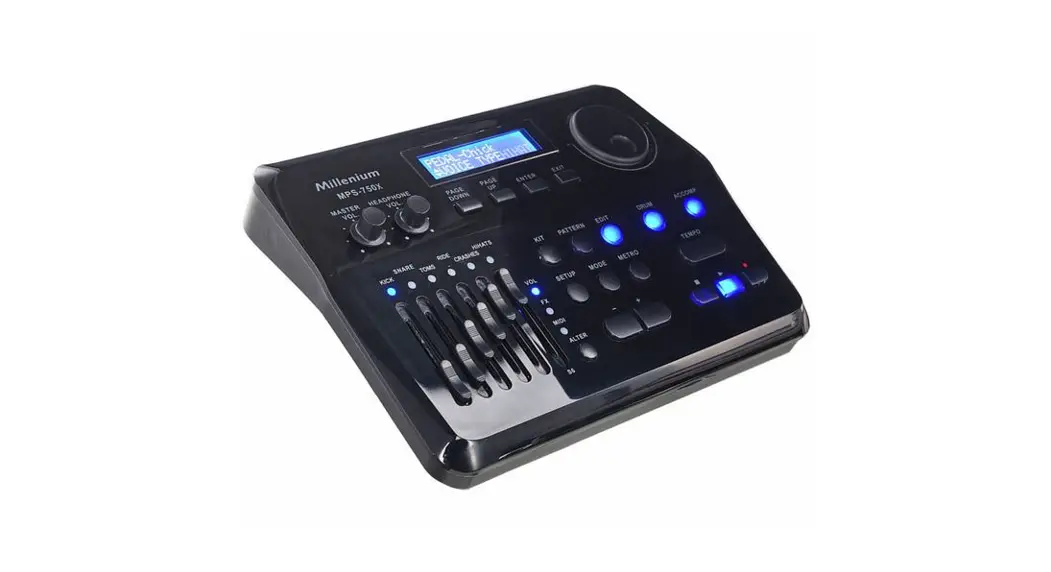
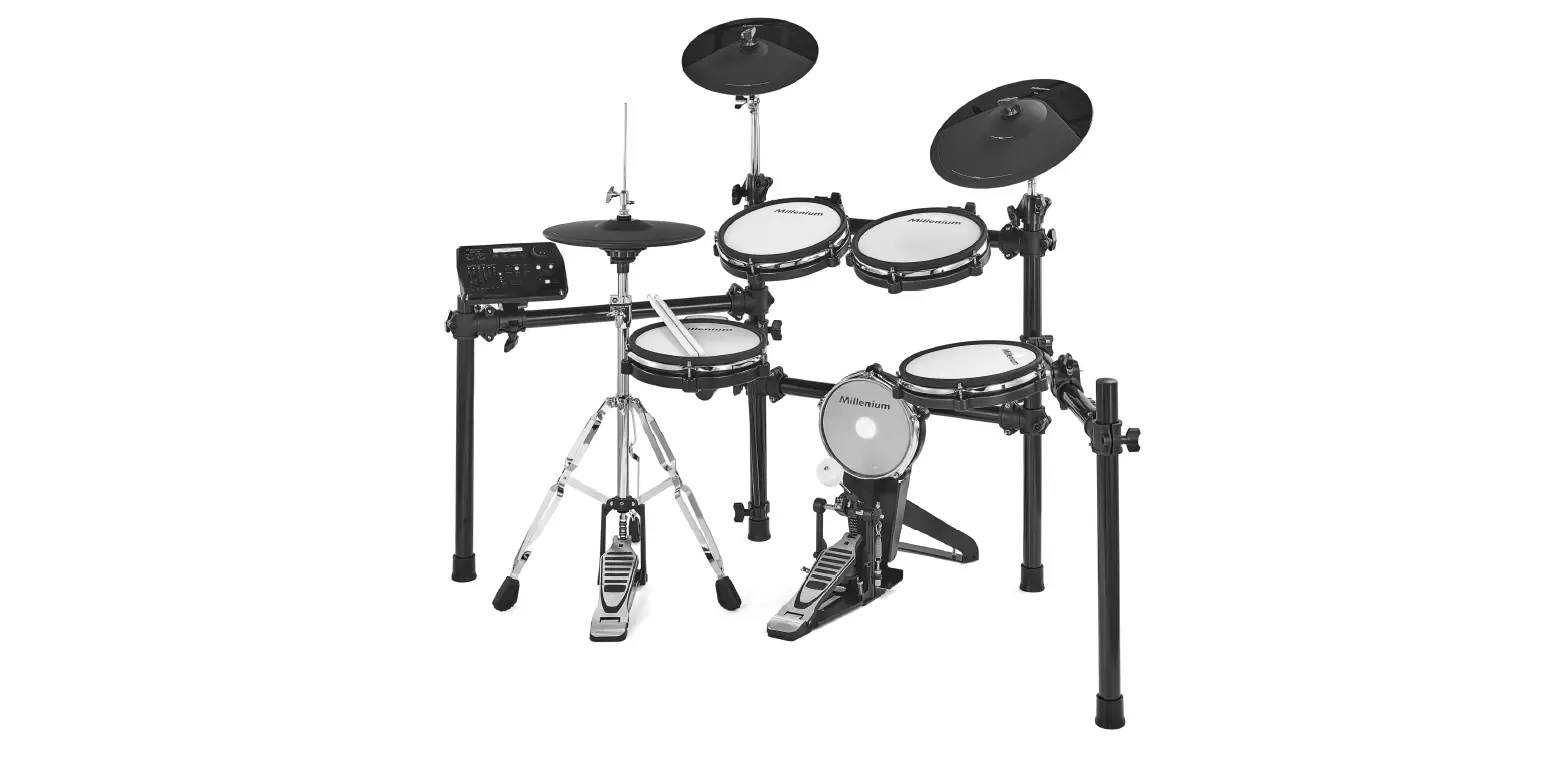
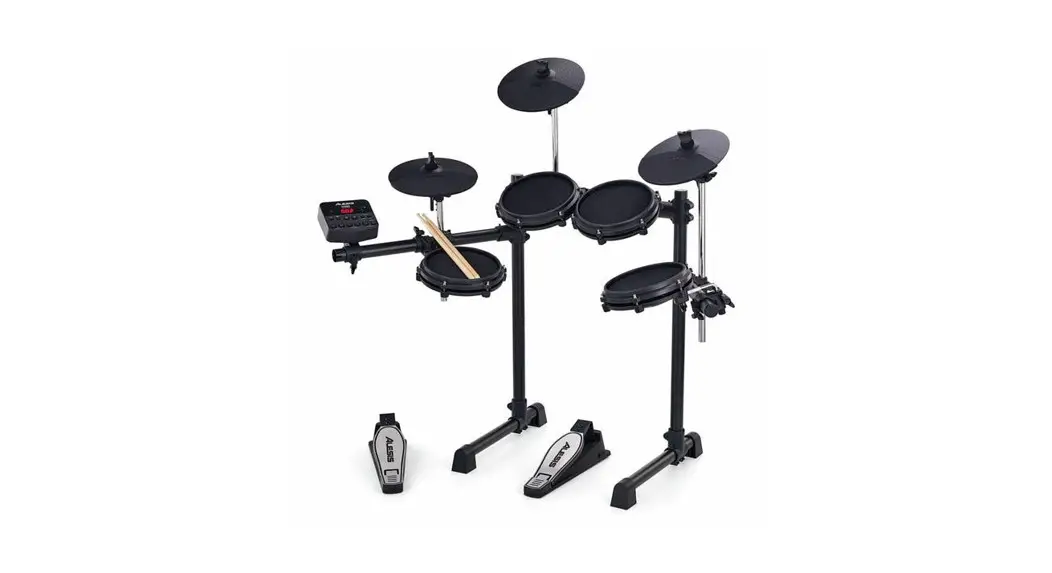
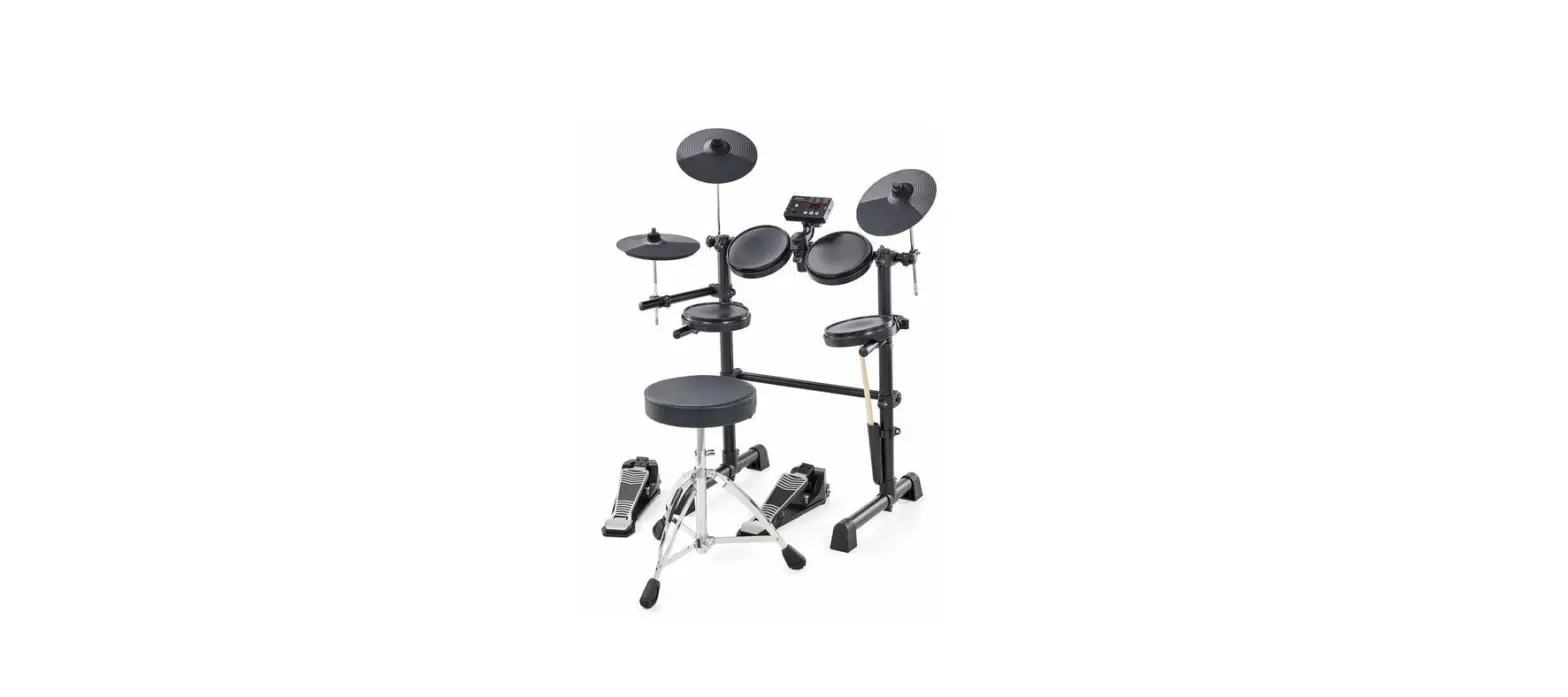
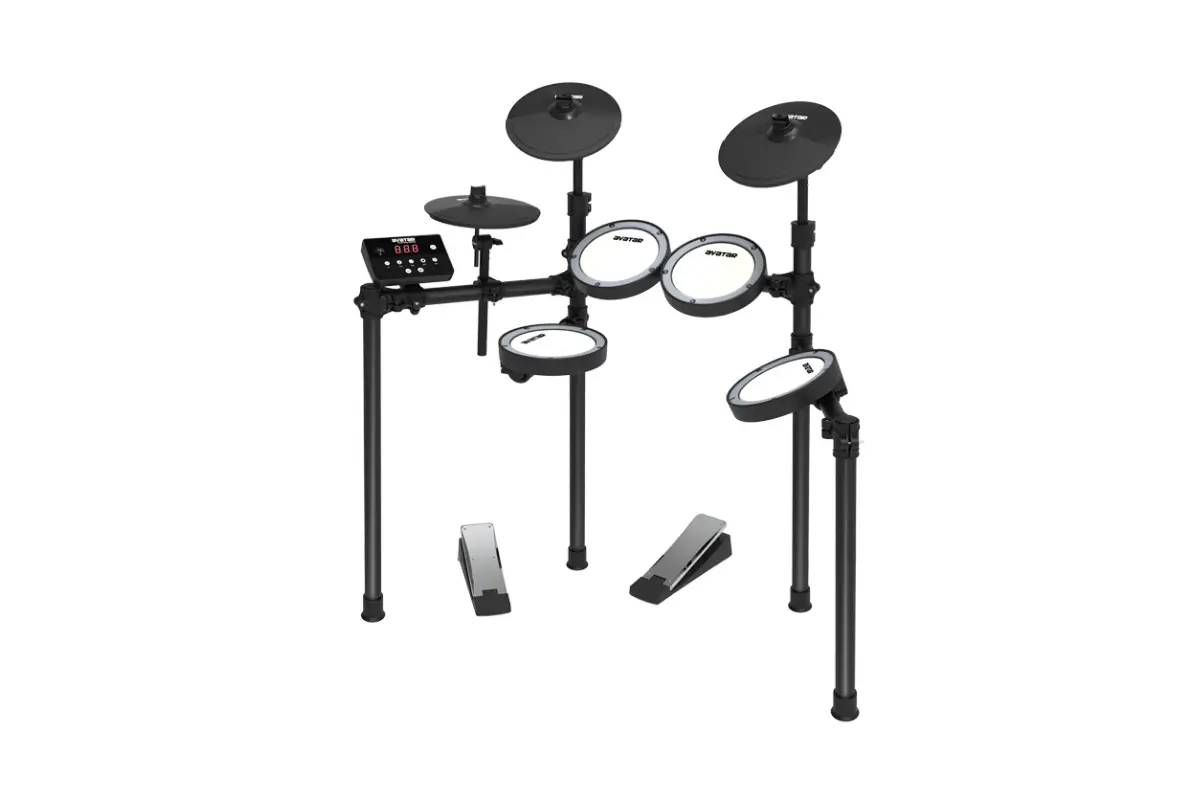
MPS-150X E-Drum Mesh Set
Product Information: MPS-150X E-Drum Set
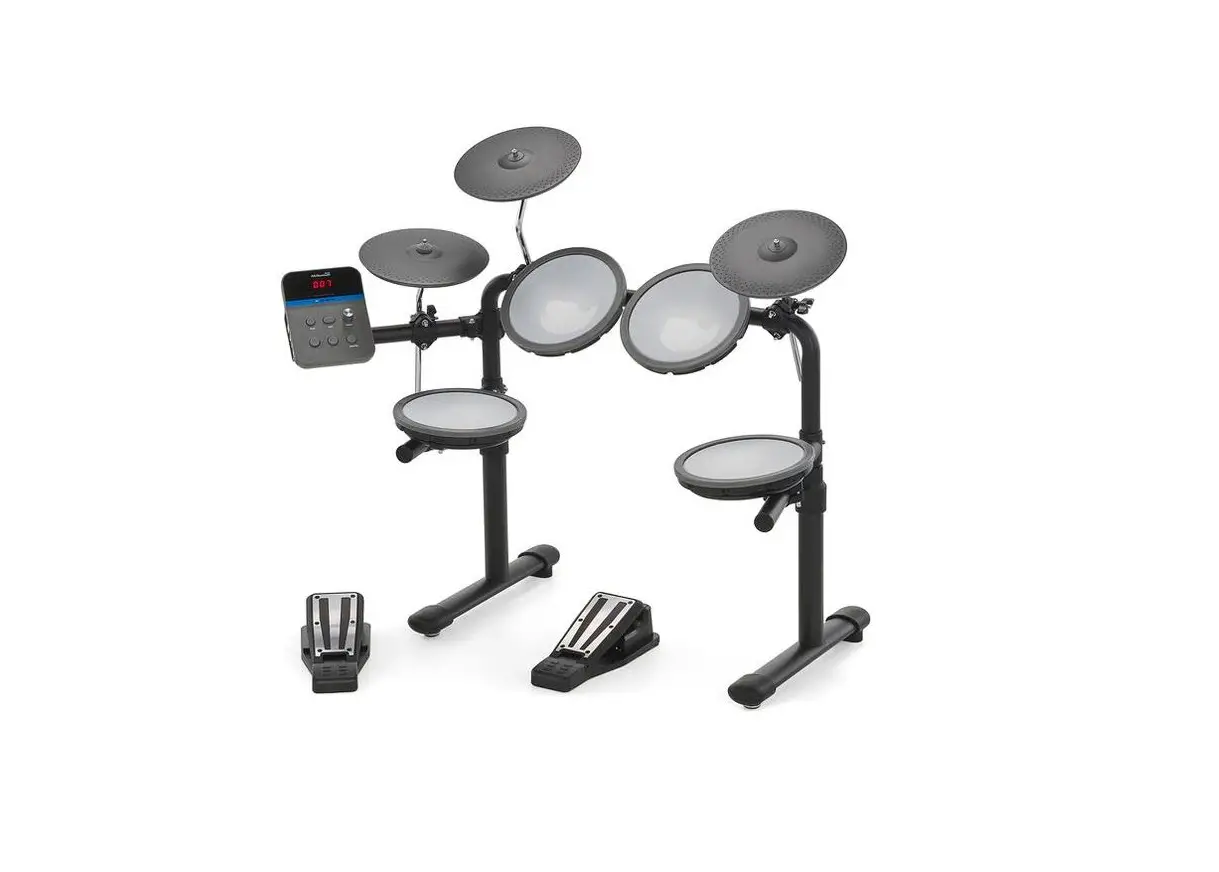
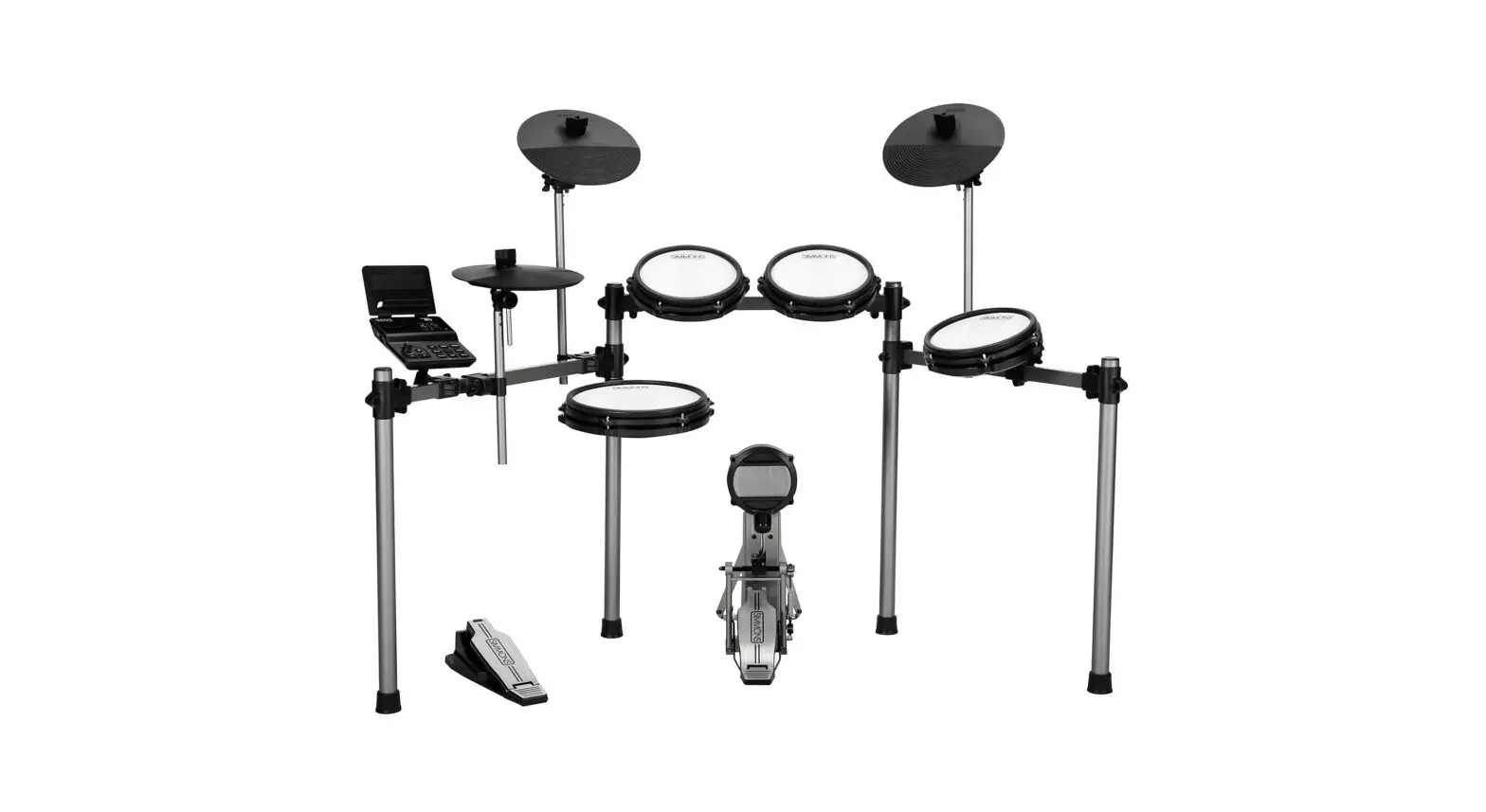
The MPS-150X E-Drum Set is an electronic drum set designed for
drummers who want a compact and portable kit that can be used in a
variety of settings. The set includes a drum module, rack with pad
brackets, hi-hat controller, bass drum pedal, pad wiring, mains
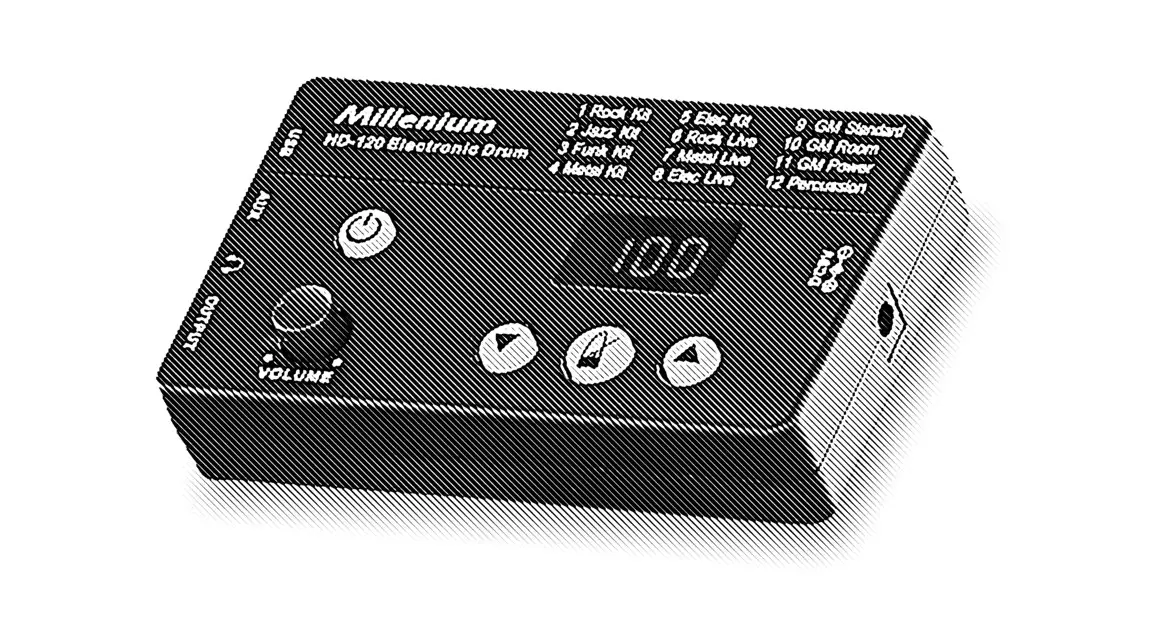
power adapter, and pads. The drum module features 10 drum kits, 108
drum sounds, and 40 play-along tracks. The rack is adjustable and
can be configured to meet your playing needs.
Product Usage Instructions
Safety Instructions
Before using the MPS-150X E-Drum Set, please read the safety
instructions carefully. Ensure that plastic bags, packaging, etc.
are disposed of properly and are not within reach of babies and
young children. Never let children unattended use electrical
devices. Also, note that the plasticizer contained in the rubber
feet of this product may possibly react with the coating of your
surface and after some time cause permanent dark stains. In case of
doubt, do not put the rubber feet directly on the surface and use a
suitable underlay if necessary, i.e. felt pads or similar.
Assembly Instructions
Before assembling your drum set, make sure the contents of the
package are complete according to the following list:
- e-drum set Millenium MPS-150X
- e-drum modul Millenium MPS-150X
- Rack with pad brackets
- Hi Hat Controller
- Bass drum pedal (complete)
- Pad wiring
- Mains power adapter
- Pads
To assemble the drum set, follow these steps:
Assembling the Rack
- Align the mounting brackets for the connecting pipe and the two
side arms of the rack in terms of height and desired playing
position. Insert the connecting pipe and the two sides arms into
the brackets and then tighten all mounting screws. The left side
arm is longer than the right one. - Position the two foot pieces on the floor and put the two side
pipes of the rack into the provided mounting brackets. Make sure
that the ends of the side pipes are lying on the floor. Then
tighten the mounting screws. - Position the mounting brackets for the individual pads. Turn
the angle pieces in the right position for mounting the pads. Then
tighten the mounting screws. - Insert the crash pad, ride pad, and hi-hat pad supports into
the respective mounting clamps on the rack. Attach the brackets
using the mounting screws at the desired height. - Loosen the retaining screws on the bracket joints and turn the
brackets into the desired playing positions. Then retighten the
locating screws firmly.
Mounting Pads on the Rack
- Attach the supplied L-pieces to the pads. Tighten the wing nuts
on the pads by hand first. - Slide the L-pieces up to the stop into the designated clamps on
the rack. - Align the pads on the rack to meet your needs and tighten the
wing nuts of the pad brackets and the bolts of the pad.
After following these assembly instructions, you can start using
your MPS-150X E-Drum Set. Refer to the user manual for further
details on operating the drum module and playing the drum set.
Assembly Instructions
MPS-150X
E-Drum Set
Thomann GmbH Hans-Thomann-Straße 1 96138 Burgebrach Germany Telephone: +49 (0) 9546 9223-0 Internet: www.thomann.de
27.06.2022, ID: 407855 (V4)
Table of contents
Table of contents
1 Safety instructions…………………………………………………………………………………………………………………………………………………………………………………. 5 2 Scope of delivery…………………………………………………………………………………………………………………………………………………………………………………….. 6 3 Assembly…………………………………………………………………………………………………………………………………………………………………………………………………… 7 4 Protecting the environment……………………………………………………………………………………………………………………………………………………………… 11
3 MPS-150X
E-Drum Set
4 MPS-150X E-Drum Set
Safety instructions
1 Safety instructions
DANGER! Danger for children Ensure that plastic bags, packaging, etc. are disposed of properly and are not within reach of babies and young children. Choking hazard! Ensure that children do not detach any small parts (e.g. knobs or the like) from the unit. They could swallow the pieces and choke! Never let children unattended use electrical devices.
NOTICE! Possible staining The plasticiser contained in the rubber feet of this product may possibly react with the coating of your surface and after some time cause permanent dark stains. In case of doubt, do not put the rubber feet directly on the surface and use a suitable underlay if necessary, i.e. felt pads or similar.
5 MPS-150X
E-Drum Set
Scope of delivery
2 Scope of delivery
Before you assemble your drum set, make sure the contents of package is complete according to the following list.
e-drum set Millenium MPS-150X n e-drum modul Millenium MPS-150X n Rack with pad brackets n Hi Hat Controller n Bass drum pedal (complete) n Pad wiring n Mains power adapter n Pads:
1 × Hi-hat 1 × Ride 1 × Crash 3 × Mesh Head Tom 1 × Mesh Head Snare 1 × Mesh Head Bass Drum n 5 × angle brackets for Tom pads and drum module n 3 × Cymbal brackets n 2 × handscrews n 1 × set of drumsticks n Drum Key n Manual e-drum modul n Assembly instructions e-drum set
6 MPS-150X E-Drum Set
Assembly
3 Assembly
Overview
Loosen the screws of the clamps before sticking the tubes together. Mount the various elements in the specified sequence. The positions of the pads, cymbals, etc. are shown in the illustration below.
ö
* $
# $
$
) (
1
Drum module
2
Crash cymbal
3
Toms
4
Bass drum pedal
5
Hi-hat controller
&
%
6
Bass drum
7
Snare
8
Hi-hat
9
Ride cymbal
7 MPS-150X
E-Drum Set
Assembly
Assembling the rack
CAUTION! Danger of cuts on hands and fingers When connecting the parts, take care for sharp edges on the metal tubes, screws etc.
%
%
&$
&$
% &
$
ö
#
1
Align the mounting brackets for the connecting pipe and the two side arms of the rack in terms of height and
desired playing position. Insert the connecting pipe and the two sides arms into the brackets and then tighten all
mounting screws. The left side arm is longer than the right one.
2
Position the two foot pieces on the floor and put the two side pipes of the rack into the provided mounting
brackets. Make sure that the ends of the side pipes are lying on the floor. Then tighten the mounting screws.
3
Position the mounting brackets for the individual pads. Then tighten the mounting screws.
Turn the angle pieces in the right position for mounting the pads. Then tighten the mounting screws.
4
Insert the crash pad, ride pad and hi-hat pad supports into the respective mounting clamps on the rack. Attach
the brackets using the mounting screws at the desired height.
5
Loosen the retaining screws on the bracket joints and turn the brackets into the desired playing positions. Then
retighten the locating screws firmly.
8 MPS-150X E-Drum Set
Mounting pads on the rack
Assembly
1. Attach the supplied L-pieces to the pads. Tighten the wing nuts on the pads by hand first. 2. Then slide the L-pieces up to the stop into the designated clamps on the rack. 3. Align the pads on the rack to meet your needs and tighten the wing nuts of the pad brackets and the bolts of the pad
clamps on the rack firmly and evenly.
Mounting cymbals on the rack 1. Put the three cymbal holders as shown into the designated clamps on the rack. 2. Tighten the bolts on the clamps firmly and evenly.
3. Unscrew the wing nuts from the cymbal holders and take the felt washers off the holders. 4. Place the cymbals as shown in the figure on the holders. 5. Place the felt washers on the cymbals and fix the cymbals with the associated wing nuts on the holders. Mounting the drum module on the rack
1. Attach the L-piece to the rack. 2. Attach the connection cable to the module and secure it with the two handscrews supplied. 3. Put the drum module up to the stop into the free clamp of the connecting pipe. 4. Align the module and tighten the wing nut of the clamp.
9 MPS-150X
E-Drum Set
Assembly
Setting up the bass drum pedal
3
1. Snap the two metal rods into the holes provided on the frame of the bass drum pedal. 2. Place the beater into the hole provided on the rotary head of the pedal and tighten the clamp with the drum key. Bass drum and Hi-hat 1. Place the bass drum pad centred under the rack. Position the drum pedal centred in front of the pad. 2. Place the Hi-hat pedal left of the bass drum pad. Setting up and wiring Set up the rack, the pads and the cymbals according to your needs. Finally, position the drum pedal and the Hi-hat controller in front of the rack and connect all trigger cables to the drum module.
The head tension of the Mesh Heads is quite low in delivery condition to avoid damages during transport. Adjust the head tension to suit your taste for good playing and a better trigger behaviour.
10 MPS-150X E-Drum Set
4 Protecting the environment
Disposal of the packaging material
Protecting the environment
For the transport and protective packaging, environmentally friendly materials have been chosen that can be supplied to normal recycling. Ensure that plastic bags, packaging, etc. are properly disposed of. Do not just dispose of these materials with your normal household waste, but make sure that they are collected for recycling. Please follow the notes and markings on the packaging.
Disposal of your old device
This product is subject to the European Waste Electrical and Electronic Equipment Directive (WEEE) in its currently valid version. Do not dispose with your normal household waste.
Dispose of this device through an approved waste disposal firm or through your local waste facility. When discarding the device, comply with the rules and regulations that apply in your country. If in doubt, consult your local waste disposal facility.
11 MPS-150X
E-Drum Set
Notes
12 MPS-150X E-Drum Set
Notes
13 MPS-150X
E-Drum Set
Notes
14 MPS-150X E-Drum Set
Musikhaus Thomann · Hans-Thomann-Straße 1 · 96138 Burgebrach · Germany · www.thomann.de
 Welcome – Thomann United States