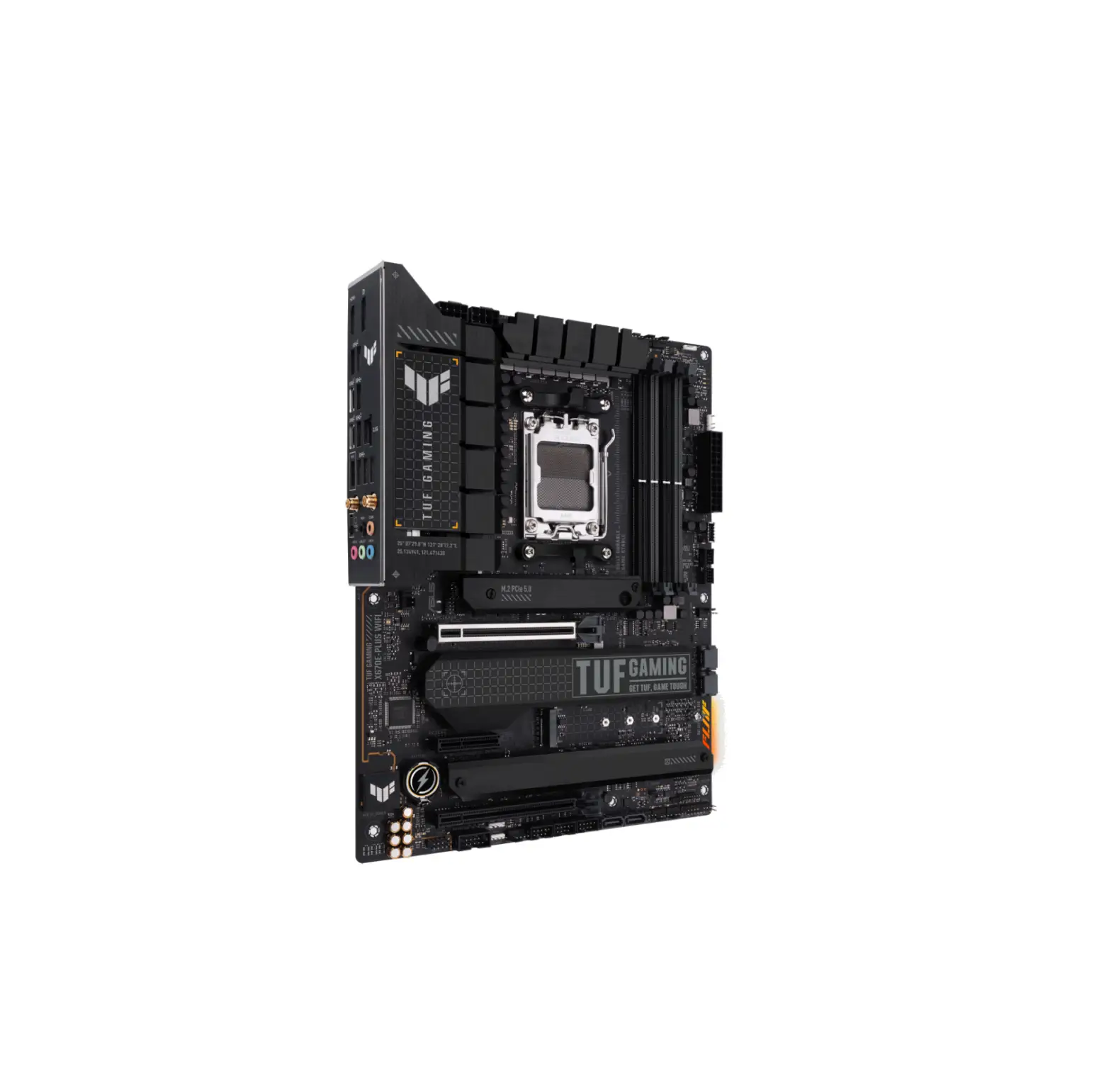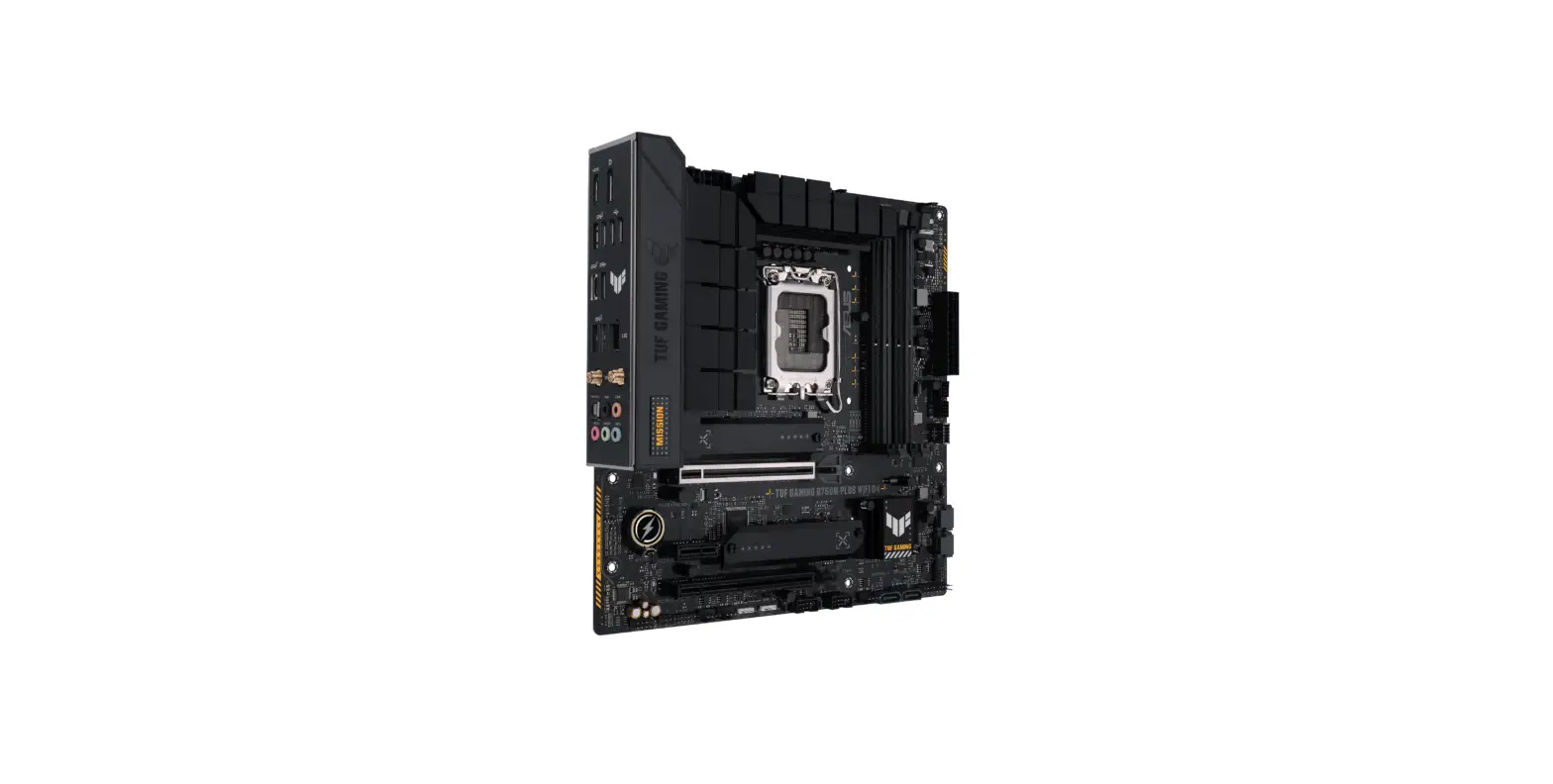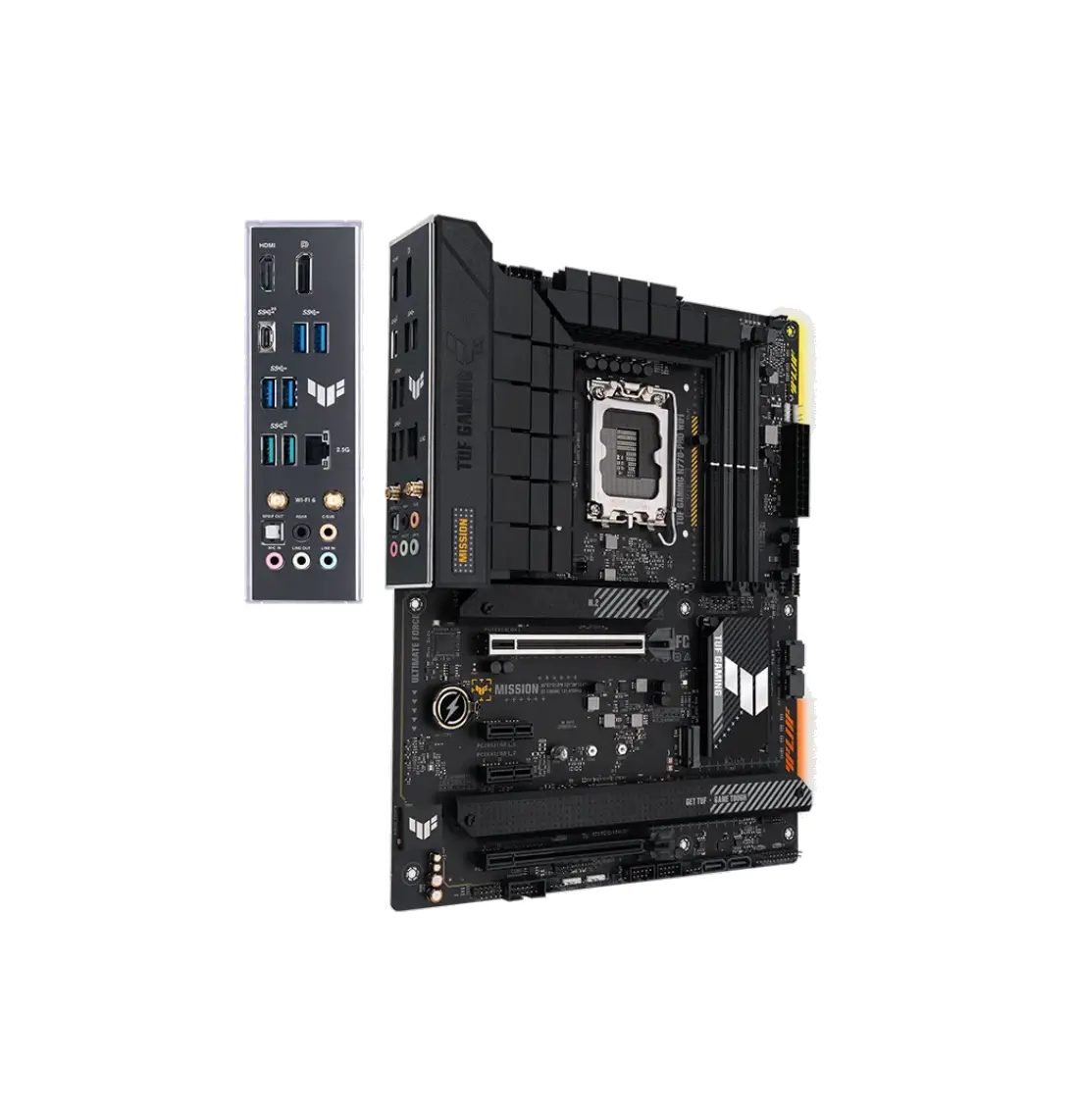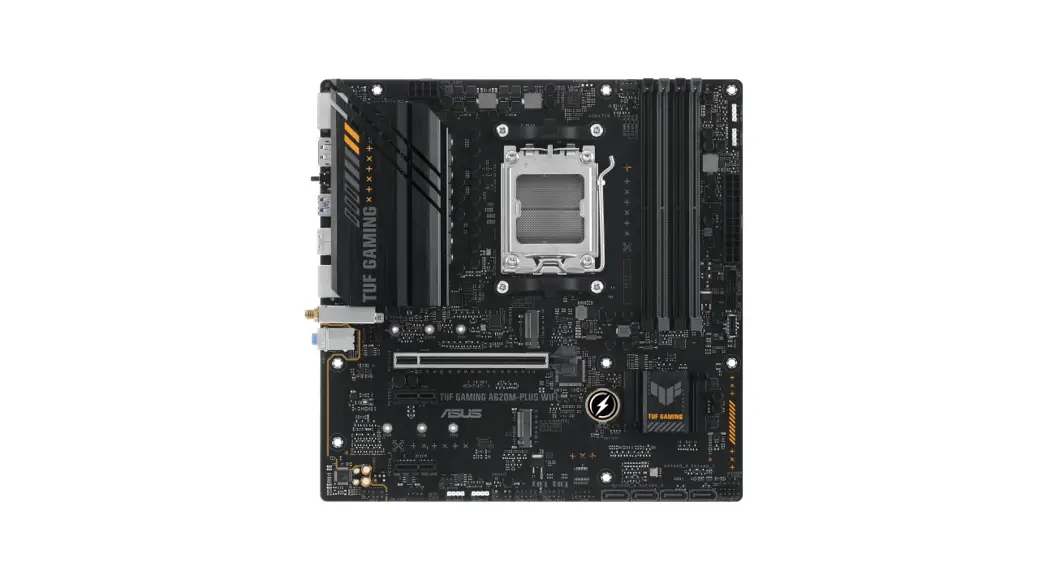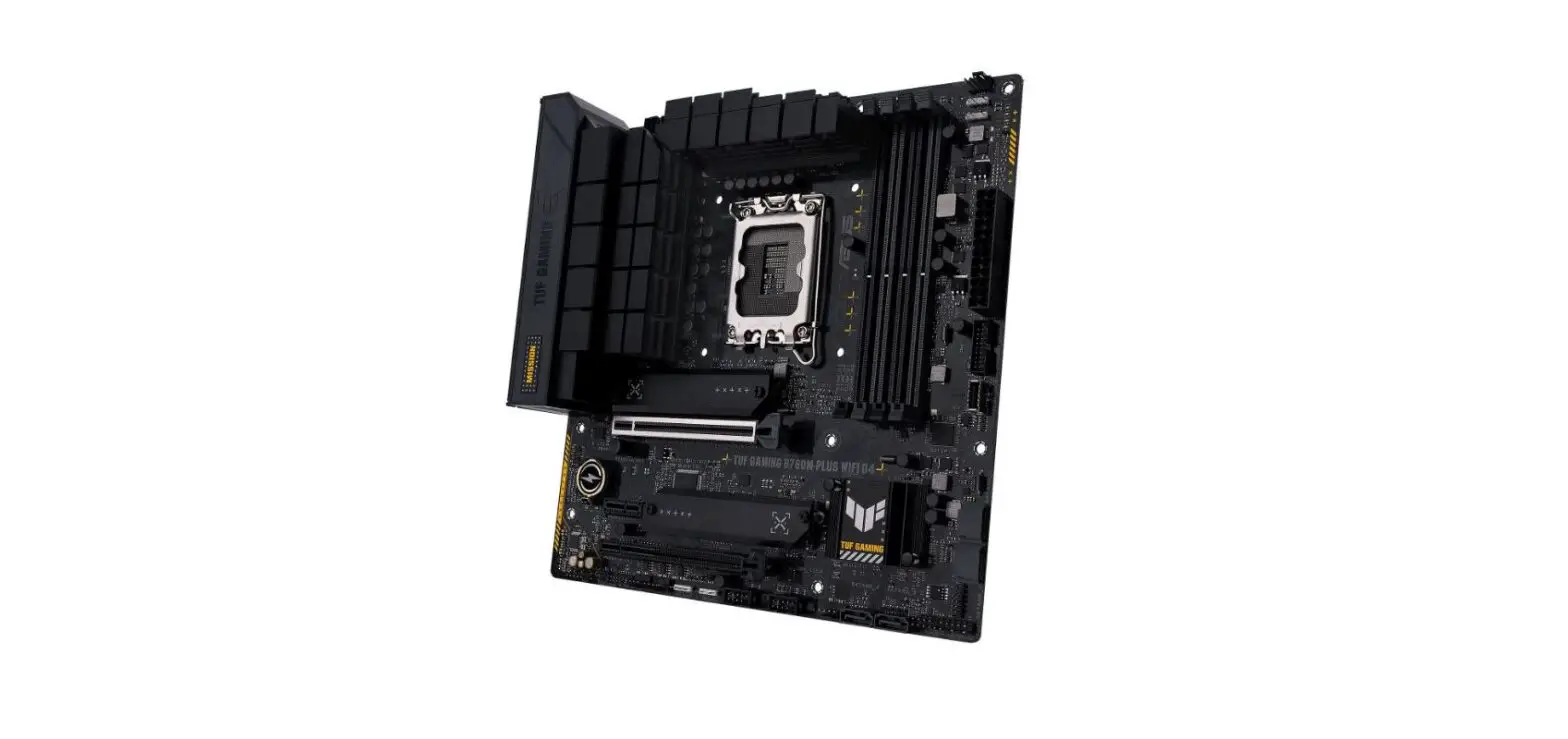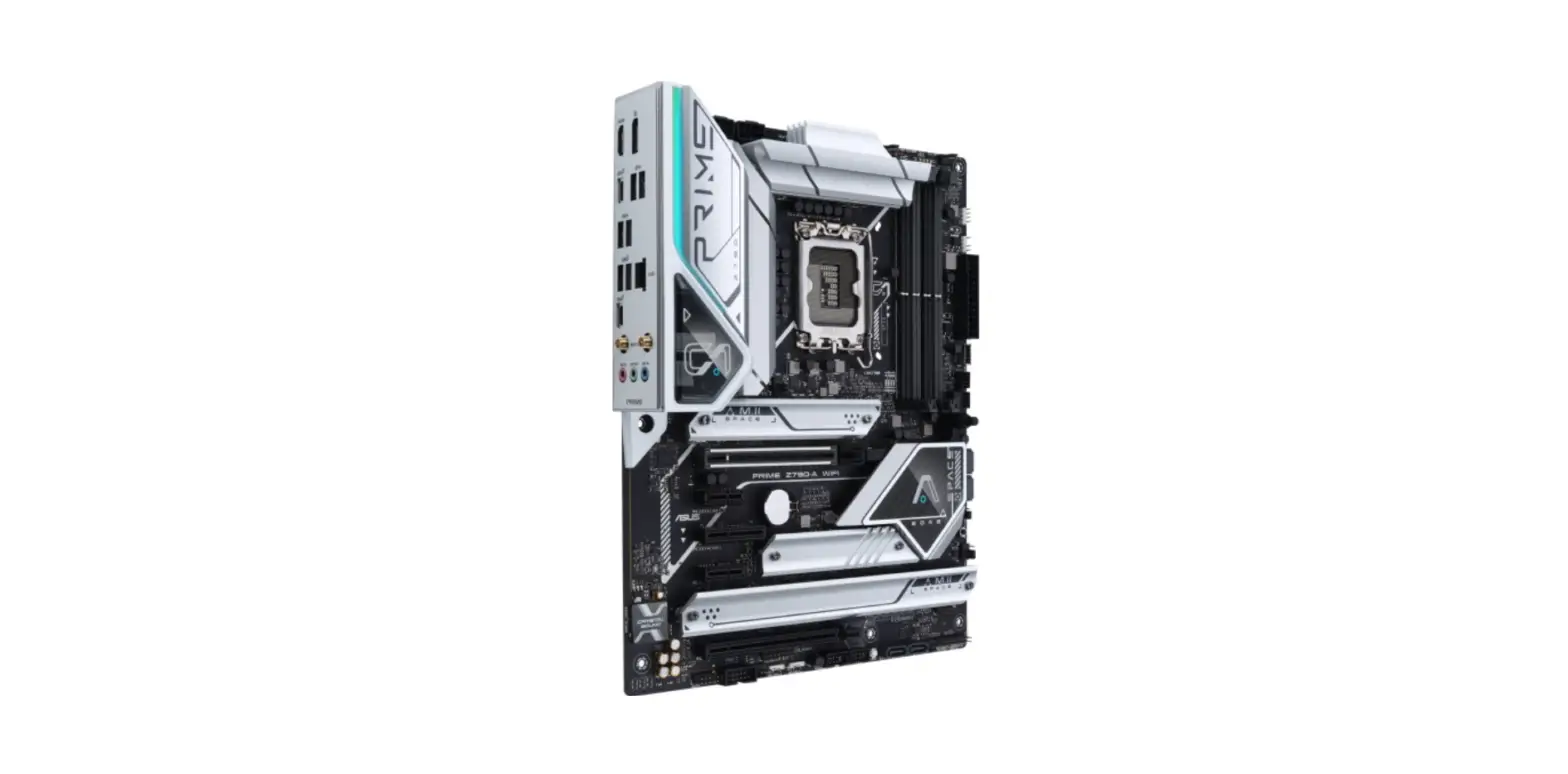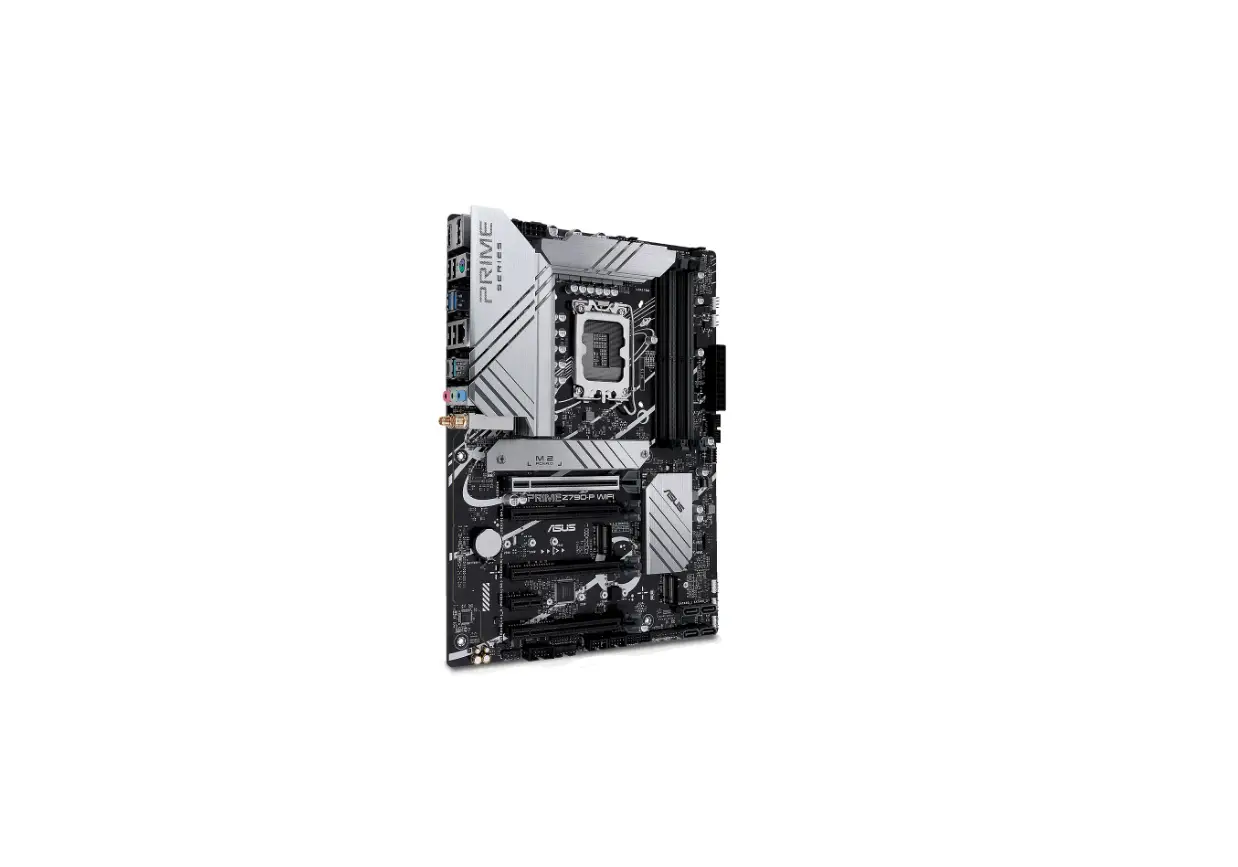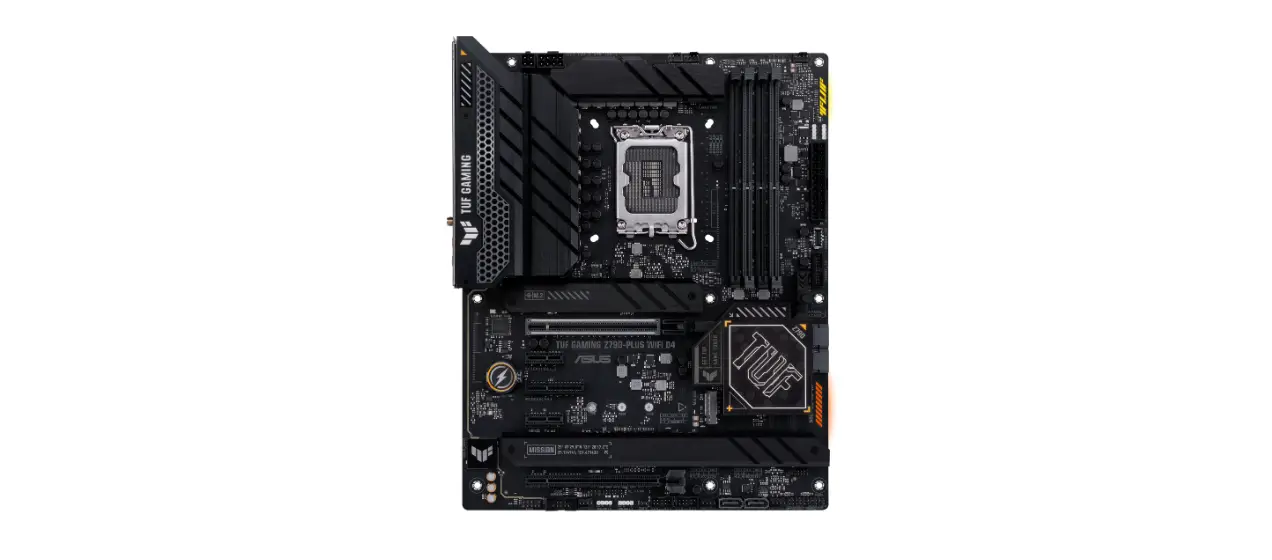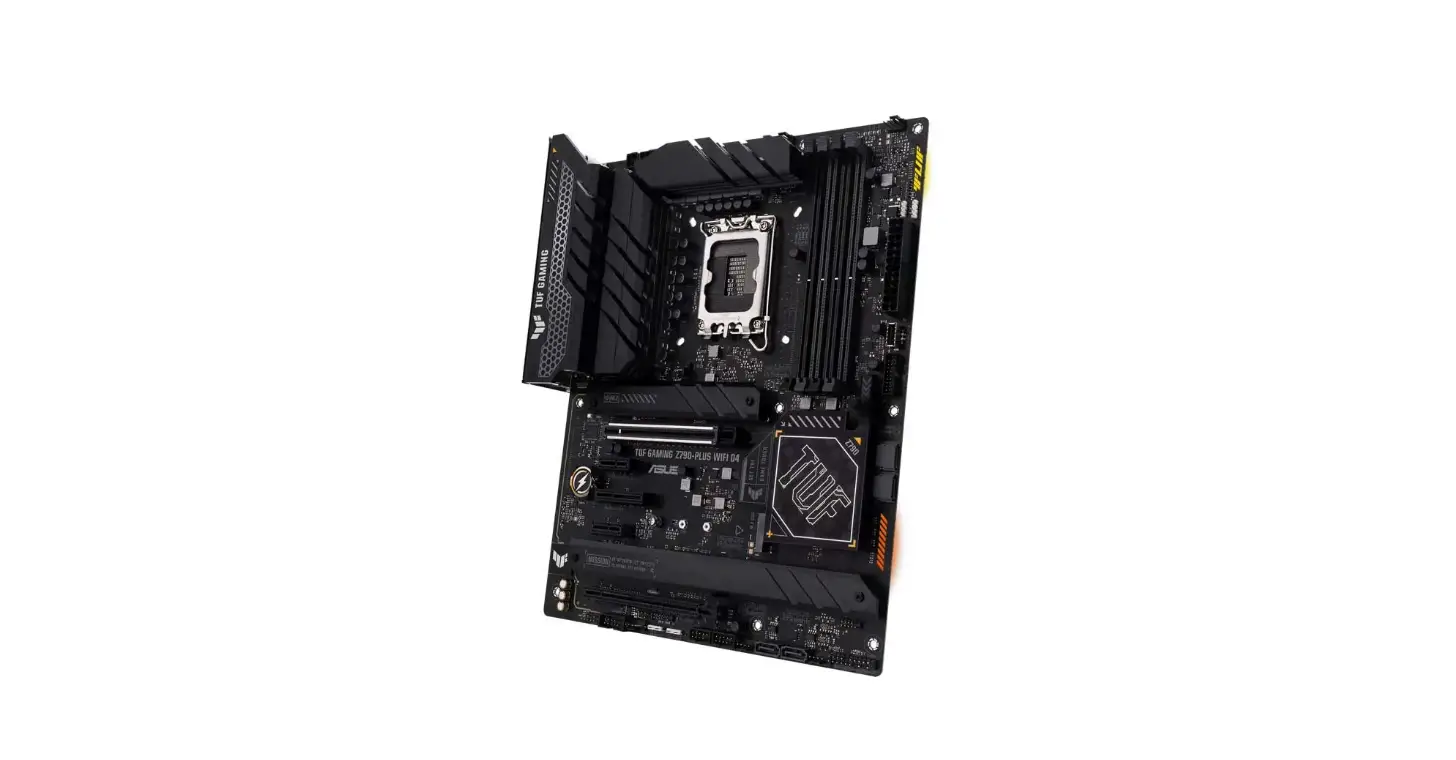

Asus Tuf Gaming Z790-plus Wifi Motherbord User Guide

Asus Tuf Gaming Z790-plus Wifi Motherbord User Guide

ASUS logo

ASUS TUF GAMING Z790-PLUS WIFI Motherbord
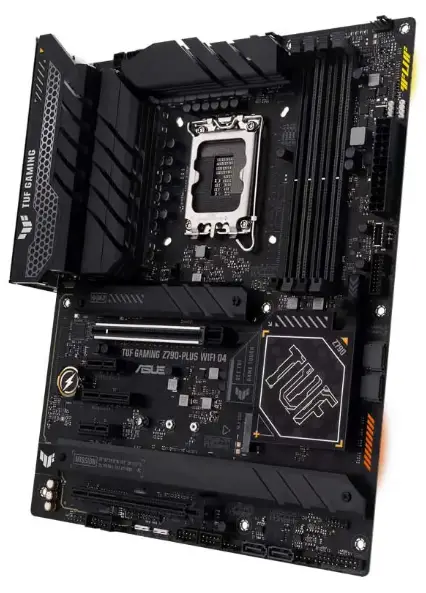
ASUS TUF GAMING Z790-PLUS WIFI Motherboard

INSTALLATION

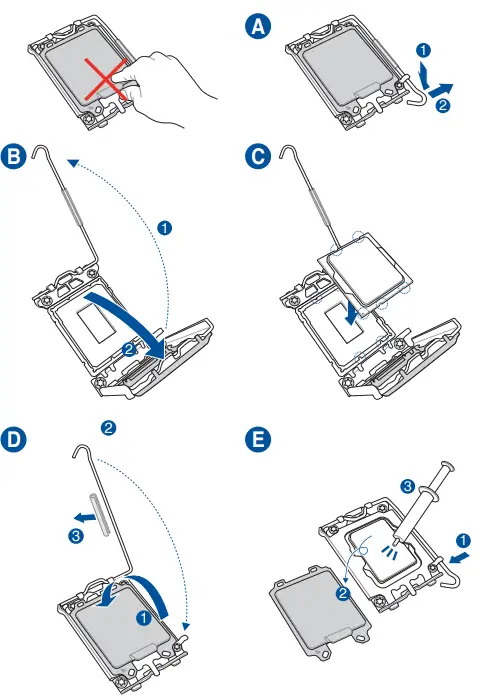
INSTALL THE CPUASUS TUF GAMING Z790-PLUS WIFI Motherboard 1

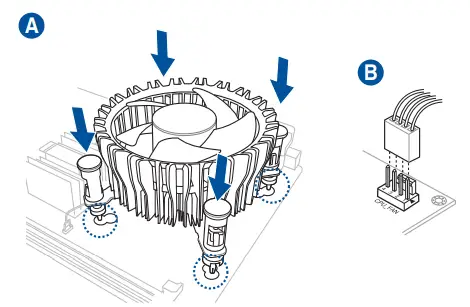
INSTALL THE CPU FANASUS TUF GAMING Z790-PLUS WIFI Motherboard 2

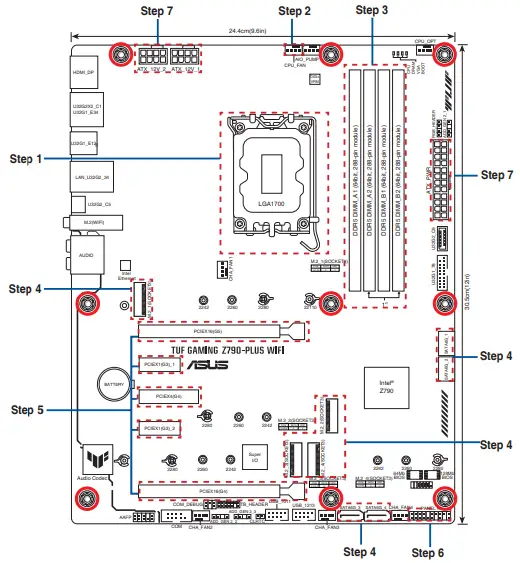
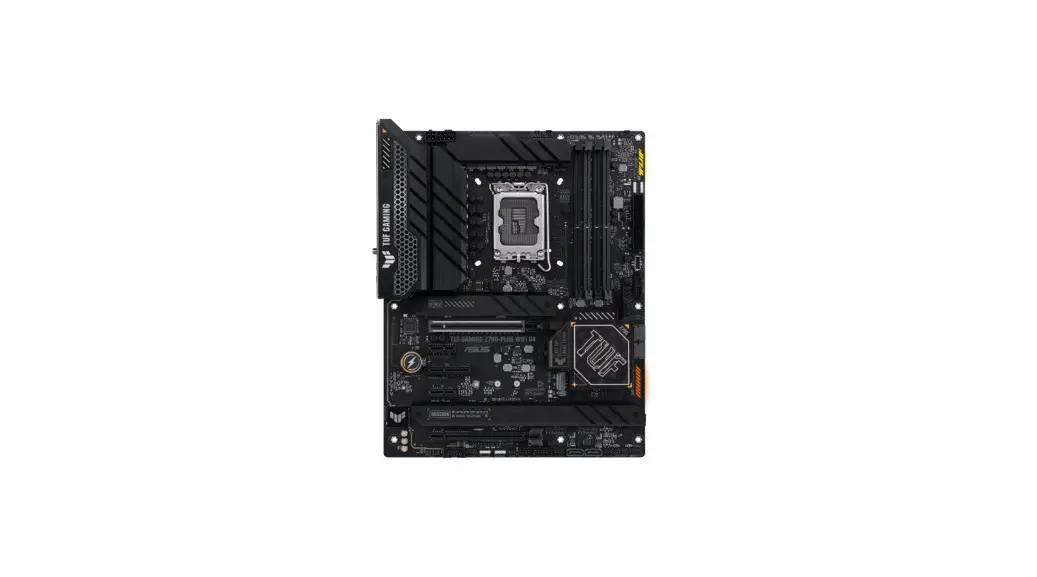
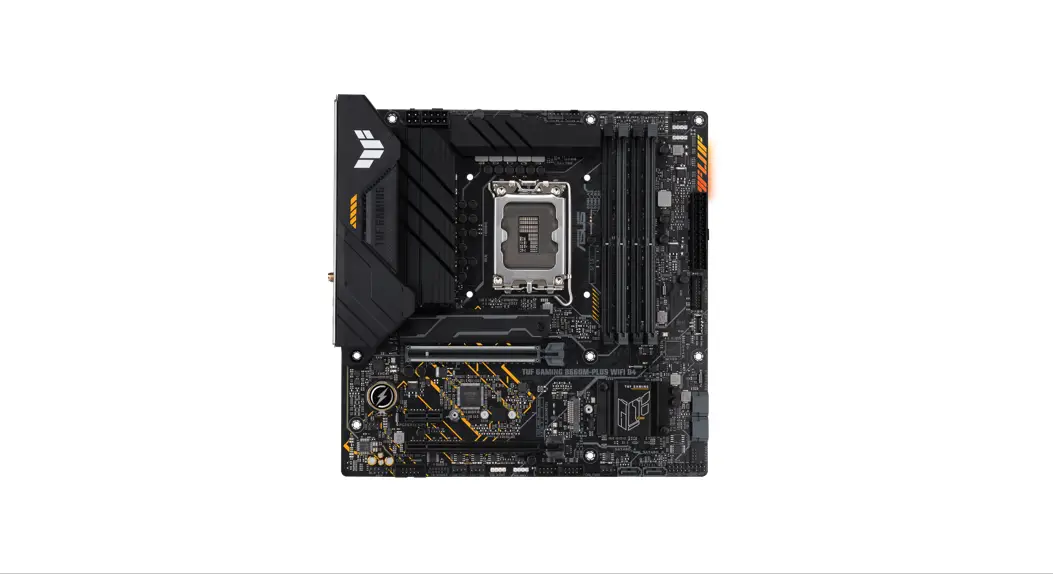
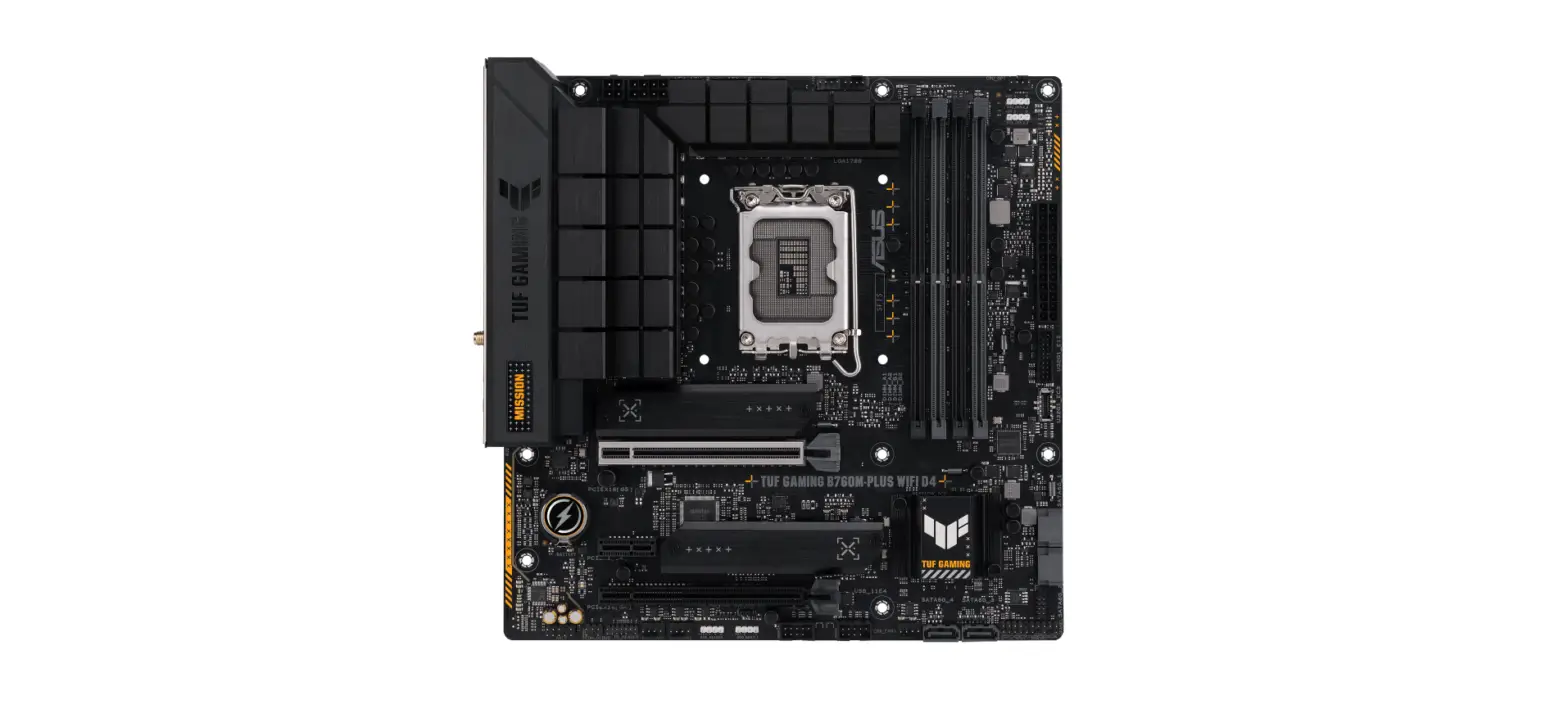
MOTHERBOARD LAYOUT ASUS TUF GAMING Z790-PLUS WIFI Motherboard 3

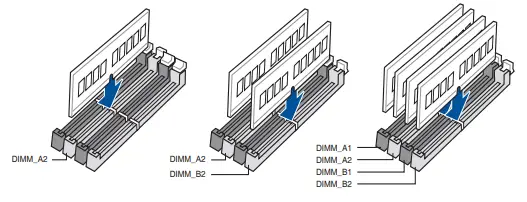
INSTALL MEMORY  MODULESASUS TUF GAMING Z790-PLUS WIFI Motherboard 4

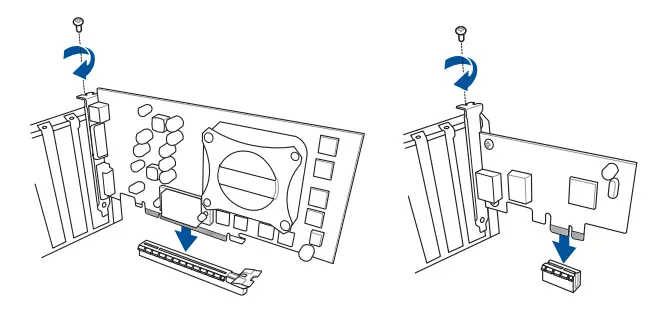
Install expansion card(s)ASUS TUF GAMING Z790-PLUS WIFI Motherboard 5

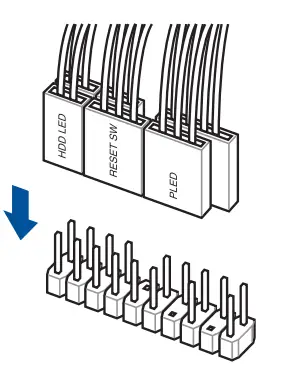
Install the system panel connector

ASUS TUF GAMING Z790-PLUS WIFI Motherboard 6

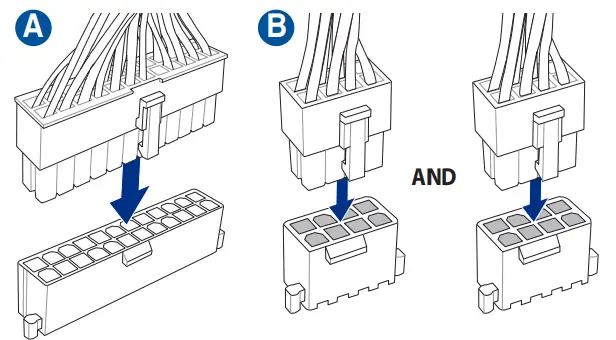
Install ATX power connectors

ASUS TUF GAMING Z790-PLUS WIFI Motherboard 7


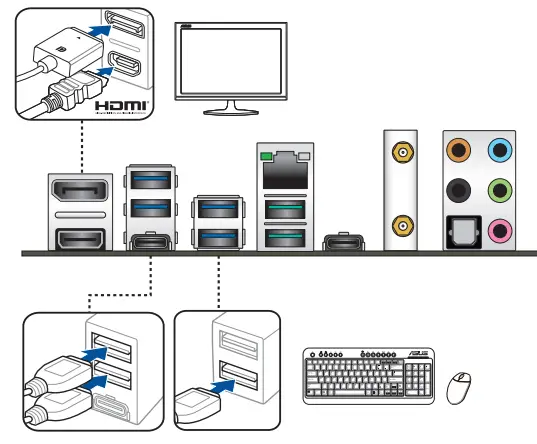
Connect input/output devices

Power on the system and install operating system and driversASUS TUF GAMING Z790-PLUS WIFI Motherboard 8
References

Documents / Resouces

Download manual
Here you can download full pdf version of manual, it may contain additional safety instructions, warranty information, FCC rules, etc.


Related Manuals