
 Quick Guide
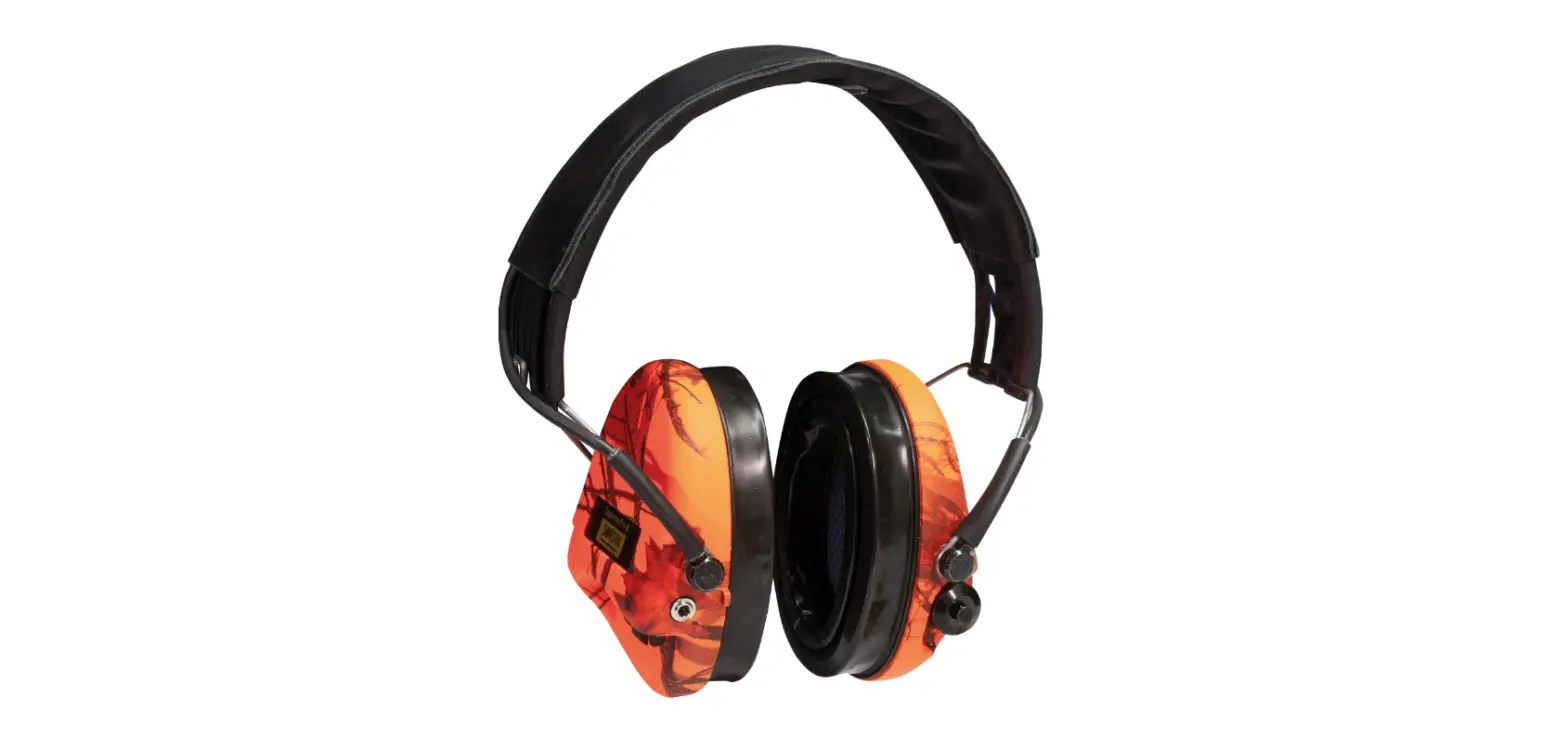
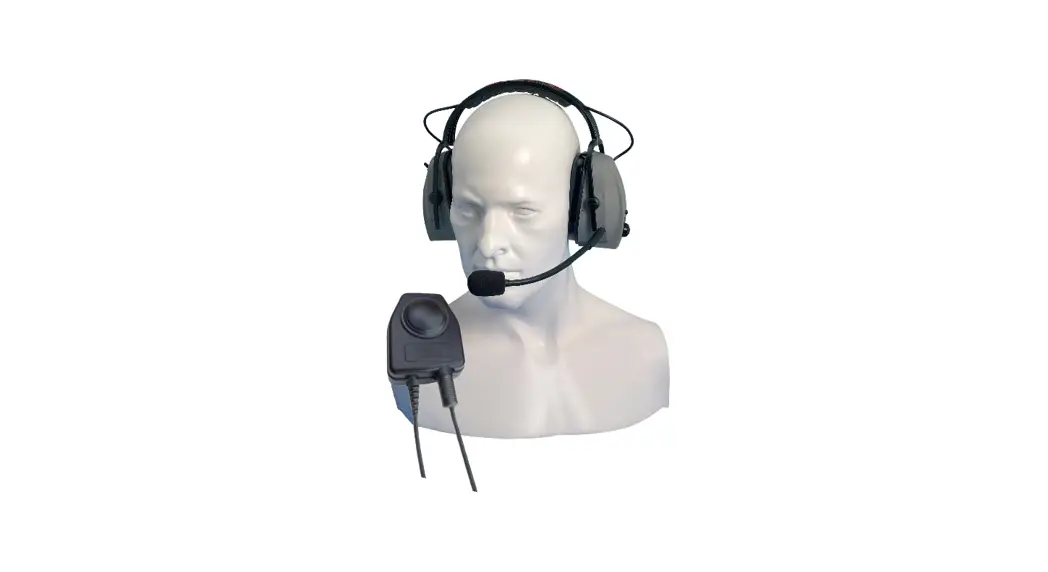
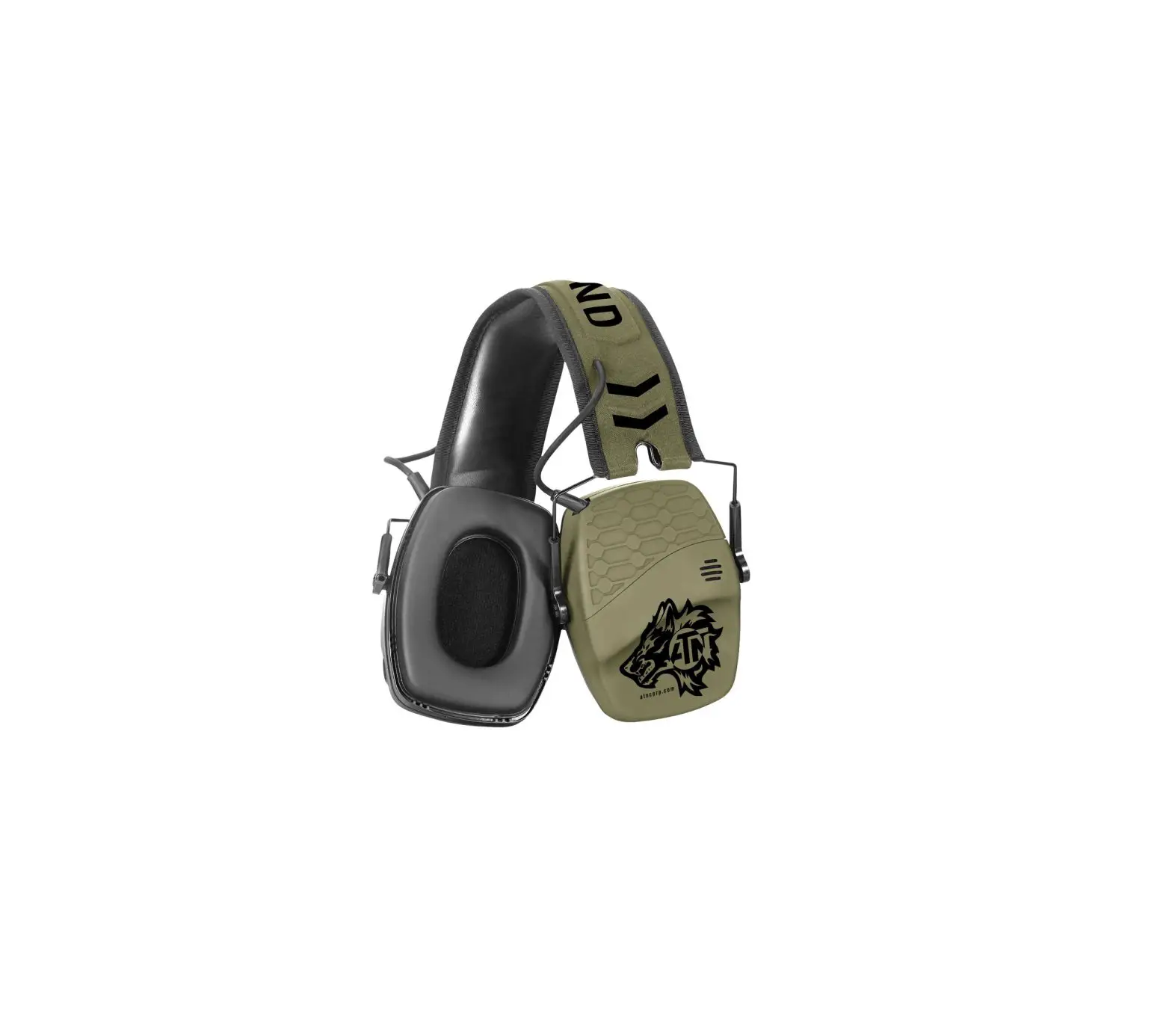
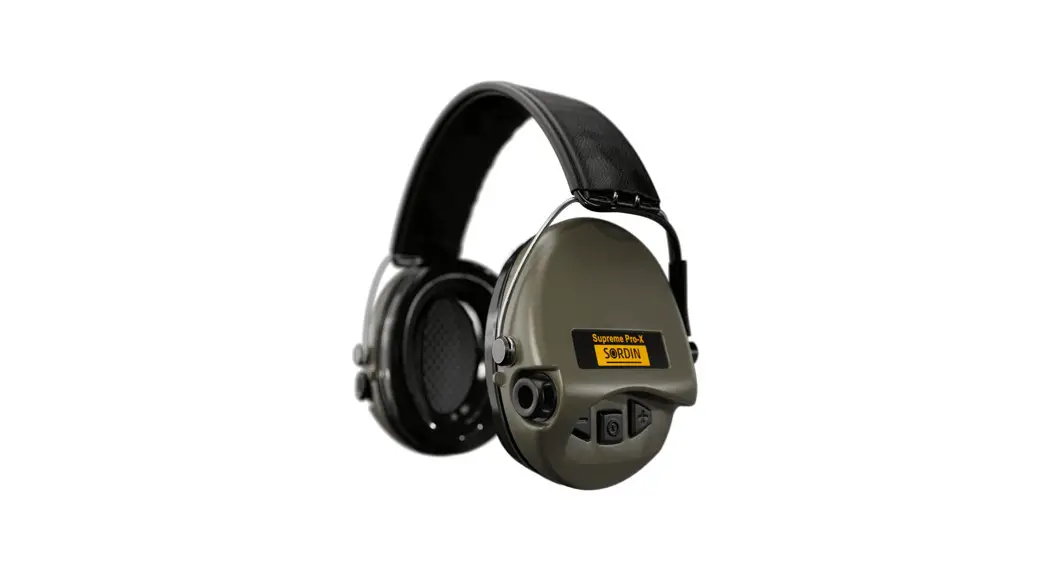
Sordin Supreme Pro-X, Pro-X LED
Basic settings
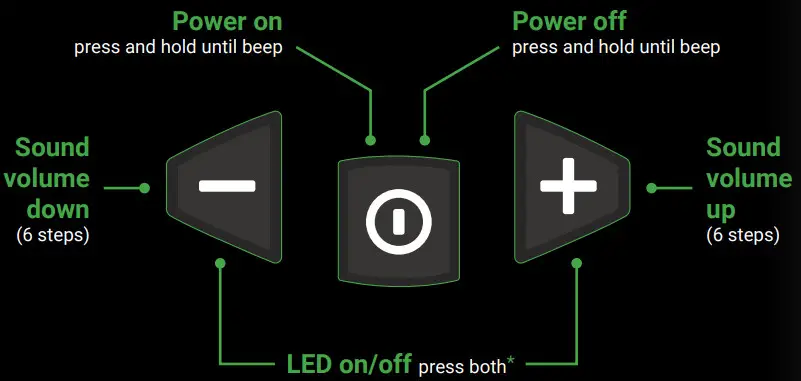 * Sordin Supreme Pro-X LED models only
Switch between audio profiles
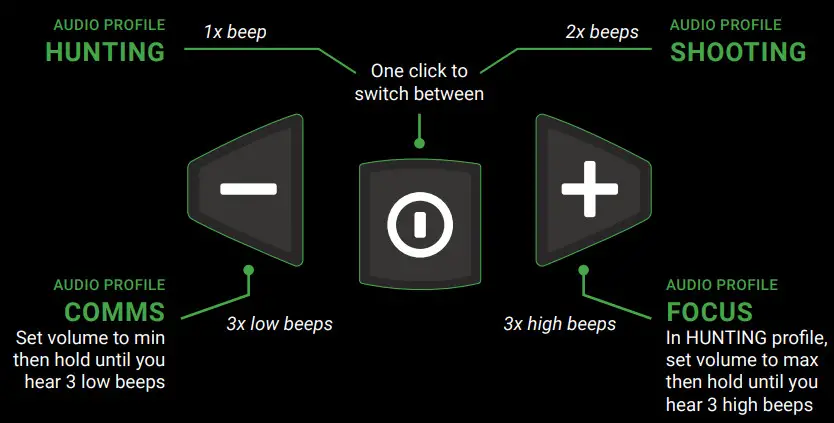 For a more detailed description, see the manual
 HUNTING
Hunting is the main audio profile for general purposes. The sound image is optimized for a normal hunting day, balancing clear ambient sound such as speech with comfortable lownoise audio. SHOOTING
Shooting is a comfort profile with lower gain and a narrower audible frequency spectrum. Perfect when normal situational awareness is sufficient, e.g. in shooting training at the range. FOCUS
FOCUS
Focus is your full-alert profile. It features high amplification and a wider frequency spectrum for highest situational awareness. Use this audio profile e.g. in the hunting tower to shapen your senses before your shot. COMMS
COMMS
In Comms, ambient sound is deactivated and your hearing protector uses passive protection only. However, the 3.5-mm AUX input is active allowing for clear communication
even in noisy environments.

 Sordin Supreme - The legend continues