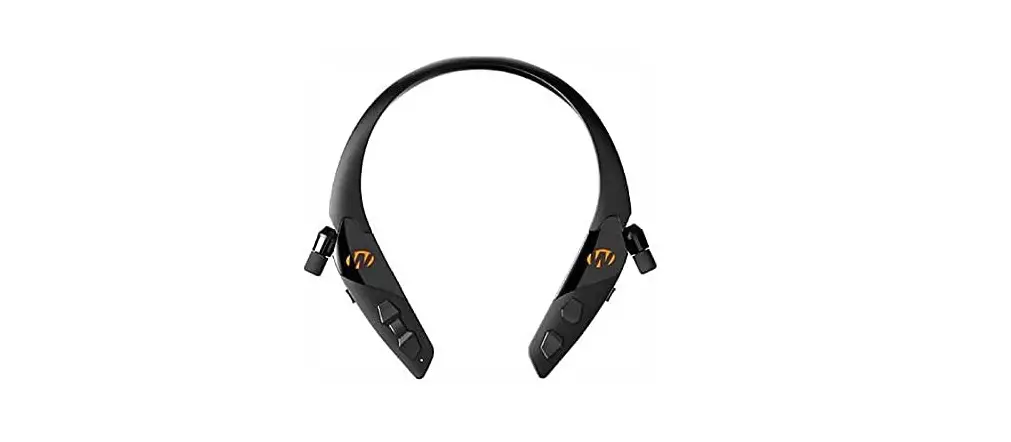

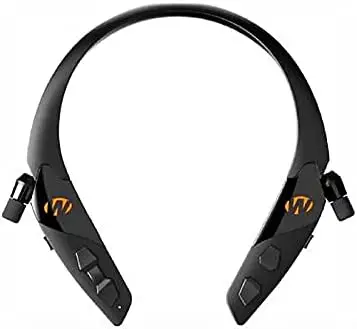
Walker’s Safety Razor XV 3.0 – Hearing Enhancement Ear Buds
Specifications
- PACKAGE WEIGHT: 0.17 Kilograms
- ITEM DIMENSIONS LxWxH: 1 x 1 x 1 inches
- BRAND NAME: Walker’s
- BLUETOOTH: 3.0
Introduction
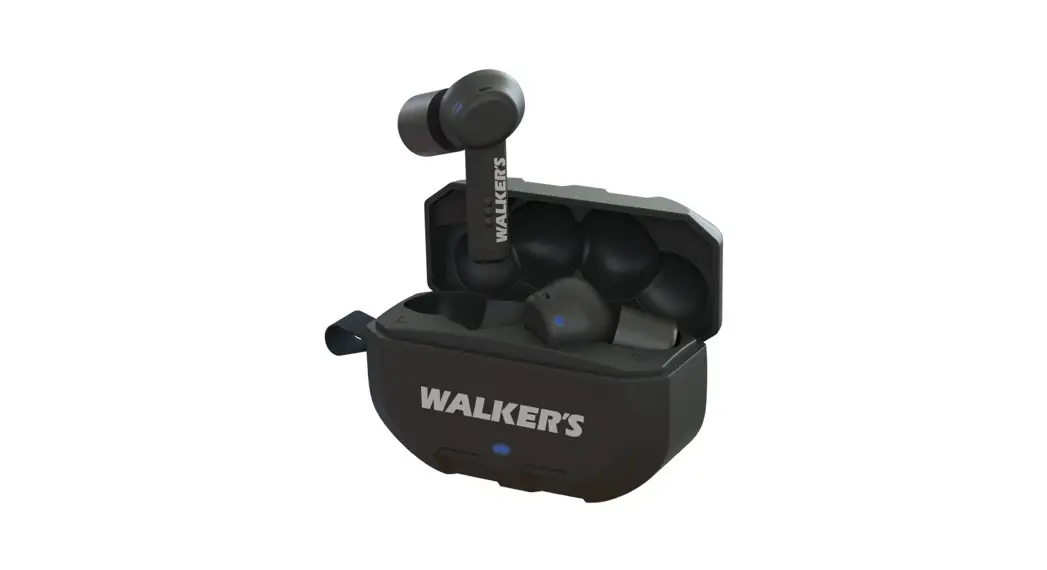
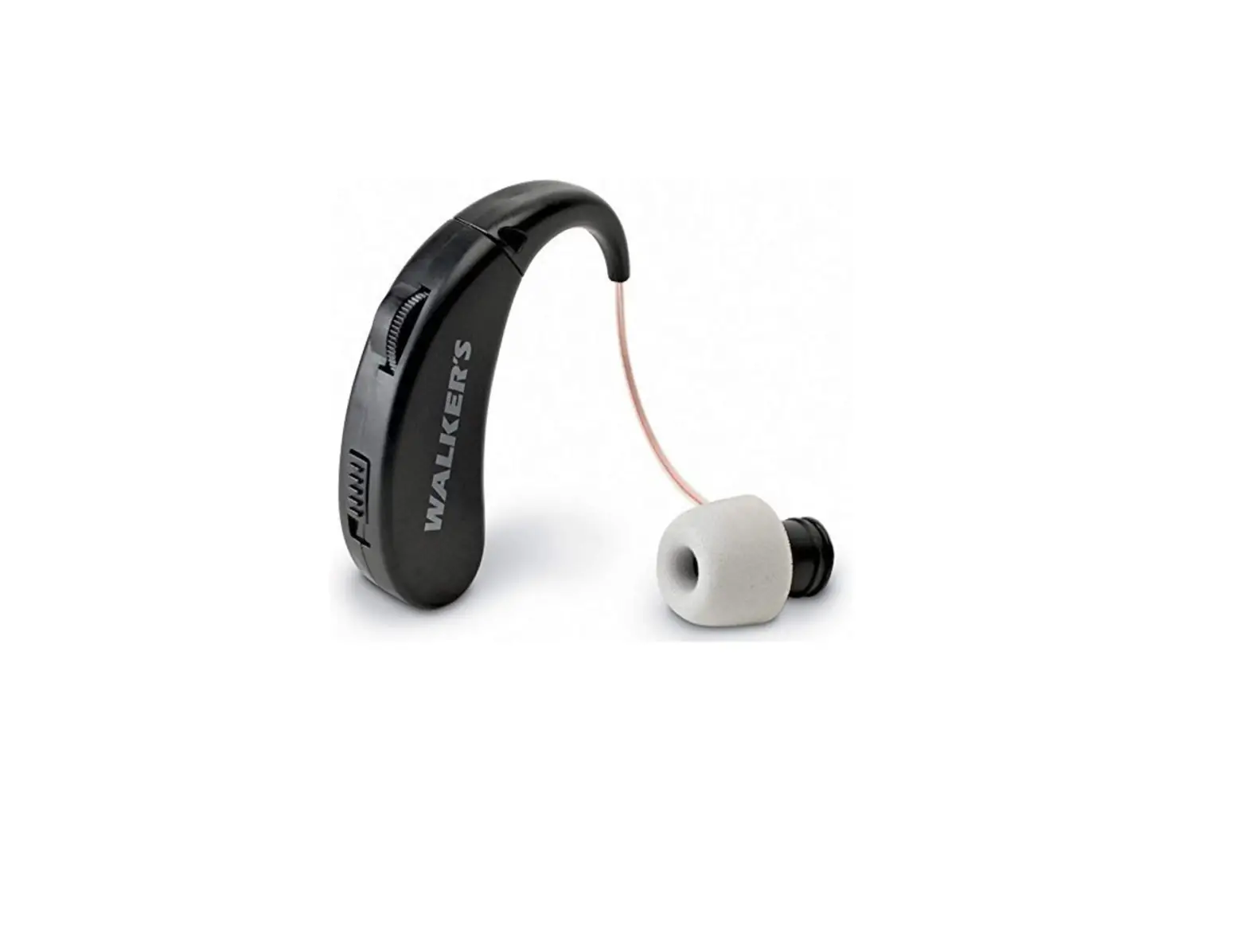
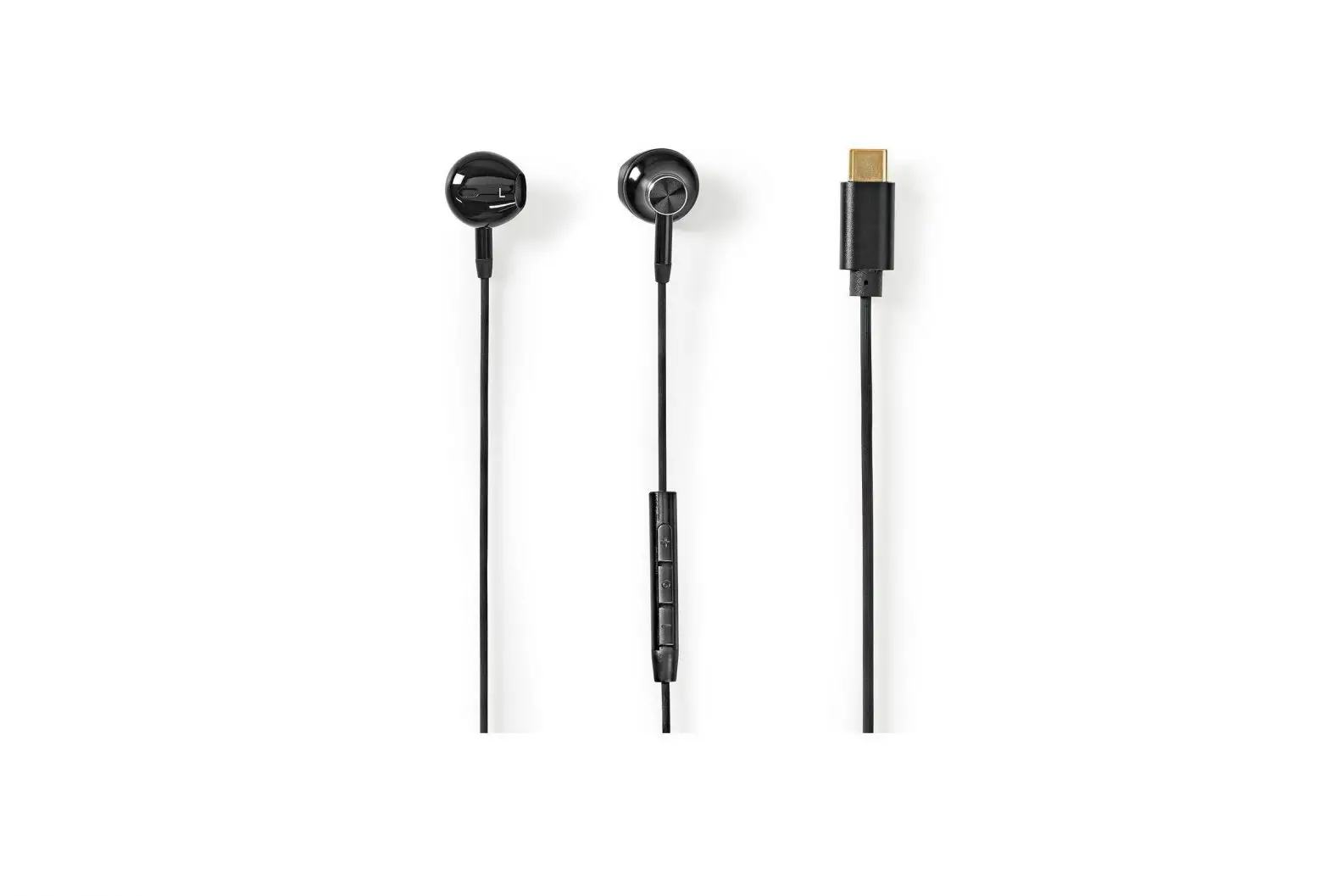
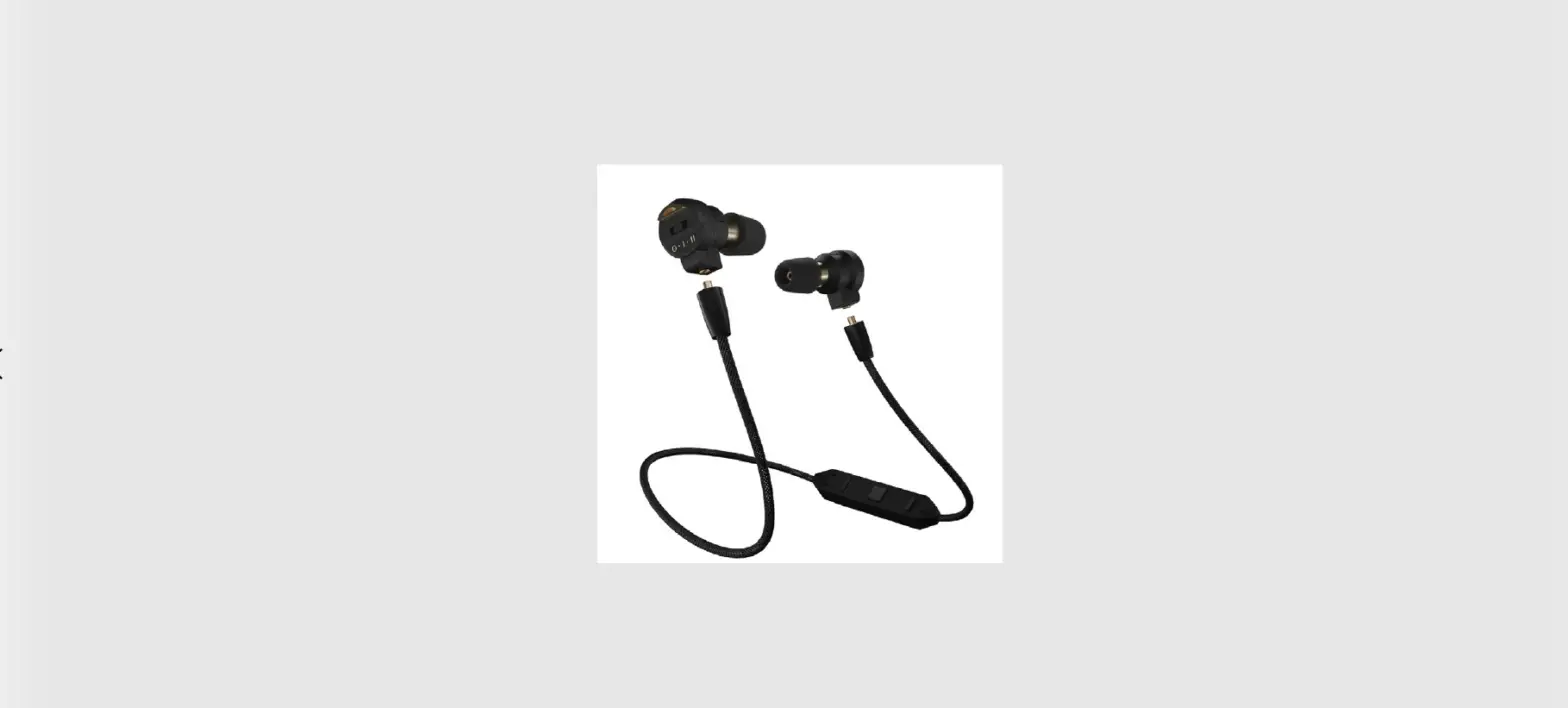
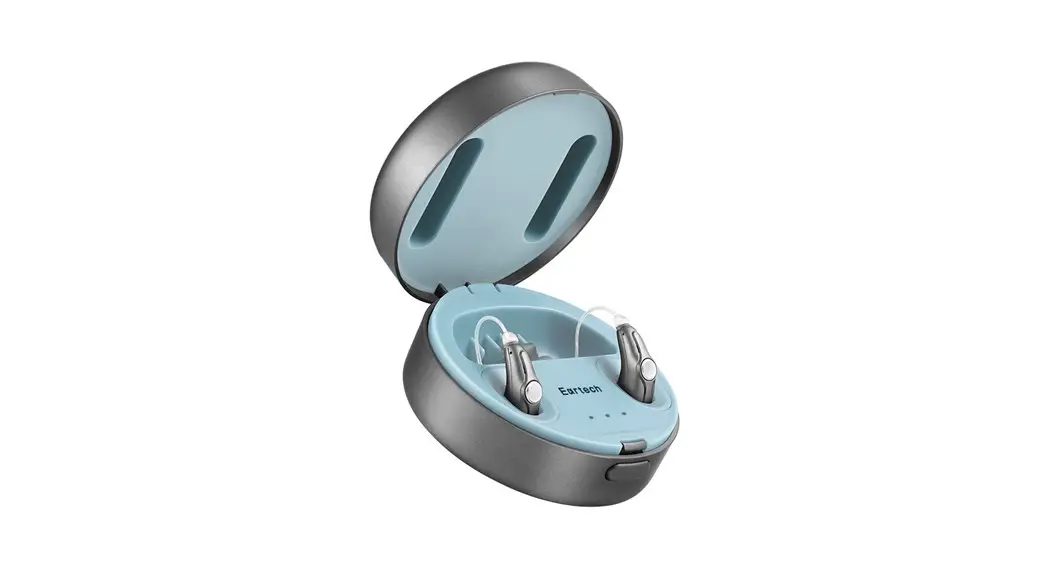
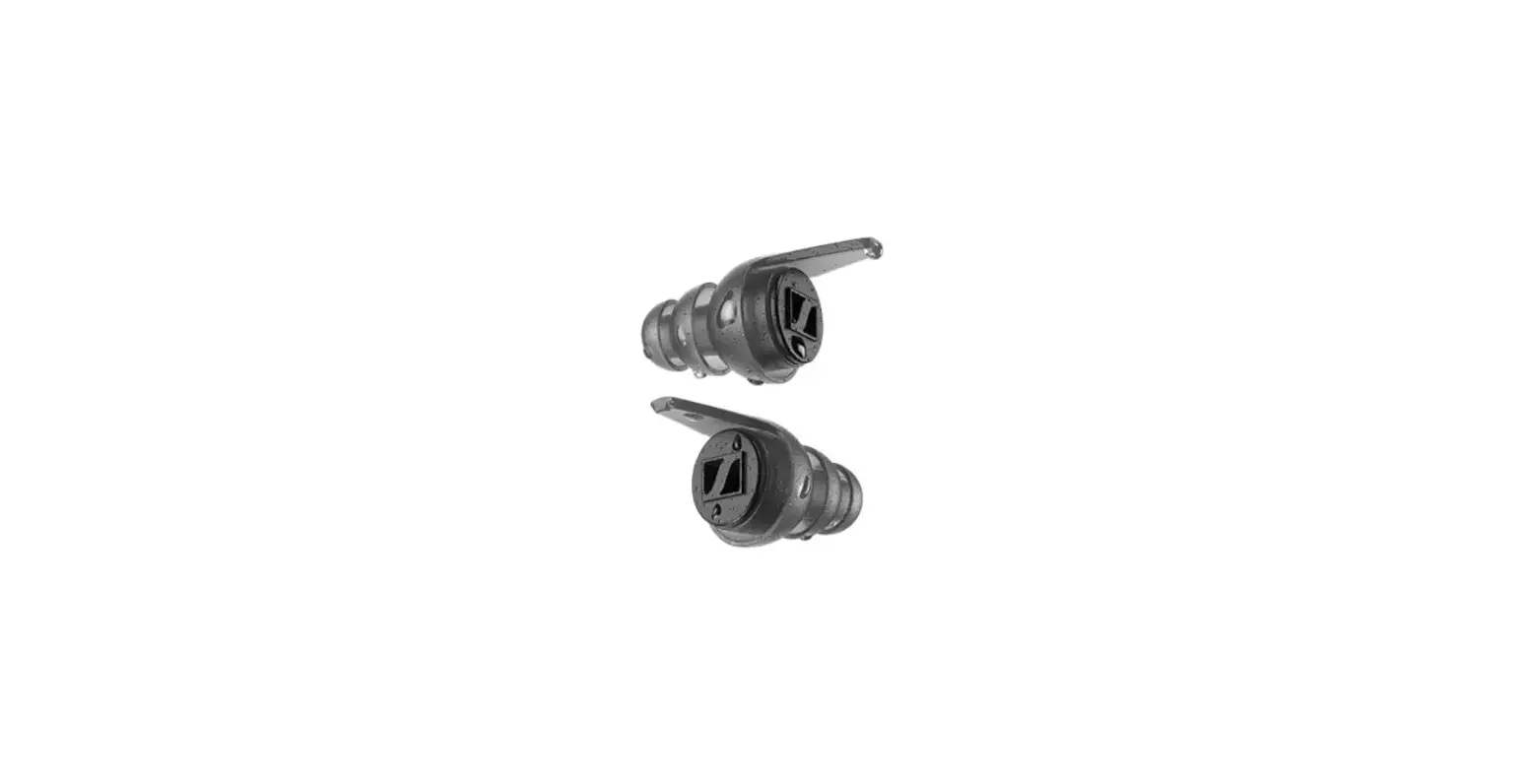
Walker’s Safety Razor XV 3.0 are best hearing enhancement and best earbuds for people who love to keep their earphones with them all the time. It has omnidirectional plastic imported retractable digital earbuds for enhancing clear sounds. It provides the best and crisp sound quality.
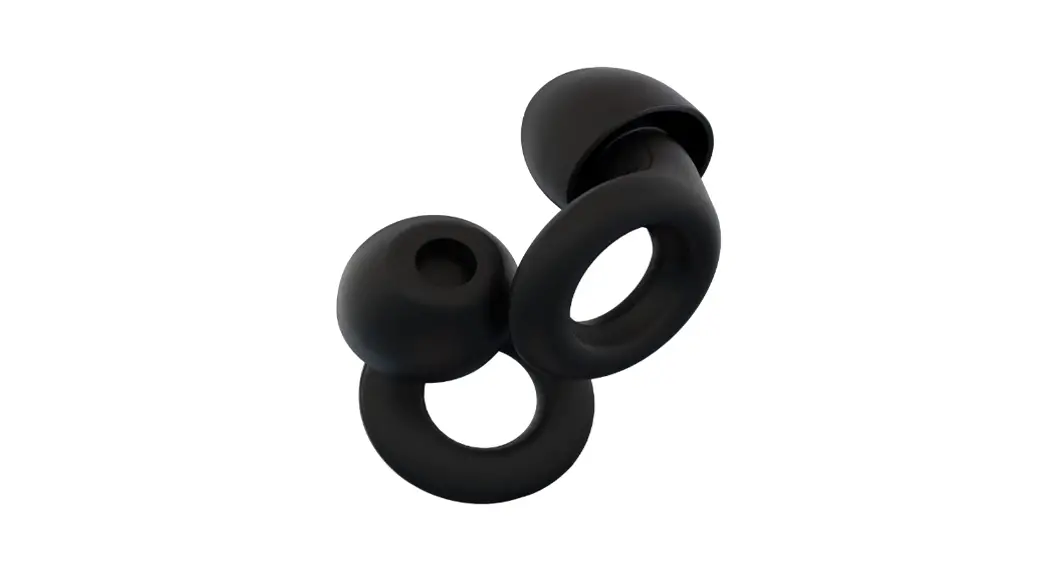
It has improved earbud position for less cord interference and HD walker’s in earbuds for high-definition audio. There is no distortion or disturbance in the sound quality. It comes with 3 pairs of foam tips (Small, Medium, Large). It also the micro USB charging cable and integrated micro USB port included
DEVICE FUNCTIONS
Turning the device on
Press and hold the Power button for 2 seconds
Changing Ambient Sound Volume
Volume changes respectively when pressing the Ambient Volume Up or Down controls:
- “Volume Up increases volume by one stage.
- Volume Down decreases volume by one stage.
- When Sound Level Changes a single audible beep is produced as an indicator.
When Ambient Volume reaches minimum Sound Level (Sound level 0 / Mute)
- There will be an Audible double beep.
- If Volume Down is pressed again at this level, sound level will not change and double beep will be produced again.
When Ambient Volume reaches maximum Sound Level (Sound level 14/ +14d B)
- There will be an Audible double beep.
- If Volume Up is pressed again at this level, sound level will not change and double beep will be produced again.
Changing Listening Modes
Press both Ambient Volume Up and Down buttons at the same time. “The unit will cycle through the 4 available modes
- Universal
- Clear Voice
- High Frequency Boost
- Power Boost
Charging the device
Open the Micro USB Connector cover, plug ina Micro USB cable, then plug the other end into a USB power source or adapter. While the device is charging the LED will remain constant ON. When fully charged the device’s LED will turn blue.
NOTE: When device is turned off, the ear buds will still provide passive NRR.
BLUETOOTH FUNCTIONS
Pairing the device
Press the BT Pairing button to enter Bluetooth pairing mode. When the unit is first turned ON it will search automatically for the last paired device and then connect, if device is not found it will search for a few minutes and if not paired, Bluetooth will automatically enter pairing mode.
On the device you want to connect to the headphone, follow the manufacturer’s instructions to locate and connect to “Razor XV 3.0” (Note: Auto re-connects to previous last connected device during pairing if the BT device has been paired previously). Once paired, the red LED will be flashing every few seconds. In Pairing Mode, the light will flash Blue then Red until paired.
Answer Call
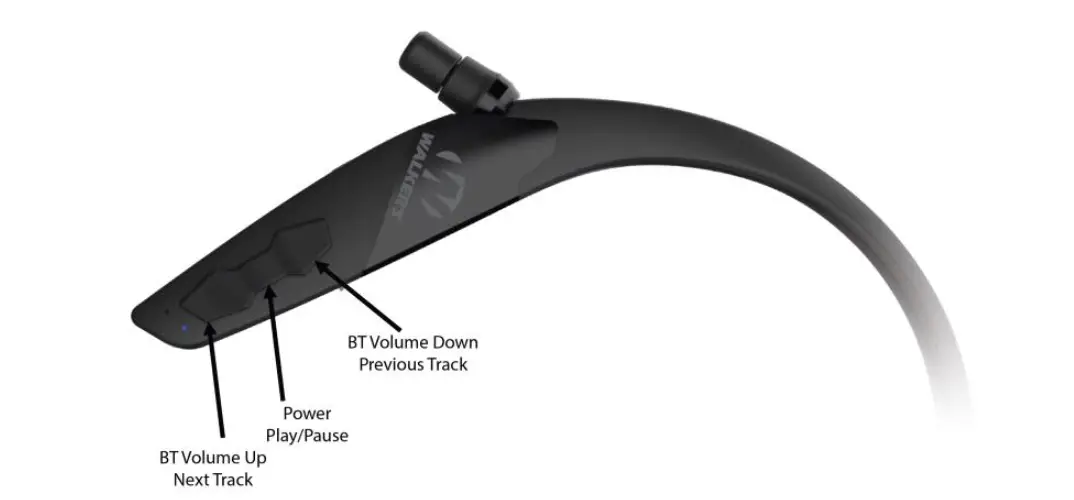
Short press the BT Pairing button to answer incoming call.
Reject Call
Long press the BT Pairing button to reject the call.
Cancel/end call
Short press the BT Pairing button to cancel/end call.
Call on hold/waiting
During phone calling, if another new call is received, double press the BT Pairing button to switch from first call to second call. To switch back to first call short press the BT button to end the second call and it will be switched to previous call.
Last number redial
Double press the BT Pairing button to re-dial the last phone number.
Audio Pause/play
Short press the BT Pairing button to pause/play music. Skip a song by holding the BT volume up/Down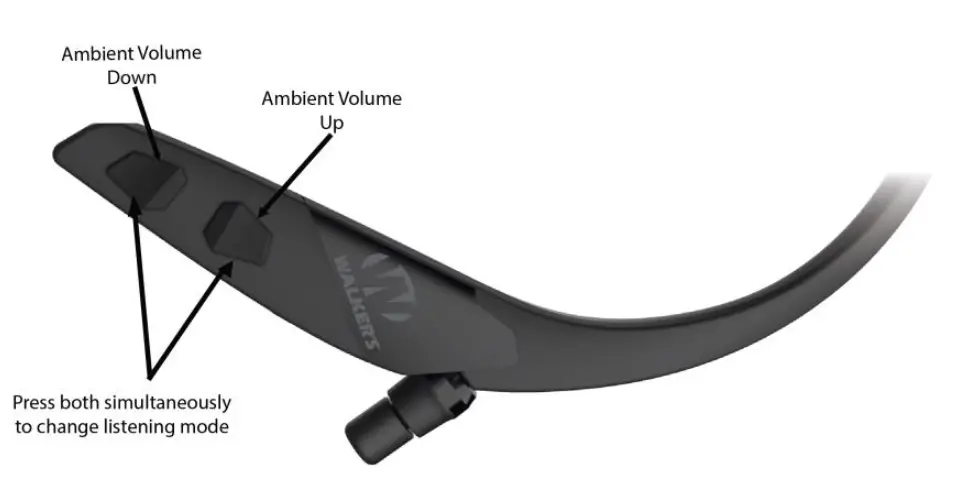
Walker’s LINK APP
- FREE on Apple App Store and Google Play
- All settings including, volume, environmental hearing modes, and sleep timer can be adjusted from the Walker’s LINK APP.
- To connect to the app, imply open the app while the headset is powered on and connected via Bluetooth to your mobile phone. The app will automatically synchronize with the headset and reflect the current settings.
- Headset Ambient sound control and Bluetooth volume are controlled separately for a unique listening experience. The Walker’s LiNK APP will control the Ambient volume while Bluetooth volume is controlled using the volume buttons on your headset or mobile device.
Ambient Sound Control: Controls the physical volume that can also be found on the headset.
Environmental Hearing Modes: Four ambient audio profiles are available to create a custom listening experience. Universal, Clear Voice, High Frequency Boost, and Power Boost can all be adjusted from both the headset and APP.
Inactivity Sleep Timer: To conserve battery life when the headset is not in use, the headset can be configured to power off after a set time (2, 4, 6, 8 hours). The headset will power off when no button has been pressed for the designated time AND when it is not connected to a device via Bluetooth.
NRR Information
Although hearing protectors can be recommended for protection against the harmful effects of impulsive noise, the noise reduction rating (NRR), is based on the attenuation of continuous noise and may not be an accurate indicator of the protection attainable against impulsive noise such as gunfire.
The level of noise entering a person’s ear, when hearing protector is worn as directed, is closely approximated by the difference between the A-weighted environmental noise level and the NRR.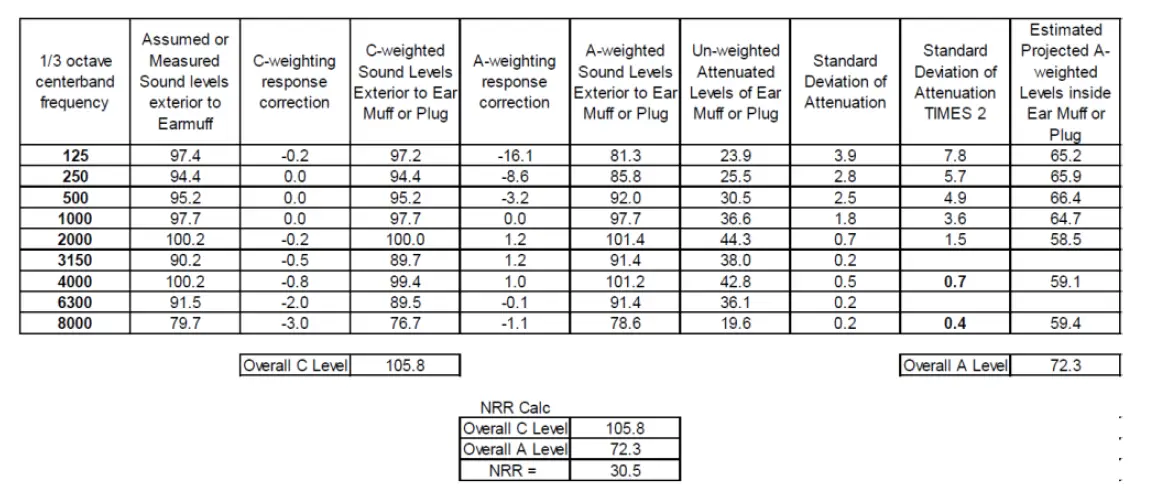
FCC statement
This device complies with Part 15 of the FCC Rules. Operation is subject to the following two conditions: (1) this device may not cause harmful interference, and (2) this device must accept any interference received, including interference that may cause undesired operation.
FCC Caution
Changes or modifications not expressly approved by the party responsible for compliance could void the user’s authority to operate the equipment.
FCC NOTE
This equipment has been tested and found to comply with the limits for a class B digital device, pursuant to Part 15 of the FCC Rules. These limits are designed to provide reasonable protection against harmful interference in a residential installation. This equipment generates, uses and can radiate radio frequency energy and, if not installed and used in accordance with the instructions, may cause harmful interference to radio communications. However, there is no guarantee that interference will not occur in a particular installation. If this equipment does cause harmful interference to radio or television reception, which can be determined by turning the equipment off and on, the user is encouraged to try to correct the interference by one or more of the following measures:
- Reorient or relocate the receiving antenna.
- Increase the separation between the equipment and receiver.
- Connect the equipment into an outlet on a circuit different from that to which the receiver is connected.
- Consult the dealer or an experienced radio/TV technician for help.
Shielded interference cable must be used with the equipment in order to comply with the limits for a digital device pursuant to Subpart B of Part 15 of FCC Rules.
Specifications and designs are subject to change without any notice or obligation on the part of the manufacturer. The device has been evaluated to meet general RF exposure requirement. The device can be used in portable exposure condition without restriction.
IC NOTE
This device contains license-exempt transmitter(s)/receiver(s) that comply with Innovation, Science and Economic Development Canada’s license-exempt RSS(s). Operation is subject to the following two conditions:
- This device may not cause interference.
- This device must acceptancy interference, including interference that may cause undesired operation of the device.
LIMITED WARRANTY
- Walker’s warranties this product to the original purchaser to be free from defects in materials and workmanship, under normal use and conditions for a period of one year parts from the date of purchase.
- Under this warranty, this device will be replaced or repaired at our option. Copy of the original receipt or gift receipt, is required for any warranty service. To enact the warranty, the customer is required to contact our Customer Service Group at 877-268-8490 to receive a Return Authorization (RA) number PRIOR to sending the product back.
- This warranty is void if any of the following occur: The device is not accompanied by a copy of the receipt or gift receipt from the original purchaser. The device has been tampered with, opened or punctured.
The device has been immersed in water or other liquids, allowed to be filled with dirt or dust, or otherwise physically abused. The one year limited warranty has expired. Please inquire about other options from your Customer Service Representative.
This shall be the exclusive written warranty of the original purchaser and neither this warranty nor any other warranty, expressed or implied, shall extend beyond the 12-month period listed above. In no event shall Walker’s, Inc. be liable for consequential property damage, or consequential personal injury. (Some states do not allow limitations on implied warranties or exclusions of consequential damages, so that these restrictions may not apply to you). This warranty gives you specific legal rights, and you may have other rights, which vary from state to state.
FAQ’s
- Are baby walkers safe?
Walkers, which allow infants to roam around using their feet and have wheeled frames and suspended seats, are in fact unsafe. Walkers are a major contributor to infant injuries; thus, health and safety professionals strongly advise against using them. Babies in walkers have a tendency to roll into heaters, stoves, and swimming pools. - Why are walkers not advised?
They move so swiftly that they are regarded as dangerous. Additionally, your kid may reach objects they normally wouldn’t be able to since they are taller while standing up in a walker. The risk of slipping down stairs or steps is one potential risk. - How safe are push walker?
One, they can delay walking and don’t truly aid in children learning to do so. Two, they could make it more likely for a baby to roll down the steps, get burnt, or even drown. - In the UK, are baby walkers safe?
Baby walkers are NOT advised by physiotherapists or other health professionals. There are principally two causes for this: Safety: Despite monitoring, several mishaps including falls down stairs, head injuries, burns, scalds, and trapped arms or legs are recorded every year. - Can baby strollers harm your legs?
Because they are too short to lay their feet level on the ground, children using baby walkers frequently go about on their toes. By tiptoeing, infants might strengthen the incorrect leg muscles, which could hinder their growth and cause ankle and leg issues as they age. - Why are baby strollers prohibited?
The AAP claims that baby walkers “offer no considerable benefit to children” and are a “source of preventable harm,” despite the fact that they are frequently advertised as tools to support a child’s development and encourage walking. As a result, the AAP suggests that baby walkers be banned from being produced and sold in the US. - Where are strollers prohibited?
The sale, importation, and marketing of baby walkers are now prohibited in Canada, the first nation to do so globally. This prohibition includes modified and used baby strollers, as well as those offered for sale at yard sales and flea markets. - What are the drawbacks of using a baby walker?
According to study, walkers impede a child’s muscles from growing properly, leading newborns to walk sideways and preventing natural movement when walking, therefore according to the American Academy of Pediatrics, walkers do not enable children to walk rapidly, much less to attain a healthy stride. - When should infants begin using walkers?
Walkers are typically made for infants who are 4 to 16 months old. Aside from this, the infant must be able to utilize the walker by having his feet touch the ground and being able to hold his head up fairly steady. - Do infants require Walkingtoys?
Push toys, according to experts, help babies beginning to walk develop vital abilities. Your baby will start developing her leg muscles once she can pull herself up to standing and start bouncing up and down.