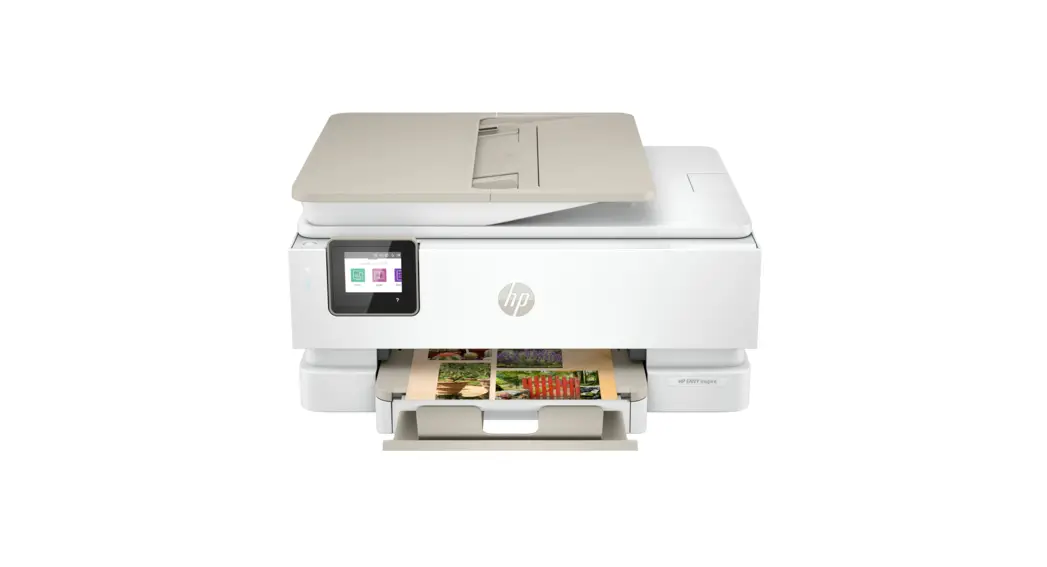
 Setup Guide
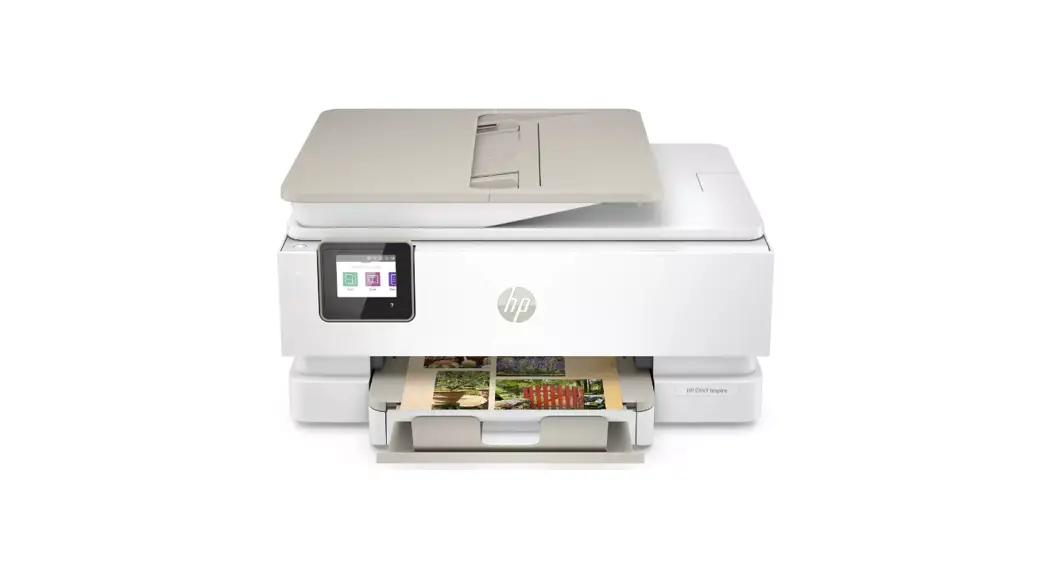
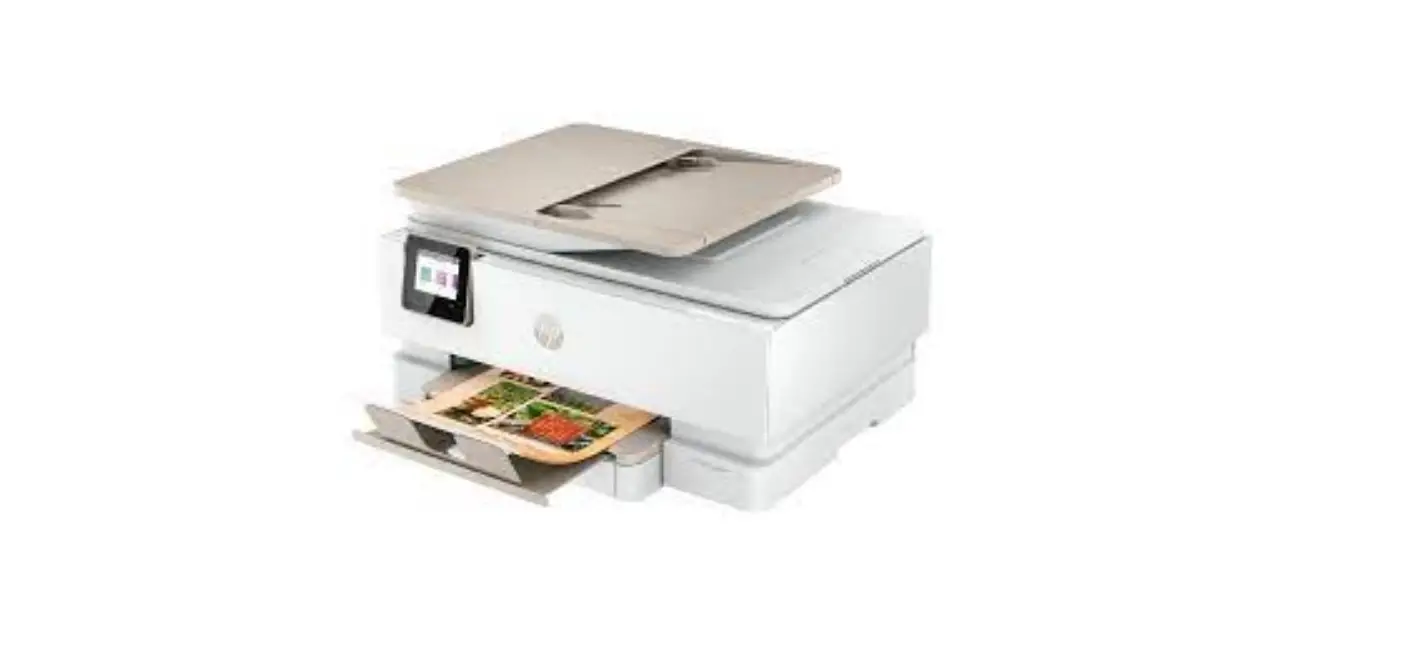
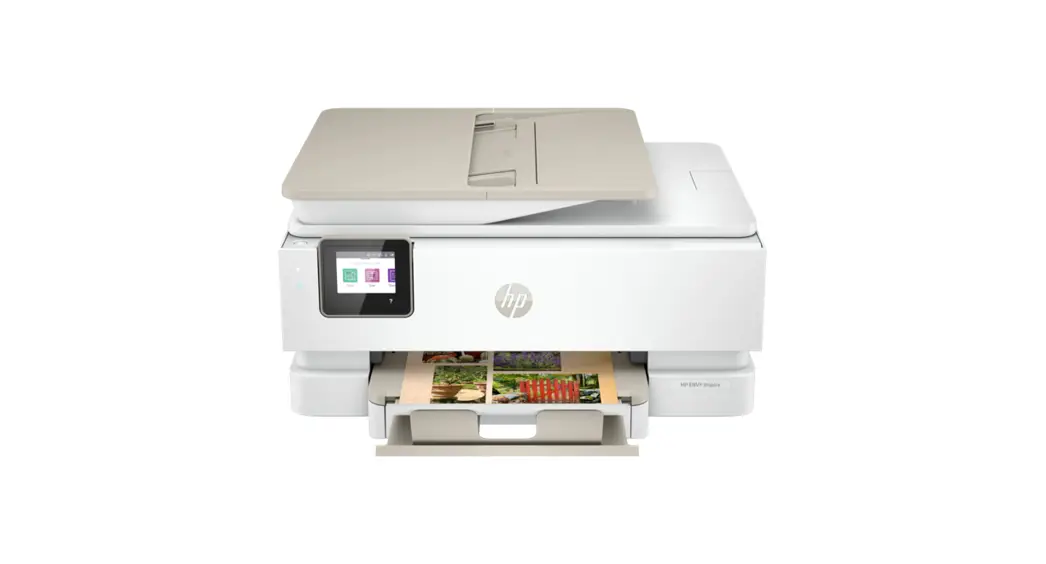
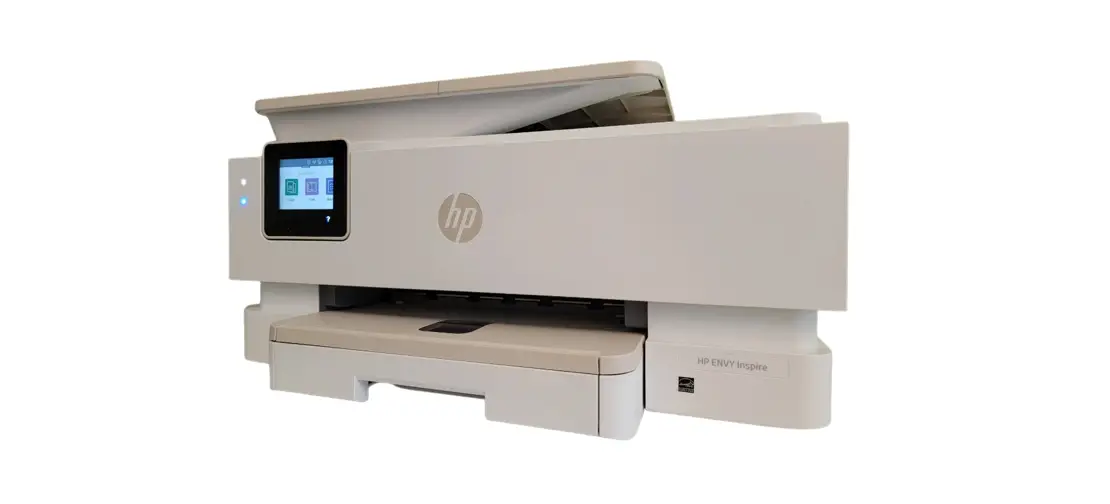
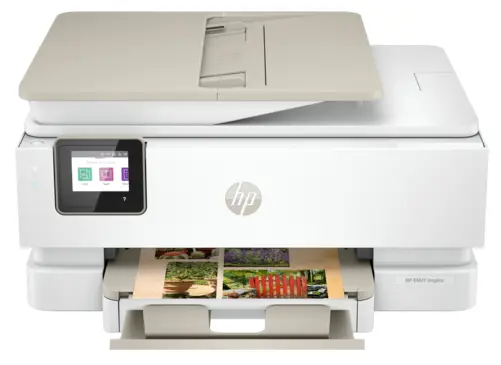 HP ENVY Inspire
7900e series
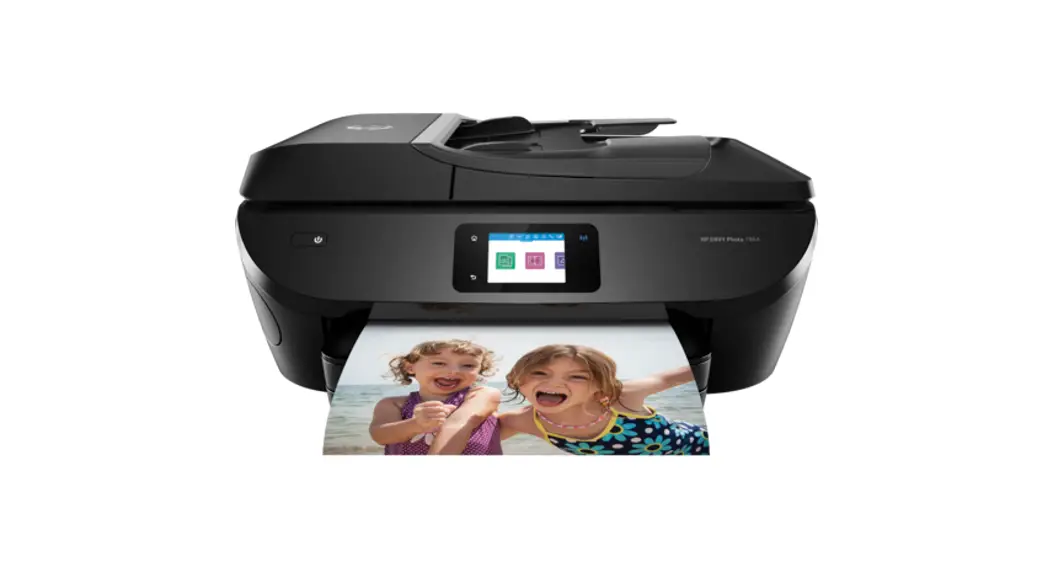
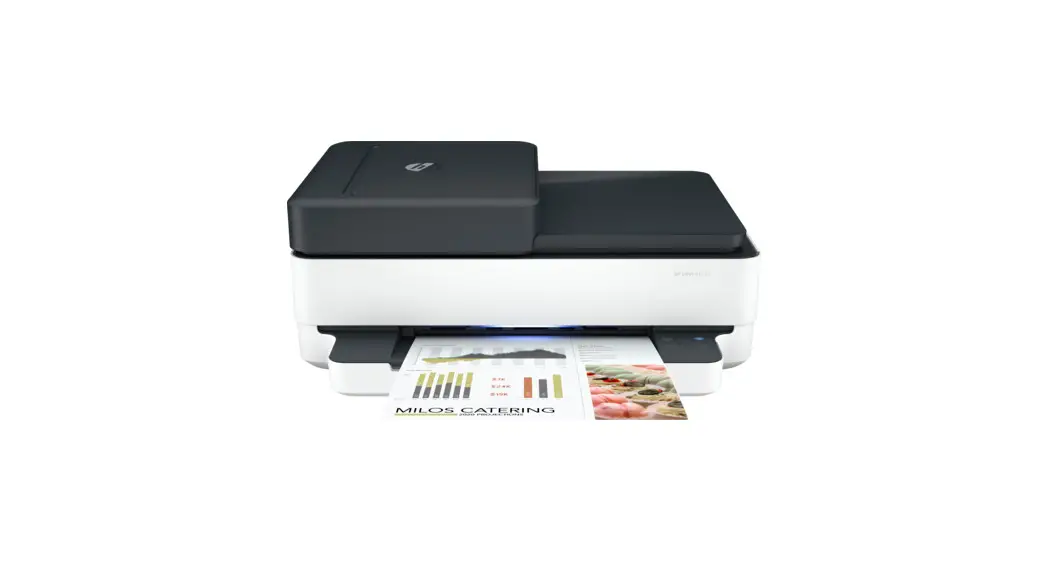
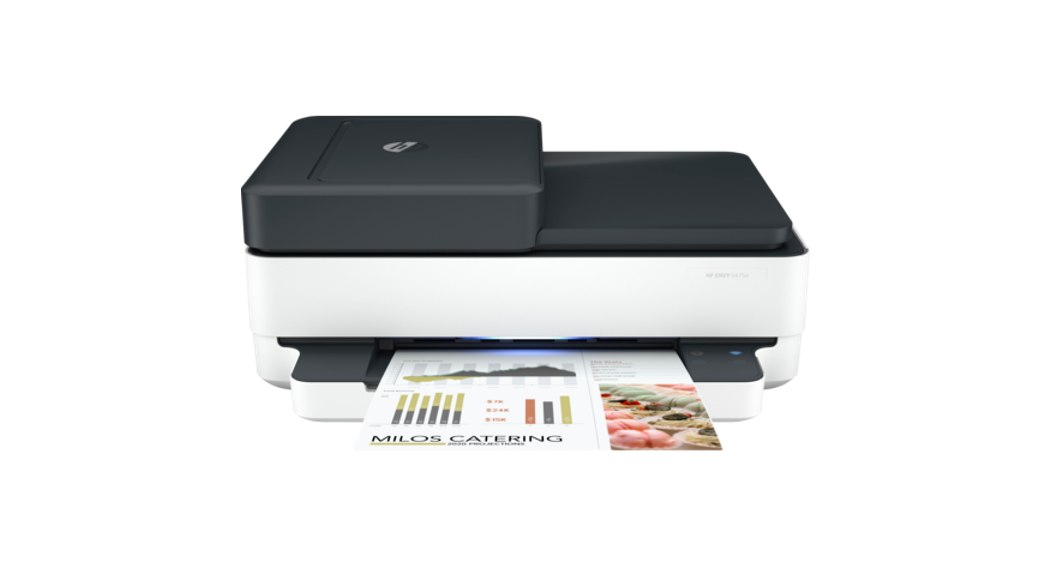
ENVY Inspire 7900e Series Office Printer
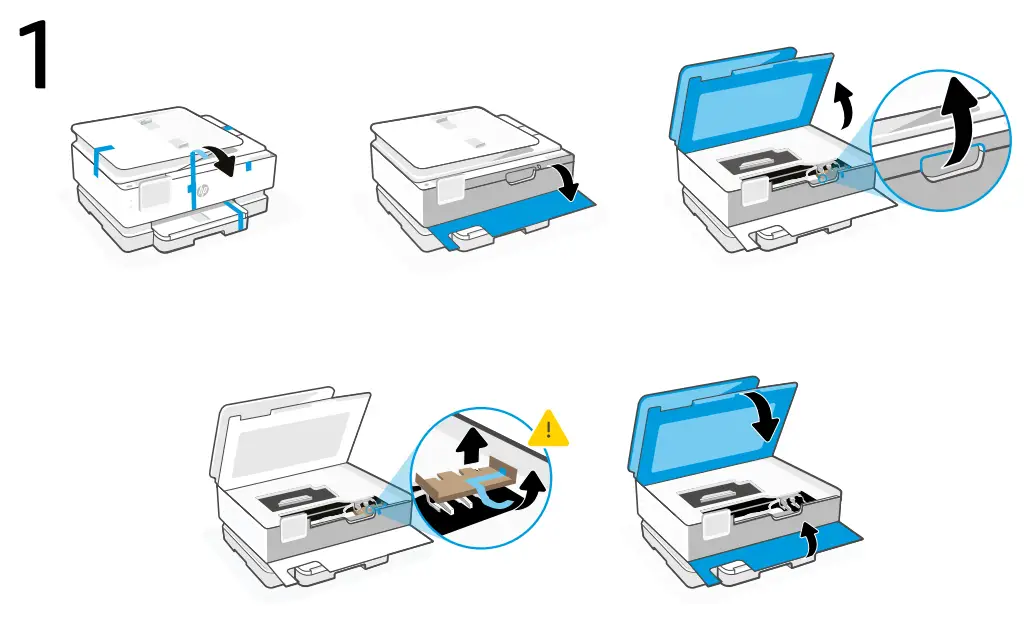
Remove all packaging and tape. Open the front door and cartridge access door.
Remove cardboard. Make sure to close the doors.
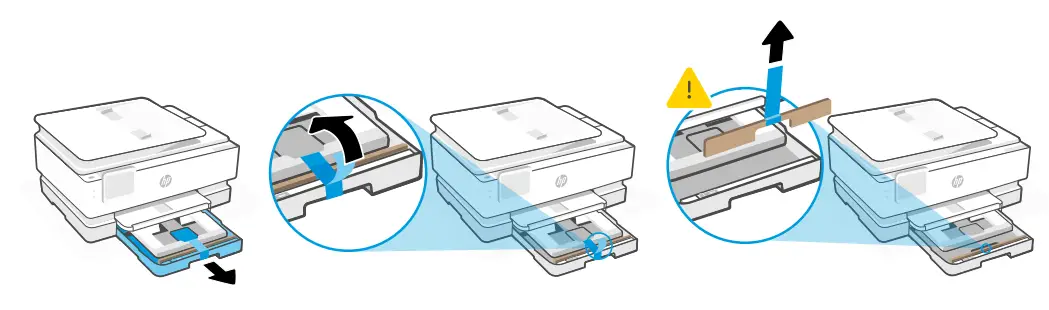
Open the main tray and remove cardboard.
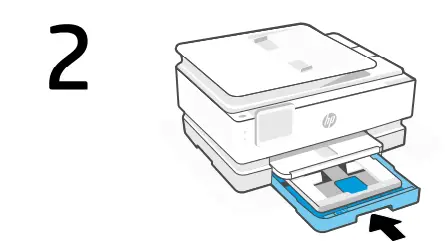
Close the main tray.
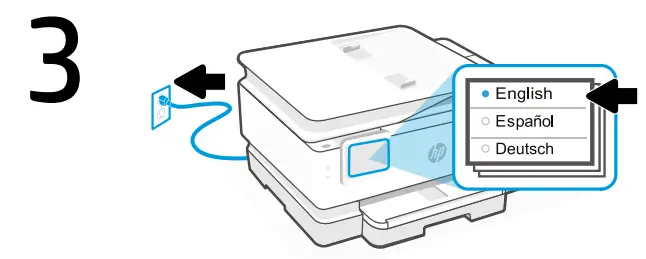
Plug in to automatically power on. Choose your language and country/region on the control panel.
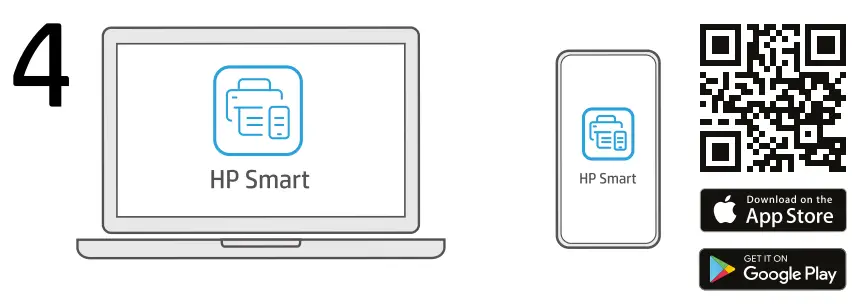
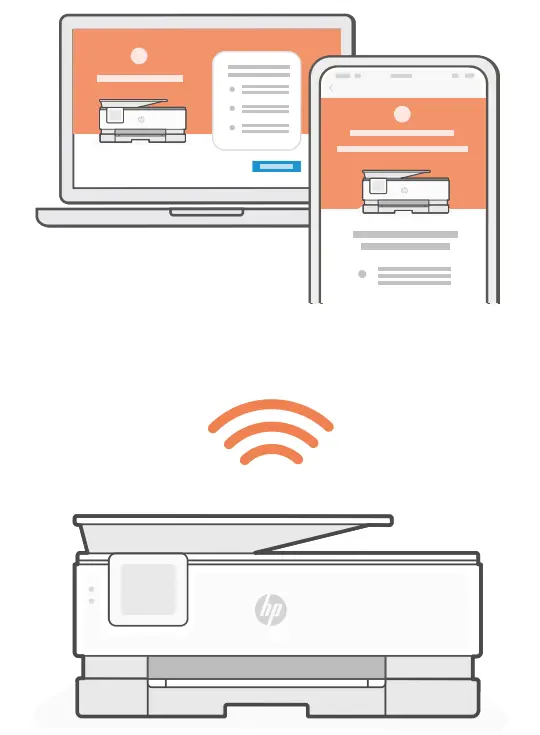
Install the required HP Smart software from 123.hp.com or your app store on a computer or mobile device.
5. Follow instructions in HP Smart to connect the printer to a network and activate HP+ features. If connecting the printer to Wi-Fi, your computer or mobile device must be near the printer during setup. See Reference Guide for Wi-Fi troubleshooting and tips.
Get help with setup
Find setup information and videos online.

The Apple logo is a trademark of Apple Inc., registered in the U.S. and other countries.
App Store is a service mark of Apple Inc.
Android, Google Play, and the Google Play logo are trademarks of Google Inc.
© Copyright 2021 HP Development Company, L.P.
Printed in Thailand
 123.hp.com - HP Smart
 hp.com/support/printer-setup