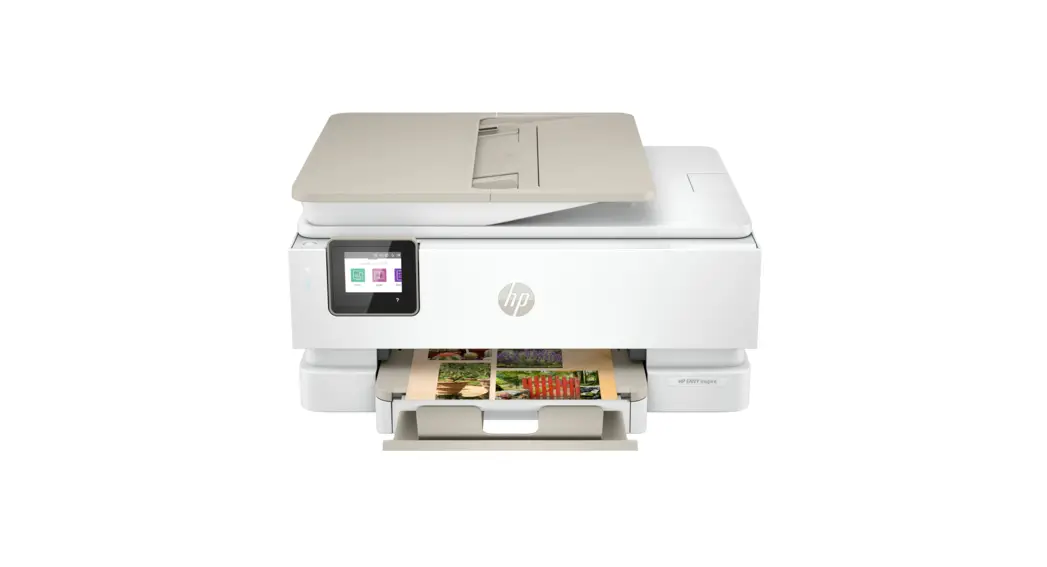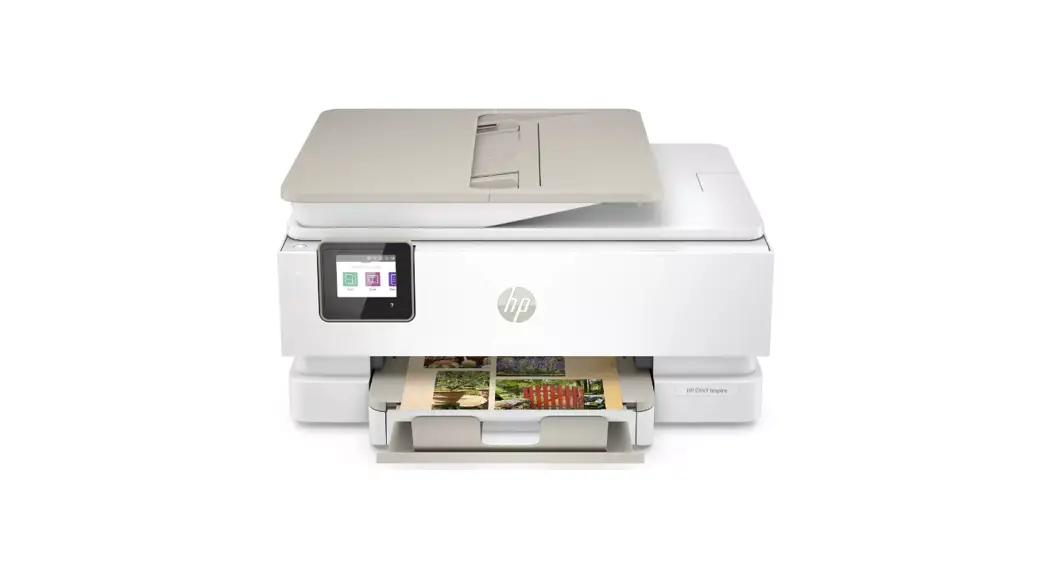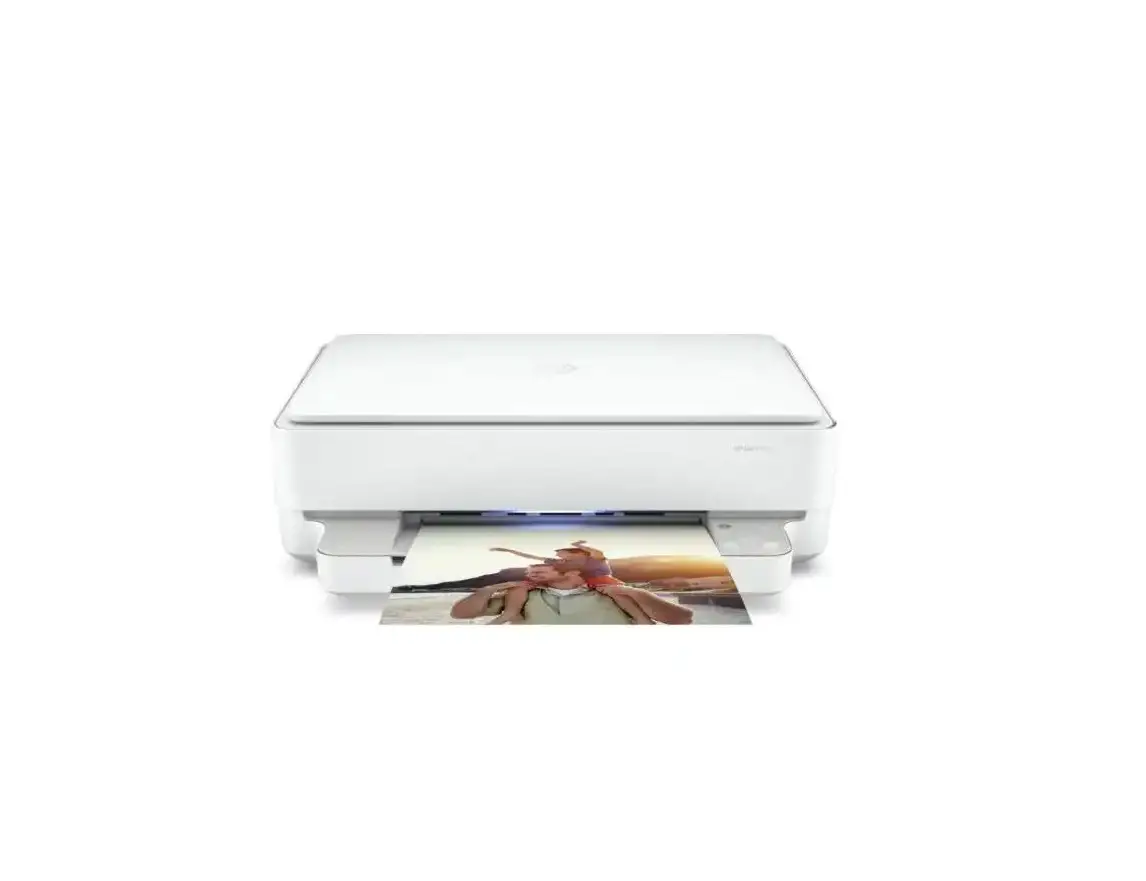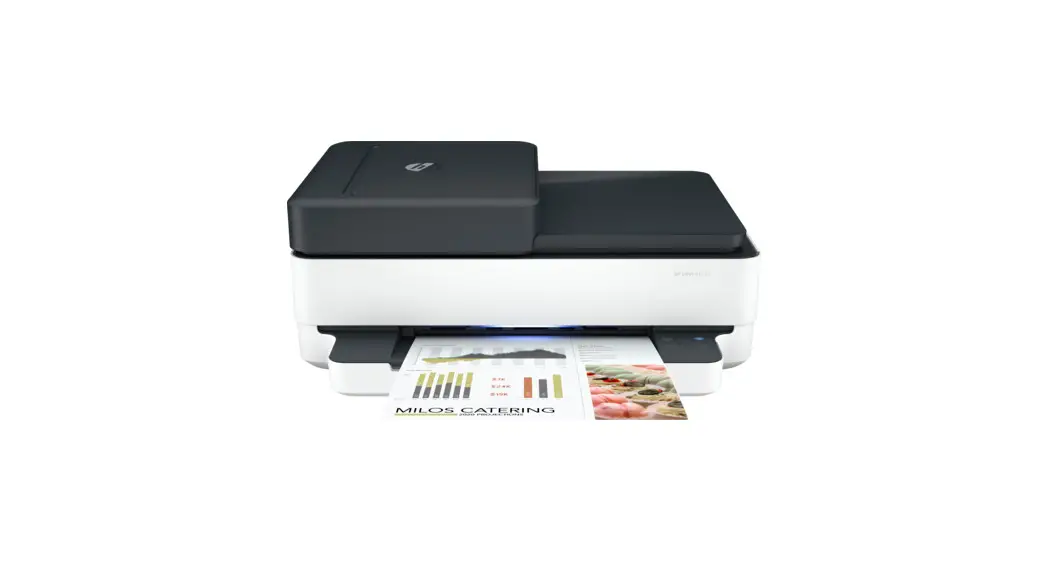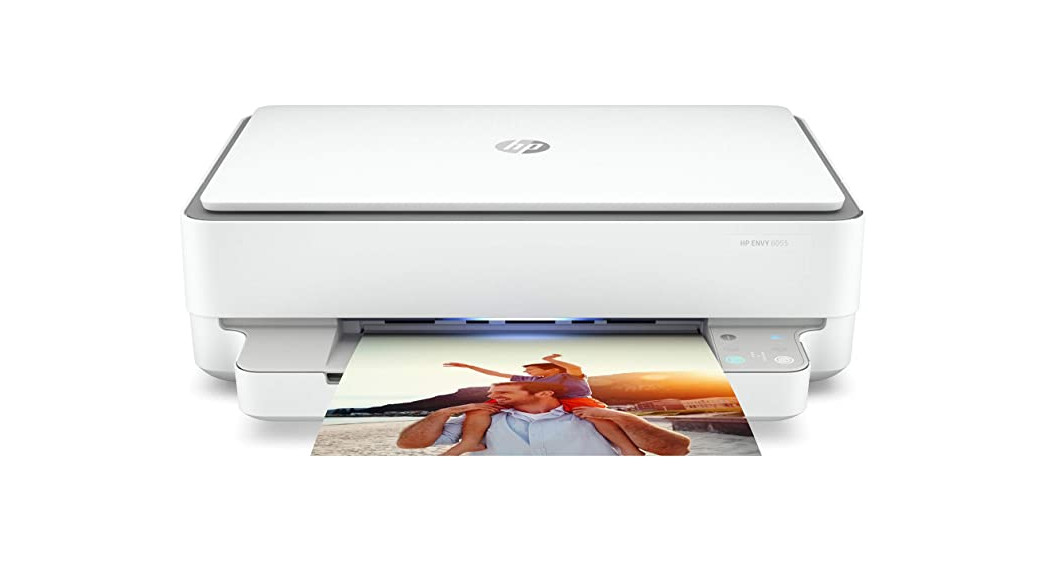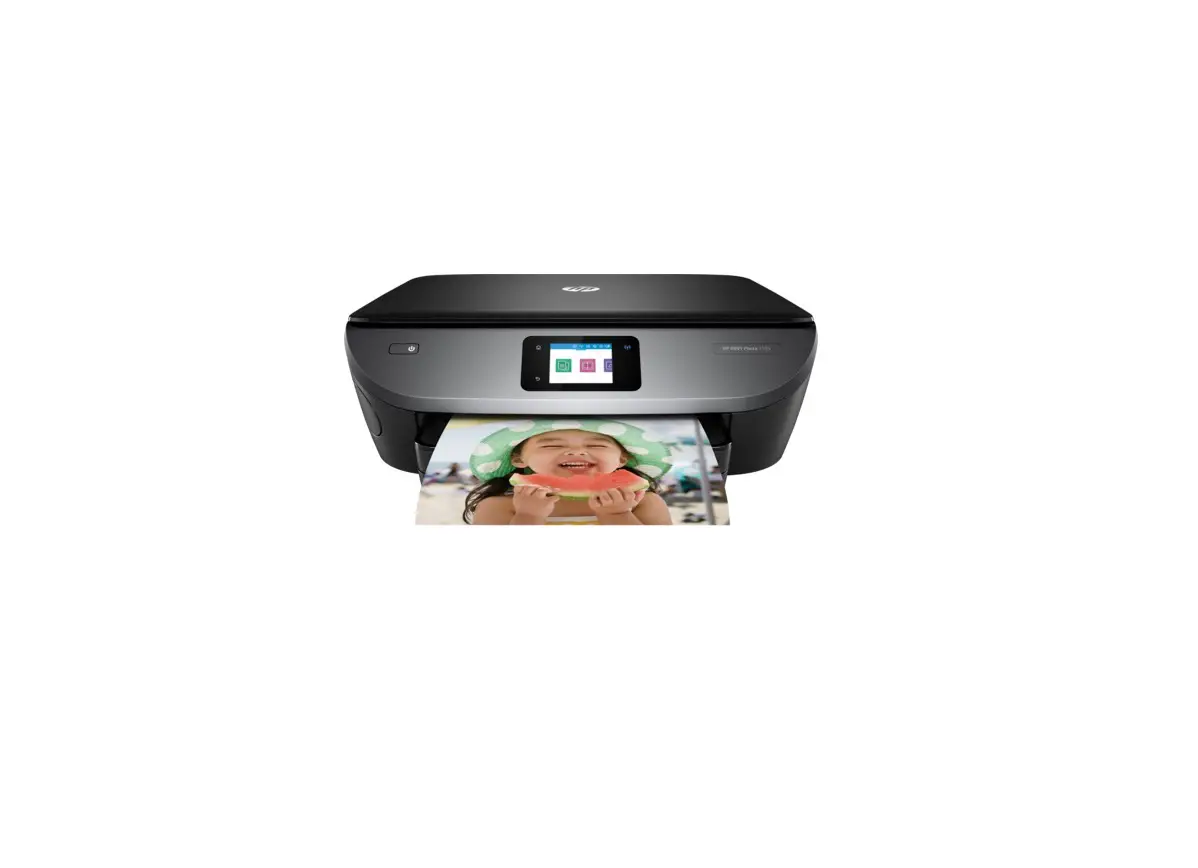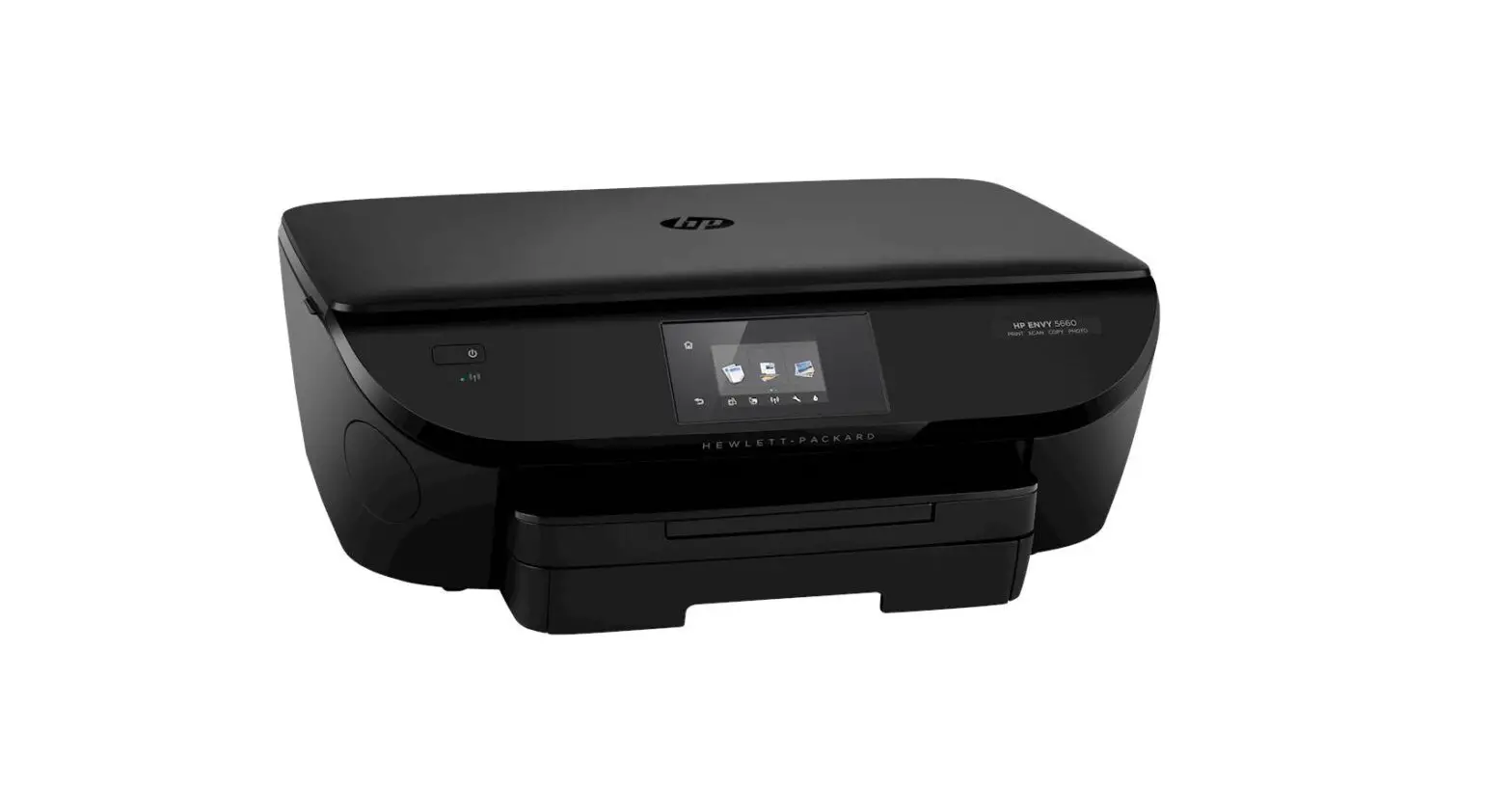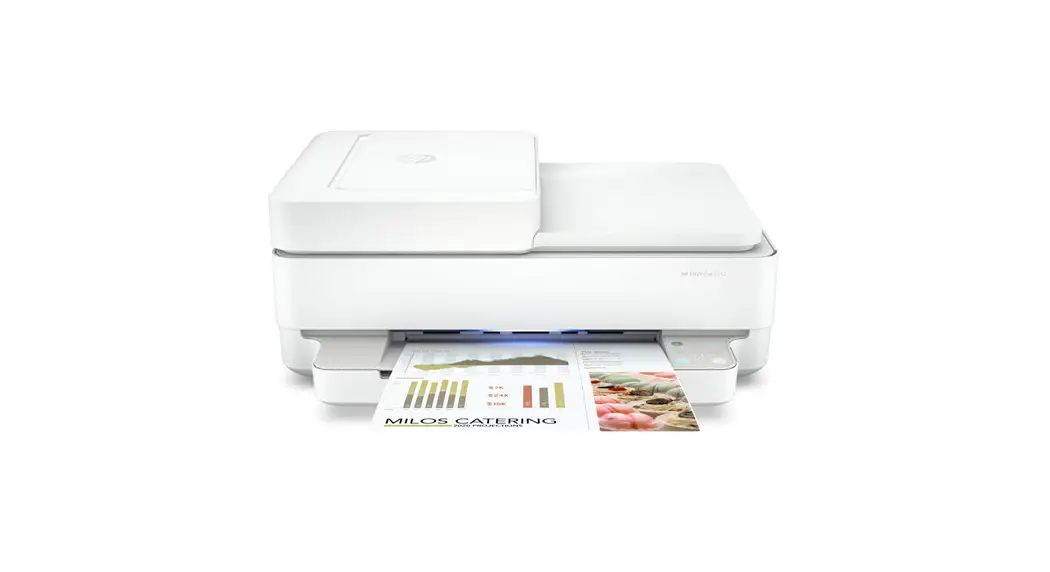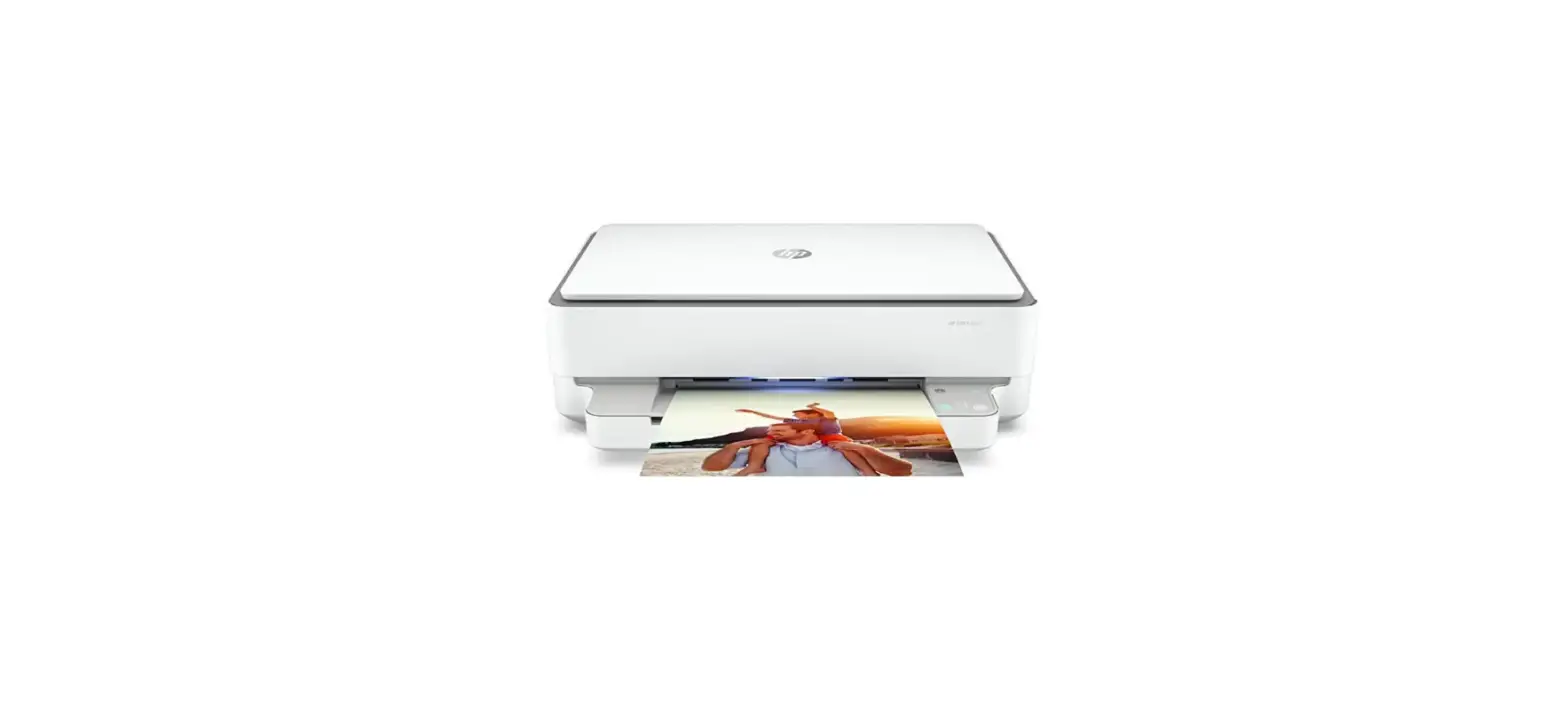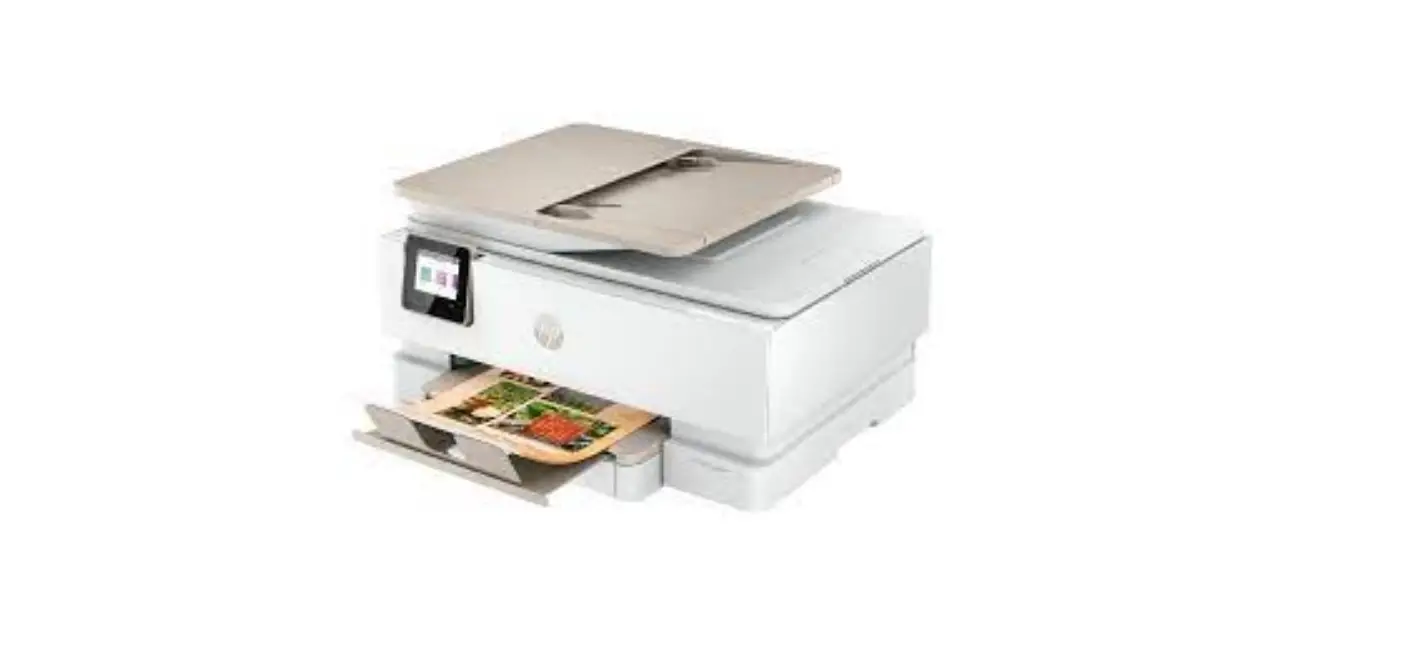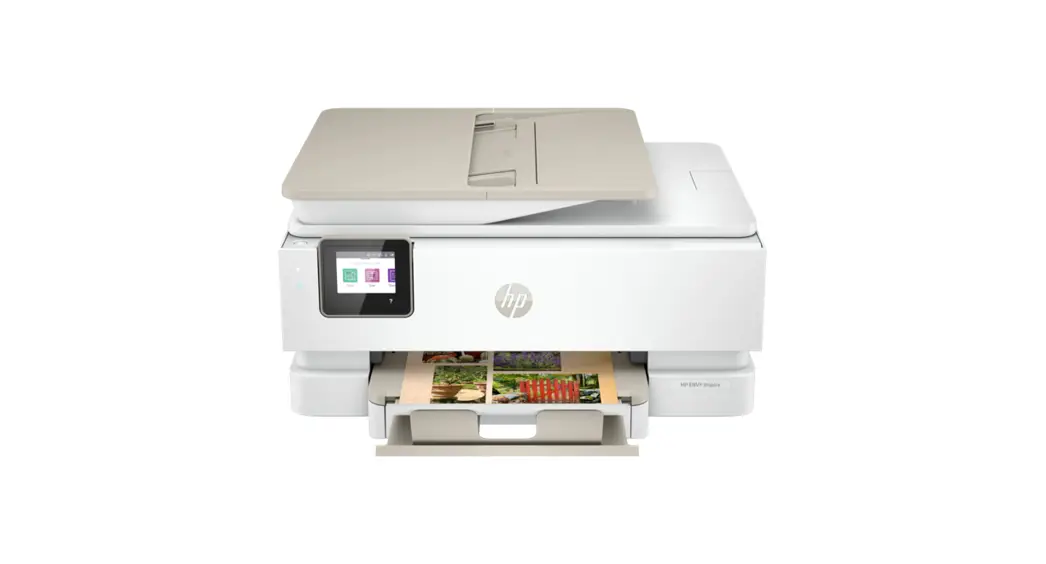
 HP ENVY Inspire
7900 series
Setup Guide
ENVY Inspire 7955e All-in-One Printer
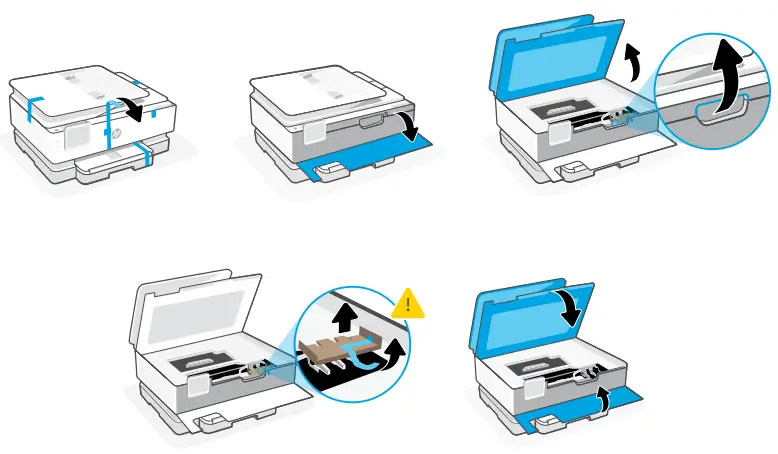
- Remove all packaging and tape. Open the front door and cartridge access door.
Remove cardboard. Make sure to close the doors.
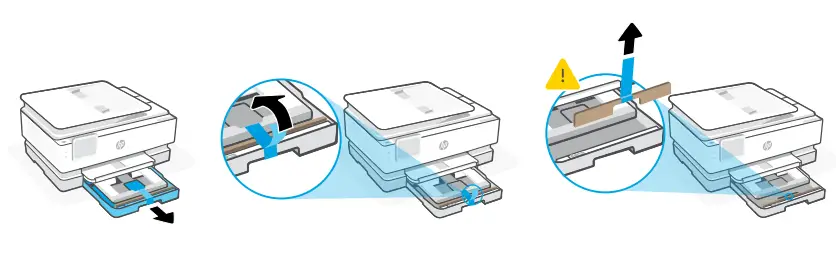
Open the main tray and remove cardboard.
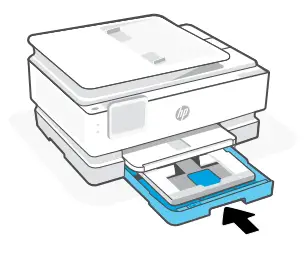
- Close the main tray.

- Plug in to automatically power on. Choose your language and country/region on the control panel.

- Install the required HP Smart software from 123.hp.com or your app store on a computer or mobile device.

https://123.hp.com - Follow instructions in HP Smart to connect the printer to a network and finish setup.
 If connecting the printer to Wi-Fi, your computer or mobile device must be near the printer during setup. See Reference Guide for Wi-Fi troubleshooting and tips.
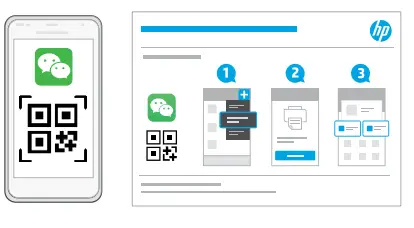
 Setup WeChat Printing (Optional)
A Welcome Page with a QR code will automatically print after connecting to a wireless network and completing printer setup

If the Welcome Page does not print, follow instructions from
this site to reprint the page. https://iot.eprintsw.com/www/faq.html- Launch WeChat, and then scan the QR code on the WeChat Welcome Page to launch the mini-app. Follow the on-screen instructions to complete printer paring.


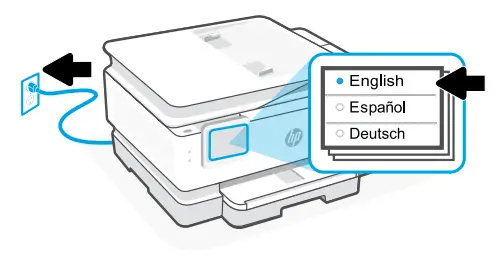
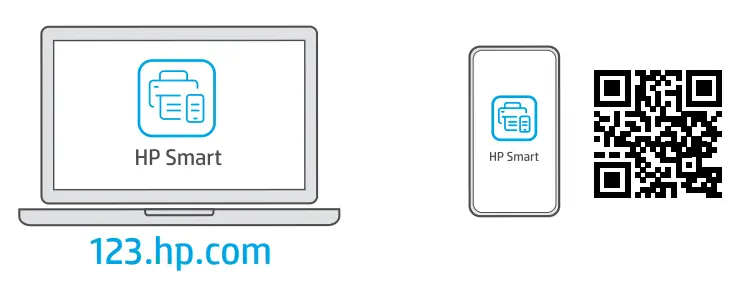
 If connecting the printer to Wi-Fi, your computer or mobile device must be near the printer during setup. See Reference Guide for Wi-Fi troubleshooting and tips.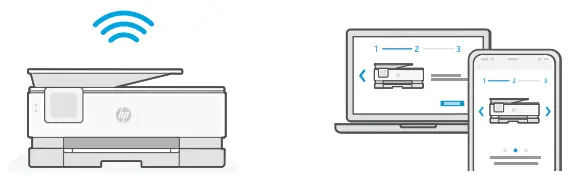
 Setup WeChat Printing (Optional)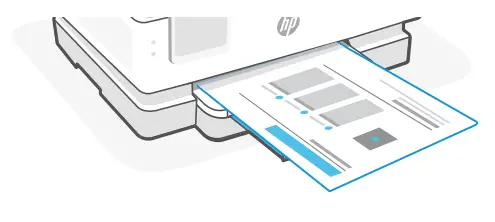

Get help with setup
Find setup information and videos online.
 https://www.hp.com/support/printer-setup
 © Copyright 2021 HP Development Company, L.P.
Printed in Thailand
 123.hp.com - HP Smart
 hp.com/support/printer-setup
 帮助与支持
帮助与支持