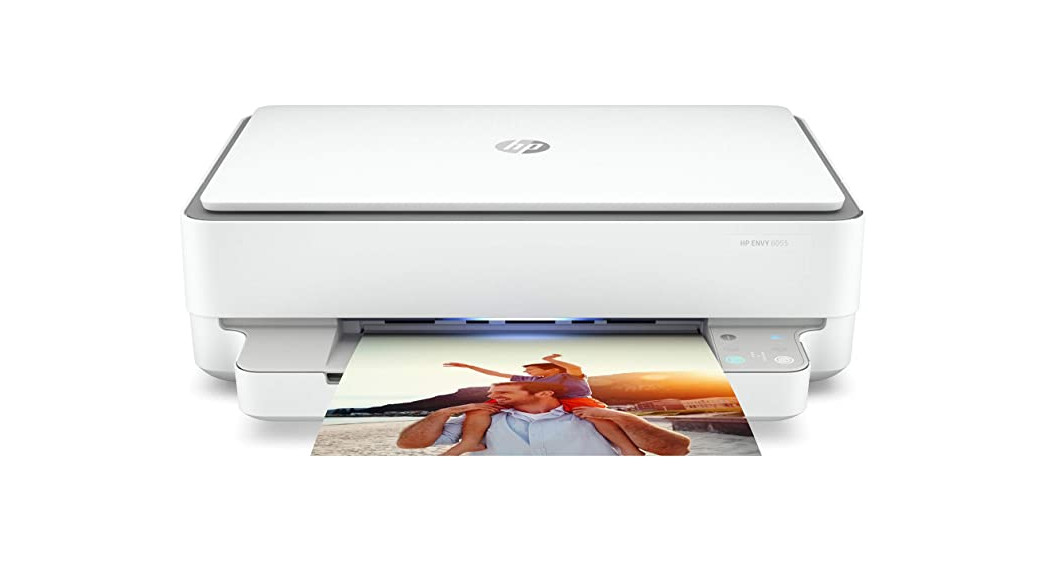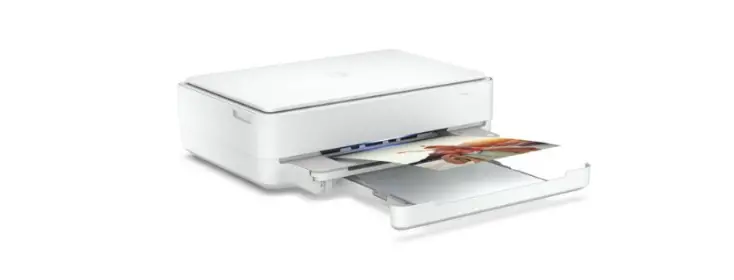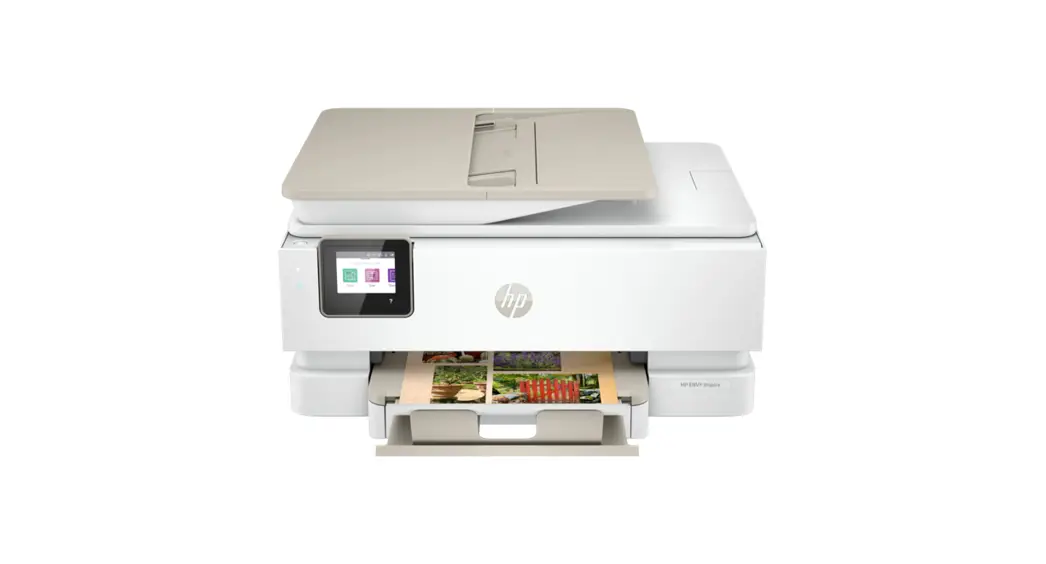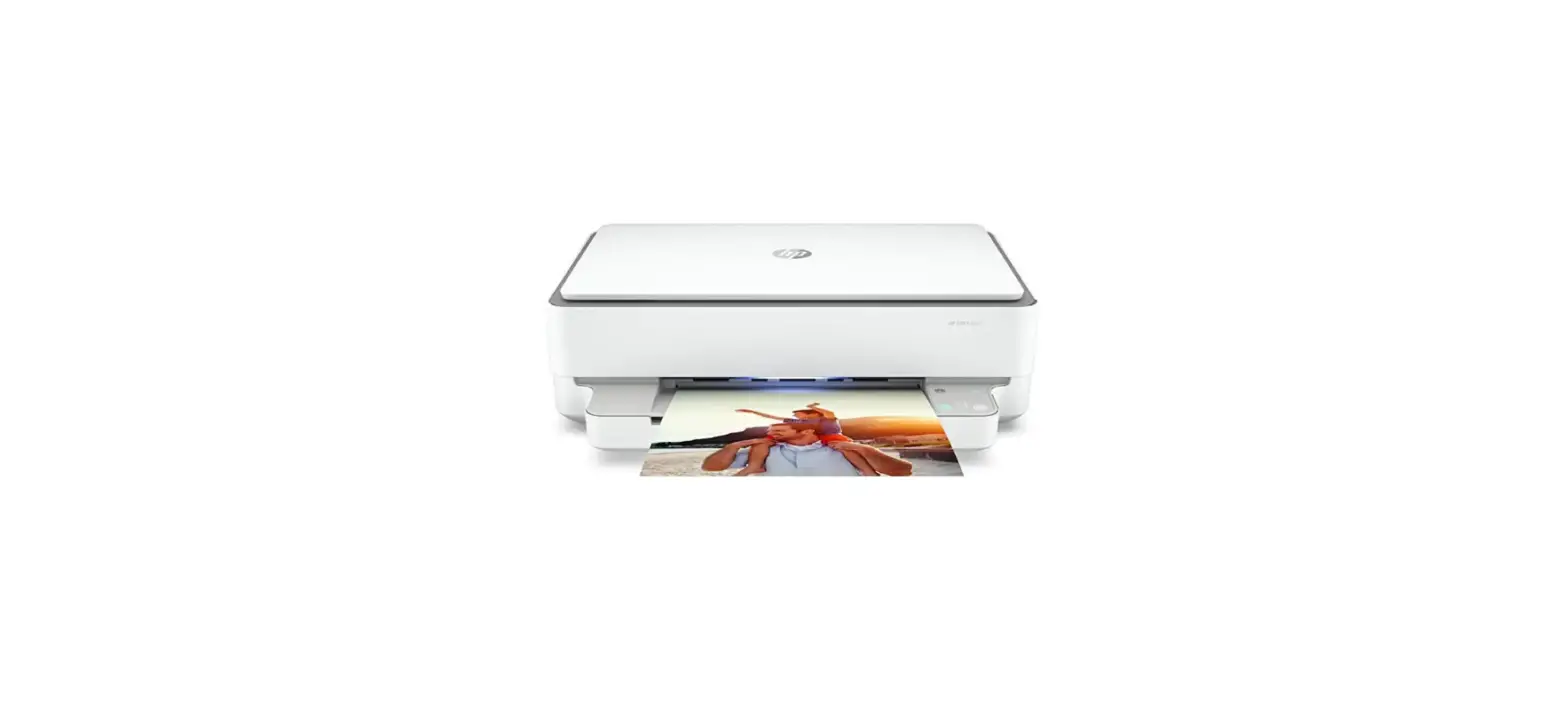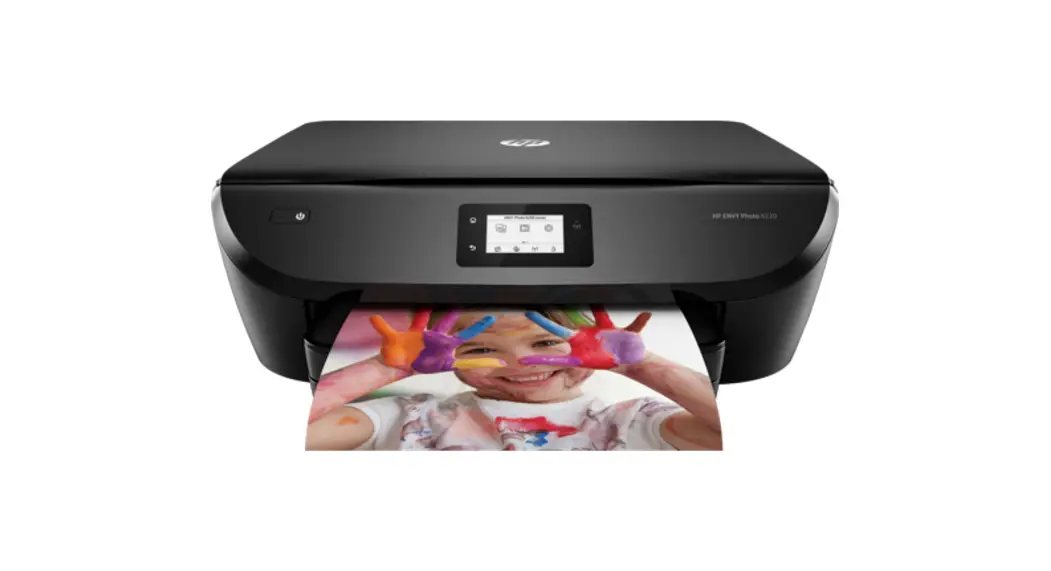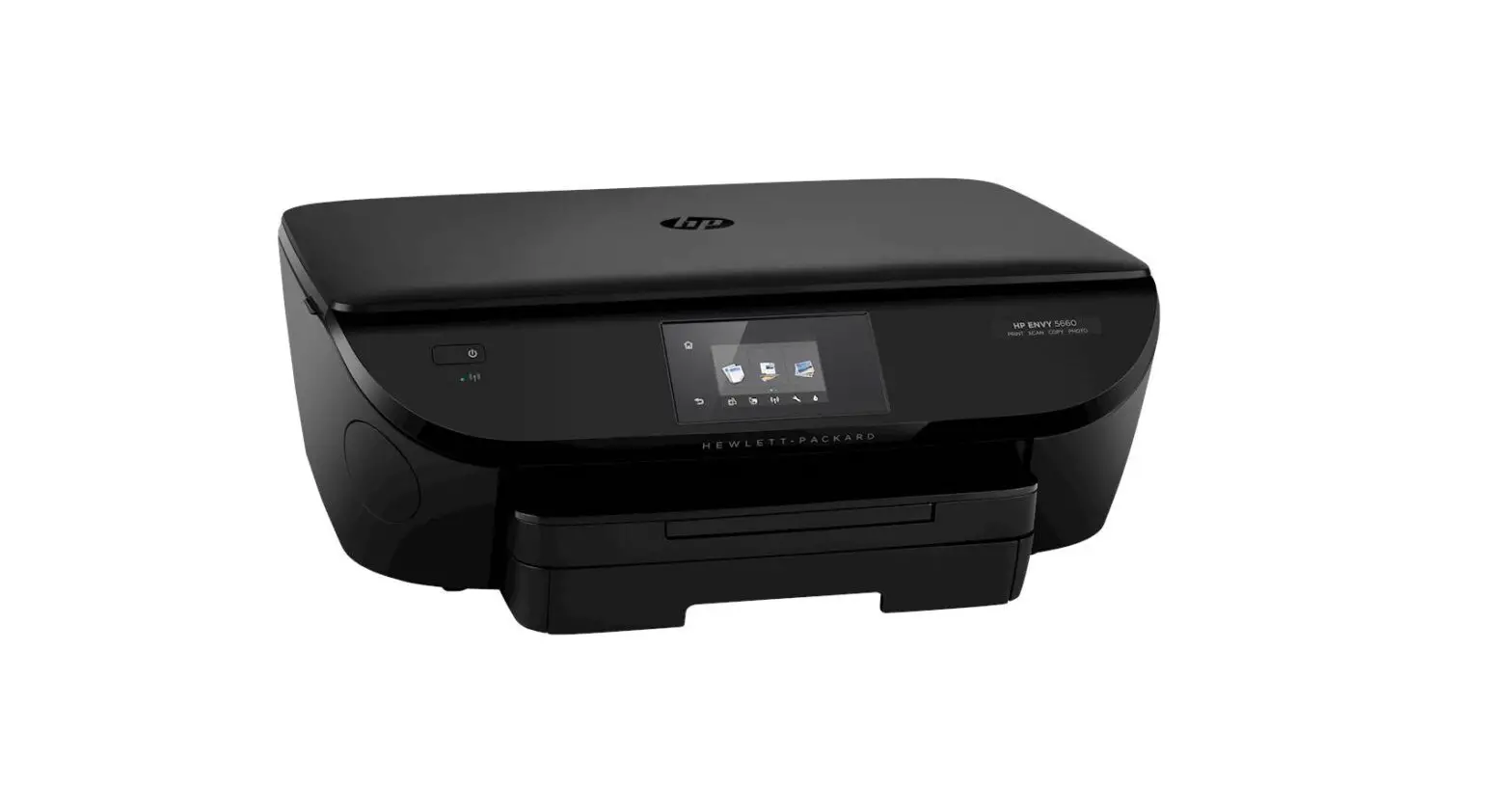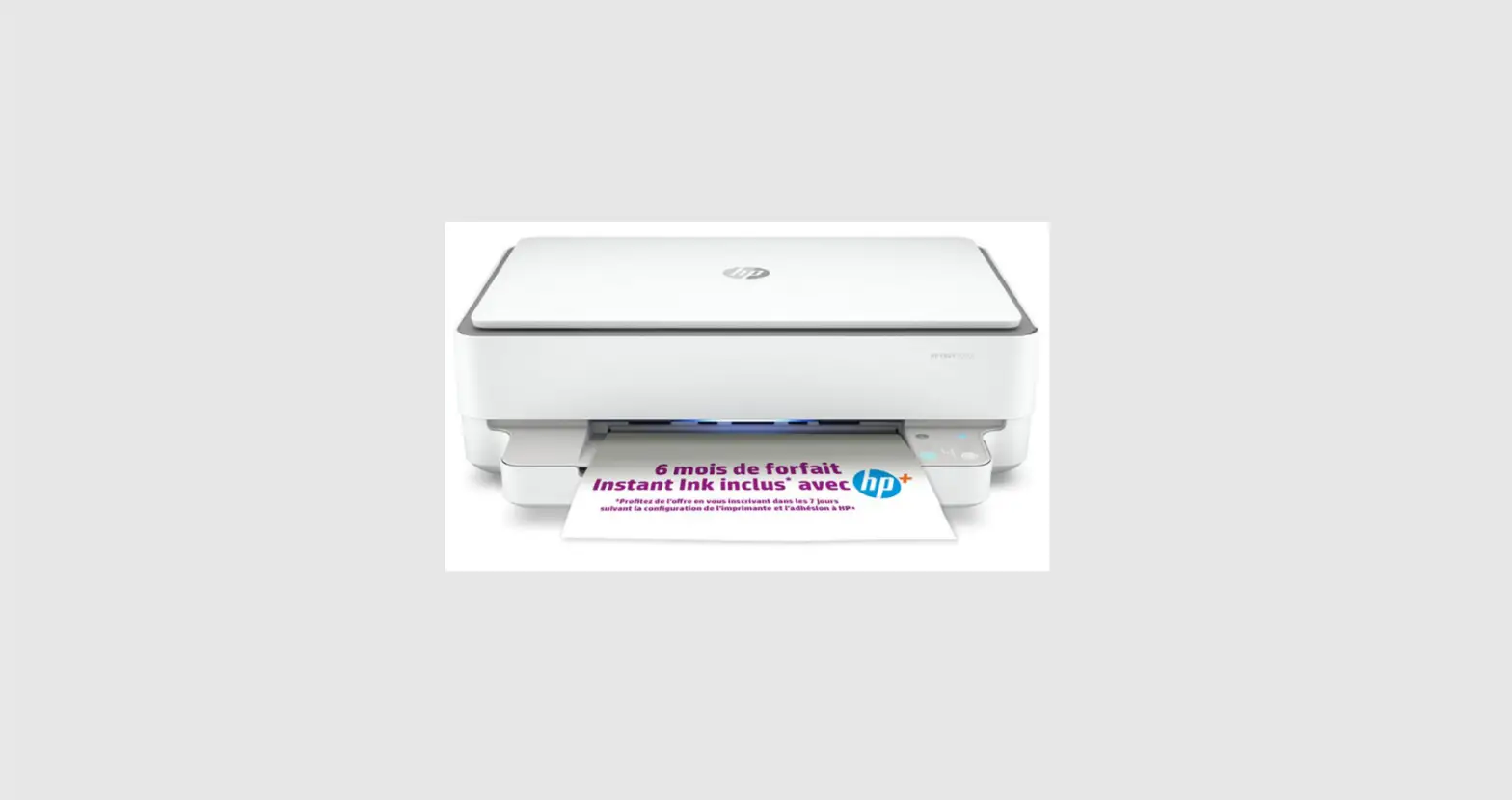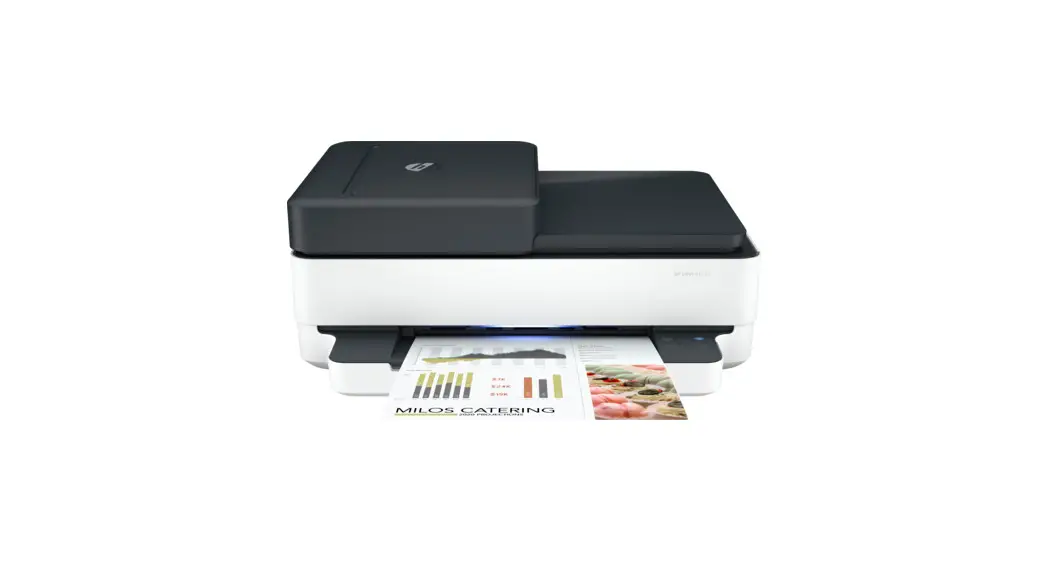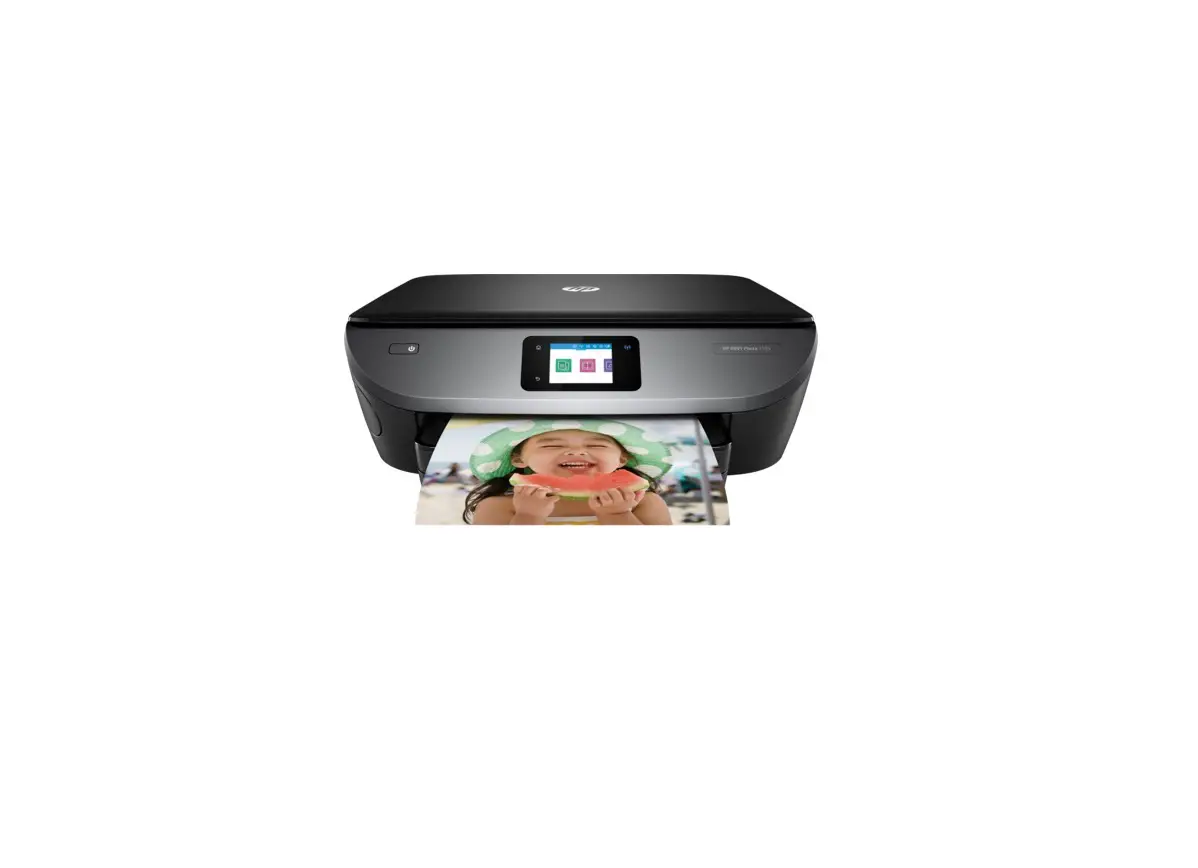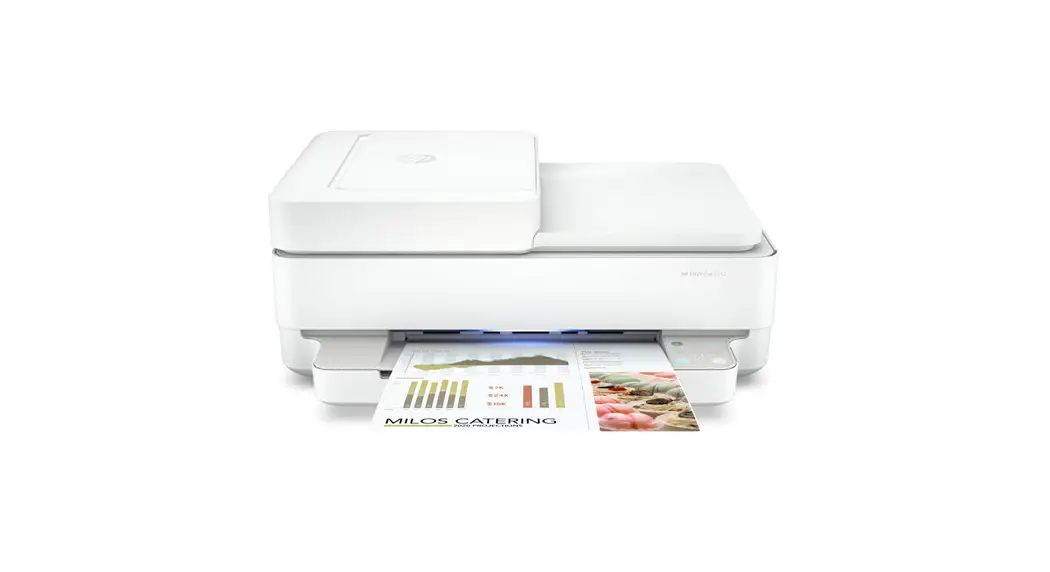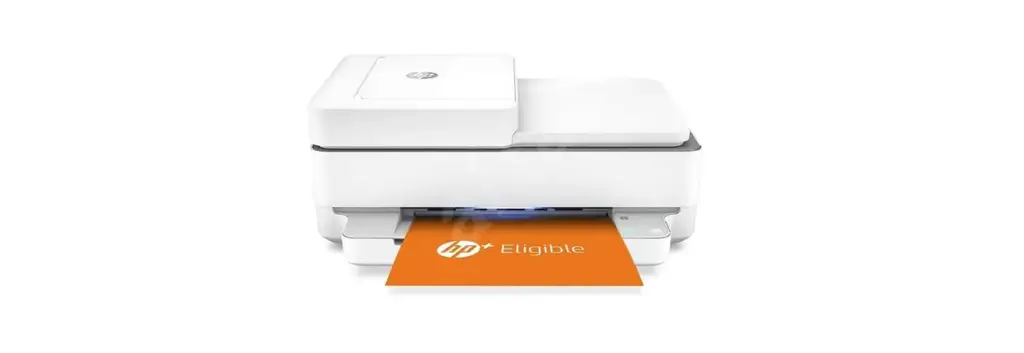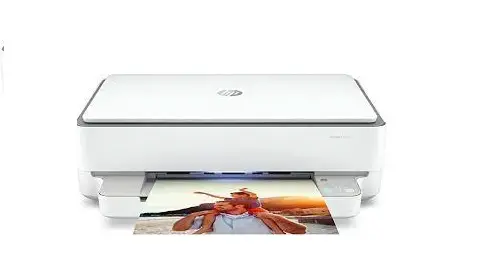
 hp ENVY 6000e All-In-One Printer
 hp ENVY 6000e All-In-One Printer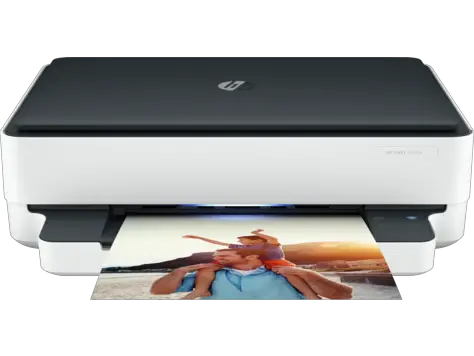
Instalation
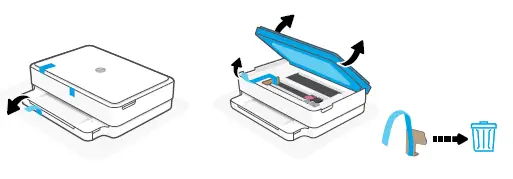
- Remove and discard all packaging, tape, and cardboard

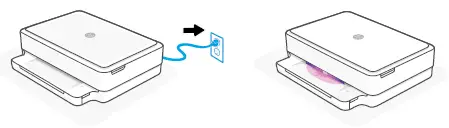
- Plug in to automatically power on. Wait until the printer lighting is purple and continue to step 2.

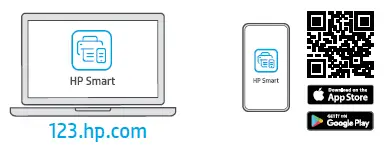
- Install the required HP Smart software from 123.hp.com or your app store on a computer or mobile device.

- Follow instructions in HP Smart to connect the printer to a network and activate HP+ features.

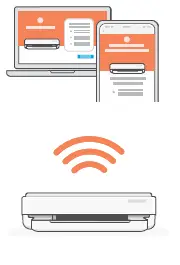
If connecting the printer to Wi-Fi, your computer or mobile device must be near the printer during the setup. See Reference Guide for Wi-Fi troubleshooting and tips.
Get help with setup
Find setup information and videos online.

 123.hp.com - HP Smart
 hp.com/support/printer-setup